When you upload a video to YouTube, you aren't just publishing content; you are launching a product into a massive global marketplace with over two billion monthly active users. For many creators and brand marketers, the YouTube algorithm feels like a black box, a mysterious force that randomly chooses winners and losers. However, growth on the platform is less about luck and more about understanding the technical nuances of YouTube browse vs search traffic. Whether you are aiming for evergreen search visibility or the viral velocity of the home page, your optimization strategy must shift to match user intent. This guide will provide a comprehensive YouTube algorithm guide to help you master both traffic sources and significantly increase YouTube click through rate (CTR) across your entire channel.
Decoding the Analytics: Understanding Browse vs. Search
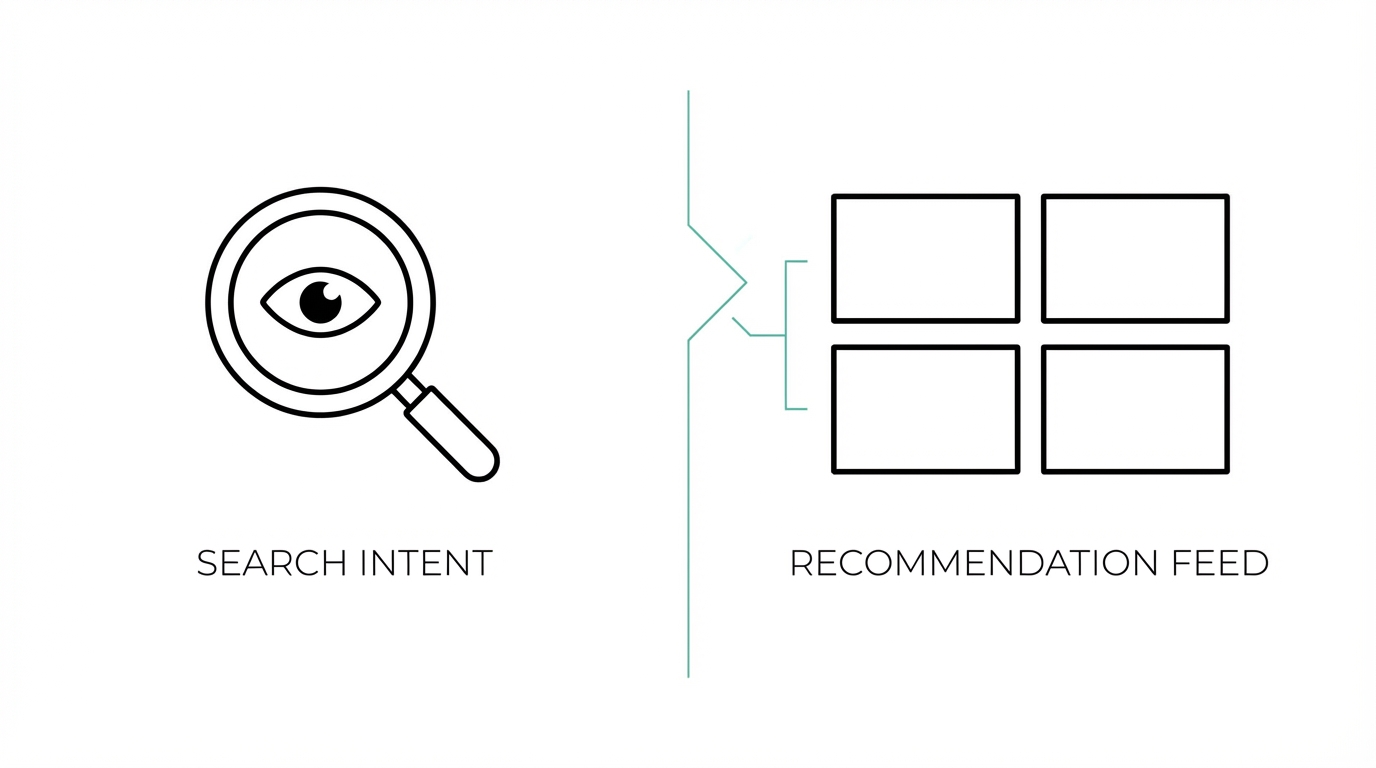
To optimize your channel, you must first understand where your audience is coming from. According to veteran creator Austin Lieberman, most successful long-form channels see a distinct split between Browse features and YouTube Search. Browse traffic occurs when your video is served on a user’s home page or dashboard. This is the primary driver for top-of-funnel reach, often accounting for over 50% of total views for established channels. Search traffic, on the other hand, occurs when users actively type a query into the YouTube search bar, making it the bedrock of YouTube SEO tips and long-term evergreen growth.
Analyzing your traffic source in YouTube Studio is the first step in any technical audit. If your goal is brand awareness and virality, you are playing the Browse game. If you are solving a specific problem or targeting a high-intent niche, you are playing the Search game. Interestingly, research from Backlinko shows that a significant portion of views often come from non-subscribers, reinforcing the idea that every video is a fresh opportunity to capture a new segment of the market. Even if you have a massive following on platforms like X (Twitter) or LinkedIn, YouTube’s internal discovery engines will always be your largest source of traffic.
The Search Playbook: Keyword Research and Competitive Gaps

If you want to build a library of content that generates revenue for years, you must prioritize YouTube SEO tips. This starts with using professional tools to identify search volume and competition levels. Tools like TubeBuddy and VidIQ are essential for this process. They allow you to perform competitive gap analysis by showing which keywords have high search volume but low "optimization strength" from other creators. For example, if you are making a video about a trending topic like Chat GPT, these tools will tell you if the market is too saturated for a small channel to break through.
To execute the Search Playbook effectively, follow these steps: Step 1: Identify your core topic based on trending search data. Step 2: Use the Keyword Explorer in TubeBuddy to find related tags and phrases. Step 3: Optimize your title to include the exact search term at the beginning. Step 4: Fill the tags block with relevant keywords to help the algorithm categorize your content. This strategy is particularly effective for high-RPM niches like Finance, where users are searching for specific terms like "retirement index funds" or "how to buy stock." By positioning yourself in these search results, you ensure that your video serves as an evergreen lead generation tool for your business or newsletter.

The Browse Playbook: Thumbnail Psychology and the 60-Character Rule
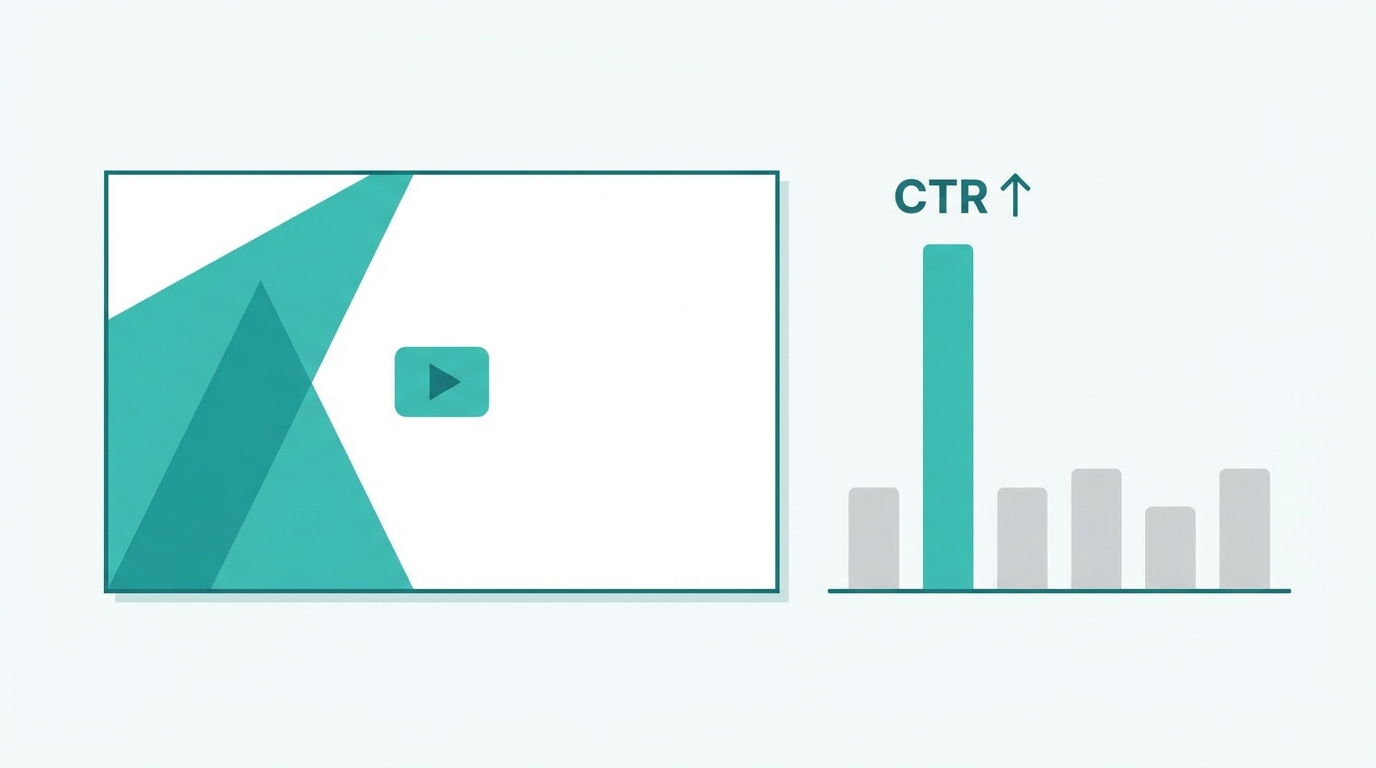
Browse traffic is driven by impulse and visual storytelling. To increase YouTube click through rate in the Browse section, your thumbnail and title must act as a high-conversion advertisement. The psychology of a click is simple: the thumbnail creates the curiosity, and the title provides the context. A successful Browse strategy often relies on the 'first 60 characters' rule—ensuring the most compelling part of your title is visible before it gets cut off on mobile devices. If a user is scrolling through their YouTube home feed, you have less than a second to grab their attention.
When designing thumbnails in Canva, focus on simplicity. Research suggests that thumbnails with fewer than five words perform significantly better than cluttered ones. Use high-contrast colors and bold imagery that evokes emotion or curiosity. For instance, instead of a generic title, use something shocking or specific, like "I just bought $90,000 of Amazon stock." This creates a pattern interrupt in the user's feed. High-performing videos often see a CTR of 10% or higher, while anything above 7% is considered a success for most niches. Brands looking to scale their reach should use AI-native platforms like Stormy AI to discover creators who already have a proven track record of high-engagement thumbnails in their specific industry.
Why High-RPM Niches Require Different Optimization

Not all views are created equal in the eyes of the Google Ads ecosystem. The RPM (Revenue Per Mille) can vary wildly based on your niche. In the finance and tech sectors, RPMs can reach $7.00 to $20.00, because advertisers are willing to pay a premium to reach high-value consumers. Conversely, viral entertainment or gaming content might see an RPM of only a few cents. This difference dictates your optimization strategy: High-RPM creators should prioritize Search traffic and high-intent keywords to attract the right demographic, while entertainment creators must prioritize Browse and virality to make up for lower per-view revenue with sheer volume.
Understanding your CPM (Cost Per Mille) is also vital for business owners using YouTube for top-of-funnel demand generation. While a video might only make $100 in AdSense, its value as a lead source for a six-figure consulting deal or a Shopify store is immense. You can even use the "Recent Subscribers" tab in YouTube Studio to identify high-profile individuals or Fortune 500 leaders who have joined your community, allowing for personalized outreach and high-ticket sales. For those managing these high-stakes collaborations, using a dedicated Creator CRM is essential for managing those high-value relationships and tracking negotiations beyond the video platform.
The Product Philosophy: Doubling Down on Proven Winners
A transformative way to view your channel is the "video as a product" philosophy. Every upload is a minimal viable product (MVP) that provides data on what your audience actually wants. If a video about a specific ETF like SCHD gets 130,000 views while others get 5,000, the algorithm is telling you exactly what to make next. Don't diversify too early; instead, double down on the winning topic. Because YouTube has over 122 million daily active users, even if you make five videos on the same topic, 99% of the platform has still never seen your content.
To effectively double down, analyze your impression data. If YouTube is giving you millions of impressions but your CTR is low, the topic is popular but your thumbnail is failing. If your CTR is high but impressions are low, your thumbnail is great but the topic is too niche. Use these insights to iterate. For those managing multiple accounts or high-volume campaigns, tracking these metrics across platforms is made simpler with the Post Tracking features in Stormy AI, which allow you to monitor engagement and campaign performance in one centralized dashboard.

Conclusion: The 1% Improvement Rule
Mastering the YouTube algorithm is not about a single viral hit; it is about consistent 1% improvements in every video. By balancing the evergreen stability of YouTube Search with the high-growth potential of Browse traffic, you can build a sustainable creator business or a powerful marketing engine for your brand. Avoid the distraction of TikTok-style shorts if they dilute your brand equity; instead, focus on high-quality long-form content that provides deep value to your viewers. Start today by optimizing your next three titles for search and your next three thumbnails for browse—the data will guide you the rest of the way.