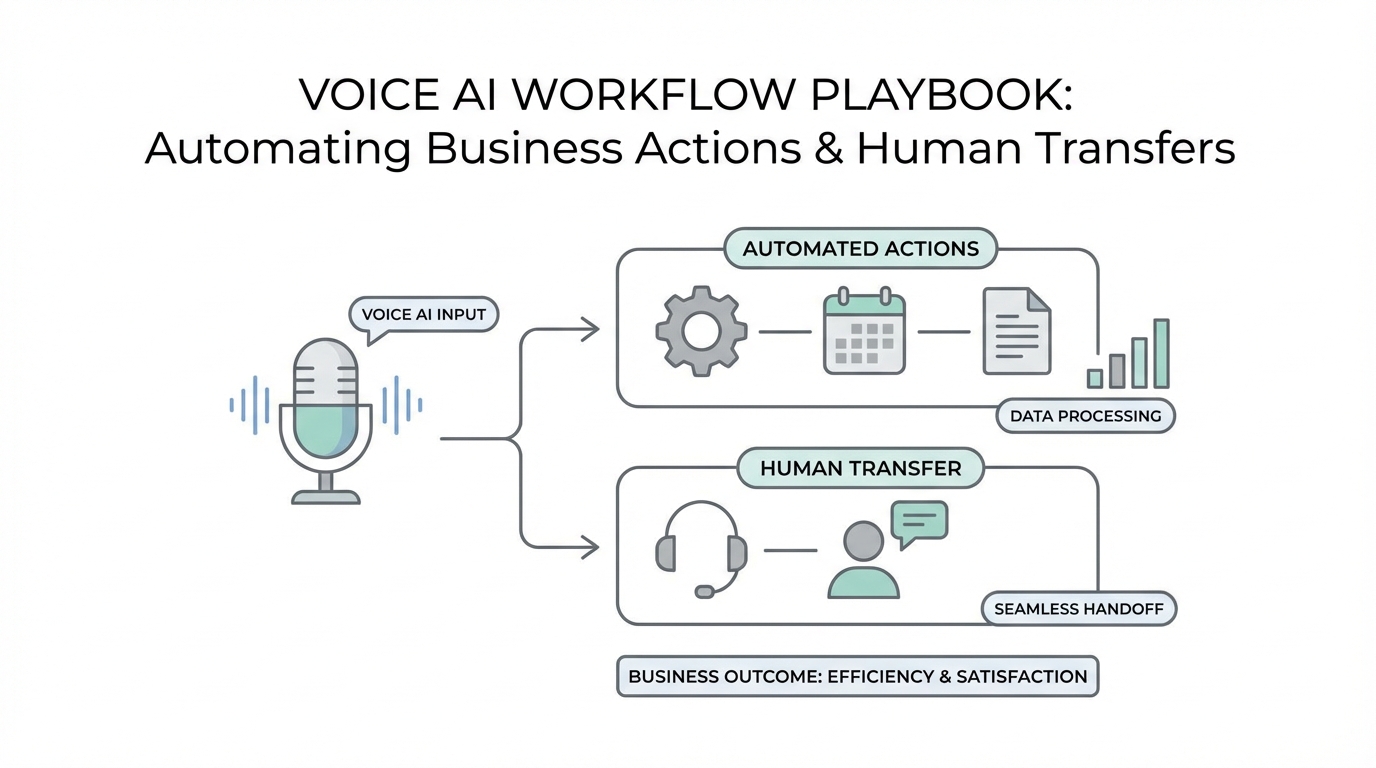
For years, the phrase "voice AI" conjured images of clunky robocalls and frustrating "press one for support" menus. But we have reached a tipping point. According to recent Gartner research, generative AI is rapidly becoming a workforce partner. Today, the most advanced voice agents don't just sound like humans; they think like employees. The real value of voice AI workflow automation isn't just in the conversation itself—it is in what happens after the call. When an AI agent can listen to a customer, reason through their problem, and then trigger real-world actions like updating a CRM, sending a text, or processing a payment, it ceases to be a novelty and becomes a powerful revenue driver.
This playbook is designed to help you move beyond simple chat-bots and build fully integrated systems. Whether you are building an AI property manager or a medical intake assistant, the goal is the same: ensuring the AI doesn't just talk, but actually solves problems. By connecting these agents to your existing business stack, you can create a 24/7 workforce that scales infinitely without the overhead of a massive call center.
The Foundations of Modern Voice AI Agents

Before diving into complex workflows, it is essential to understand the tech stack that makes natural conversations possible. A high-performing voice agent relies on three core "superpowers": the ability to listen, the ability to reason, and the ability to act. This is achieved through a combination of several cutting-edge technologies.
First, there is Speech-to-Text (STT). Systems like Deepgram or OpenAI’s Whisper convert raw audio into text in milliseconds. Next is the "AI Brain," usually a Large Language Model (LLM) such as ChatGPT or Google’s Gemini, which interprets the user's intent. Finally, Text-to-Speech (TTS) tools like ElevenLabs convert the response back into a human-sounding voice. For those looking for an all-in-one platform to orchestrate these pieces, tools like Vapi, Retell AI, and Synthflow have emerged as the industry leaders for building sophisticated voice agents.
Step 1: Entity Extraction – Turning Speech into Data
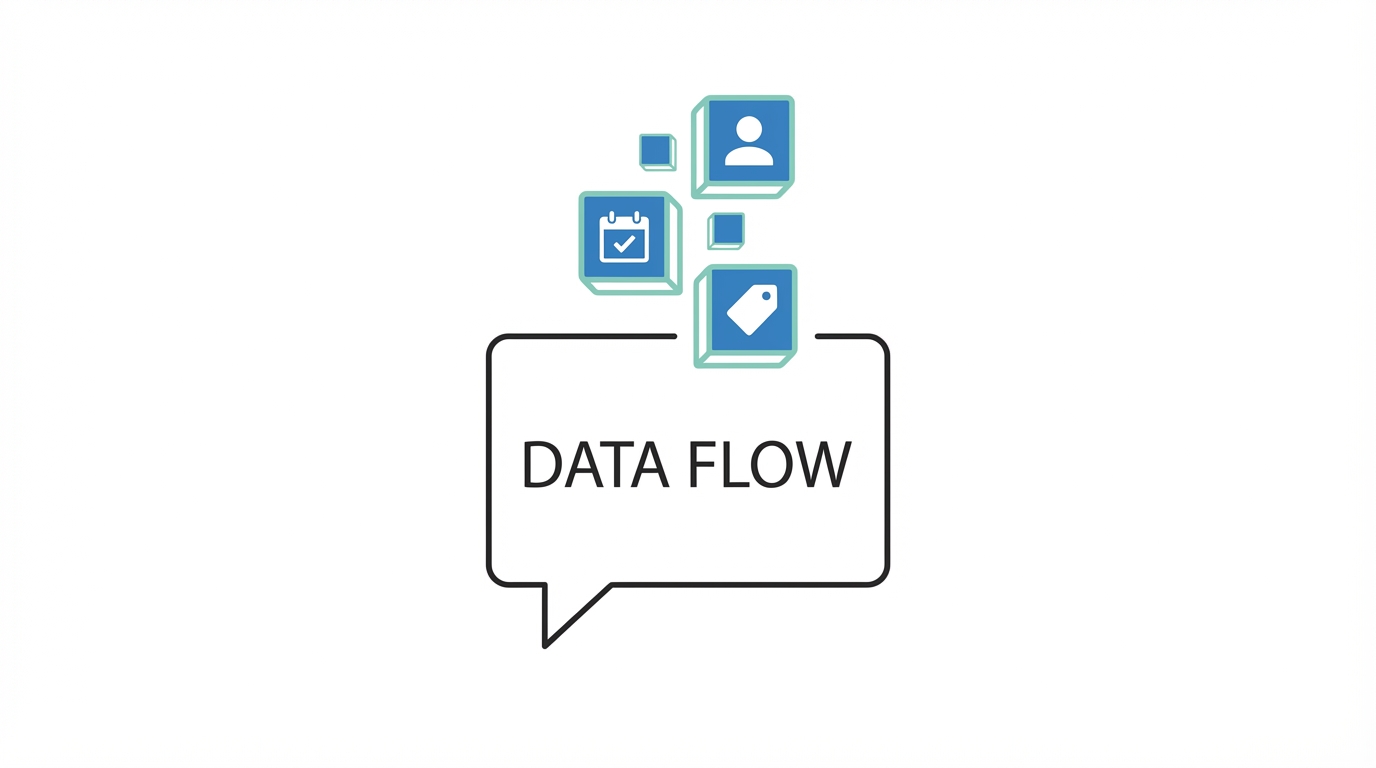

The most critical step in any ai phone system integration is entity extraction. This is the process where the LLM "listens" for specific variables—names, dates, insurance IDs, or specific complaints—and converts them into structured data. Without extraction, a call is just an audio file; with it, a call is a database entry.
Consider an AI Property Manager line. When a tenant calls to report a broken toilet, the agent doesn't just record the message. It uses entity extraction to identify the issue (plumbing), the urgency (high), and the location (Unit 4B). This data can then be pushed directly into property management software like Appfolio or Buildium via API. By classifying issues as urgent versus non-urgent in real-time, the system can automatically decide whether to dispatch an emergency repair vendor or simply log a ticket for the following morning.
In the healthcare space, such as a dental office, entity extraction is used for patient intake. An AI agent can ask for a patient's name, date of birth, and insurance provider. By parsing this information on the fly, the system can query existing databases like Dentrix to see if the caller is a returning patient or a new lead requiring different onboarding steps.
Step 2: The Hybrid Model – Setting Up Human-in-the-Loop Triggers
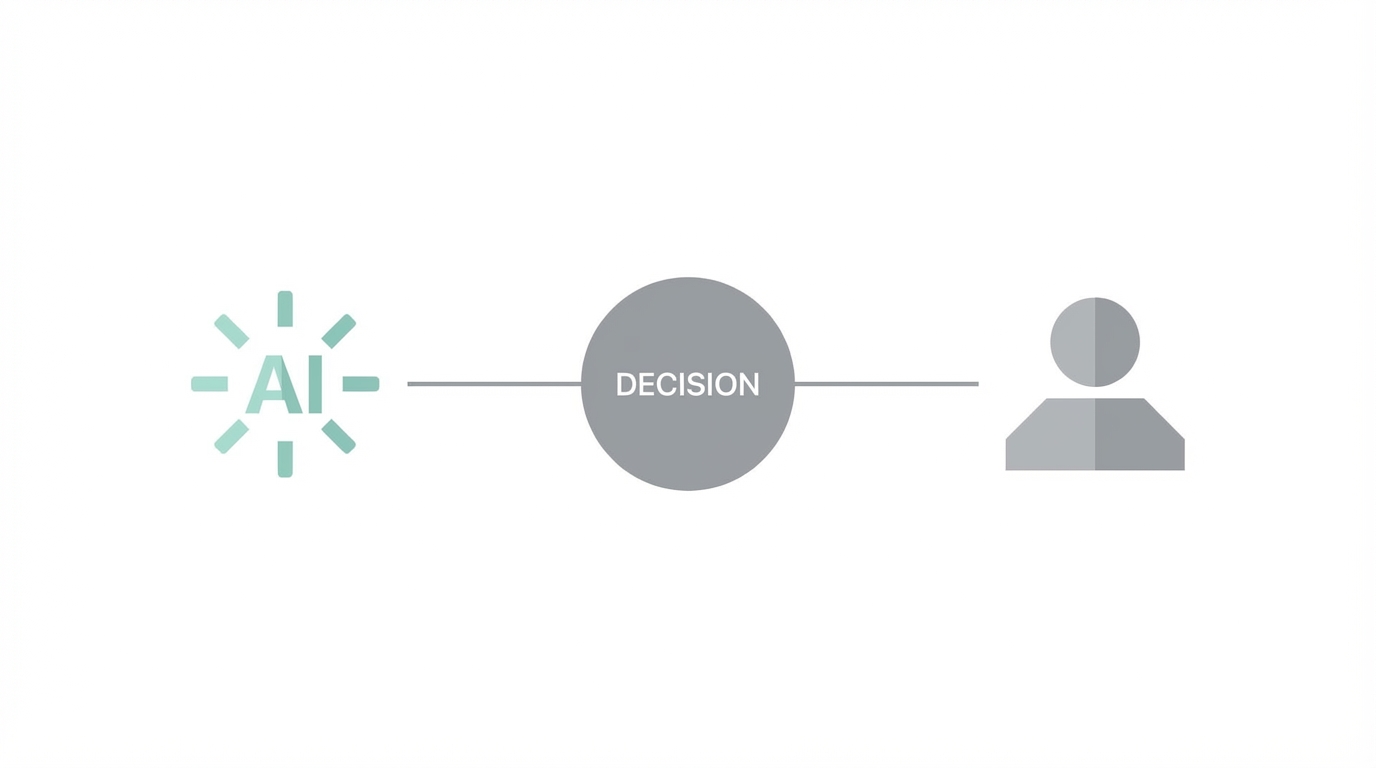
While voice AI is capable of handling the majority of routine inquiries, there are times when human intuition is irreplaceable. This is where the voice ai human-in-the-loop model comes into play. Successful workflows are built on "escalation triggers" that transition a call from the AI to a live agent seamlessly.
In a conversational ai sales funnel, for instance, you might use an AI agent to qualify leads. The agent asks the prospect about their budget, timeline, and specific needs. If the AI detects that the prospect meets a high-value threshold—perhaps they have a budget over $10,000—it can say, "Let me connect you with our senior specialist who can handle these details for you." The AI then executes a live transfer to a human sales rep.
This hybrid approach is also vital for sensitive industries. For example, a funeral home intake line might use a soft, empathetic AI for initial data gathering, but always offer a "press zero" or verbal prompt to speak with a director immediately. By utilizing the AI for the mundane task of gathering addresses and contact details, the human staff can focus entirely on providing emotional support and high-level logistics.
Step 3: Post-Call Automation – Summaries and Notifications
The work doesn't end when the caller hangs up. In fact, some of the most valuable parts of voice ai workflow automation happen in the minutes following a call. Instead of a manager having to listen to hours of recordings, the AI brain provides a structured summary of every interaction.
A common and effective workflow involves pushing these summaries into internal communication tools. For instance, after a feedback call, the AI can summarize the sentiment and key takeaways, then post them directly to a Slack channel. This allows the whole team to see customer feedback in real-time without leaving their workspace. In a sales context, this summary should be automatically attached to the lead's profile in a CRM like Salesforce or Pipedrive.
Integrating these systems ensures that no data is lost. If a customer mentions they are frustrated with a specific feature, the AI can tag that call as "negative sentiment" and alert a customer success manager immediately. This proactive approach to data management is what separates a basic phone bot from a true digital employee.
Step 4: Closing the Loop – SMS Triggers and PDF Delivery

To provide a truly "white glove" experience, your voice agent should interact with the user across multiple channels. Closing the loop means following up a voice interaction with tangible digital assets. If an AI agent books a dental cleaning, the workflow shouldn't stop there; it should immediately trigger an SMS confirmation via Twilio.
This is particularly useful for delivering documentation. If a caller is using an AI HOA hotline to ask about trash pickup rules, the AI can say, "I've just sent a PDF of the full neighborhood guidelines to your phone." Using automation platforms like Zapier or Make.com, the voice agent can trigger a sequence that generates a personalized PDF and texts it to the caller's mobile device.
For trade contractors like plumbers or HVAC technicians, this "loop closure" can even include payment. After scheduling a slot, the AI can send a Stripe payment link for the deposit. This ensures the business gets paid instantly, 24/7, without any human intervention required to process the credit card.
Step 5: Data Persistence – Using Airtable and Google Sheets
You don't always need a heavy enterprise CRM to manage your voice agent's data. For many startups and small businesses, connecting ai to crm can be as simple as using light-weight databases like Airtable or Google Sheets. These tools are excellent for "data persistence," allowing you to track every call, the duration, the sentiment, and the outcome in a structured row-and-column format.
For example, a school absence line can log every "sick kid" report into a Google Sheet. Every morning at 8:00 AM, the school administrator simply opens the sheet to see a compiled report of who is out, their grade, and the reason provided. This replaces the old-school method of listening to a voicemail box and manually writing down names. By using Airtable, you can even build a custom dashboard that visualizes call volume and common issues, giving business owners a high-level view of their operations.
This level of automation isn't limited to phone calls. In the world of influencer marketing, managing high volumes of creator data requires similar efficiency. Platforms like Stormy AI allow brands to source and manage thousands of UGC creators through an AI-powered CRM. Much like a voice agent populates a spreadsheet, Stormy’s AI discovery engine and outreach tools automate the "top of the funnel" for marketing teams, ensuring that relationships with creators are tracked and nurtured with minimal manual effort.
Choosing the Right Tools for Your Workflow
The best tool for your voice AI project depends heavily on your technical skill level and your specific business goals. If you are a non-coder looking for speed, Synthflow offers a visual builder that can get an MVP up and running in about 30 minutes. It’s perfect for simple appointment booking or basic FAQ handling.
If you need a more premium experience with natural interruptions and lower latency, Retell AI is the industry standard. It handles complex conversations with ease and is ideal for sales-heavy use cases where the "human feel" is paramount. For developers or those who are "tech-curious," Vapi provides the most flexibility, allowing you to mix and match different LLMs and TTS providers to optimize for cost and performance. While it requires a bit more setup, the granular control over the workflow is unmatched.
Conclusion: Building Your Automated Voice Funnel
Voice AI is no longer a futuristic concept—it is a functional tool that is already generating significant revenue for early adopters. By mastering the voice ai workflow automation playbook, you can move from simple "talking bots" to integrated digital systems that handle property management, dental intake, or emergency service dispatch. The key is to start with a specific "wedge"—a narrow problem like a school absence line or a funeral home intake—and build a robust automated sequence around it.
Remember that the goal isn't necessarily to replace humans, but to augment them. By using AI to handle the 80% of routine inquiries and data entry, your human team can focus on the 20% of high-value tasks that require empathy, complex negotiation, and personal touch. Whether you are automating a phone line or using tools like Stormy AI to discover creators for your next campaign, the future belongs to those who can connect AI to the real-world systems that drive business results.