Imagine going from a 9-to-5 job as a quantitative trader to generating $12,000 in monthly recurring revenue (MRR) in just five months—all without having a background in professional software engineering. This is the reality for David Adius, who successfully launched Stoppr, a mobile app designed to help Gen Z women quit sugar. By leveraging a methodology known as vibe coding, David was able to build and launch his app in under 30 days. In this guide, we will break down the exact playbook he used to transition from an idea to a profitable business using AI-powered development tools.
What is Vibe Coding? The Shift to Natural Language Development
For decades, building a mobile app required deep knowledge of programming languages like Swift, Kotlin, or JavaScript. However, the rise of Large Language Models (LLMs) has introduced a new paradigm: vibe coding. Instead of focusing on syntax, memory management, or complex architecture, vibe coding allows you to describe your vision to an AI in natural language. You are no longer writing lines of code; you are managing the "vibe" of the project by instructing tools like Cursor AI to handle the heavy lifting.
As David discovered while researching entrepreneurs on Starter Story, the barrier to entry for AI app development for beginners has vanished. Vibe coding isn't about being a better programmer; it's about being a better communicator. It involves feeding the AI context—screenshots, design files, and logic requirements—and iterating until the output matches your intent. For those looking at how to build a SaaS without coding, this methodology is the fastest route to market in 2025.
Step 1: Validating Your App Idea with Data

Before writing a single line of code (or prompt), you must validate that there is a market for your solution. David’s strategy was simple: find a successful app and localize or re-niche it. He identified an app called Quitter that was reportedly making $200,000 per month after just 90 days. Instead of trying to reinvent the wheel, he looked for a way to apply that successful framework to a different audience.
To validate the "stop sugar" niche, David utilized Google Trends to see if search volume for sugar cravings was rising. He also performed extensive content research on TikTok and Instagram, using Stormy AI to find fitness and health creators who were consistently talking about the difficulty of quitting sugar. This cross-platform validation ensured that the demand was real before he invested time into building Stoppr.
Step 2: Designing the Interface Through Cloning
One of the hardest parts of build an app with AI is designing a user experience (UX) that feels professional. David bypassed this hurdle by taking screenshots of every screen in the Quitter app, from the onboarding flow to the subscription paywall. He then used specialized platforms like Mobbin or Screenlane to download high-quality UI patterns from industry-leading apps.
Using a Figma plugin, he imported these screenshots to create a baseline design. This gave him a blueprint that already had proven conversion rates. During this phase, he made the critical 1% changes: he switched the color palette from black to pink to appeal to his target demographic of Gen Z women and swapped "quit nicotine" content for sugar-related health data. This approach ensures you aren't guessing what works; you are building on a foundation that has already been stress-tested by the market.
Step 3: The Cursor AI Tutorial Workflow for Vibe Coders
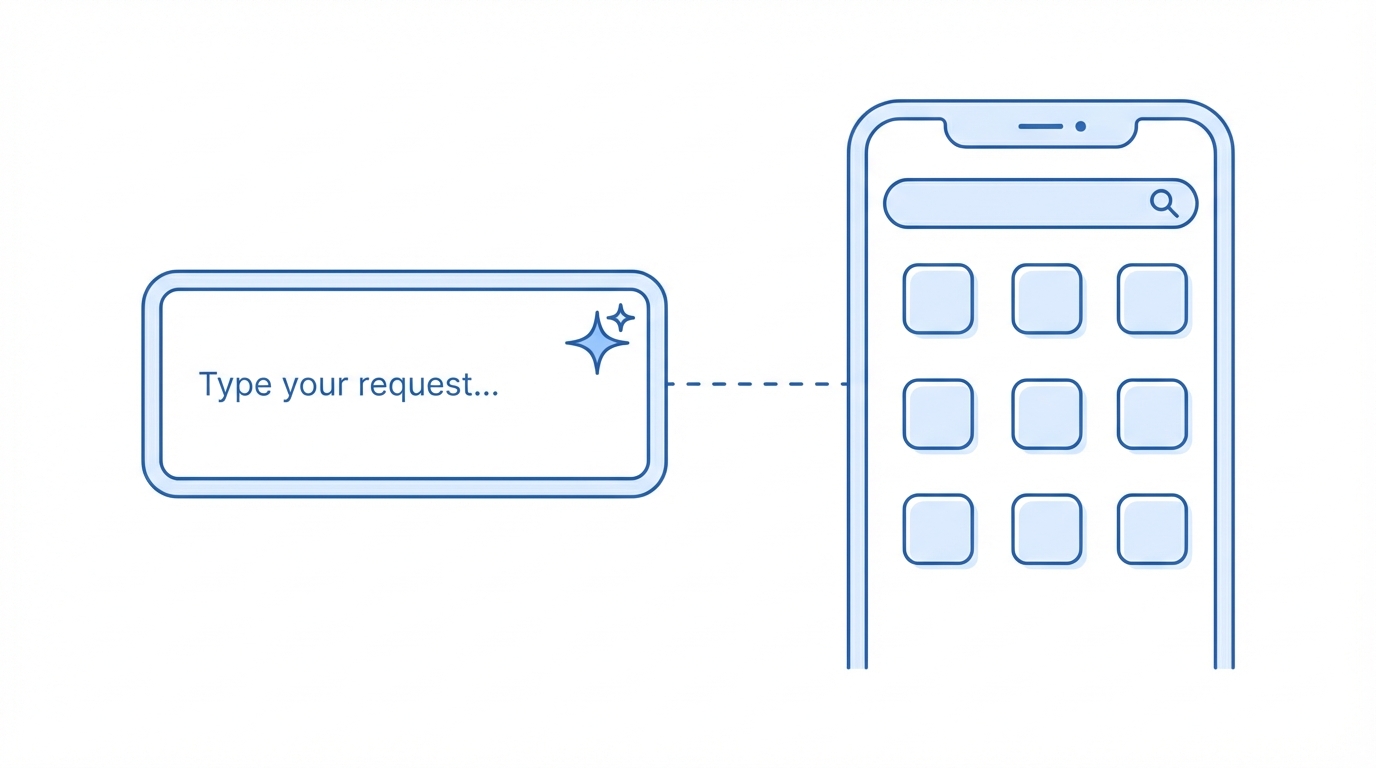
With the designs ready, the next step is the actual build. Using Cursor AI, an AI-native code editor, you can utilize the Figma MCP (Model Context Protocol) to bridge the gap between design and code. This allows Cursor to "see" your Figma files and generate the front-end code automatically. David notes that while his first MVP took a month, using the latest Figma-to-Cursor integrations could reduce that time to just two weeks.
To follow this workflow, you simply prompt Cursor with: "Build me the onboarding screen based on this Figma design, ensuring the button leads to the sugar-tracking dashboard." Because the AI understands the context of the entire codebase, it can maintain consistency across different pages. This is the heart of a Cursor AI tutorial: it’s not about teaching you how to code, but teaching you how to provide the AI with the right context at the right time.
Step 4: Handling Backend Logic and APIs Without Manual Code
A functional app needs more than just a pretty interface; it needs a brain. For most AI app development for beginners, setting up a database is a major roadblock. David recommends using Firebase because it handles authentication (Google, Apple, and Email logins) out of the box with minimal configuration.
For monetization, integrating RevenueCat is essential. RevenueCat simplifies the process of managing in-app subscriptions across iOS and Android, providing deep analytics on user churn and lifetime value. To track user behavior and optimize the funnel, David also integrated Mixpanel. By feeding the documentation of these tools into Cursor AI, you can ask the AI to write the integration logic for you, effectively building a SaaS without coding any of the backend infrastructure manually.
Step 5: Marketing and Scaling with UGC Creators

Building the app is only half the battle; the other half is user acquisition. David’s strategy relied heavily on working with French influencers to reach his specific niche. In the mobile app world, traditional ads are often less effective than User-Generated Content (UGC) that feels organic. Many successful founders use Stormy AI for finding UGC creators and influencers to find the right creators for their brand voice. Stormy AI is an all-in-one platform for creator discovery, especially for mobile app marketing and vetting creators for audience quality.
By discovering creators on Stormy AI, app developers can source high-converting video content for TikTok Spark Ads or Instagram Reels. David spent roughly $100 per month on Spark Ads, which allowed him to boost organic viral videos and turn them into long-term customer acquisition machines. Furthermore, using Stormy AI for campaign analytics allows founders to track performance and monitor engagement across all platforms in real-time. This combination of AI-powered creator search and social proof is what allowed Stoppr to reach 60,000 downloads in just five months with a healthy 35% profit margin.
Navigating the Apple App Store Approval in 2025
The final hurdle is the Apple App Store. Many beginners fear the rejection process, but with vibe coding, you can quickly address any feedback from Apple's reviewers. David managed to get Stoppr approved in just one week. The key is to ensure your app provides genuine value and isn't just a "thin wrapper" around a website.
To improve your chances of approval, ensure your app utilizes native features (like notifications or health data) and follows the Apple Review Guidelines. Using TikTok Ads to drive initial traffic can also provide the engagement signals that help your app climb the rankings in the App Store, creating a virtuous cycle of organic growth and paid acquisition.
The Economics: Costs vs. Profit Margins
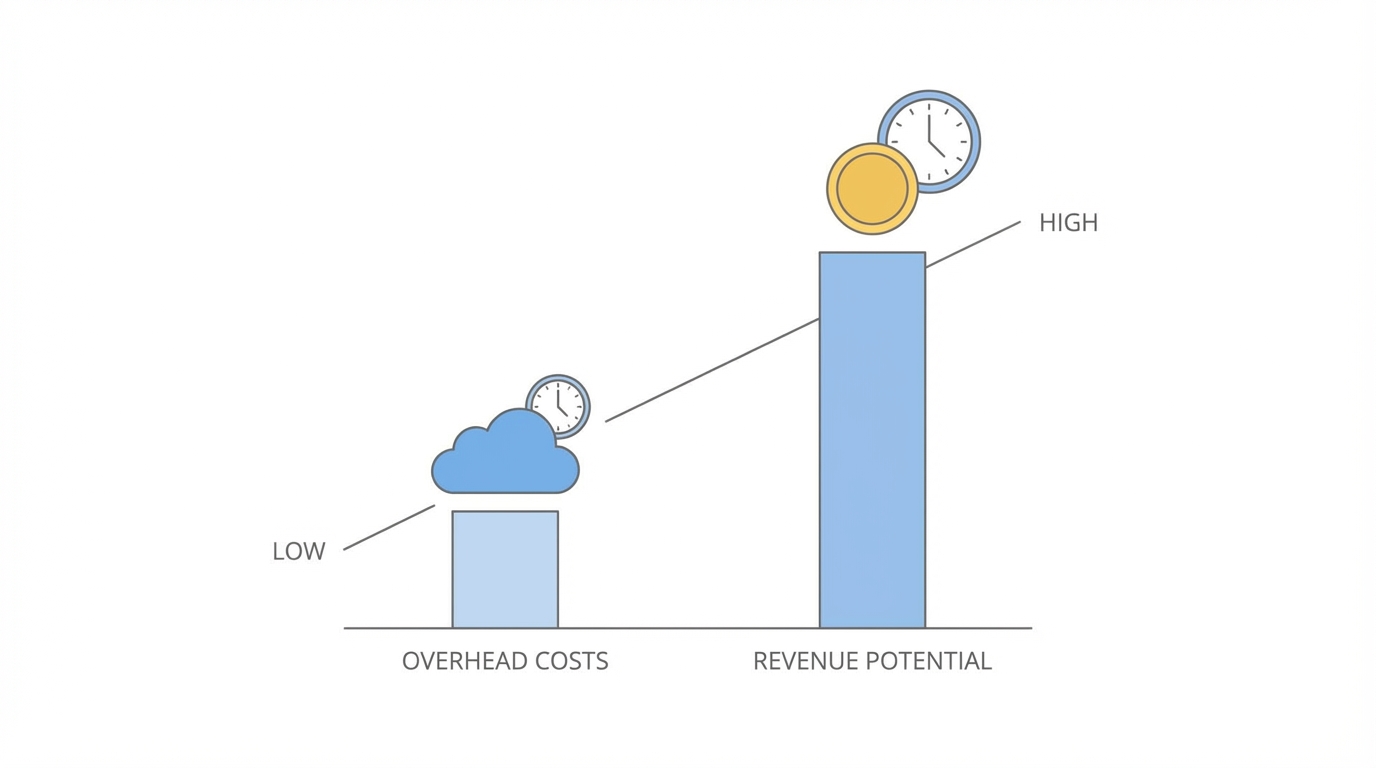
One of the most attractive aspects of building an app with AI is the low overhead. David’s monthly expenses are remarkably lean for a business making $12,000/month:
- Cursor AI Pro: $200/month (for high-volume AI requests)
- Mixpanel Analytics: $100/month
- TikTok Spark Ads: $100/month
- Total Overhead: Under $500/month (excluding platform fees)
By keeping fixed costs low and focusing on high-margin subscription revenue, David achieved financial freedom in less than half a year. For those following this AI app development for beginners playbook, the primary investment isn't money—it's the time spent "vibing" with the AI to refine the product.
Conclusion: Your 30-Day Vibe Coding Roadmap
The success of Stoppr proves that you don't need a computer science degree to build a profitable mobile business in 2025. By following the vibe coding methodology—validating via Google Trends, cloning proven UI patterns, and using Cursor AI for development—anyone with a clear vision can launch an app. The key is to start with a proven framework, switch the niche, and use AI to bridge the technical gap. Whether you are building a tool to quit sugar or a productivity app for freelancers, the tools to build your $12K/month SaaS are already at your fingertips. Now, it's time to start coding—or rather, vibing.