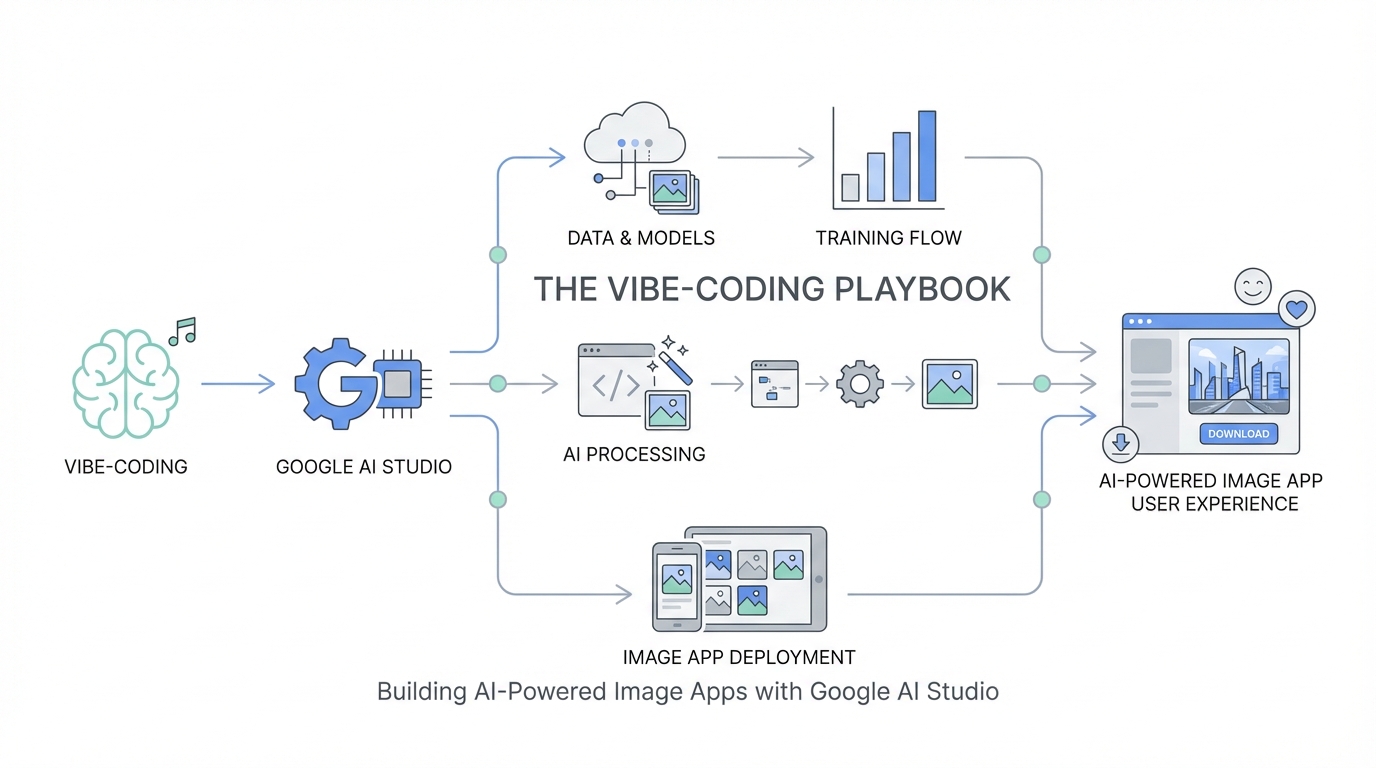
The era of the "idea guy" has officially arrived. As Sam Altman recently noted, we are entering a phase where the distance between a concept and a functioning product is collapsing. For non-technical founders and creative entrepreneurs, the barrier to entry has traditionally been the "translation layer"—the need to hire developers or learn complex syntax to bring a vision to life. However, with the release of Nano Banana (Google’s Gemini 2.5 Flash image model), that barrier has vanished. We are now in the age of vibe-coding, where you can build sophisticated, production-ready AI image applications using nothing but natural language and a clear sense of style. In this guide, we will walk through the exact steps to leverage the Google AI Studio build tab to launch your own AI-powered startups in record time.
What is Vibe-Coding? The Death of Traditional Prototyping
Vibe-coding is a term that has taken the developer community by storm, popularized by tech figures like Andrej Karpathy, representing a shift from rigid engineering to fluid, AI-assisted creation. Instead of writing lines of Python or JavaScript to handle image processing, you describe the vibe, functionality, and intent of your application to an AI agent. This approach allows you to move from a prompt to a full application prototype in minutes, rather than weeks. When using the Gemini API for developers, vibe-coding becomes the primary interface for building. It’s about iterative refinement: you see a result, you give feedback in plain English, and the model adjusts the underlying code and logic in real-time. This is particularly transformative for AI startup ideas 2025, where speed to market is the ultimate competitive advantage. You no longer need to hire a Photoshop expert or a front-end engineer to test a hypothesis; you simply need to communicate your vision to the model.
The Power of Nano Banana: Why Speed and Latency Matter
The backbone of this new movement is Nano Banana, also known as Gemini 2.5 Flash. This model is specifically optimized for high-speed image generation and precise editing. In the world of SaaS, latency is a product killer. If a user has to wait 45 seconds for an image to generate or an edit to process, they will churn. Nano Banana solves this by delivering near-instantaneous results. Furthermore, the cost-efficiency is staggering—at roughly 4 cents per image [source: Google Cloud Pricing], founders can scale their applications without breaking the bank. For about $40, you can generate a thousand high-quality assets. This low cost-of-failure allows for the kind of rapid experimentation required to build AI apps without code that actually resonate with users. Whether you are placing products, maintaining character consistency, or changing complex scenes, this model provides a level of control that was previously reserved for professional editors.
Step-by-Step: Navigating the Google AI Studio Build Tab
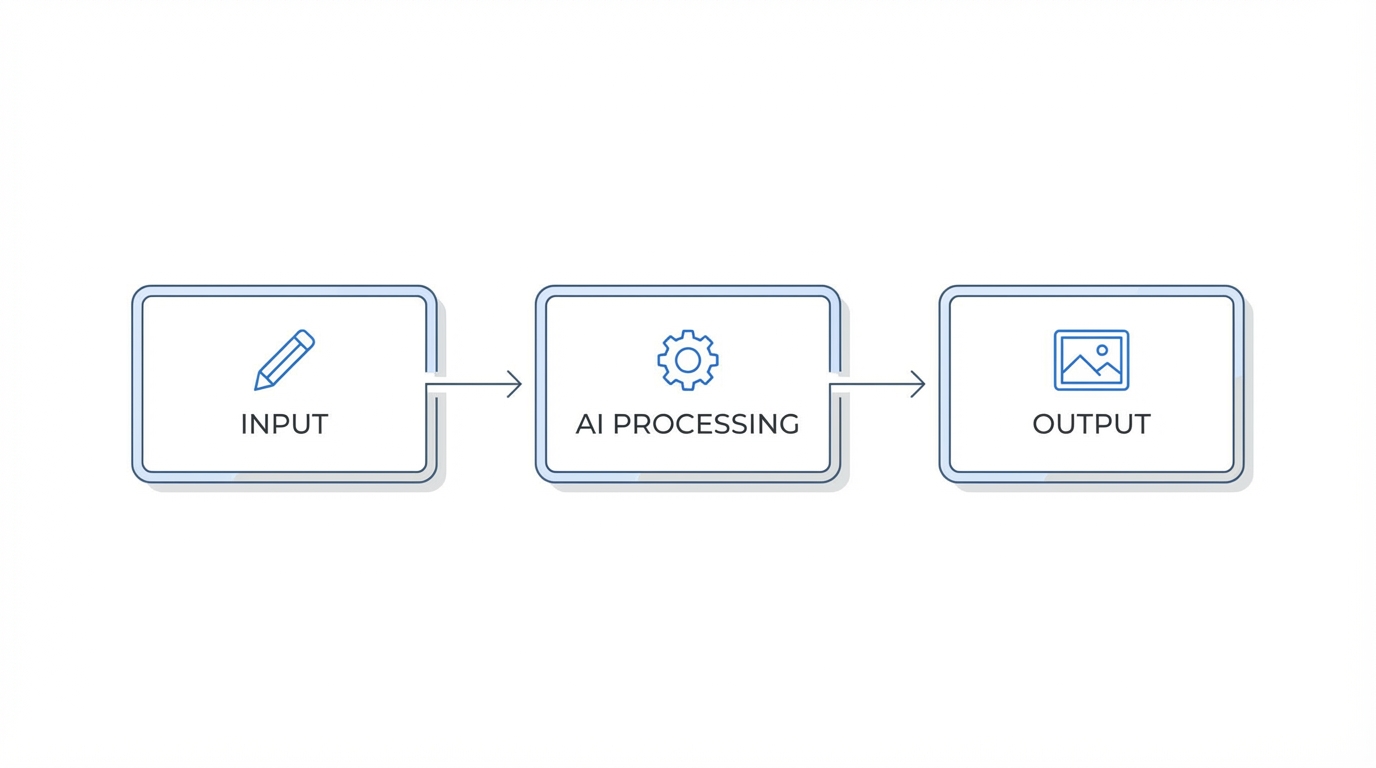
To start your journey, you need to head over to Google AI Studio. This platform is the playground where developers and "idea guys" alike can experiment for free. While the chat interface is great for basic prompting, the real magic happens in the Build Tab. Here is the playbook for getting started:
Step 1: Access the Build Tab
When you land in AI Studio, look for the "Build" tab in the navigation menu. This section contains a suite of vibe-coded demo apps that showcase the model's native capabilities. These aren't just toys; they are functional scaffolds that you can remix into your own products.
Step 2: Explore the Demo Apps
You will find several pre-made experiences, including PicShop (a photo editor), GemBooth (a live filter app), and Home Design. These demos illustrate how the model handles different types of input, from brush strokes to natural language instructions. For anyone looking for a vibe coding tutorial, these templates are the best starting point because they include the logic for "product scaffolding"—the creative tools like paintbrushes and text overlays that make an app feel like an actual product.
Step 3: Remix and Iterate
Once you select a demo, you can begin prompting the model to change the app's behavior. For example, you can tell the model, "Add a feature that allows me to highlight a specific area of the photo and replace it with a 3D-rendered object." The model will update the UI and the underlying logic to accommodate your request.
Case Study: Building an AI Marketing Ad Generator

One of the most immediate applications for Nano Banana is in the marketing space. Imagine a tool where a user uploads a raw product photo, and the AI generates a dozen high-conversion ad formats instantly. Using the model, you can create a "Luxury Magazine Spread" or a "Subway Interior Ad" with a single prompt. For example, if you are promoting a new smartphone like the Google Pixel, you can ask the model to place the device in an urban mural setting or a rainy bus stop. This creates a powerful marketing flywheel: you generate social assets that stop the scroll, which leads to higher engagement, which ultimately drives more sales. If you're building a brand, you can use these tools to maintain a consistent visual identity across Meta Ads Manager or Google Ads. For founders who are already managing creator relationships, tools like Stormy AI can help source the right UGC creators to provide the initial raw imagery that your AI app then remixes into professional-grade advertising content.
Niche Opportunity: AI Home Design and Product Visualization
Another massive opportunity lies in AI Home Design. This use case allows customers to visualize products in their own physical spaces before making a purchase. Imagine a user taking a photo of their living room and then scrolling through 37 different shades of green for their new curtains. By dragging and dropping product images into a scene, the model uses its world knowledge to handle shadows, lighting, and perspective automatically. This is a game-changer for e-commerce brands on Amazon or Shopify. You can build a bespoke tool that lets users see how a sofa looks in their specific lighting, reducing return rates and increasing consumer confidence. The key is to leverage the Gemini API for developers to create a seamless interface where the model acts as a smart creative partner, guiding the user through the design process.
Optimization: Best Practices for AI Image Prompting
To get the most out of Nano Banana, you need to understand the nuances of prompting for image models. While these models are incredibly smart, they perform best when given precise, single-turn instructions. Here are the core optimization tips:
- Avoid Complexity: Multi-turn instructions (asking for five different things at once) can cause the model to lose focus. It is better to perform five sequential, precise edits.
- Be Specific: Instead of saying "make it look better," say "add a luxury magazine aesthetic with high-contrast lighting and a minimalist background."
- Use Context: The model has deep world knowledge. If you mention a specific setting like a "London library," it will draw on its understanding of that environment to place objects realistically.
- Iteration is Key: Don't expect perfection on the first try. The beauty of vibe-coding is that you can refine the output until the "vibe" is exactly right.
Moving to Production: From AI Studio to GitHub and Cursor
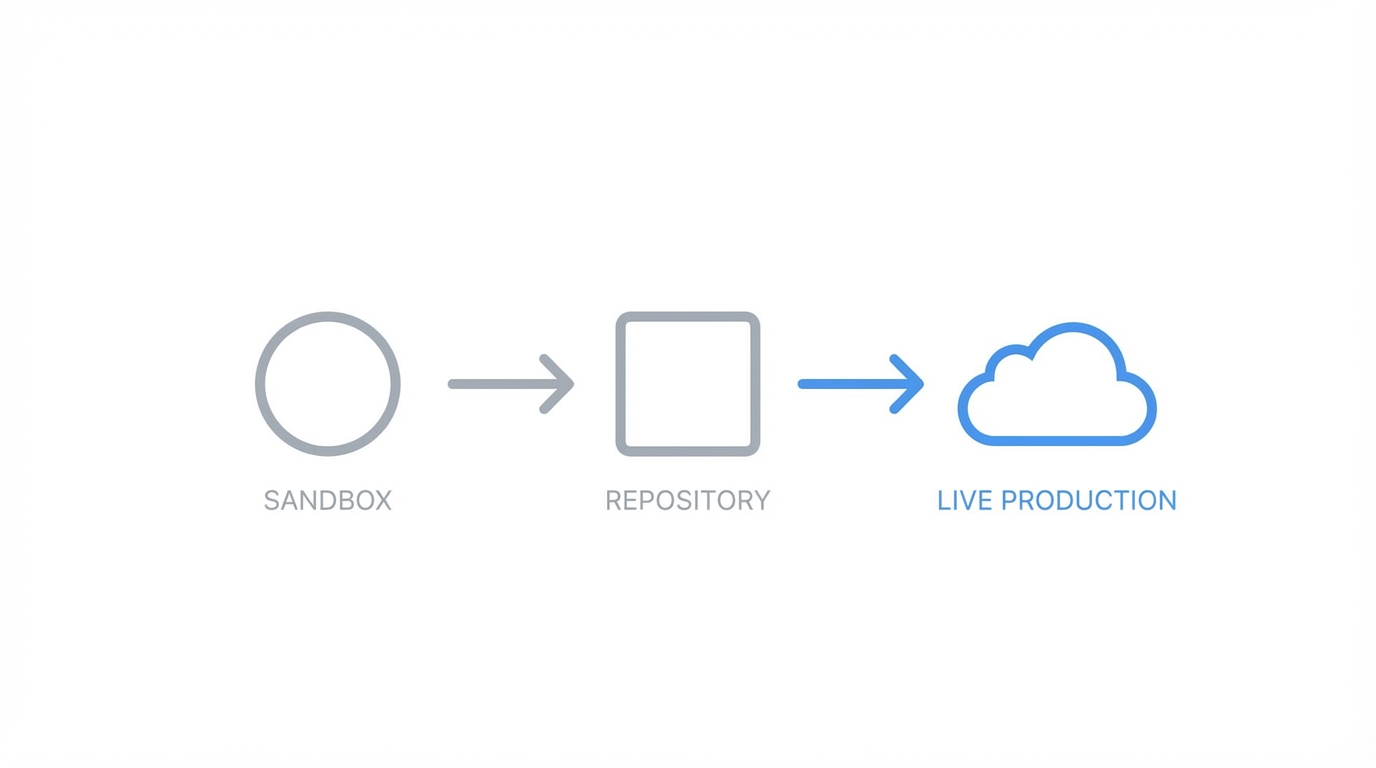
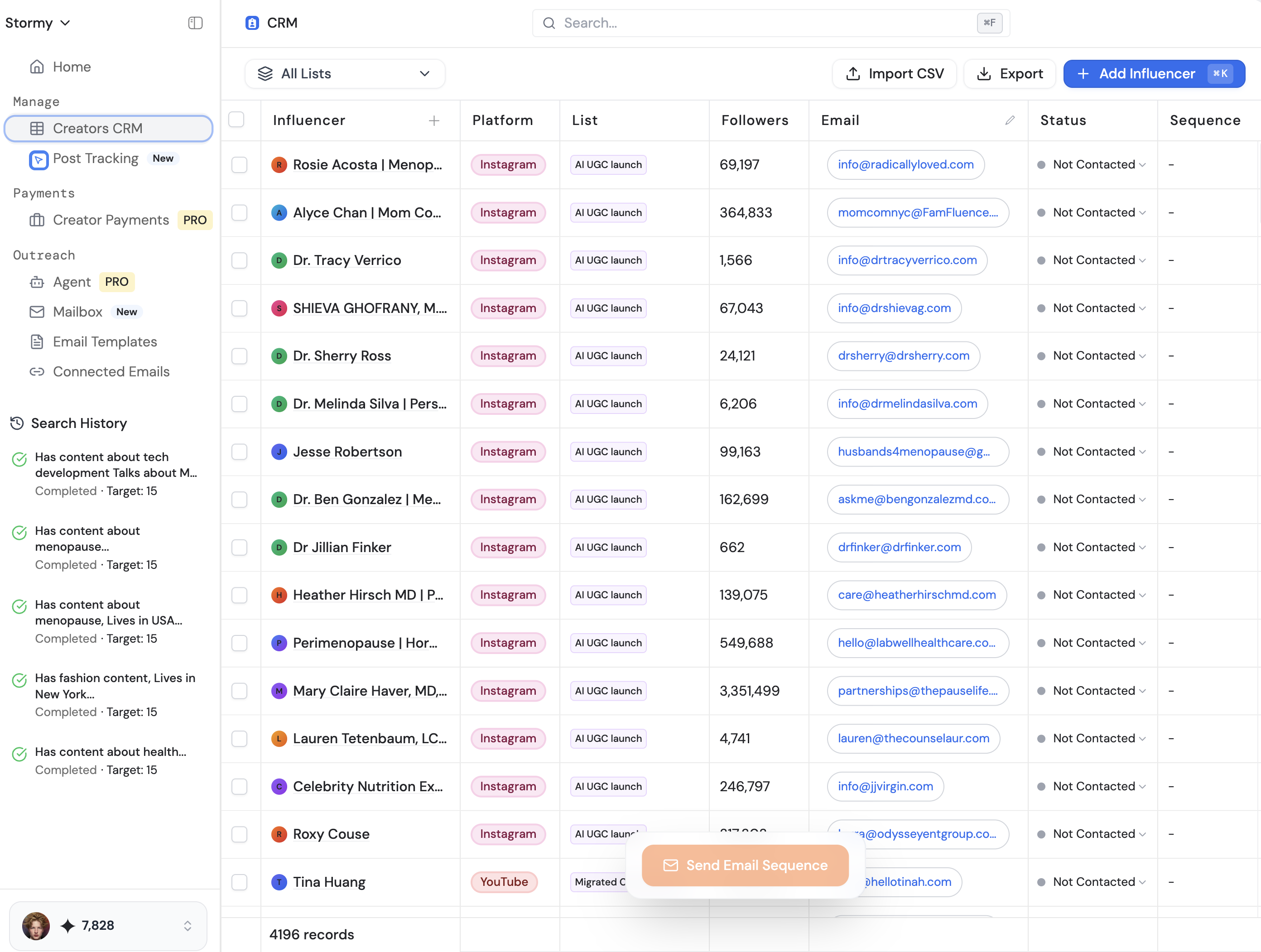
Once you have vibe-coded a prototype that works, the next step is moving toward a production-grade application. Google AI Studio makes this transition seamless. You can export your code directly from the platform. From there, many founders choose to move their project to GitHub for version control and then use Cursor, an AI-powered code editor, to continue the vibe-coding process. This workflow allows you to maintain the speed of AI-assisted development while adding the robustness needed for a public-facing product. You aren't locked into the Google ecosystem; you can take the logic you've built and deploy it anywhere. As you scale, you might find that your application requires a robust way to manage the creator-generated content used as inputs. This is where a creator CRM becomes essential. Using Stormy AI can help you track which influencers are providing the best raw content for your AI remixing engine, allowing you to double down on high-performing partnerships.
Scaling Your AI Startup in 2025: The Competitive Advantage
The urgency to build now cannot be overstated. We are in a unique window where the technology is highly capable but the market is not yet saturated. If you show the average person that they can redesign their entire home or generate a professional ad campaign in 30 seconds, it blows their mind. That "holy crap" moment is the foundation of a successful consumer product. By being early to the Nano Banana wave, you gain a competitive advantage that will be much harder to achieve six or twelve months from now. Whether you are building for a niche hobbyist group or a broad enterprise market, the tools are now free and accessible to anyone with an idea and the willingness to experiment.
Conclusion: Your AI Build Starts Today
The transition from "idea guy" to founder has never been shorter. By mastering the Google AI Studio build tab and embracing the philosophy of vibe-coding, you can bypass the traditional technical hurdles that stop most startups before they begin. The models are faster, cheaper, and smarter than ever before. Start by playing with the demo apps, move into bespoke marketing or design tools, and don't be afraid to iterate in public. According to MIT Technology Review, the future belongs to those who can communicate their vision to the machine most effectively. If you are ready to explore more AI startup ideas 2025 and want to stay ahead of the curve, head over to Idea Browser for daily inspiration. It's time to stop thinking and start building—your first vibe-coded app is only a few prompts away.