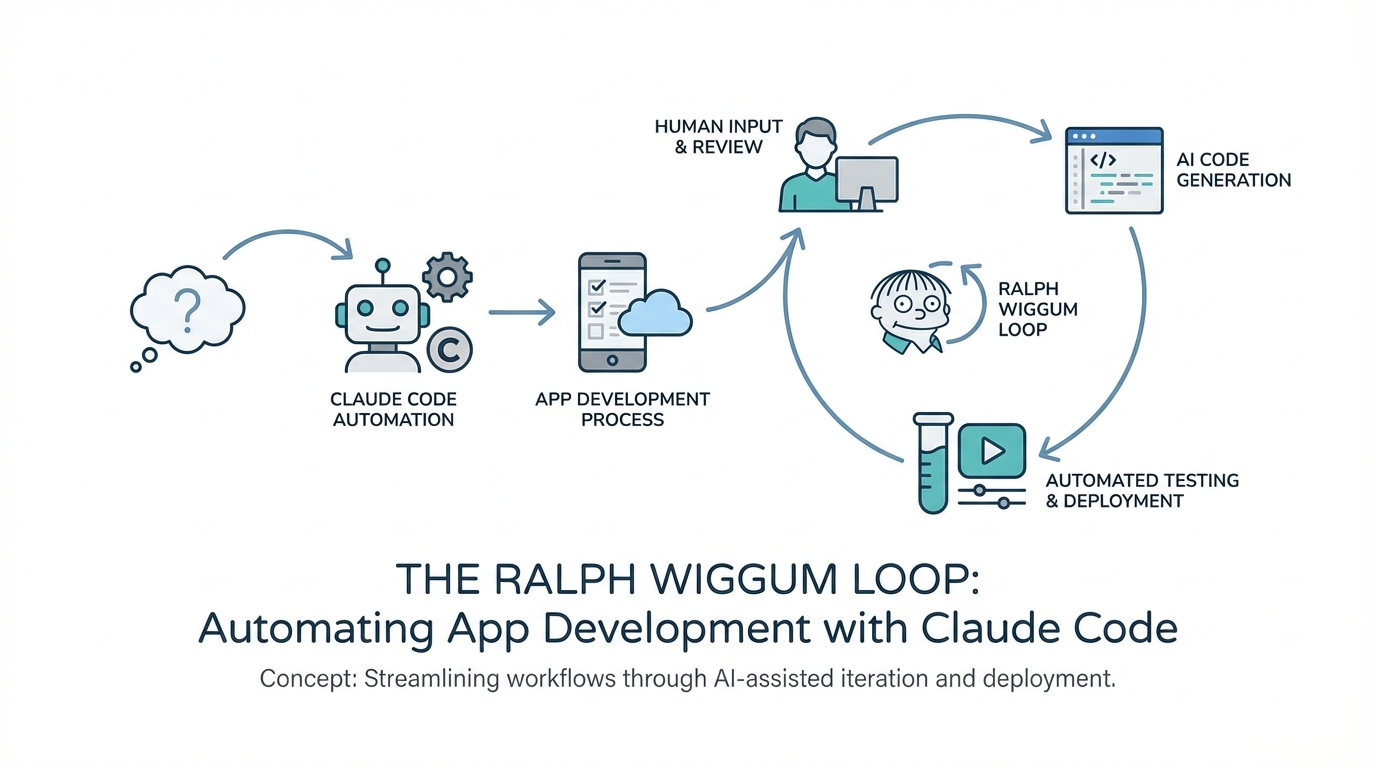
In the early months of 2026, the landscape of software engineering has shifted from writing code to reviewing it. We are entering an era where autonomous AI coding agents can build entire features, test them, and document progress while you sleep. However, the difference between a high-functioning application and "AI slop" lies in the precision of your automation framework. The Ralph Wiggum Loop is the current gold standard for developers looking to scale their output using Claude Code. This playbook breaks down the 'Plan-Work-Document-Repeat' cycle and provides a technical roadmap for setting up your own autonomous development environment.
What is a Ralph Loop? Understanding the Cycle
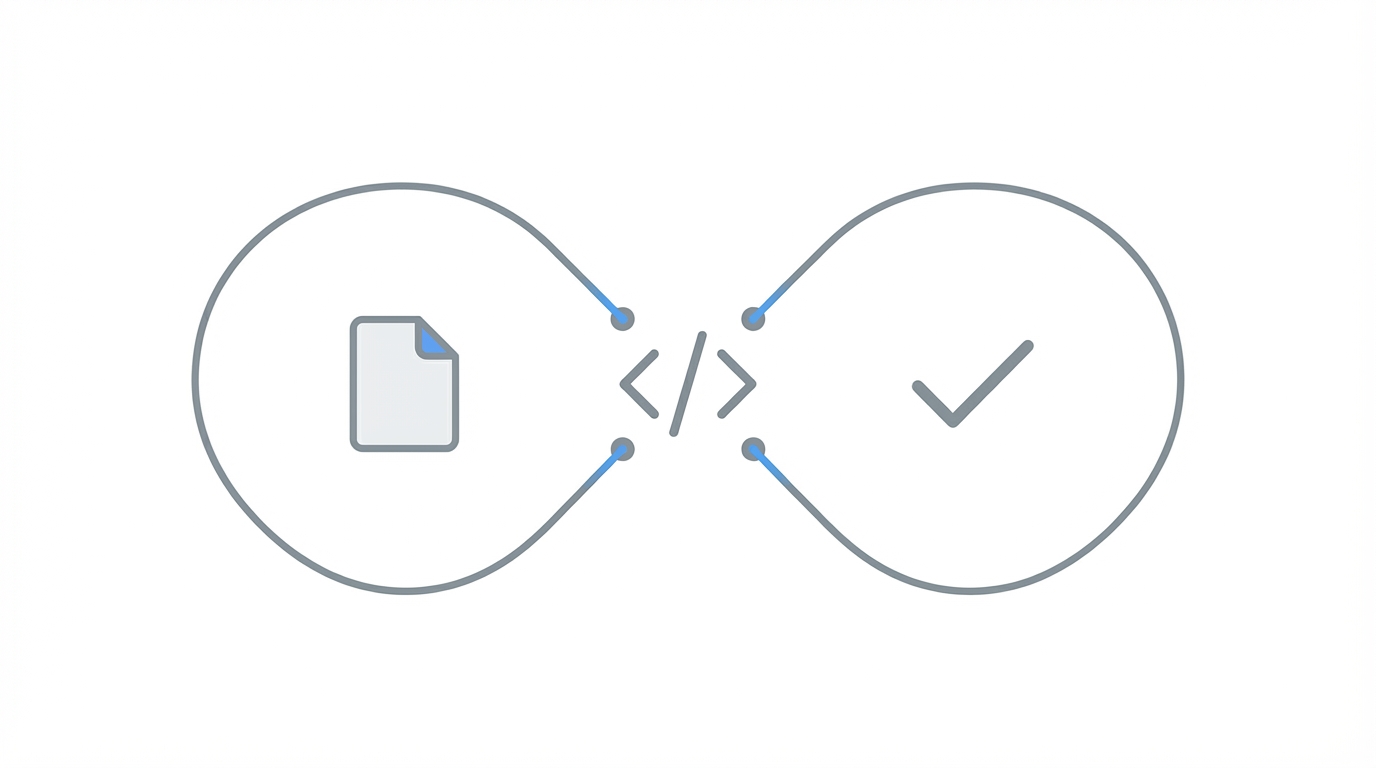
The term "Ralph Loop" refers to a specific automation pattern designed to keep an AI agent on track during complex builds. Named after the Ralph Wiggum repository, this system enforces a Plan-Work-Document-Repeat cycle. Instead of giving a model a vague prompt and hoping for the best, a Ralph Loop forces the agent to operate within a controlled environment where every action is logged and verified.
At its core, the loop functions as an infinite state machine. The agent reads a PRD.md (Product Requirements Document), identifies the next task, executes the code change, runs a suite of tests, and then updates a progress.txt file before starting the next iteration. This prevents the common "hallucination spiral" where an agent attempts to fix a bug by creating three more, eventually drifting entirely away from the original project goals. By using GitHub-based automation scripts, developers can trigger these loops locally or in the cloud.
How to Set Up the Ralph Wiggum Repository for Local Automation

To begin, you need to clone the Ralph Wiggum configuration to your local machine. While there are various iterations of this setup, the most effective ones include custom scripts that interface directly with the Anthropic API or the Claude Code terminal interface. You don't need to be a terminal expert to get started; as long as you can navigate basic directories, the AI can handle the heavy lifting of the configuration.
Once you have the repository, you'll need to define your environment variables, specifically your API keys and your preferred tech stack. Most modern Ralph setups work best with React, Next.js, and Node.js, as the models have the highest density of training data in these ecosystems. After the initial clone, you can pass the repository URL back into Claude Code and ask it to "initialize the Ralph environment for a new project." The agent will then set up the necessary plugins and skills to begin the loop.
The Importance of Tests and Lints: Validation First
One of the most critical rules of the Ralph Wiggum system is that Feature #2 cannot start until Feature #1 passes validation. In traditional manual coding, developers often skip unit tests to move faster, leading to technical debt. In an autonomous loop, skipping tests is a recipe for a "token-burning disaster."
When the agent completes a task, the Ralph script automatically triggers a linting process and a test runner. If the test fails, the agent is restricted from proceeding to the next task in the PRD. Instead, it must analyze the error, fix the code, and re-run the test. This AI software testing automation ensures that the foundation of your app remains stable even as the complexity grows. Tools like Vitest or Jest are typically integrated into the loop to provide the necessary feedback signals.

The Art of Planning: Using the Ask User Question Tool
The success of a Ralph Loop is 100% dependent on the quality of the input plan. If you provide a sparse PRD, the model will make assumptions that lead to "AI slop." To avoid this, you should utilize the ask_user_question tool. This is a specialized feature within Claude Code that allows the model to interview you about technical trade-offs, UI/UX decisions, and architectural concerns before it writes a single line of code.
During the planning phase, you should expect the model to ask questions like: "Should this UGC generator use a modal or a separate page?" or "How should we handle API rate limits for video rendering?" Spending an extra 30 minutes in this interview phase can save hours of autonomous looping and hundreds of dollars in API costs. The goal is to generate a PRD.md file so detailed that any senior engineer—human or AI—could execute it without further clarification.
Monitoring Progress and Managing the progress.txt File
When a Ralph Loop is running, you don't need to stare at the terminal. Instead, you monitor the progress.txt file. This file acts as the agent's logbook, recording every successful deployment, failed test, and completed task. It provides a real-time status update on the health of the project.
If you notice the agent is stuck on a specific task for more than three iterations, it's a signal to intervene manually. You can pause the loop, provide a hint or a specific code snippet, and then resume. This hybrid approach—letting the AI handle the bulk of the work while a human provides "architectural oversight"—is the most efficient way to build modern software. For developers building marketing tools or creator-focused platforms, this automation allows you to focus on high-level strategy rather than boilerplate code.
For example, if you are building an app to manage creator campaigns, you might use the Ralph Loop to build the core logic while using platforms like Stormy AI to handle the influencer discovery and vetting. Managing creator relationships in a CRM requires specific data points that Stormy provides instantly, which can then be fed back into your automated development pipeline to create hyper-personalized outreach tools.
Cost Control: Avoiding the Token Burn
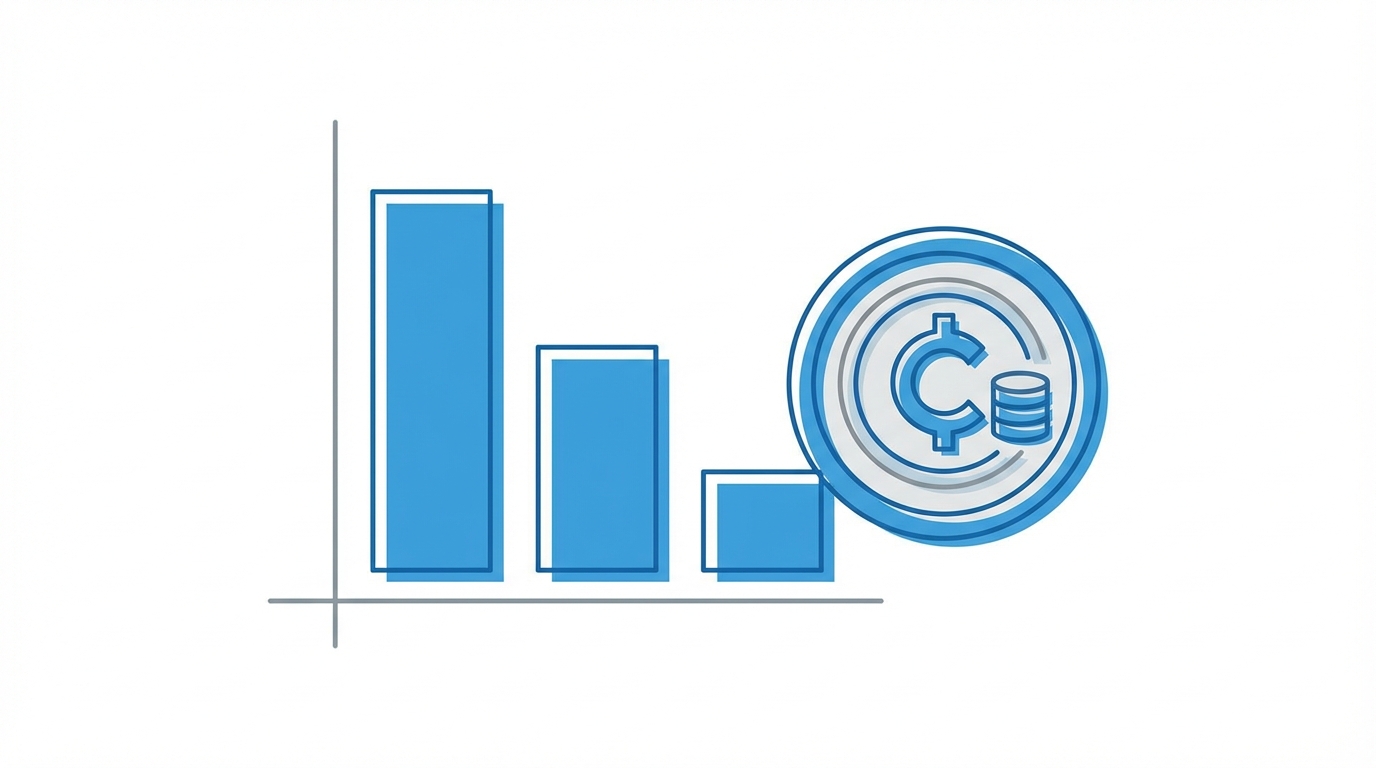
Running an autonomous AI coding agent can become expensive if not managed correctly. Claude 3.5 Sonnet and the rumored Opus 4.5 have massive context windows, but as you approach 50% of the context limit, the model's performance can begin to deteriorate. In a Ralph Loop, this means the agent might start "forgetting" earlier instructions or introducing bugs into stable features.
To maintain cost control and high code quality, follow these three rules:
- Refresh Sessions: Start a new Claude Code session once you've reached 40-50% context usage. This clears the "mental fog" and keeps the agent sharp.
- Granular Tasks: Break your PRD into small, atomic tasks. The smaller the task, the less chance the agent has to deviate from the plan.
- Manual Vetting: Do not run a loop for more than 5 features without a human code review. Ensure the "vibe" of the UI and the logic of the backend align with your original vision.
Conclusion: The Future of Audacious Development
The Ralph Wiggum Loop is more than just a set of scripts; it's a shift in how we think about productivity. By combining rigorous planning via the ask_user_question tool with the automated verification of tests and lints, developers can build "scroll-stopping" software that actually solves problems. Whether you're building a niche diagnostic tool or a complex platform for sourcing UGC creators, the principles of the Ralph system ensure that your development remains organized, scalable, and cost-effective. Don't just clone existing apps—have the audacity to design something new, and use the Ralph Loop to bring it to life faster than ever before.