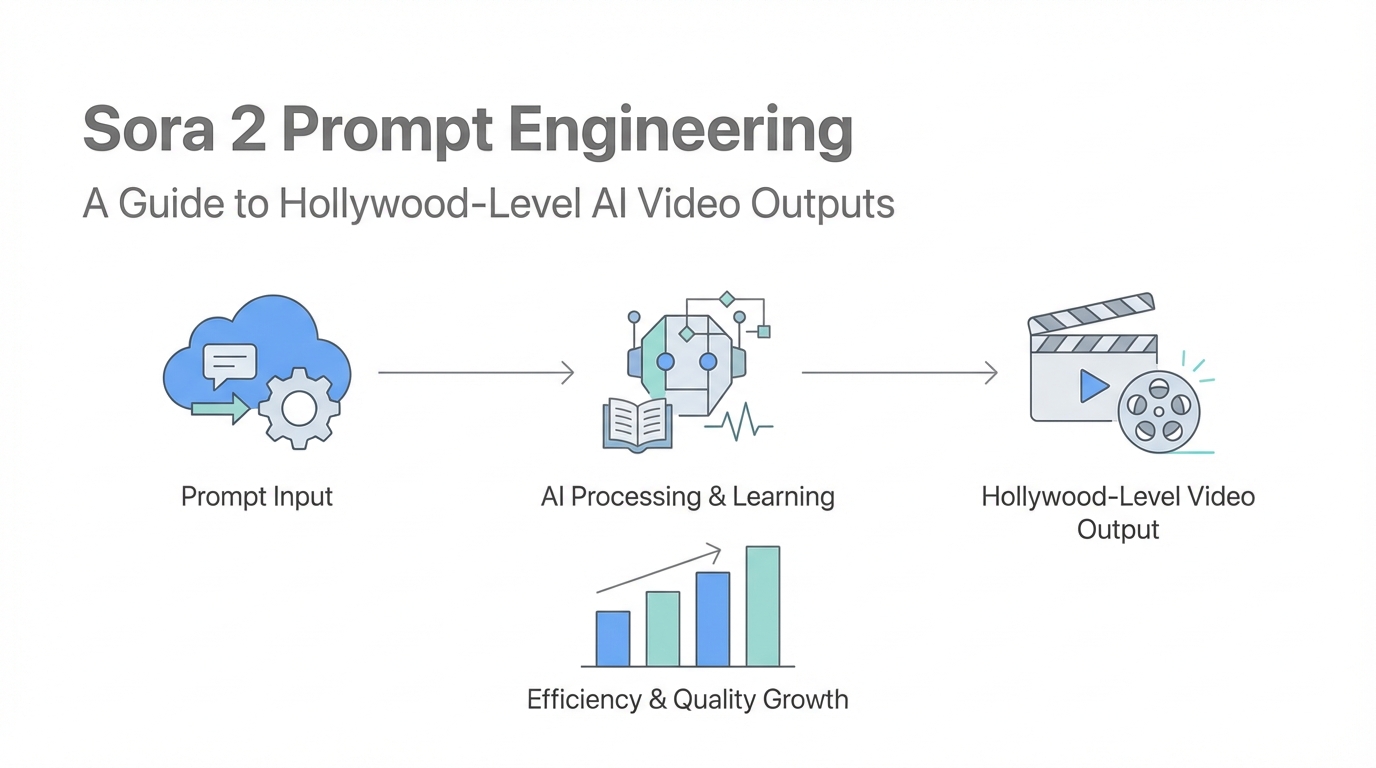
The landscape of digital content is shifting beneath our feet. Not long ago, producing a high-quality video advertisement required a full production crew, expensive lighting rigs, and weeks of post-production. Today, the democratization of video through Sora 2 prompt engineering is putting the power of a Hollywood studio into the hands of individual founders and marketing teams. However, simply typing a basic sentence into an AI generator won't yield the viral results you're looking for. To truly dominate the attention economy, you need a technical workflow that leverages advanced LLMs to bridge the gap between a raw idea and a cinematic masterpiece.
The Evolution: Sora 2 vs Traditional Video
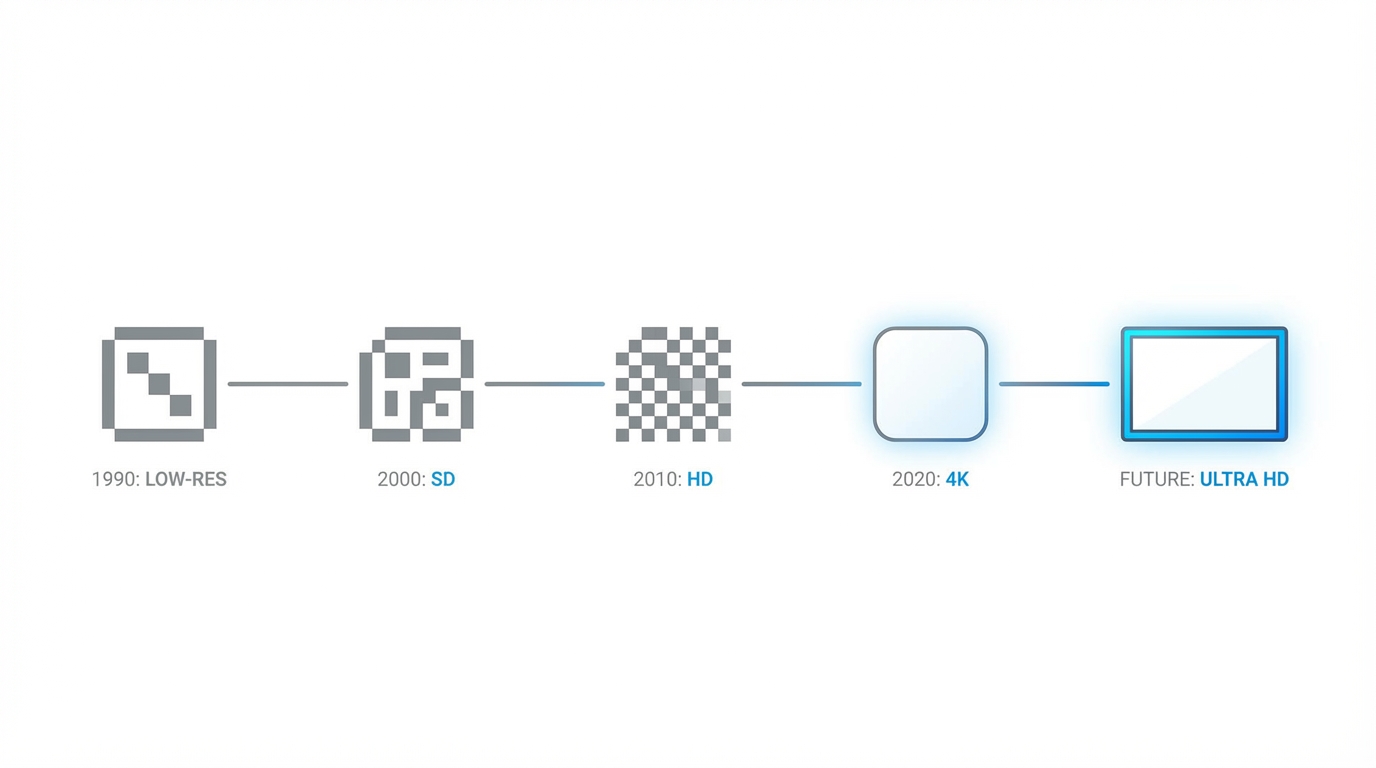
Traditional video production is often the biggest bottleneck for startups and creators. Between sourcing talent and managing equipment, the costs scale faster than the output. Sora 2 changes this equation by allowing for rapid iteration. Where a traditional shoot might give you one or two variations of a concept, advanced AI video techniques allow you to test dozens of hooks in a single afternoon. The trade-off, however, is the constraint. Currently, you are working within a 10-to-15-second window. This might seem limiting, but if we look back at the history of social media, some of the most influential platforms—like Vine’s 6-second clips or the early days of TikTok—proved that short-form constraints often breed the highest engagement.
The Anatomy of a Sora 2 Prompt: Crafting the Visual Narrative
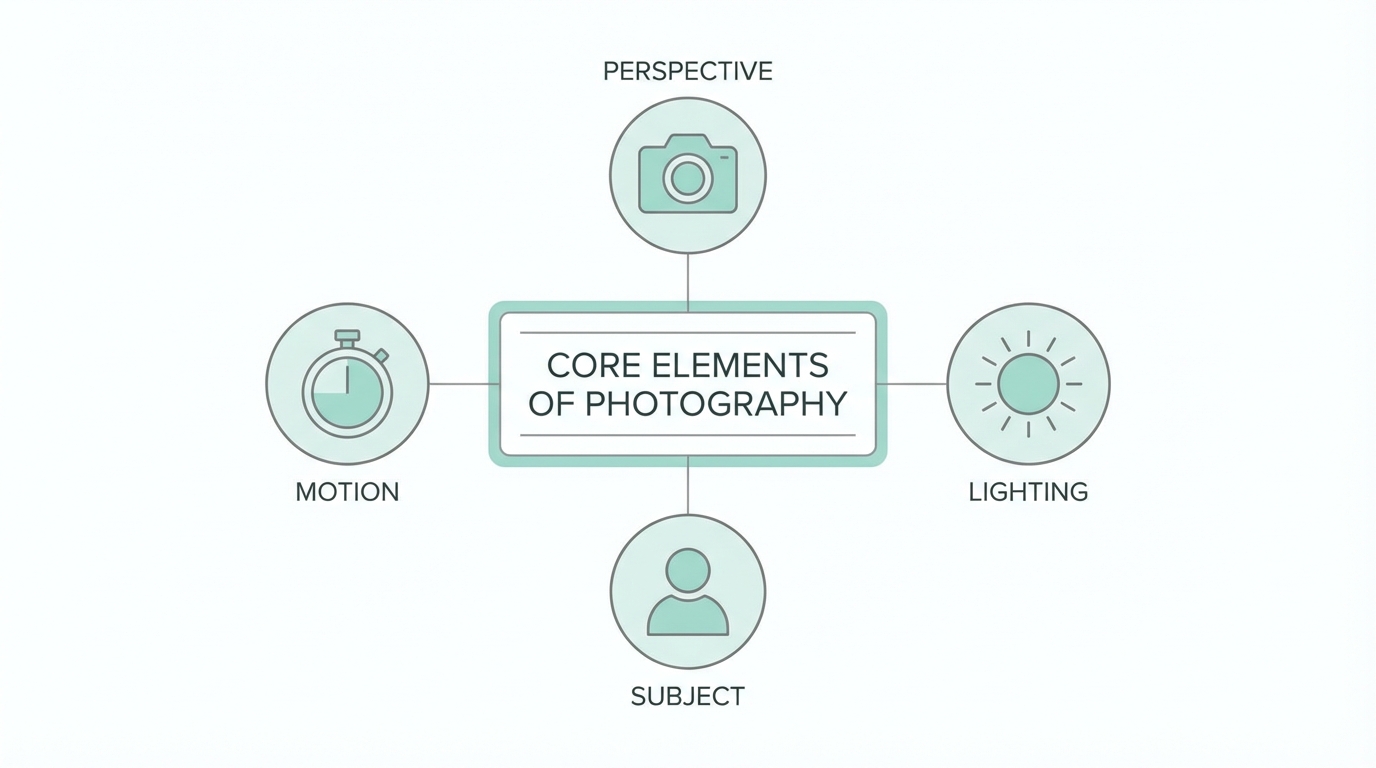

A high-level Sora 2 prompt isn't just a description; it’s a technical specification. To get professional results, your prompts must address three core pillars: visual elements, character movement, and lighting. You cannot simply ask for "a man at a desk." You must specify the cinematic style, the camera angle, and the atmospheric conditions. For instance, a prompt describing a founder in a high-stakes environment should mention the "soft glow of a dual-monitor setup reflecting off spectacles" and "shallow depth of field to emphasize the character’s focus."
When engineering these prompts, think like a cinematographer. Use terms like "tracking shot," "dolly zoom," or "high-angle aesthetic." This tells the AI how to move the virtual camera, which is essential for creating the "scroll-stopping" effect required on platforms like Instagram and LinkedIn. If you are building an ad for a tool like Idea Browser, you want the visuals to evoke a sense of professional success and high-speed innovation, which requires sharp, high-contrast lighting and fluid camera transitions.
Mastering Synchronized Speech and On-Screen Text
One of the most powerful updates in Sora 2 is the ability to handle synchronized speech and dialogue. This allows your characters to actually deliver lines directly to the camera, creating a much higher level of trust and engagement. To prompt for this effectively, use quotation marks for the exact dialogue and include a specific label like [spoken dialogue] to guide the model. For example, if your concept involves a founder sharing a secret tactic, your prompt should look like this: The character looks directly into the lens and says, "I cloned a hundred-million-dollar SaaS in four days."
However, you must manage expectations regarding on-screen text. While Sora 2 has made massive leaps, rendering text inside the scene—such as a dashboard or a sign—can still be "sketchy" or inconsistent. To mitigate this, explicitly mention on-screen text in the prompt's conclusion: "The video ends with a clear, bold text overlay that reads: START FOR FREE." While it won't always be perfect, giving the AI these explicit instructions increases the likelihood of a usable output. If the text rendering fails, many creators use tools like Meta Ads Manager or external editors to layer crisp text over the AI-generated footage.
The Claude-to-Sora Bridge: A Three-Stage Workflow
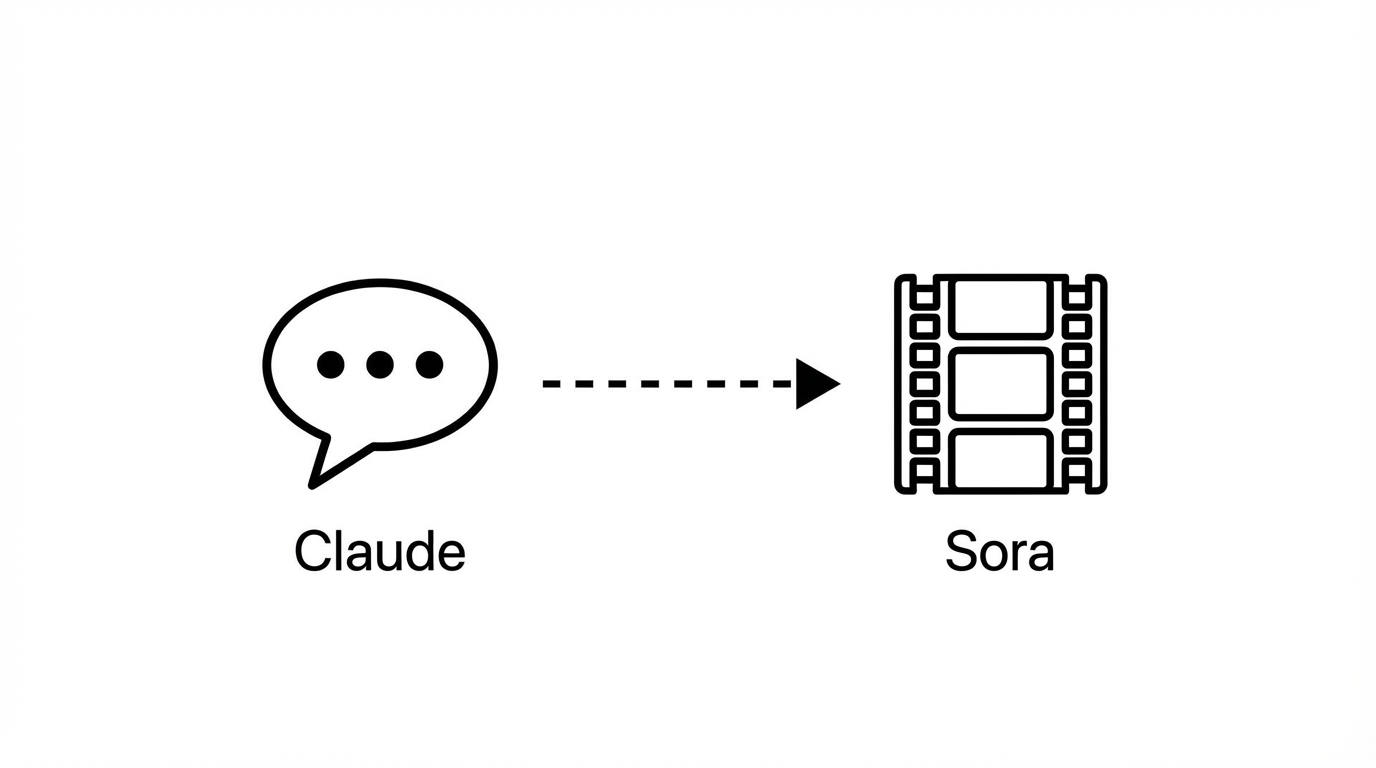
The secret to Hollywood-level AI video outputs isn't actually starting in Sora. It starts with a multi-step workflow using research and logic agents. This approach ensures that your videos aren't just visually stunning, but psychologically resonant with your audience. Here is the playbook for building a viral video pipeline:
Step 1: Deep Research with Perplexity
Before you generate a single frame, you need to understand what makes your audience tick. Use Perplexity as a research agent. Prompt it to analyze your niche—whether it’s entrepreneurship, fitness, or SaaS—and identify "high arousal emotions." You are looking for concepts that trigger curiosity, validation-seeking, or FOMO. For a SaaS audience, Perplexity might suggest frameworks like the "Contradiction Hook" (e.g., "I have zero coding skills but built a 50k MRR product"). This research forms the strategic foundation of your content.
Step 2: Concept Generation and Evaluation in Claude
Once you have your research, ingest it into Claude. Act as a social media content strategist and ask Claude to brainstorm 10 creative short-form concepts based on the research. But don't stop there. This is the critical step: Ask Claude to evaluate each concept on a scale of 1-10 based on hook strength, emotional trigger, and algorithm fit. This acts as a quality filter, ensuring you only spend credits and time on concepts with the highest viral ceiling.
Step 3: Technical Prompt Optimization
After selecting your top concept, ask Claude to expand it into a Sora 2 technical prompt. Claude understands how to translate a simple idea into the complex descriptive language that Sora 2 requires. Tell Claude to optimize for a 15-second duration, specify the lighting, and include the spoken dialogue labels. This "LLM bridge" ensures that the technical nuances of Sora's engine are fully utilized.
Iterative Prompting: Fixing the "Uncanny Valley"
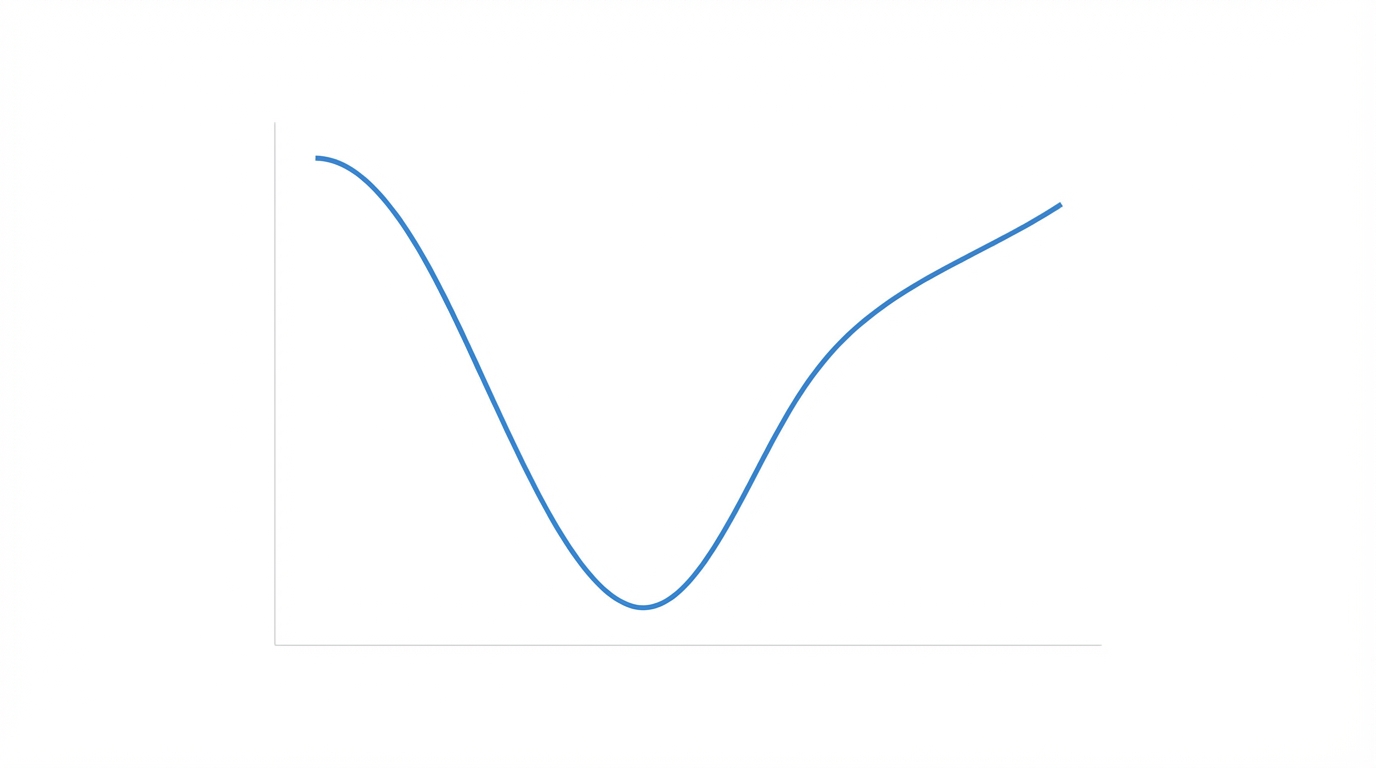
Even with a perfect initial prompt, AI video can sometimes produce "uncanny" results—weird hand movements, distorted backgrounds, or unnatural physics. The solution is iterative prompting. If a video feels off, don't just hit regenerate. Take the output description back to Claude and ask for advice on visual styles to fix the issue. Sometimes changing the style to "cinematic noir" or "grainy 16mm film" can mask AI artifacts and make the video feel like an intentional artistic choice rather than a technical failure of the uncanny valley.
When you find a prompt that works, it becomes a template. You can swap out the dialogue or the specific product being showcased while keeping the lighting and camera movement settings identical. This is how you build a consistent brand aesthetic across dozens of videos. For brands looking to scale this even further, platforms like Stormy AI can help manage the resulting assets and find UGC creators who can remix these AI visuals into even more authentic-feeling campaigns. Managing these creator relationships and tracking how AI-generated hooks perform against traditional UGC is essential for modern performance marketing.
Scaling AI Video with UGC Strategies

As you refine your AI video prompting tips, you'll realize that Sora 2 is best used as a component of a larger strategy. While AI can generate incredible visuals, combining it with real human influence is where the true ROI lies. For example, you might use an AI-generated hook to grab attention on Google Ads or TikTok, then transition to a real customer testimonial.
To execute this at scale, you need a robust way to source and manage talent. Using an AI-powered influencer discovery engine like Stormy AI allows you to find creators who can complement your AI-generated content through UGC. You can search for creators in your specific niche, vet their engagement quality, and use the built-in AI outreach tools to send personalized emails. This hybrid approach—using Sora 2 for high-concept visuals and real creators for social proof—creates a powerful synergy that traditional production can't match.
Conclusion: The Future of Hollywood-Level Output
We are entering an era where distribution is the only moat. If you can use Sora 2 prompt engineering to capture attention faster and more cheaply than your competitors, you have an unfair advantage. By following a structured workflow—researching with Perplexity, strategizing with Claude, and technical prompting with Sora—you can create videos that resonate deeply with your audience. Remember to embrace the 15-second constraint, focus on cinematic lighting, and never stop iterating on your prompts. The power of a full production studio is now at your fingertips; it's time to start creating content that rips.