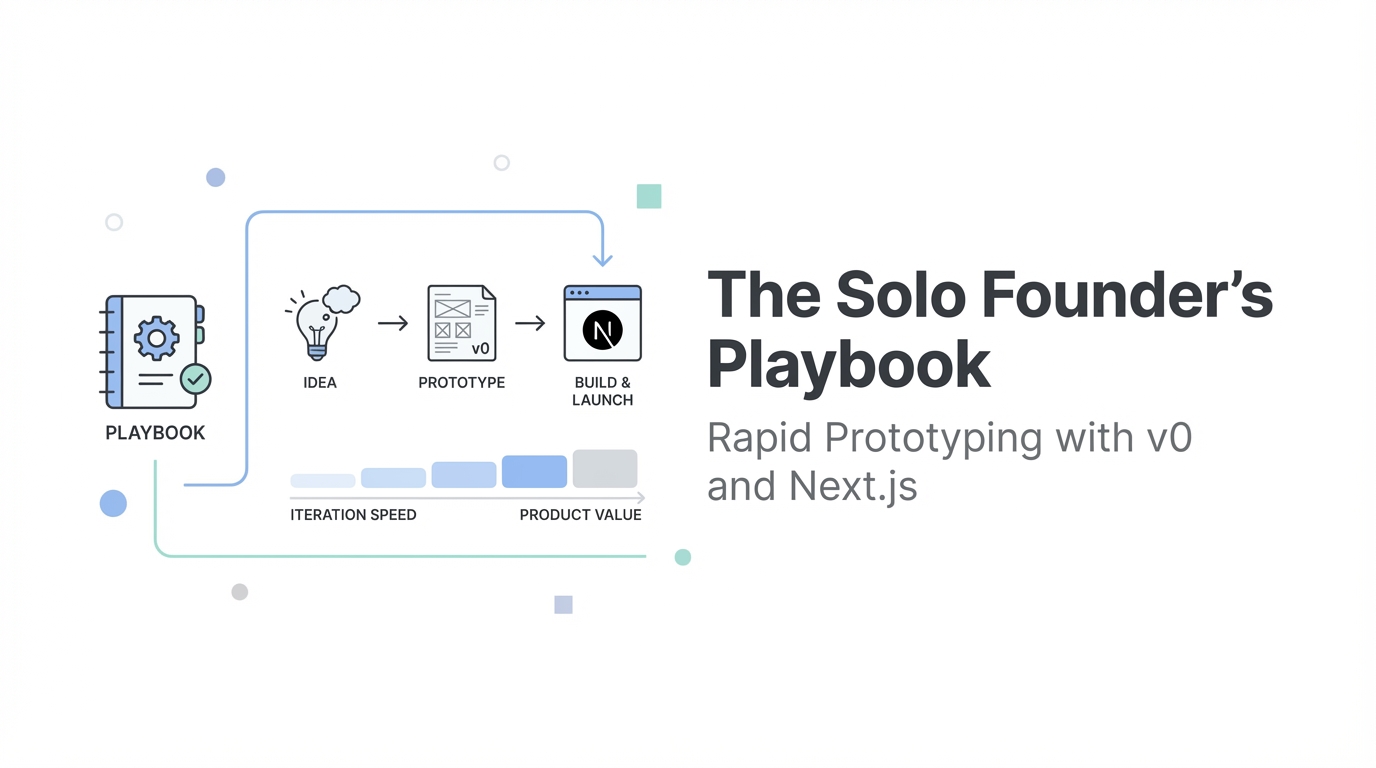
The traditional gap between having a billion-dollar idea and shipping a functional product has officially collapsed. For years, non-technical founders were held hostage by high development costs, while engineers were often slowed down by the tedious nature of frontend styling. In 2024, the landscape has shifted. We are entering the era of the "Idea-to-Builder", where tools like v0.dev allow you to generate high-fidelity UI components through natural language. This isn't just about making things look pretty; it's about rapid web development 2024 strategies that let you iterate, fork, and ship a full-stack MVP in hours instead of months.
The 'Idea-to-Builder' Shift: AI as Your Senior Engineer
There is a lot of noise regarding whether AI is replacing developers. However, industry leaders like Lee Robinson, VP of Product at Vercel, argue that AI tools are actually augmenting the modern builder. Instead of spending hours Googling Stack Overflow or wrestling with CSS grid layouts, founders can now treat AI as a super-senior engineer sitting right next to them. This shift allows you to focus on what matters: taste and product vision.
When you use v0 for founders, you aren't just generating throwaway code. The platform builds on top of the Shadcn UI system, meaning the output is real, production-ready React code. This means the prototype you build today won't have to be completely re-architected when you eventually hire a full team. For a solo founder, this is the ultimate competitive advantage: the ability to build, test, and pivot at the speed of thought.
Rapid Iteration: Using the 'Fork' Strategy to Perfect Your MVP
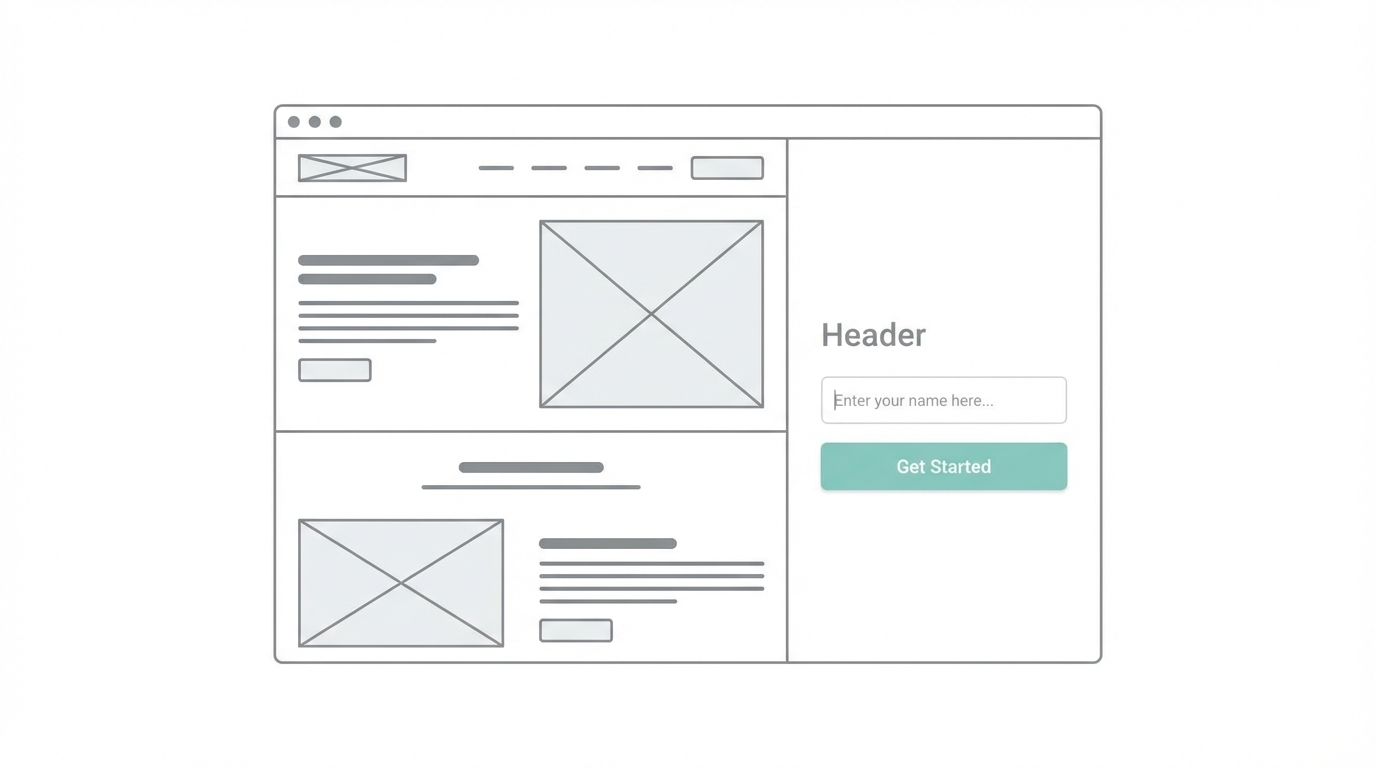
One of the most powerful features of v0.dev is the ability to fork a design. Much like software developers fork a repository on GitHub, you can fork your own UI iterations to test different styles without losing your progress. This is essential for ai prototyping for startups where user feedback is the only metric that matters.
The Screenshot-First Workflow
If you have a specific vision but lack the design vocabulary, start with a screenshot. You can upload a screenshot of an app you admire—say, a high-density music player or a sleek dashboard—and ask v0 to replicate the "bones" of that layout. From there, you can steer the AI using prompts like:
- "Make the UI have a tighter information density."
- "Use neutral grays and a Sans Serif font from Google Fonts."
- "Implement tabular-nums for vertically aligned pricing data."
By iterating through versions (often 10 to 20 cycles), you can move from a generic template to a custom, high-fidelity prototype that looks like it was designed by a top-tier agency. This level of polish is critical for securing early-stage buy-in from investors or landing your first ten beta testers.
Building the Core SaaS Flow: Hero, Features, and Pricing
To build mvp with v0, you need to focus on the essential screens that convert visitors into users. This usually follows the 'Hero-Feature-Pricing' flow. Lee Rob suggests that if you find yourself stuck, you should browse inspiration sites like Godly or Patterns.dev to understand modern layouts.
When prompting for your SaaS landing page, be specific about the components you want to use. Instead of just asking for a "landing page," ask v0 to "Create a landing page using a three-column grid with a vertically aligned terminal animation in the hero section." You can even refine small details like animation speed and easing functions. If a transition feels clunky, tell the AI: "Make the side sheet open faster and use a custom cubic-bezier easing function." The AI understands these technical nuances, allowing you to fine-tune the user experience (UX) without knowing the underlying math.
Beyond the UI: Logic and Workflow Automation
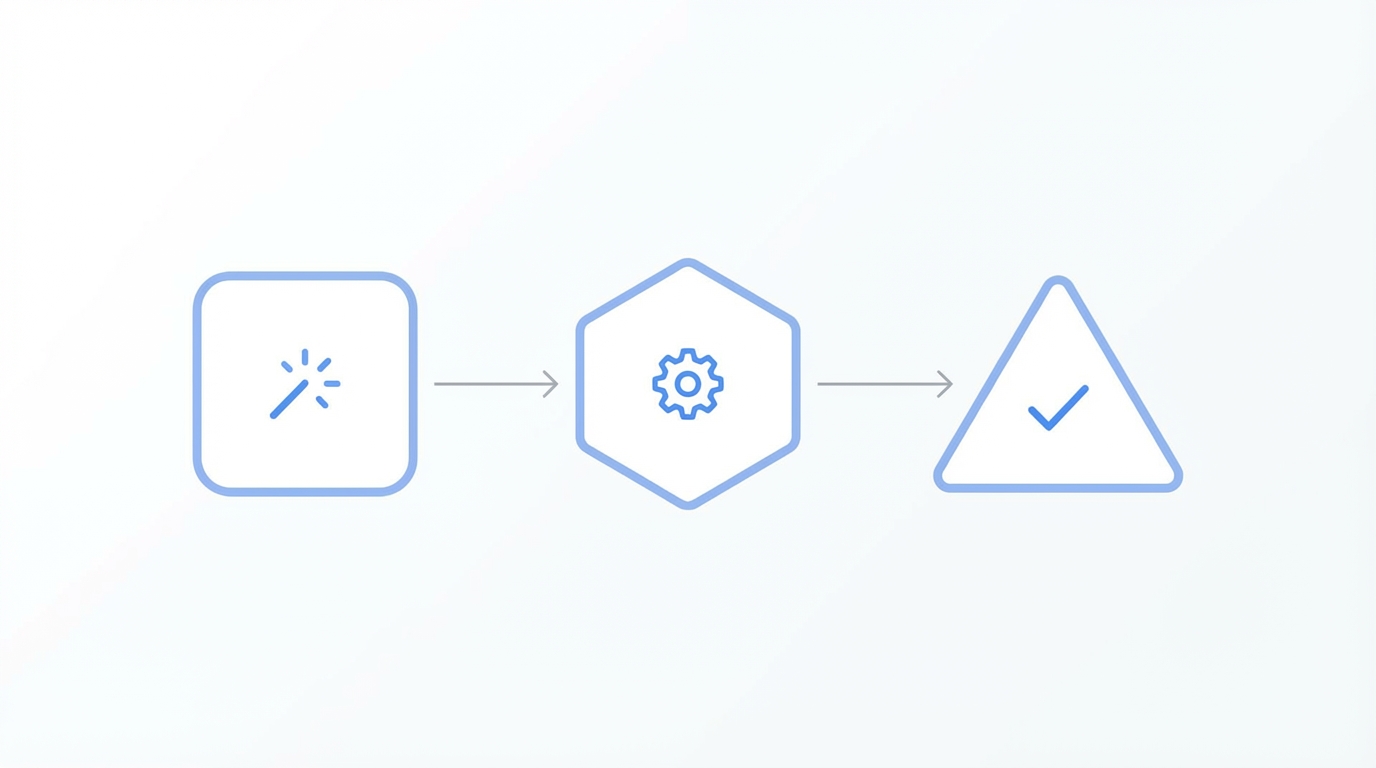
A pretty interface is useless if it doesn't do anything. The true power of v0 for founders emerges when you start adding logic. You can ask the AI to help you design your database schema or even write the Object-Relational Mapping (ORM) code. For example, you can provide your database schema and ask it to generate the logic for a Drizzle or Prisma setup.
For founders who want to validate a concept before writing a single line of backend code, workflow automation is the answer. You can build a UI that collects user input and then use tools like Zapier to trigger functional workflows. Imagine a landing page where a user submits a link, and that link is automatically sent to your Slack channel. This allows you to simulate the app's functionality manually while you validate whether people actually want the service.
Scaling Your MVP: Growth and Creator Management

Once you have used ai startup tools to build your product, the focus shifts from building to growth. For many mobile apps and SaaS platforms, the fastest way to gain traction is through User-Generated Content (UGC) and influencer partnerships. As your user base grows, managing these relationships becomes a full-time job.
This is where an all-in-one platform like Stormy AI becomes invaluable. Just as v0 automates the tedious parts of development, Stormy AI streamlines creator sourcing and outreach by automating the discovery and management of influencers. You can search for creators who fit your niche across TikTok and Instagram, analyze their engagement quality to avoid fraud, and use AI-personalized outreach to scale your marketing efforts. Integrating these AI-powered creator discovery tools into your post-launch strategy ensures that your high-fidelity MVP actually gets the eyeballs it deserves.
The Solo Founder’s Playbook: Step-by-Step

Step 1: Define the Core Value
Don't build everything. Identify the one feature that solves a problem and focus your initial v0 prompts on that specific interaction.
Step 2: Source Inspiration
Find 2-3 screenshots of apps that handle information density or aesthetics the way you envision. Upload these to v0.dev as your baseline.
Step 3: Rapid Iteration and Forking
Refine your UI through 10+ iterations. Use specific Tailwind CSS classes like "size-4" or "neutral grays" to steer the design. Fork the project when you want to experiment with a dark mode or a different layout style.
Step 4: Implement Logic and Schema
Ask the AI to generate your SQL schemas or ORM code based on the UI you've built. Ensure your Next.js components are modular and ready for backend integration.
Step 5: Launch and Automate Growth
Deploy your site on Vercel. Once live, use tools like Stormy AI to find UGC creators who can create authentic content to drive app installs and user sign-ups.
Conclusion: The Future is Built by the Curious
The barrier to entry for building world-class software has never been lower. By leveraging ai prototyping for startups, solo founders can now produce work that previously required a team of five. Whether you are using v0 to nail your typography or using AI agents to handle your influencer outreach, the message is clear: suspend your disbelief. These tools aren't just toys; they are the foundation of the next generation of SaaS giants. Stop planning, start prompting, and ship your MVP today.