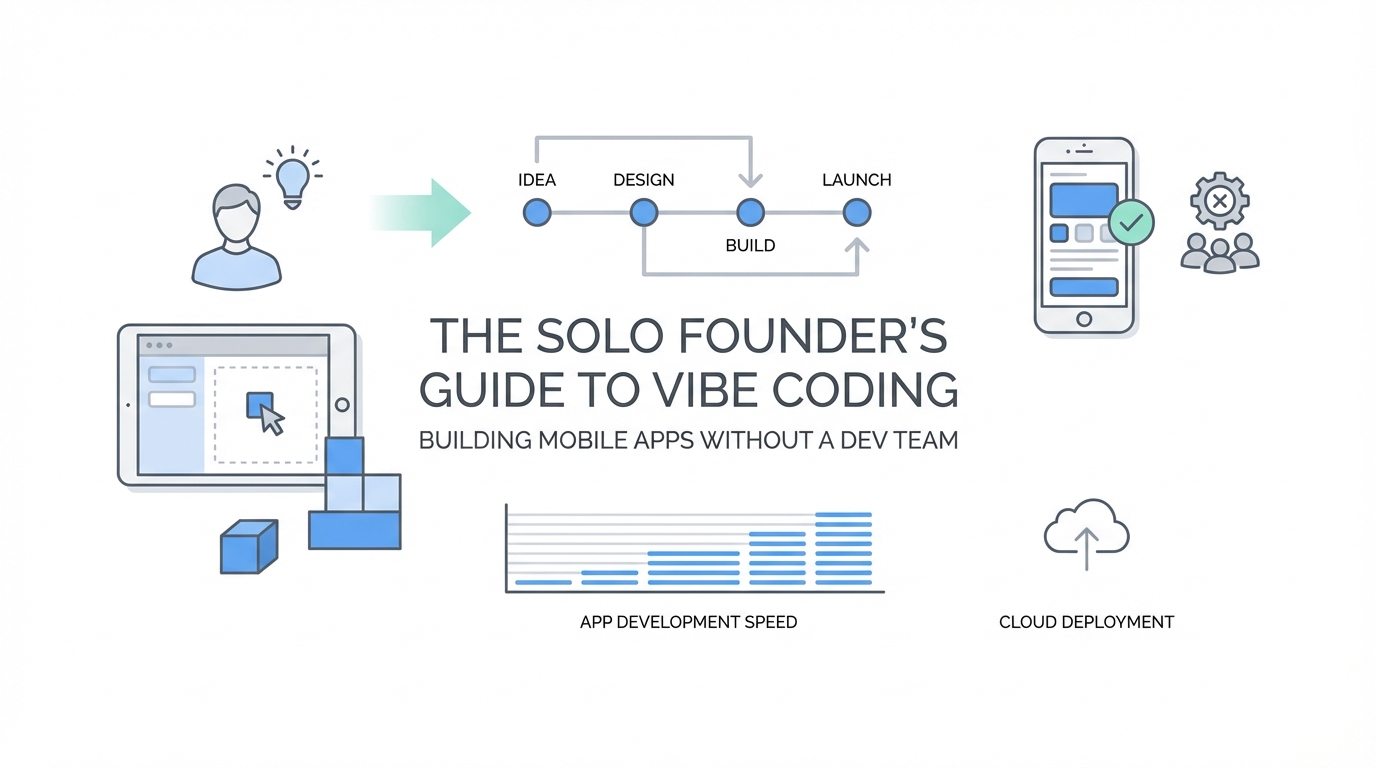
The traditional barrier to entry for mobile app development used to be a six-figure salary for a senior developer or three years spent mastering Swift and React Native. That barrier has officially collapsed. We have entered the era of the vibe coder—a period where founders can prioritize the vision, user experience, and product-market fit while delegating the heavy lifting of syntax and architecture to Large Language Models (LLMs). If you can describe it, you can build it. This guide provides a business-centric roadmap for non-technical founders to build an app with AI, moving from a simple prompt to a professional-grade product in record time.
The Graduation Path: No-Code to Code Graduation
For the uninitiated, the jump directly into a professional IDE (Integrated Development Environment) like VS Code or Cursor can be intimidating. Vibe coding for beginners usually starts with what we call the "Graduation Path." Instead of struggling with environment variables on day one, founders should begin with platforms designed for pure generation.
Tools like Create Anything or v0 by Vercel allow you to generate functional UI components and basic app logic through simple natural language. If you want to build a fitness tracker, you simply describe the screens. These platforms are exceptional for mobile-specific design because they handle the aesthetic constraints of small screens automatically. However, there comes a point where these "sandbox" tools reach their limit—this is the no-code to code graduation point. Once your app requires complex data persistence, background tasks, or custom animations, it’s time to move your codebase into a more robust environment like Cursor.
24-Hour Prototypes: From Idea to Functional App
One of the most radical shifts in the solo founder tech stack is the speed of iteration. In the old world, a Minimum Viable Product (MVP) took three months. In the vibe coding era, it takes 24 hours. Consider the example of a functional AI calorie tracker. By leveraging tools like Claude 3.5 Sonnet, a founder can describe a specific workflow—such as taking a photo of a meal and having the AI automatically calculate nutritional data—and have a working prototype by the next morning.
The key to this speed is detailed dictation. Typing prompts is slow and often lacks the nuance required for complex features. Using a tool like Whisperflow, you can dictate a five-minute brain dump of every interaction, button state, and animation you want. This high-density information allows the AI to scaffold the entire application architecture in one or two prompts, rather than back-and-forth micro-edits. When you build an app with AI, your ability to communicate the 'vibe' of the UX is your most valuable skill.
Pro-Tip: Slow-Motion Debugging
When building custom interactions, use the "Slow Animations" feature in the iOS simulator. This allows you to see exactly how elements are entering or exiting the frame. If a transition feels "janky," you can describe the exact frame where it fails to the AI, allowing for pixel-perfect refinements that used to take days of manual CSS or SwiftUI adjustments.
The Ultimate Vibe Coding Stack: Cursor and Claude Code
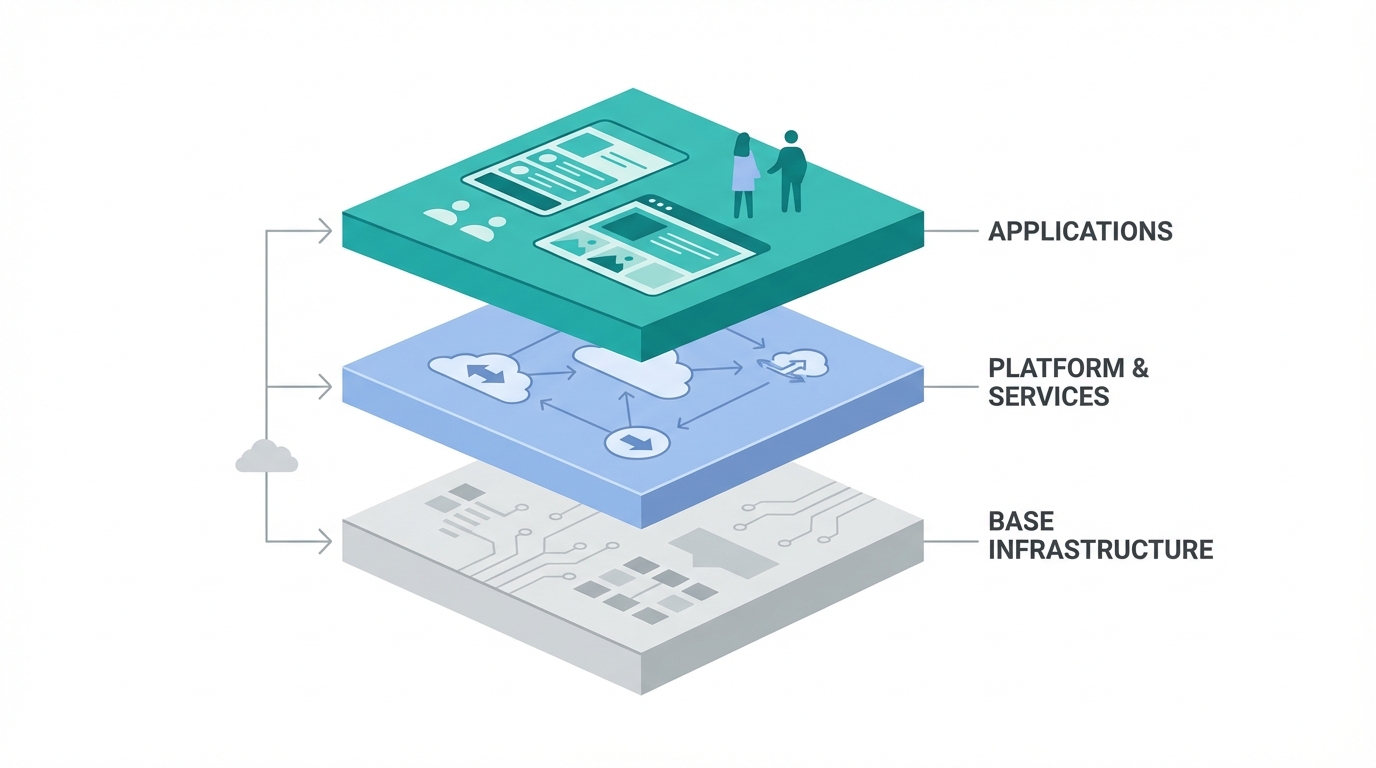

Most solo founders make the mistake of choosing just one tool. The most efficient builders use a hybrid approach, running Cursor and Claude Code simultaneously. Each has distinct strengths that, when combined, mimic a full engineering team.
- Cursor (Plan Mode): This is the "Architect." When you use Plan Mode in Cursor, the AI doesn't just write code; it proposes a multi-step strategy. It's particularly effective for complex bug fixes or when you need to refactor a large portion of your app.
- Claude Code (Terminal): This is the "Speed Demon." Running Claude directly in your terminal allows it to execute commands, run tests, and even manage background server tasks.
For high-level reasoning, many top vibe coders use Claude 4.1 Opus for its raw power, while switching to Sonnet for rapid execution. Interestingly, some founders find that using high-reasoning models like GPT-4o (or the latest o1-series) in Plan Mode yields better architectural decisions because these models "think" through the logic before the code is ever written.
Replacing the Senior Dev: Professional-Grade AI Code Reviews
The biggest risk for a solo founder is "spaghetti code"—logic that works today but breaks tomorrow because it lacks proper structure or security. Since you don't have a Senior Developer to review your Pull Requests, you must use AI code review tools to fill the gap. Platforms like BugBot can be integrated directly into your GitHub workflow. Every time you save a new feature, the AI scans for security vulnerabilities and performance bottlenecks.
Furthermore, leveraging Model Context Protocol (MCP) servers can give your AI access to real-time documentation. For example, using a Supabase MCP server allows Claude to see your actual database schema. Instead of guessing how to write a query, the AI knows exactly what tables exist and can write secure, optimized code. This effectively gives you a "DevOps" specialist for about $40 a month.
The Era of the Idea Guy: Focus on Market Fit

For decades, "I have an idea for an app" was a punchline because ideas were cheap and execution was expensive. In the era of vibe coding, the cost of execution is trending toward zero. This shifts the competitive advantage back to the "Idea Guy"—the founder who understands user psychology, market gaps, and distribution.
When you aren't spending 10 hours a day debugging a memory leak, you can spend that time on growth. For mobile apps, this often means focusing on User Generated Content (UGC) and influencer partnerships early in the development cycle. While you are building your app with AI, platforms like Stormy AI streamline creator sourcing and outreach, ensuring that you have a library of marketing creative ready the moment your 24-hour prototype is live on the App Store. The goal is to spend 20% of your time on the 'vibe' of the code and 80% on the 'vibe' of the market.
Budgeting for Success: The $40 Insurance Policy
If you are building a serious business, you need to move beyond free tiers. A professional solo founder tech stack typically costs less than $100 a month but provides the output of a $200,000 engineering team. Here is how to allocate your budget:
- Cursor/Claude Subscriptions ($20-$40): Essential for unlimited high-reasoning model access and Plan Mode features.
- AI Security & Review Tools ($40): Tools like BugBot or the advanced security tiers in Cursor provide the "Senior Dev" oversight needed to sleep at night.
- Deep Research Mode: Use Claude’s Deep Research capabilities to investigate technical hurdles before you start coding. It can spend 10 minutes scanning documentation to find the most efficient way to handle data persistence, saving you hours of trial and error. [source: Anthropic]
This investment is negligible compared to the cost of a single contract developer. It is essentially an insurance policy against technical debt.
Conclusion: From Vibe to Victory
Building a mobile app in 2025 is no longer about how well you can type; it’s about how well you can think. By following the graduation path—starting with tools like Create Anything and moving into a Cursor/Claude Code hybrid environment—solo founders can outpace traditional dev teams. Once the technical foundation is built, leveraging Stormy AI to discover and outreach to creators can turn your AI-built app into a viral success.
The "how" of coding has been solved by AI. Your job as a founder is to provide the "why." Start small, dictate your vision, and use AI to review every line of code. The era of the solo-founder-billionaire is closer than you think, and it starts with your first 'vibe' prompt.