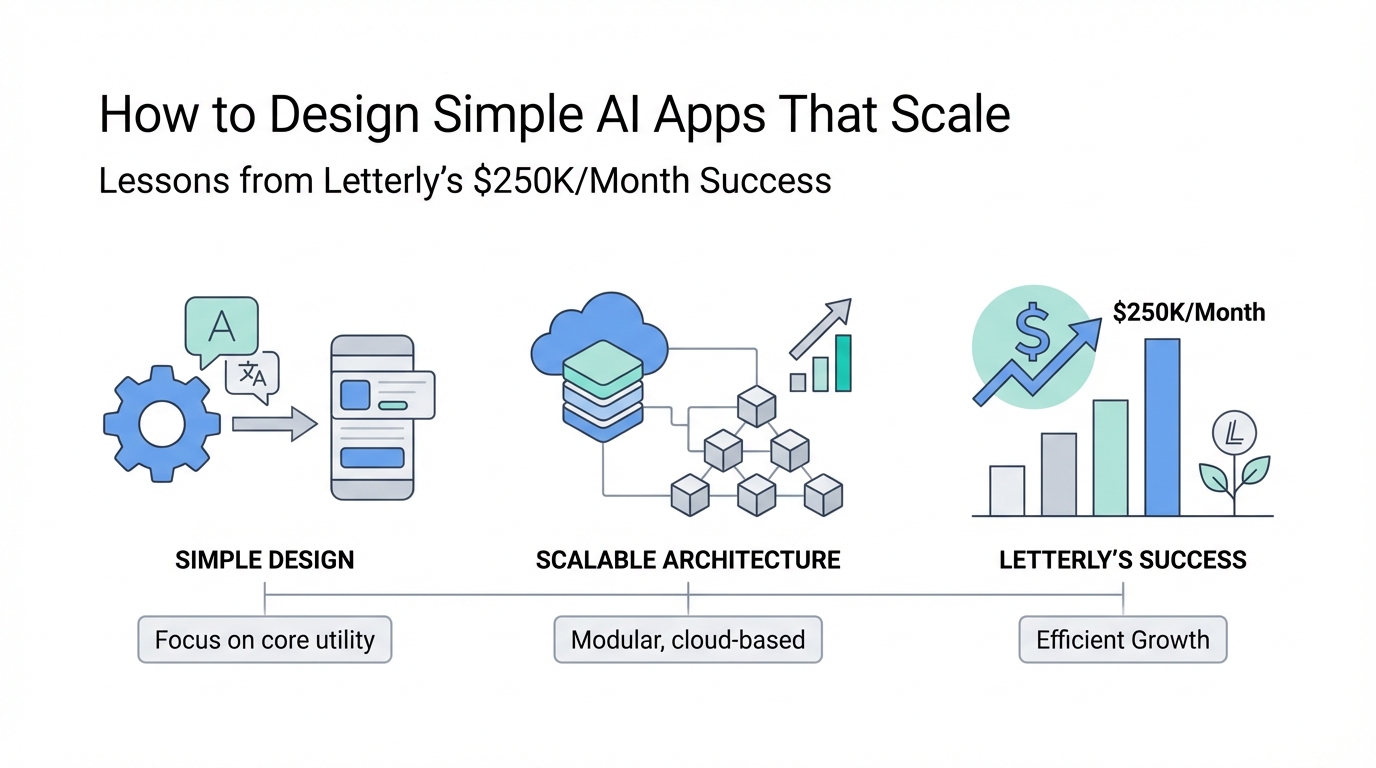
In the hyper-competitive landscape of the App Store, founders often fall into the trap of thinking that more features equate to more value. We are conditioned to believe that a longer feature list justifies a higher subscription price. However, Anton, the founder of Letterly, has turned this logic on its head. After 15 years of failed startups and experiments, he finally hit a goldmine by doing less, not more. His app, which simply turns speech into well-written text, generates a staggering $250,000 in monthly revenue [source: Anton Paley]. The secret sauce isn't a proprietary LLM or a revolutionary algorithm; it is a relentless commitment to AI app design simplicity and the elimination of user friction. In this deep dive, we explore how Letterly wins against giants like ChatGPT by being faster and easier to trigger, providing a blueprint for any founder looking to master UX for AI startups.
The Hidden Cost of Feature Bloat in AI Startups


Feature bloat is a silent killer for early-stage startups. When you add a new feature, you aren't just adding code; you are adding cognitive load for the user. Every additional button, menu item, or configuration setting is a hurdle that sits between the user and their desired outcome. Anton's journey is a testament to this reality. For over a decade, he tried to create "novel" and "unique" products that no one else was building, only to find that they lacked market fit. With Letterly, he pivoted his product simplicity strategy toward a validated need: making text input faster and more polished.
Anton explains that every point of friction kills your revenue. If a user has to think for more than a second about how to start using your tool, you’ve likely lost them. This is particularly true for minimalist app development in the AI space. Users don't care about the complexity of your backend; they care about how quickly they can solve their problem. Letterly’s success—boasting 20,000 paid subscribers and 150,000 downloads—stems from the fact that it does one thing exceptionally well. Instead of building a general-purpose AI assistant, Anton focused on a specific utility where AI user experience could be perfected.
The 'Simplicity First' Framework: UX as a Competitive Advantage
In the world of SaaS and mobile apps, simplicity is often treated as an afterthought or a polishing phase. To build a product like Letterly, you must treat simplicity as a primary feature. This means making hard choices. It means saying "no" to features that users might actually want if those features complicate the core flow. When users were asked why they chose Letterly over ChatGPT, the answer was consistent: "It just feels easier."
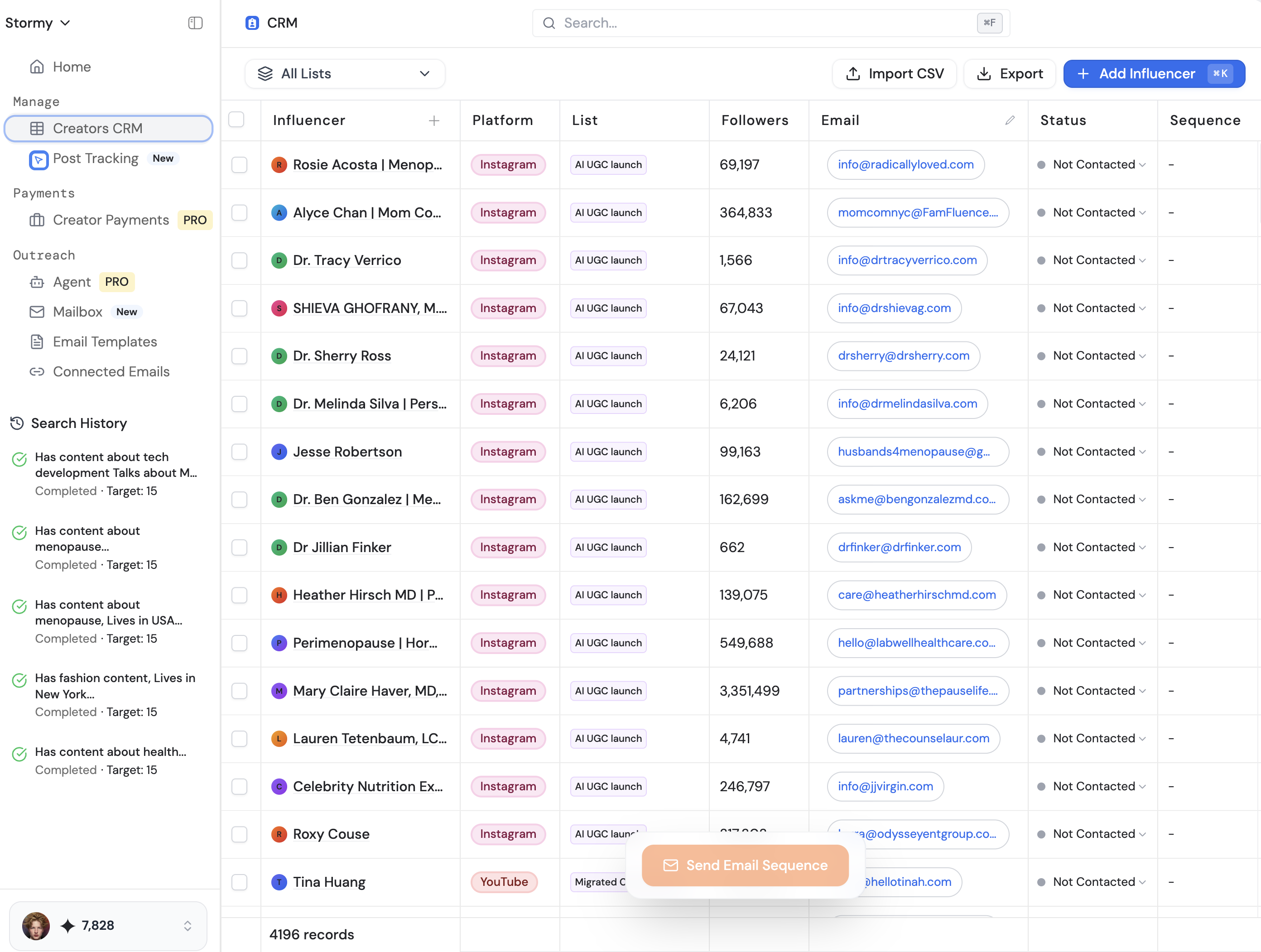
To implement a product simplicity strategy, you must understand that simplicity is expensive. It takes thousands of hours of prototyping and rebuilding to arrive at a UI that looks like it took five minutes to design. As your product grows, you should not just add; you should assess and simplify. Platforms like Stormy AI, an AI-powered platform for creator discovery and audience analysis, have seen this trend across successful mobile apps: the products that scale fastest are often those that reduce the time-to-value to the absolute minimum. When you focus on AI app design, your goal is to make the AI feel invisible, acting as a seamless extension of the user's intent rather than a tool they have to manage.
Step-by-Step Playbook for Eliminating User Friction

How do you actually strip away the unnecessary? Anton’s success provides a clear playbook for any developer or product manager focused on minimalist app development. Follow these steps to audit and optimize your AI user experience.
Step 1: Identify the "Trigger" and Shorten the Path
For Letterly, the trigger is the moment a user has a thought they want to record. If they have to unlock their phone, find the app, wait for it to load, and then hit record, the moment is lost. Letterly solves this with iOS widgets and a one-click recording interface. UX for AI startups should always begin with the question: "How many taps does it take to reach the core value?" If it's more than two, you have a friction problem.
Step 2: Optimize for Real-Time Feedback
Waiting for an AI to process can feel like an eternity. Letterly moved from standard processing to real-time transcription. This provides immediate visual confirmation that the app is working. Using robust backends like Python and frameworks like Swift, they ensure the app feels native and fast. Speed is a feature, and in the context of AI, speed is the ultimate friction reducer.
Step 3: Simplify the Output and Sharing Flow
Once the text is generated, what does the user do? Anton noticed that his most used feature was a simple copy-to-clipboard button. Instead of burying it in a share sheet, they put it front and center. They also integrated one-tap exports to tools like Notion and Google Docs. Every destination for the user’s data should be a single click away, similar to how Stormy AI allows users to contact creators instantly with hyper-personalized emails generated for each influencer.
The Iteration Cycle: From Prototype to Release
The path to simplicity is not linear. It requires a repetitive cycle of building and stripping away. Anton’s team of 10 follows a rigorous three-stage iteration process. First, they iterate on prototypes, drawing and discussing until the core idea is lean. Second, they build. Even during the build phase, they often stop to ask, "Is this as simple as we dreamed?" This frequently leads to postponing features to ensure the existing ones are perfect.
Finally, there is the post-release iteration. By listening to user feedback, they identified that users often need more than one rewrite of a note. Instead of adding a complex menu, they added scrollable rewrite screens. This allows users to stay in the same context while exploring different AI-generated versions of their speech. This level of AI app design requires a willingness to invest heavily in the user interface, even if the underlying technology stays the same.
Case Study: Why Letterly Wins Against "Free" Alternatives
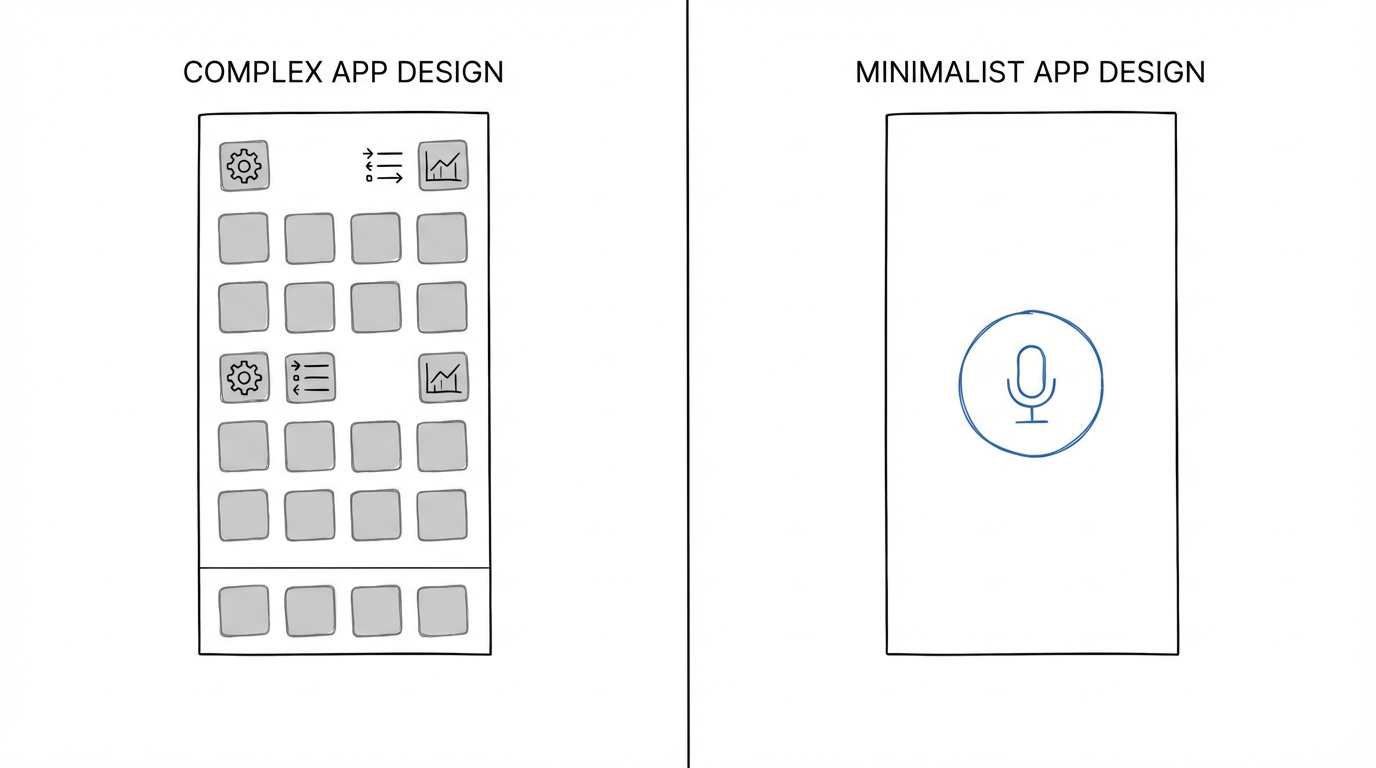
One of the most common questions for AI founders is: "Why would someone pay for this when they can use ChatGPT for free?" The answer lies in the AI user experience. While ChatGPT is a powerful generalist, it is also a "high-friction" environment for specific tasks. You have to type a prompt, wait for a response, and often refine the output through multiple chat turns. Letterly is a specialist tool. It is built for the person for whom speaking is easier than typing.
By narrowing the focus, Letterly can optimize the entire stack for voice-to-text. Their $250,000 monthly revenue proves that users are willing to pay for the time saved by a better UI. This is a crucial lesson for those using Stormy AI to find creators for app marketing: the best UGC (User-Generated Content) highlights ease of use over technical specs. When a creator shows how they can record a meeting summary with one tap, it resonates more than an explanation of the LLM’s parameters.
The Business of Simplicity: Costs, Margins, and Growth

Simplicity at the front end doesn't mean the business side is small. Letterly spends approximately $200,000 per month on advertising across platforms like Meta Ads and Apple Search Ads. This aggressive growth strategy is possible because the app generates money from day one. Their AI costs are roughly $5,000 per month, while staff salaries for their team of 10 total around $30,000.
This financial breakdown reveals a high-growth, high-reinvestment model. Just as brands use Stormy AI to vet creators and eliminate engagement fraud before investing, Anton focused on a validated business model—people already use voice memos and notes—so he didn't have to waste money educating the market. He only had to prove that his minimalist app development approach provided a better experience than existing free or complex tools. For developers looking to replicate this, the advice is clear: build something that can generate revenue immediately and focus your 100% effort on it once you see traction.
Conclusion: Your Playbook for AI Success
The success of Letterly is a powerful reminder that in the age of AI, design is the differentiator. While everyone has access to the same underlying models, not everyone can build a frictionless bridge between that technology and the user's needs. To scale like Letterly, you must embrace the product simplicity strategy. Stop looking for the next complex feature and start looking for the next point of friction you can remove.
Key takeaways for your next project: focus on AI app design that prioritizes speed, iterate relentlessly on your prototypes, and don't be afraid to charge for a superior user experience. If you can save a user thirty seconds every time they need to perform a task, you haven't just built an app; you've built a valuable utility that they will gladly pay for. As you scale, consider leveraging Stormy AI to find the right creators to showcase your app’s simplicity to the world. Remember: simple isn't just better—it's more profitable.