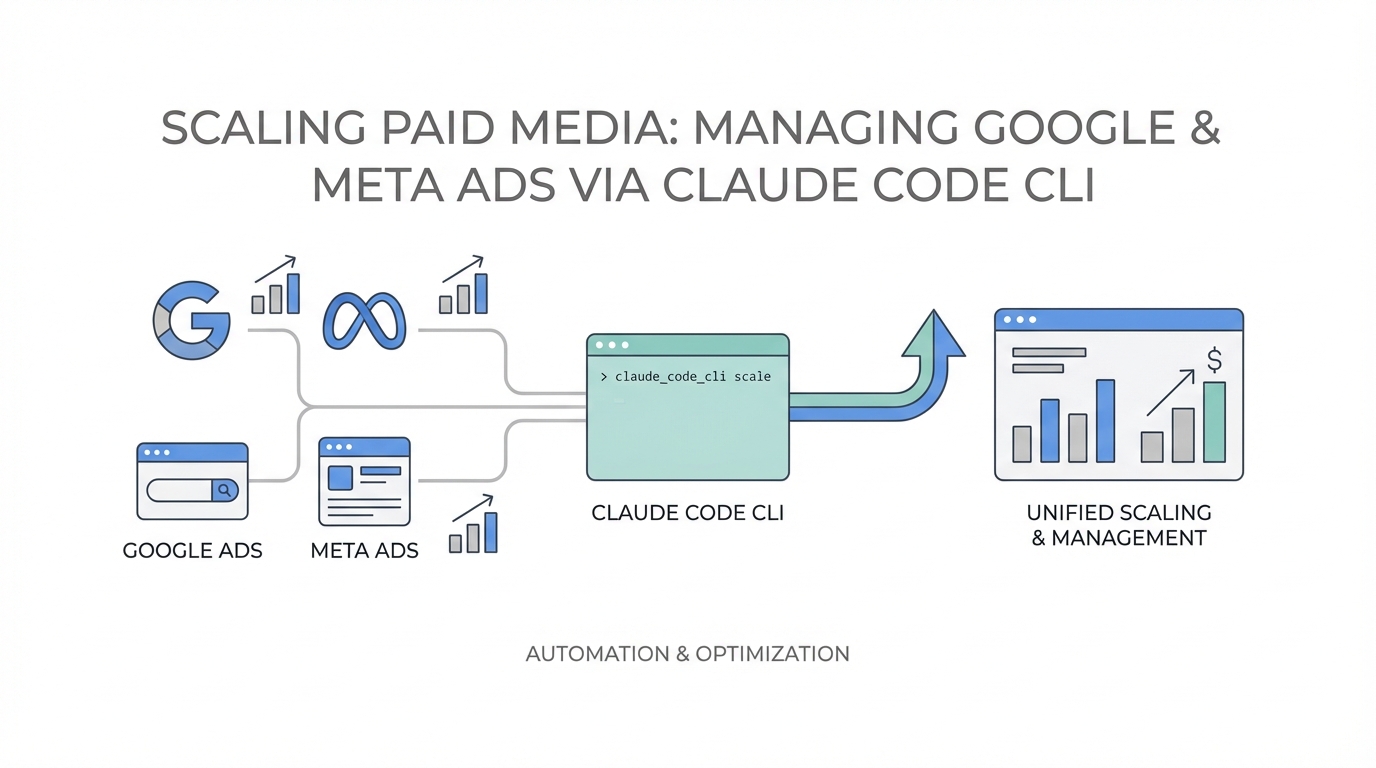
The era of "Chat AI" is ending, and the era of "Action AI" has arrived. For years, performance marketers used LLMs like creative writing assistants—drafting headlines, brainstorming hooks, or summarizing meeting notes. But the release of Claude Code, Anthropic’s agentic command-line interface (CLI), has shifted the paradigm. We are no longer just talking to the AI; we are giving it the keys to the engine room. By early 2026, roughly 70% of Fortune 100 companies have integrated Claude into their workflows, according to data from Incremys, signaling a massive move toward automated, code-based execution.
For paid media buyers, this is a revolution. Instead of toggling between browser tabs and static spreadsheets, marketers are now using the terminal to manage automated ad management across Google and Meta in real-time. This "Vibe Marketing" approach allows technical founders and lean growth teams to build entire marketing ecosystems in minutes, rather than weeks. By leveraging the Model Context Protocol (MCP), Claude Code connects directly to live ad APIs, eliminating the dreaded "knowledge cutoff" and allowing for precision bidding and creative testing at a scale previously reserved for massive agencies.
"The entire marketing department is now one dude with Claude Code and a coffee—building research, landing pages, and video ad strategies in under an hour."Eliminating Static Data reliance: Real-Time API Access
The primary limitation of traditional web-based AI assistants is their reliance on training data that is months or years old. In performance marketing, where a 24-hour shift in CPC can break a campaign, static data is useless. Claude Code solves this by utilizing MCP servers. This protocol allows the AI to step outside its training window and interact with the live internet and private databases. When you use the Google Ads MCP, Claude isn't guessing what a good ad looks like; it is querying your account's actual performance history to see what is working right now.
This transition from chat-based advice to live-data execution is why marketers report being 300x faster at complex tasks like multi-landing page optimization and programmatic SEO, as noted by Geeky Gadgets. By connecting the CLI to live ad platforms, you can ask Claude to "Analyze my Meta Ads spend from the last 48 hours and identify which creative has the lowest CPA," and it will return a data-backed answer derived from the Meta Ads API integration.
Automated Creative Testing: Programmatic Headlines and Copy
One of the most exhausting parts of performance marketing AI is the constant need for creative refreshment. Ad fatigue is real, and manually drafting 50 variations of a headline is a recipe for burnout. With Claude Code, you can implement a "Plan Mode" workflow to programmatically generate and deploy ad copy. Instead of one-off prompts, you build a framework where Claude analyzes top-performing assets and iterates on them automatically.
For example, using the Kilo.ai methodology of agentic workflows, you can set up a routine where Claude monitors your Meta Ads Manager. If a specific creative's CTR drops below 1.5%, the AI automatically triggers a generation task to produce five new headline variations based on historical winners. This Meta Ads automation ensures your creative pipeline never runs dry.
Moreover, digital agencies have successfully used Claude to generate personalized 7-day email sequences that complement their paid traffic, seeing open rates jump from 18% to 28%. This level of cross-channel consistency is only possible when the AI has a unified view of your marketing stack. When sourcing UGC creators to fuel these ads, platforms like Stormy AI streamline creator sourcing and outreach, providing the raw video assets that Claude then uses to script and optimize high-converting campaigns.

Budget Optimization: Deploying Specialized Sub-Agents
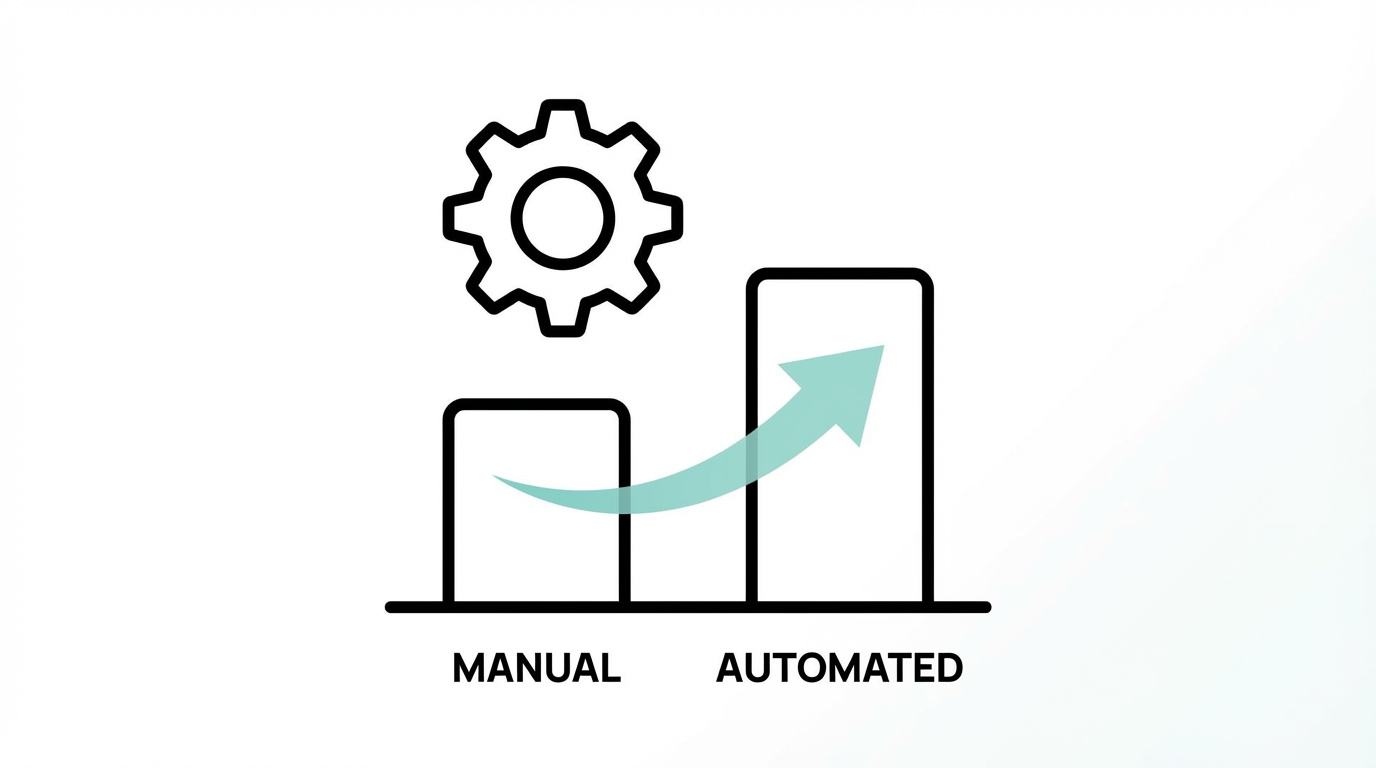
The future of Claude Code ads strategy isn't about one giant prompt; it's about "Agentic Orchestration." This involves deploying a team of specialized sub-agents that work in parallel. Digital agencies implementing this model have reported a 75% reduction in time spent on campaign analysis, according to Anthropic case studies. You can effectively deploy three distinct agents via the CLI:
- The SEO Auditor Agent: Uses the Ahrefs API to identify keyword gaps and organic opportunities that should be reinforced with paid search.
- The PPC Optimizer Agent: Monitors the Google Ads API to adjust bids based on real-time ROAS fluctuations.
- The Brand Voice Agent: Scans all generated copy to ensure it aligns with your
CLAUDE.mdcontext file.
"The 'Prompt Engineering' era is over. We are now in the 'Context Engineering' era, where success is defined by the quality of your framework, not the cleverness of your commands."By using the `/compact` command in Claude Code, you can keep these agents focused, summarizing long-running data sessions so the AI doesn't suffer from "context window bloat." This allows the sub-agents to maintain 99.9% accuracy even when dealing with massive codebases or complex ad accounts, a feat recently demonstrated by Rakuten in their autonomous implementation of business logic.
Building a 'Context-First' Ad Strategy
A common mistake in AI marketing is the "Magic Prompt" fallacy—expecting a single paragraph to generate a perfect campaign. Expert growth marketers like Prashant Sridharan argue that Claude Code should be treated as a development environment for marketing. This means prioritizing Frameworks over ad-hoc prompts.
Central to this is the CLAUDE.md file. This is a persistent context file that lives in your project directory and tells the AI exactly how to behave. For a Google Ads MCP workflow, your context file might include:
- Strict brand voice guidelines (e.g., "Never use emojis in Google Search ads").
- Target audience personas with specific pain points.
- Negative keyword lists that must be checked before any campaign deployment.
- Conversion tracking requirements to ensure no ad is launched without proper tagging.
Playbook: Setting Up Your Automated Ad Workspace
Ready to move your ad management into the terminal? Follow this Claude Code ads strategy playbook to get started.
Step 1: Install Claude Code and MCP Servers
Ensure you have the latest version of the Claude CLI installed via the Official Anthropic Documentation. Then, head to the MCP Directory to find the Google Ads and Meta Ads connectors. You will need to authenticate your ad accounts to give the CLI permission to pull data.
Step 2: Create Your CLAUDE.md Framework
Don't skip this. Define your brand’s DNA in a markdown file. If you are running an app install campaign, specify that the AI should focus on App Store Optimization (ASO) keywords and use specific UGC hooks. If you need more creator content to test, using an AI-powered discovery platform like Stormy AI can help you find influencers whose style matches your brand context, which you can then feed into your Claude framework.
Step 3: Deploy an Analysis Sprint
Run your first command: claude "Analyze the last 30 days of Google Ads performance. Identify the top 3 performing keywords by conversion value and suggest 5 new ad groups based on these themes." Because the CLI uses the live API, it will return actionable insights rather than generic advice.
Step 4: Automate Creative Refresh
Use the Puppeteer MCP to take screenshots of your competitors' landing pages. Feed these into Claude and ask it to identify visual trends. Then, have the Meta Ads MCP agent draft new ad variations that counter those trends, maintaining a competitive edge in real-time.
The Future of Programmatic Marketing
Scaling paid media in 2026 is no longer about who has the biggest budget; it’s about who has the most efficient agentic orchestration. By moving away from the browser and into the Claude Code CLI, performance marketers are reclaiming their time. They are turning 8-hour audit marathons into 2-hour sprints and ensuring that every dollar spent is backed by real-time API data rather than outdated training sets.
As tools like Stormy AI continue to revolutionize how we discover and manage the human side of marketing—the creators and the UGC—Claude Code provides the technical infrastructure to deploy that human creativity at a programmatic scale. Whether you are a solo founder or a lead at a digital agency, the terminal is your new command center. It's time to stop chatting and start executing.