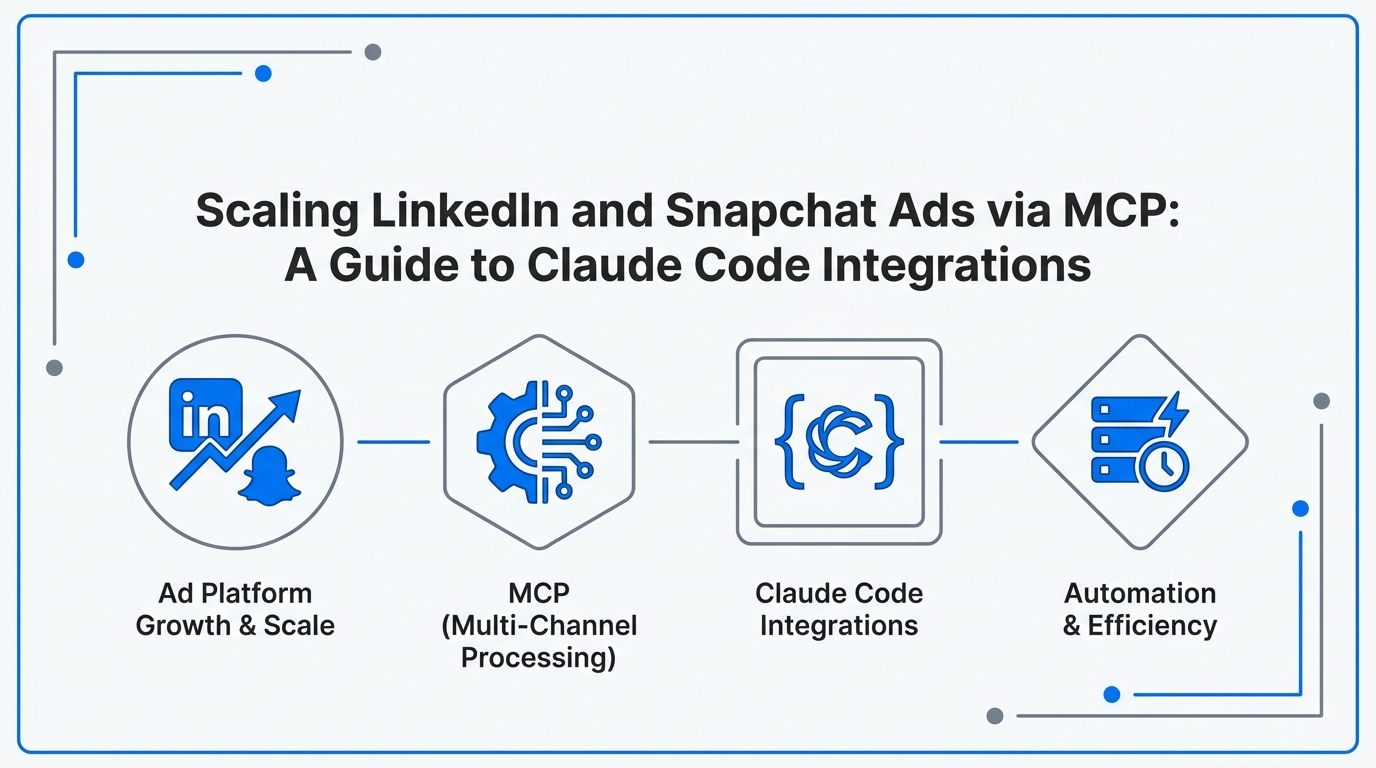
For years, growth marketers have been trapped in a cycle of manual CSV exports, dashboard fatigue, and disjointed workflows. But the paradigm is shifting. A new era of "Vibe Marketing" is emerging, where technical teams treat their marketing funnel exactly like a codebase. By moving workflows into the terminal, marketers are reporting they are 300x faster at complex tasks like multi-landing page optimization. This guide explores how to leverage Claude Code and the Model Context Protocol (MCP) to achieve true
Introduction to Model Context Protocol (MCP): The New Standard for Live Marketing Data
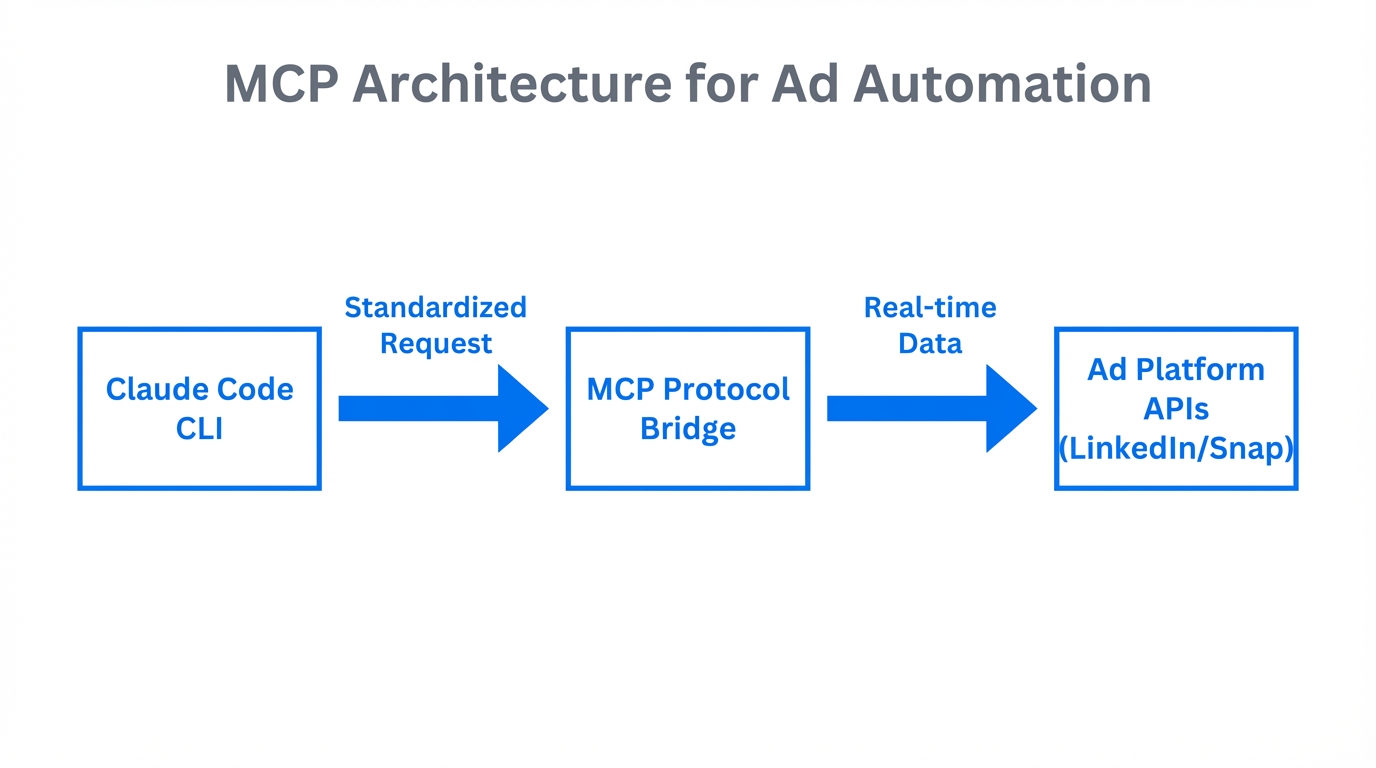
The biggest bottleneck in AI-driven marketing has always been data latency. Traditional chat interfaces require you to copy-paste performance metrics, which are often outdated by the time you hit "send." Enter the Model Context Protocol (MCP). This open standard allows Claude Code to securely connect to live data sources, transforming it from a simple chatbot into a high-functioning agentic system.
According to research from Talkwalker, the shift toward agentic AI is accelerating. Unlike standard LLMs, MCP-enabled agents can "see" your live ad accounts. This allows Claude Code to perform multi-step workflows, such as auditing a Meta account while simultaneously drafting LinkedIn posts, effectively acting as a "junior developer" for your marketing operations.
"The transition from 'Chat' to 'Agent' means moving from one-off prompts to Plan Mode, where the AI executes complex, multi-platform strategies autonomously."
Querying Snapchat Performance Metrics Directly from the CLI
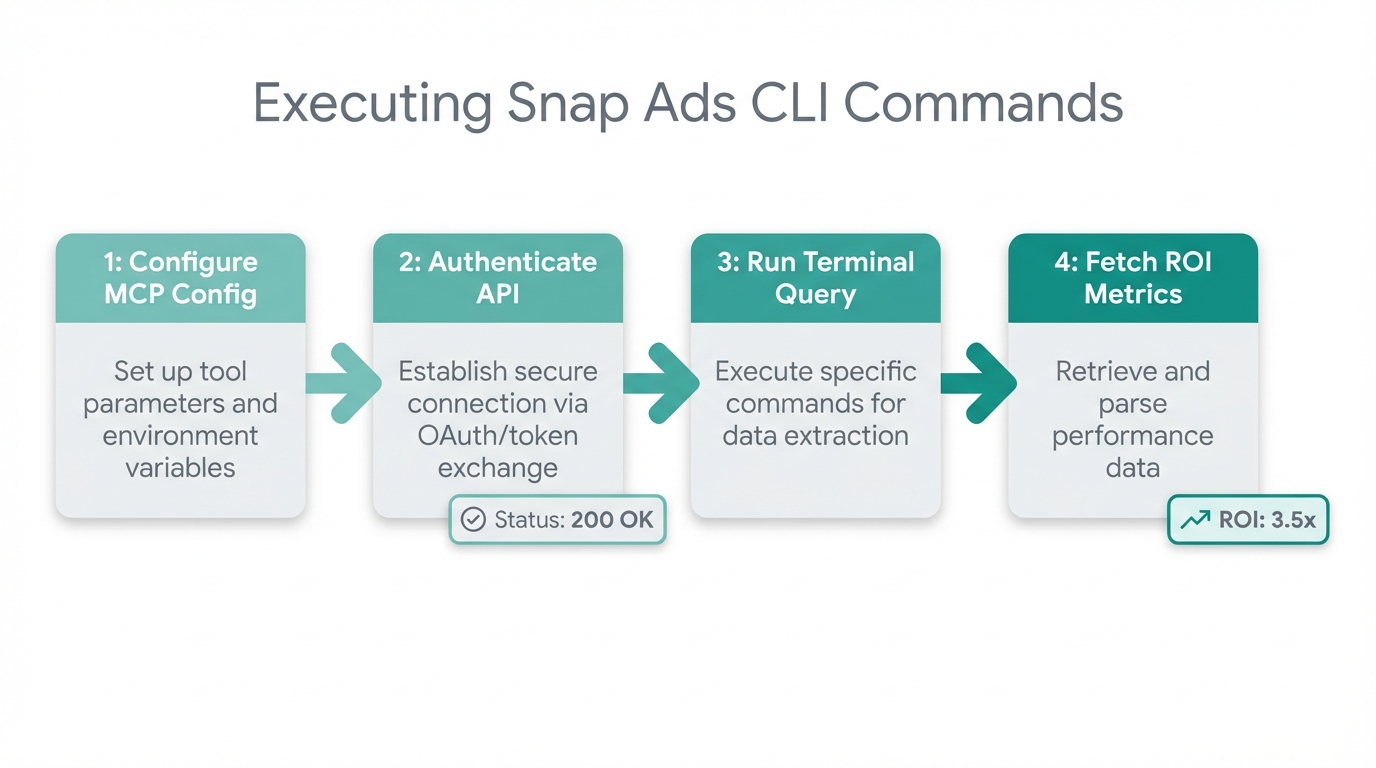
Snapchat remains a powerhouse for reaching younger demographics, but its native reporting tools can be cumbersome for high-velocity testing. By integrating a Snapchat Ads MCP Server, you can query ROAS, eCPM, and Swipe-ups using natural language directly from your terminal. This eliminates the need for manual data mining and allows for real-time ad reporting AI capabilities.
The Snapchat Query Playbook
- Initialize the MCP Server: Connect your Snapchat Ads credentials to Claude Code using tools like CData Connect AI.
- Run Natural Language Queries: Type commands like "Claude, show me the top 3 campaigns by ROAS in the last 24 hours" directly into the CLI.
- Automate Budget Adjustments: Set up scripts that use the Snapchat Ads API integration to scale winning ad sets by 10% automatically if they meet specific KPI thresholds.
Early adopters of these agentic systems report an ROI up to 98% higher than those using manual workflows, largely due to the speed of autonomous budget management.
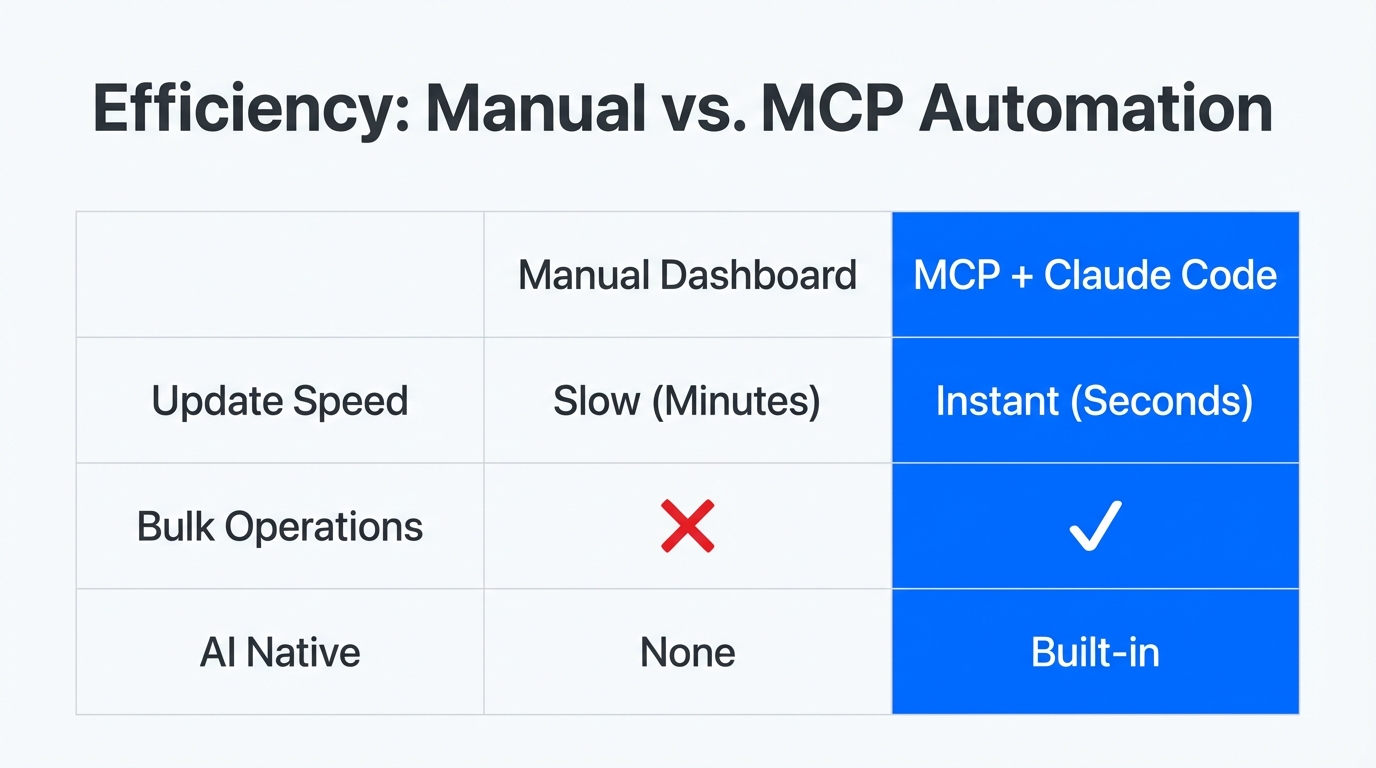
| Feature | Manual Dashboard Workflow | Claude Code + MCP Workflow |
|---|---|---|
| Data Retrieval | Manual CSV Export (15 mins) | Natural Language Query (5 secs) |
| Optimization | Reactive/Human-led | Proactive/Agent-led |
| Actionability | Context-switching between tabs | Execution within Terminal |
Automating 'Audience-Switching' Copy for LinkedIn
LinkedIn requires a high degree of personalization. A common hurdle is the "Audience-Switching" pivot—maintaining your unique brand voice while tailoring hooks for different Ideal Customer Profiles (ICPs). By providing Claude Code with your LinkedIn post history, you can automate this process while keeping the "vibe" consistent.
Using .claude/rules file that defines your tone of voice. This ensures that every generated post adheres to your brand identity, even when pivoting from a "CTO-focused" technical deep dive to a "CMO-focused" high-level strategy piece.
"The goal is to hook the network and sell the ICP. AI agents allow us to scale this strategy across hundreds of variations in seconds."
To further streamline your workflow, you can integrate Ligo or Composio MCP servers. These tools allow you to publish LinkedIn content directly from the terminal, bridging the gap between content creation and campaign management. This level of automation is why early adopters report a 75% reduction in time spent on repetitive marketing tasks.
Managing Campaigns and UGC without Leaving the Terminal
For brands scaling mobile app install campaigns, managing creator relationships and User Generated Content (UGC) is the next logical step in automation. While Claude Code handles the technical execution of your ad scripts, tools like Stormy AI can help source and manage UGC creators at scale, providing the creative fuel for your automated pipelines.
By pairing Claude Code's analytical power with Stormy AI’s creator discovery, you can build a full-stack growth machine. Imagine an agent that detects a dip in Snapchat performance, queries Stormy for new fitness creators in LA, and drafts personalized outreach emails via the Lemlist API—all from a single terminal command.
Using CData Connect AI to Bridge the Data Gap
For enterprise-level marketers, the challenge isn't just getting data—it's getting it securely. CData Connect AI acts as a secure middleware, allowing Claude Code to access enterprise social data via MCP servers without compromising security protocols. This is critical for maintaining stateless workflows where data privacy is paramount.
When setting up these integrations, avoid the common mistake of jumping straight into "Edit Mode." Experts on Reddit's r/ClaudeCode recommend using Plan Mode first to outline the architecture of your API calls. This prevents broken validation logic and ensures that your
Common Mistakes to Avoid in Terminal-Based Marketing
- Stateless Workflows: Always include a
CLAUDE.mdfile or.claude/rulesto provide persistent brand guidelines. Without these, your LinkedIn Ads automation will lack a consistent voice. - Token Waste: Don't use the flagship "Opus" model for simple CSV formatting or data cleaning. Use the faster, more cost-effective Claude 3.5 Haiku for boilerplate tasks to maximize efficiency.
- Lack of Full-Stack Visibility: Ensure your agent has browser access to verify how ads appear. A script might look perfect in the terminal but fail to render correctly on mobile devices.
Conclusion: The Future of Agentic Marketing
The transition from manual campaign management to terminal-based automation isn't just about speed; it's about strategic clarity. As Digital NRG notes, automation has leveled the tactical playing field. True differentiation now comes from the ability to architect complex systems that leverage
By integrating Claude Code with MCP servers for LinkedIn and Snapchat, you are no longer just a media buyer; you are a growth engineer. Whether you are using the Claude Ads Audit Tool to run 190+ PPC checks or automating your entire Meta Ads budget via the /let-it-rip command, the future belongs to those who treat their marketing as a stack, not a chore. Start by exploring the MCP Directory today and take your first step toward a fully autonomous marketing engine.