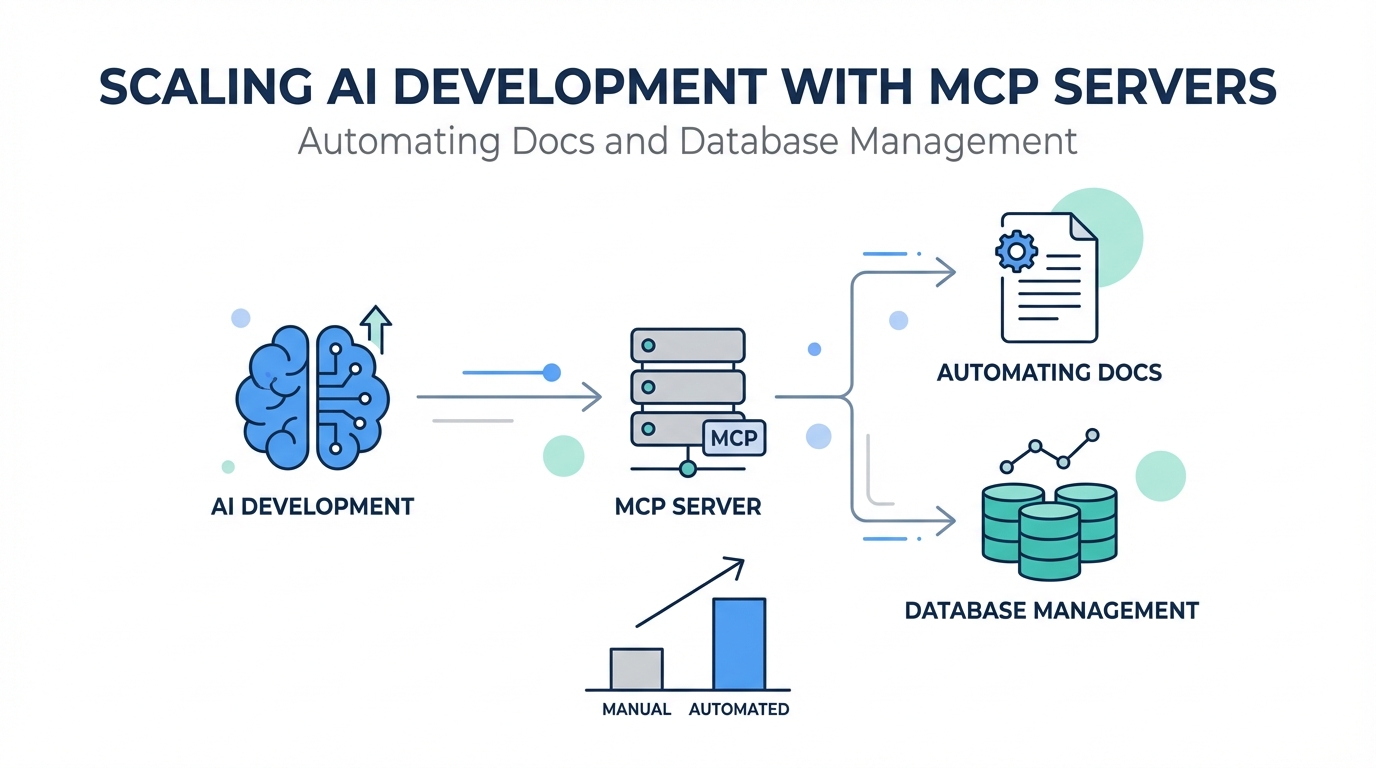
The "Era of the Idea Guy" is officially here. As Sam Altman recently noted, the barrier between having a vision and executing it is dissolving, thanks to the rise of vibe coding and AI-powered development tools. But as any developer who has tried to scale an app knows, the AI is only as good as the context it has. If your AI agent doesn't know about your latest database schema or is working off outdated API documentation, the "vibe" quickly turns into a debugging nightmare. This is where the Model Context Protocol (MCP) changes everything. By connecting tools like Cursor and Claude to live data sources, developers are now building complex, revenue-generating applications in a fraction of the time it used to take entire teams.
What are MCP Servers? Extending the Knowledge of Claude and Cursor
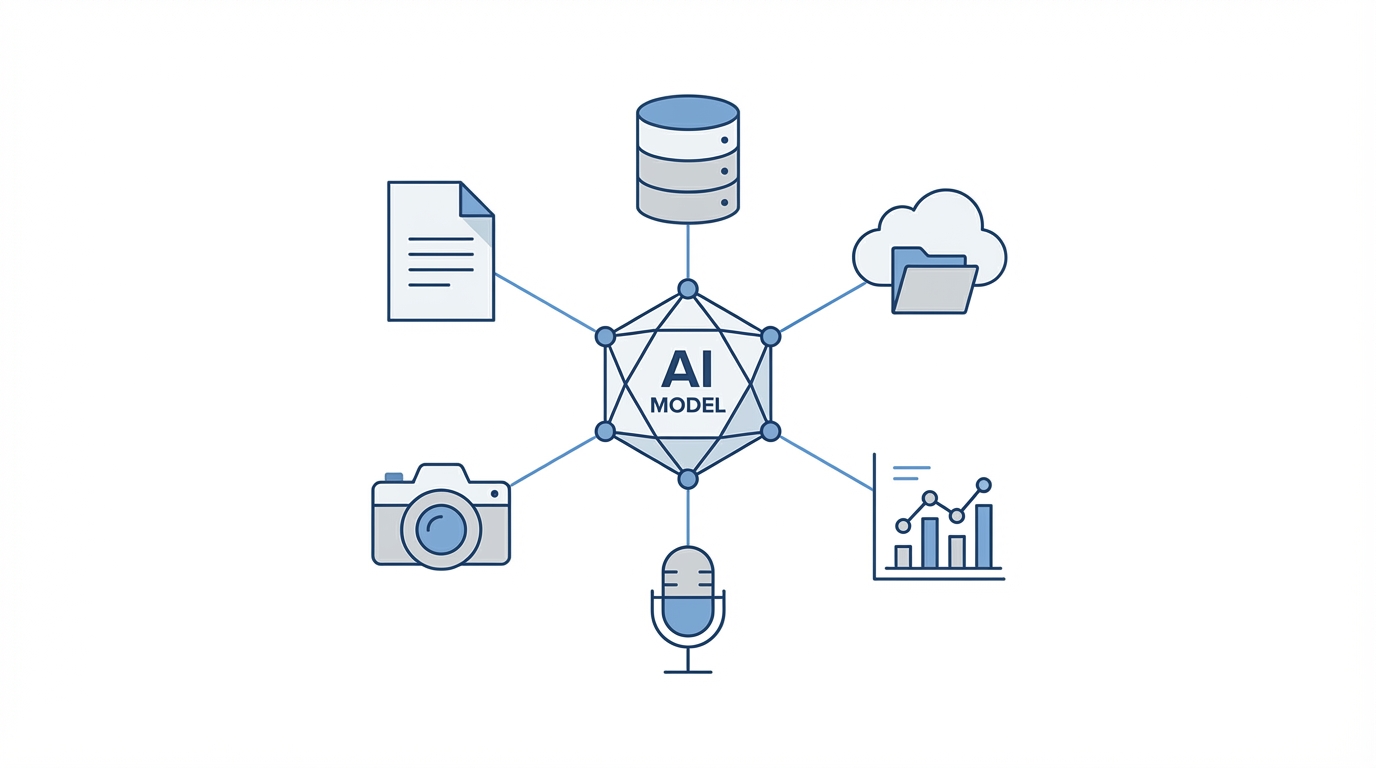

At its core, the Model Context Protocol (MCP) is an open standard that enables AI models to safely and structuredly access external data and tools. Think of it as giving your AI agent "eyes" and "hands" outside of its chat window. Traditionally, AI models like Claude were limited by their training data cutoff. If a library updated its syntax last week, the AI would still suggest the old, broken way of doing things. MCP servers for coding bridge this gap by allowing the AI to fetch real-time information from your local environment, your cloud infrastructure, or third-party APIs.
For developers using Cursor or Claude Code, MCP servers function as a plugin system. You can hook up a server that allows the AI to read your Supabase configuration, browse your GitHub issues, or even query your PostHog analytics. This deep integration means the AI isn't just guessing; it’s working with the ground truth of your specific codebase. By leveraging MCP, you transform a general-purpose LLM into a specialized engineering partner that understands your unique technical stack and AI database management requirements.
Context7 Tutorial: Giving Your AI Agent Access to the Latest Documentation
One of the biggest friction points in modern development is staying synchronized with rapidly changing API documentation. If you are integrating a tool like PostHog Analytics, you might find yourself constantly copying and pasting documentation links into your prompts. Context7 is a free MCP server designed specifically to solve this. It provides AI agents with access to the latest, highly compressed, and LLM-optimized documentation for thousands of libraries and APIs.
To use Context7, you simply add the MCP server to your configuration in Cursor or Claude Code. Once active, instead of feeding a URL to the AI, you can simply say, "Use the latest documentation for PostHog to implement event tracking." The AI will then use the Context7 MCP to pull a version of the docs that is formatted specifically for token efficiency and logical parsing. This method is significantly more reliable than web scraping, as it avoids the noise of navigation menus and sidebar ads that often confuse LLMs during a standard search.
Managing Supabase and Firebase via MCP: Schemas and Security Rules
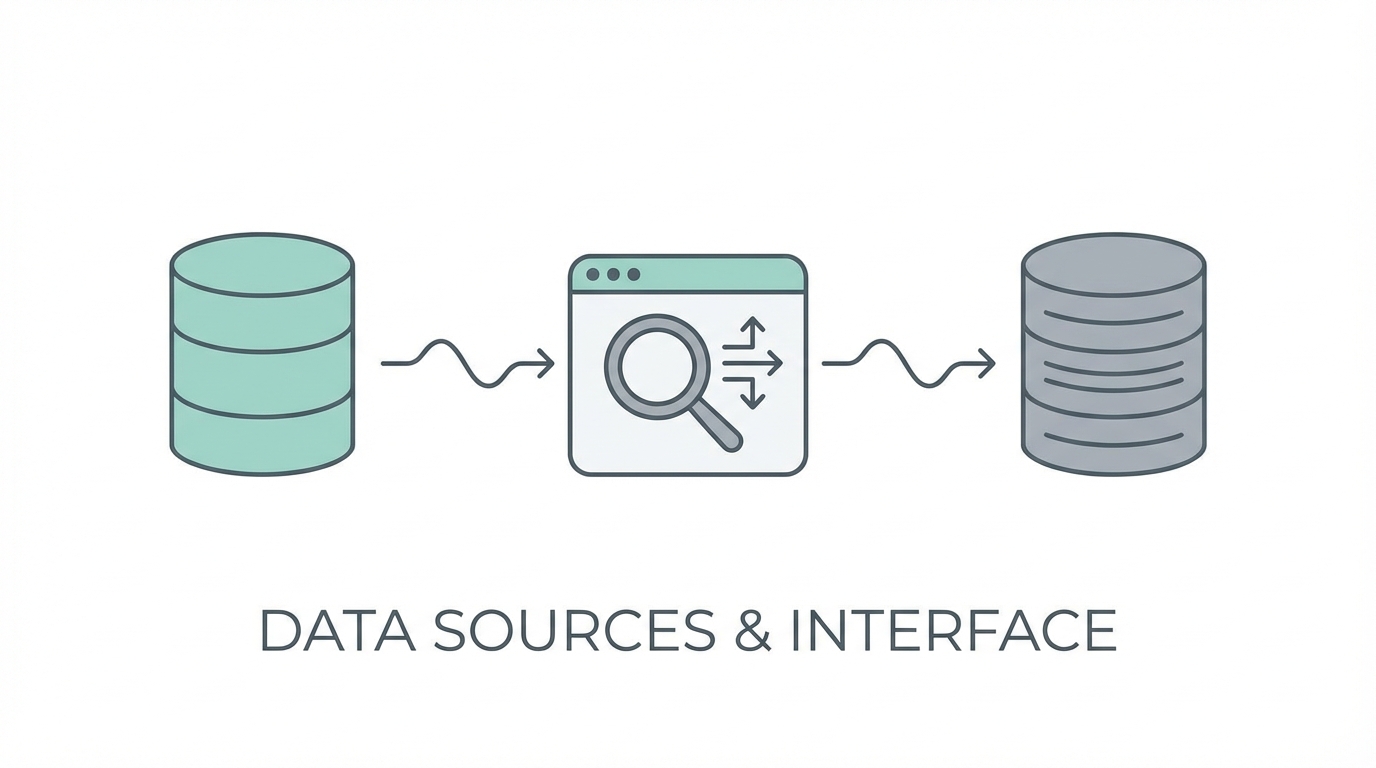

Giving an AI write access to your production database might sound like a recipe for disaster, but many developers are finding that Supabase MCP servers actually increase security. When you connect your AI agent to Supabase or Firebase via an MCP server, it can spin up database schemas, handle migrations, and—most importantly—audit your security rules. For example, you can prompt the AI to "Check my Row Level Security (RLS) rules and ensure no public access is allowed on the users table."
The AI can catch edge cases that human developers often miss during a late-night coding session. Because the AI has a global view of the database schema and the application logic, it can identify when a security rule is too permissive or when an index is missing, which could lead to performance bottlenecks. While you should always review the AI's proposed changes before execution, using AI database management tools allows for a faster, more robust setup of complex backends. Managing creator relationships or user data becomes significantly simpler when your AI can handle the underlying table structures autonomously.
Security Best Practices: Catching Vulnerabilities in Production
As you move from prototyping to production, security becomes the top priority. One of the most effective hacks for solo developers is using AI-powered review tools that integrate directly with your GitHub workflow. Tools like BugBot or the built-in review features in Claude Code act as a secondary pair of eyes. When you open a pull request, these agents scan the code specifically for security vulnerabilities and logic flaws.
Just as tools like Stormy AI help brands source and manage UGC creators through automated discovery and vetting, modern AI coding agents can vet your infrastructure. In fact, many developers find that paying for an AI code reviewer is the best investment they make for their peace of mind. It allows you to "vibe code" at high speeds while ensuring that you aren't accidentally pushing a configuration that leaves your production database open to the public internet. Security best practices in the era of AI mean treating the AI as a security auditor that never gets tired and never skips a line of code.
Automation Playbook: Background Tasks and Instant Debugging
The final piece of the scaling puzzle is automated documentation for AI and log management. A recent addition to the Claude Code ecosystem is the ability to run background tasks. You can instruct the AI to "Run my server in the background and monitor the logs." This creates a persistent connection where the AI is essentially watching your application run in real-time. If an error occurs, the AI doesn't just see the stack trace in your terminal; it has the full context of the server logs to diagnose the issue instantly.
Step 1: Set Up Background Tasks
Open your terminal and initiate Claude Code. Use the command to run your development server (e.g., npm run dev) as a background task. This allows the AI to keep the process alive while you continue to prompt it for features or fixes.
Step 2: Enable Real-Time Log Access
Ensure your AI agent has permission to read the output of those background tasks. When a bug occurs in the browser, you no longer need to copy-paste the error. You simply ask, "What happened in the logs?" and the AI can pinpoint the exact line of code that failed based on the live data.
Step 3: Use the Ultra Think Keyword
For particularly stubborn bugs, use the "ultra think" keyword in your prompt. This triggers a more intensive reasoning process where the AI explores multiple solutions before presenting the best fix. This is especially useful for complex AI database management issues where the relationship between tables and queries is non-obvious.
Conclusion: The Future of AI-Driven Development
Scaling a modern application requires more than just a clever prompt; it requires a robust infrastructure where the AI is a first-class citizen. By leveraging Model Context Protocol (MCP) servers, you give your AI agents the context they need to perform at a professional level. Whether it is using Context7 for automated documentation or Supabase MCP for database security, these tools are multiplying the output of solo developers and small teams across the globe. As you continue to build, remember that the goal of AI database management and automated documentation for AI is to free you from the mundane, allowing you to focus on the "era of the idea." Start by integrating one MCP server today, and watch your development velocity transform.