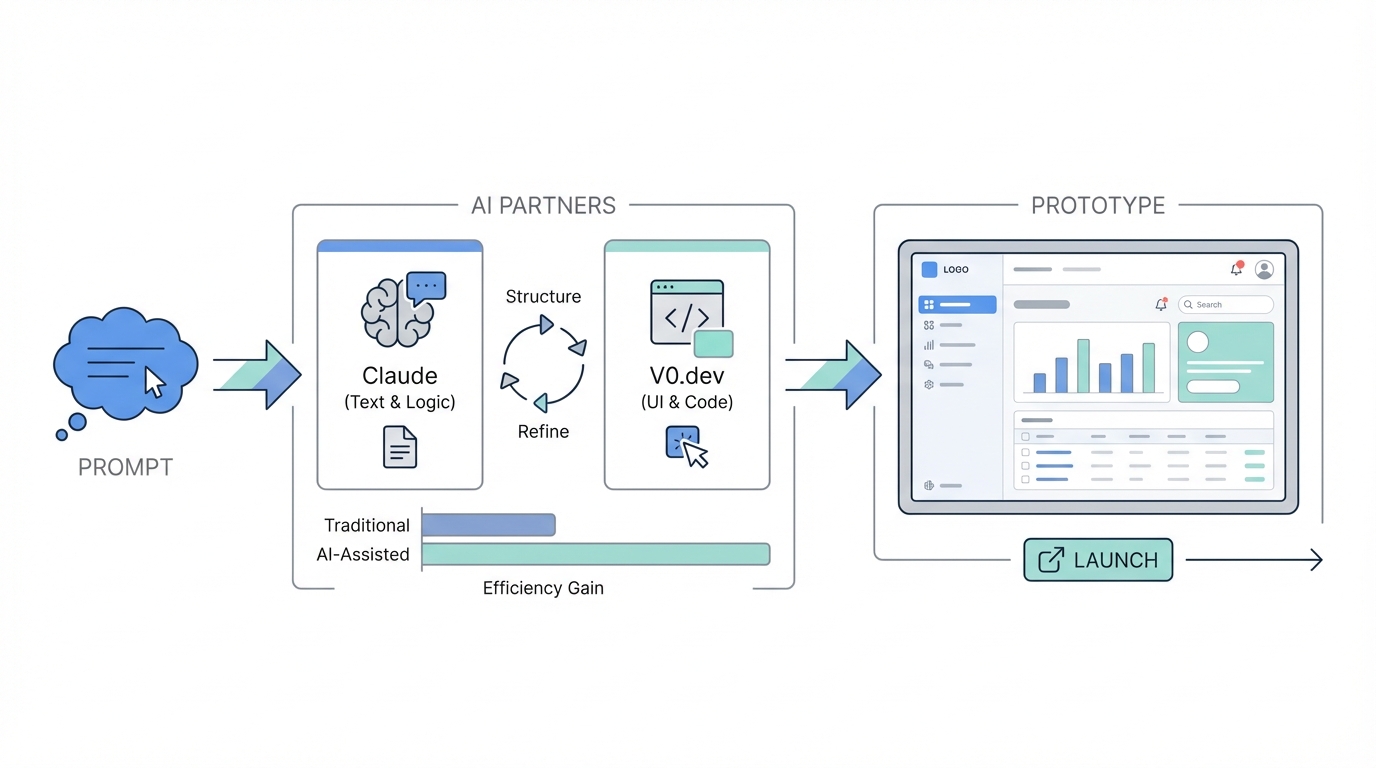
The era of spending months in Figma before writing a single line of code is coming to an end. For modern founders, the gap between a text-based idea and a high-fidelity, shippable user interface has shrunk from weeks to minutes. By leveraging generative UI development, entrepreneurs are now building complex software products over a single weekend. This shift isn't just about speed; it's about a fundamental change in how we approach rapid prototyping for SaaS. Instead of pixel-pushing, we are now orchestrating AI models like Claude and V0.dev to handle the heavy lifting of visual construction, allowing us to focus on the core value proposition and user experience.
The Paradigm Shift: Why Prompting is the New Prototyping
In the traditional workflow, a founder would sketch an idea, hire a designer for wireframes, wait for high-fidelity mockups, and then hand those off to a developer. This process is inherently leaky; context is lost at every stage. With ai ui design prompts, the founder remains the architect, using Claude for software design to iterate on the logic and V0.dev to materialize the interface. This synergy allows for a "live" design process where the UI is not just a picture, but functional code from the start.
Step 0: Validating the Niche Before Writing a Line of Code

Before diving into v0 dev tutorial steps, you must identify a winning niche. As highlighted in a popular playbook by Reddit user Lord007TN, building a SaaS starts with an unfair advantage or a deep understanding of a specific community. Whether you have spent twenty years in nursing or you are a developer who understands a niche language, your starting point should be an audience, not just an idea. You can use Google Gemini to conduct a deep-dive competitive analysis. For instance, if you want to disrupt Goodreads, which was acquired by Amazon for $150 million, you need to know exactly why users are frustrated with its dated interface and what competitors like The StoryGraph are doing differently.
The Claude Interrogation: Stress-Testing Your SaaS Idea
Once you have a niche, such as a "Gen Z version of Goodreads," don't start building yet. Use Claude to grill your idea. Prompt the AI to ask you 20 difficult questions about your business model, target demographics, and unique value propositions. This "interrogation" phase ensures your idea holds water. Does your app solve a pain point beyond aesthetics? How will you foster community? If the idea survives, ask Claude to generate a Product Requirements Document (PRD). This document acts as the north star for your generative UI development phase, outlining features like mood-based recommendations or social sharing components that drive virality.
Mapping the Flow: Using Claude for Generative UI Diagrams
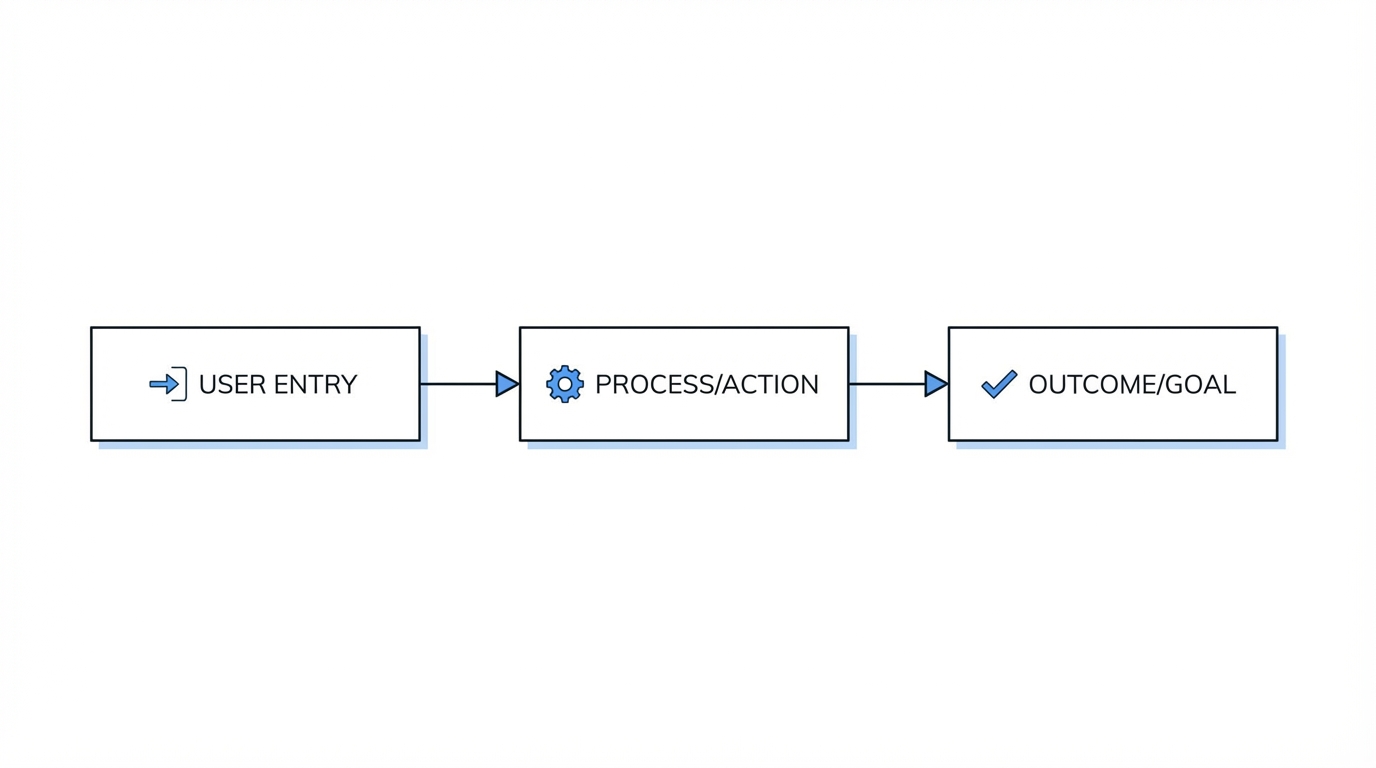
Before jumping into V0, you need a map. One of the most powerful features of Claude for software design is its ability to generate Mermaid.js or SVG diagrams. Instead of a messy whiteboard, ask Claude to: "Create a user flow diagram for the onboarding process of a book-discovery app for Gen Z." Claude will output a structured chart showing exactly how a user moves from the landing page to their first "book match." Chunking the UI is critical here; don't try to build the whole app at once. Break it into shippable pieces: the Auth flow, the Discovery engine, and the User Profile. Each of these chunks will eventually become a specific prompt for your UI generator.
Advanced Prompting for V0.dev: Moving Beyond Generic Layouts
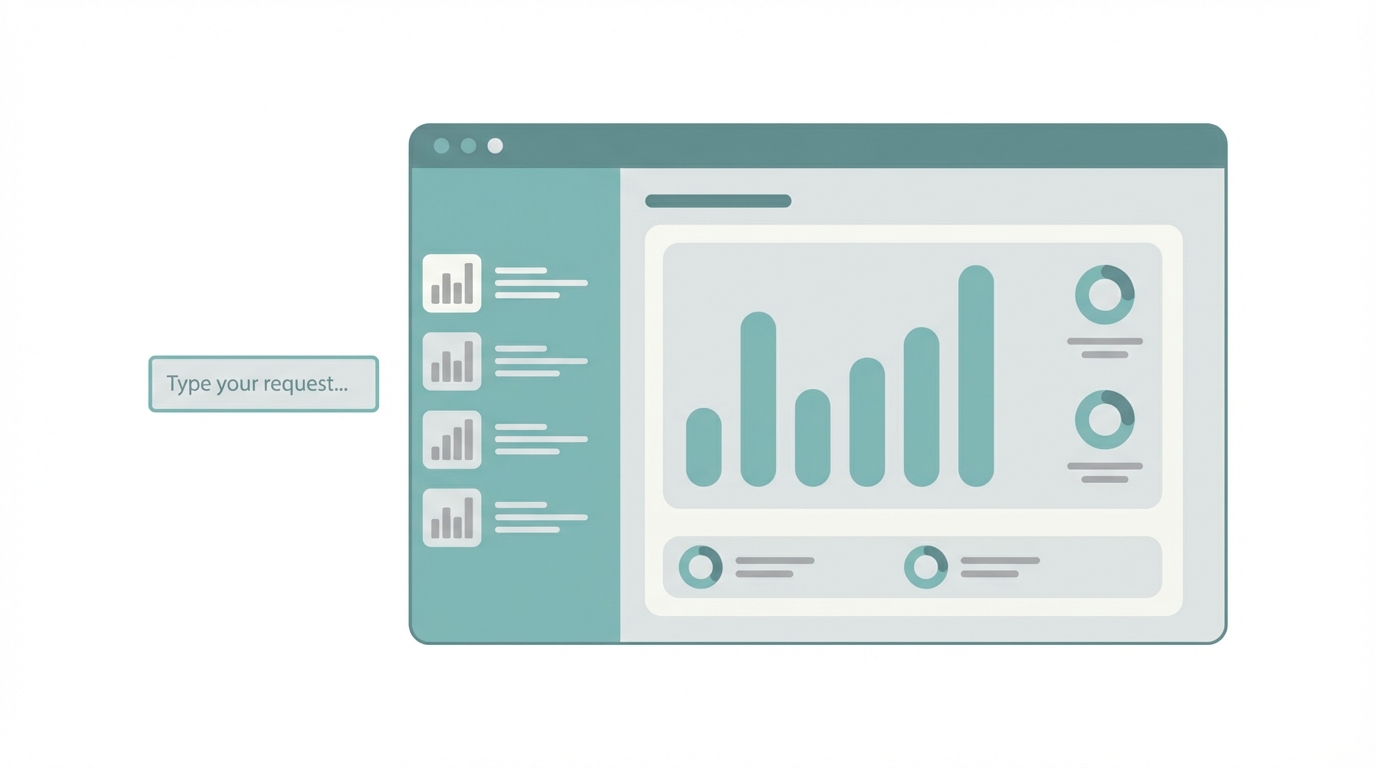
Now we enter the v0 dev tutorial core. V0.dev, powered by Vercel, excels at turning prompts into Next.js and Tailwind CSS components. To get high-end, aesthetic designs similar to the "Cue" app, avoid basic prompts. Instead of saying "make a book list," use aesthetic-first AI UI design prompts. For example: "Design an interactive 'Novel Spin' wheel using Framer Motion for a React app. The interface should feel premium, using dark mode with neon accents, haptic-style feedback on selection, and smooth transitions when a book cover expands into a detail view." This level of detail tells the AI to prioritize motion design and luxury UI over standard bootstrap-style components.
Scaling Your Reach: Sourcing UGC for Your AI-Built MVP

Building the app is only half the battle; the other half is getting users. For a consumer-facing SaaS like a book discovery platform, User Generated Content (UGC) is the most effective way to drive installs. When your UI is ready for testing, tools like Stormy AI can help you source and manage UGC creators at scale. You can search for "book-focused creators on TikTok" and use Stormy's AI-personalized outreach to send them your prototype for feedback. Managing these relationships through a creator CRM ensures that as you iterate on your design in V0, you are getting real-time visual feedback from the very people who will eventually promote your product to their audiences.
Native vs. Web: Choosing Your Development Path
A common fork in the road for rapid prototyping for SaaS is deciding between a web app and a native mobile app. V0.dev primarily outputs Next.js, which is perfect for a mobile-optimized web app. This allows for instant deployment and easy updates. However, if your app relies heavily on 3D trailers or smooth gestures (like the Cue app), you might ask the AI to generate React Native code instead. While you cannot preview React Native directly in the V0 browser, you can export the code and run it in a simulator to achieve that truly native feel that Gen Z users often prefer for social apps.
From Prototype to Production: Exporting Code to Cursor
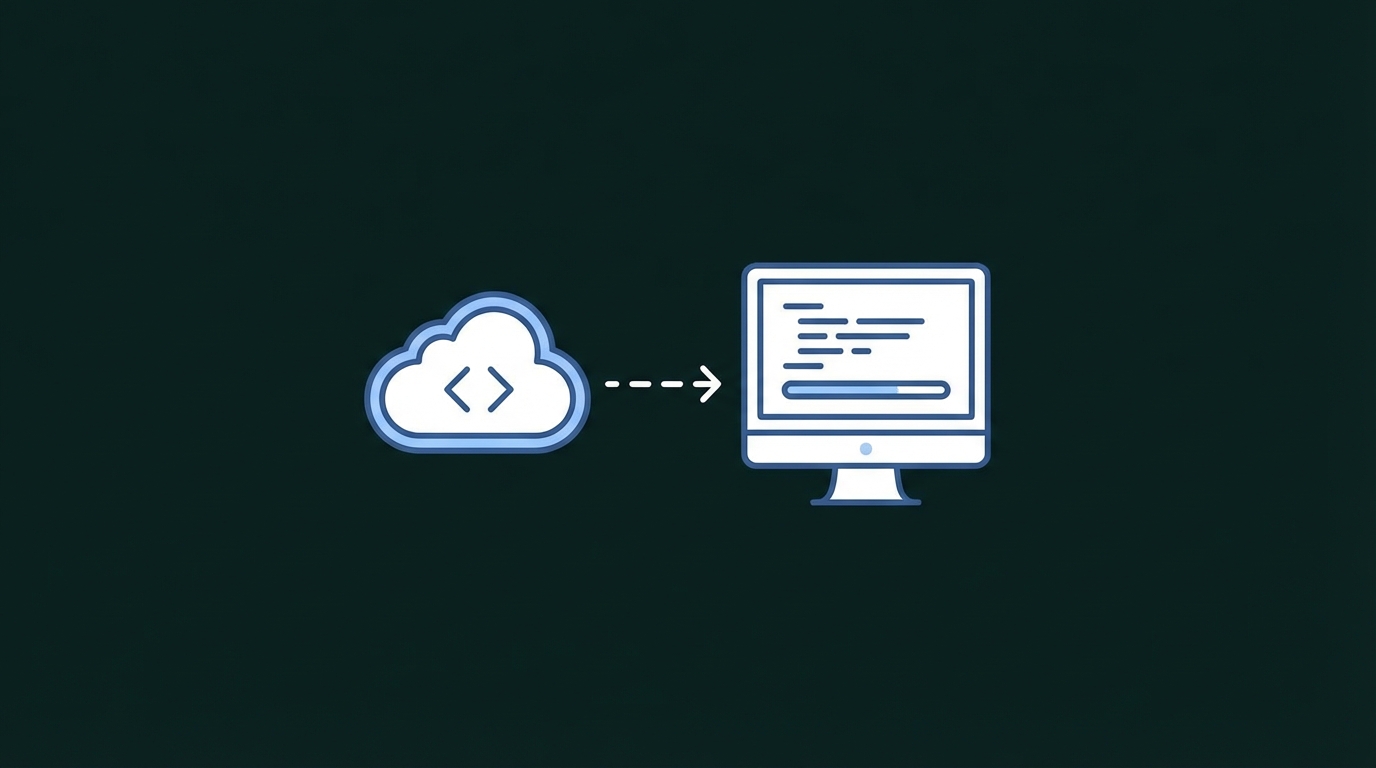
The final step in our v0 dev tutorial is moving the code into a local environment. V0 gives you the layout, but you need an IDE to add the "brains"—the database connections and backend logic. Export your V0 code and open it in Cursor, an AI-powered code editor. Cursor can take the PRD you generated with Claude and begin writing the backend logic to match your UI. Prompting within Cursor allows you to say, "Connect this 'Novel Spin' wheel to my Supabase database so it pulls real book data," effectively turning a visual prototype into a living, breathing SaaS product in hours.
Conclusion: The Weekend SaaS Playbook
Mastering generative UI development isn't about becoming a better coder; it's about becoming a better architect of AI. By chunking the UI, using Claude for software design to stress-test your logic, and refining your v0 dev tutorial skills, you can bypass the traditional bottlenecks of software production. Once your prototype is live, don't forget to leverage UGC strategies and platforms like Stormy AI to find the creators who will help you launch. The tools are here, the playbook is clear—all that's left is for you to start shipping. Happy building!