In the traditional software world, the dream is often to build a single, monolithic product that conquers the market. You spend months on a prototype, weeks on UI polishing, and thousands of dollars on marketing, only to find that users aren't interested. But what if you flipped the script? What if, instead of betting everything on one horse, you built a portfolio of tiny bets? One developer, Max, proved this model works by shipping 28 apps in just eight months, turning a $200 monthly trickle into $10,000 in monthly recurring revenue. This guide breaks down his exact methodology, showing you how to build app with ai and launch products in record time.
Why Shipping Fast Beats Building "Perfect"
Most developers suffer from "one-project syndrome." They focus all their effort on a single pet project, iterating endlessly without real-world feedback. The reality of the modern App Store is that 80% of your revenue will likely come from 20% of your portfolio. In Max’s case, out of 28 apps, four primary winners generated roughly $1,500 each, while the rest produced smaller, supplementary income. This is the core of rapid app development: you aren't searching for perfection; you're searching for market signal.
By adopting a high-velocity approach, you remove the ego from the equation. When you can ship an app in a weekend, a failure isn't a catastrophe—it's just data. This philosophy, popularized by makers like The Hustle community and top indie hackers, relies on the idea that the market is the ultimate judge. If an app doesn't gain traction after the initial App Store boost, you move on. If it does, you double down.
The "Lego Block" Method: Building Your Reusable Library

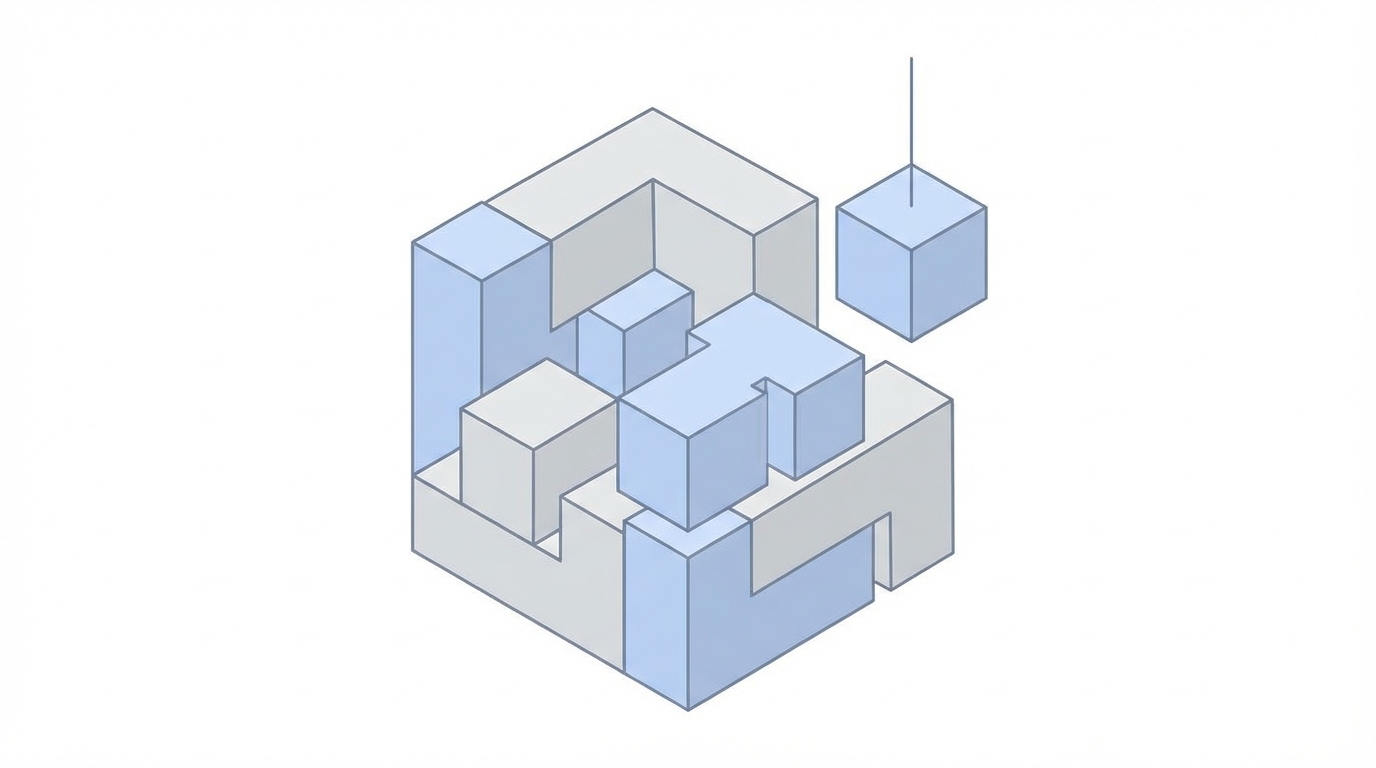
The secret to shipping an app in under 48 hours isn't typing faster; it's typing less. Professional developers who use Stormy AI to analyze market trends utilize a modular library of "Lego blocks"—reusable components that handle the repetitive parts of app development. Platforms like Stormy AI, which features an AI-powered search engine across TikTok, Instagram, and YouTube, help brands find creators who can showcase these features, but as a builder, your first priority is the code itself.
Every mobile app requires a few standard features that never change:
- Onboarding Flows: The screens that explain the app's value to new users.
- Paywalls: The critical step where you convert free users into subscribers.
- Settings Screens: Privacy policies, terms of service, and account management.
- Authentication: Login and signup modules usually powered by Firebase.
Instead of rebuilding these for every project, Max suggests a drag-and-drop approach. By maintaining a master project in Flutter, you can copy 90% of the non-core code from a previous project. This allows you to focus 100% of your remaining energy on the single core feature that makes the app unique.
Keyword-First Ideation: Finding Profitable Gaps
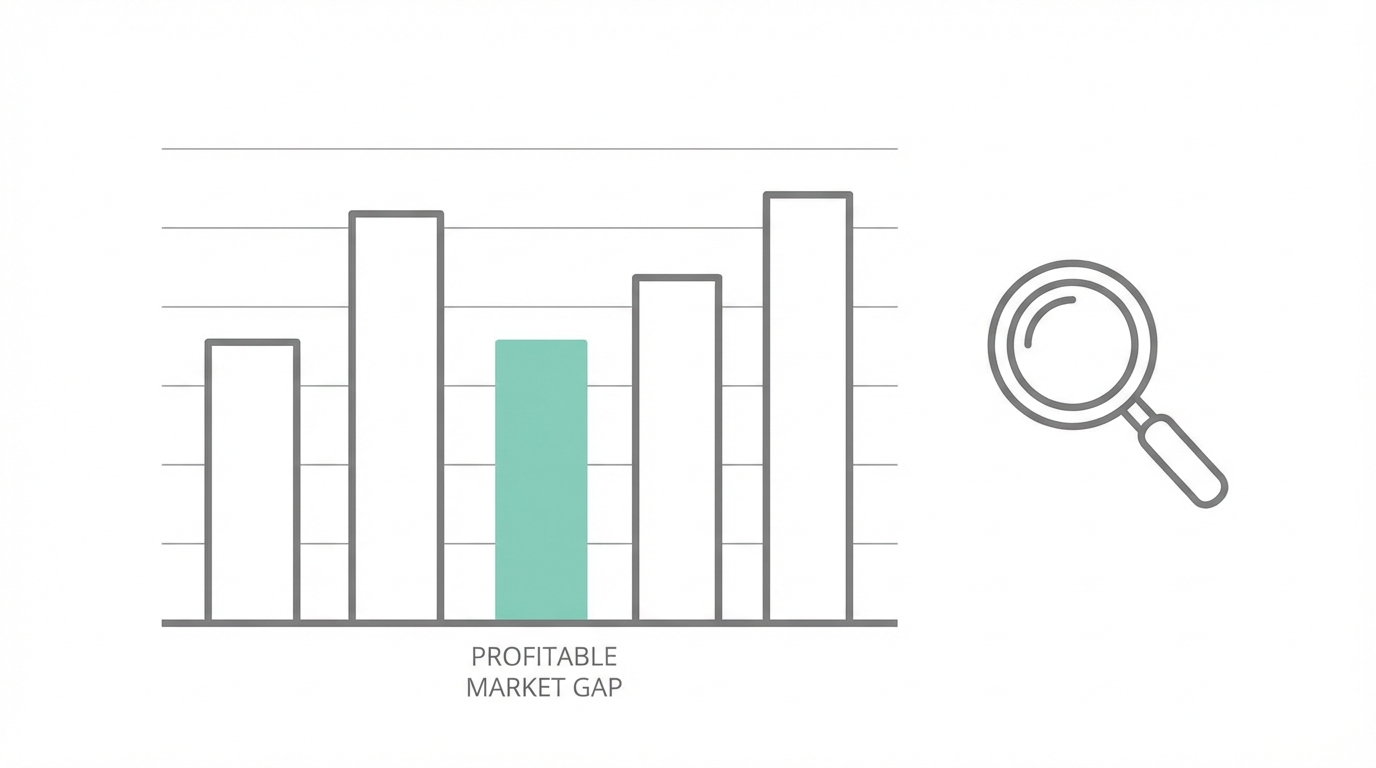
You shouldn't build what you think is cool; you should build what people are already searching for. This is where App Store Optimization (ASO) becomes your primary product development tool. To find viable ideas, use tools like Astro or FoxData to identify high-intent keywords.
Max’s criteria for a winning keyword include:
- Popularity: At least 20% (indicating enough people are searching).
- Difficulty: Between 60-70% (manageable competition for a new app).
- Competitor Revenue: Use Sensor Tower to verify that top competitors are making at least $100–$200 per month.
For example, if you find that "wood identification" has low difficulty but solid search volume, that becomes your niche. You can then use OpenAI or Gemini to help brainstorm how to solve that specific problem better than existing, bloated apps.
The 48-Hour Rapid App Development Playbook
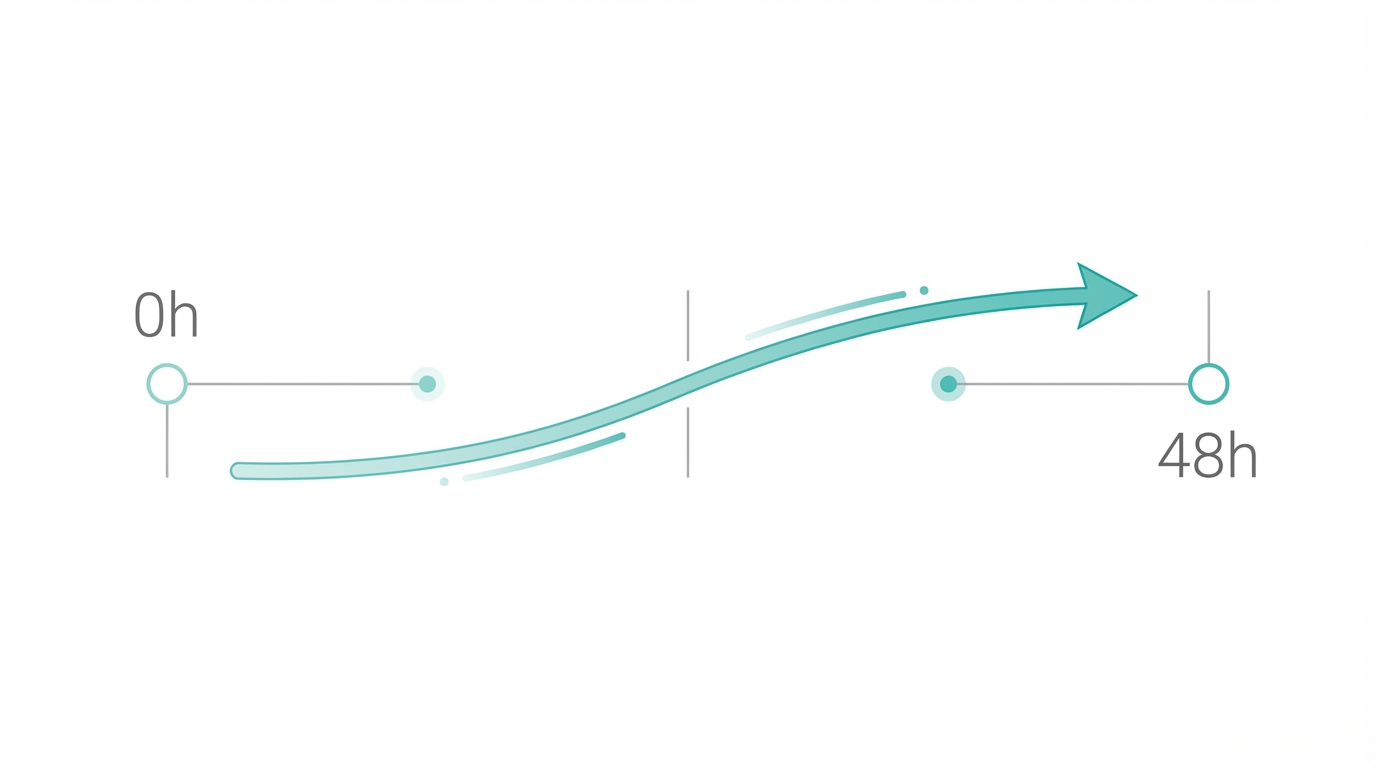
Ready to launch? Follow this step-by-step playbook to go from idea to App Store submission in a single weekend.
Step 1: Define the Core Feature
Analyze your top 2-3 competitors. Identify the one thing their users actually care about. If it's a math solver app, the core feature is the camera-to-equation logic. Strip away everything else. No social feeds, no complex profiles, just the solution.
Step 2: Generate an AI Roadmap
Use ai coding tools to visualize the architecture. Prompt Claude or ChatGPT with: "I want to build a Flutter app for [Keyword]. Provide a detailed implementation plan including necessary screens, UX flow, and technical requirements for the core feature."
Step 3: Rapid Assembly in Cursor
Open Cursor, an AI-powered code editor. Drag in your "Lego block" components for onboarding and paywalls. Use Cursor's AI to write the specific logic for your core feature. Because Cursor understands your entire codebase, it can generate functional code that fits perfectly into your existing structure.
Step 4: Design Fast with Templates
Don't start from a blank canvas in Figma. Maintain a master template for screenshots and app icons. Update the background colors and text to match your new app's brand, and export everything in one click.
Step 5: Automated Metadata Generation
Ask AI to generate your App Store description and metadata based on your target keywords. Ensure the primary keyword is in the title and the first paragraph of the description to maximize organic reach.
Step 6: Submit and Move On
Once the app is bug-free and functional, hit submit. Do not wait for "the perfect time." The goal is to get it live so the App Store algorithm can start testing it against real users.
Prompt Engineering for Mobile Developers
To truly master Flutter app development at scale, you must master prompt engineering. It is no longer about writing every line of code; it is about directing the AI to build the right structure. When using tools like Cursor or ChatGPT, be highly specific about UI/UX constraints. Instead of saying "Make a login screen," try "Build a Flutter login screen using Material 3, with email and Google Sign-in options, integrated with Firebase Auth, and ensure it follows a clean architecture pattern." [Source: Android Developers]
This level of specificity reduces the back-and-forth and ensures the generated code is production-ready. AI is particularly adept at handling boilerplate logic and API integrations, which are often the most time-consuming parts of a build. By offloading these tasks, you can reduce build times from weeks to hours.
Automating the Boring Stuff with Fastlane and AI
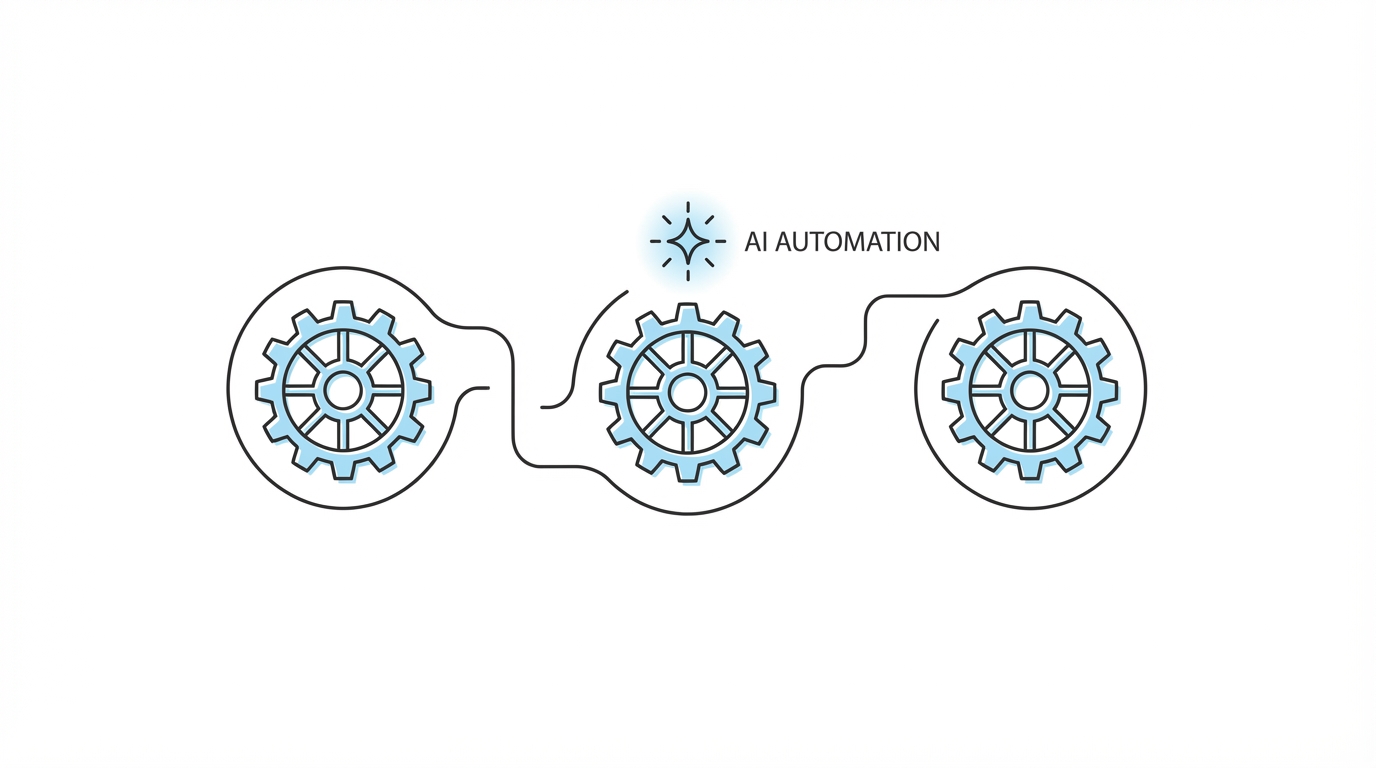
Submission and deployment are often the bottlenecks of rapid shipping. This is where Fastlane comes in. Fastlane is an open-source platform that automates the tedious tasks of generating screenshots, dealing with code signing, and releasing your application. When combined with AI, it creates a powerful delivery pipeline.
For analytics, tools like Mixpanel allow you to track user behavior for free on lower tiers. By seeing exactly where users drop off in your 48-hour MVP, you can decide whether to kill the project or invest more time in polishing the experience. The aim is to remain lean: Max reports running his entire 28-app empire for just a few hundred dollars a month, mostly spent on API credits for OpenAI and Gemini.
Scaling the Winners: From Organic to UGC Ads

Once you have shipped your app and identified organic traction, it's time to scale. This is the only phase where you should stop building new apps and focus on growth. One of the most effective ways to scale a mobile app today is through User-Generated Content (UGC). Modern consumers are more likely to download an app after seeing a real person use it in a TikTok or Instagram Reel.
This is where Stormy AI becomes an essential part of your stack. Finding the right creators to produce UGC for your app ads can be a manual nightmare. Using Stormy AI, you can find creators who specialize in mobile app marketing and automatically manage your outreach using the platform's AI email inbox. This allows you to create high-converting video ads that drive down your Customer Acquisition Cost (CAC) while you focus on adding features.
By combining rapid app development with a data-driven scaling strategy, you create a feedback loop: ship fast to find winners, then use Stormy AI for post tracking and analytics to monitor exactly how your creator collaborations are performing across all platforms.
Conclusion: Building Your Shipping Muscle
The most important takeaway from this playbook is the importance of the "shipping muscle." Don't waste time on a feature that might get users. Get a bug-free, single-feature MVP ready, ship it, and let the users tell you what they think. As Max noted, you might just be one weekend away from an app that changes your career. Start small, use AI to handle the heavy lifting, and never stop shipping.
Ready to find creators for your next big win? Use Stormy AI for finding UGC creators and influencers to take your app from a 48-hour build to a chart-topping success.