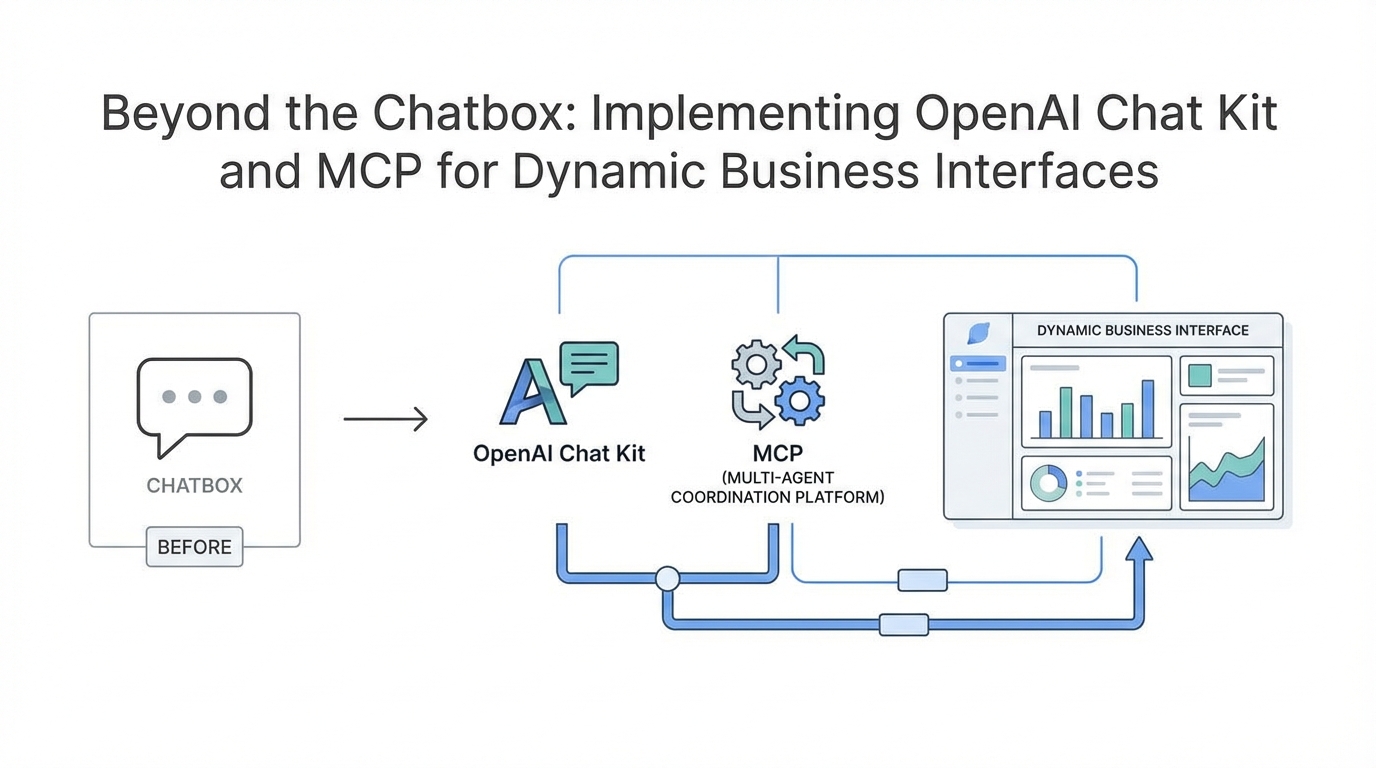
The era of the simple, text-only chatbot is officially coming to a close. For years, businesses have been tethered to a static chat window that, while revolutionary at first, often feels like a bottleneck for complex workflows. At the recent OpenAI developer day features showcase, the introduction of the OpenAI Model Context Protocol (MCP), the OpenAI Chat Kit SDK, and AI dynamic UI widgets signaled a massive paradigm shift. We are moving away from the 'wall of text' and toward a world where AI agents can interact with your existing data, display interactive UI components, and bridge the gap between human intent and software execution. This isn't just about making bots smarter; it is about making them more functional within the existing business ecosystem.
Understanding the OpenAI Model Context Protocol (MCP): The New Standard for Data
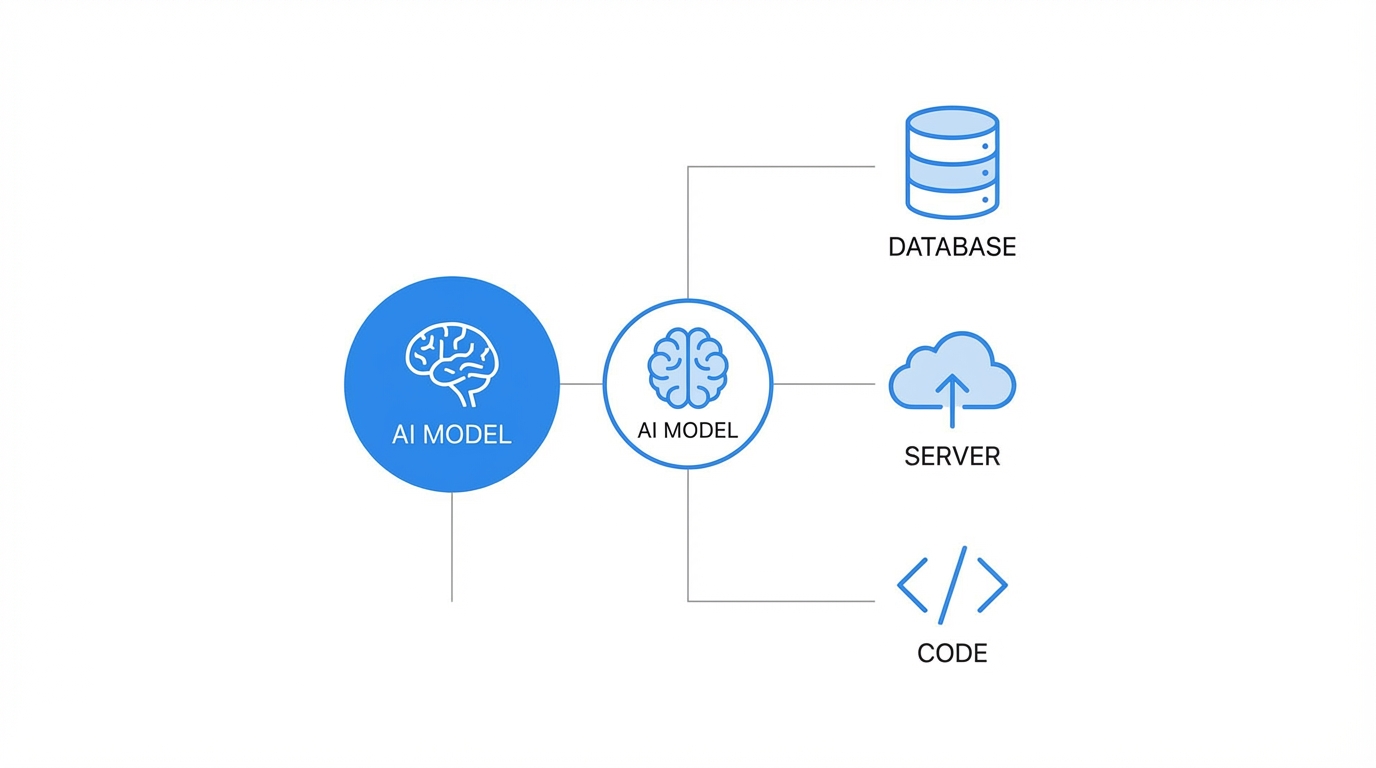

For a long time, connecting Large Language Models (LLMs) to external data required custom API integrations, fragile middleware, and constant maintenance. The OpenAI Model Context Protocol changes this by providing a standardized interface for how LLMs interact with external SaaS data. In layman's terms, MCP is the new 'language' that allows an AI to talk to tools like Shopify, HubSpot, or Slack without a developer having to write unique 'handshake' code for every single interaction. When you are connecting AI to CRM via MCP, you are essentially giving the AI a universal key to unlock your business data.
While legacy platforms required rigid API calls, MCP allows the model to push and pull data dynamically. This is particularly transformative for businesses that rely on real-time data accuracy. As noted on the OpenAI Platform, this protocol significantly lowers the barrier for LLMs to become true 'agents' that can perform actions rather than just answer questions. By standardizing these connections, companies can now stand up multi-agent workflows that 'reason' through data fetched from multiple sources simultaneously.
Using OpenAI Widgets to Build a 'Dynamic UI'
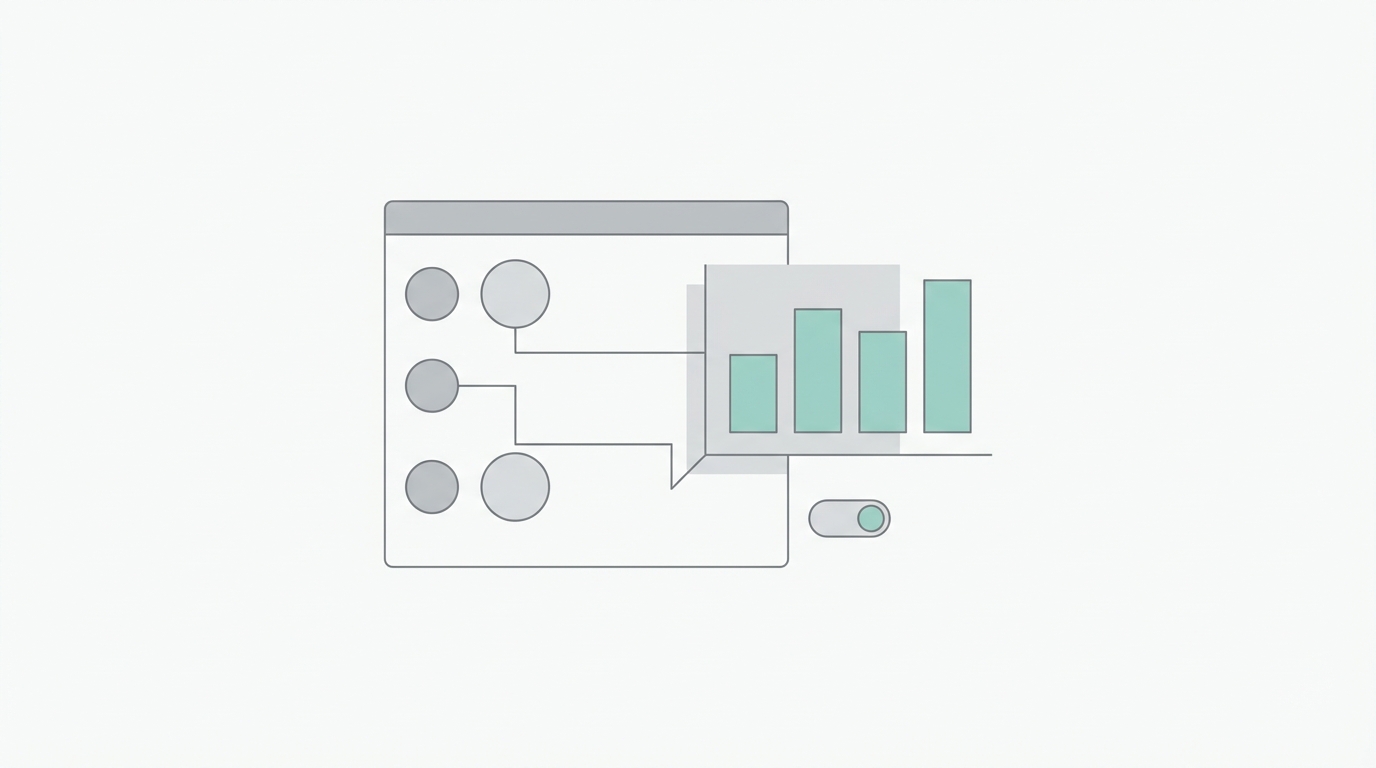
One of the most frustrating parts of using a chatbot is being told about a product or a shipping update in a long paragraph of text. AI dynamic UI widgets solve this by allowing the AI to render actual components—like product cards, delivery maps, or order summaries—directly inside the chat interface. Imagine a customer asking about their latest order. Instead of the AI saying, 'Your order #1234 is arriving Tuesday,' it can now render a Shopify widget that shows a photo of the item, a progress bar for the shipment, and a 'Request Return' button.
This 'Dynamic UI' approach is a game-changer for conversion rates. If an agent is interacting with a potential lead, it can pull a pricing table or a demo booking calendar directly into the window. This reduces friction, keeping the user within the flow rather than forcing them to click away to a different landing page. To see how these components are structured, developers can explore the latest documentation on OpenAI's developer portal, which outlines how to bridge backend agent logic with these frontend visual elements.
The Engineering Shortcut: The OpenAI Chat Kit SDK
Building a custom chat interface from scratch is a massive undertaking. You have to handle message history, streaming responses, UI states, and mobile responsiveness. The OpenAI Chat Kit SDK is essentially an engineering shortcut that allows businesses to remove the need for building custom chat front-ends. It is a pre-built, highly customizable SDK that developers can drop into a website or app. By simply pasting a workflow ID and an API key, you can have a fully functional, AI-powered interface live in minutes.
The real power of the Chat Kit is its ability to synchronize with the OpenAI Agent Builder. This means that a marketing or support team can update the AI's instructions, logic, or data sources in the visual builder, and those changes reflect instantly on the website without a single line of new code being deployed. This 'decoupling' of the AI logic from the frontend code is what will allow non-technical teams to iterate faster than ever before. For founders looking to save on overhead, this eliminates the need for expensive third-party chat services that charge per seat, as you only pay for the tokens you use through your own API account.
OpenAI vs. Claude: The Battle for Protocol Dominance
It is impossible to discuss MCP without mentioning its origins. Anthropic's Claude was actually the first to pioneer the Model Context Protocol, and they currently boast a larger directory of existing server connectors. However, OpenAI's entry into the space with their own Model Context Protocol implementation brings massive scale. While Claude might have the edge in terms of initial protocol depth, OpenAI’s Agent Builder provides a more intuitive visual interface for non-technical users.
The competition between these two giants is beneficial for the industry. It forces a move away from 'walled gardens' and toward open standards. Currently, if you want to use a tool like Intercom or Zendesk, you are often locked into their specific ecosystem. With the rise of MCP, any model—be it GPT-4o or Claude 3.5 Sonnet—can theoretically interact with any tool. This creates a more modular business stack where you can swap out the 'brain' (the LLM) without having to rebuild all your 'limbs' (the integrations).
Practical Setup: The Multi-Agent Business Operations Hub
Building a high-performing business hub requires moving beyond a single 'generalist' bot. Instead, you should use a multi-agent orchestration. Here is the step-by-step playbook for standing up your own dynamic interface:
Step 1: Define Your Logic Nodes
In the OpenAI Agent Builder, start by creating a 'Classifier' node. This is the first stop for any user input. Its only job is to determine the user's intent: Are they a new lead looking for a demo, or an existing customer with a support ticket? By splitting the logic here, you can route the user to a specialized agent that has only the relevant context, which improves speed and reduces 'hallucinations.'
Step 2: Connect Your Data Context
Use Vector Stores to upload your knowledge base, product manuals, and internal FAQs. This provides the 'RAG' (Retrieval-Augmented Generation) foundation. When the support agent is triggered, it doesn't just guess; it references your specific documentation. You can manage these files directly within the OpenAI platform.
Step 3: Integrate External Tools via MCP
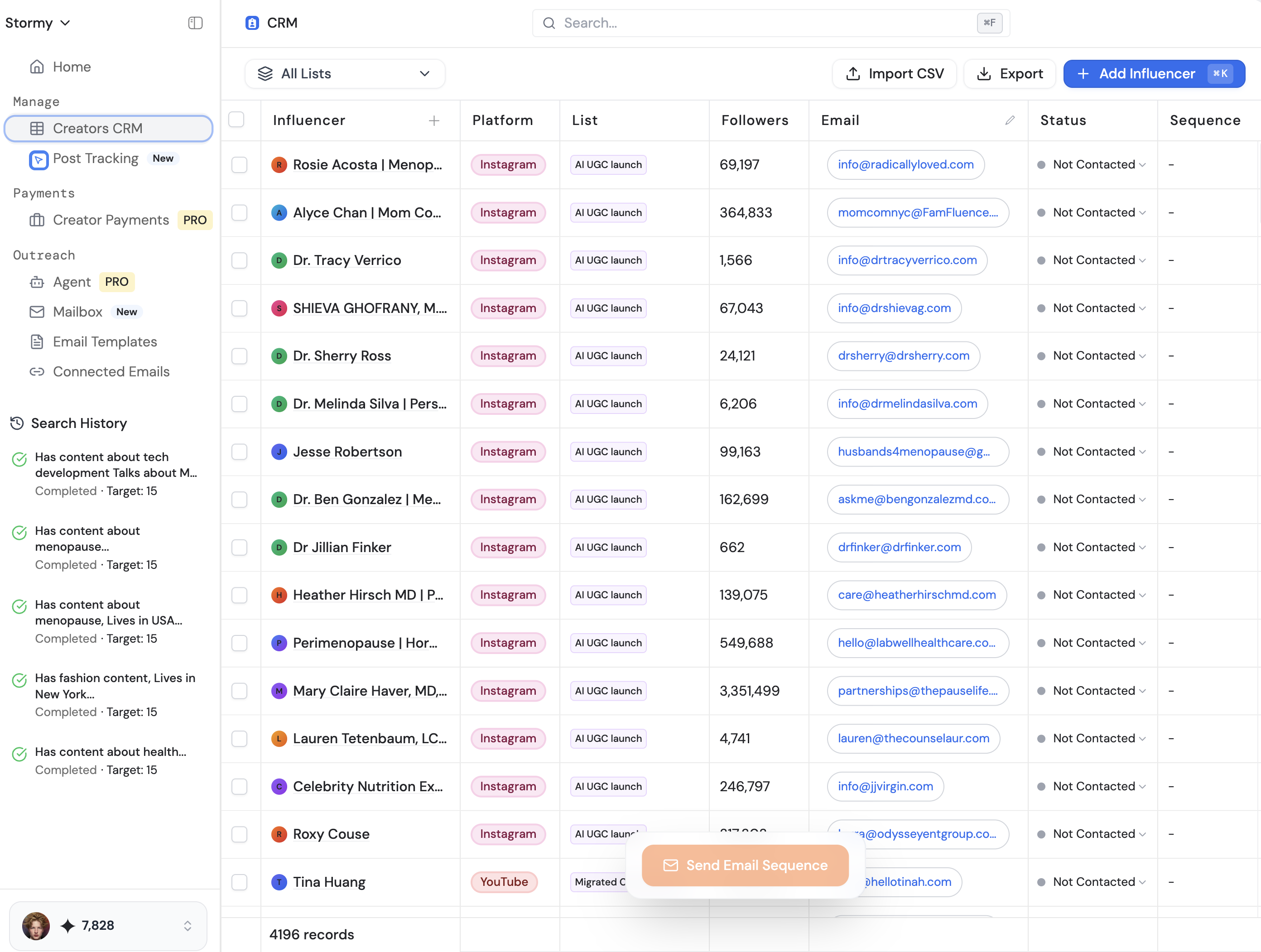
This is where you connect your 'limbs.' Add an MCP connector for your CRM or a tool like HubSpot. If the classifier identifies a user as a lead, the Sales Agent can automatically check if the user exists in your CRM and update their record with the chat transcript. For businesses working with creators, using a platform like Stormy AI can help source and manage UGC creators at scale, and you could potentially use an MCP to push new creator leads directly from a chat interface into your Creator CRM.
Step 4: Deploy with Chat Kit
Once your logic is tested in the playground, use the OpenAI Chat Kit SDK to embed the interface. You will need to stand up a simple server to host the environment variables, but the actual UI is handled for you. This allows you to serve a professional, branded experience on your domain with minimal latency.
Guardrails: Ensuring Quality and Security

One of the biggest hurdles to AI adoption in business is the fear of the 'rogue bot'—an agent that gives away free products or insults a customer. The new OpenAI developer day features include enhanced guardrails that allow you to set strict boundaries on agent behavior. You can implement 'Output Moderation' to ensure the AI never uses unprofessional language and 'Refusal' logic for sensitive topics.
Furthermore, you can set the level of reasoning for each agent. For simple tasks like data entry, set the reasoning to 'Minimal' to save on costs and increase speed. For complex troubleshooting, set it to 'High.' This granular control is essential for building AI fluency within your organization, where teams learn to trust the output because the system has built-in checks and balances. Always remember to monitor your logs in the OpenAI Dashboard to refine these guardrails over time.
The Future of the Dynamic Interface
The transition from chatbox to dynamic interface is not just a technical upgrade; it is a shift in how we conceptualize 'software.' We are moving toward generative UI, where the interface adapts in real-time to the user's needs. By leveraging the OpenAI Model Context Protocol and Chat Kit SDK, businesses can build internal and external hubs that are more efficient, more interactive, and far cheaper than legacy SaaS alternatives. Whether you are managing complex sales cycles or automating support, the tools are now in place to build a truly 'intelligent' front door for your business. The goal is simple: enable your team to focus on high-value strategy while the AI handles the data-heavy orchestration.