Building a software product has never been easier, yet choosing the right best AI coding assistant has never been more confusing. We have moved past the era of simple autocomplete and entered the age of the AI agent—autonomous entities that can write entire features, debug complex dependency errors, and even draft your marketing plan while you sleep. But as the landscape shifts from local IDEs to cloud-based execution, a critical question arises for every solo founder and developer: Which tool actually provides the most leverage?
In this deep dive, we are comparing the titans of the space: OpenAI Codex vs. Cursor vs. Claude Code. While many developers view these as interchangeable wrappers for LLMs, there is a fundamental architectural shift happening in how we build. From the localized surgical precision of Cursor to the cross-platform, multi-agent ecosystem of OpenAI Codex, the choice you make defines whether you are just coding with an intern or acting as the CEO of a digital workforce.
The Agentic Shift: Local IDE Editing vs. Cloud-Based Execution
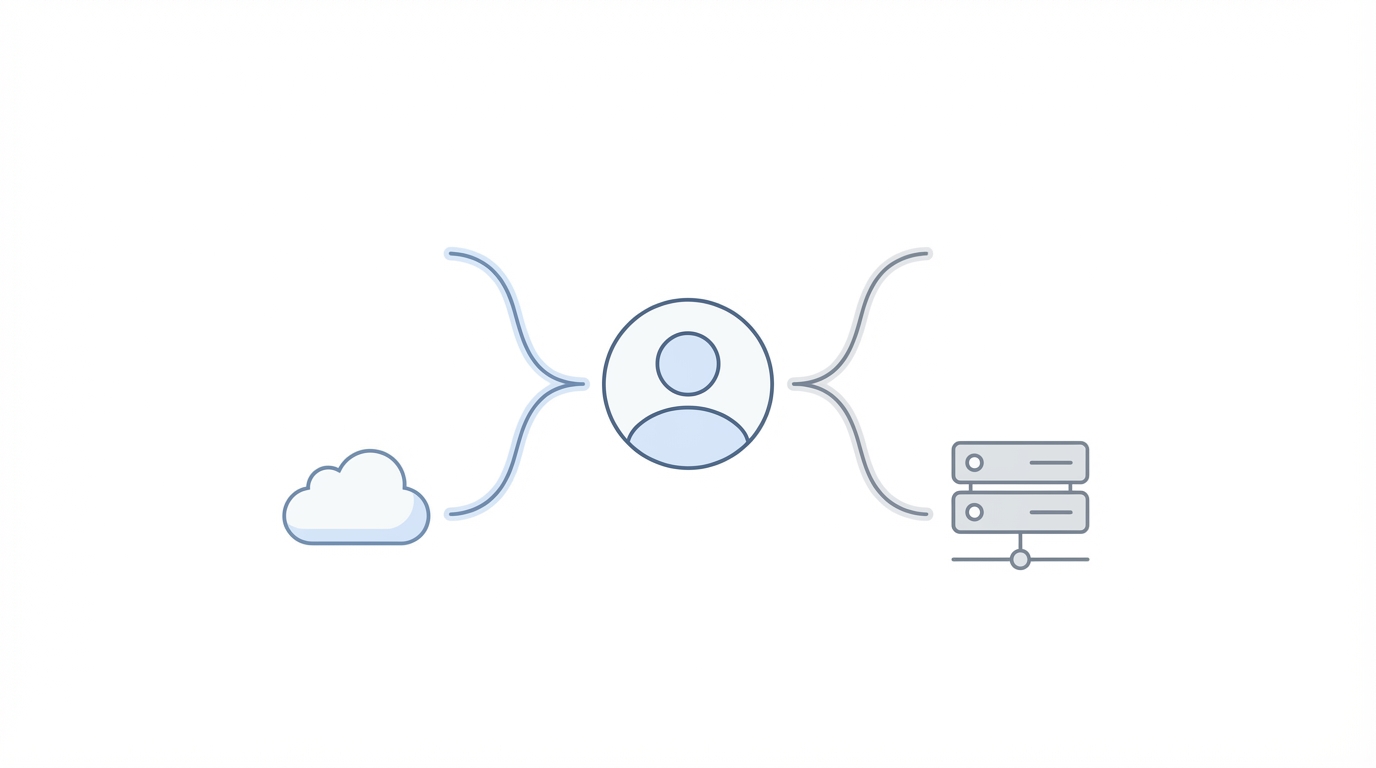
The first step in understanding these tools is recognizing the difference between a "coding assistant" and an "AI agent." Most legacy tools operate locally. They read the files in your Visual Studio Code environment and offer suggestions. However, the new paradigm introduced by OpenAI involves Cloud Agents. This allows for asynchronous development, where tasks are spun up in the cloud and continue to run even after you close your laptop.
Traditional tools like Claude Code or Cursor excel at "pair programming." They are fantastic when you are sitting at your desk, ready to approve every line of code. But as highlighted in recent developer workflows, the power of cloud-based AI developer tools lies in their ability to handle "hand-offs." You can assign three tasks to your agents before bed—such as implementing a new onboarding flow or fixing a database schema—and wake up to a functional pull request. This turns the development process from a linear chore into a 24/7 manufacturing line.
OpenAI Codex: The Ecosystem Advantage

When comparing OpenAI Codex vs. Cursor, the biggest differentiator isn't just the underlying model; it's the ecosystem. OpenAI has built a cross-platform infrastructure that competitors currently lack. Because Codex integrates directly with the ChatGPT ecosystem, your development environment is no longer tethered to your desktop.
Imagine this workflow: You identify a bug while testing your app on your iPhone. You open the ChatGPT mobile app, prompt the Codex agent to fix the UI error, and it begins working in the cloud. Later, you check the progress via your browser at a coffee shop, and finally, you pull the finished code into your local VS Code plugin. This cross-platform fluidity is a massive productivity unlock for founders who aren't always seated at a workstation. AI agents for coding are now truly mobile, allowing you to manage your codebase from an iPhone, a browser, and an IDE simultaneously.
Model Performance Review: High vs. Low Tiers

One of the most surprising findings in recent technical demos is the efficiency of model tiers. In the OpenAI Codex environment, users often have the choice between "High," "Medium," and "Low" intelligence tiers. While the instinct for most developers is to use the "High" tier for everything to ensure maximum intelligence, even top-tier product managers at OpenAI are increasingly using the "Low" tier for standard tasks.
Why? The "Low" tier—likely powered by smaller, faster models—is significantly quicker and more token-efficient while remaining surprisingly capable for 80% of coding tasks like styling, documentation, and basic logic. Reserving the "High" tier (GPT-4o or equivalent) for complex architectural decisions or deep debugging sessions saves both time and cost. When evaluating the best AI coding assistant, speed of execution often outweighs raw reasoning power for repetitive boilerplate code.
Cursor vs. Claude Code: The Surgical Alternative
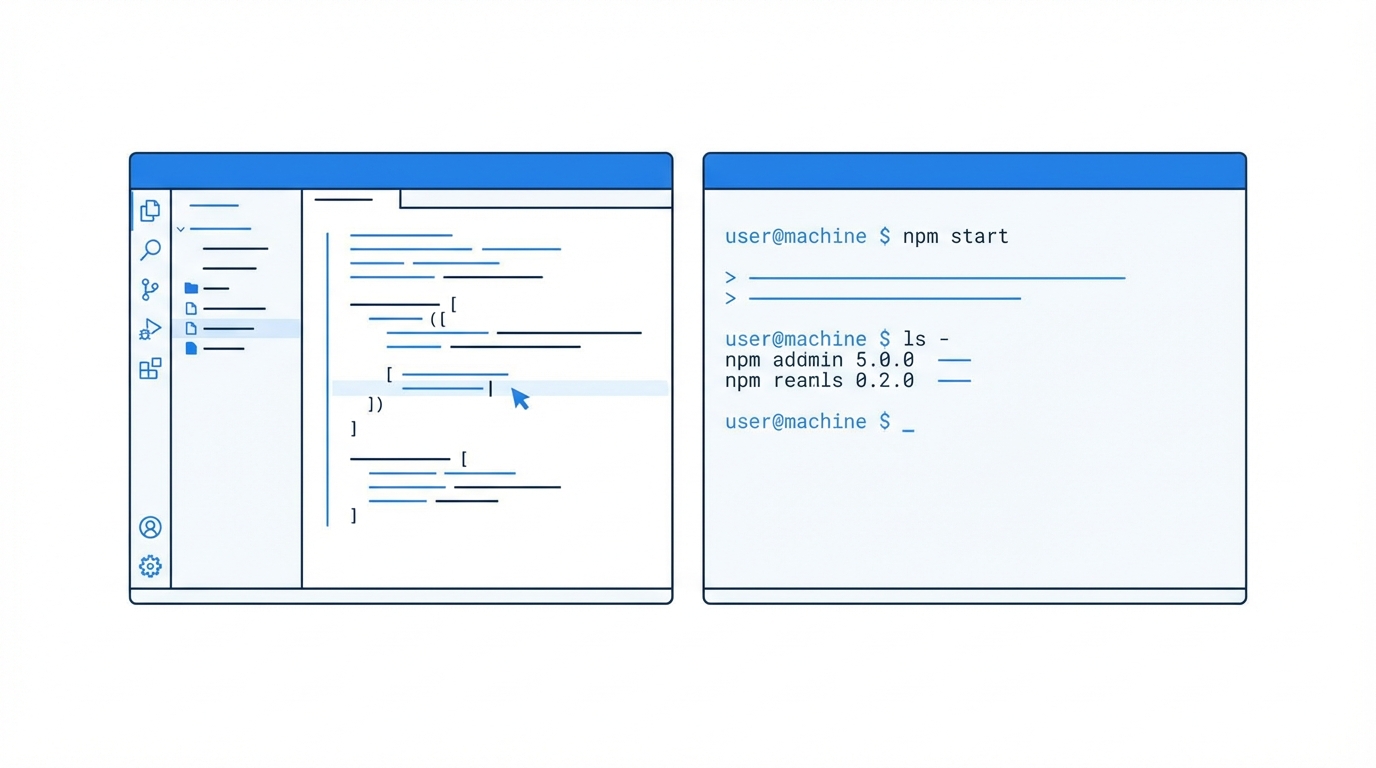
While OpenAI Codex wins on ecosystem, Cursor and Claude Code are often praised for their "surgical" precision. Cursor, in particular, has built a devoted following because of its deep integration into the IDE's UI. It doesn't just write code; it feels like it understands the entire context of your project folder better than almost any other tool. It is often described as the "proactive" assistant—sometimes doing a little extra work that you didn't explicitly ask for, which can be a huge time-saver when it works.
However, the limitation of Claude Code vs. Codex is the lack of asynchronous cloud execution. If you are using Claude or Cursor, you are generally working "in the moment." You cannot easily spin up a marketing agent, a PM agent, and a developer agent to work on separate strands of your project in the background. If you want a tool that acts as a surgical instrument, choose Cursor. If you want a tool that acts as a multi-agent department, OpenAI Codex is the superior choice.
Case Study: Building 'HabitFlow' with AI Agents
To see these AI agents for coding in action, let's look at the development of "HabitFlow," a wellness app designed using Next.js and Supabase. The process began not with code, but with validated ideas sourced from tools like Indie Hackers, which identifies high-growth, low-competition niches.
Step 1: The Product Requirements Document (PRD)
Before touching the IDE, the developer used ChatGPT to generate a detailed PRD in Markdown format. AI agents perform significantly better when they have a structured roadmap to follow. This document included core features like energy-aware planning and adaptive wellness routines.
Step 2: Multi-Agent Parallel Processing
While the local Codex agent focused on building the Next.js front-end, the developer spun up a Cloud Agent to simultaneously draft a comprehensive marketing plan. This is where Codex shines: one AI employee is building the logic, another is researching competitors, and a third is drafting the roadmap—all happening in parallel.
Step 3: Rapid Debugging
During the setup of the Supabase database, the agent encountered dependency version errors. Instead of manually scouring StackOverflow, the developer simply copied the error log into the Codex interface. The agent identified a version mismatch and corrected the package.json file in seconds. This level of automated troubleshooting is what allows a solo founder to accomplish in 60 minutes what used to take weeks.
Marketing and Validation: From Code to Customers

Building the app is only half the battle. The modern "vibe coder" also needs to be a marketer. For the HabitFlow project, the developer leveraged X (formerly Twitter) for organic validation. By tweeting about the development process and asking for beta testers, you can build a waitlist before the first deployment is even live. This feedback loop ensures that the features your AI agents for coding are building actually solve a user pain point.
Once the app is functional and you're ready to scale your user base, managing the creative side of marketing becomes the next hurdle. Tools like Stormy AI can help source and manage UGC creators to create viral social media content for your new app, allowing you to maintain that "one-person business" efficiency even as you move from development into growth and acquisition.
Final Verdict: Which Tool Should You Choose?
Choosing the best AI coding assistant depends entirely on your workflow. If you are a developer who wants the most polished, integrated experience within your local editor, Cursor remains the gold standard for pure "coding feel." Its UI polish and proactive suggestions are unmatched for deep-focus sessions.
However, if you are a founder or a one-person business looking for maximum leverage, OpenAI Codex is the winner. The ability to use cloud-based AI developer tools asynchronously across your phone, browser, and IDE is a paradigm shift. It allows you to step back from the keyboard and act as a coordinator of agents, managing multiple threads of work (marketing, PM, and dev) simultaneously. In the race to build the next billion-dollar one-person company, the person with the most efficient AI workforce wins.
Regardless of the tool you choose, the key is to start building. As the barriers to entry drop, the only remaining moat is your ability to execute. Spend five minutes today experimenting with a new idea, and by next week, you might just have a functional product in the hands of users.