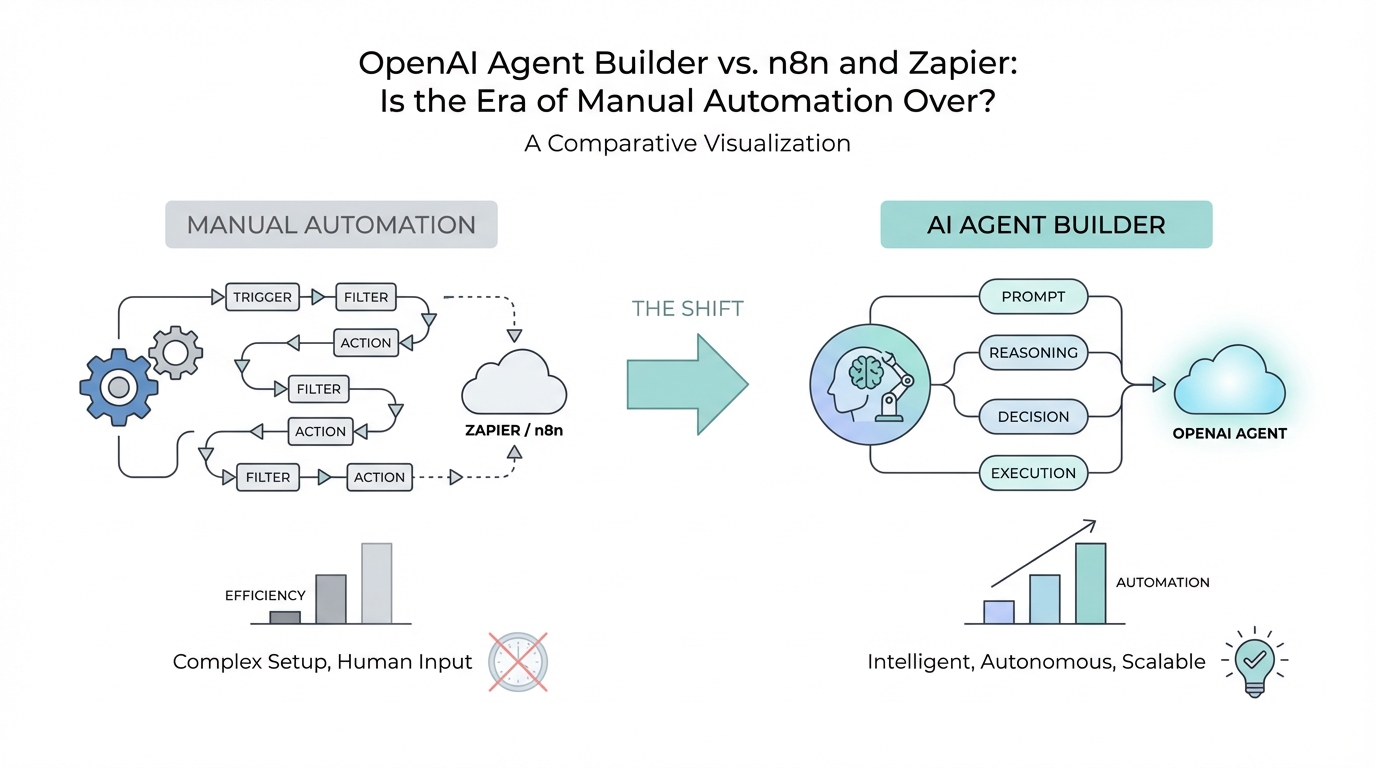
For the last decade, the world of business automation has been dominated by a single logic: "If This, Then That." Platforms like Zapier and n8n revolutionized how we connect disparate software, allowing non-technical users to build rigid, linear bridges between apps. But as we enter 2025, a fundamental shift is occurring. We are moving away from simple bridges and toward building "brains." With the release of the OpenAI Agent Builder, the industry is pivoting from sequential workflows to autonomous agentic reasoning. In this strategic guide, we will break down the differences between traditional automation and the new era of AI agents, helping you decide which tool fits your scaling needs.
From Rigid Workflows to Agentic Reasoning
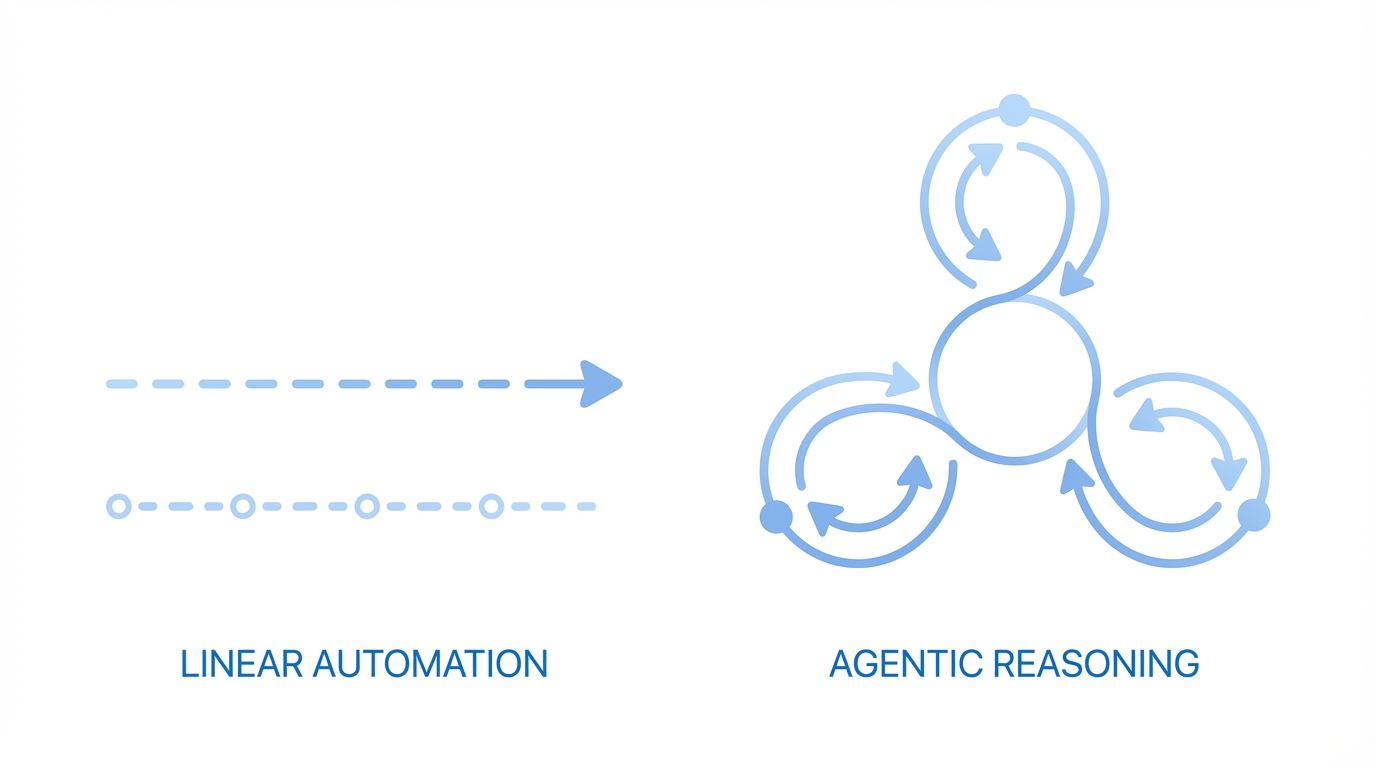
Traditional automation platforms like Zapier and n8n rely on strictly defined paths. If a user fills out a form, then send an email. If an email arrives, then save the attachment to Dropbox. These are sequential workflows. They are incredibly reliable for simple tasks, but they break the moment they encounter ambiguity. They cannot "think" or "decide" based on context without a massive, complex web of conditional filters and branching paths.
The OpenAI Agent Builder introduces agentic reasoning. Instead of following a pre-set map, an agent is given a goal, a set of tools, and a knowledge base. It determines the best path to achieve that goal in real-time. This means an agent can look at a customer inquiry, decide if the person is a lead or an existing customer, and then choose whether to answer a support ticket using a vector store or initiate a sales sequence. It mimics human decision-making rather than a mechanical relay race.
For mid-sized startups, this reduces developer dependency significantly. Previously, complex logic required custom code or thousands of expensive Zapier tasks. Now, you can build a multi-agent orchestration where one agent classifies the intent and another executes the response, all within a visual interface that prioritizes natural language instructions over code snippets.
The Visual Node Interface: Lowering the Barrier
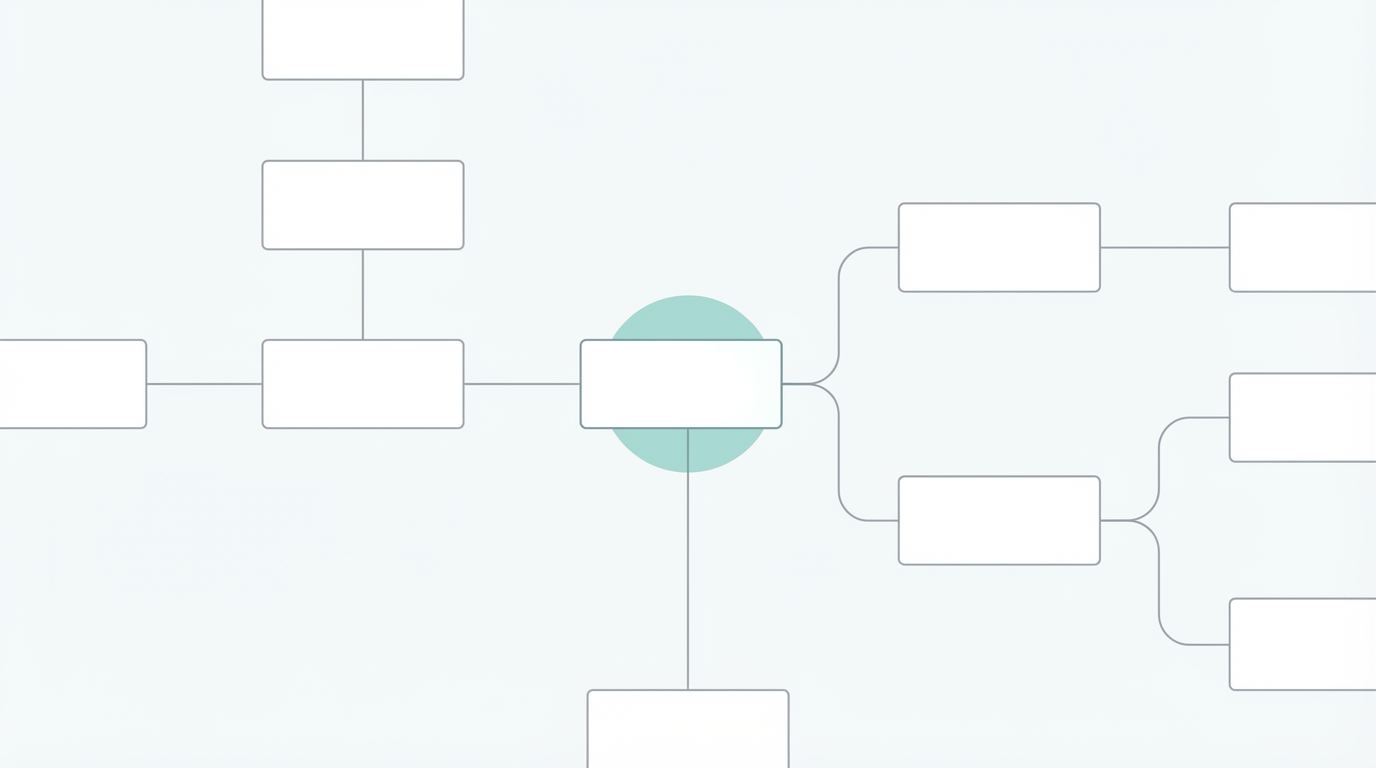

One of the most significant updates in the OpenAI Platform is the introduction of a visual drag-and-drop interface for building agents. Historically, creating parallel sequences or multi-agent workflows required sophisticated Python scripts or platforms like LangChain. OpenAI has effectively democratized this by allowing users to connect "nodes" that represent specific actions, logic, or data sources.
Each node in the OpenAI Agent Builder can represent a different function:
- Classifiers: Analyzing the input to determine the category of the request.
- Logic Gates: Determining how the agent should proceed based on specific conditions.
- Tools & MCP: Connecting to external systems like Shopify or Salesforce to pull or push data.
- Vector Stores: Referencing internal documents, such as knowledge bases or technical manuals, to provide contextually accurate answers.
This visual approach is particularly powerful for non-technical team members. Product managers, customer support leads, and marketing directors can now iterate on workflows without waiting for a sprint cycle. They can refine the "instructions" (prompts) of an agent, hit publish, and see the changes live on their website via tools like the OpenAI Chat Kit or custom widgets.
Cost Analysis: Token Pricing vs. Task Subscriptions
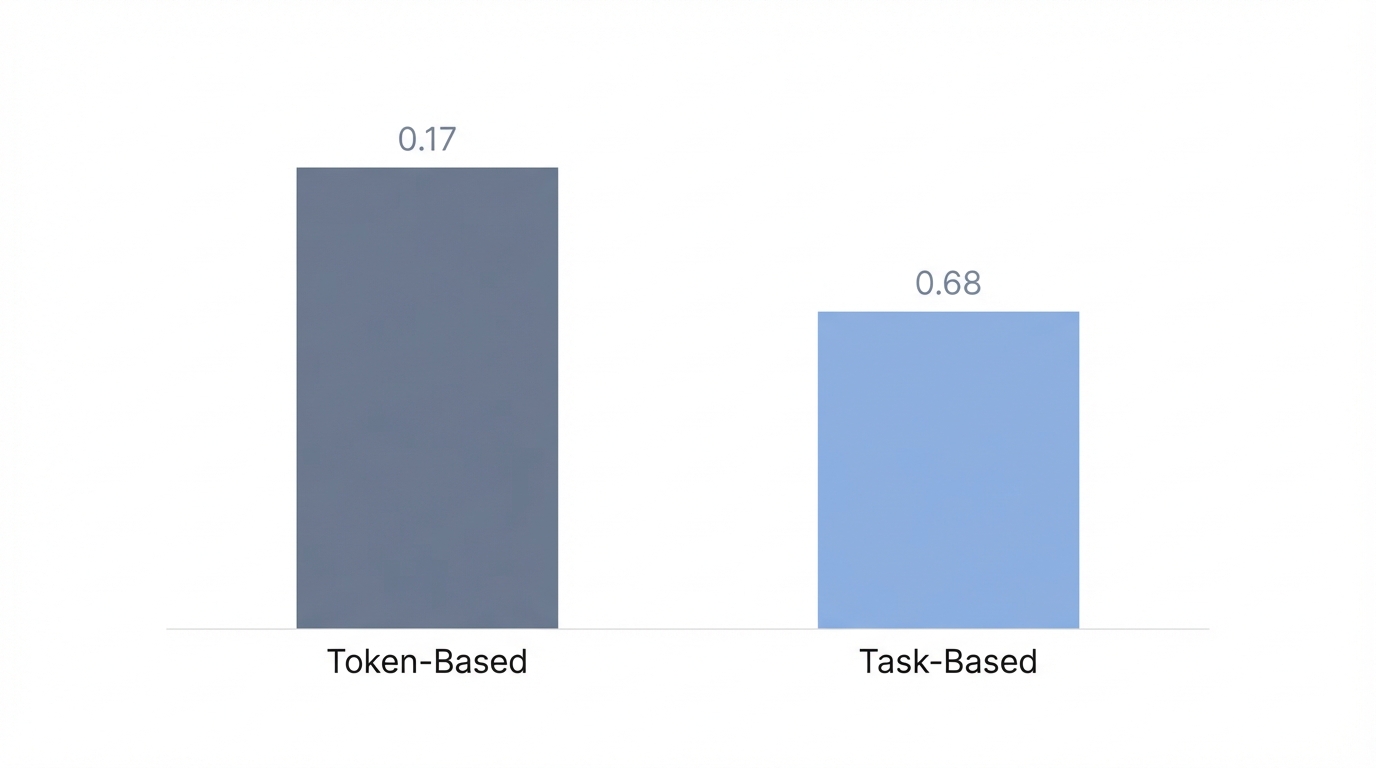
When comparing OpenAI Agent Builder vs Zapier, the cost structure is a major differentiator. Zapier and many n8n alternatives 2025 typically charge based on "tasks" or a monthly subscription. If you have a high-volume workflow—such as processing thousands of leads or support tickets—the cost of individual tasks can skyrocket, often reaching hundreds or thousands of dollars per month according to industry reports.
OpenAI, conversely, operates on token-based pricing. You only pay for the computation the model actually performs. This creates a fascinating dynamic for cost-efficiency:
- Granular Reasoning Levels: You can choose the level of reasoning for each agent. A "Classifier Agent" might use a cheaper, faster model (like GPT-4o-mini) to sort inquiries, while a "Support Agent" might use a higher-reasoning model (like o1) to solve complex technical problems.
- No Monthly Overheads: Unlike SaaS-based automation tools that charge you regardless of usage, token-based systems scale linearly with your actual business activity.
- Cost-Saving Strategy: By using minimal reasoning for simple tasks (like data entry) and high reasoning for context-heavy decision-making, startups can optimize their AI spend to be far lower than traditional automation subscriptions.
For developers and founders, this means you can build a custom, high-functioning customer support system for the cost of your API tokens, potentially replacing $150+/month SaaS tools with a system you own and control entirely.
The Role of MCP: The End of Traditional API Connectors?
One of the biggest hurdles in automation has always been the "connector." If you wanted to connect Notion to Slack, you needed a pre-built connector or a custom API integration. Enter the Model Context Protocol (MCP).
MCP is a new interface that allows Large Language Models (LLMs) to interact directly with external tools and data sources without needing a specific "middleman" app. While Anthropic's Claude initially pioneered this, OpenAI is rapidly integrating these capabilities. Instead of relying on a platform to update its Intercom connector, an agent can use MCP to pull Shopify customer data, check a tracking number, and display it in a dynamic UI widget for the user.
This is a game-changer for AI automation platforms. MCPs allow for a two-way flow of information where the agent isn't just sending data—it is exploring the external system to find the specific context it needs to complete a task. This drastically reduces the hallucination risk because the agent is grounded in real-time data from your CRM or database.
When Zapier Still Wins: Legacy System Support
Despite the rise of best AI agent builders, platforms like Zapier and n8n aren't going anywhere yet. There are specific scenarios where legacy automation still dominates:
- Legacy App Support: Zapier has over 6,000+ integrations. If you are using a niche, older CRM or a specific accounting tool that doesn't have an MCP or a robust API, Zapier is likely your only choice.
- Simple, Repetitive Tasks: If you just need to move a row from Google Sheets to Google Ads every time a sale happens, an AI agent is overkill. A simple sequential workflow is more reliable and easier to audit for these binary tasks.
- Guaranteed Consistency: In highly regulated industries (like finance or legal), you may require a workflow that cannot deviate or "reason." Sequential logic ensures that Step B always follows Step A with 100% predictability.
However, for context-heavy decision-making—such as qualifying leads, managing UGC creator outreach, or triaging support tickets—the OpenAI Agent Builder is the clear winner. For example, if you are running marketing campaigns, platforms like Stormy AI streamline creator sourcing and outreach, but you can use an OpenAI agent to handle the initial communication and vetting process based on specific brand guidelines.
Playbook: Building Your First Autonomous AI Workflow

If you are ready to move beyond basic automation, follow this playbook to build your first multi-agent system using the OpenAI Agent Builder.
Step 1: Define the Goal and Sub-tasks
Don't try to build one giant "everything" agent. Break your goal into sub-tasks. For a customer support bot, your sub-tasks might be: (1) Classify the user, (2) If a lead, gather contact info, (3) If a customer, search the knowledge base.
Step 2: Prepare Your Data Context
Clean up your data and upload it as a Vector Store. This serves as the agent's internal library. Use as little context as possible to achieve the result; excessive, messy data can degrade agent performance over time. Ensure your knowledge base is structured in a way that an LLM can easily parse.
Step 3: Configure Your Nodes
In the OpenAI Platform, set up your start node (text input) and connect it to a Classifier Agent. Write clear, detailed instructions for the classifier. Use the "Enhance" button in the builder to help structure your prompts for better accuracy.
Step 4: Implement Guardrails
Set up safety and quality guardrails. You can configure the agent to hide personal information, moderate harmful content, or strictly follow a JSON schema for its output. This ensures that the "reasoning" doesn't lead the agent off-script.
Step 5: Deploy via Chat Kit or SDK
Once your workflow is published, use the OpenAI Chat Kit SDK to embed the agent on your website or within your app. Because it's managed via the Agent Builder, your non-technical team can update the instructions or data files live without needing a developer to redeploy the code.
For companies heavily involved in influencer marketing or social media growth, managing these workflows becomes even more critical. While you build your internal agents, leveraging a specialized creator CRM like Stormy AI can help you track those creator relationships and post performance, ensuring your AI-driven outreach results in actual ROI.
The Verdict: OpenAI Agent Builder vs Zapier
Is the era of manual automation over? Not entirely, but it has certainly been relegated to a supporting role. Zapier and n8n remain excellent for "plumbing"—moving data from Point A to Point B with absolute certainty. However, the OpenAI Agent Builder is now the primary tool for "thinking."
For modern startups and growth teams, the strategy is clear: use traditional automation for your fixed, binary processes, and deploy autonomous AI workflows for everything that requires nuance, context, and human-like judgment. By reducing developer dependency and moving toward token-based, agentic systems, you can build a more flexible, cost-effective, and powerful operation that scales with the speed of AI.
Whether you are building a support bot to replace expensive SaaS seats or using Stormy AI to discover creators for your next big mobile app launch, the goal is the same: move from manual oversight to agentic autonomy. The tools are here; the only limit now is how you choose to orchestrate them.