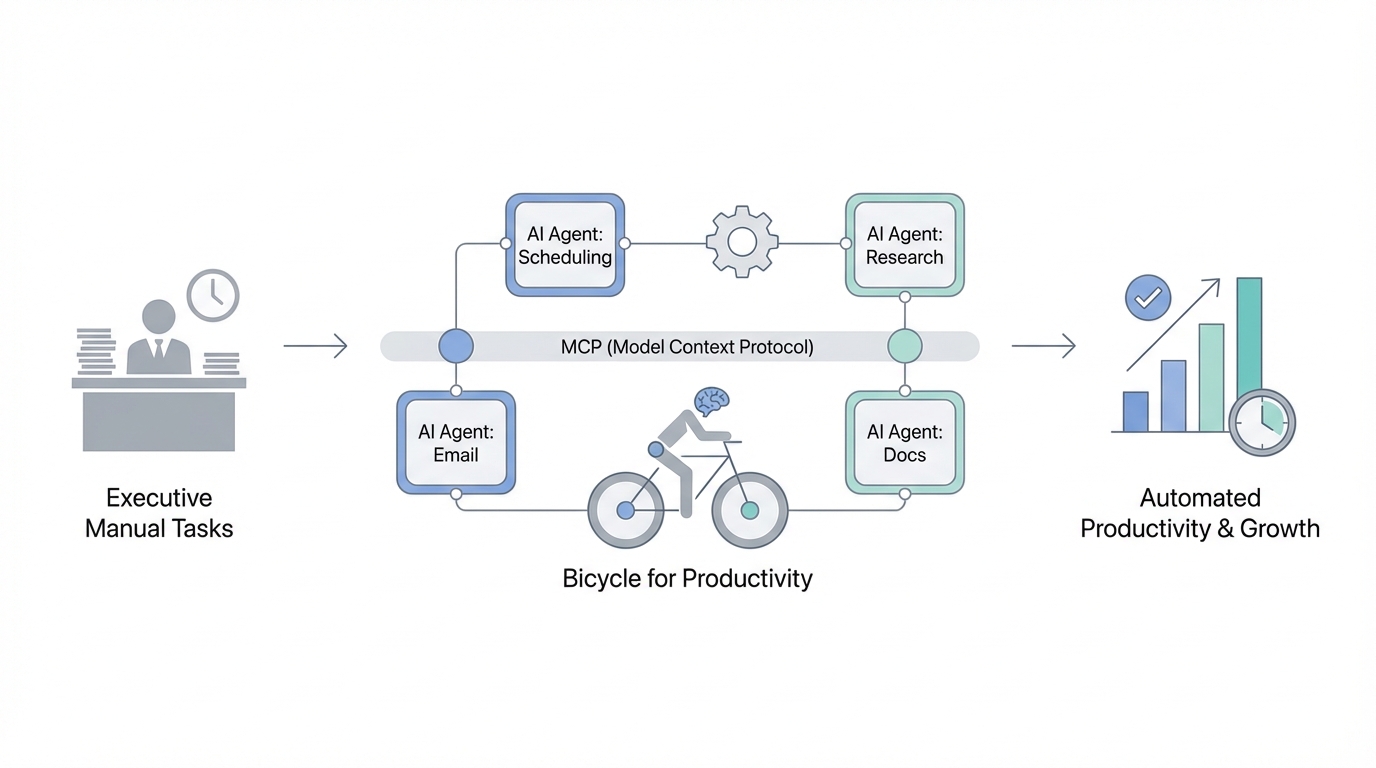
Steve Jobs famously described the computer as a "bicycle for the mind," a tool that allows a human to move through intellectual tasks with exponentially less effort than a person "walking" through them manually. Today, we are witnessing the evolution of that concept into what we might call a "bicycle for productivity." For the modern executive, the bottleneck is no longer the ability to process information, but the latency between a question and an answer. The introduction of the Model Context Protocol (MCP) has fundamentally shifted this dynamic, allowing founders to bridge the gap between their live operational data and the reasoning capabilities of Large Language Models (LLMs) like Claude.
The Model Context Protocol (MCP) Guide: Connecting Claude to Your Business
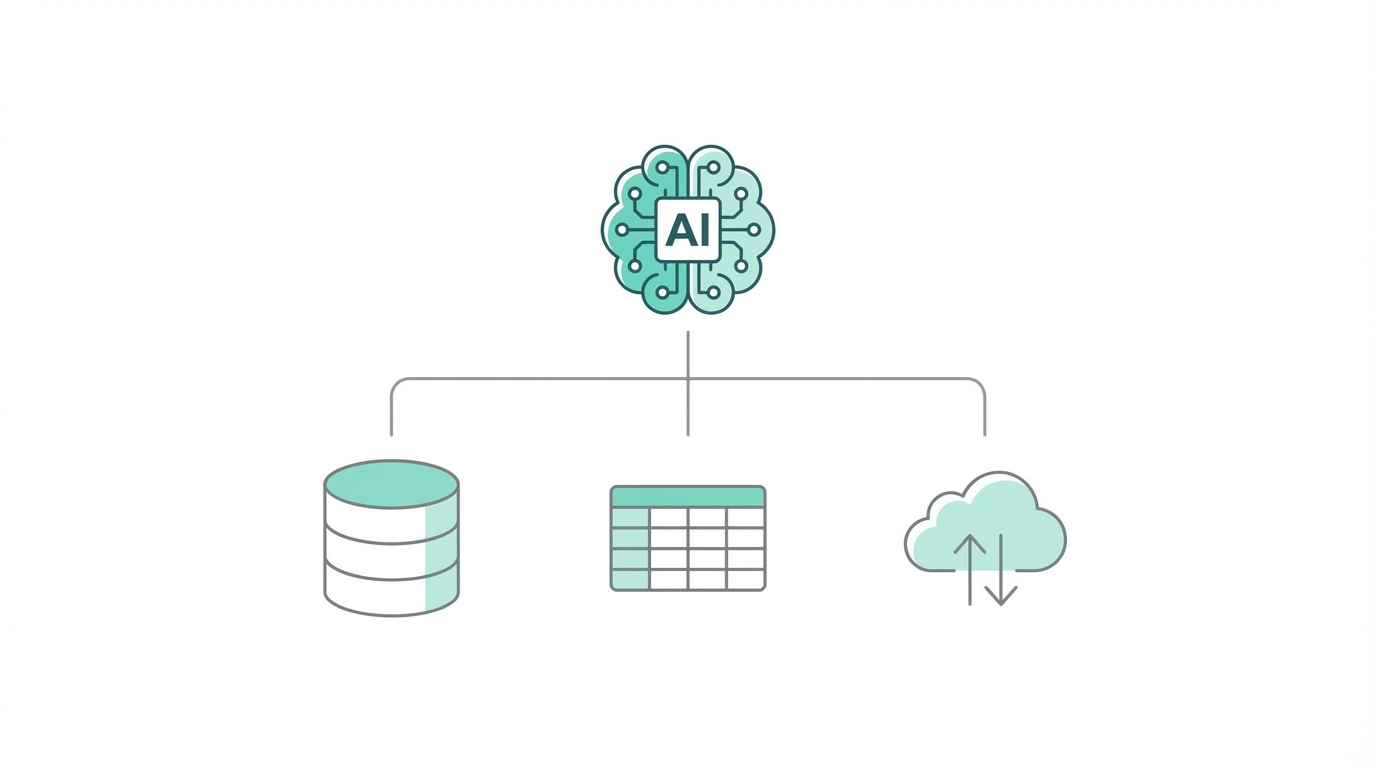
For most founders, interacting with AI has traditionally been a "copy-paste" exercise. You export a CSV from your accounting software, upload it to a chat interface, and ask for insights. The Model Context Protocol (MCP) changes this by providing a standardized way for LLMs to "read" and "write" to external data sources in real-time. Think of it as a bridge that allows Claude to query your database or interact with an API as if it were a native part of the model's memory. This is the cornerstone of effective business process automation ai.
When you implement an MCP server, you are essentially giving your AI agent a set of "eyes" into your business. Instead of looking at historical snapshots, the agent can see your live Stripe transaction logs or your current inventory levels. This protocol is rapidly becoming the industry standard because it solves the "context window" problem—instead of stuffing every piece of data into a prompt, the model strategically queries only the context it needs to answer a specific executive query.
Connecting Claude to Live Financial and Operational Data
One of the most powerful applications of mcp for claude is the automation of financial analysis. Founders often lose interest in cost-cutting or margin optimization because the friction of data gathering is too high. By connecting your LLM to tools like Xero or QuickBooks via an MCP-enabled agent, you can perform high-level queries on a Sunday afternoon without waiting for a report from your CFO. You might ask, "How could I optimize my taxes based on my current credit lines across all holding companies?"
In a real-world scenario, an AI agent connected to your accounting data can identify tax write-offs that human accountants might overlook. For example, if you have a personal credit line and a corporate credit line, a business process automation ai tool can suggest using corporate cash reserves to pay down personal debt to create a tax-deductible event. This level of "financial co-pilot" functionality requires live data integration to ensure the advice is based on today’s balances, not last month's PDF.
Building a 'Secure Local Agent' for Email and Relationship Management

Privacy is the primary concern for any executive integrating ai agents for business into their core infrastructure. The "vibe coding" era—where developers quickly ship wrappers—often ignores the security risks of uploading sensitive email threads to third-party servers. The solution is building a secure local agent. By using a local SQLite database of your iMessage or Gmail history (often found in the chats.db file on macOS), you can train an agent to manage your relationships without your data ever leaving your local machine.
Tools like Lindy allow you to build agents that ingest every email you receive and label them based on deep context. For instance, a Lindy agent can draft a "no" email in your exact voice for low-priority requests, while highlighting high-value opportunities in a dedicated Slack channel. This allows for a "human-in-the-loop" workflow where the AI does the heavy lifting of sorting and drafting, but the executive retains final approval.
Step-by-Step Guide: Automated Lead Scoring and Outreach
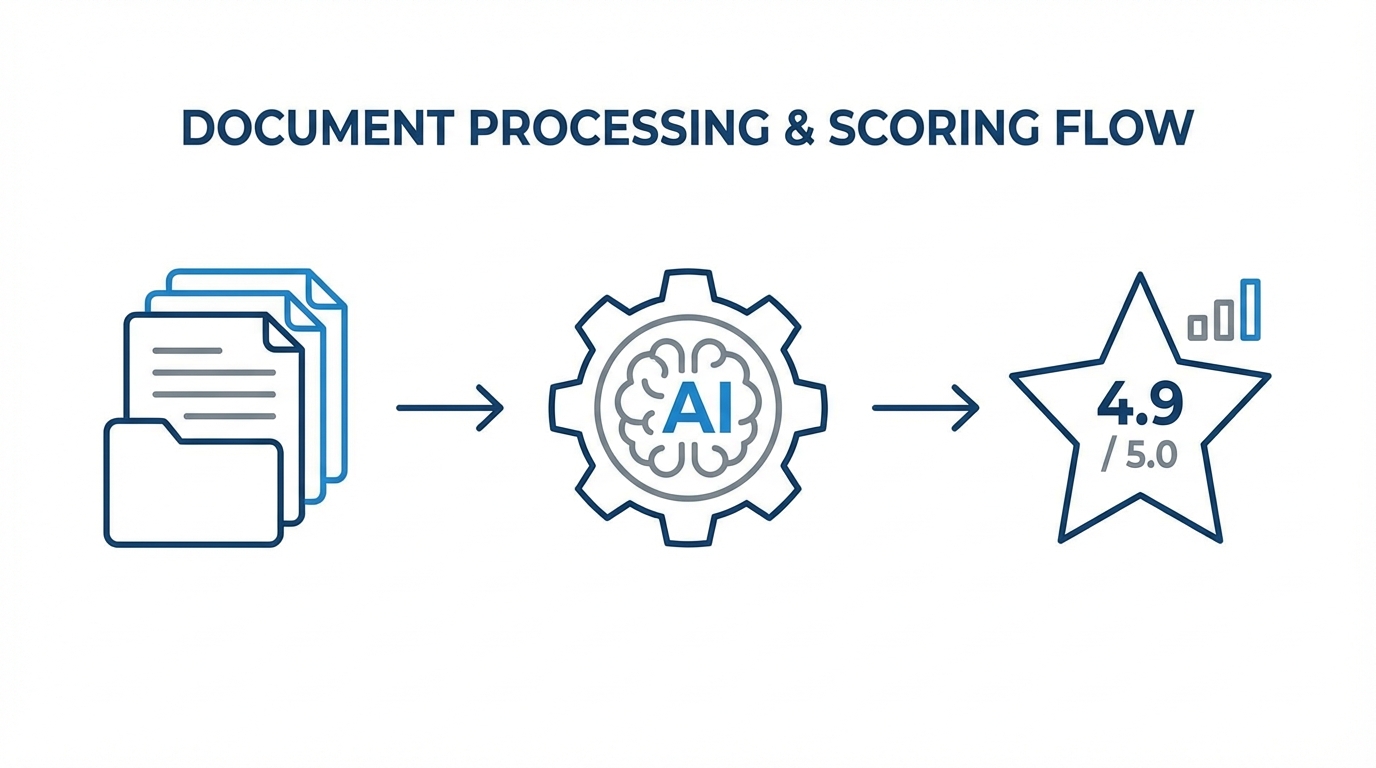

For any B2B business or media company, lead quality is the difference between growth and burnout. Traditional lead scoring is often "Boolean"—if the lead has a certain job title, it's a "yes." Automated lead scoring with AI agents allows for nuanced, qualitative analysis. Here is a playbook for setting this up using Gumloop or similar automation platforms:
Step 1: Data Ingestion
Set up a trigger so that every time a lead enters your CRM or a form is filled out, the data is pushed to your AI agent. This should include the user's email, company name, and their initial query. You can use Zapier to bridge these systems if an MCP server isn't natively available.
Step 2: Deep Enrichment
Configure the agent to query external data. It should look up the company's revenue, recent news, and employee count. When sourcing creators or influencers for marketing campaigns, platforms like Stormy AI are invaluable here. Stormy can automatically find a creator's audience demographics, detect engagement fraud, and enrichment their email address, providing a much deeper "score" than a simple form submission could ever offer.
Step 3: Intelligence & Scoring
Use an LLM to score the lead on a scale of 1-10 based on specific criteria. For example: "Is this lead from a company that just raised a Series B?" or "Does their query suggest a high urgency?" Platforms like Manus AI can even analyze zip files of resumes or applications to score 50 candidates in minutes, focusing your attention only on the "10/10" leads.
Step 4: Automated, Hyper-Personalized Outreach
Once scored, the agent should draft a personalized response. If the lead is high-value, the agent might suggest a personal video from the founder. For mid-tier leads, the agent can send a tailored email that references the lead's specific business challenges. If you are managing creator relationships, Stormy AI can handle this entire outreach sequence, using AI to personalize emails at scale while tracking opens and clicks directly in a built-in CRM.
Security and the Future of the 'Vibe Coding' Moat

As we move toward a world where "vibe coding" allows anyone to build a functional app in a weekend using Vercel V0, the only true moats remaining are network effects and data security. Founders must be wary of "thin wrappers" that may have high churn as larger platforms like Apple or Google integrate similar features natively. To build a sustainable 10-year business, you must focus on being the "secure" option.
When integrating AI into your infrastructure, follow these security best practices: Always prioritize local LLM processing for sensitive PII (Personally Identifiable Information). Use protocols like HTTPS and secure MCP servers (SMCPs) to ensure data transit is encrypted. Finally, maintain a "human-in-the-loop" for any high-stakes financial or legal decisions. AI is a bicycle for productivity, but the human must still be the one steering.
Conclusion: Driving the Bicycle
The transition from a "keyboard job" to an "executive orchestrator" is well underway. By leveraging the model context protocol guide and tools like Stormy AI for discovery and Lindy for operations, founders can reclaim 20-30 hours of their week. The goal is not just to do more things, but to eliminate the friction of *doing* entirely, allowing your mind to focus on strategy and network building—the only two things AI cannot yet replicate.