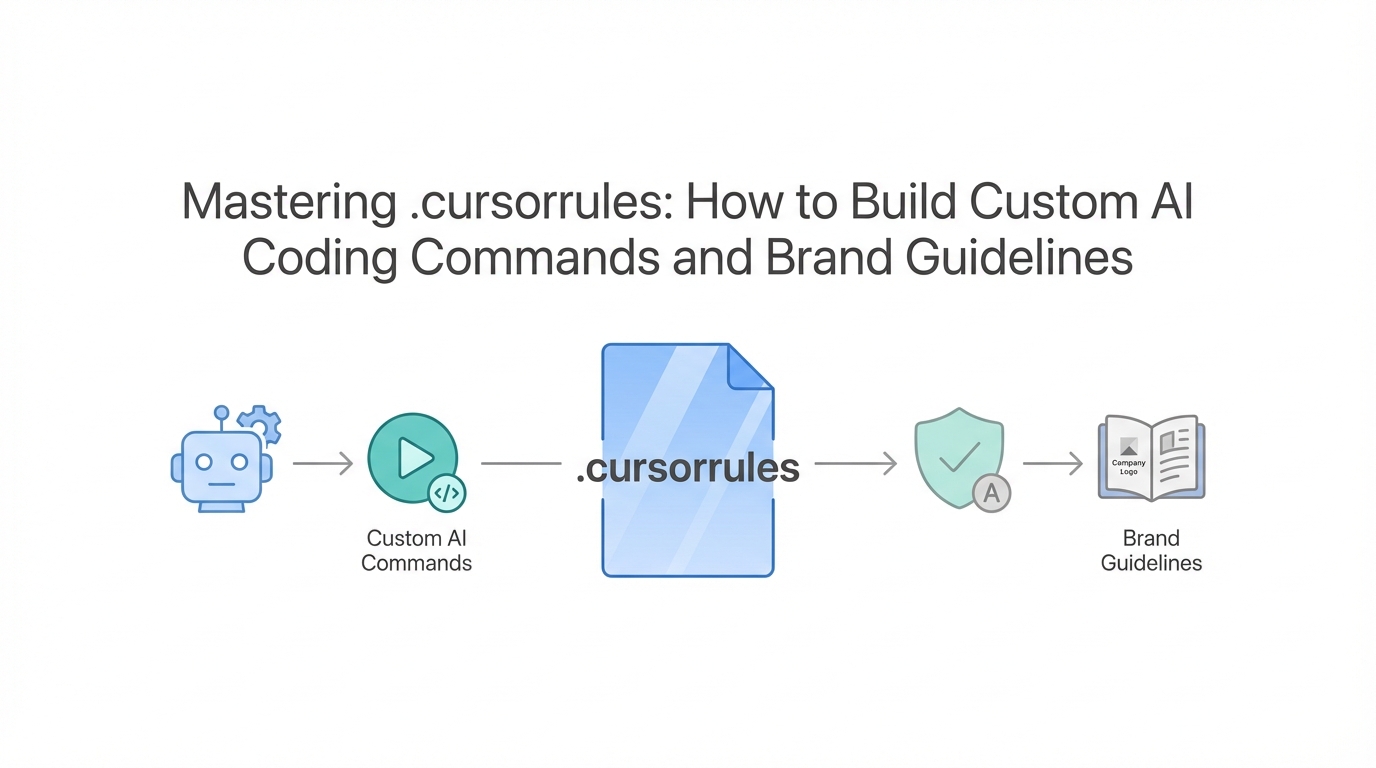
Most developers start their journey with Cursor AI by simply chatting with the sidebar. It feels like magic at first—you describe a feature, and the code appears. But as projects grow, many hit a wall where the AI starts losing context, hallucinating, or using "robot-speak" that litters your documentation with overused marketing jargon. This is where .cursorrules comes in.
Think of the .cursorrules file as the permanent "brain" of your project. Instead of repeating your preferences in every new chat window, you can bake your architectural standards, coding standards AI preferences, and brand voice directly into the IDE. In this guide, we will explore how to transition from "vibe coding" to production-grade engineering using advanced configuration and Cursor AI custom commands.
The Power of .cursorrules: Building a Project Brain
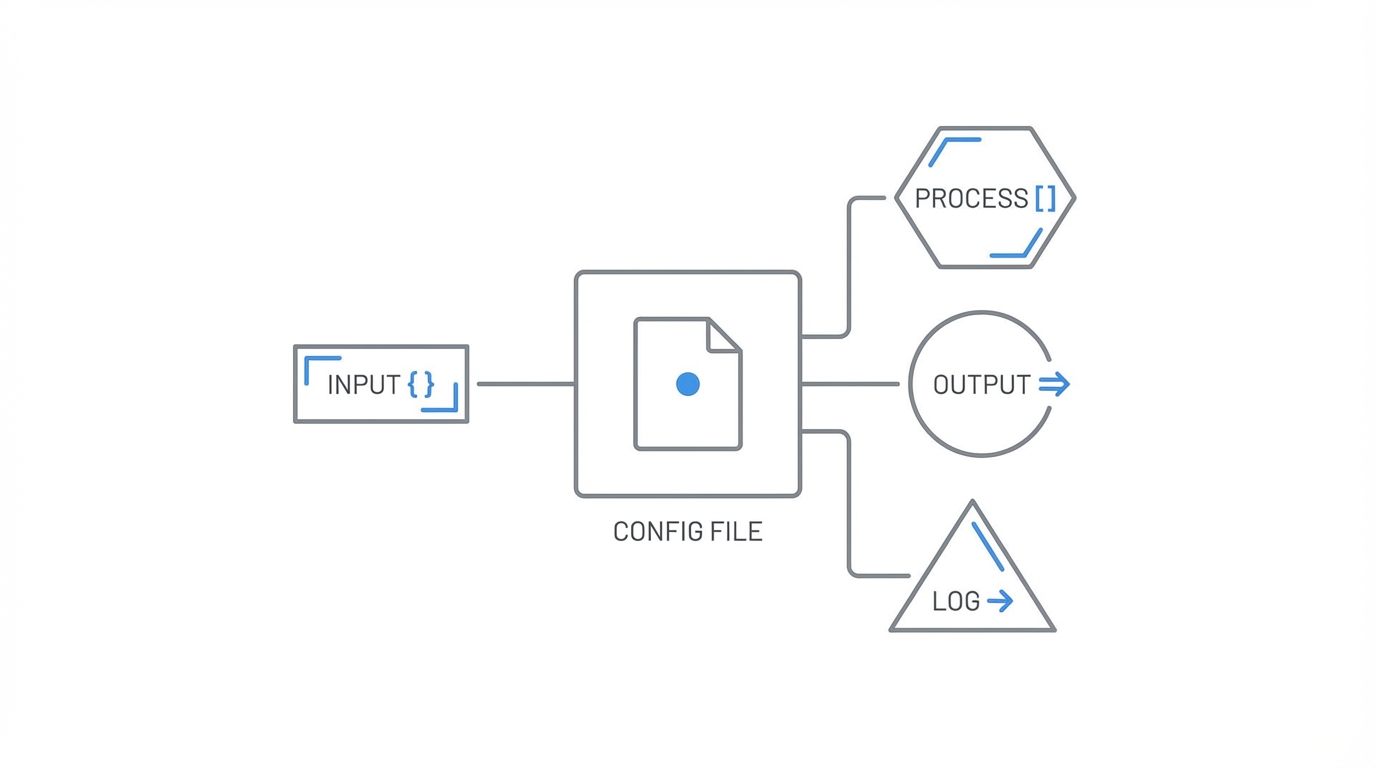
A .cursorrules file is a hidden markdown or configuration file placed in your project root that defines how the AI should behave across all sessions. According to Lee Robinson from the Vercel team, one of the biggest mistakes developers make is treating the AI as an "append-only" conversation. They keep one chat open for days, eventually hitting 90% of the context window, which leads to a massive drop in output quality. By using a .cursorrules file, you can keep your chats short and focused while the rules provide the necessary background context automatically.
A well-structured .cursorrules file should include your preferred tech stack (e.g., "Always use TypeScript and Tailwind CSS"), your testing strategy, and specific patterns you want to avoid. This ensures that every agent you fire off starts with a high baseline of project-specific knowledge. Automated code review starts here; if the rules say no any types in TypeScript, the AI will self-correct before you even see the PR.
Removing LLM-isms: The Banned Words List

One of the most frustrating aspects of using AI for technical writing or UI copy is the tendency for models to use what many call "LLM-isms." These are overused, hyperbolic words that immediately signal a text was generated by a machine. To combat this, you can implement a "Banned Words" list within your project rules.
When writing documentation or educational material, you should instruct the AI to avoid words like "seamless," "mission-critical," "performant," and "leverage." These words are often filler and distract from the actual technical value. Lee mentions that once you see these patterns—like the common AI phrase "It's not just X, it's Y"—you can't unsee them. By explicitly banning these in your .cursorrules, you force the AI to produce more human, direct, and "artisanal" content. You can even extend this to UI code, ensuring that button labels and tooltips don't sound like they were written by a marketing bot.
Playbook: Building Custom Slash Commands
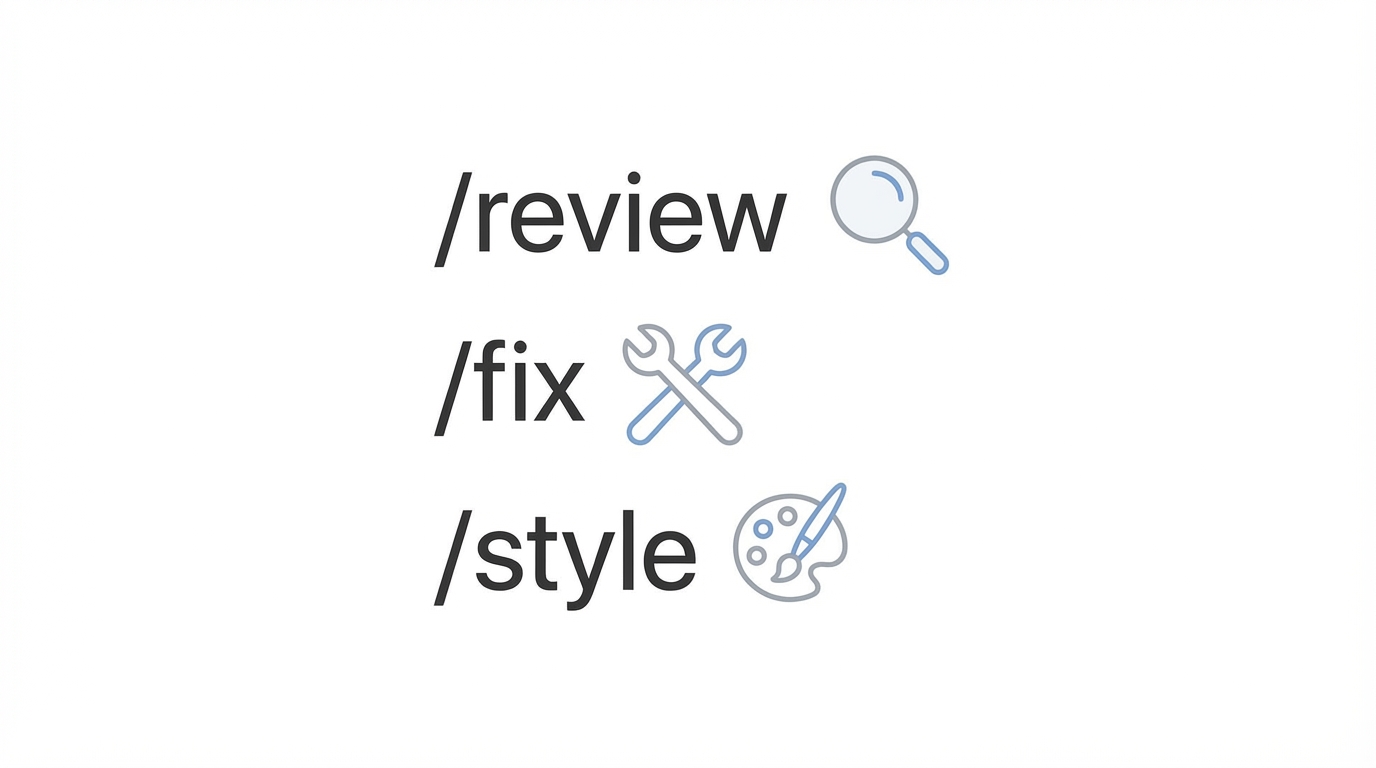

Cursor allows you to define custom slash commands that act as shortcuts for complex tasks. This is a game-changer for AI prompt engineering for developers because it allows you to trigger specialized "agents" for specific workflows.
Step 1: Define the Command in Markdown
Create a dedicated markdown file for your command, such as code-review.md. Inside, list the specific "gotchas" you want the AI to check for. This might include checking if the code handles offline states, includes a loading spinner, or follows specific security protocols.
Step 2: Map the Slash Command
Use the .cursorrules file to map a command like /code-review to that markdown file. Now, whenever you finish a feature, you can simply type the command in the chat, and the AI will perform a deep audit based on your exact specifications.
Step 3: Add Niche-Specific Audits
You aren't limited to general reviews. You can create /security-check to look for SQL injection vulnerabilities or /vibe-check to ensure the UI matches your brand's aesthetic. This level of automation is what separates hobbyist "vibe coders" from professional engineers building personal software at scale.
Enforcing Voice and Tone for Technical Writing

If you are using Cursor to build a documentation site or a blog, your .cursorrules should function as a brand style guide. You can create a "mega-prompt" that defines your Voice and Tone. For example, you might want your technical guides to be "opinionated but helpful" or "concise and developer-centric."
By embedding these instructions, the AI stops being a generic writer and starts acting as a member of your team. It will know to use active voice, avoid flowery language, and focus on code snippets over long paragraphs of text. For those building creator-focused platforms, this consistency is vital. When you are sourcing talent via tools like Stormy AI, having a clear and consistent brand voice in your outreach and documentation helps build trust with influencers and UGC creators who might be reviewing your technical specs.
Handling Edge Cases: Offline States and Spinners
A common pitfall in AI-generated code is the omission of edge cases. An AI might write a perfectly functional data-fetching function but forget to handle what happens when the user has no internet connection or when the API takes five seconds to respond. You can solve this by adding a permanent rule in your automated code review settings.
Instruct the AI that "Every data-fetching component must include a loading state and an error boundary." When this is part of the .cursorrules, the agent will automatically generate the Loading... spinner and the retry logic without you having to ask for it every time. This ensures your app feels production-ready and robust, rather than like a fragile prototype. Companies like Linear use these types of strict internal standards to maintain a "zero bug policy," a goal that is much easier to reach when your AI assistant is pre-configured to catch these errors.
AI Agents and the Future of Productivity
The next evolution of Cursor is the use of headless agents. These are AI agents that run in the background via a CLI or GitHub Actions to perform tasks like security audits or documentation updates automatically. For instance, you can set up an agent to run a /security-review every time a new PR is opened.
This level of automation allows developers to focus on high-level architecture while the AI handles the "drudge work." As the marginal cost of writing code drops to zero, the value shifts toward distribution and product engineering. If you are building a SaaS or a mobile app, your goal is to ship features faster than the competition. Using Cursor AI custom commands to automate your testing and review cycles gives you a massive advantage.
For developers who are also managing the marketing side of their apps, this efficiency is crucial. Once the software is secure and bug-free, you can leverage influencer discovery on Stormy AI to find the right voices to promote your product, knowing that the technical foundation is solid and the user experience is polished.
Conclusion: From Prototyping to Production
Mastering .cursorrules is the difference between playing with a tool and wielding a superpower. By taking the time to define your banned words, building custom slash commands, and enforcing coding standards AI, you transform Cursor from a simple chatbot into a sophisticated development partner. Whether you are a solo developer building personal software or part of a large team, these configurations ensure that your code remains secure, your documentation stays human, and your application handles every edge case with grace. Start small—add five banned words and one custom review command today—and watch your productivity skyrocket.