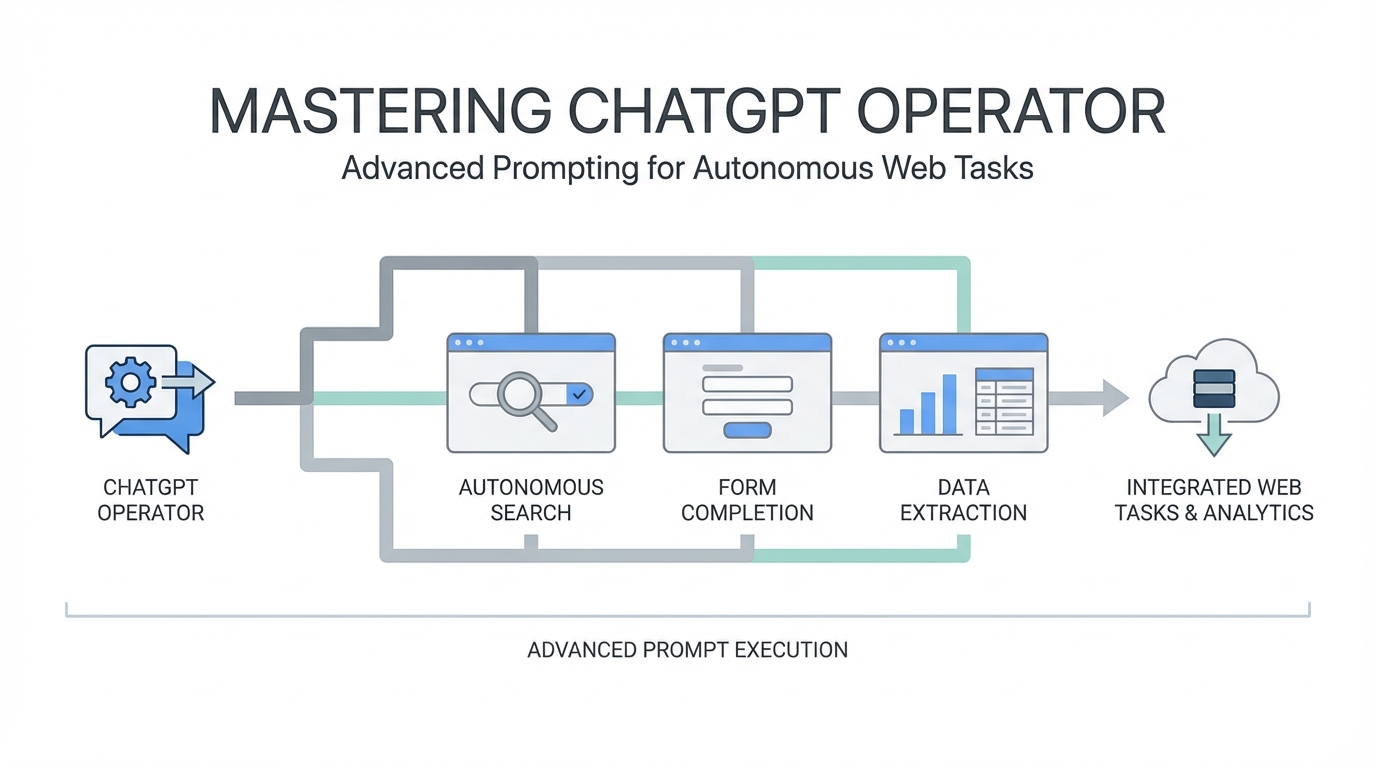
The landscape of artificial intelligence has shifted from static chat interfaces to dynamic, browser-controlling entities. With the release of ChatGPT Pro Operator features, users are no longer just talking to an LLM; they are managing a digital agent capable of navigating the live web. Early adopters like Chris Korner of The Korner Office are already proving that a $200-a-month subscription can be the catalyst for six-figure arbitrage businesses. However, moving from simple queries to sophisticated AI agent workflows requires a specialized approach to prompt engineering. This guide breaks down the technical nuances of ChatGPT Operator prompts to help you maintain velocity, bypass UI hurdles, and scale autonomous tasks.
The Core Logic of Prompt Engineering for AI Agents
Traditional prompting focuses on output quality, but prompt engineering for AI agents focuses on behavioral guidance. When you use an agent like Operator, you are essentially managing a "10x developer" who is focused and capable but needs clear boundaries to avoid getting stuck. The primary mindset shift is treating the agent as a digital employee who can see your screen. You aren't just giving a command; you are defining a workflow that involves observation, decision-making, and execution.

As discussed in recent deep-dives on TKOPod, the key to success is providing a high-level goal combined with specific constraints. For example, rather than saying "find deals," you must define the market, the price discrepancy threshold, and the logging mechanism. This clarity prevents the agent from spiraling into a loop when it encounters minor errors on platforms like Facebook Marketplace or specialized niche sites.
Velocity Engineering: Mastering the "Move Faster" Prompt

One of the most common frustrations with autonomous agents is their perceived latency. Agents often pause to "think" or verify their current state before proceeding to the next click. To overcome this, users have developed specific ChatGPT Operator prompts designed to push the agent's velocity. By explicitly commanding the agent to "move faster" or "proceed without asking for confirmation," you can significantly reduce the time spent on repetitive tasks.
Setting Numeric Performance Goals
A powerful technique in an autonomous AI agents guide is to give the agent a quantitative goal. During experiments with wedding catering quotes on The Knot, users found that asking the agent to "submit three quote requests per minute" pushed its operational speed to the limit. While the agent may occasionally push back with rate-limiting warnings, setting a numeric benchmark forces the AI to optimize its internal pathfinding. Always monitor the agent's response, as it may cite technical inability to meet extreme speeds, but it will almost always move faster than its default setting after such a prompt.
Master Class in Control Mode: Navigating Complex UIs
Even the most advanced agents can get tripped up by idiosyncratic user interfaces. Sites like Beehiiv or internal corporate dashboards often have nested menus that an LLM might not immediately interpret. This is where "Control Mode" becomes essential. If an agent pauses or expresses confusion about a UI element, you should not simply re-type the prompt. Instead, take control of the session, perform the action once, and then tell the agent: "Do exactly what I just did for the remaining items."
This "show, don't just tell" methodology is critical for AI agent workflows involving Chinese e-commerce sites or platforms with heavy JavaScript dependencies. By demonstrating the navigation path, you are effectively training the agent's session-specific memory. This is particularly useful when managing complex newsletter integrations or digging through deep settings menus that aren't indexed by standard web crawlers. For brands looking to scale these types of interactions specifically for marketing, using specialized tools like Stormy AI can help source and manage UGC creators at scale, providing a more structured alternative to generic browser agents.
Multi-Step Workflow Chaining for Business Arbitrage
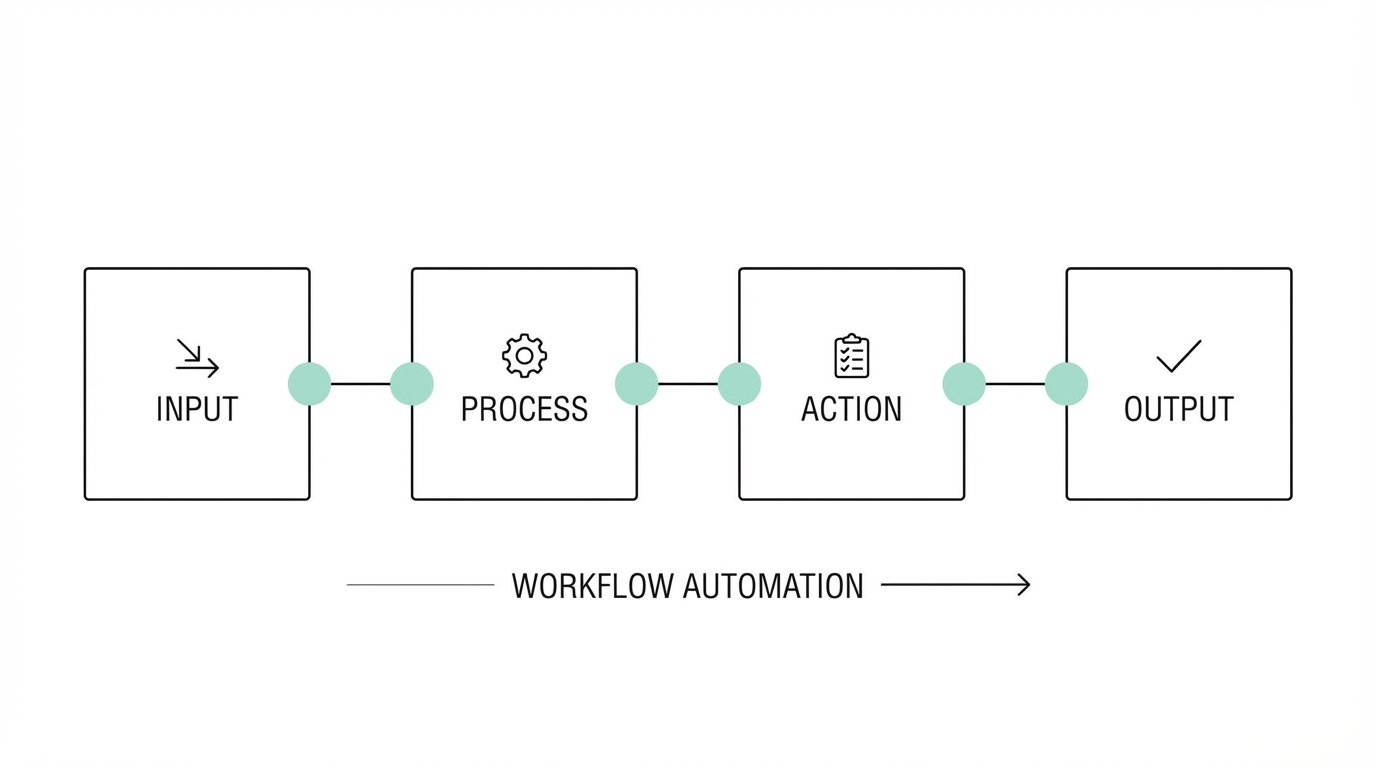

The true power of ChatGPT Pro Operator features lies in chaining multiple disparate platforms into a single cohesive business process. A prime example is retail arbitrage. In this AI agent workflow, the agent performs a price comparison between Facebook Marketplace and eBay to find undervalued high-ticket items like Gozney pizza ovens.
Step 1: Market Research and Discovery
The prompt begins by defining a specific product and a search radius (e.g., 500 miles of Dallas). The agent is tasked with finding listings that are "grossly undervalued" compared to the national average. In one documented case, the agent successfully found a $500 pizza oven listed for $250, identifying the value gap based on the included accessories like propane burners and peels.
Step 2: Logging and Analysis
Rather than simply listing results in the chat, the agent should be prompted to log every promising find into a structured format. Directing the agent to a Google Sheet or a Notion database ensures that the data is actionable. This allows the human manager to review the "why" behind each choice—whether it was due to condition, price, or the seller's willingness to ship.
Step 3: Automated Outreach
The final link in the chain is the outreach. The agent can be prompted to message sellers with specific offers, such as "offering half price for cash." While the agent may initially hesitate due to safety guardrails, refined ChatGPT Operator prompts that emphasize professional intent can often overcome these blocks. For those managing high-volume creator relationships, the Creator CRM capabilities of Stormy AI can further automate these interactions, tracking every negotiation and payment in one centralized dashboard.
Handling Technical Roadblocks: Site Errors and Restrictions
Autonomous browsing is rarely seamless. Agents frequently encounter 404 errors, location blocks, or "inaccessible site" messages. When an agent fails to reach a destination like AliExpress, it is often due to sophisticated bot-detection or regional IP restrictions. A savvy prompter will instruct the agent to "attempt a new tab," "use a search engine to find an alternative URL," or "check a mirror site."
During a test on sourcing free samples from China, the agent was blocked by AliExpress but successfully pivoted to Banggood by using Bing to search for alternatives. This ability to "go rogue" and figure things out independently is the hallmark of AGI-adjacent behavior. If you are operating outside of supported regions, utilizing a VPN is a prerequisite to ensure the agent's browser instance can access the necessary data without triggering security flags.
Security Best Practices in Autonomous Browsing

Granting an AI agent the power to create accounts and manage passwords introduces significant security risks. However, it also offers a way to maintain high-security standards through automation. When a site like Banggood requires a new account for vendor messaging, the agent can be prompted to "generate a strong, 20-character password."
Never allow an agent to use a weak or repetitive password across multiple sites. Instead, have it generate unique strings for every new registration. For 2FA (Two-Factor Authentication), the agent will pause and request the code from you. This creates a "human-in-the-loop" security gate that ensures you maintain ultimate control over the account while the agent handles the tedious data entry. This level of automation is transformative for side hustles, where the barrier to entry is often the friction of setting up dozens of accounts for research and outreach.
Conclusion: Seizing the Arbitrage Moment
We are currently in a unique window of opportunity where the barrier between human intent and digital execution has been almost entirely removed. By mastering ChatGPT Operator prompts, you can effectively run a business as a silent overseer. Whether you are performing retail arbitrage, sourcing samples from international vendors, or scaling wedding planning quotes, the autonomous AI agents guide provided here is your blueprint for efficiency.
As these tools evolve, the distinction between a "manual task" and an "automated outcome" will disappear. The real winners will be those who spend their time refining their AI agent workflows and finding new markets to disrupt. Start small, treat your agent like a high-performing (but literal-minded) assistant, and always be ready to take the wheel when the UI gets complicated. The future of work isn't just about AI; it's about the people who know how to direct it.