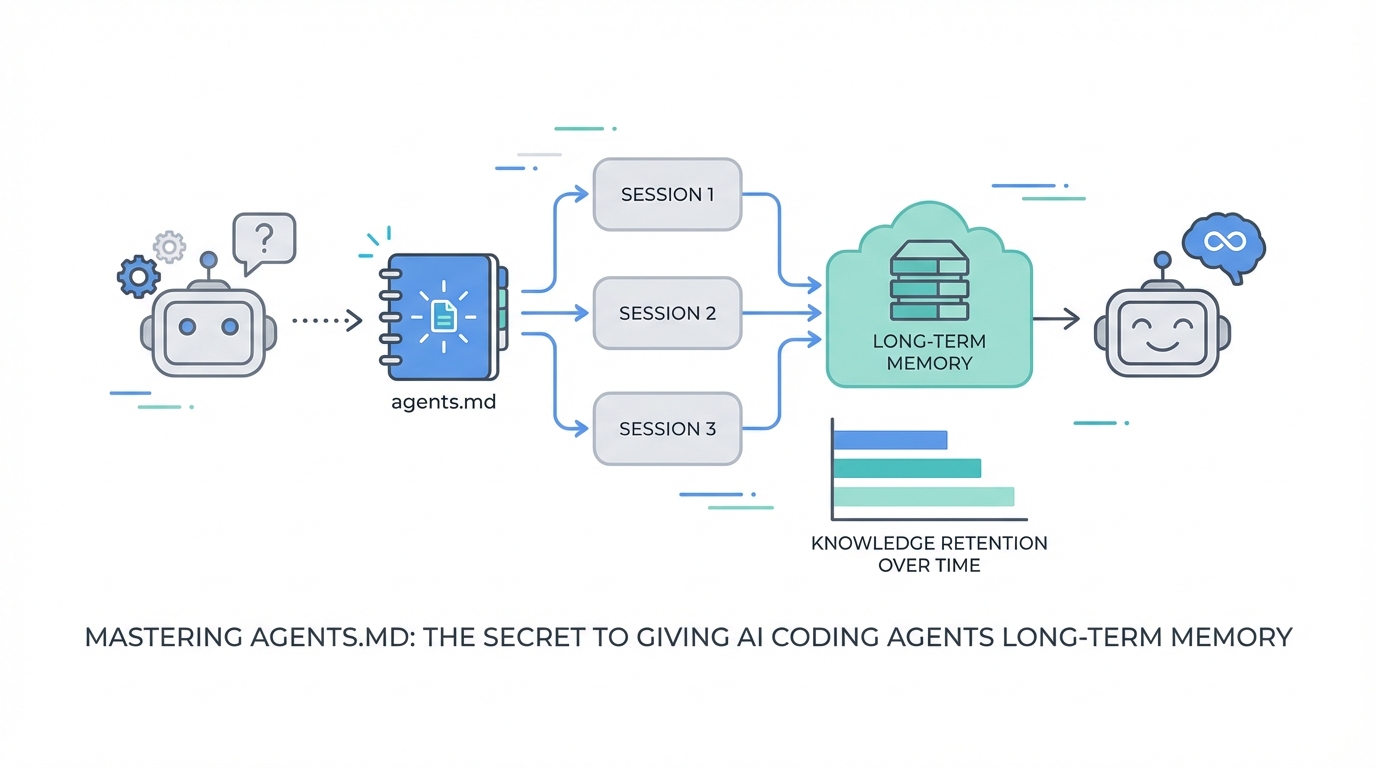
The most frustrating experience in the current AI revolution isn’t the AI making a mistake—it’s the AI making the same mistake twice. You’ve likely seen it: you guide an agent through a complex refactor, it finally understands a specific quirk of your database, but three sessions later, it’s back to hallucinating the same deprecated field. This is the context window wall. Despite the massive 168,000 token context window found in models like Claude Opus 4.5, AI agents still operate on a fundamentally ephemeral plane. Without a dedicated persistence layer, every new session is a blank slate, forcing you to pay for the same 'learning' over and over again.
Enter the concept of agents.md and the Ralph Wiggum coding loop. Popularized by developers like Ryan Carson and the team at Every, this approach shifts AI from a session-based chat bot to an autonomous Compound Engineering system. By leveraging standardized markdown files for long-term memory, you can build a codebase that actually teaches the AI how to work on it, allowing features to be built while you sleep. In this guide, we will break down how to implement AI agent memory management to transform your workflow from repetitive debugging to autonomous growth.
The Difference Between Short-Term Session Memory and Long-Term Codebase Memory
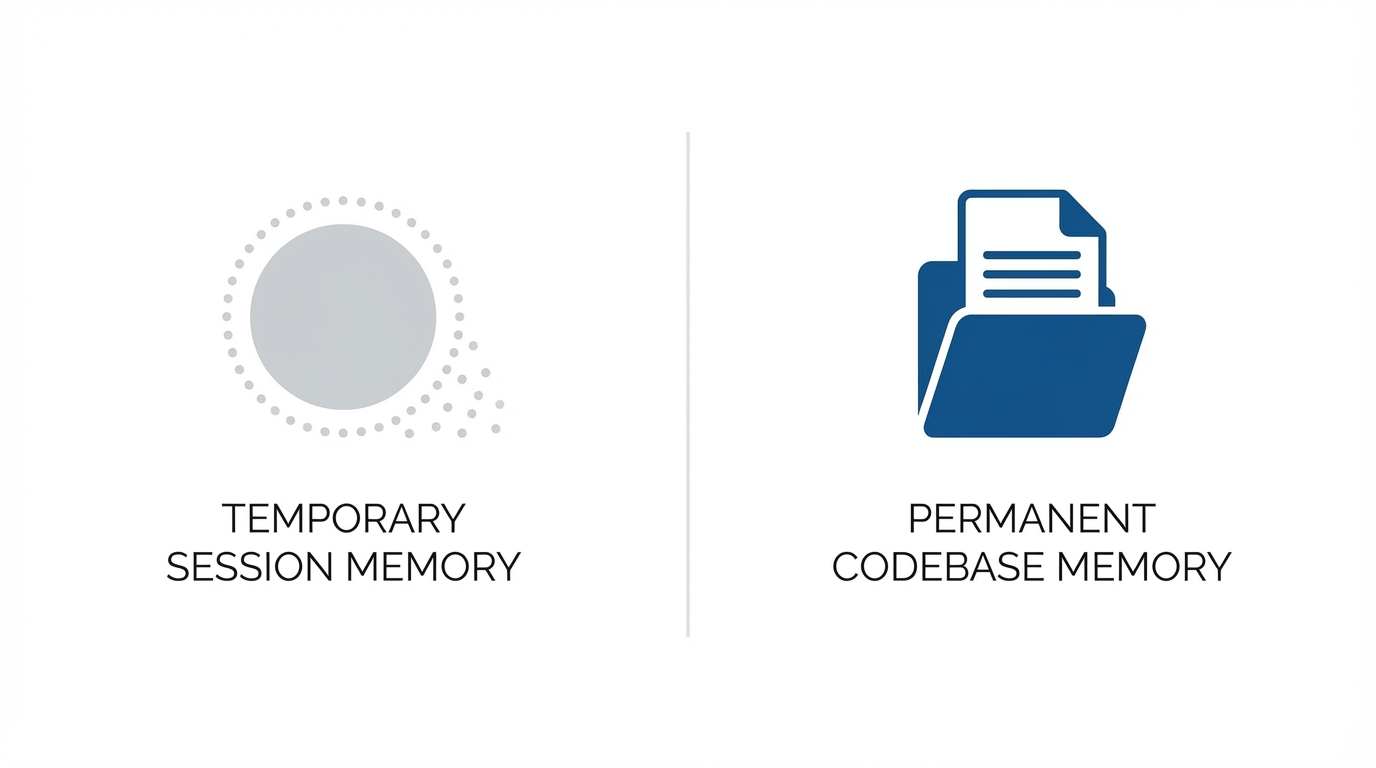

To master agents.md explained, you must first understand the two distinct types of memory an AI agent utilizes. Short-term session memory exists within the current chat thread or command-line instance. For example, if you are using Ralph or similar autonomous scripts, the agent can remember what it did ten minutes ago because those tokens are still within its immediate context window. However, once that process terminates, that memory evaporates.
Long-Term Codebase Memory is the persistent storage of knowledge within the repository itself. This is achieved by creating files that the AI is explicitly instructed to read before starting any task. While a developer might rely on README files, agents.md is specifically formatted for LLM consumption. It contains the "tribal knowledge" of your project—the weird edge cases, the specific naming conventions, and the compound engineering AI insights that prevent the model from repeating past blunders. By separating these two layers, you ensure that even when the Claude Opus 4.5 context window refreshes, the agent’s core knowledge of the system remains intact.
What is agents.md? The Persistent Instruction Layer

The agents.md file is a simple markdown document located at the root of your project (or in subdirectories) that serves as a "sticky note" for every AI agent that enters the codebase. Think of it as an onboarding manual for a senior engineer who has never seen your code. When an agent like Ampt or Claude Code initializes, its system prompt directs it to find and read this file first.
A high-quality agents.md file should include:
- Architecture Overview: A high-level map of how data flows through the application.
- Banned Patterns: Explicitly listing libraries or methods that should never be used (e.g., "Do not use Axios; use the native Fetch API").
- State Management Quirks: Explanations of why certain complex components are structured the way they are.
- Deployment Constraints: Information about the environment that the AI can't see just by looking at the source code.
By implementing AI coding persistence through these files, you effectively lower the 'token cost' of every future interaction. The agent doesn't have to 'explore' to find the right patterns; it is told exactly what they are from the start.
Implementing agents.md in Subdirectories for Localized Context
One of the most effective ways to manage AI agent memory management in large repos is to use localized context. You don't want your global agents.md file to be 5,000 lines long, as that would clutter the context window with irrelevant data. Instead, you can place agents.md files within specific subdirectories.
For instance, your /src/components/auth folder might have its own agents.md file that details the specific JWT implementation and security protocols used only in that module. When the agent moves into that folder to edit a file, the Ralph coding loop logic dictates that it should look for the nearest agents.md file. This provides hyper-localized context, ensuring the AI has the most relevant information without being overwhelmed by the entire codebase's history. This is a key component of compound engineering AI: providing the right information at the right time.
The Compound Engineering Concept: Smarter with Every Mistake

The term Compound Engineering, popularized by the team at Every, refers to a system where the AI gets smarter every time it makes a mistake. In a traditional workflow, an error is fixed, and the lesson is lost. In a compound engineering workflow, every time the AI hits a wall or requires a manual correction from the user, the agents.md file is updated to include that new piece of knowledge.
If the AI tries to use a deprecated database field and fails, the developer (or the AI itself) should add a note to agents.md: "Field 'user_status' is deprecated; use 'status_v2' instead." From that point forward, every autonomous agent that touches the code will know this, effectively 'leveling up' the entire engineering system. This creates a flywheel effect where the autonomy of the system increases over time because the knowledge base is constantly being refined by previous failures.
How to Format progress.txt to Allow Agents to Resume Tasks
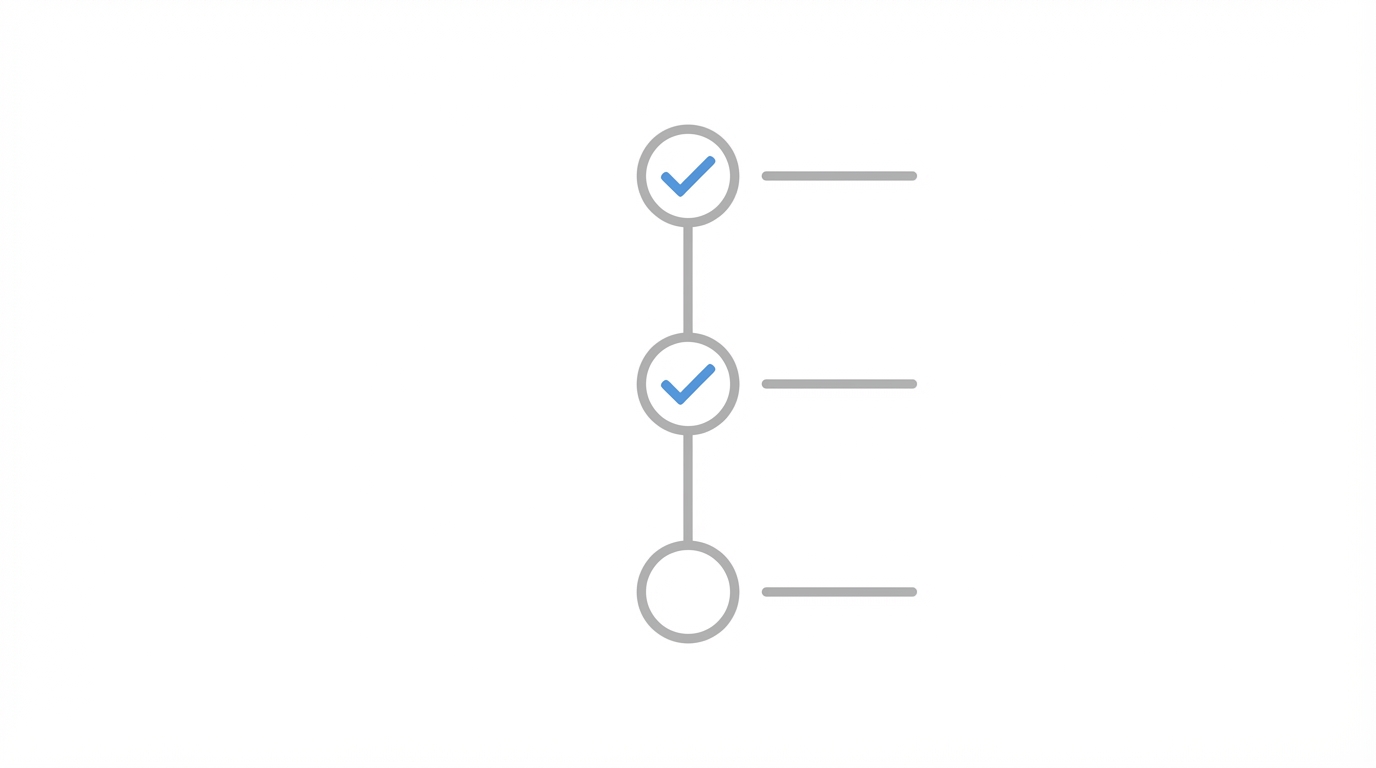
While agents.md handles long-term knowledge, progress.txt handles the current mission's state. When running an autonomous agent overnight, it is inevitable that a process might crash, a network error might occur, or the Claude Opus 4.5 context window might get too messy. The progress.txt file acts as a check-pointing system.
A well-formatted progress.txt should follow a structure that an AI can easily parse upon resumption:
- Current Objective: The high-level feature being built (referenced from your PRD.json).
- Completed User Stories: A list of what has already been merged and tested.
- Current Thread Link: If using a web-based agent, the URL of the last active thread.
- Discovered Gotchas: Temporary learnings from the current session that haven't yet been promoted to
agents.md.
When the Ralph script restarts, it reads progress.txt, realizes it was on User Story #3, and picks up exactly where it left off. This level of AI coding persistence is what allows for true "build while you sleep" automation.
The Ralph Workflow Playbook: Step-by-Step Implementation
If you want to implement this system today, follow this autonomous coding playbook used by top AI engineers:
Step 1: Write a Dense PRD
Spend an hour writing a high-quality Product Requirement Doc (PRD). AI agents are only as good as their instructions. Use a tool like OpenAI Whisper to dictate your requirements and have the AI turn them into a structured markdown file.
Step 2: Convert to PRD.json
Break the PRD down into small, atomic user stories. Each story must be small enough to fit within a single iteration of the Claude Opus 4.5 context window. Each story must have verifiable acceptance criteria—if the AI can't test it, it can't finish it. This is similar to how tools like Stormy AI allow you to discover and vet creators using specific, data-driven filters; you need clear parameters for success.
Step 3: Initialize agents.md and progress.txt
Create your baseline documentation files. Even if they are mostly empty, they provide the placeholders the AI needs to start logging its learnings.
Step 4: Launch the Loop
Run your bash script (like the Ralph script) to start the cycle. The agent will pull a story, code it, test it, commit it, update the progress, and move to the next.
Best Practices for Documentation That AI Can Parse
Writing for an AI is different than writing for a human. Humans are good at inferring context; LLMs are good at following explicit logic but prone to drifting if instructions are vague. To make your agents.md and progress.txt files effective, follow these rules:
- Be Direct: Use imperative language (e.g., "Always use PascalCase for components").
- Use JSON or Clear Markdown: Structure data in ways that the model can easily transform into its internal state.
- Include the 'Why': If a certain pattern is required to avoid a specific bug, explain that. The AI is more likely to follow a rule if it understands the failure mode it is preventing.
- Update Automatically: Include an instruction in your system prompt that tells the agent to update agents.md whenever it discovers a significant codebase pattern.
Just as you might use Stormy AI to track the campaign performance and engagement rates of influencers to refine your future marketing strategy, your coding agent should be tracking its own performance and 'engagement' with the code to refine the agents.md file.
The Future of AI-Driven Development
The transition from "AI as a chatbot" to "AI as a persistent team member" is the biggest shift in software engineering since the advent of Git. By implementing a robust AI agent memory management system using agents.md and progress.txt, you move beyond the limitations of the Claude Opus 4.5 context window and enter the world of compound engineering AI.
Whether you are building a new SaaS platform or managing a complex network of UGC creators, the principle of AI coding persistence remains the same: the system must learn, the system must remember, and the system must be able to resume its work without human hand-holding. Start by creating a simple agents.md file in your root directory today—you'll be surprised at how much smarter your AI becomes tomorrow.