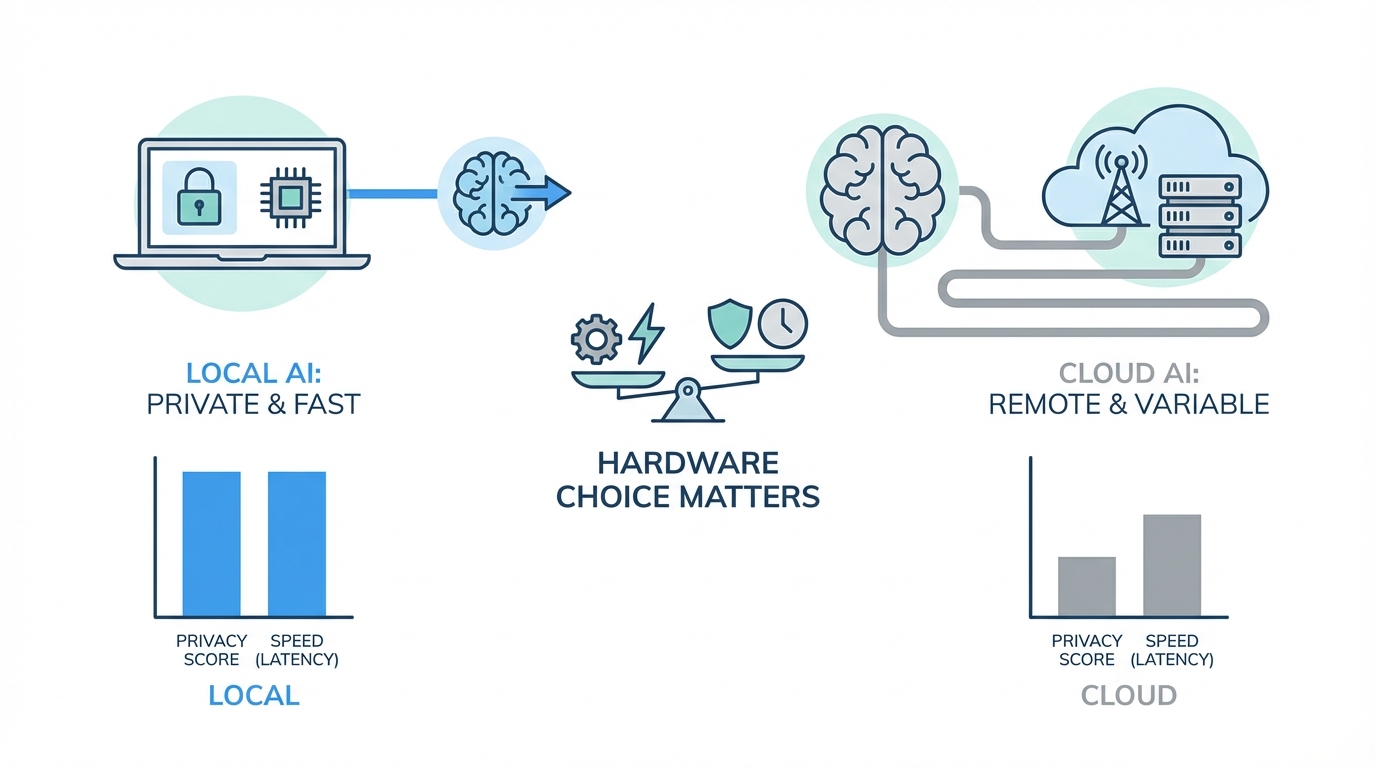
The transition from using AI as a simple chatbot to employing it as a proactive 24/7 digital operator is the most significant shift in productivity since the invention of the internet. We are moving away from the era of "Tamagotchi toys"—AI that only speaks when spoken to—and into the era of autonomous agents like Molpbot (formerly Clodbot) that can build software, track trends, and manage entire business workflows while you sleep. However, this transition brings a critical question to the forefront: Where should this intelligence live? Choosing between local hardware and cloud-based environments isn't just a technical detail; it is a strategic decision that impacts AI agent security, long-term costs, and the privacy of your most sensitive business data.
The Shift to Proactive AI Operators
For most users, AI has been a reactive tool. You ask ChatGPT to write an email, and it complies. But the next level of leverage for solopreneurs and founders is the autonomous agent. These agents don't wait for commands; they hunt for "unknown unknowns." Imagine an employee that monitors X (formerly Twitter) for viral trends, identifies a gap in your product, builds the code for a new feature, and submits a pull request for your review before you even wake up. This is the reality of tools like Molpbot, which act as a digital employee rather than a search engine.
As these agents become more integrated into our businesses, they require constant access to context. They need to know your goals, your competitors, and your internal workflows. Giving this much data to a third-party cloud provider raises significant concerns regarding AI privacy for business. This is where the argument for running AI models locally begins to outweigh the convenience of the cloud.
Security: The Case for Local AI

One of the most pressing risks in the current landscape is prompt injection. If you grant an AI agent permission to read your emails or monitor your social media mentions, it becomes vulnerable to malicious actors. An attacker could send an email with hidden instructions that trick the agent into leaking your passwords or deleting your database. For technical teams, understanding the OWASP Top 10 for LLMs is essential. When you run agents on a local Mac Mini for AI, you create a controlled environment that significantly mitigates these risks.
Local hardware allows you to sandbox your agents. You can control exactly which folders, accounts, and APIs the model can access. By hosting the agent on a physical device in your office or home, you ensure that the "nuclear codes" of your business—your primary login credentials and financial data—stay within your four walls. While models like Claude Opus from Anthropic have built-in safeguards, a local setup provides an extra layer of physical and digital insulation against external manipulation.
Cost Efficiency: Tokens vs. Silicon
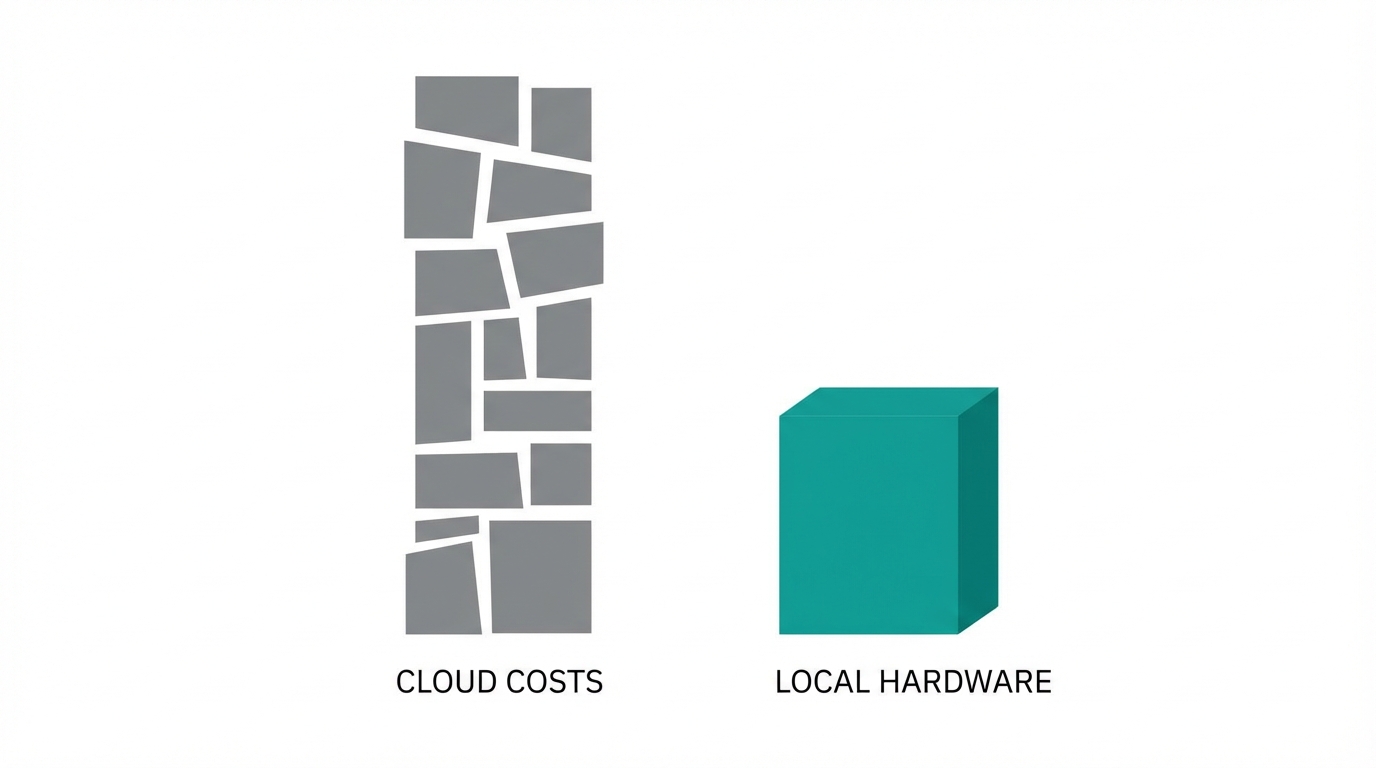
The cost of running high-volume autonomous tasks can quickly spiral out of control. Even a $200-a-month professional plan for a top-tier LLM has usage limits that an active agent can hit in days. When your agent is proactively researching 20 YouTube competitors, monitoring Meta Ads Manager, and writing code, it consumes thousands of tokens per hour. Running AI models locally flips the script on this economy by avoiding the per-call fees found in standard AI pricing models.
Investing in local LLM hardware, such as a Mac Studio with maxed-out RAM, might seem expensive upfront, but it eliminates the per-token cost for many tasks. You can use a powerful cloud model like Claude Opus as the "brain" for complex reasoning, while delegating the high-volume "muscle" work—like coding and data scraping—to local models like Codex or Llama. This hybrid approach ensures you aren't hit with a massive bill at the end of the month for background tasks that could have been handled on your own silicon.
Choosing Hardware: Mac Mini vs. Cloud VPS


There are two primary ways to host an autonomous agent: a Virtual Private Server (VPS) like Amazon AWS EC2 or local hardware. While a VPS is often the quickest way to get started, it is technically confusing for the average user and requires complex API plumbing for every tool the agent needs to use. For those serious about scaling a one-person business, the Mac Mini is a superior choice for local AI.
The advantage of a physical device is observability. You can literally watch the agent's screen as it works, which is invaluable for debugging and learning how the technology thinks. A Mac Mini is also an incredible ROI investment. Compared to the $10,000 monthly cost of a junior developer or executive assistant, a $600 device is a "business in a box" that works 24/7 without a salary. As you scale, platforms like Stormy AI can be used in tandem to source and discover influencers, while your local agent handles the long-tail logistics of data management.
Safeguarding the 'Nuclear Codes'
Managing an AI agent requires a nuanced approach to permissions. You should never give an autonomous agent full, unfettered access to your primary business accounts. Instead, follow these security best practices to protect your assets:
- Isolated Email Accounts: Create a dedicated email for your agent (e.g., henry@yourbusiness.com). Forward only the necessary messages to this account rather than granting access to your entire inbox.
- Read-Only Access: Whenever possible, give your agent read-only access to platforms. It can monitor trends on Google Ads without having the permission to change your spend.
- Staging Environments: If your agent is writing code, instruct it to push to a Pull Request (PR) rather than live production. This allows you to test and commit the changes manually via GitHub, ensuring no "hallucinations" make it to your customers.
By using local LLM hardware, you can ensure that even if an agent is compromised, the damage is contained within its specific sandbox. This level of granular control is difficult to achieve in a purely cloud-based environment where data is often pooled or shared for model training.
Future-Proofing: Multi-Agent Ecosystems

The future of productivity isn't a single AI chatbot; it is a multi-agent ecosystem. Imagine a world where your local Mac Studio runs five different models simultaneously: a vision model for editing videos, a coding model for app maintenance, and an audio model for transcribing meetings. Each model specializes in a different task, working in a relay race to finish projects in record time.
For example, if you are running an influencer marketing campaign, you might use an AI search engine like Stormy AI to discover creators in the fitness niche. Once the creators are identified, your local agent could automatically enrich their contact data, draft hyper-personalized outreach based on their latest videos, and manage the follow-up sequence. This synergy between specialized SaaS tools and local autonomous agents is the ultimate competitive advantage for modern founders.
Playbook: Setting Up Your Your Local AI Environment
If you are ready to move your operations to a local setup, follow these steps to build a secure and efficient foundation for your digital employees.
Step 1: Select Your Hardware
For most users, a Mac Mini with at least 16GB of RAM is the minimum requirement. If you plan to run vision models or heavy coding tasks, upgrade to a Mac Studio with maxed-out Unified Memory. High RAM is crucial for running local LLMs smoothly without lag.
Step 2: Onboard Your Agent
When setting up an agent like Molpbot, treat the onboarding like a human interview. Provide a massive context dump: your business goals, YouTube links, relationship status, and even your preferred communication style. Use a proactive prompt to set expectations: "I want to wake up every morning and see that you've completed work that makes me money or saves me time."
Step 3: Define the Model Hierarchy
Assign tasks based on the model's strength. Use Claude Opus for strategic planning and high-level decision-making. Set up Codex or a local Llama 3 instance for repetitive coding and data processing. This prevents you from hitting API limits while maintaining high output quality.
Step 4: Implement Monitoring
Use a project management dashboard (sometimes called "Mission Control") to track your agent's tasks. Since long-running chats can become disorganized, a Kanban-style board helps you visualize which tasks are in progress and which require your approval.
Conclusion: The ROI of Silicon
The decision to invest in local LLM hardware is a decision to own your intelligence. While the cloud offers a low barrier to entry, it sacrifices AI agent security and long-term cost-efficiency. By running your agents on a Mac Mini or Studio, you gain a private, secure, and infinitely scalable workforce that isn't beholden to third-party usage limits or privacy policies.
As we enter this new era of proactive technology, the most successful founders will be those who tinker with the hardware. Whether you are automating your software development or using Stormy AI to scale your influencer marketing, the goal remains the same: unlimited proactive productivity. Don't compare the cost of a Mac Mini to Netflix; compare it to the cost of a $10,000-a-month employee. When viewed through that lens, the choice is clear.