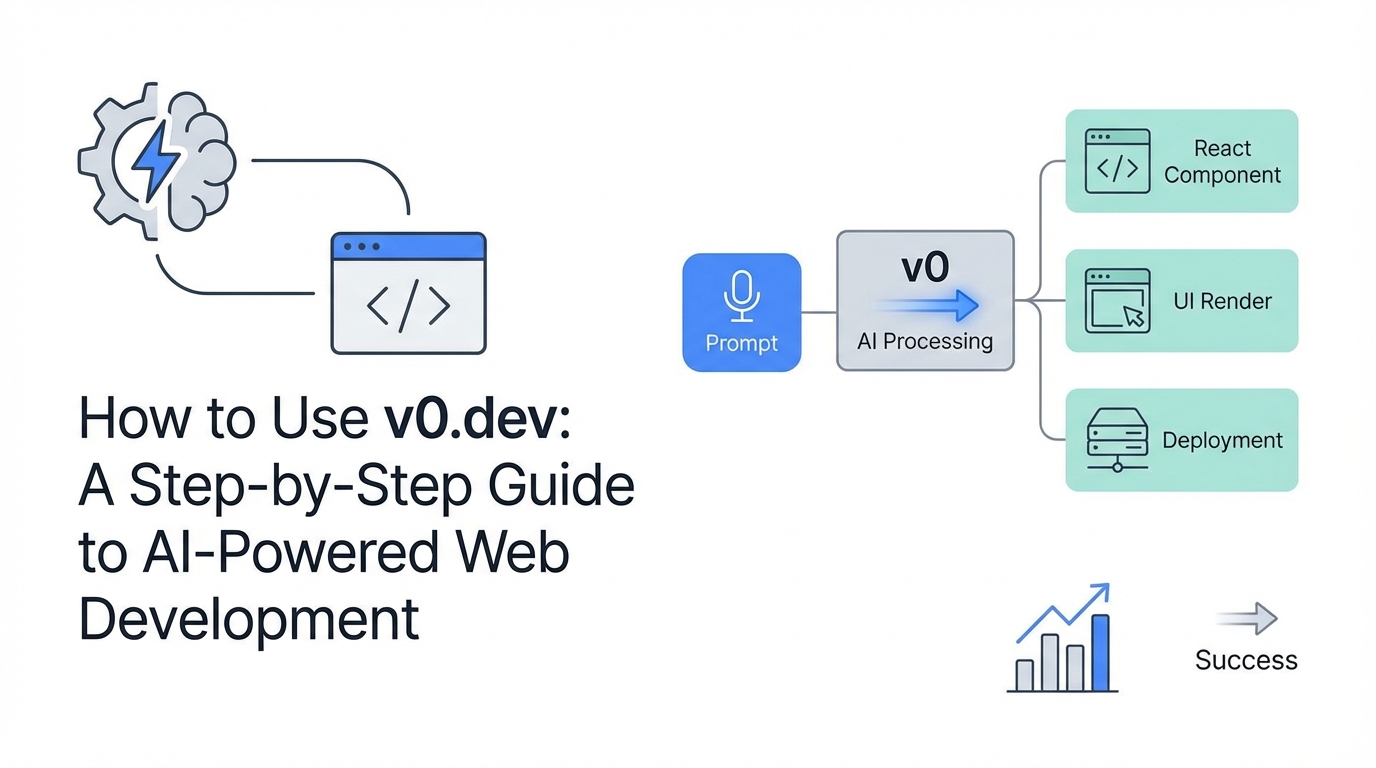
The traditional gap between a designer's vision and a developer's code is finally closing. With the emergence of generative UI, the process of building high-fidelity web interfaces has moved from hours of manual CSS tweaking to seconds of natural language prompting. In this v0 dev tutorial, we will explore how v0.dev, an innovative ai web development tool from the team at Vercel, is redefining the developer experience. Whether you are an experienced engineer or a founder with a vision, learning to build website with ai is no longer a futuristic concept—it is a modern prerequisite.
Understanding v0: What is Generative UI?
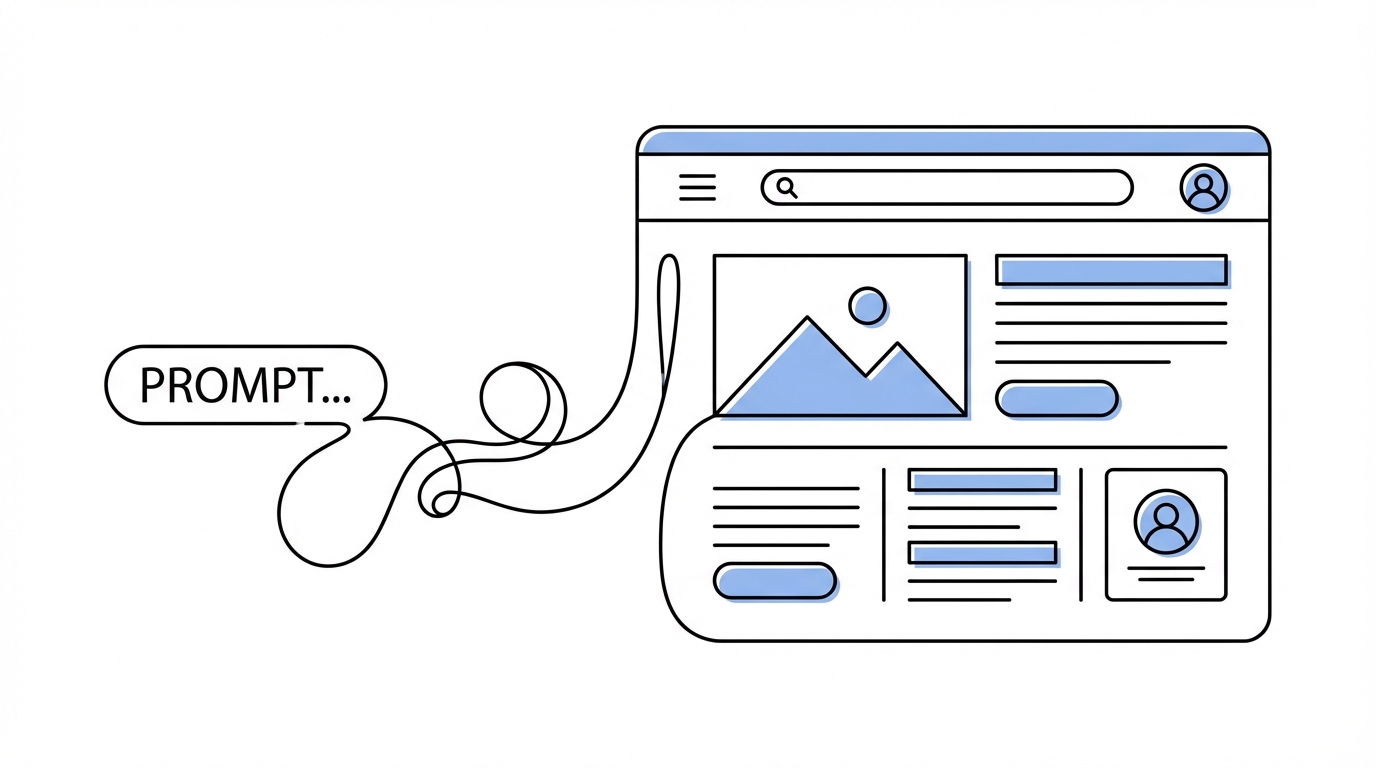
v0 is an AI-powered pair programmer specifically designed for frontend development. Developed by Vercel, it leverages React, Tailwind CSS, and Shadcn UI to generate production-ready code from simple text prompts. As Lee Robinson, VP of Product at Vercel, explains, v0 is meant to be an AI assistant that understands the intricacies of modern web frameworks, allowing builders to focus on functionality rather than fighting with styling blocks.
Unlike general-purpose LLMs, v0 is hyper-focused on the web. It doesn't just write code; it renders it in real-time, providing a sandbox where you can see your generative UI come to life. By utilizing Shadcn UI, v0 ensures that the components it creates are accessible, modular, and easy to maintain. This foundation allows developers to build website with ai that doesn't feel like "throwaway code," but rather a professional starting point for a scalable application.
The 'Screenshot-to-Code' Workflow: Instant Prototyping
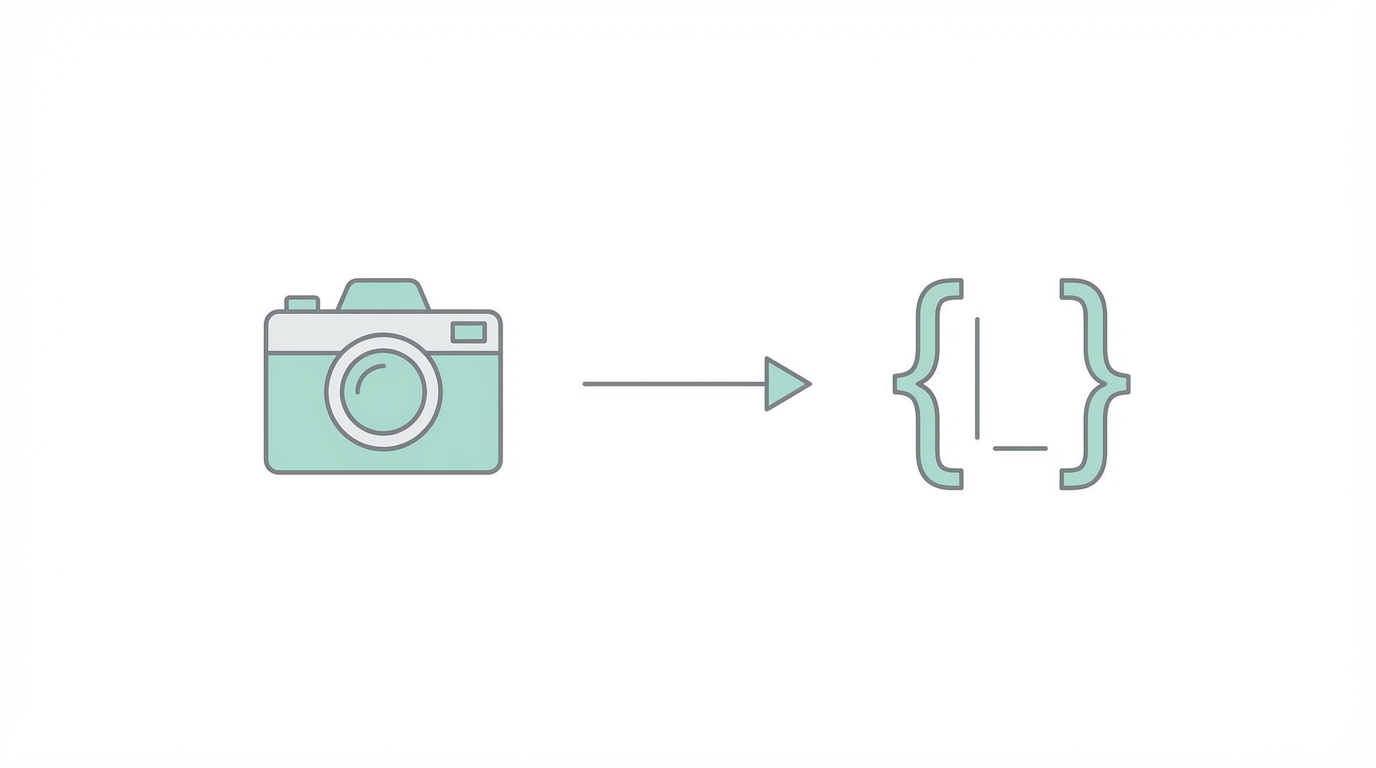

One of the most powerful features of this ai web development tool is its ability to process visual inspiration. If you find a layout you love on a site like Godly Website, you can simply take a screenshot and upload it directly to v0. The AI analyzes the typography, spacing, and component hierarchy, then generates the functional bones of that UI in seconds.
When using this workflow, remember that the goal isn't to copy a design exactly, but to capture the "bones" of the layout. For example, if you see a complex three-column grid with scrollable areas on Godly, v0 can translate that visual structure into Tailwind CSS classes effortlessly. This saves hours of manual grid configuration and allows you to move immediately into the refinement stage.
Iterative Prompting: Moving from V1 to V20
Great design is rarely achieved in a single shot. The secret to this vercel v0 guide lies in iterative prompting. You should treat the AI like a human designer sitting next to you. In his own workflows, Lee Robinson often goes through 20 or more versions before settling on a final UI. The key is to provide specific, descriptive feedback in each version.
Common iterative prompts to improve your generative UI include:
- "Use warmer grays for the background to make it feel less clinical."
- "Increase the information density by reducing the vertical padding between rows."
- "Use a nice Sans Serif font from Google Fonts via Next/font."
- "Make the album art smaller and align the text to the top left."
By communicating in natural language, you develop a "taste" for the product. If a component feels "off," you can ask the AI for suggestions. For instance, asking "I'm a novice, what can I do to make this look better?" might prompt v0 to suggest a consistent color scheme, better use of white space, or more readable typography based on Tailwind CSS best practices.
Technical Steering: Precision Control with Tailwind
While natural language is great, technical steering allows you to achieve pixel-perfect results. Because v0 thinks in Tailwind CSS, you can give it explicit classes to override its default decisions. If the AI makes an image too large, don't just say "make it smaller"—tell it to "make the image size-4" for a precise 1rem x 1rem result.
Advanced developers can also steer the AI using specific CSS properties. A pro tip from the vercel v0 guide is using tabular-nums. As Lee Robinson notes, applying tabular-nums ensures that numbers in a table or list are vertically aligned, which is essential for data-heavy dashboards or music players. You can also prompt for mobile responsiveness by saying, "Make the table responsive; hide the less important columns on smaller screens."
Adding Logic and Backend Schemas

Once the UI is polished, the next step in your v0 dev tutorial is adding functionality. This ai web development tool isn't limited to just appearance; it can help you structure your data. You can paste a Postgres schema or a Prisma/Drizzle ORM definition directly into the chat. The AI will then know how to hook up your UI components to real data structures.
For example, if you are building a dashboard, you can ask v0 to "help me take this Postgres schema and give me the ORM code to fetch these users." It can even suggest performance optimizations, such as adding indexes to your database for faster querying. This bridge between frontend and backend is what makes it possible to truly build website with ai that functions as a full-stack application.
When your app is ready for growth, you'll need to think about user-generated content (UGC) and marketing. Tools like Stormy AI can help you source and manage UGC creators to promote the very apps you've built with v0, ensuring your high-quality UI actually gets seen by your target audience. Managing these creator relationships within a specialized creator CRM is the final step in turning a generative UI prototype into a successful business.
Exporting to Production: Moving to Next.js
The final stage of the v0 dev tutorial is moving your code into a real development environment. v0.dev makes this easy by providing a CLI command or a simple copy-paste option for your React components. Since the code uses Shadcn UI and Tailwind, it integrates seamlessly into any Vercel or Next.js project.
When you export, you aren't just getting a flat HTML file. You get modular React components that are ready for state management and API integration. You can even ask v0 to help with framer-motion animations before you export, requesting specific cubic-bezier easing functions to make your transitions feel premium. This workflow allows you to maintain high standards of web design while moving at the speed of thought.
Conclusion: The New Era of Building
Using v0.dev is more than just a shortcut; it is a shift in mindset. By combining the screenshot-to-code workflow with iterative prompting and technical steering, anyone can build professional-grade web interfaces. As we have seen in this vercel v0 guide, the ability to build website with ai empowers founders to prototype faster and allows developers to focus on high-level architecture rather than repetitive CSS tasks.
To get started, head over to v0.dev and try uploading a screenshot of your favorite app. Experiment with the prompts, dive into the Tailwind classes, and don't be afraid to iterate until you reach version 20. The power to build whatever you can imagine is now at your fingertips.