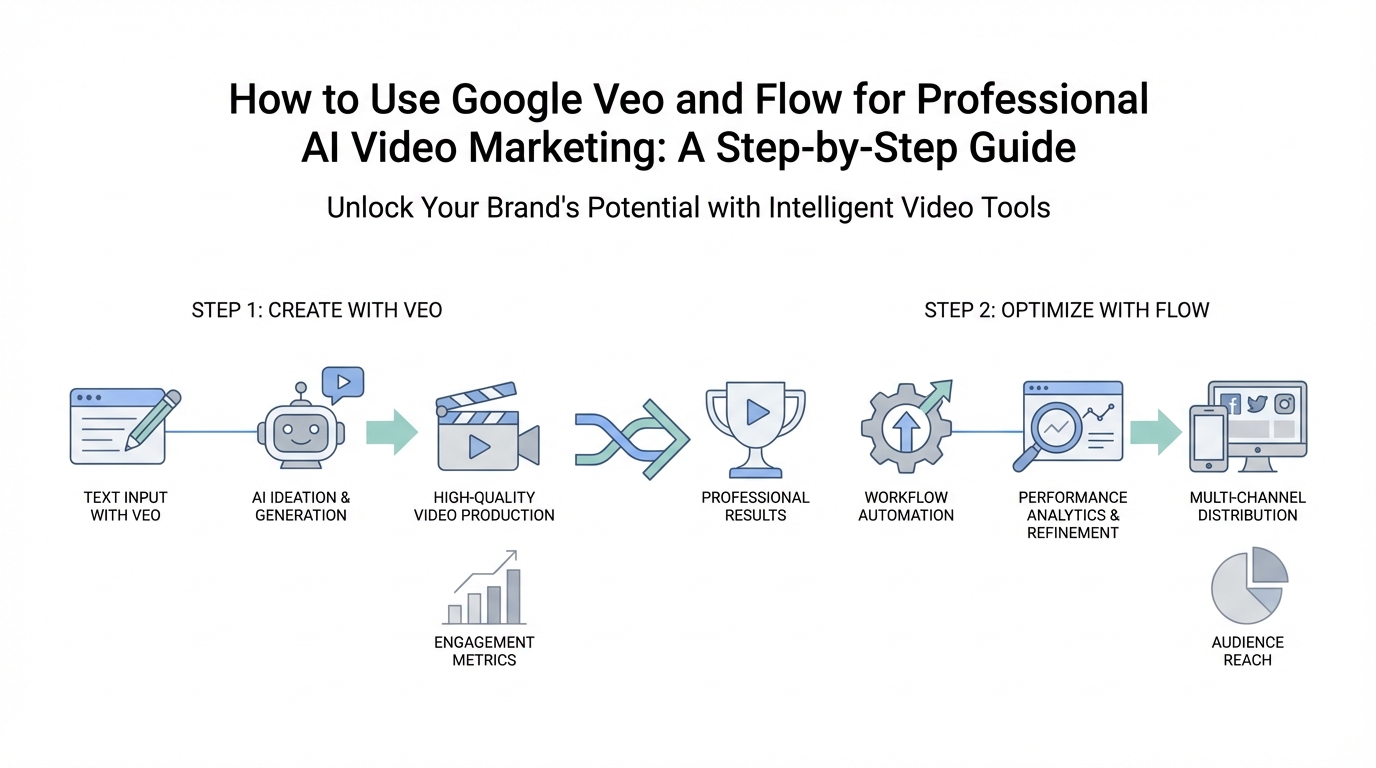
The landscape of content creation is undergoing a seismic shift. For years, the barrier to high-fidelity video production was gated by massive budgets, specialized film crews, and expensive post-production software. However, with the emergence of Google Veo AI and Google Flow, that barrier has effectively collapsed. We are entering an era where the quality of your output is no longer limited by your bank account, but by the strength of your ideas. As Josh Woodward, a leader in Google’s AI efforts, recently noted, these tools are creating a 'barbell effect' in the industry: experts are becoming exponentially more productive, while solopreneurs and small brand owners are gaining access to production capabilities that were previously reserved for Hollywood studios.
The Barbell Effect: Why AI Video Levels the Playing Field
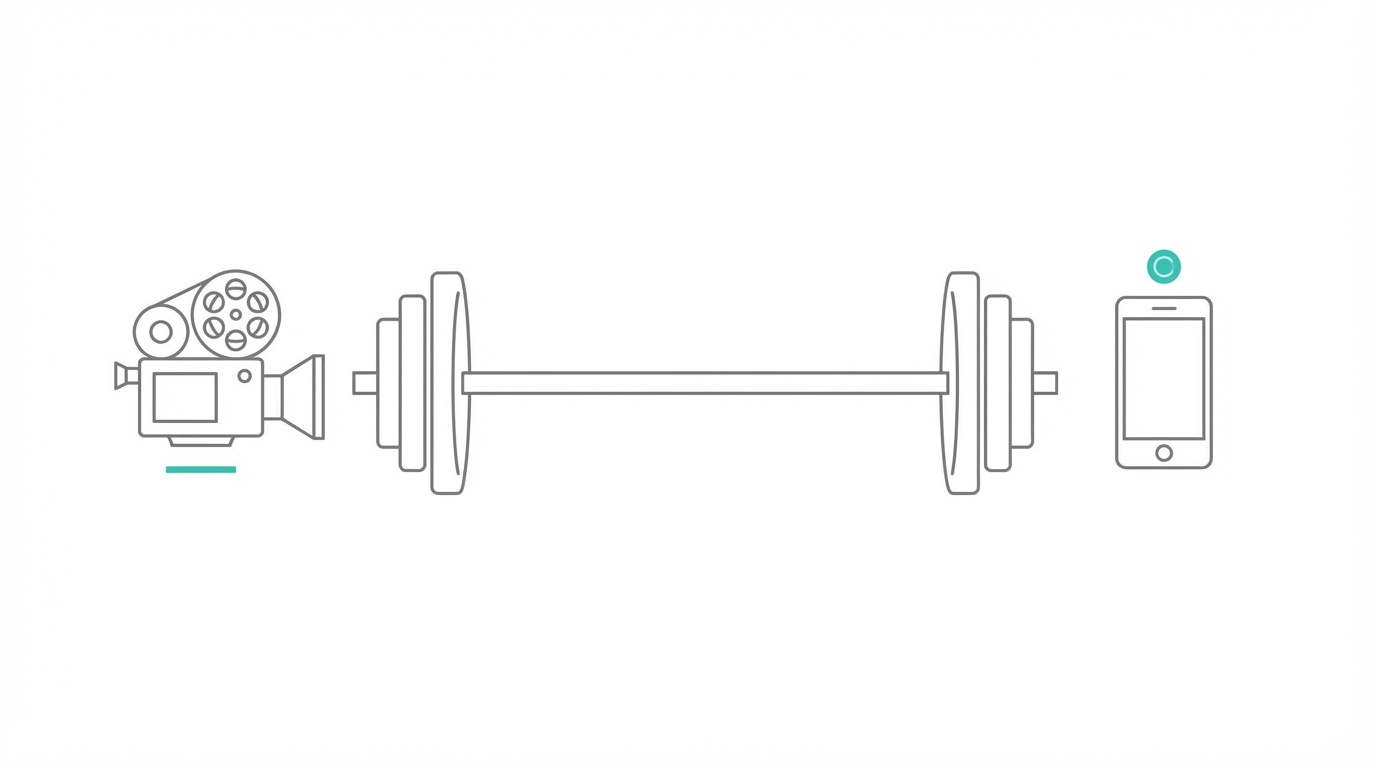

To understand why tools like Veo and Flow are revolutionary, you first have to understand the barbell effect. In traditional marketing, you either had low-fidelity, DIY content or high-budget, agency-produced commercials. There was very little in the middle that felt professional yet accessible. AI video generators are filling that gap. For a startup founder or a creator, this means you can now produce cinematic 720p clips with realistic physics and integrated sound effects in minutes.
This democratization of technology means that 'taste' is becoming the new currency. When everyone has access to the same high-end AI for content creators, the winners will be those who can direct the AI effectively. By using Google Labs tools, you are essentially spinning up a virtual film crew that works 24/7. This shift allows solopreneurs to compete at a level of visual storytelling that was financially impossible just twenty-four months ago.
Step 1: Generating High-Fidelity Clips with Veo in Gemini
The most accessible way to start your AI video journey is through the Gemini app. Specifically, the Pro version of Gemini (powered by the Gemini 1.5 Pro model) now integrates Veo, Google’s most advanced video generation model. This isn't just about moving images; it’s about realism, physics, and integrated audio.
Currently, Veo allows you to create cinematic clips. While short, they are the perfect duration for social media ads, TikTok hooks, or B-roll in a larger production. To get the most out of Veo within Gemini, follow these prompt engineering tips:
- Focus on Realism: Use descriptive language about lighting (e.g., "golden hour," "cinematic lighting") and textures.
- Specify Sound Effects: One of the breakthrough features of Veo is its ability to generate integrated sound. If you prompt for a "busy coffee shop," the AI will generate the background clinking of cups and hushed chatter automatically.
- Use Image References: A powerful feature currently rolling out is the ability to upload a photo as a reference frame. If you have a specific aesthetic or a product photo, you can ask Gemini to animate it or build a scene around it.
For example, if you are building a marketing campaign for a new app, you might prompt: "A high-end, modern podcast studio with two people discussing a startup, cinematic lighting, 4k detail, integrated audio of professional microphones and slight ambient room noise." The result is a stunningly realistic clip that looks like it was shot on a professional set.
Step 2: Advanced Filmmaking with Google Flow
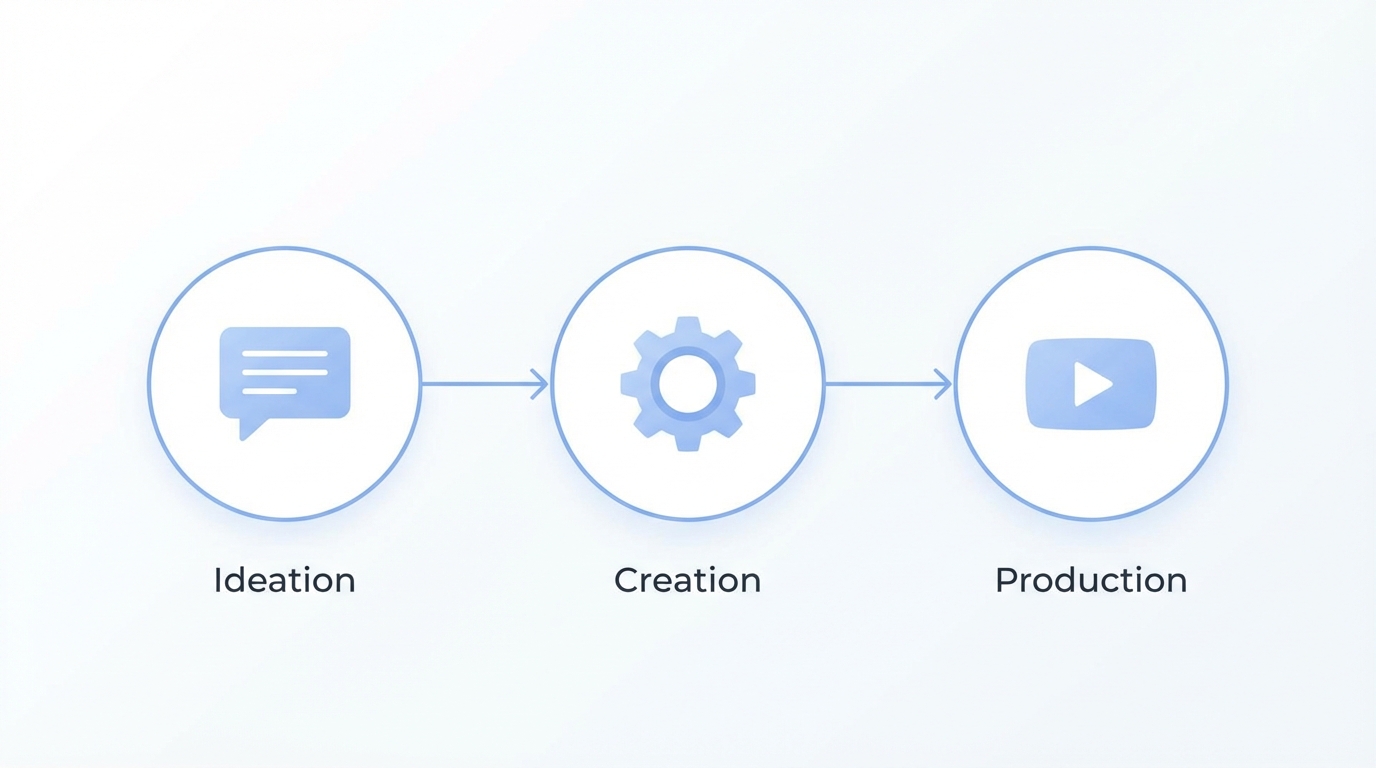
While Gemini is great for quick hits, Google Flow is where the real filmmaking happens. Flow is a dedicated AI filmmaking tool designed for creators who need more control over their narrative. It utilizes Veo models to allow for longer-form storytelling through scene stitching and advanced editing features.
One of the most useful features for creators looking for inspiration is Flow TV. This is a massive gallery of content created by other filmmakers within the Google Flow ecosystem. What makes Flow TV unique is that you can see the exact prompts used to create each video. This is the ultimate Google Flow tutorial in practice—you can navigate through different "channels," find an aesthetic you like, and remix it with your own touch.
Step 3: The Playbook for Scene Stitching and Character Consistency
The biggest challenge in AI video has historically been character consistency. If you generate one clip of a person and then another, they often look like two different people. Google Flow solves this by allowing you to build projects where scenes are linked.
- Define Your Core Scene: Start by generating your primary shot. Use the "Add to Scene" feature to place it in the Flow timeline.
- Extend the Clip: Instead of generating a new clip from scratch, use the 'Extend' feature. This tells the AI to take the last frame of your current video and continue the action for another few seconds.
- Add New Elements: You can prompt the AI to introduce new elements into an existing scene. For example, if you have a shot of a mountain biker, you can prompt: "Make a large vulture fly across the sky in the background." Because it is an extension, the biker and the environment remain consistent.
- Model Selection: Flow allows you to choose between high-quality and fast-generation models. When you are in the ideation phase, use the fast model. When you are ready for the final cut, switch to the high-quality setting to ensure the best textures and physics.
Step 4: Using Cinematic Camera Controls Without a Crew
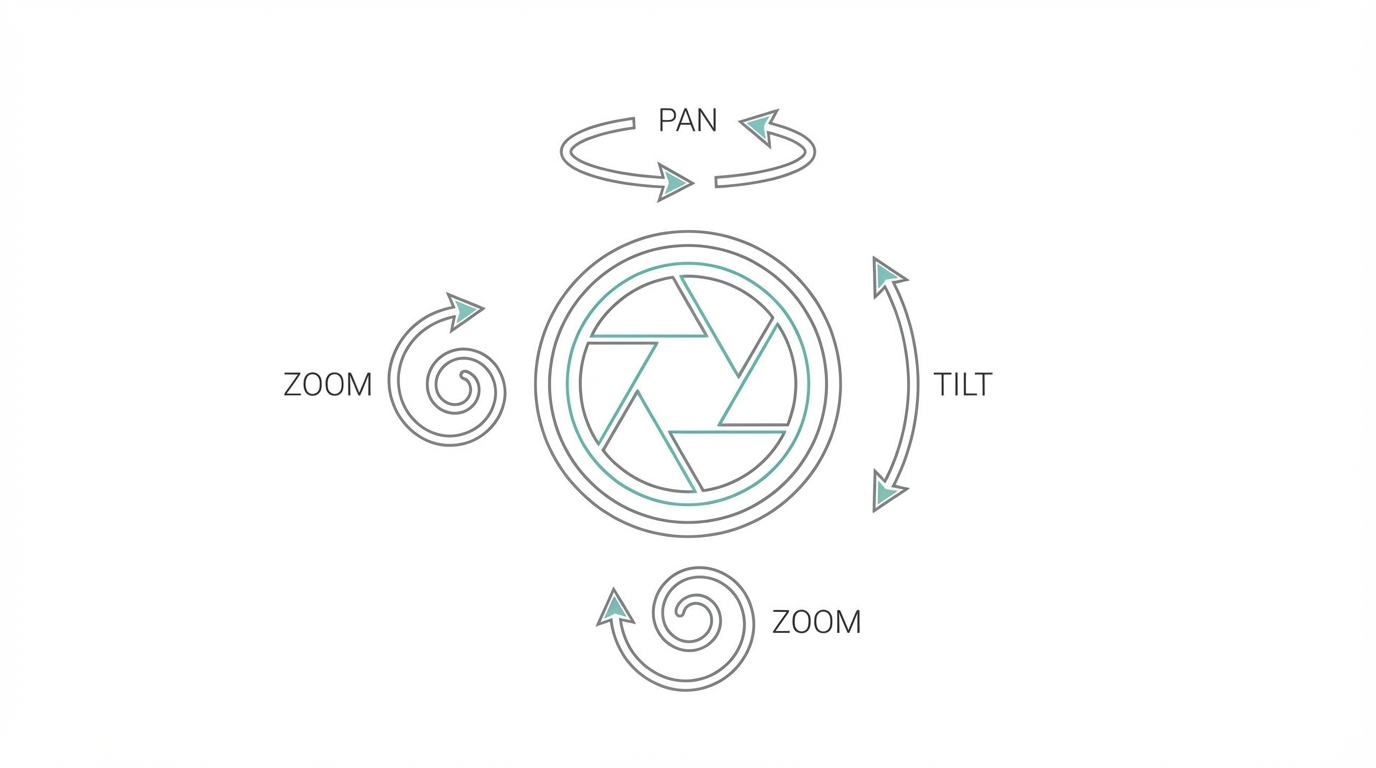
To make your AI videos look professional, you need to think like a Director of Photography (DP). Google Flow provides technical camera controls that mimic real-world film equipment. By mastering these, you can create dynamic movement that feels intentional and expensive.
Dolly In/Out: This moves the "camera" physically closer to or further away from the subject. A dolly in is great for building tension or focusing on a character’s reaction, while a dolly out is perfect for revealing the scale of an environment.
Pan and Tilt: Panning moves the camera horizontally, while tilting moves it vertically. Use a slow pan to establish a landscape or a tilt up to show the height of a skyscraper. These movements are essential for AI for content creators who want to avoid static, boring shots.
Zoom: Unlike a dolly, a zoom changes the focal length. This can create a specific "searching" feel or a sudden dramatic emphasis. Combining a dolly out with a zoom in (the famous 'Vertigo' shot) is now possible with simple text commands in Flow.
Jib Shots: These are sweeping vertical movements often seen in high-budget travel videos or car commercials. Using these controls ensures your video has a professional cinematic aesthetic that stands out on crowded social feeds.
Scaling Your Video Strategy with UGC and AI

While Google Veo AI and Flow allow you to create incredible b-roll and cinematic backgrounds, many high-performing marketing campaigns still require a human element—the User-Generated Content (UGC) creator. Integrating AI-generated cinematic shots with real human faces creates a powerful blend of authenticity and high production value.
To manage this dual strategy, tools like Stormy AI are invaluable. As you scale your video production, you can use Stormy to discover and vet UGC creators who can provide the human testimonials that pair perfectly with your AI-generated visuals. Managing these relationships within a Creator CRM ensures that your AI-driven marketing machine stays organized and your outreach to influencers is personalized and efficient.
The Future: AI Agents and Project Mariner
Beyond video, Google is exploring computer-use agents through Project Mariner. Imagine an AI agent that doesn't just generate a video, but then goes to your social media manager, uploads it, writes the caption based on your brand voice, and schedules it. Project Mariner is an experimental prototype that can navigate the web, perform research, and handle multi-step tasks.
For entrepreneurs, this means the eventual automation of the entire content supply chain. You could theoretically have an AI agent research a trending topic using NotebookLM, summarize the findings, use Veo to create the visual assets, and then use Mariner to distribute the content across your channels. This is the superhuman productivity Josh Woodward highlighted—a world where one person can run a media department that used to require ten employees.
Conclusion: Your AI Filmmaking Journey Starts Now
The most important takeaway from the current state of AI video generators is that the best way to learn is by doing. As market research suggests, stop just listening to the experts and start playing with the tools. Whether you are using Gemini for 8-second hooks or diving into Flow for complex, multi-scene projects, the technology is now mature enough to provide real business value.
Key Takeaways for Your Strategy:
- Master the Prompt: Use sensory details and specify sound effects to get the most out of Veo.
- Prioritize Consistency: Use Flow’s extension and scene-stitching features to keep your characters and environments uniform.
- Think Like a Director: Don't settle for static shots; use dolly, pan, and tilt controls to add professional movement.
- Combine AI with Human Talent: Use Stormy AI to find creators who can complement your high-fidelity AI visuals with authentic UGC.
The era of the "idea guy" is here. With Google Veo and Flow, you finally have the tools to turn those ideas into cinematic reality. Visit Google Labs today and start building your next great campaign.