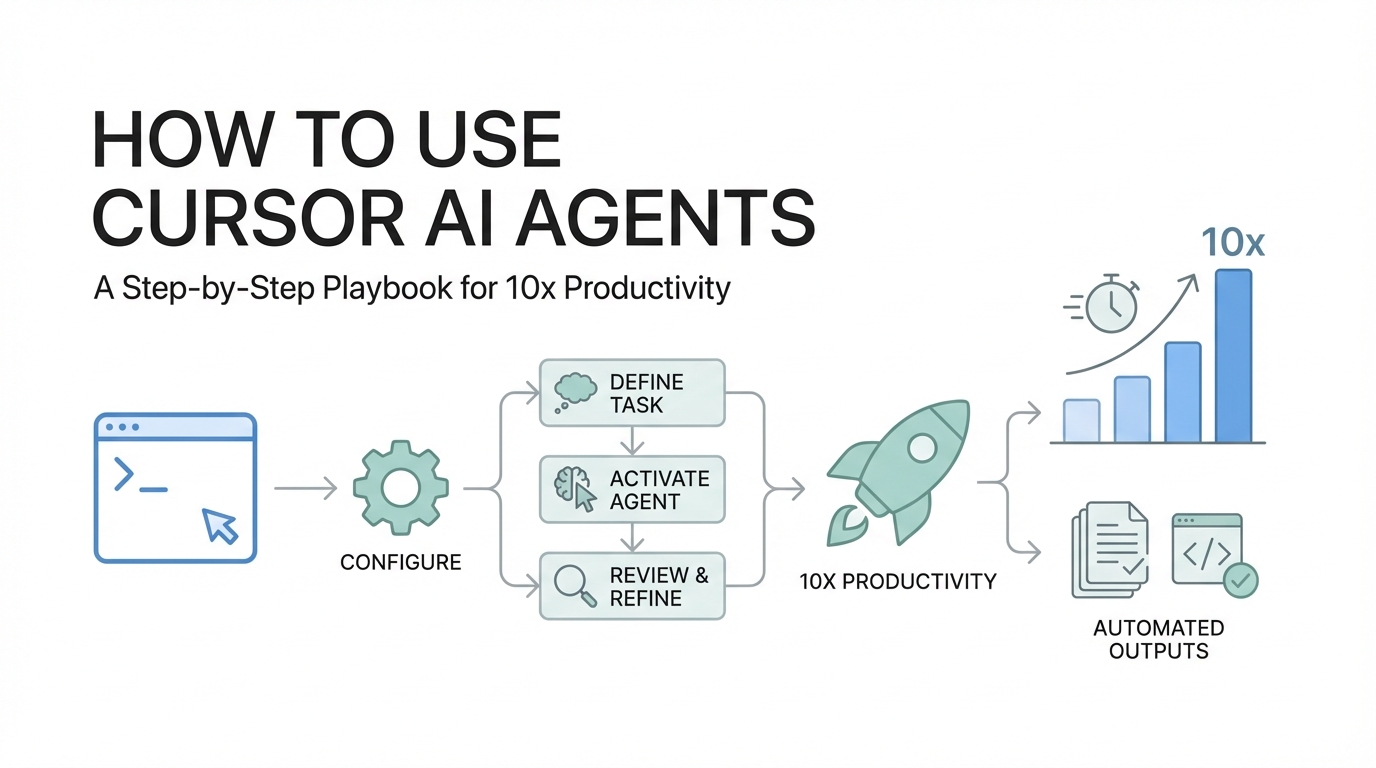
The era of the "lonely coder" is officially over. We have entered a period where the primary skill of a software engineer is no longer just writing syntax, but orchestrating intelligence. If you are using an AI coding assistant simply as a better version of autocomplete, you are leaving 90% of the potential value on the table. The true power of modern development lies in Cursor AI agents—autonomous entities that can search your codebase, fix bugs, and even perform security audits while you sleep.
In this Cursor AI tutorial, we will move beyond "vibe coding" and explore a technical playbook for building production-ready software. By leveraging agentic features, managing context windows, and setting up self-healing systems, you can achieve a 10x boost in output without sacrificing code quality. Whether you are a solo founder or a CTO at a scaling startup, these strategies will help you squeeze the most juice out of your development environment.
Step 1: Mastering the Cursor Agent Sidebar

The first step in any advanced Cursor AI tutorial is understanding the distinction between standard chat and the Agent Sidebar. Most developers make the mistake of using the default chat window for complex tasks. However, the Agent Sidebar (often toggled on the right side of the editor) is designed for task-specific autonomy. Instead of just answering questions, the agent has "skills"—it can read files, write code, search the web, and run terminal commands.
When you fire off a task in the agent sidebar, you aren't just asking for a snippet; you are assigning a discrete conversation to a specific goal. For example, if you need to add event tracking to a specific button, you don't just ask "how do I track events?" You tell the agent: "Add event tracking to the 'Submit' button in /components/Form.tsx using our Segment utility." The agent will then navigate the codebase, identify the utility, and apply the change across the necessary files.
One of the most powerful ways to use these agents is through the Cursor Cloud Agent, which allows you to run prompts in a secure virtual sandbox. This is particularly useful for tasks like documentation updates or minor CSS tweaks where you don't want to clutter your local environment. By treating each agentic interaction as a specialized mission, you prevent the model from becoming overwhelmed by unrelated code snippets.
Step 2: Setting Up Self-Healing Codebases
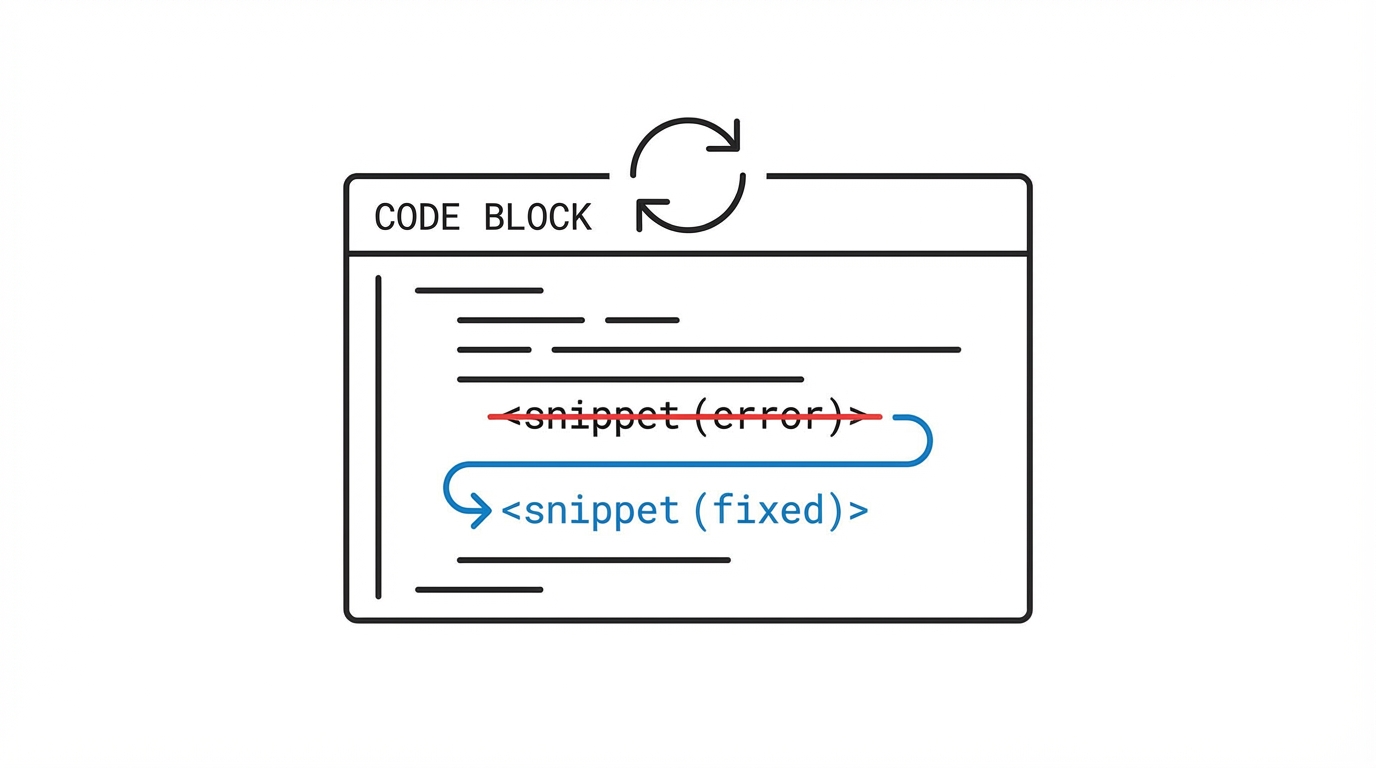
A common complaint with AI code generation is that the output often contains small syntax errors or linting issues. Senior engineers solve this by building self-healing codebases. A self-healing codebase is one where the AI agent is integrated with your existing developer tools—like TypeScript, linters (ESLint), and formatters (Prettier).
When an agent writes code that breaks a type definition, a well-configured environment will immediately throw an error in the terminal. Because Cursor agents have the ability to read terminal output, they can detect these errors, realize they made a mistake, and iterate on the solution until the code passes all checks. This loop happens automatically. To enable this, ensure your project has:
- Strict TypeScript configurations: This provides the agent with a clear "map" of what is allowed and what isn't.
- Automated Linters: If the agent generates "messy" code, the linter will flag it, and the agent can fix the formatting in the next pass.
- Unit Tests: By telling the agent to "Run tests and fix any regressions," you turn it into a junior developer that manages its own QA.
By providing these guardrails, you transition from manually checking every line of code to managing the outcomes of the agent's work. This is the difference between "vibe coding" and professional software development productivity.
Step 3: The 80% Context Rule
If there is one rule that will immediately improve your experience with Cursor AI agents, it is the "New Chat" rule. LLMs have a finite "working memory" known as a context window. Even though modern models can handle hundreds of thousands of tokens, their reasoning quality drops significantly as the context window fills up.
Research into long-context tasks, such as the "Lost in the Middle" phenomenon, shows a measurable quality drop-off once the window hits 80-90% capacity. When the conversation gets too long, the model begins to forget the specific instructions you gave at the beginning or gets confused by old versions of the code you've already discarded. To maintain 10x productivity, you should:
- Start a new chat for every discrete task. If you finished fixing a layout bug and now want to work on API integration, kill the old thread.
- Monitor the context meter. If you see the context window climbing toward 80%, summarize the current state and move to a fresh window.
- Avoid "append-only" conversations. Many beginners keep one chat open for days. This is the fastest way to make the AI "hallucinate" or provide outdated solutions.
Managing your AI's memory is just as important as managing your own focus. Keep the context tight, and the AI code generation will remain sharp and accurate.
Step 4: Explicit Context Tagging (The @ Symbol)
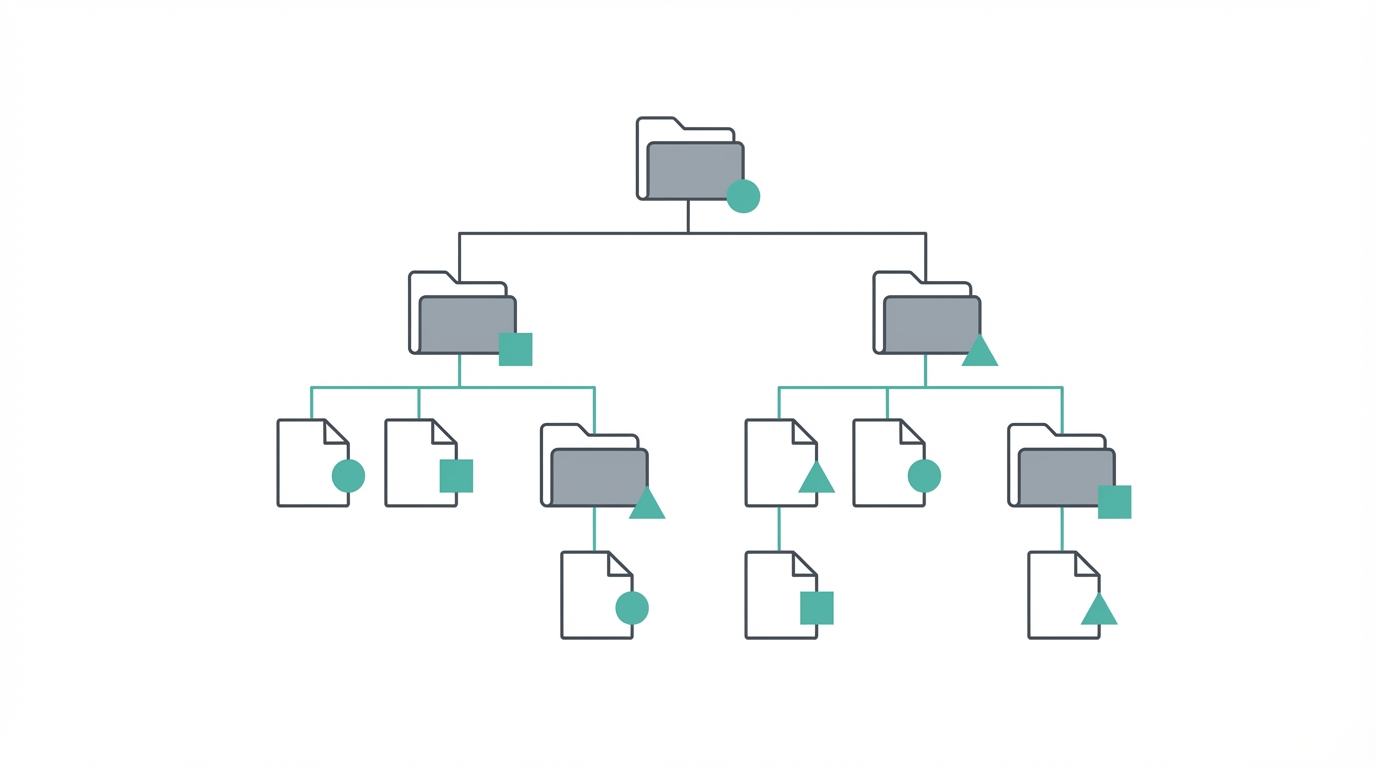

The most effective way to guide Cursor AI agents is through explicit tagging. Instead of writing long, descriptive prompts trying to explain where a file is, use the @ symbol to tag files, folders, or even specific documentation directly into the chat. This "stuffs" the relevant code into the agent's brain without it having to guess.
For instance, if you are writing a new API route, you might tag your existing schema: "Create a new POST handler for @orders.ts using the validation logic found in @auth-middleware.ts." This tells the agent exactly which parts of the codebase to reference. Do not over-prompt with excessive adjectives; be direct and provide the necessary file references. Just as companies like Brex use financial operating systems to track every dollar, you should use explicit tagging to track every piece of context the AI uses.
When you provide specific files, the agent doesn't have to search your entire repository, which saves tokens and keeps the reasoning focused. This precision is what allows teams to maintain high-velocity development even in massive, complex repos.
Step 5: From "Vibe Coding" to Production-Ready Software
There is a growing trend of "vibe coding"—prototyping apps quickly using only AI. While this is great for MVPs, professional developers need production-ready code. This means focusing on security, edge cases, and scalability. One way to enforce this is through custom slash commands and rules files.
You can create a .cursorrules file in your repository that acts as a permanent "instruction manual" for the agent. This file can include:
- Banned words: Prevent the AI from using generic "marketing speak" or specific deprecated libraries.
- Voice and tone: Instructions on how the code should be commented.
- Security Review Commands: Create a
/securitycommand that triggers the agent to audit the current file for common vulnerabilities like SQL injection or improper authentication.
A great example of this at scale is the zero-bug policy pioneered by companies like Linear. They use AI agents to triage and investigate bugs the moment they are reported. An engineer simply tells the agent to investigate a bug report, and the agent identifies the cause and opens a Pull Request (PR) automatically. This level of automation is only possible when you move beyond basic chat and start treating AI as a core part of your software development productivity stack.
Step 6: The Rise of the Distribution Engineer

As the marginal cost of writing code approaches zero, the value shifts from creation to distribution. This has led to the rise of the "Distribution Engineer"—someone who uses tools like Cursor to build not just the product, but the engines that market it. For example, you might use an agent to build a custom visual GUI for debugging, or a tool that automatically generates documentation from your PRs.
While Cursor handles the technical drudge work, marketing-savvy developers are looking for ways to scale their reach. Just as you use Cursor agents to manage code quality, smart teams use tools like Stormy AI to discover and manage creator relationships at scale. By using an AI-powered influencer discovery platform, you can find the right UGC creators to promote your app, ensuring that the software you've built actually gets into the hands of users.
Building personal software—disposable, highly-specialized tools for specific use cases—is now viable. Whether it's a lead magnet or a custom internal dashboard, the ability to ship software in hours rather than weeks is the ultimate competitive advantage. You can even read more about the impact of personal software and how it's changing the startup landscape.
Conclusion: Your AI-Powered Future
Mastering Cursor AI agents is not a one-time task; it is an ongoing process of refining how you manage context and guide autonomous intelligence. By following the 80% context rule, setting up self-healing systems, and using explicit tagging, you can transform from a manual coder into a high-level architect.
The goal is to automate the repetitive aspects of development so you can focus on creativity, distribution, and solving real-world problems. Whether you are building the next generative AI startup or a specialized niche tool, the tools are now in your hands. Start a new chat, tag your files, and let your agents get to work.