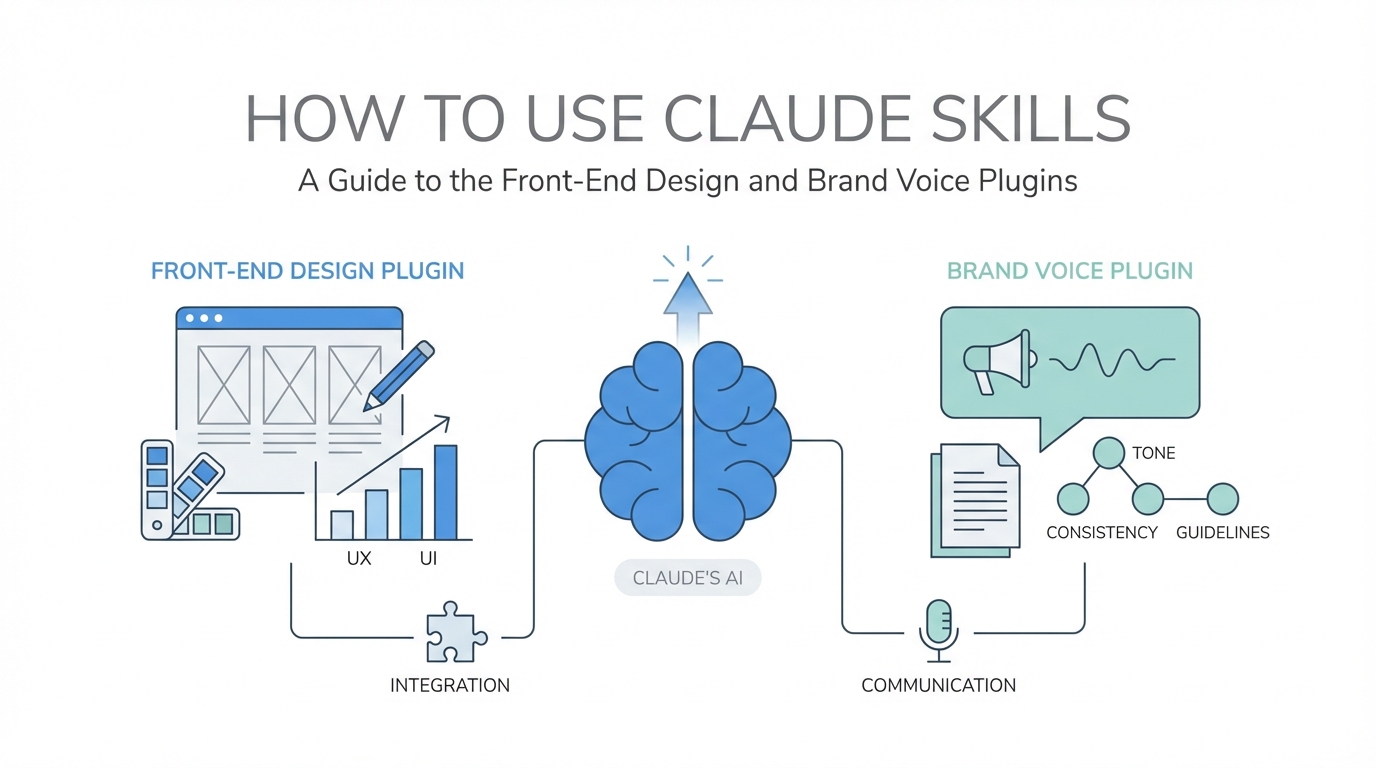
With the release of Claude Opus 4.5, we have officially entered the era of the "idea guy." As Sam Altman recently noted, the barriers between having a vision and executing a production-ready application are dissolving. However, the biggest hurdle for most creators and entrepreneurs isn't the logic—it's the "vibe." We’ve all seen the generic, purple-gradient, emoji-stuffed "AI look" that screams low effort. To bypass this, you need more than just a raw LLM; you need a configured environment. This guide provides an actionable, step-by-step playbook on installing and configuring custom Claude skills to generate professional-grade front-end designs and a hyper-specific brand voice that actually converts.
The Claude Code Ecosystem: Why Skills Matter
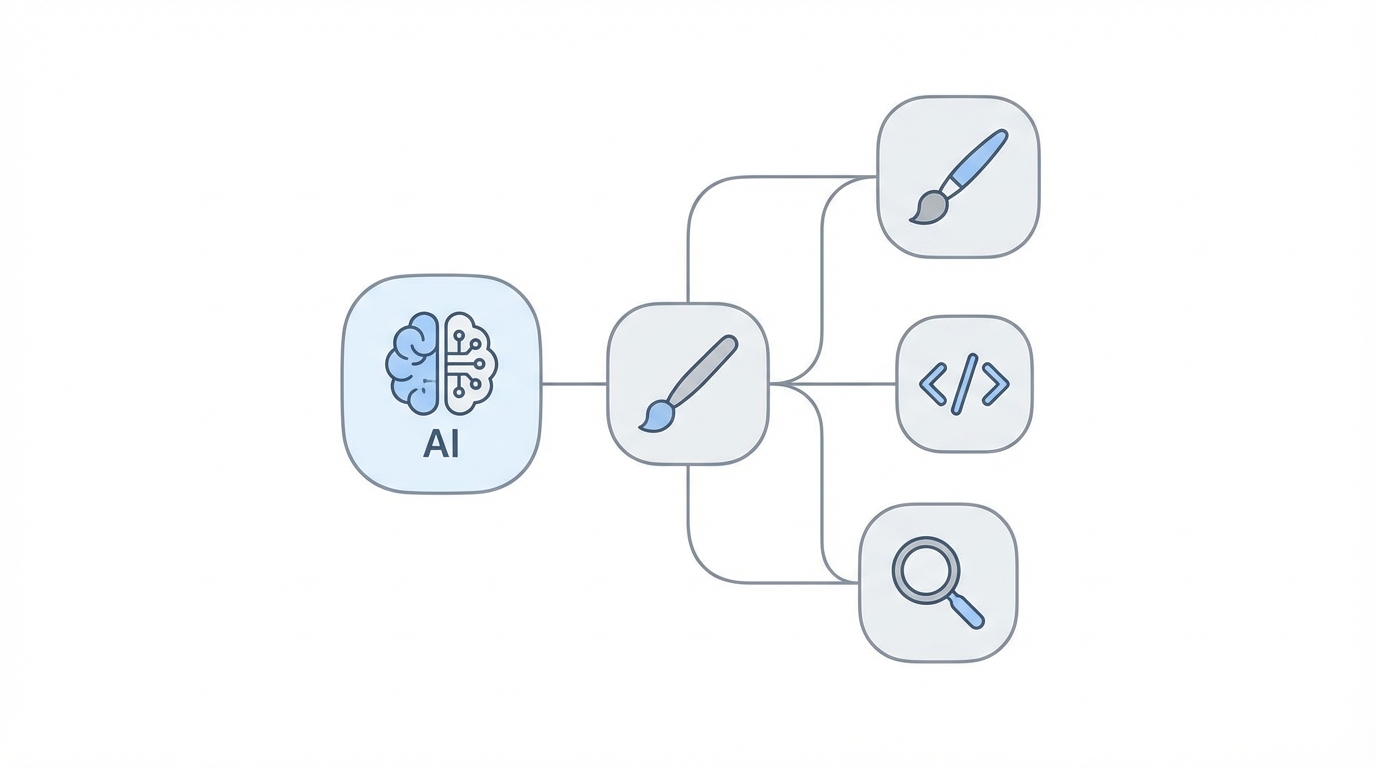
In the world of Claude Code, a "skill" is essentially a persistent set of instructions or a plugin that the model references to execute specialized tasks. Instead of re-pasting your brand guidelines or design preferences into every new chat, you bake them into the environment. This is critical for Claude 4.5 prompt engineering because it allows the model to maintain context across complex builds without "drifting" into generic outputs.
When you use a tool like Cursor or the Claude terminal interface, you aren't just chatting; you are managing an agent. By setting up specific skills for front-end design and copywriting, you transform Claude from a generalist assistant into a specialized design partner. This approach is what allows non-technical builders to take a concept from Idea Browser and turn it into a functional, clickable prototype in minutes.
Step 1: Installing the Front-End Design Skill
Most users are unaware that Anthropic has a burgeoning plugin marketplace. To avoid the "vibe-coded" look—where every dashboard looks like a generic template—you must install the front-end design skill. This skill contains specific instructions to avoid AI tropes, use modern typography, and prioritize user experience over flashy, useless animations.
The Installation Process
To get started, open your Claude Code environment and run the following two commands:
- Add the Marketplace: This command connects your local environment to the official repository. Input:
npm install -g @anthropic/plugin-marketplace(or use the internal Claude prompt: "Add the Anthropic plugin marketplace to my environment"). - Install the Skill: Once the marketplace is active, run
plugin install front-end-design @claude-code-plugins.
This skill acts as a guardrail. It tells Claude to use production-grade design systems like Tailwind CSS or Shadcn UI, avoid overused emojis, and implement high-fidelity UI components. Whether you are building a SaaS dashboard or a landing page, this plugin ensures that the front end design skill Claude provides is indistinguishable from a senior developer's work.
Step 2: Engineering a Custom AI Brand Voice Skill

Even the most beautiful design will fail if the copy feels like it was written by a robot. Generic AI copy is often too "salesy" or filled with "empty brand speak." To fix this, you need to build a custom AI brand voice generator skill within Claude. This involves feeding the model your "DNA"—the specific way you talk, think, and persuade.
How to Extract Your Brand DNA
Start by gathering your best-performing content. This should include:
- Transcripts from your YouTube videos or podcasts.
- High-engagement tweets or LinkedIn posts.
- Existing sales pages that have successfully converted.
- Internal manifestos or "contrarian" takes on your industry.
Feed these into Claude with the prompt: "Analyze these materials and distill them into a Brand Voice Skill. Identify my tone, sentence structure, and core philosophies." In the case of The Vibe Marketer, this resulted in a "Boring Marketer" persona—one that prioritizes systems over hacks and compound growth over shiny objects. Once Claude identifies these patterns, save them as a persistent skill. Now, every time you ask for a landing page, the Claude 4.5 prompt engineering will automatically apply your unique voice based on proven brand voice frameworks.
Step 3: The Elevated Direct Response Skill via Perplexity MCP

Copywriting isn't just about voice; it's about strategy. To create high-converting assets, you need to understand the "Value Stack" and "Problem-Agitate-Solution" frameworks. A powerful way to enhance Claude’s capability is by integrating the Perplexity MCP (Model Context Protocol).
This allows Claude to search the live web for competitor data. You can command Claude to: "Use the Perplexity MCP to research the top education businesses like Alex Hormozi or Cody Sanchez. Break down their offer structures and how they handle objections."
By combining this external research with your internal brand voice, you create an Elevated Direct Response skill. This skill ensures that your landing pages include:
- An Impactful Hero Section: Clearly stating the transformation.
- The Value Stack: Making the offer feel so valuable it would be "dumb to say no."
- Social Proof Integration: Positioning testimonials and results strategically.
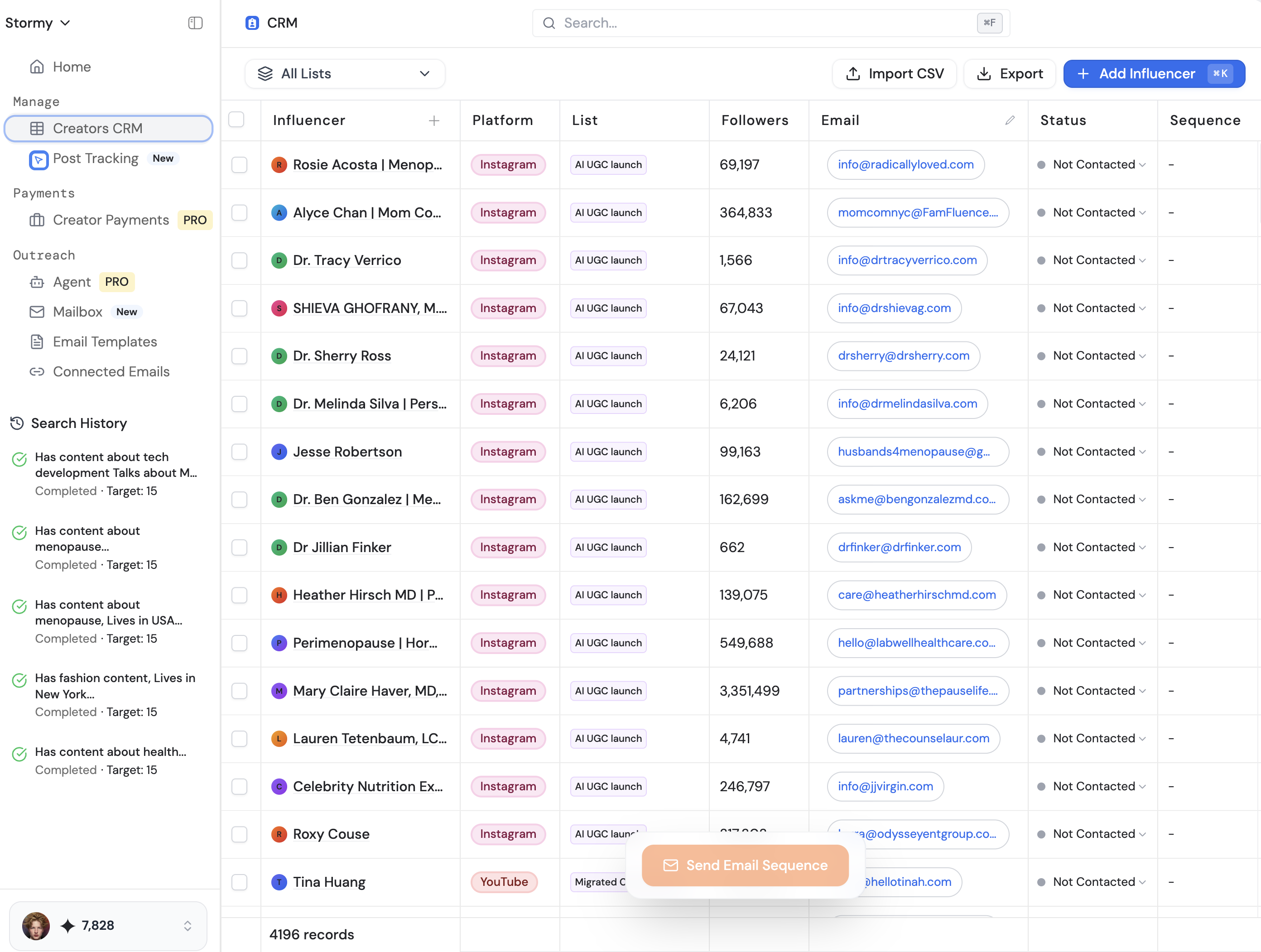
Tools like Stormy AI can further assist here by helping you find the right UGC creators to provide that social proof, which you can then manage directly through their influencer CRM.
Step 4: Prompting for High-Converting Landing Pages
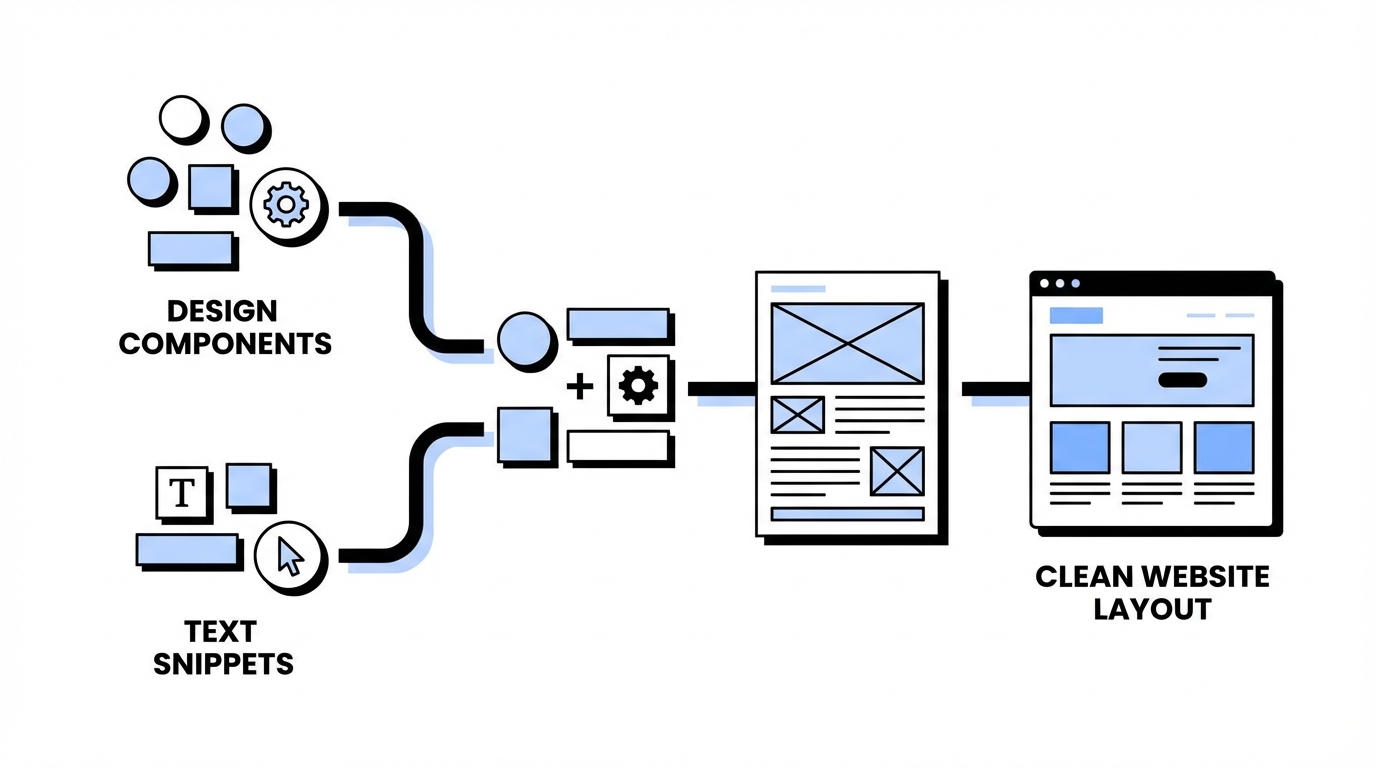
Once your design and voice skills are active, you can move from multi-step prompting to "one-shotting" complex assets. Instead of asking for "a landing page for a probate app," you use a structured prompt that references your skills.
The "Vibe Building" Prompt Architecture
Try a prompt like this: "Build a conversion-optimized landing page in HTML for my new startup, 'Estate Clear,' based on the idea of a family dashboard for probate. Reference my Front-End Design skill for the UI and my Elevated Direct Response skill for the copy. Ensure the hero section focuses on the transformation of 'stopping the endless phone calls' and use a clean, professional aesthetic."
When comparing Claude 4.5 to competitors like Google Gemini, tests show that Claude’s ability to follow these multi-layered skill instructions results in a more "refined" and "deeper" product. While Gemini is excellent at integrating creative imagery—especially when using Glyph.app or Imagen 3—Claude often wins on the sheer cohesion of the user journey.
Managing the Claude Code Environment: Context and Pitfalls
As your project grows, "context drift" becomes your biggest enemy. Claude might "forget" the design constraints or start slipping back into generic language. To manage this in the Claude code plugins environment, use the following strategies:
- Ultra-Think Mode: If a bug persists or the design feels "off," trigger "Ultra-think about this problem." This forces the model to use more compute to analyze the root cause.
- Sub-Agents: For large builds, tell Claude to "Spin up a specialized Q&A tester agent and a senior front-end engineer agent" to review the code before deployment.
- Visual Mockups: Before writing the full HTML, ask Claude to "Generate a high-fidelity visual mockup of the dashboard logic first" to ensure the layout makes sense.
By treating Claude as a workhorse and using advisory models like AI Studio for outside perspectives, you can maintain a high bar for quality. If your project involves a heavy creator component, using Stormy AI for influencer discovery ensures that your marketing stack is as high-tech as your development stack.
Conclusion: The Future of Vibe Building
The barrier to entry for building a SaaS or a digital brand has never been lower. However, the barrier to building something truly great has shifted from technical ability to curation and prompt engineering. By installing the front-end design skill and building a custom brand voice, you move beyond the "AI-look" and create assets that resonate with humans.
Key takeaways for your Claude workflow:
1. Install the Anthropic plugin marketplace and front-end design skill immediately to raise your UI baseline.
2. Use Perplexity MCP to inject real-world competitor research into your copywriting strategy.
3. Build a Brand Voice skill using your own content to ensure your AI never sounds like a generic bot.
4. Don't just vibe code—vibe build by integrating marketing, design, and community from day one.
Whether you are using Cursor, AI Studio, or the new Claude 4.5, the winners will be those who do the "boring work" of setting up their skills upfront. Start tinkering today, and turn your next idea into a production-ready reality.