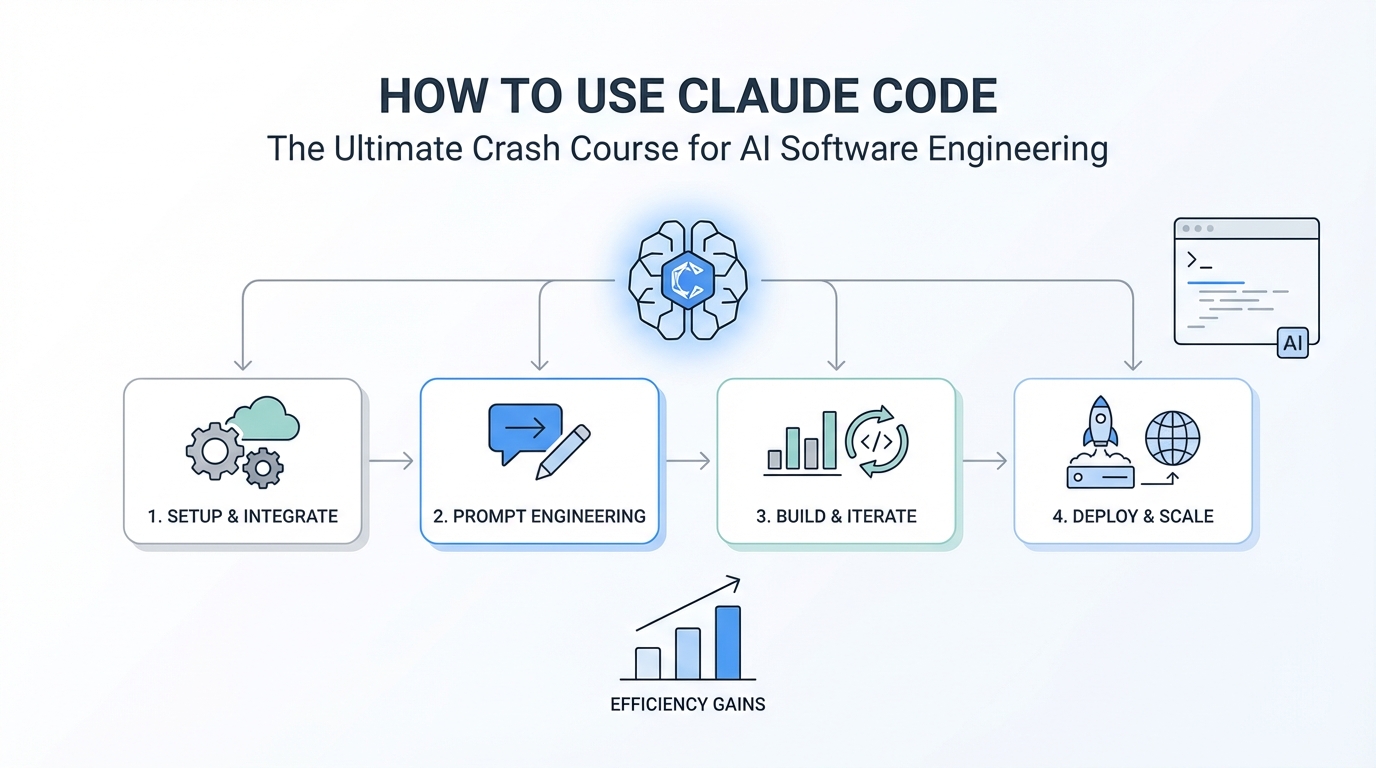
Software development is undergoing a seismic shift. We are moving from a world where developers write every line of code to one where they act as high-level architects, managing AI coding agents that handle the heavy lifting. If you have been looking for a Claude Code tutorial that cuts through the noise, you are in the right place. This crash course will demystify the terminal, explain the principles of effective prompting, and provide a blueprint for building "scroll-stopping" software that actually works. Whether you are a seasoned engineer or a complete beginner, mastering how to use Claude Code is the most important skill you can acquire in 2025.
Demystifying the Terminal: Why You Should Not Be Afraid

For many non-technical creators, the terminal is the ultimate "boogeyman." It looks like something out of a 90s hacker movie, and the fear of typing the wrong command and breaking your computer is real. However, terminal AI tools for developers are actually designed to make your life easier, not harder. Think of the command line as a direct conversation with your computer's brain. When you use Anthropic's Claude Code, you are simply giving instructions to a highly capable agent that can navigate your file system, install dependencies, and run tests for you.
If you find yourself overwhelmed by the CLI, remember that you have the ultimate cheat code: the AI itself. If you don't know a command, just ask. You can literally type a natural language question into your terminal or a chatbot like ChatGPT to get the exact syntax you need. The goal isn't to memorize obscure bash commands; it's to develop the audacity to explore. As you get comfortable, you'll realize that the terminal is far more efficient than clicking through complex GUIs. It allows for high-precision input, which, as we'll discuss, is the secret to getting perfect output from your models.
Step-by-Step Setup Guide for Claude Code
Getting started with an Anthropic Claude Code guide requires a few basic steps. First, ensure you have a modern development environment. While the standard Mac terminal works, many power users prefer specialized tools like Ghostty or Warp for a more intuitive experience. Once your terminal is ready, you will need to install the Claude CLI. This usually involves a simple command via a package manager like npm. After installation, typing "claude" should launch the environment, allowing you to select the folder you want to work on.
The first time you open Claude Code, it might feel like a blank slate. The key is to start with a clear objective. AI coding agents thrive on context. Before you ask it to build anything, ensure you are in the correct directory. You can use the shift + tab shortcut to enter plan mode. This is where you lay the foundation for your project. Instead of just saying "build me a website," you should aim for specificity. High-level instructions often lead to generic results. To build something unique, you need to think in terms of features, not just products.
The 'Features over Products' Mindset

When you have a startup idea—like a diagnostic tool for appliance technicians found on Ideal Browser—the temptation is to ask the AI to build the entire app at once. This is a mistake. Software engineering is about breaking a complex system down into buildable units. If your app has four core features, you should treat them as four distinct projects. If you build feature A, test it, and confirm it works, you have a solid foundation for feature B.
This modular approach prevents the AI from getting confused and reduces the risk of "hallucinations" or AI slop. By focusing on one feature at a time, you can ensure that the UI/UX decisions, technical implementation, and trade-offs are exactly what you want. When you allow the AI to make too many assumptions, you end up with a finished product that you aren't excited about. You must maintain creative control over the architecture, even if you aren't writing the code yourself.
The 'Ask User Question' Tool: Your Secret Weapon

One of the most underutilized features in the Claude ecosystem is the ask user question tool. Most people use a generic planning mode where the AI asks a few basic questions and then starts building. This is how you end up with wasted tokens and broken code. Instead, you should prompt Claude to interview you in detail about your plan. Use a prompt like: "Read this PRD.md file and interview me using the ask user question tool about technical implementation, UI/UX concerns, and trade-offs."
This tool will force you to think about minute details you might have ignored. For example, if you are building a TikTok UGC generating app, the AI will ask: Should the workflow be linear or batch-processed? How should we handle HeyGen API costs and usage? What database approach do you want to use? If you don't know the answer, copy the question into Claude and ask for the best decision based on your current situation. By spending more time in the planning phase, you save hours of debugging later. This granular level of detail ensures that the agent is not making assumptions on your behalf.
The Repetition Method: Why Beginners Should Build Manually
There is a lot of buzz around automation loops like Ralph Wiggum or other autonomous agents. However, for those learning how to use Claude Code for the first time, jumping straight into full automation is a recipe for disaster. Think of it like learning to drive. You wouldn't put a first-time driver in a self-driving Tesla on the highway. You need to understand how to steer, how to brake, and how to navigate corners first.
The Repetition Method involves building each feature manually with the AI. You prompt, you review the code, you run the app, and you test the functionality. This "one-on-one" time helps you develop a vibe for quality assurance. You start to recognize when the model is starting to deteriorate or when a UI decision feels "off." Once you have successfully built and deployed an app to Vercel manually, only then should you look into high-level automation loops.
For those building marketing-focused applications, such as UGC creators for mobile app campaigns, tools like Stormy AI can help source and manage UGC creators at scale, providing the human element that your AI-generated scripts will eventually need. Integrating these real-world data points into your Claude Code prompts makes your software significantly more "audacious" and useful for actual business cases.
Understanding Ralph Loops: Plan, Build, Test, Document
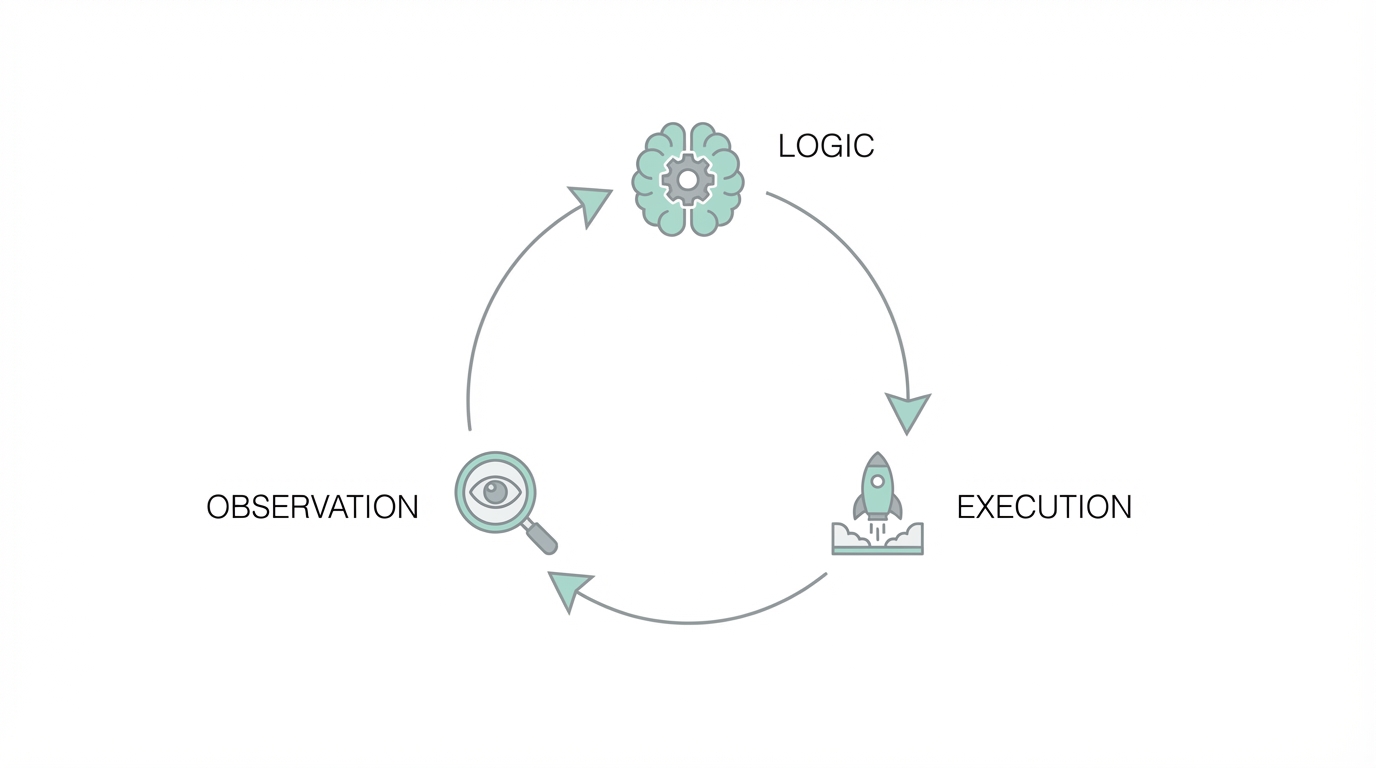
Once you have your reps in, you can explore the Ralph method. A "Ralph Loop" (named after the Ralph Wiggum convention) is an agentic workflow that follows a strict cycle. It starts with a PRD.md (Product Requirements Document) and a progress.txt file. The loop works as follows: the AI takes the first task from the plan, builds the feature, writes a test for it, runs a linter to check for errors, and documents the progress. It does not move to feature two until feature one passes all tests.
This is incredibly powerful because it ensures technical integrity at every step. You can find Ralph implementation scripts on GitHub, but remember the golden rule: if your plan sucks, the Ralph loop doesn't matter. You will simply be donating money to Anthropic by burning through tokens on a flawed architecture. The loop is an accelerator, not a magic wand. Always verify that your tests are actually meaningful and not just "dummy" tests that pass by default.
Context Management: The 50% Rule
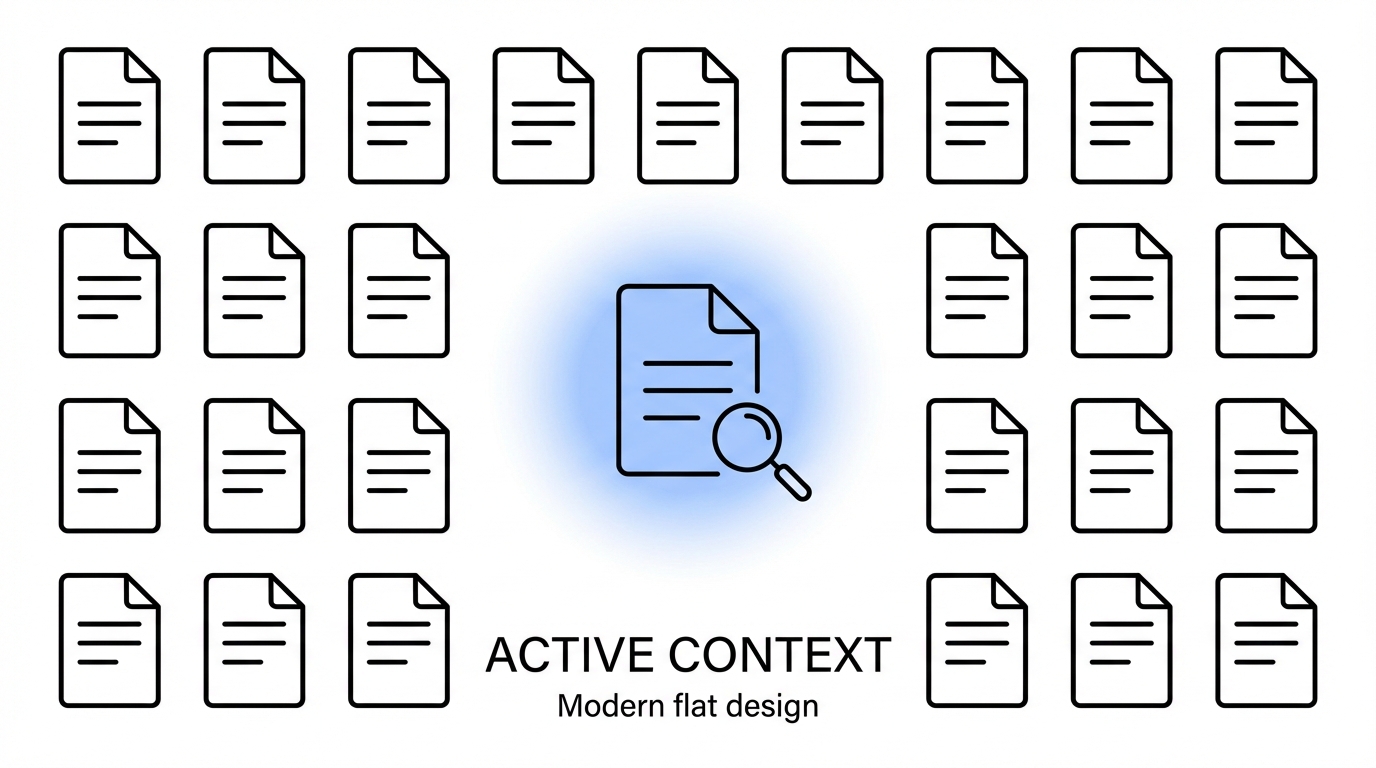
One of the most common complaints about AI coding agents is that they start off great but become "stupid" or "lazy" after an hour of work. This is usually a context window issue. Most high-end models, like Claude 3.5 Sonnet or the rumored Opus 4.5, have large context limits (often around 200,000 tokens). However, as you fill that window with code, chat history, and terminal outputs, the model's performance begins to deteriorate.
A pro tip for terminal AI tools for developers is to follow the 50% Rule. The moment you see that you have used 40-50% of your context (roughly 100k tokens), start a new session. Think of it like a student in a lecture; after hours of information dumping, they start forgetting the beginning of the lesson. By refreshing the session and only providing the essential files and the current plan, you keep the AI sharp and focused. This prevents the model from hallucinating old bugs or getting confused by previous iterations of the code.
Deploying Your First Claude-Generated App
Building the software is only half the battle; getting it live is where the magic happens. For most web applications built with React or Next.js, Vercel is the gold standard for deployment. Here is a quick checklist for your first Claude-generated deployment:
- Environment Variables: Ensure all API keys (like your Meta Ads Manager or TikTok keys) are stored in a
.envfile and added to the Vercel dashboard. - Build Commands: Ask Claude to verify the build script in your
package.json. If it doesn't build locally, it won't build on Vercel. - Linting: Run a final lint check to ensure there are no stray syntax errors that could crash the production environment.
- Audacity Check: Does the app have taste? Before sharing the URL, check if the animations, colors, and user flow feel like a high-quality product or a generic template.
Final Tips: Audacity and Taste in the AI Era
In 2026, everyone will have access to powerful AI coding agents. If everyone can clone a billion-dollar app, then the clones themselves become worthless. What will differentiate successful software is audacity and taste. Don't just build another generic dashboard. Look for "scroll-stopping" ideas—like a running app that generates routes based on your current emotional state (stressed, angry, or happy). These ideas require you to think deeply about human emotions and UX, something the AI can assist with but cannot replace.
Use tools like pen and paper to sketch out your features before you ever touch the terminal. Be the person who asks "how should this feel?" rather than just "how should this work?" If you combine the technical power of a Claude Code tutorial with the creative audacity of a product designer, you will be unstoppable. Stop worrying about the technical boogeyman and start building. The models are ready; the question is, are you? For those ready to scale their marketing software, remember that managing the human side of the equation with a creator CRM is just as important as the code itself. Happy building!