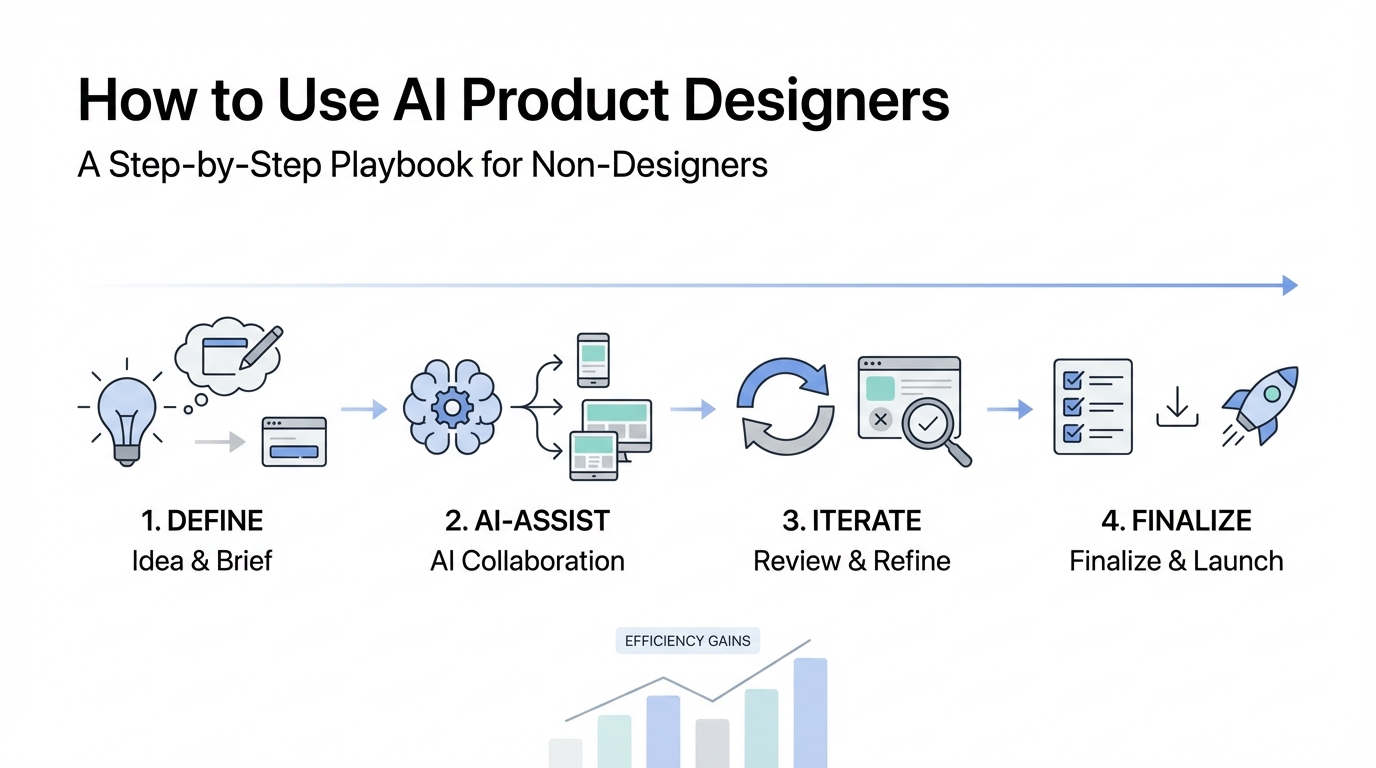
The traditional barrier between a founder’s vision and a functional SaaS prototype has officially collapsed. For years, non-technical founders and product managers were held hostage by long design cycles, expensive agency retainers, and the "lost in translation" moment when a developer tries to interpret a Figma file. Today, the rise of AI product designers like Polymet.ai and V0 by Vercel is changing the game. This AI web design tutorial will show you exactly how to move from a napkin sketch to production-ready code without hiring a high-priced designer.
The 'Measure Twice, Cut Once' Prompting Strategy
When using an AI web design tutorial approach, most users make the mistake of firing off a single, vague prompt and hoping for magic. To get elite results, you must adopt the "Measure Twice, Cut Once" strategy. This involves a two-way dialogue with the AI before a single pixel is rendered. Instead of just saying "build me a dashboard," try asking the AI: "I want to build a SaaS for YouTube AB testing; do you have any questions for me before you begin the design?"
This technique, often used with advanced models like Claude or ChatGPT, forces the AI to identify gaps in your logic. It might ask about your primary user persona, your preferred color palette, or specific data visualizations you need. By straightening out the requirements early, you avoid the dreaded "black screen of death" or generic, irrelevant layouts. Prompt engineering for UI is about context, not just commands. If you provide the AI with a clear objective—like simulating viral tweet reactions—the output will be significantly more aligned with your business goals.
Step 1: Moving from Napkin Sketches to Wireframes
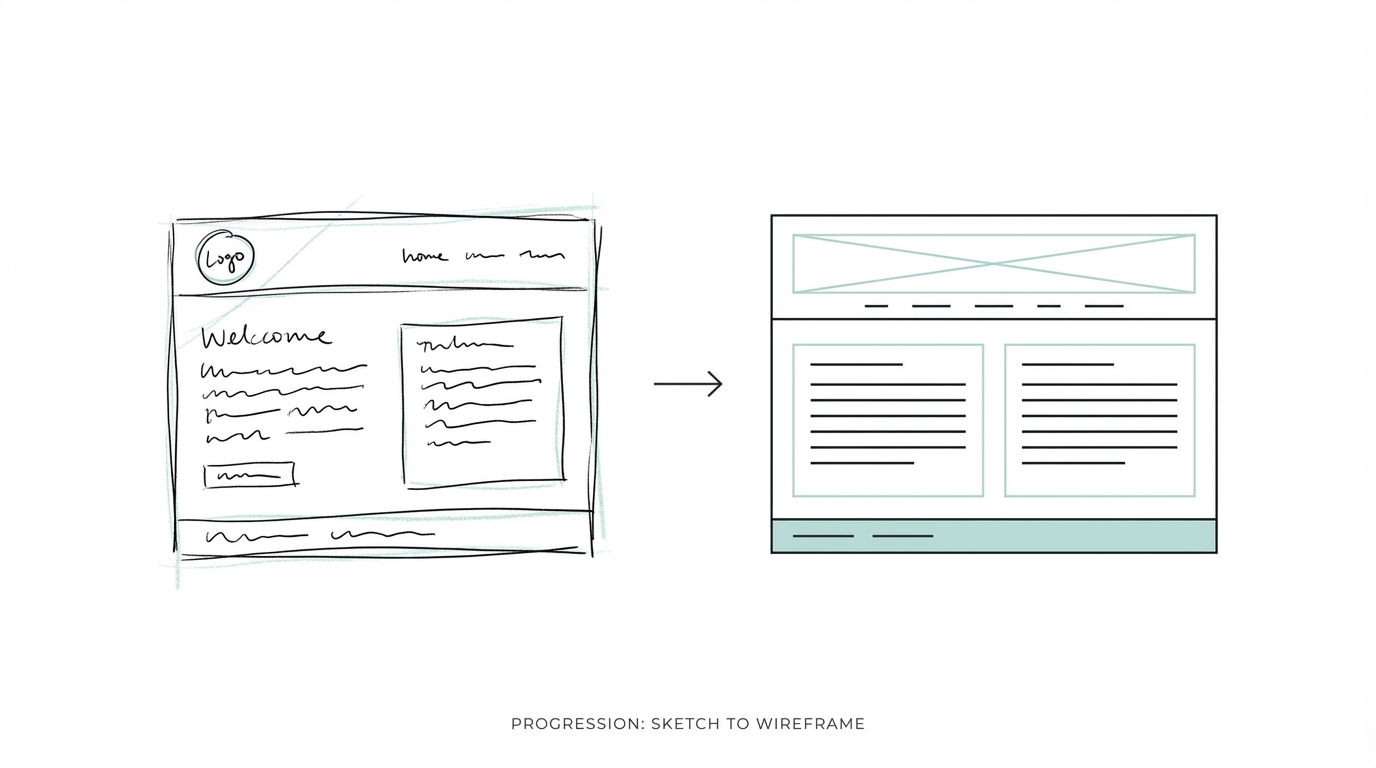
One of the most powerful features in modern AI design tools is the ability to upload images to guide the generation process. If you have a rough idea of where the sidebar should go or how the navigation should feel, don't just describe it—draw it. Even a crude sketch on a napkin can serve as a structural blueprint for tools like Polymet.ai.
Consider the case of a 17-year-old founder who viralized a concept for simulating tweet engagement. By taking a screenshot of a successful layout and uploading it as a reference, you give the AI a "taste profile" to follow. In this SaaS product design guide, we recommend using reference images to ensure the AI doesn't default to a generic dashboard. When you provide a structural anchor, the AI focuses its creativity on the aesthetics and components rather than guessing where the buttons should go. This is the cornerstone of low code AI design: using visual inputs to bypass the limitations of text-only prompting.
Step 2: Mastering Design Vocabulary
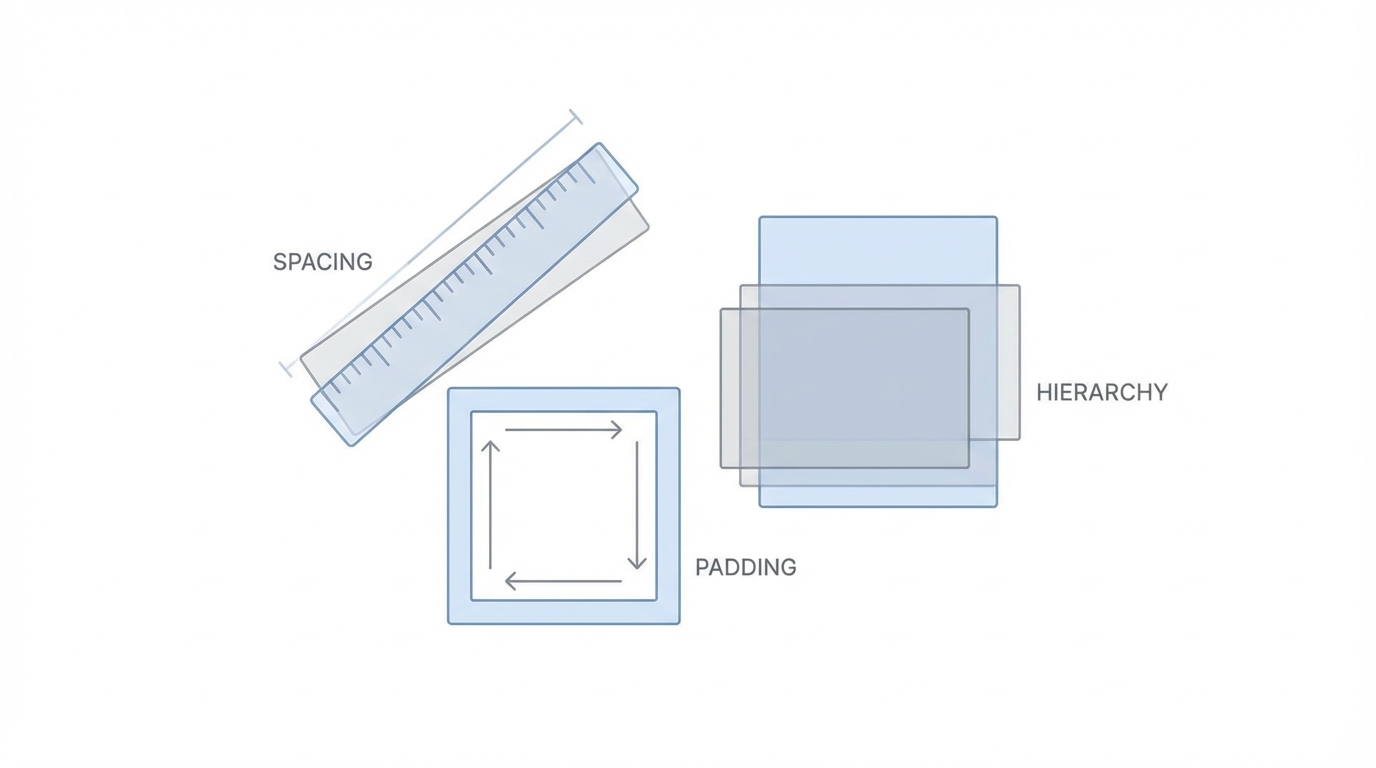
Your output quality is directly proportional to your design vocabulary. To get the most out of prompt engineering for UI, you need to speak the language of professional designers. Simply asking for something to look "nice" or "modern" is too subjective. Instead, use specific industry terms to narrow the AI's focus.
For example, if you want that trendy, translucent look seen on premium SaaS platforms, you should use glassmorphism design prompts. Glassmorphism involves a frosted-glass effect with blurred backgrounds and light borders. Other key terms to include in your SaaS product design guide repertoire include:
- Minimalist: Clean lines, ample white space, and a focus on essential elements.
- Colorful Calls to Action (CTAs): Ensuring buttons pop against the background.
- Bento Grid: A layout style that organizes content into neat, rounded rectangles.
- High Contrast: Improving readability and accessibility.

When users at Startup Empire test these tools, they find that adding just one specific term—like "frosted glass aesthetic" [source]—doubles the visual quality of the output. If the AI delivers a flat, boring design, refine it by asking for "more pronounced blur effects and light borders." Knowledge of these terms transforms you from a casual user into a sophisticated AI product designer.
Step 3: Integrating AI Designs into Your Figma Workflow
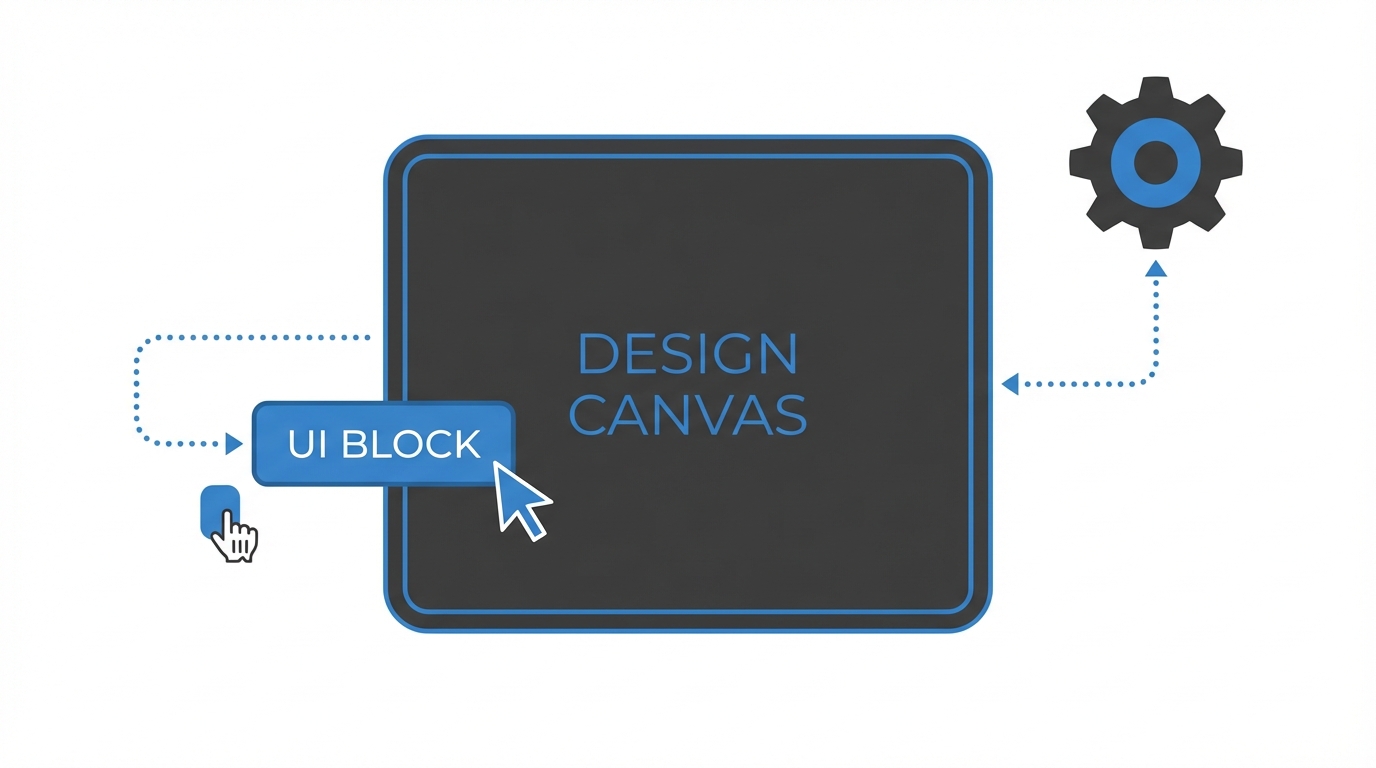
Generating a beautiful image is only half the battle; the real value lies in production-ready code and design files. Platforms like Polymet allow you to connect seamlessly with Figma and your existing codebase. This is a massive leap forward for low code AI design.
Once the AI generates a layout you love, you can often export the components directly into Figma to tweak the spacing or typography. This allows for a hybrid workflow: use AI for the 0-to-1 heavy lifting, and then use your human intuition for the final 10% of polish. For product managers, this means you can hand off a near-finished design to your engineering team, complete with the React or Tailwind code already written. By using these tools, you reduce the time from ideation to deployment by weeks, allowing you to focus on high-level strategy rather than pixel-pushing.
Common Pitfalls: How to Fix Irrelevant Imagery and Broken Buttons
AI isn't perfect, and you will inevitably encounter "hallucinations" in your designs. A common pitfall in AI web design tutorials is the generation of irrelevant imagery. For instance, if you're building a YouTube analytics tool, the AI might default to generic website charts (like bounce rates) rather than video-specific metrics (like click-through rate). To fix this, you must be hyper-specific in your follow-up prompts: "Replace the general analytics charts with a cumulative engagement chart specifically for video views."
Another frequent issue is non-functional elements or the "black screen of death" when clicking interactive buttons like "Get Started." In these cases, tools like V0 by Vercel often perform better because they provide a "reasoning" log. You can see how the AI is thinking, which makes it easier to debug. If a button doesn't work, don't just prompt again; ask the AI to "ensure all navigation links are mapped to valid placeholder pages." Remember, the AI is a collaborator, not a mind-reader. If you notice the product images look like dashboards for the wrong industry, re-attach your reference images and specify the exact use case again.
Leveraging UGC to Fill Your New Designs
Once you have a functional SaaS front-end, the next challenge is populating it with authentic content and marketing it to the right audience. If you’ve built a tool for creators, like the YouTube AB testing idea, you’ll need to work with influencers to showcase the product in action. This is where tools like Stormy AI become essential. While AI handles the design, platforms like Stormy AI streamline creator sourcing and outreach to ensure your new app reaches its target market.
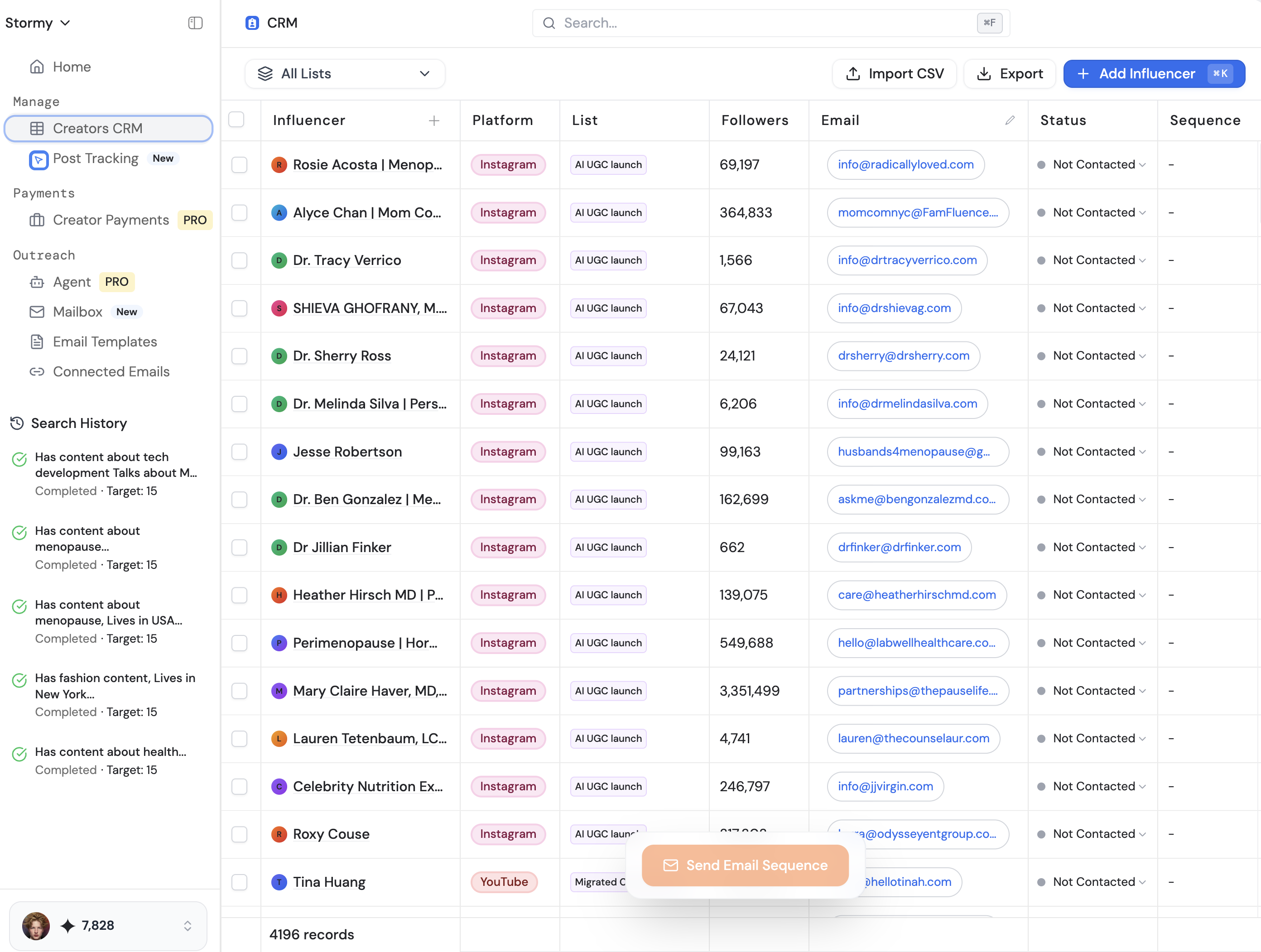
You can use Stormy AI’s creator discovery to find YouTubers who match your niche and instantly reach out to them with AI-personalized emails. Managing these relationships within a dedicated creator CRM ensures that your beautiful new design actually gets seen by the right people. Integrating your design workflow with a robust outreach strategy is how you turn a prototype into a multi-million dollar business.
Comparison: Polymet.ai vs. V0 by Vercel
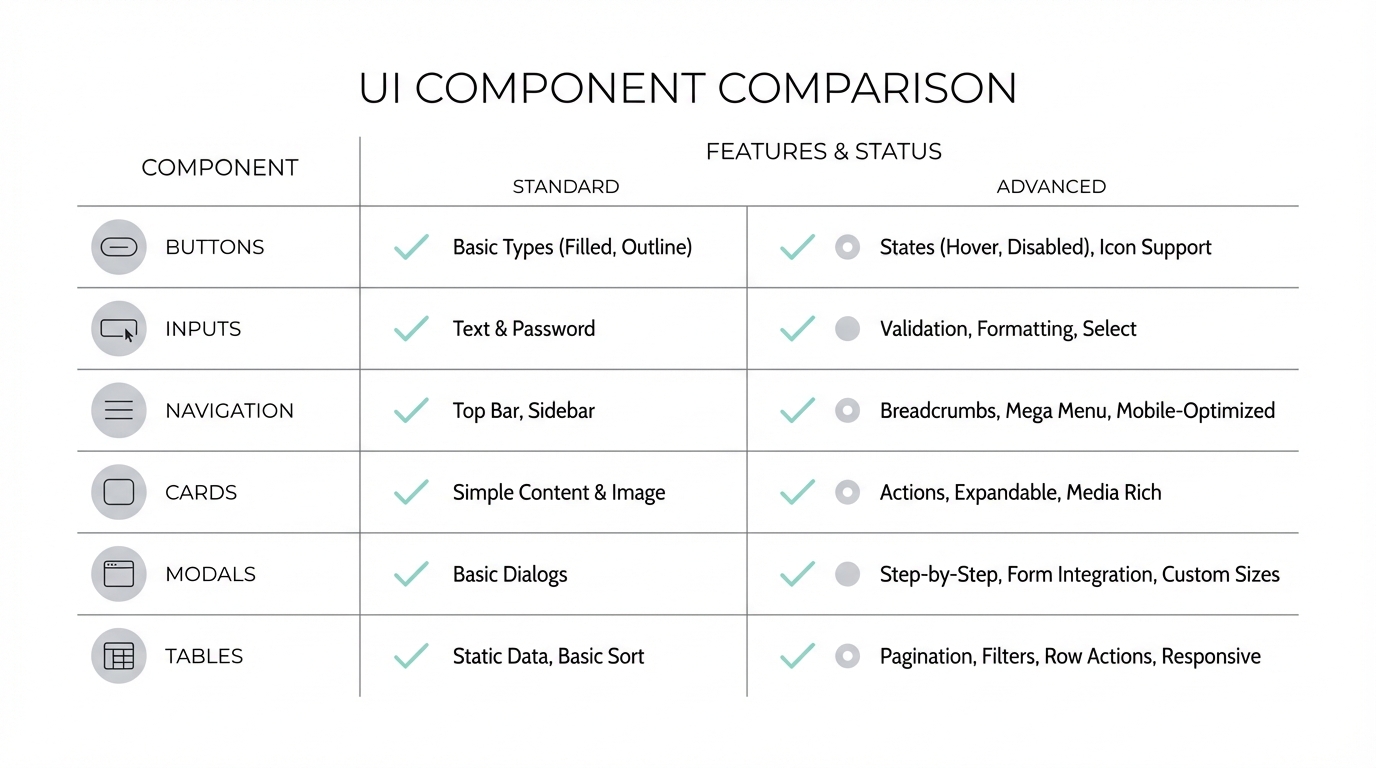
Choosing the right tool depends on your specific needs. Polymet.ai shines when it comes to deep integration with your codebase and Figma. It feels more like a dedicated AI product designer that understands the nuances of professional workflows. On the other hand, V0 by Vercel often wins on the visual "wow" factor and its interactive feedback loop. V0’s ability to explain its design choices makes the prompt engineering for UI process feel much more transparent.
Ultimately, the best approach is to use both. You might generate a foundational layout in V0, take a screenshot, and then upload it to Polymet for deeper customization and code integration. The most successful founders aren't loyal to one tool; they use an ensemble of AI models—including Perplexity for research and Claude for copywriting—to build their startup empire. By playing with these tools today, you're gaining a competitive edge that will be the standard for product development tomorrow.
Conclusion: Your Actionable Design Playbook
The democratization of design means that your ability to build a SaaS is no longer limited by your artistic skills. To succeed as a non-designer, follow this playbook: start with the "Measure Twice, Cut Once" prompting strategy, use napkin sketches as structural anchors, and master design vocabulary like glassmorphism. Be prepared to iterate through common pitfalls and use professional tools to bridge the gap between AI and your codebase.
The future belongs to the "Product Person" who can orchestrate these AI tools to bring ideas to life at lightning speed. Whether you are building a YouTube analytics tool or a niche CRM, the tools are ready. It’s time to stop sketching and start building.