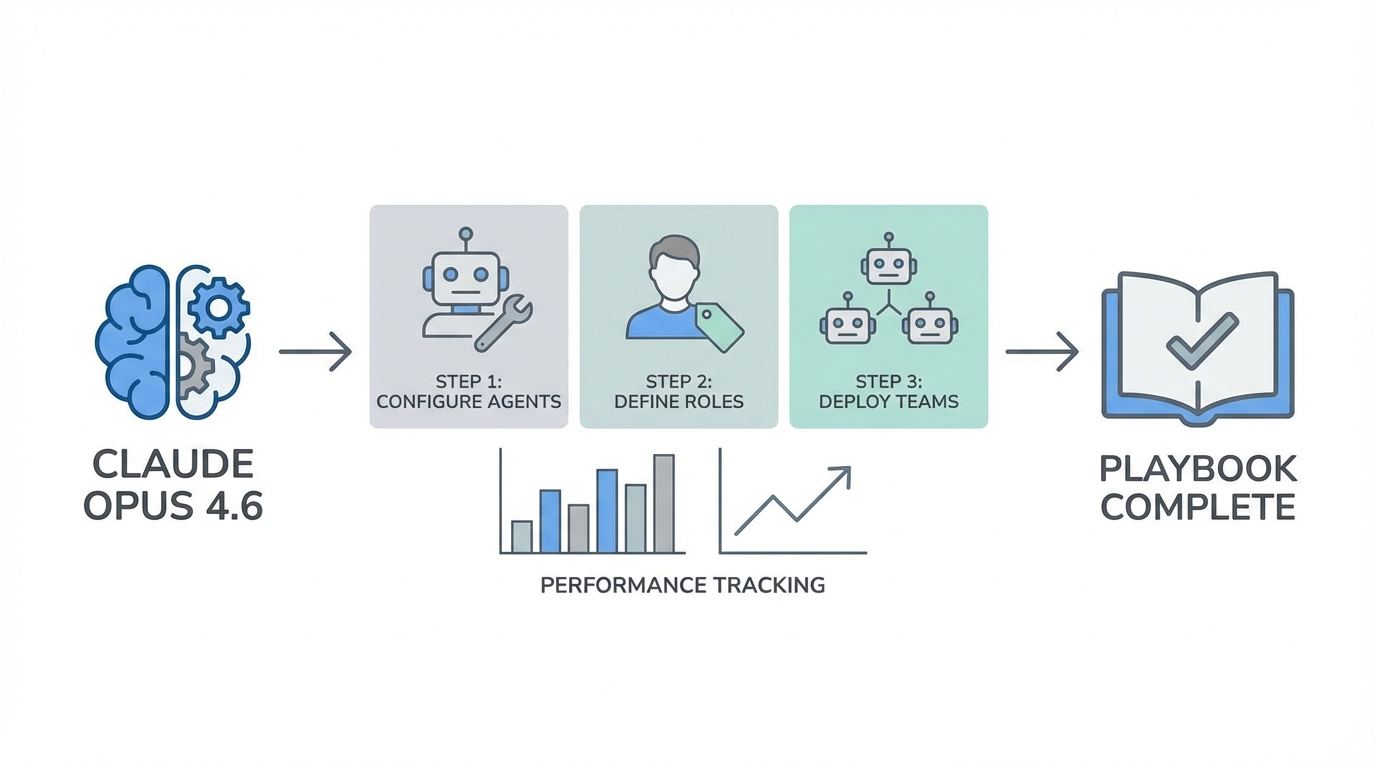
Today is a massive day for the AI engineering community. With the simultaneous release of Claude Opus 4.6 from Anthropic and the surprise drop of GPT 5.3 Codex from OpenAI, the landscape of AI-powered development has shifted overnight. This isn't just about incremental improvements; it's about a divergence in engineering philosophy. While one model focuses on being your perfect pair-programming buddy, Opus 4.6 is leaning into autonomous agentic behavior. If you want to stop just "chatting" with an LLM and start managing a team of specialized AI agents that build entire apps while you sleep, you need to know how to unlock the experimental features hidden in the terminal. This guide is your tactical sauce for setting up the ultimate Claude Opus 4.6 agent teams environment.
Step 1: Upgrading Your Claude Code Environment

Before you can touch the agentic features, you have to ensure your local environment is actually running the 4.6 engine. Many developers are inadvertently running legacy versions and wondering why their prompts for "agent teams" are failing. The first step is a clean upgrade of the Claude CLI (Claude Code). Open your terminal and run the following commands to ensure you are up to date.
Start with a standard npm update to refresh your global packages. If that doesn't immediately reflect the latest version, you should run the specific claude update command. You are looking for version 2.1.32 or higher. If you see a version starting with 1.x, you are still in the old world. You can verify your active version at any time by typing /version inside the Claude interface. Running the latest build is non-negotiable because the Claude Code experimental features are only baked into the most recent releases. Using outdated builds will result in the model attempting to simulate agentic behavior rather than actually executing it through the new multi-agent orchestration engine, a concept often explored in research on autonomous LLM agents.
Step 2: Enabling Agent Teams via settings.json
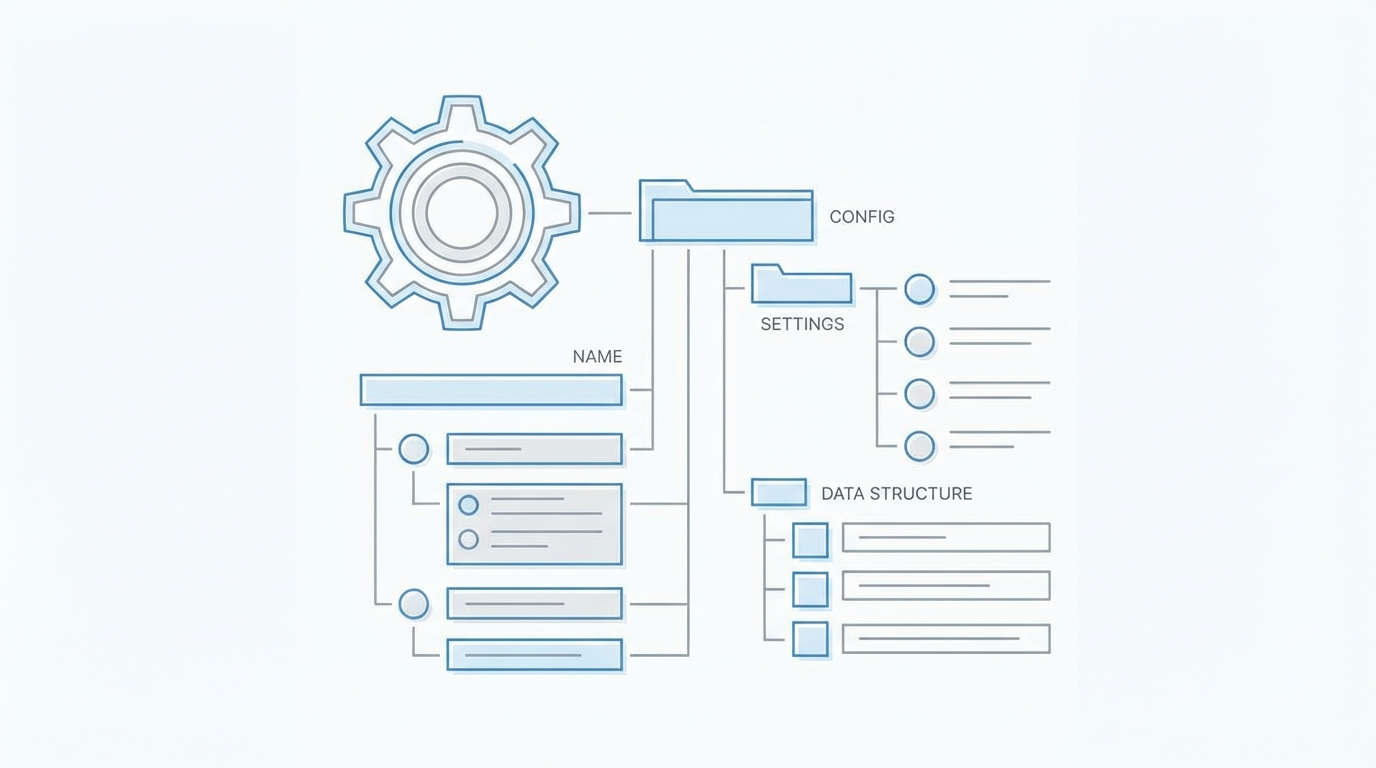
This is where most developers get stuck. Anthropic has kept the agent teams feature behind an experimental flag. To enable it, you need to modify your Claude settings.json configuration file. This file acts as the brain for your CLI interactions, determining which models are called and which experimental protocols are active. To find this file, navigate to your home directory and enter the hidden Claude folder using the command-line interface with cd ~/.claude.
Once inside, open the settings.json file in your preferred editor like VS Code or Vim. You need to look for (or add) the env block. To unlock the full power of Opus 4.6, you must add the following key-value pair: "claude_code_experimental_agent_teams": 1. Without this flag, Claude will behave as a single-threaded assistant. With it, the model gains the ability to "spawn" parallel sub-agents for specialized tasks like research, architecture, and testing. While you are in there, you can also hard-code your model to claude-opus-4-6 to ensure you are always hitting the top-tier reasoning engine, though the CLI usually defaults to the newest available Opus model automatically.
Step 3: Mastering the Adaptive Thinking API
A hidden gem in the 4.6 release is a feature called Adaptive Thinking. This is currently accessible primarily through the API, and it allows you to control the "depth" of the model's reasoning. In previous versions, the model would often cut corners to save on latency. With Adaptive Thinking, you can now set the effort level to 'max'. This tells Claude to ignore constraints on thinking depth and explore every edge case before returning a single line of code.
When you setup Claude CLI for coding, using the 'max' effort level is essential for complex architectural refactors. According to early engineering reports shared on Hacker News, setting effort to max on Opus 4.6 allows the model to catch logic errors that even the best senior staff engineers might miss during a manual review. If you try to use the 'max' effort setting on older models like 4.5, the API will return an error, making this a great way to verify that your keys and model versions are properly synchronized. This level of thinking is particularly useful when you are asking the model to build something from scratch, such as a high-stakes prediction market or a financial engine.
Step 4: Advanced Terminal Setup with Tmux
When you have four or five agents running in parallel, monitoring them in a single terminal window becomes a chaotic mess. To truly leverage Claude Opus 4.6 agent teams, you need a terminal that can handle split-pane mode. While modern terminals like Warp are fantastic, the traditional way to manage this is by installing Tmux via Homebrew using brew install tmux.
Inside your settings.json, you can update the display mode to split-pane. When the main Opus agent decides to spin up a "UX Specialist" and a "Backend Architect," Tmux will automatically split your terminal window, allowing you to watch the logs of both agents simultaneously. This level of transparency is vital for "vibe coding"—the practice of staying in the creative flow while the AI handles the heavy lifting. You can watch the agents perform web searches, run unit tests, and scaffold directories in real-time. If you notice an agent heading down a wrong path, you can interject immediately, though Opus 4.6 is designed to be much more autonomous than its predecessors, requiring significantly fewer human course-corrections.
Understanding the Philosophy: Opus vs. Codex
There is a massive divergence in how these models work. GPT 5.3 Codex is built for interactive collaboration. It wants you to stay in the loop, steering it mid-execution. It is fast, confident, and works like a founding engineer who just wants to ship. Claude Opus 4.6, however, is your senior reviewer. It is more autonomous and thoughtful. It prefers to plan deeply, run longer, and ask less of the human. This makes Opus 4.6 the superior choice for "delegate and forget" tasks.
In a head-to-head test building a competitor to Polymarket, Codex might finish the scaffolding in three minutes, but Opus 4.6 will spend those same three minutes just conducting research with four parallel agents. One agent might study order book matching engines, while another researches UX design patterns for prediction markets. The end result from Opus is often more robust and well-tested, even if it uses more tokens. For marketing teams and growth hackers, this same level of automation is becoming available in other niches. For example, platforms like Stormy AI streamline creator sourcing and outreach by using similar AI-powered discovery and outreach agents, taking the manual labor out of influencer marketing just as Claude takes the manual labor out of coding.
Case Study: Building a Prediction Market with Agent Teams
To put these Claude Code experimental features to the test, we ran a demo to recreate a multi-billion dollar app like Polymarket. The prompt was simple: "Build a competitor to Polymarket. Create an agent team with a technical architect, a domain expert, a UX designer, and a QA lead." The way Opus 4.6 handled this was a masterclass in orchestration. It launched four research agents in parallel. Each agent consumed roughly 25,000 tokens just on web research and planning before a single line of code was written.
While GPT 5.3 Codex was already running npm start, Opus was still verifying its testing strategy. However, the final product from Opus included over 90 unit tests, covering everything from LMSR math to API integration. The UX was not just a basic template; it featured hover states, a leaderboard, and a dark-mode trading interface. This illustrates the trade-off: Codex is about velocity and steering, while Opus 4.6 is about comprehension and architectural sensitivity. If you are building for production, the autonomous planning of Opus agent teams is a game-changer for reducing technical debt.
Troubleshooting and Verification
If your agent teams aren't spinning up, the most likely culprit is your token limit or versioning. Opus 4.6 is a token-hungry beast. A single complex build can easily consume 250,000 tokens. If you aren't on a high-tier plan or if your API billing isn't set up for high-volume usage, the agents might "fail silently" or stop halfway through a research phase. Always check your /model command to ensure you are seeing claude-opus-4-6 in the terminal response.
Another common issue is hallucination in shell commands. While Opus 4.6 is much more reliable, it can occasionally attempt to use a library that doesn't exist. This is where the Adaptive Thinking API guide becomes useful: by setting your effort to max, you decrease the likelihood of these shortcuts. Additionally, ensure your settings.json doesn't have conflicting flags from older versions of Claude Code. A clean config file is often the quickest fix for erratic agent behavior. For those managing large-scale creator campaigns, the same principles of vetting and quality control apply—just as you vet your code, using a tool like Stormy AI to manage and vet influencer relationships ensures that your automated systems are always producing high-quality output.
Final Takeaways for the Modern AI Developer
Setting up Claude Opus 4.6 agent teams is more than just a configuration change; it's a shift in how you view your role as a developer. You are no longer the one typing out every function; you are the Director of Engineering for a team of silicon-based experts. By properly configuring your settings.json, utilizing Adaptive Thinking, and optimizing your terminal with Tmux, you unlock a level of productivity that was impossible just months ago. Whether you are building the next big Fintech app or simply automating your app store optimization (ASO) strategies, these tools are the new standard.
The key is to let your teams loose. Give your developers access to both Opus and Codex, as each has its place in a modern workflow. Use Codex for fast iterations and mid-stream steering, and use Opus 4.6 for deep architectural work and autonomous agentic tasks. As the AI space continues to move at breakneck speed, the engineers who master these setup Claude CLI playbooks will be the ones who define the next era of software. Now, go into your terminal, update your settings, and start building.