The barrier to entry for mobile app development has effectively vanished. We have entered the "Era of the Idea Guy," where tools allow anyone to manifest a functional product in hours rather than months. However, this accessibility has created a new problem: a flooded marketplace of static, uninspired "vibe coded" apps that feel like AI-generated templates. To achieve true app virality in 2025 and 2026, developers must move beyond basic functionality and embrace high-end user interface design. The difference between a project that earns $0 and one that generates $50,000 a month often lies in the "feel" of the app—the micro-interactions, animations, and aesthetic polish that make a user want to share it on social media. This guide provides a strategic playbook for using AI to build apps that don't just work, but stand out.
The Death of Static Vibe Coding: Why Basic AI Apps Fail

Vibe coding—the process of using natural language to prompt AI tools into generating code—has democratized development, but it has also led to a predictable "AI look." Most 24-hour projects are static; they lack the kinetic energy that characterizes premium software. Users are becoming increasingly sophisticated and can spot a low-effort app almost instantly. If your interface doesn't have "life" to it, your retention rates will suffer. Start by identifying high-quality data trends using resources like IdeaBrowser to ensure you are building something people actually want before you invest in the polish.
The current mobile app design trends suggest that the most successful solo-built apps aren't necessarily the most complex in terms of backend logic, but they are the most refined in terms of interaction. When an app feels static, it feels untrustworthy. Conversely, when an app responds to every touch with a subtle bounce, a haptic vibration, or a smooth transition, it signals quality. To compete with established teams, solo developers must use AI not just to write the core logic, but to architect the experience of the app.
The 24-Hour Validation Framework: Using Virality to Test Concepts
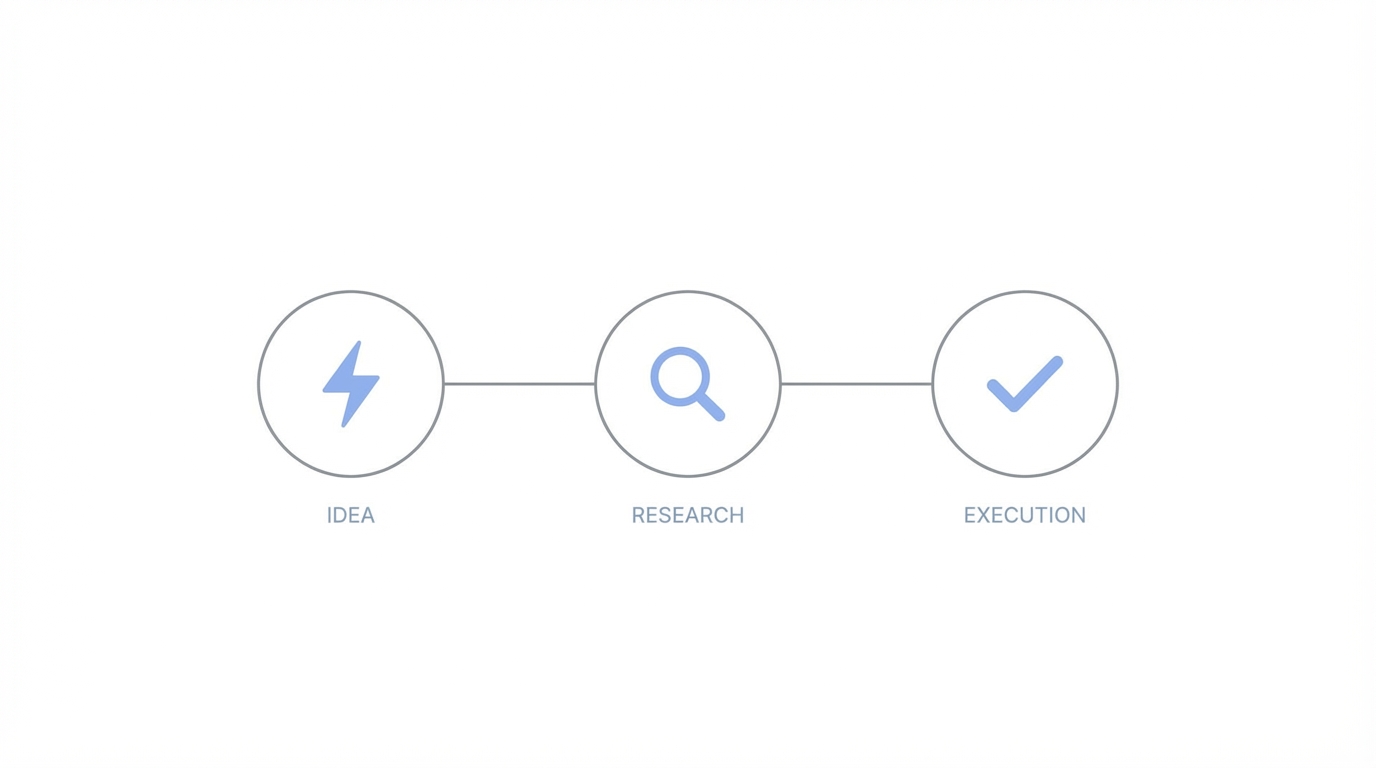
One of the most effective ways to validate a startup idea is to create a high-fidelity concept video before the app is even finished. This framework involves building a "visual MVP"—a version of the app where the primary focus is the front-end interaction. For example, the calorie tracking app Amy gained massive traction by combining a minimalist "Apple Notes" aesthetic with high-end AI calculations. When the creator tweeted a concept video of the interactions, it garnered 400,000 views and 800 waitlist signups in less than 20 hours. This is viral app marketing at its most efficient.
Interestingly, a previous version of the same concept with identical logic but less polished animations received almost no engagement. This demonstrates that for platforms like X and TikTok, the user interface design is the marketing. By using tools like Anything, Lovable, or v0, you can rapidly iterate on these visuals. If a concept video doesn't spark interest, you haven't wasted weeks on development; you've simply validated that the "vibe" didn't resonate, allowing you to pivot quickly.
Mastering Animations: Describing Bounces and Transitions in Plain English
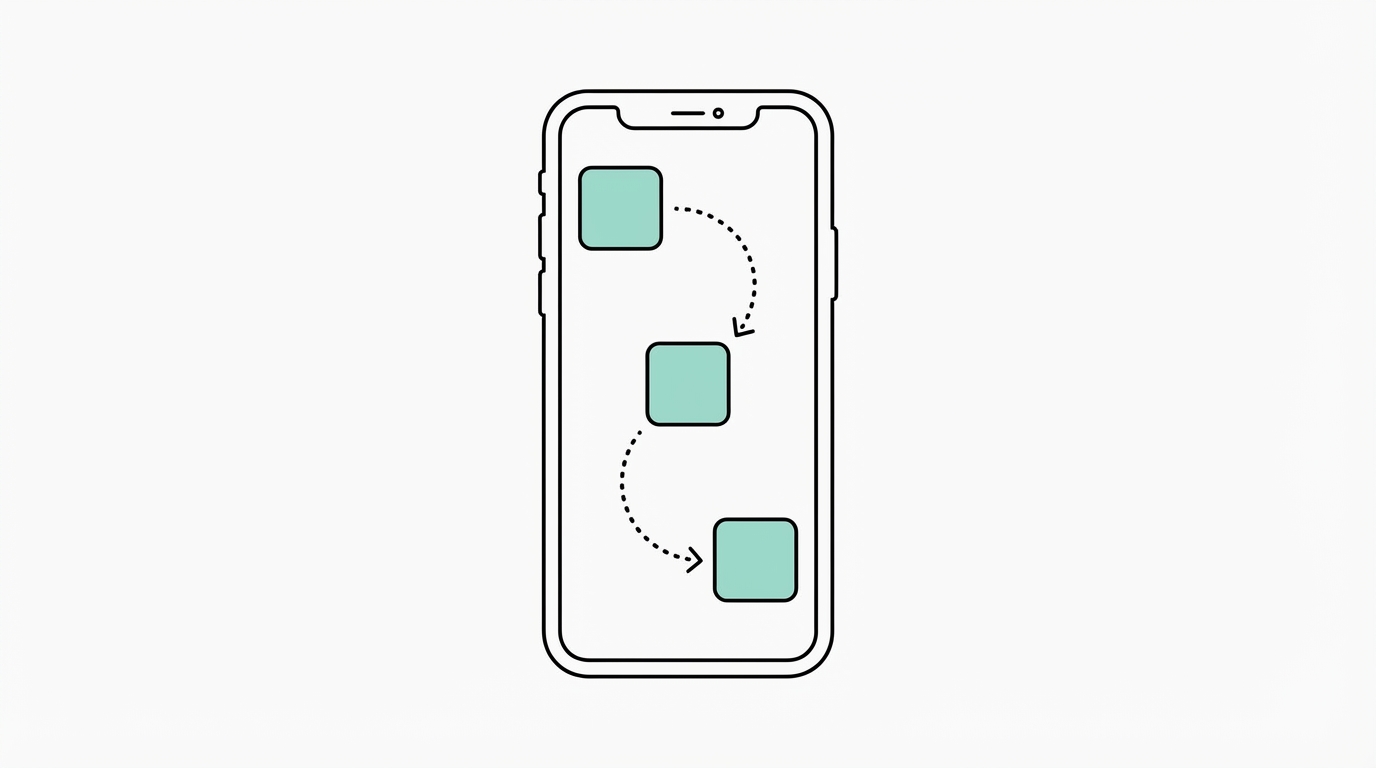
The secret to premium-feeling apps often lies in "Swift Metal" or advanced animation libraries, which used to require years of specialized coding knowledge. Today, the key is knowing how to describe these movements to AI models like Claude or Cursor. Instead of asking for a "page transition," you should describe the physical properties of the movement. For instance, in the budgeting app Luna, the pages don't just appear; they slide with a subtle "bounce" and a horizontal shift that mimics physical objects moving in space.
Step 1: Record and Slow Down Inspiration
To communicate effectively with AI, you must first understand what you're asking for. Visit sites like 60fps or Spotted in Prod to see how top-tier apps handle transitions. Record your screen while using an app you admire, slow it down to 10% speed, and observe exactly what happens. Does the background dim? Does the icon rotate? Does the new screen slide from the bottom or expand from a button?
Step 2: Prompting for Specificity
When you move to the coding phase, use highly descriptive language. Instead of "Add a search animation," try: "When the search button is clicked, make a black background expand outward from the microphone icon. Simultaneously, have the 'Send' icon rotate 180 degrees into a 'Checkmark' icon with a spring-based bounce effect." This level of detail allows AI to tap into specific documentation for libraries like SwiftUI's animation framework, resulting in a custom feel that doesn't look like a template.
Beyond the Code: Using Mascots and Illustrations for Brand Identity

In a world of sterile SaaS interfaces, personality is a competitive advantage. Incorporating a mascot or a unique illustration style can transform a utility app into a lifestyle brand. The rise of "Lily the Ghost" or the "Amy Cat" mascot shows that users respond emotionally to characters. You can use ChatGPT or Midjourney to generate these mascots, but the "pro tip" for app virality is to mash styles together. By feeding the AI a hand-drawn reference image and asking it to riff on that style, you create something far more unique than a standard AI output.
To take this further, you can animate these characters using Midjourney's newer animation features, allowing a static mascot to blink or bounce on a splash screen. This makes the app feel "alive" from the first second it's opened. To promote these visual-heavy apps, tools like Stormy AI can help you find and manage relationships with UGC creators who can showcase these unique visual elements to their audiences, ensuring your design polish actually reaches potential users.
Iconography and Typography: The Subtle Markers of Quality
Many vibe-coded apps fail because of inconsistent iconography. Mixing "lined" icons with "filled" icons is a subtle but immediate signal of a low-quality product. To maintain a premium feel, stick to a single, high-quality icon set. Resources like Heroicons, Font Awesome, or Nucleo provide comprehensive sets that ensure visual harmony. The goal is user interface design where every element feels like it belongs to the same family.
Typography is equally critical. The weight, spacing, and legibility of your headers can determine whether a user finds your app professional or amateur. Study the layout of successful apps on Mobbin to see how they handle hierarchy. Using a tool like Stormy AI to track how users react to different creative styles can also help you refine your visual choices over time based on actual campaign performance.
The Retention Cheat Code: Widgets and Apple Watch Integrations
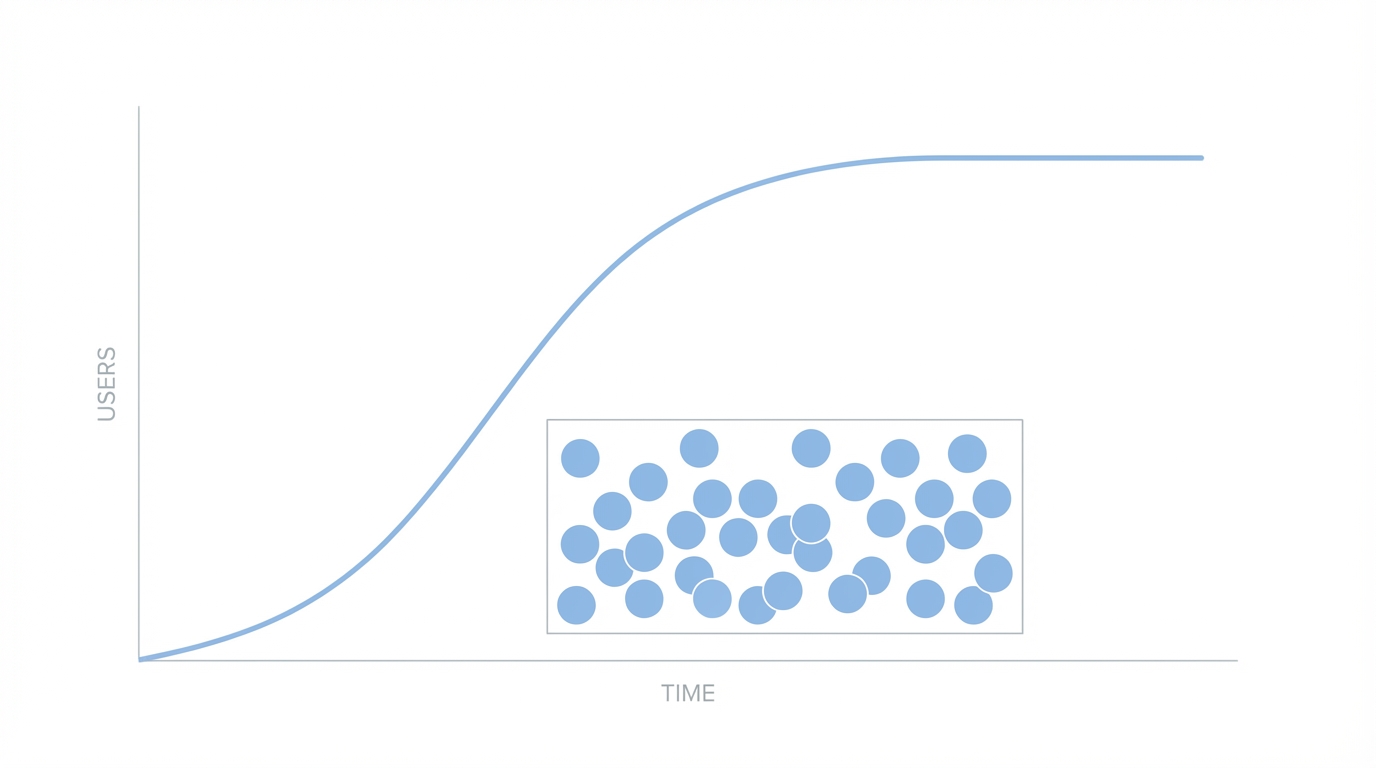
If you want to move your app from a user's third folder to their home screen, you need a widget. Widgets are one of the most underutilized mobile app design trends for solo developers. They serve as a constant reminder of your app's existence and can double retention rates by providing value without requiring the user to open the app. Lock screen widgets are particularly valuable because Apple only allows four slots; if you earn one of those, you are virtually guaranteed daily usage.
AI has made building these integrations significantly easier. What used to take weeks of navigating complex documentation can now be done in a single afternoon with Claude. When users see that a solo-developed app has a functioning Apple Watch integration or a beautifully designed home screen widget, it signals that the developer is invested in the platform, which builds long-term trust and justifies premium subscription pricing.
Marketing Your Vibe: From Screenshots to App Store Optimization
The final step in the playbook for app virality is the presentation on the App Store. Your screenshots are the equivalent of a YouTube thumbnail; if they don't look premium, no one will ever see your beautiful animations. Follow the Screenshot First Company on X to see examples of high-converting visuals. Your screenshots should highlight the very animations and interactions you spent time perfecting, using "action shots" that show the app in motion or emphasize its unique aesthetic.
In conclusion, the era of basic vibe coding is evolving into the era of high-fidelity vibe coding. By using AI to master complex animations, creating custom mascots, and prioritizing retention-boosting features like widgets, you can build mobile apps that stand out in a crowded market. Success in the modern app economy isn't just about solving a problem; it's about doing it with a style that users can't help but share.