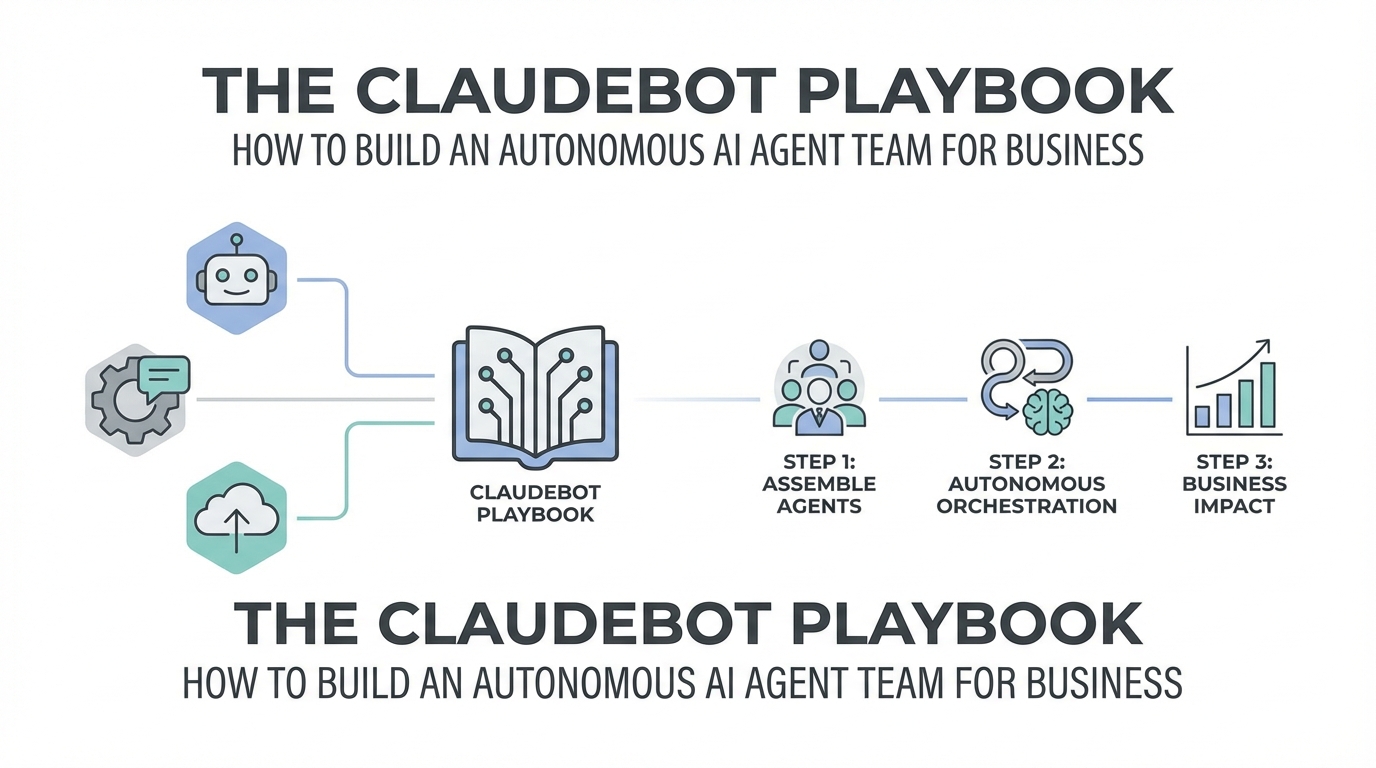
You have likely heard the whispers of massive productivity gains from the early adopters of ClaudeBot and Claude Code. We are moving past the era of simply "chatting" with an AI in a browser tab. We are entering the age of orchestration, where autonomous AI agents for business handle high-level tasks like code deployment, customer support triage, and complex accounting while you sleep. Transitioning from a basic chatbot to a multi-agent system is the single most significant upgrade you can make to your professional workflow this year. This guide provides a technical yet actionable playbook for building your own AI command center.
Transitioning from Chatbots to a Multi-Agent Life OS
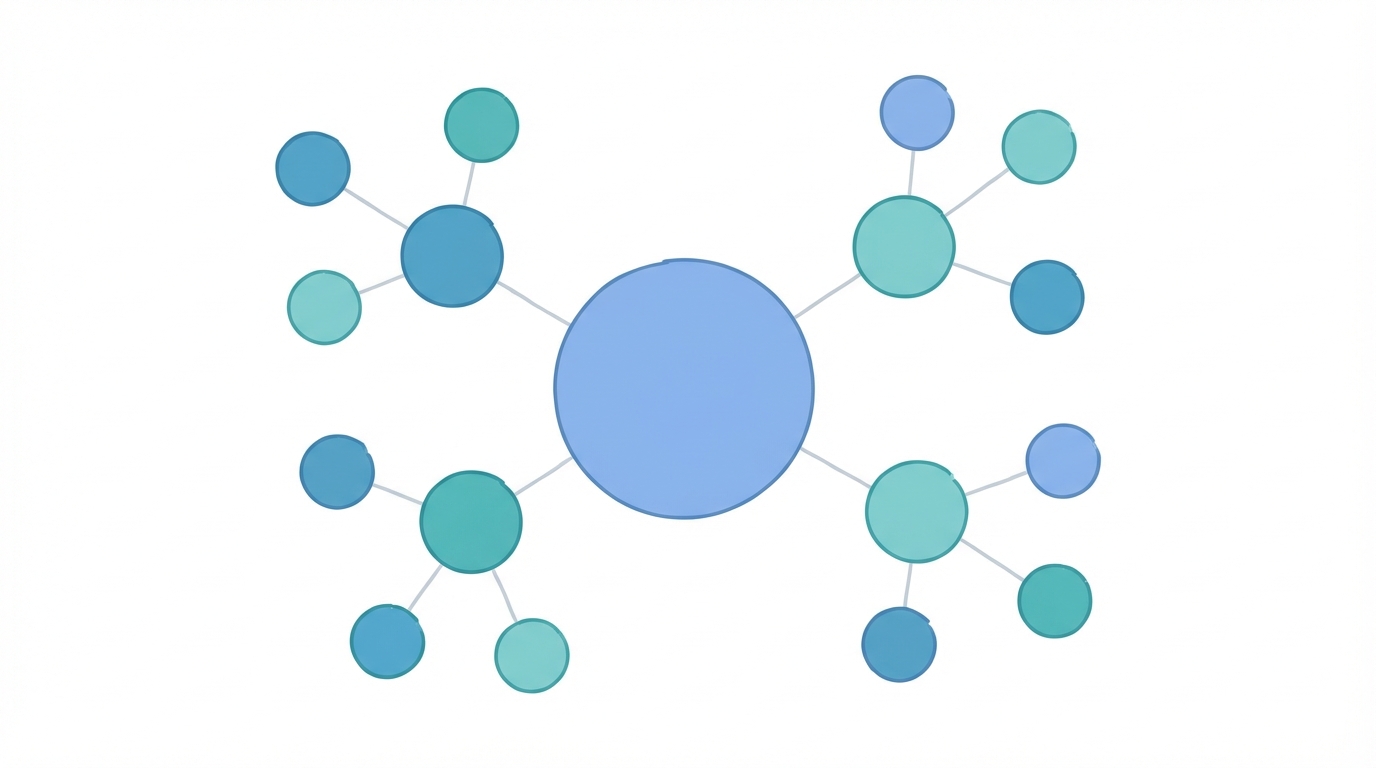
Most users interact with AI through a single, general-purpose interface. While useful, this leads to context drift and performance degradation. The "Life OS" concept involves running a centralized gateway on a powerful local machine—like a Mac Studio—that connects to multiple messaging platforms like Telegram, Slack, and Discord. By hosting the bot locally and using it as a gateway, you give the AI access to your shell, your network, and your local files, enabling it to execute commands rather than just suggest them.
The magic happens when you stop asking one bot to do everything. Instead, you create specialized personas equipped with specific skills and personalities. This reduces hallucinations because each agent operates within a narrow domain. If an agent only knows about engineering, it won't accidentally try to use accounting logic for a React component. This segregation of duties is the cornerstone of effective ai customer support automation and business operations.
Step 1: Setting Up Specialized AI Personas
To build a high-functioning team, you must define clear roles. Think of your agents as specialized employees. In the ClaudeBot framework, you can define these roles in your system prompts and assign them distinct communication channels.
- Gilfoyle (The Senior Engineer): Armed with expertise in React Native, Vercel, and GitHub. This agent has SSH access and manages deployments.
- Kevin Malone (The Accountant): Tasked with parsing bank CSVs and tracking expenses. While perhaps "dim-witted" in a humorous persona, the underlying model (like Claude 3.5 Opus) ensures high accuracy in data processing.
- Dr. Cox (The Health Consultant): Specialized in analyzing blood results and medical data, providing a specialized UI for health tracking.
- Darlene (The Home Manager): Manages family grocery lists and interacts with Home Assistant to control IoT devices.
When you need a task done, you message the relevant persona. This claudebot tutorial approach ensures that your "Engineering" agent isn't cluttered with "Shopping List" data, keeping the context window clean and the outputs precise.
Step 2: Using Discord as Your AI Command Center
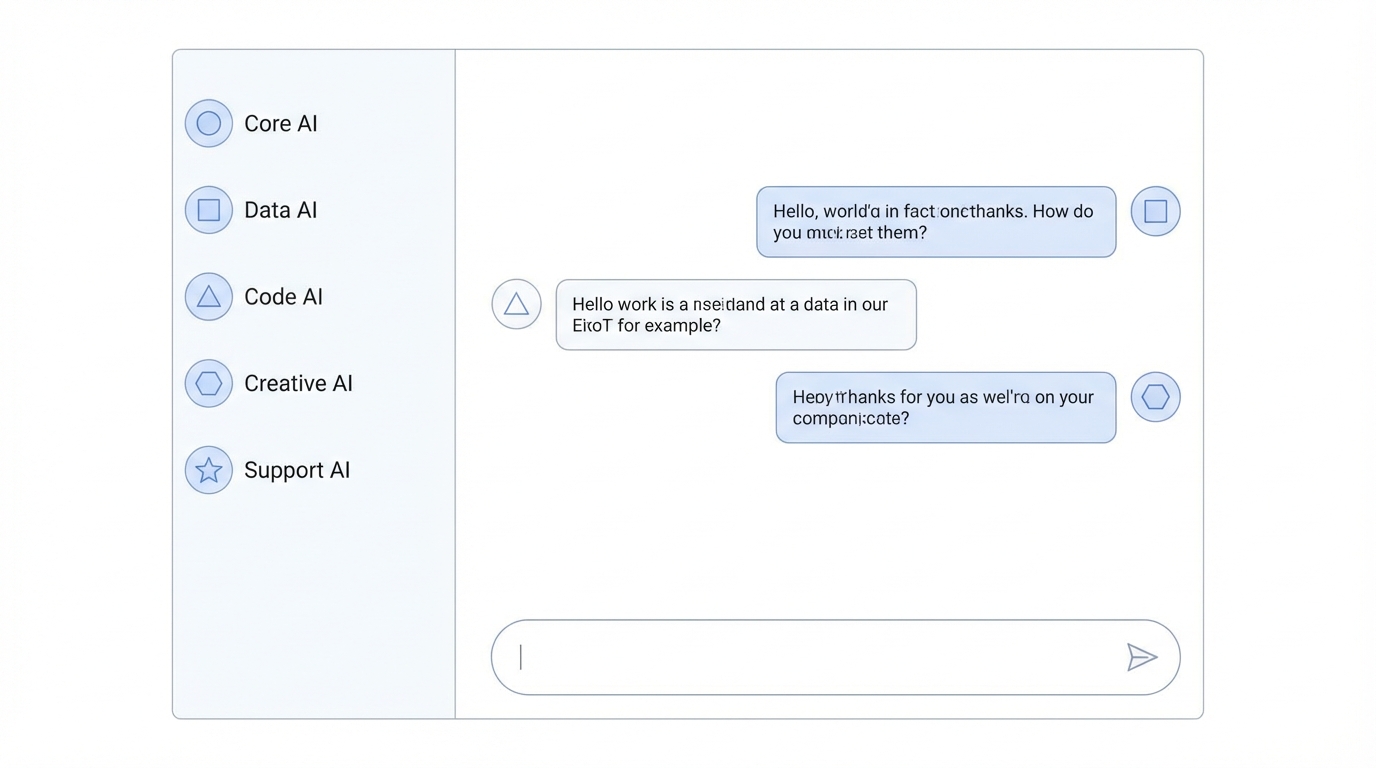

While Telegram is excellent for quick mobile interactions, Discord is the superior platform for managing autonomous AI agents for business. Its hierarchical structure of categories, channels, and threads allows for unmatched organization.
In your business Discord, you should create separate categories for Engineering, Customer Support, and Operations. Within the Support category, use a forum channel. This is where the true power of automation lies. You can teach your ClaudeBot to scrape incoming emails and DMs from social platforms and automatically create a new forum post for every customer issue. Each post then spawns a thread where a sub-agent starts processing the request immediately. This ai productivity playbook method allows you to oversee dozens of conversations simultaneously without ever opening an email client.
Step 3: The Automated Support Forum Workflow
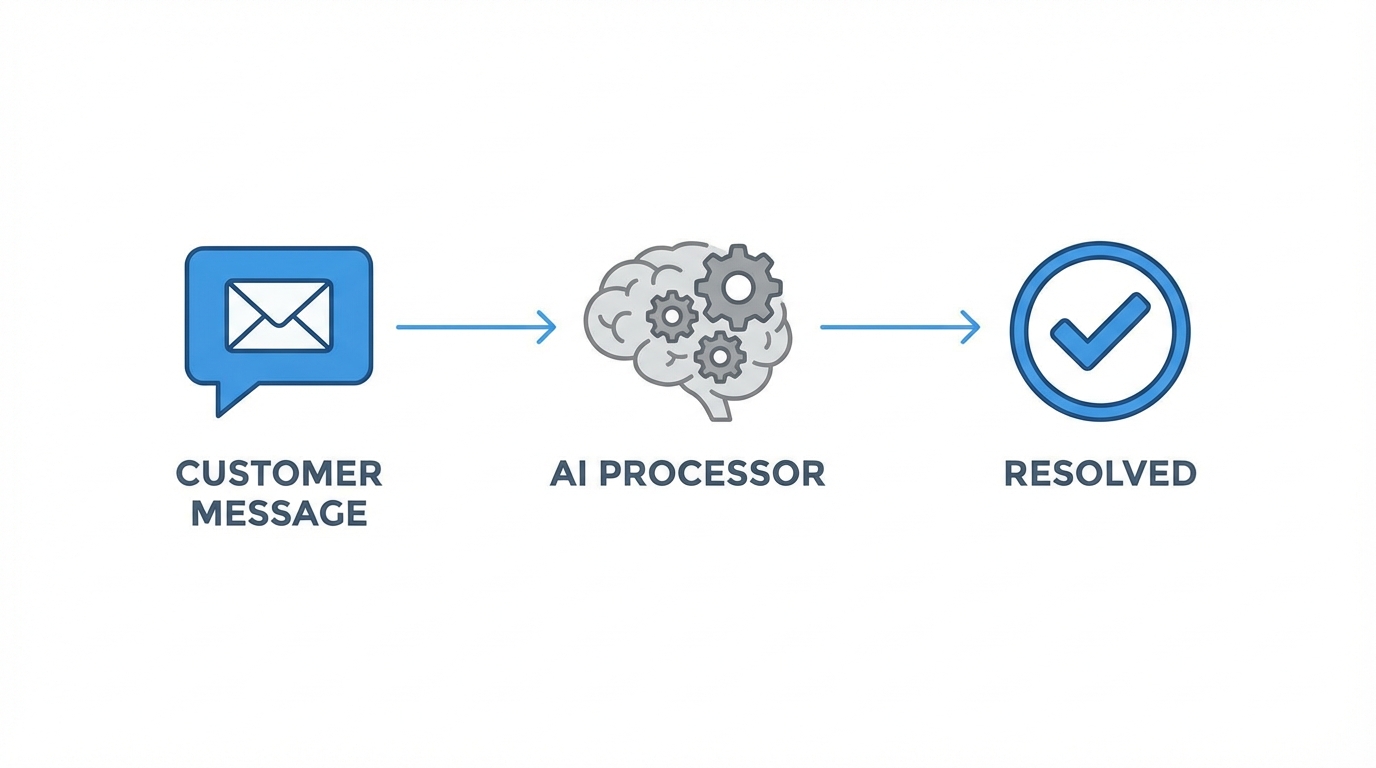
To implement ai customer support automation, follow this step-by-step technical sequence:
- Data Fetching: Set up a cron job or webhook that fetches data from your email or DMs.
- Classification: The main ClaudeBot gateway analyzes the message. Is it a billing issue? A bug report? A feature request?
- Thread Generation: The bot creates a new thread in the Discord forum, tagged appropriately (e.g., "High Priority").
- Sub-Agent Assignment: A specialized sub-agent (using a model like Claude 3.5 Sonnet for speed) begins drafting a response or investigating the database if it has shell/SQL access.
- Human-in-the-loop: You can drop into any thread to approve a response or take over the conversation, but for 90% of routine queries, the bot handles the heavy lifting.
This setup effectively replaces legacy customer service platforms. Tools like Stormy AI can complement this by helping you source and manage UGC creators to produce content that answers these common customer questions before they even reach your support forum.
Step 4: Empowering Agents with Shell Access and Code Execution
The fundamental difference between Claude Code and a full-scale ClaudeBot implementation is unrestricted shell access. When your agent can run terminal commands, it moves from a passive assistant to an active operator. For example, you can tell your engineering agent to "Find my printer on the network and print a status report," and it will find the local IP, format the document, and send the print job.
More importantly, these agents can manage your GitHub repositories and Vercel deployments directly. If a customer reports a bug in your Discord forum, your agent can identify the faulty code, create a new branch, fix the bug, run tests, and open a PR—all within minutes. This level of how to build ai agents sophistication is what separates modern "tinkers" from traditional developers.
Managing Growth with Autonomous Tools
As your business scales through AI automation, your marketing needs will grow proportionally. While your engineering agents handle the backend, managing your brand's presence requires a different set of tools. Stormy AI serves as the marketing equivalent of your autonomous agent team. Just as you use Discord to manage support, Stormy AI allows you to discover creators on Stormy and manage influencer relationships through a dedicated Creator CRM.
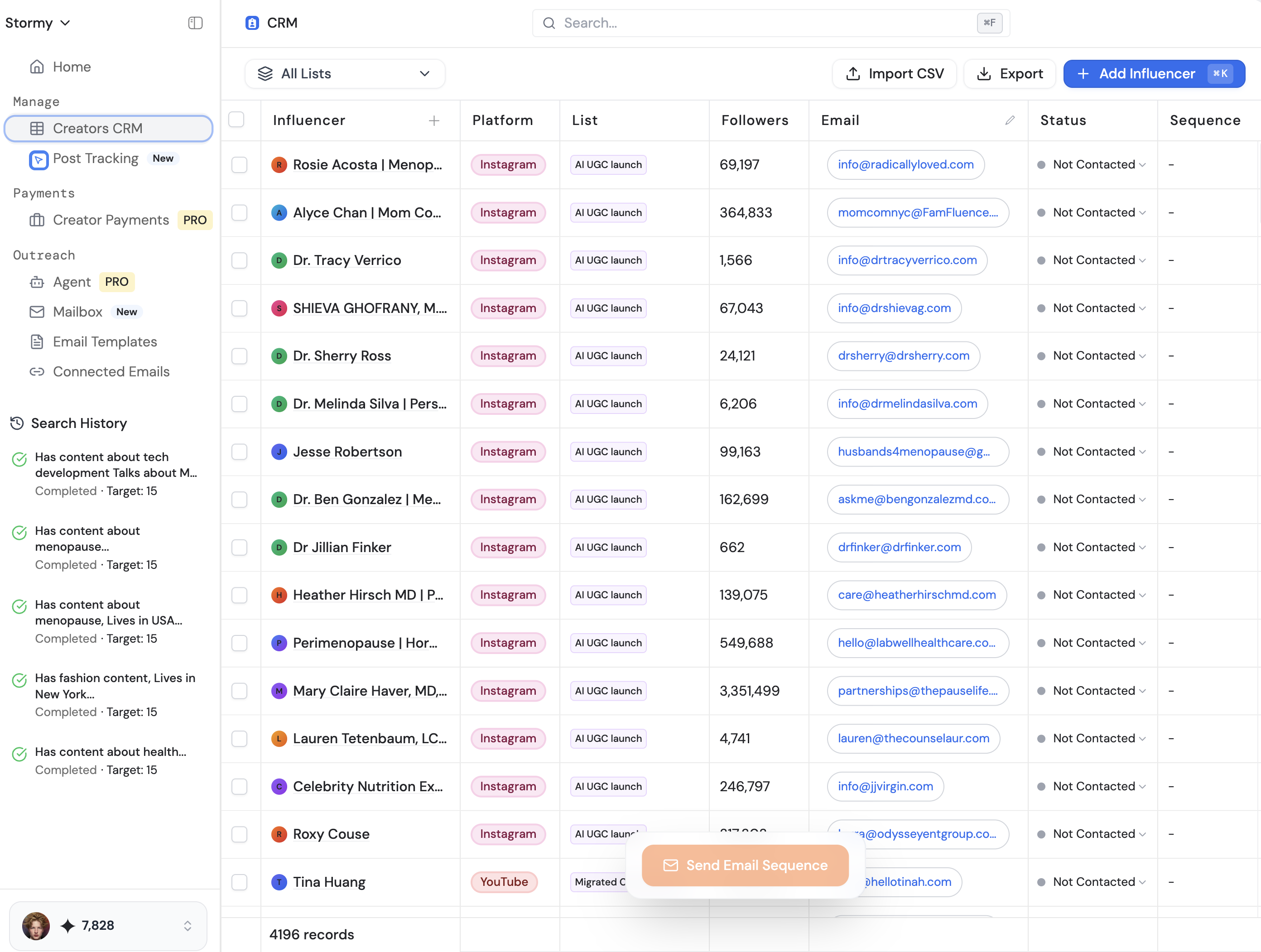
By integrating tools like Stormy AI into your workflow, you can automate the discovery and outreach process for your UGC campaigns. This ensures that while your technical agents are optimizing your app, your marketing is being fueled by a constant stream of high-quality creator content, all tracked within one central dashboard.
Security: Protecting Your AI Command Center
Giving an AI agent shell access and email permissions comes with significant risks. Prompt injections are a real threat. If someone sends you an email containing a malicious prompt and your bot processes it automatically, it could potentially wipe your system or leak sensitive data. To mitigate this:
- Use High-Reasoning Models: Never use cheap or "fast" models for tasks involving sensitive data. Use Claude 3.5 Opus or similar high-reasoning models that can recognize and reject prompt injection attempts.
- Avoid Webhooks for Email: Don't have every email immediately pushed to the bot. Use a cron job that processes emails in batches, allowing for better context and filtering.
- Dockerize Your Environment: Run your ClaudeBot inside a Docker container. This limits the bot's access to only the files and directories it absolutely needs, preventing it from touching your core system files.
- Local Hosting: Avoid hosting your primary gateway on a VPS if you aren't an expert in network security. Hosting locally on your own machine behind a firewall is often safer for beginners.
Beyond the Basics: Solving Captchas and Visualization
To truly reach hyper-productivity, your agents need to overcome common web hurdles. By integrating services like anticaptcha.com, your bots can bypass human-verification gates when booking flights or scraping data. Furthermore, you can teach your agents to use tools like Excalidraw to visualize system architectures or marketing funnels.
Imagine asking your bot to "Visualize our current user onboarding flow," and it responds by generating a JSON file, hosting it locally, and providing you with a link to an editable Excalidraw canvas. This level of interaction turns AI from a text generator into a collaborative workspace partner.
Conclusion: Embracing the Speed of AI Automation
The transition to autonomous AI agents for business is not just a trend; it is a fundamental shift in how work is performed. By moving away from manual UI interactions and embracing a multi-agent Discord command center, you can achieve output levels previously reserved for large teams. Whether it's managing your health with a "Dr. Cox" persona, automating your engineering with a "Gilfoyle" agent, or scaling your marketing via Stormy AI, the tools are now available to those willing to tinker. The only way to cope with the accelerating speed of technology is to embrace it and build your own army of agents.
Frequently Asked Questions
How do I start with ClaudeBot?
Start by hosting the gateway locally on your computer. Use Telegram for your first simple interactions before moving to a complex Discord setup.
Is it safe to give AI access to my bank data?
Only if you are using high-reasoning models and hosting the data locally. Never send sensitive CSV files to a public, unencrypted bot. Export your data manually and let the local bot process it within a secure container.
Can I use this for influencer marketing?
While you can build custom agents for outreach, using a dedicated platform like Stormy AI is more efficient for discovery and tracking, as it already has the infrastructure for vetting and paying creators built-in.