The marketing landscape is undergoing a seismic shift from manual campaign management to what industry insiders are calling "Vibe Marketing"—a world where agentic orchestration replaces the tedious manual labor of tracking spreadsheets and drafting emails. As the influencer marketing industry prepares to hit $24 billion by 2025, the competitive edge is no longer just about your budget, but about the sophistication of your AI stack. For marketing operations teams, this means moving beyond simple chatbots and into the realm of terminal-based AI command centers. This guide will walk you through building a professional-grade marketing hub using Claude Code and the Model Context Protocol (MCP).
The Rise of Agentic Marketing
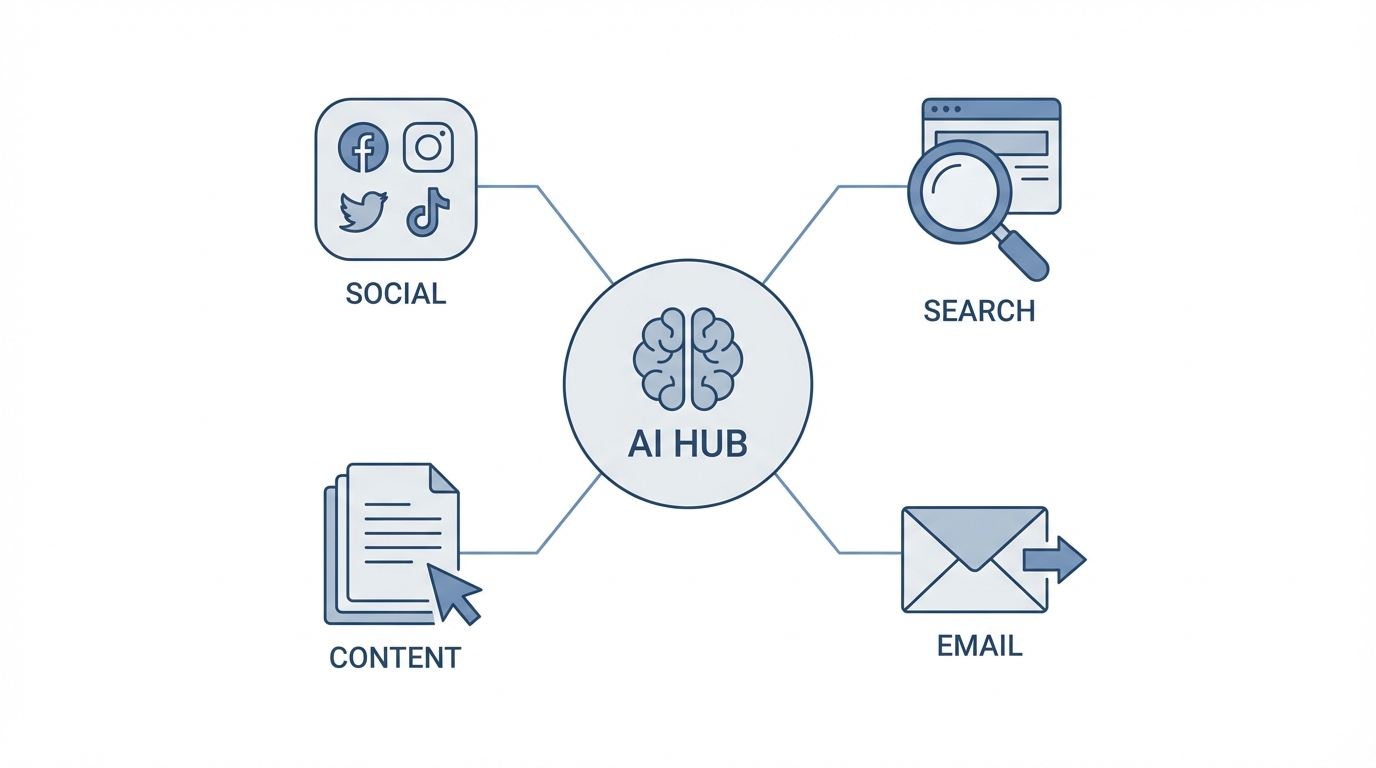
By the end of 2026, Gartner predicts that 40% of enterprise applications will embed AI agents. Unlike traditional AI tools that require constant prompting, these agents can "see" your entire project structure, execute terminal commands, and interact with live APIs. In fact, 73% of brands are already utilizing AI for discovery and ROI tracking. The shift is clear: we are moving from AI-assisted marketing to AI-orchestrated marketing.
Claude Code distinguishes itself by its "action-first" architecture. While standard LLMs act as conversationalists, Claude Code treats a marketing campaign like a software repository. This allows it to perform long-context reasoning, such as analyzing years of historical performance data to find seasonal trends that human analysts might overlook, a capability highlighted by research at SharedPhysics.
Step 1: Setting up the Claude Code CLI
To begin building your command center, you need to install the Claude Code interface. This terminal-based tool allows Claude to interact directly with your local files and marketing assets. Follow the official Anthropic documentation for the most up-to-date installation commands, but the typical flow involves installing the package via npm and authenticating your account.
Once installed, you can initialize a new marketing project by creating a dedicated directory. This directory will act as the "brain" of your operations. By running Claude inside this folder, the AI gains visibility into your creative briefs, budget spreadsheets, and content calendars. This level of local context is why Zapier has deployed over 800 Claude-driven agents to automate internal marketing and engineering tasks with an 89% adoption rate.
Step 2: Creating Your CLAUDE.md File
The secret to a consistent AI agent is the CLAUDE.md file. This file serves as the primary context layer for your command center. Instead of repeating your brand voice and target audience in every prompt, you document them once in this markdown file. Your CLAUDE.md should include:
- Brand Identity: Tone, voice, and visual style guidelines.
- ICP (Ideal Customer Profile): Detailed demographics and pain points.
- Campaign Goals: KPIs, target CAC (Customer Acquisition Cost), and ROAS goals.
- Operational Rules: How to format output and which naming conventions to use for assets.
By maintaining this file, you prevent the "brand drift" that often occurs when using multiple AI sessions. Claude will automatically reference this file to ensure every email draft, ad headline, and creator brief stays aligned with your core strategy. This is essential for maintaining quality, as experts note that while AI handles the first 80% of work, human "obsession" is required for the final 20% of brand nuance.
Step 3: Connecting Live Data via MCP
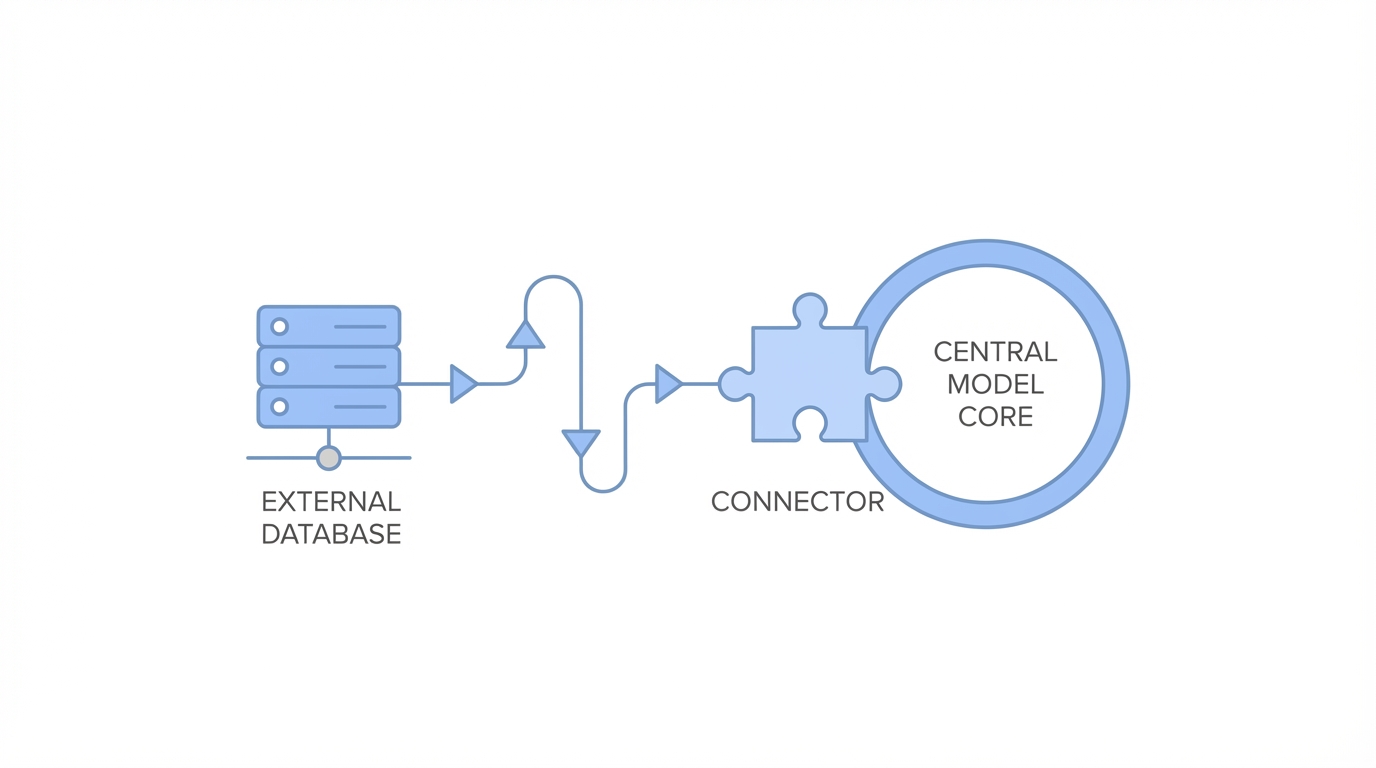
The real power of a marketing command center lies in the Model Context Protocol (MCP). MCP allows Claude to securely connect to external data sources like Google Analytics, Meta Ads, and Shopify without the need for manual CSV exports. To set this up, you can leverage servers from the MCP Market.
Specifically, installing the Meta Ads MCP Server allows your command center to query live ad spend and performance metrics. Similarly, connecting to GA4 via the Google Analytics MCP guide enables Claude to correlate social media traffic with on-site conversions. This unified view allows the agent to suggest budget reallocations in real-time based on actual revenue data, a strategy that has helped organizations like TELUS save over 500,000 staff hours through automated workflows.
Step 4: Deploying Specialized Sub-Agents
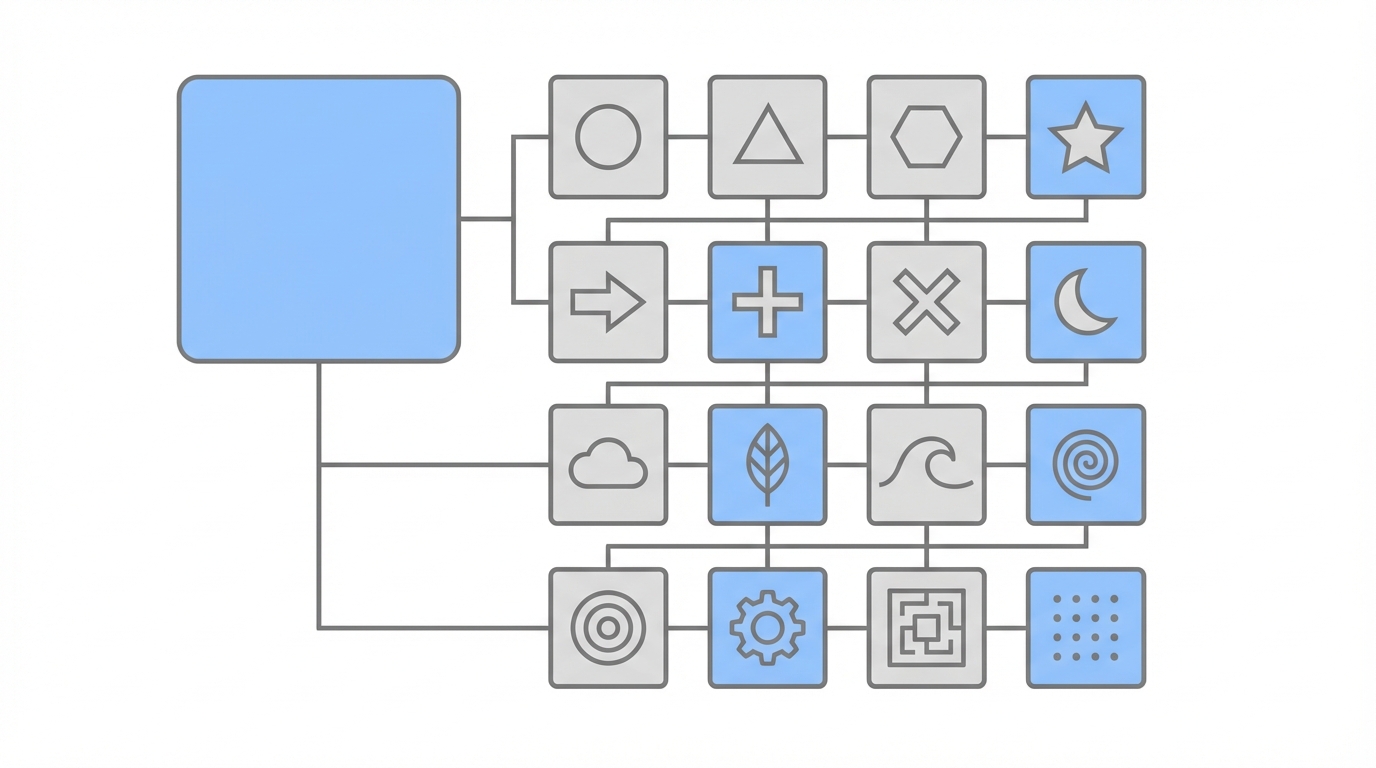
A single agent shouldn't do everything. Instead, use the Claude Code CLI to spin up specialized sub-agents for different marketing functions. You can utilize pre-built repositories like Influencer Marketing Claude Skills to give your command center specific capabilities.

The SEO Auditor
This sub-agent scans your planned influencer content and creative briefs to ensure they align with your target long-tail keywords. It maps creator scripts to search intent, ensuring your influencer campaigns also provide an SEO lift for your mobile app or landing pages. This is increasingly important as social search begins to rival traditional engines.
The Compliance Agent
Regulatory scrutiny is at an all-time high. A dedicated Compliance Agent can be programmed to scan every influencer post for FTC disclosure violations. By automating this tedious vetting process, you protect your brand from legal risks without slowing down campaign momentum.
For brands focused on scaling their creator operations, platforms like Stormy AI streamline creator sourcing and outreach, providing the specialized data that feeds into your broader AI command center. While Claude handles the orchestration, Stormy AI excels at discovery and vetting, ensuring you only work with creators who have high audience quality scores.
Avoiding the 'Context Death Spiral'
One common mistake when running a terminal-based command center is the Context Death Spiral. This happens when a single session becomes cluttered with too many tasks, leading to "AI hallucinations" or degraded performance. To maintain a high-functioning environment, follow these best practices:
- Use the /compact command: Frequently use the
/compactcommand in the Claude CLI to summarize the current conversation history and free up tokens. - Session Isolation: Start a fresh session for every new campaign or distinct task (e.g., one for "Q4 TikTok Strategy" and another for "Monthly SEO Audit").
- Prioritize Human-in-the-Loop: AI is excellent for discovery—for example, identifying Nano-influencers who often boast a 10.3% engagement rate compared to <2% for celebrities—but the final relationship management should remain human-centric to maintain trust.
The Future of Automated Marketing Ops
The move toward an AI marketing command center isn't just about efficiency; it's about agility. As we see in DTC beauty brand case studies, brands using agentic workflows have successfully scaled from 5 to 50 campaigns per month without increasing headcount. By leveraging the Claude Code CLI and Model Context Protocol, your marketing team can stop managing tasks and start managing systems, turning your marketing operations into a high-performance growth engine.
Ready to start building? Begin by documenting your brand context in a CLAUDE.md file and exploring the vast world of available Claude skills to customize your command center for your specific niche.