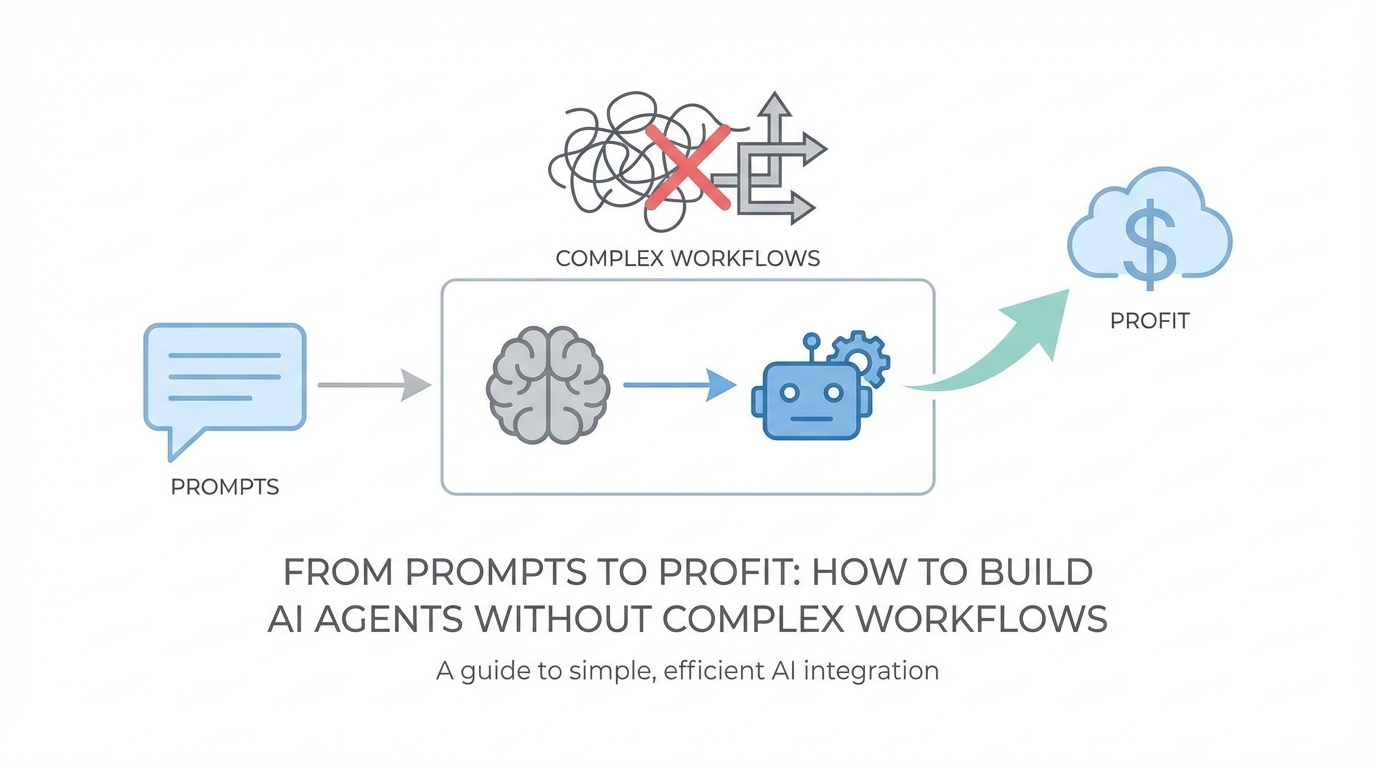
The Problem with Traditional Node-Based Workflow Editors

Legacy no-code automation tools like n8n or Zapier were a breakthrough for their time, but they have a fundamental flaw for the non-technical founder. They require you to understand the underlying structure of every API you touch. You aren't just telling the computer what to do; you are acting as the translator between two rigid machines. For a solopreneur trying to move fast, spending three hours figuring out why a webhook isn't firing in Pipedream is three hours not spent on growth.
These "Beautiful Mind" node charts often lead to what industry experts call "configuration fatigue." The moment a workflow requires more than two steps, the cognitive load spikes. You have to manage registries of triggers, search for the specific action in a library of thousands, and hope that the integration is up to date. This is why many founders start an automation project and abandon it halfway through. They want the result—an AI agent for business that saves time—but they get stuck in the plumbing.
How String.com Abstracts API Complexity


The core innovation of platforms like String.com is the move toward vibe coding and dynamic code generation (codegen). Instead of relying on a pre-built registry of every possible integration, the platform uses AI to write the code required to hit an API on the fly. This means if a tool isn't in a "library," it doesn't matter. The AI understands the documentation and builds the bridge for you.
By using natural language prompts, you bypass the need to understand JSON structures or authentication protocols. You simply state: "Monitor my Google Postmaster stats and send a summary to Slack." The system then formulates a plan, identifies the necessary endpoints, and executes the sequence. This is a massive shift for automate business processes with AI; it turns the founder from a junior developer into a high-level manager of "invisible employees."
The Playbook: Prompting Your First 'Trigger-Action' Agent
Building your first agent shouldn't feel like a chore. The goal is to start small, solve a real "operational BS" problem, and then scale the complexity. Here is the String.com tutorial for going from a prompt to a deployed agent.
Step 1: Define Your Goal in Plain English
Start with a clear, one-sentence objective. For example: "Build an agent that monitors Hacker News for any mention of my brand and notifies me in Slack." Avoid technical jargon. The AI handles the "how" if you provide a clear "what."
Step 2: Review and Approve the Plan
Unlike old-school tools that just "try" to run, modern AI agent builders provide a plan of action before burning credits. It will tell you: "I am going to fetch articles from Hacker News, filter for your keyword, and use the Slack API to post the message." This prevents the AI from going in the wrong direction and wasting your API tokens.
Step 3: Handle the Configuration
You will still need to connect your accounts, but instead of manual OAuth setup in every step, you usually just provide your email or click a single "Connect" button. The agent identifies which channel or folder you want to target through a simple conversational interface.
Step 4: Auto-Testing and Iteration
Enable auto-testing. This allows the agent to run each step and verify the output. If it fails, don't panic. This is where "Vibe Coding" shines. If the AI doesn't see data for the last 24 hours, it might automatically expand its search to the last 7 days to ensure the workflow actually works before you deploy it.
Understanding 'Vibe Coding' and Self-Correction
One of the most exciting aspects of building AI agents for business is their ability to self-correct. In a traditional workflow tool, an error in Step 2 kills the entire process. You get a notification, you log in, you fix the code, and you restart. In the world of vibe coding, the agent encounters an error and asks itself: "Why did this fail and how can I fix it?"
For instance, if an agent is trying to convert Markdown to HTML for a Gmail newsletter and the transformation fails, the AI analyzes the error log, rewrites the transformation logic, and tries again. As a user, you might see a "Test Failed" message followed immediately by "Recovered and Successful." This resilience is what makes these agents "superhuman." They don't just follow instructions; they solve problems.
The 'Batteries Included' Model of SaaS Automation
The old model of automation required you to bring your own API keys for everything. You needed an OpenAI key, a Slack key, a Google Ads key, and a database key. This created a massive friction point. The future of no-code automation tools is the "batteries included" model, where your subscription includes a pool of AI tokens (often 20 million or more) and pre-configured access to major LLMs.
When you build an agent that requires sentiment analysis or content generation, you shouldn't have to worry about which model to use. The platform defaults to the best tool for the job—whether that’s GPT-4o, Claude, or a specialized local model—and bills you in credits. This allows for a seamless experience where you can move from a startup idea on IdeaBrowser to a functioning automation in minutes.
Scaling from Simple Tasks to Real Business Value


Once you've mastered the trigger-action pair, you can move into more complex "agentic" behaviors. These are agents that don't just follow a path but have a degree of autonomy. For example, you could build an agent that reads your blog RSS feed, writes a viral LinkedIn post, summarizes the key points for a newsletter, and saves the draft in a Google Doc for your final review.
In the world of marketing, this is transformative. Instead of manually searching for creators or tracking campaign performance, platforms like Stormy AI streamline creator sourcing and outreach by finding the right influencers and automating the vetting process. You could even build a "Daily Automation Idea" agent that scans your current business metrics in Google Analytics and emails you a new automation prompt every morning to help you scale.
Conclusion: The Future of the Invisible Employee
We are currently in the "first inning" of AI agents. While autonomous agents that can close deals and run entire departments are still maturing, the ability to build sophisticated, self-correcting prompt to workflow automations is here today. For non-technical founders, this is a superpower. You no longer need a developer to build the internal tools you need to stay competitive.
The best way to get started is to identify the "operational BS" that eats up 15 to 30 minutes of your day. Whether it's monitoring competitors, summarizing reports, or managing lead flow for Apple Search Ads campaigns, start small. Build one agent, watch it recover from its first error, and feel that "dopamine hit" of seeing a machine do your work for you. From there, the path from prompt to profit is shorter than you think.