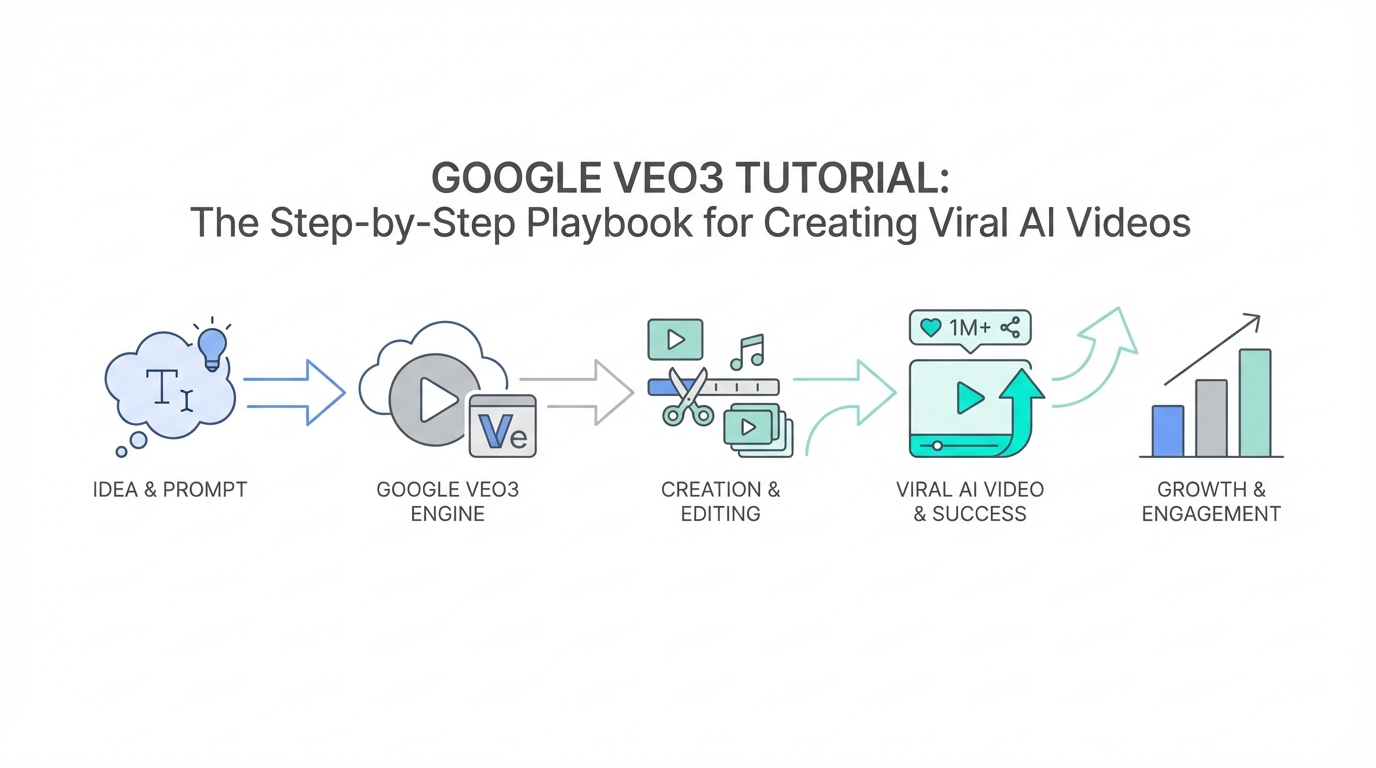
Not long ago, producing a high-end pharmaceutical commercial required a production budget of $500,000, a full film crew, and weeks of post-production. Today, creators are achieving the same cinematic results for $500 in credits using Google Veo3. The barrier to entry for viral video content hasn't just been lowered; it has been demolished. However, having access to Google Veo doesn't guarantee a hit. To go viral, you need a marriage of unhinged creativity and a technical AI video generation guide that bridges the gap between a prompt and a masterpiece.
This guide breaks down the exact workflow used in the viral "Puppermin" case study—a satirical pharmaceutical ad that garnered millions of views. We will move through the entire text to video workflow, from ideating scripts with LLMs to the final stitch in professional editing software.
Step 1: Ideation and The Unhinged Scripting Phase
Before you ever touch a video generator, you need a script that hooks. The most successful AI videos currently trending on X (formerly Twitter) rely on satire and subversion. They look like high-budget corporate media but feel like a fever dream from Saturday Night Live or Tim and Eric.
To generate these scripts, don't just ask ChatGPT for a "funny ad." You need to outsource taste by referencing specific comedic styles. Use models like Claude or Grok (specifically its "unhinged mode") to push boundaries that standard filters might block.
The "Viral Twist" Formula
The Puppermin commercial worked because it started with a cliché premise—a woman struggling with depression—and introduced a logic-defying solution: a pill that secretes pheromones to attract puppies. To replicate this, ask your LLM for ten satirical twists on a common commercial format. Tell the AI to "act like a writer for a late-night comedy show" and focus on non-sequiturs. For example, the line "He licks my toes almost as much as my late husband used to" is the kind of specific, weird detail that triggers the algorithm's engagement via shares and comments.
Step 2: Advanced AI Prompt Engineering for Video

Once your script is locked, you must translate dialogue into visual instructions. Google Veo3 understands natural language, but for professional results, you need to be granular. A common mistake is being too vague. Instead, think like a cinematographer.
Your AI prompt engineering for video should include three core components:
- The Pose and Action: Describe exactly what the character is doing (e.g., "A middle-aged woman coyly quips her response, glancing at a ceiling stain").
- Shot Type and Camera Movement: Use technical terms like "Dolly zoom," "low-angle tracking shot," or "cinematic push-in." Shots with intentional camera movement feel less like static AI and more like real film.
- Emotional Descriptors: Tell Veo3 the vibe. Words like "melancholy," "euphoric," or "mild concern" help the model adjust the facial expressions of the generated characters.
When building your prompts, use ChatGPT to extrapolate details. If you have a line like "Sarah talks about her dog," ask the AI to rewrite that into a 100-word visual description of Sarah's kitchen, the lighting (e.g., "golden hour backlight"), and her specific micro-expressions.
Step 3: Managing the Audio and Subtitle 'Slot Machine'
One of the most challenging aspects of a Google Veo3 tutorial is the unpredictability of integrated audio. Veo3 can generate speech directly from your prompt, but it is currently a "slot machine." Sometimes the character speaks perfectly; other times, they remain silent or produce gibberish subtitles.
To improve your hit rate, avoid using quotation marks within the prompt when describing dialogue. For reasons related to the model's training, quotes can sometimes confuse the subtitle generator, leading to garbled text overlays. If the audio sounds thin or the performance is off, you must be prepared to regenerate. Budget for a 5:1 ratio: you may need to generate five clips to get one where the audio, lip-sync, and visual performance align perfectly.
Step 4: The Professional Post-Production Workflow
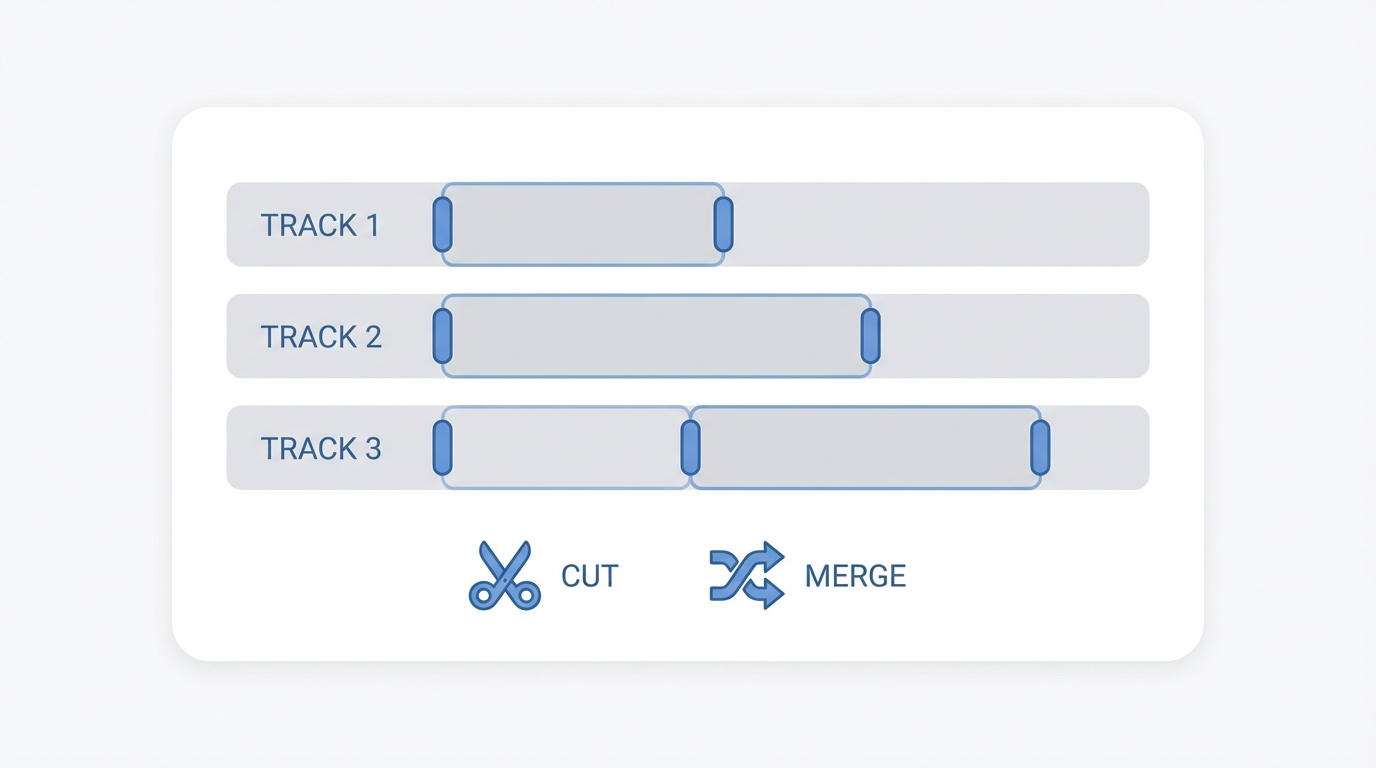

A viral video is rarely a raw export from an AI tool. To achieve the flow of the Puppermin ad, you must stitch your generations together in a non-linear editor. While CapCut is excellent for quick social media edits, professional tools like Final Cut Pro or DaVinci Resolve offer better control over pacing and color grading.
Stitching and Pacing
AI-generated clips often have a "dreamy" or slow quality. In post-production, you should trim the fat. Every shot should serve the punchline. If a shot is 5 seconds long but the joke lands in 2, cut it. Use J-cuts and L-cuts (where the audio from the next scene starts before the visual) to make the dialogue feel natural. If the Veo3 audio is too "thin," you can run the final export through an AI audio enhancer or use Eleven Labs to replace the voice entirely for better consistency.
Step 5: Technical Secrets to Character Consistency
Current text to video workflows struggle with character consistency. Because Veo3 generates each frame based on the prompt, the character's face might change slightly between shots. Until "image-to-video" features become more robust, you must rely on descriptive anchors.
If your character is "Grandma Nora," describe her the exact same way in every prompt: "70-year-old woman, silver bun hairstyle, wearing a floral brooch and a green cardigan, sitting in a mahogany rocking chair." The more specific the physical anchors, the more likely the AI is to replicate a similar-looking person. However, a pro tip for viral content is to lean into the variation. In a satirical ad, the fact that the dog or the background changes slightly can actually add to the "unhinged" charm that audiences on TikTok and X enjoy.
For brands looking to scale this, tools like Stormy AI can help source and manage UGC creators who can provide real human plates to mix with AI, ensuring your campaign remains grounded while benefiting from AI's efficiency.
Step 6: The Viral Hook Formula for Social Media
You’ve built the video; now you need the world to see it. On platforms like X, the headline is more important than the video. As marketing experts often note, you have 0.2 seconds to hook a scroller with text and 2 seconds to keep them with the video.
The "Puppermin" success used a provocative comparison hook: "I used to shoot $500k pharma commercials. I made this for $500 in Veo credits. Is Hollywood cooked? Steal my prompt below." This works because it:
- Low-key flexes authority (professional filmmaker).
- Trend-jacks a hot topic (Google Veo).
- Offers symmetry ($500k vs $500).
- Provides a Call to Action (Steal my prompt).
Engagement thrives on debate. Asking a question that generates replies—like whether AI will replace production houses—signals to the Google Search and social algorithms that your content is high-value.
Step 7: 10 Ways to Monetize Your AI Video Skills
Learning how to create viral AI videos is a high-income skill. Once you master the workflow, you can move beyond personal projects and build a business. Here are ten ways to monetize your Google Veo3 expertise:
- Niche Commercials: Pitch CPG (Consumer Packaged Goods) brands on "unhinged" social ads.
- BookTok Promos: Create cinematic trailers for Romantasy authors.
- Personal Branding: Use viral AI clips to grow a massive following on LinkedIn or X.
- AI Consulting: Charge Fortune 500 companies for workshops on AI legal compliance and integration.
- Narrative Series: Build an "alien universe" (like the Mona-verse) and sell product placements.
- Selling Assets: Package your best prompts into digital info products.
- UGC for Apps: Create high-converting video ads for mobile apps. Using Stormy AI to discover creators can help you build an agency that combines human talent with AI efficiency.
- Stock Footage: Generate high-end cinematic b-roll for stock sites.
- Faith-Based Content: Tap into high-demand, low-supply niches like Bible stories.
- Agency White-Labeling: Provide AI video services to traditional marketing agencies.
Conclusion: Embracing the AI Creative Revolution
The Google Veo3 tutorial outlined here isn't just about technical settings; it's about a shift in how we think about production. By combining LLM-driven ideation, precise prompt engineering, and professional post-production, single creators can now compete with global agencies. The "Puppermin" example proves that taste is the new gatekeeper, not budget.
As you begin your journey with AI video, remember to lean into your own unique interests. According to video marketing statistics, short-form content remains the highest ROI format. Whether you are creating satirical pharma ads or epic sci-fi trailers, the riches are in the niches. Start small, iterate often, and don't be afraid to make something unhinged. The algorithm is waiting.