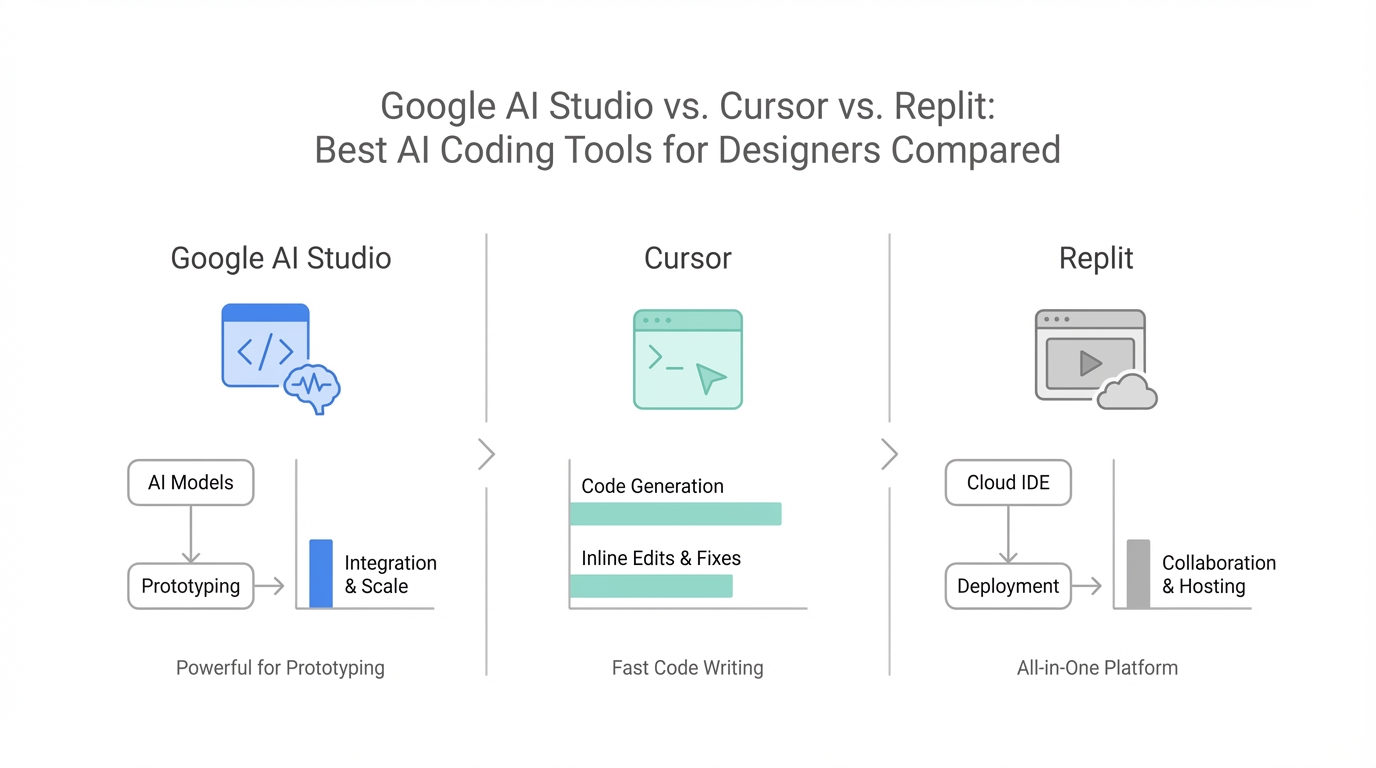
We have officially entered the "Era of the Idea Guy," as Sam Altman recently noted. For designers and non-technical founders, the barrier to entry for building high-fidelity software has vanished. But as the hype around "vibe coding" reaches a fever pitch, a new challenge has emerged: visual fidelity. While early AI-generated apps often felt like generic, purple-themed templates, a new generation of tools led by Google AI Studio and Gemini 3.0 is changing the game. This isn't just about code that works; it's about code that looks beautiful, feels tactile, and follows complex design systems like those found at Teenage Engineering.
The Rise of Google AI Studio: Why It Wins for Designers

For most of 2024, the debate over the best AI for web development centered on whether you should use Claude 3.5 Sonnet in a browser or inside an IDE. However, 2025 has seen a massive shift toward Google AI Studio. Unlike a traditional integrated development environment (IDE), the Studio provides a specialized sandbox for Gemini 3.0 Pro coding performance that feels more like a design tool than a text editor.
One of the primary reasons designers are flocking to AI Studio is its transparency. When you prompt Gemini 3.0 to build an interface, it doesn't just output a wall of code; it "shows its work." You can watch as it generates the metadata.json, the index.html, and the React application entry points in real-time. This level of visibility allows designers to see exactly how the AI is interpreting their visual instructions, making it easier to troubleshoot layout issues before the first line of CSS is even finalized.
Google Anti-Gravity vs. Cursor: The Battle for the Developer Desktop
For those who prefer a local environment, the Google Anti-Gravity vs Cursor rivalry is the one to watch. Cursor has long been the gold standard for AI-native coding, but Google's Anti-Gravity (the internal code name for their latest developer tool suite) integrates Gemini 3.0 Pro directly into the workflow with a level of context-awareness that third-party tools struggle to match.
While Cursor is excellent for refactoring existing codebases and managing complex file structures, Anti-Gravity is built for the "zero to one" phase. It excels at taking a screenshot of a personal website and reimagining it from scratch. In recent head-to-head tests, Anti-Gravity proved more capable of maintaining visual consistency across multiple pages, whereas IDE-based models often lose the "vibe" when shifting between components.
Visual Feedback: The Power of Annotations in Gemini 3.0

Perhaps the most significant "killer feature" for designers in Google AI Studio is the Annotation tool. In traditional vibe coding, if a button is the wrong shade of blue, you have to describe it: "Make the primary CTA button a slightly darker navy with a 4px border radius." With Gemini 3.0, you can simply draw on the preview.
Using the annotation interface, a designer can highlight a boring white background and prompt, "This doesn't give off the Microsoft XP vibe I want; give me the classic blue skies and green mountains." The AI processes this visual prompt alongside the text, leading to a much higher success rate for complex UI requests. This bidirectional communication—where the AI shows you the app and you draw back on it—is why Google AI Studio vs Claude is becoming a lopsided comparison for UI/UX-heavy projects.
Replit Design Mode: The Bridge to Live Production
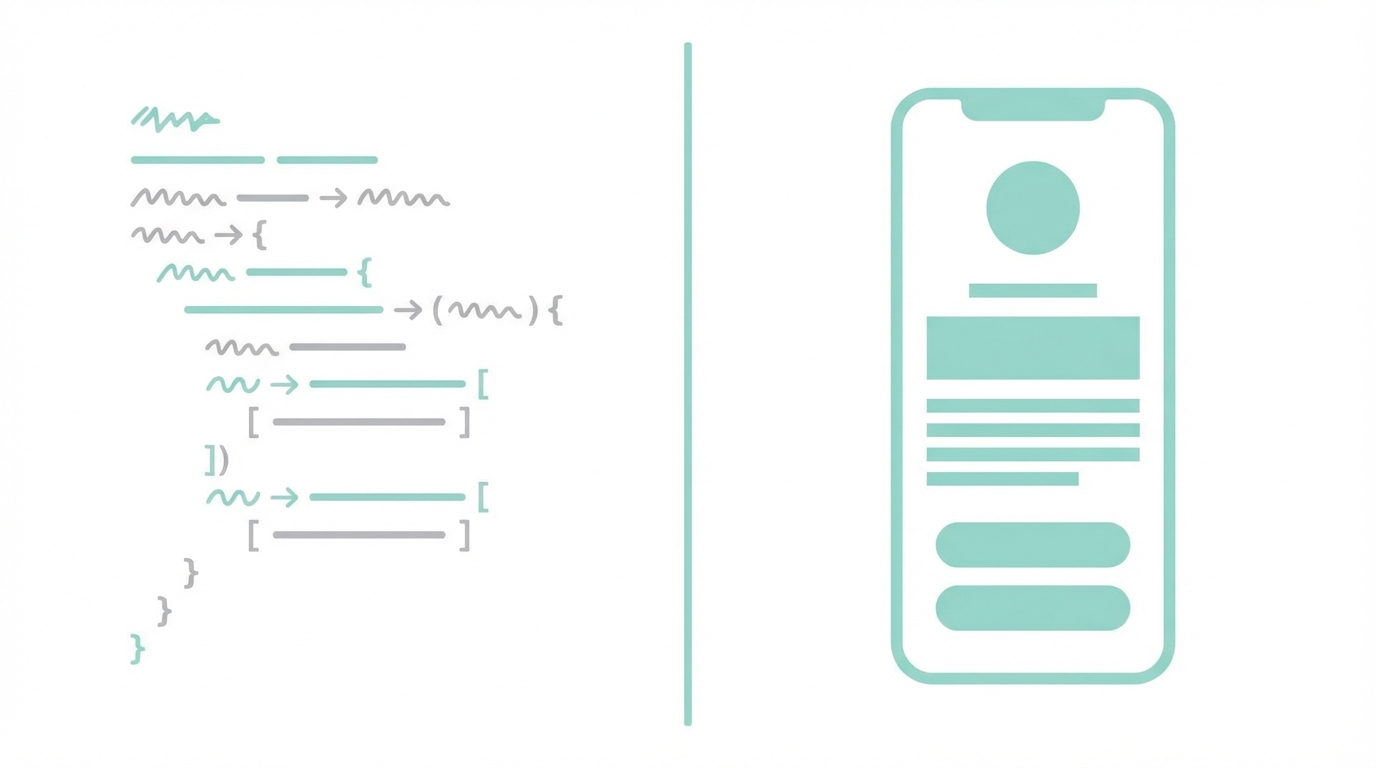
While Google AI Studio is the king of prototyping, Replit remains the strongest contender for taking those designs live. Replit has recently integrated Gemini 3.0 Pro into its ecosystem, specifically powering its new "Design Mode."
The vibe coding platforms 2025 landscape is splitting into two categories: creation and deployment. Designers should use AI Studio to iterate on the "soul" of the app—the mascots, the color palettes, and the tactile buttons. Once the aesthetic is locked in, moving that code to Replit allows for instant hosting and backend integration. Replit’s Design Mode acts as a bridge, ensuring that the high-fidelity CSS generated in AI Studio doesn't break when it hits a live server.
Case Study: Designing a SaaS App with "Physical" Aesthetics
To test the limits of these tools, we attempted to design a restaurant analytics dashboard, "Chef OS," using a reference image from a Teenage Engineering product. The goal was to move away from the flat, boring "SaaS look" and toward something that felt like a physical piece of hardware.
Gemini 3.0 Pro was able to interpret tactile design language—words like "knobs," "tactile switches," and "industrial finish"—and translate them into a functional React application. The resulting dashboard didn't just display data; it featured a draggable AI analyst mascot and 3D-esque buttons that felt interactive. For founders using tools like Idea Browser to find market gaps, being able to prototype this level of quality in a single prompt is a massive competitive advantage.
Once you have a functional prototype that looks this good, managing the next phase of growth becomes easier. For instance, platforms like Stormy AI streamline creator sourcing and outreach to build social proof for your new SaaS app even before you've hired a full-time marketing team.
Mobile App Prototyping: Gains and Gamification
Can AI handle the nuances of mobile design? In our tests, we attempted to build "Gains," a fitness app inspired by the gamification of the Brain Rot app. The request was complex: a mascot that reacts to workout habits, warm colors, and a streak-based calendar.
Gemini 3.0 Pro generated a complete React Native-ready mobile interface. The mascot was aesthetically consistent with the brand, and the "maintenance mode" vs. "streak mode" visuals were handled with a level of polish usually reserved for senior designers. While it didn't perfectly integrate with Apple Health in a single click, the Gemini 3.0 Pro coding performance provided 85% of the logic needed to make those connections manually.
A Playbook for Vibe Designing in 2025
Step 1: Gather High-Quality Reference Images
AI is only as good as its inspiration. Before prompting, go to Dribbble or Pinterest and find 2-3 images that capture the lighting and texture you want.
Step 2: Draft a Product Requirements Doc (PRD)
Don't just ask for an app. Use a PRD template to define the goals, user personas, and core features. Feeding a well-structured PRD into Google AI Studio ensures the AI builds the right components, not just a pretty shell.
Step 3: Iterate with Visual Annotations
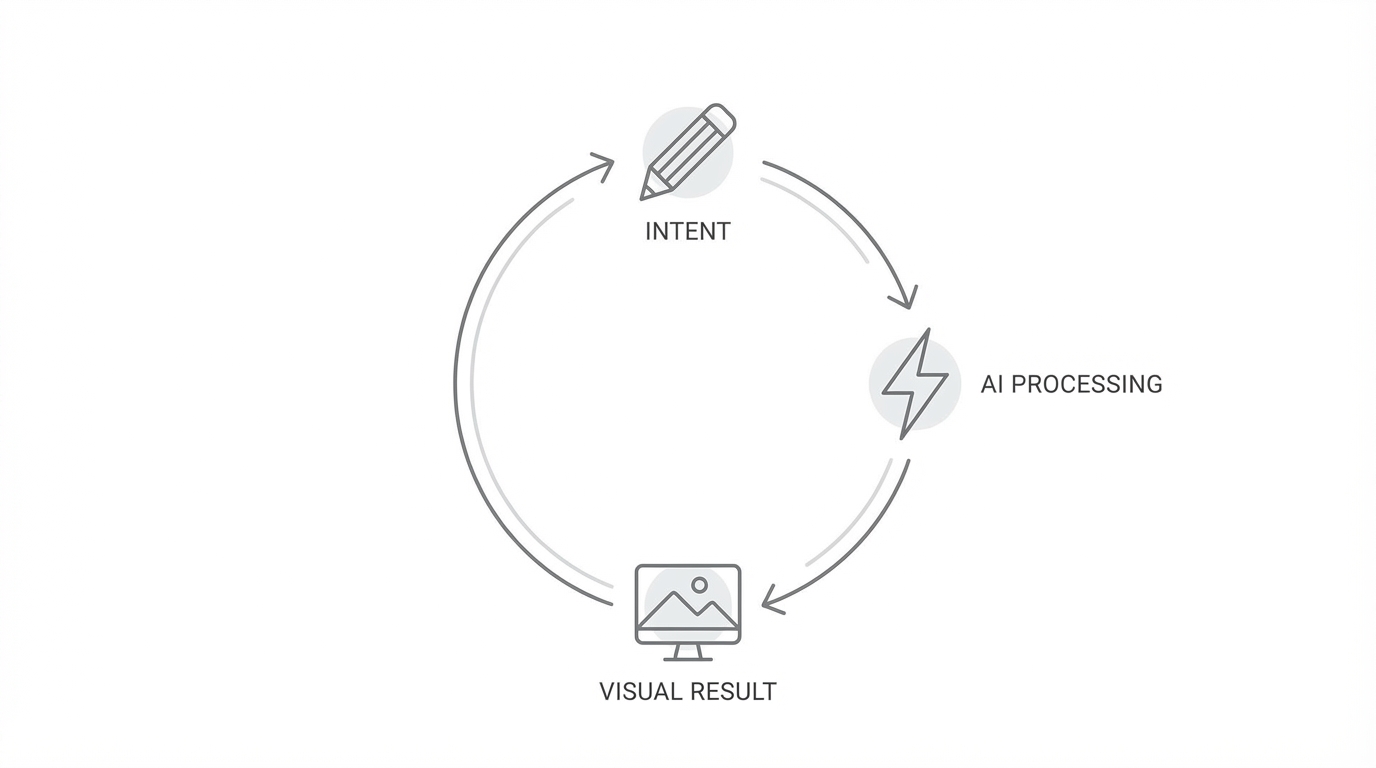
Use the "Draw on Preview" feature to fix alignment, change colors, and add specific UI elements. This is the most efficient way to "vibe code" without getting bogged down in CSS syntax.
Step 4: Port to a Production Environment
Once the design is 90% there, move the code into Replit or a local VS Code instance running Anti-Gravity to handle the final API integrations and database connections.
Future Outlook 2026: Why Google Will Dominate AI Design
Looking ahead to 2026, the industry is increasingly bullish on the Google AI ecosystem. While ChatGPT and Claude have first-mover advantages in general reasoning, Google's deep integration across search, YouTube, and Android gives it a data advantage that is starting to manifest in its multimodal design capabilities.
The ability for an AI to not only write code but to understand "taste" is the next frontier. As we see more autonomous AI agents handling the discovery and outreach for new products—similar to how Stormy AI automates creator discovery and campaign management—the role of the human founder will shift almost entirely to curation and taste-making.
Conclusion: The New Standard for Web Development
The comparison between Google AI Studio vs. Cursor vs. Replit shows that we are moving away from a one-size-fits-all approach to AI coding. For raw visual design and rapid prototyping, Google AI Studio is currently unrivaled due to its annotation features and Gemini 3.0 Pro's visual fidelity. For local development and code refactoring, Cursor remains a powerhouse, while Replit is the essential tool for making those designs functional and live.
To succeed in the vibe coding era of 2025, you must develop your "taste." Collect great references, understand the fundamentals of a good PRD, and don't be afraid to push the limits of what these models can create. The era of the boring, purple AI app is over—it’s time to build something beautiful.