For most users, interacting with artificial intelligence has become a series of one-off chats—asking a question, getting a summary, or generating a single email. However, we are moving into the era of automated intelligence, where the real value lies in how AI can work for you while you sleep. By leveraging Google Gemini Pro features, power users are shifting from manual prompting to building personalized 'Presidential Daily Briefings' that curate industry news, monitor brand sentiment, and manage complex research tasks autonomously.
The Shift to Automated Daily Briefings
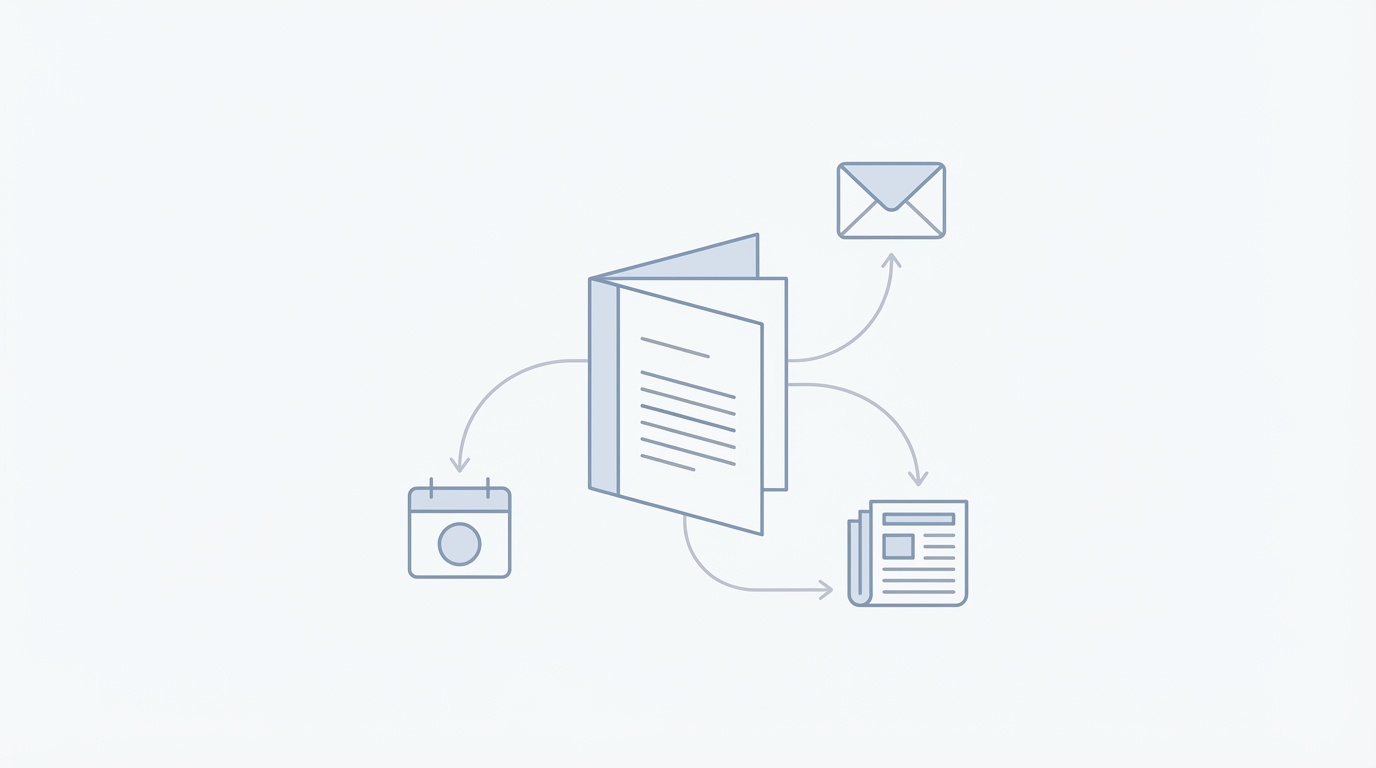
The hallmark of a high-performance executive is the daily briefing—a distilled report of everything that happened in their world over the last 24 hours. Historically, this required a human chief of staff. Today, Google Labs has demonstrated that Gemini can now handle these scheduled actions with surgical precision. Instead of manually searching for news every morning, you can configure Gemini to act as a proactive assistant.
During a recent deep dive into Google's AI roadmap, Josh Woodward, a leader at Google AI, highlighted how users are now moving toward scheduled actions. For example, instead of asking for sports scores once, a user can command: "Send me a digest of the OKC Thunder info every morning at 7 a.m." This isn't just a simple notification; it is a synthesis of off-season trades, player performance, and news alerts, all formatted into a single, readable report.
Brand Monitoring and Competitor Intelligence


For business owners and solopreneurs, these briefings can be pivoted from personal interests to competitive intelligence. Monitoring your own brand and your competitors is no longer about setting up clunky Google News alerts that clutter your inbox with irrelevant links. AI productivity tools allow you to filter for nuance.
Automating Your Brand Pulse
You can set up a Gemini routine to track how your store or brand is performing across the web. This includes tracking mentions on social media, review sites, and niche forums. By using Gemini Pro, you can ask for a daily report that specifically highlights customer sentiment shifts or emerging complaints. This allows you to address issues before they become PR crises.
Spying on Competitors Legally
Similarly, you can direct your daily briefing to monitor a competitor's product launches or price changes. By synthesizing data from Google Search, Gemini can provide a breakdown of what people are saying about a rival product, giving you the upper hand in your marketing strategy.
When these monitoring reports identify a surge in brand mentions or a gap in a competitor's strategy, the next logical step is content creation. For brands looking to capitalize on these trends through user-generated content, platforms like Stormy AI can help source and manage UGC creators at scale, ensuring your brand stays part of the conversation that your daily briefing just flagged.
Deep Research: Moving Beyond the Surface
One of the most powerful Gemini AI automation features is the ability to generate "Deep Research" reports. As Sam Altman recently noted in discussions regarding the future of work, we are in the "era of the idea guy," where the friction between a concept and a viable business plan is shrinking. For those looking for new opportunities, platforms like Exploding Topics provide high-quality data trends, but Gemini Pro allows you to go deeper into the execution phase.
Playbook: Setting Up a Deep Research Workflow
- Define the Objective: Start with a prompt that outlines a specific niche, such as "Conduct a deep research report on the current state of the solar-powered outdoor furniture market."
- Utilize Gemini 2.5 Pro: When conducting deep research, always select the 2.5 Pro model over the Flash model. The Pro model is designed for complex reasoning and 'thinking' depth, allowing it to connect disparate data points that a faster model might miss.
- Iterate with Sources: Use the research to find specific pain points. Ask Gemini to find three "unsolved problems" within that industry based on recent customer reviews found via Search.
Personal Context: Integrating Gmail, Photos, and Search
The true potential of a personal AI assistant guide is realized when the AI has context. Google is currently rolling out "Personal Context" features that allow Gemini to access your data across the Google Workspace ecosystem—with your permission. This includes Gmail, Google Photos, and YouTube history.
Imagine planning a business trip to Italy. If Gemini has access to your past trip photos, it might notice you have an interest in historical architecture or local pottery. It can then suggest family-friendly restaurants near the Colosseum that match your specific dietary preferences found in past email reservations. This level of hyper-personalization transforms the AI from a general tool into a bespoke digital twin.
Educational Growth: Quizzes and YouTube Learning
Productivity isn't just about doing more work; it's about skill acquisition. Gemini has integrated educational features that turn passive consumption into active learning. By using the 2.5 Pro model, you can ask Gemini to teach you a complex topic—like photosynthesis or market economics—and it will not only provide a summary but also generate interactive quizzes and curate YouTube learning paths.
This is particularly useful for students and lifelong learners. Gemini can embed relevant videos directly into the chat interface, allowing you to watch a tutorial and then immediately answer a quiz question to test your retention. This creates a closed-loop learning environment that is far more effective than traditional reading.
Gemini 2.5 Pro vs. Flash: Choosing Your Tool
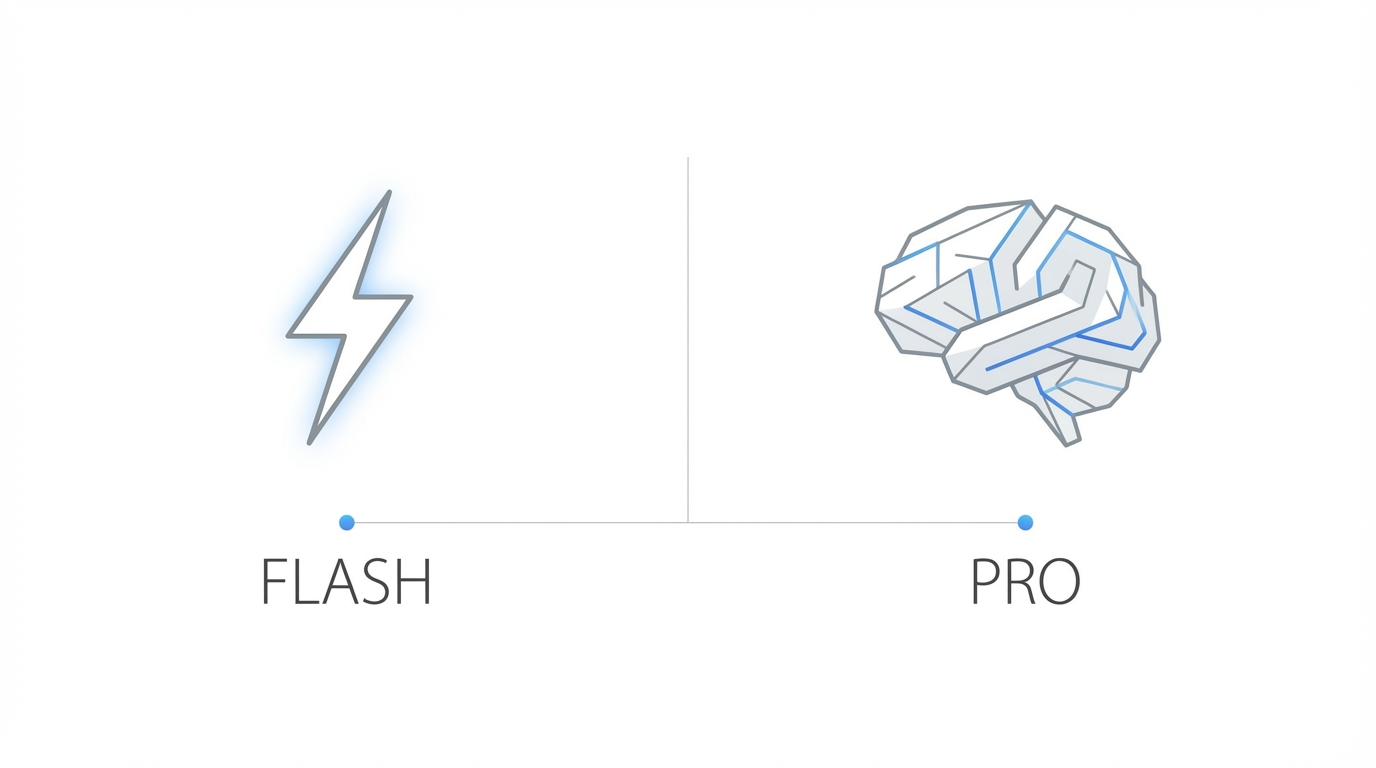

A common mistake in AI productivity is using the same model for every task. To get the most out of Google Gemini Pro features, you must understand the distinction between the 2.5 Pro and 2.5 Flash models.
- Gemini 2.5 Pro: This is the "thinker." Use this for deep research, coding complex applications, or synthesizing long-form documents. It has a larger context window and superior reasoning capabilities.
- Gemini 2.5 Flash: This is the "doer." Use this for quick summaries, drafting simple emails, or getting fast answers to basic questions. It prioritizes response speed over deep nuance.
For those managing large-scale marketing campaigns, the 2.5 Pro model is essential for vetting potential influencers and analyzing audience demographics. To streamline this further, the Stormy AI post tracking and analytics dashboard can monitor the performance of those creators, creating a perfect synergy between AI discovery and real-world execution.
The Future: Project Mariner and AI Agents
The next frontier of AI productivity tools is "computer use"—where the AI doesn't just talk but actually acts on your behalf. Google's Project Mariner, part of the broader Gemini ecosystem, is an experimental prototype that can navigate the web, fill out forms, and perform data entry tasks in a virtual machine environment.
In early tests, Mariner has been used to find job postings, save restaurant recommendations to Google Maps, and even fix software bugs in a GitHub backlog. These "agents" represent a leap toward superhuman productivity, where a single person can manage dozens of simultaneous tasks that would traditionally require an entire team of interns.
Conclusion: From Chatting to Operating
To master Gemini Pro, you must stop treating the interface like a search engine and start treating it like an operating system. By setting up automated daily briefings, leveraging personal context, and choosing the right model for the job, you can reclaim hours of your day. The best way to learn these tools is not just by reading about them, but by "playing" with them in the Google Labs environment. Start by automating one simple task today—whether it's a competitor update or a brand sentiment report—and watch as your personal AI assistant begins to carry the heavy lifting of your digital life.