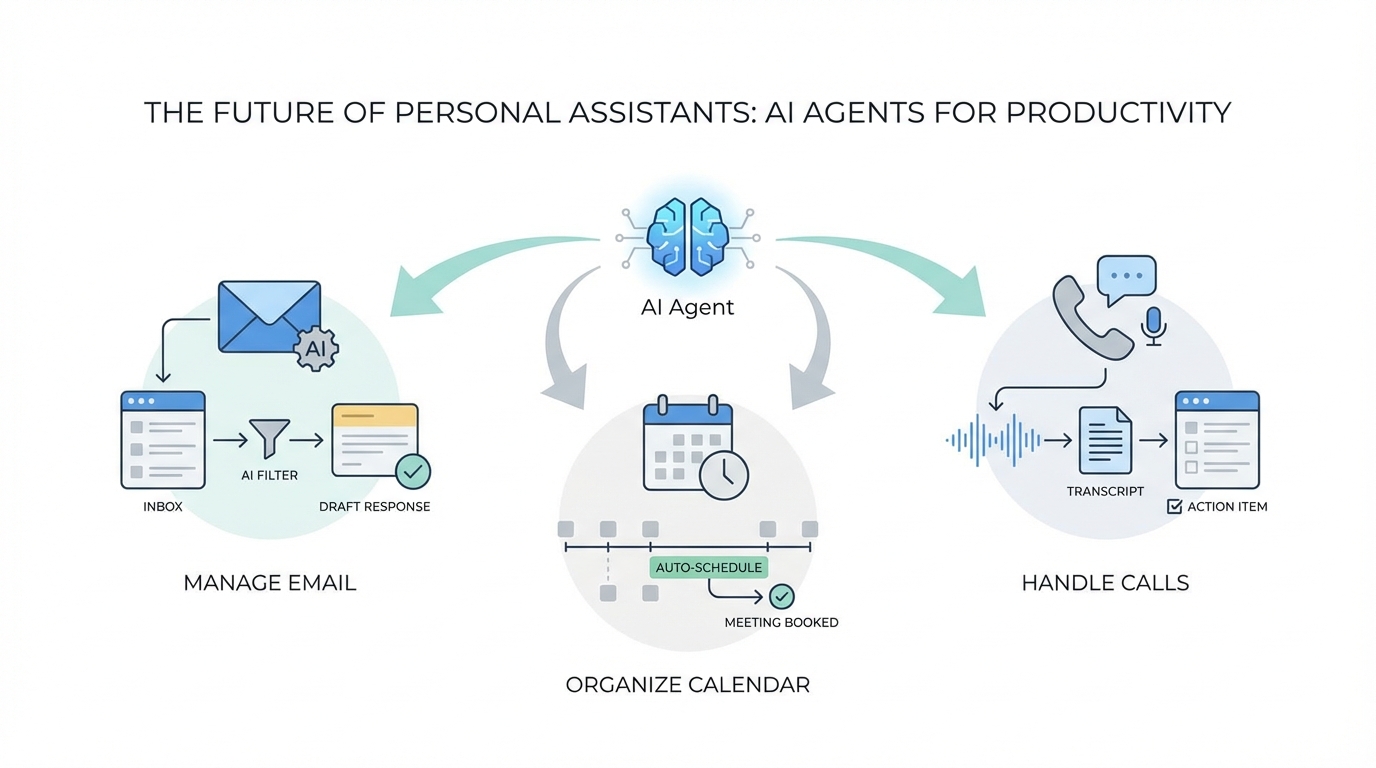
For years, the promise of a digital personal assistant was limited to setting timers or checking the weather. We were stuck in a cycle of manual data entry and constant context switching. But a massive paradigm shift is occurring. We are moving away from simple chatbots toward autonomous AI agents that don't just talk—they act. By leveraging the Model Context Protocol (MCP) and sophisticated voice-to-AI interfaces, the modern ai personal assistant can now navigate your professional life with the same dexterity as a human chief of staff.
What is MCP and How It Connects Your Digital World
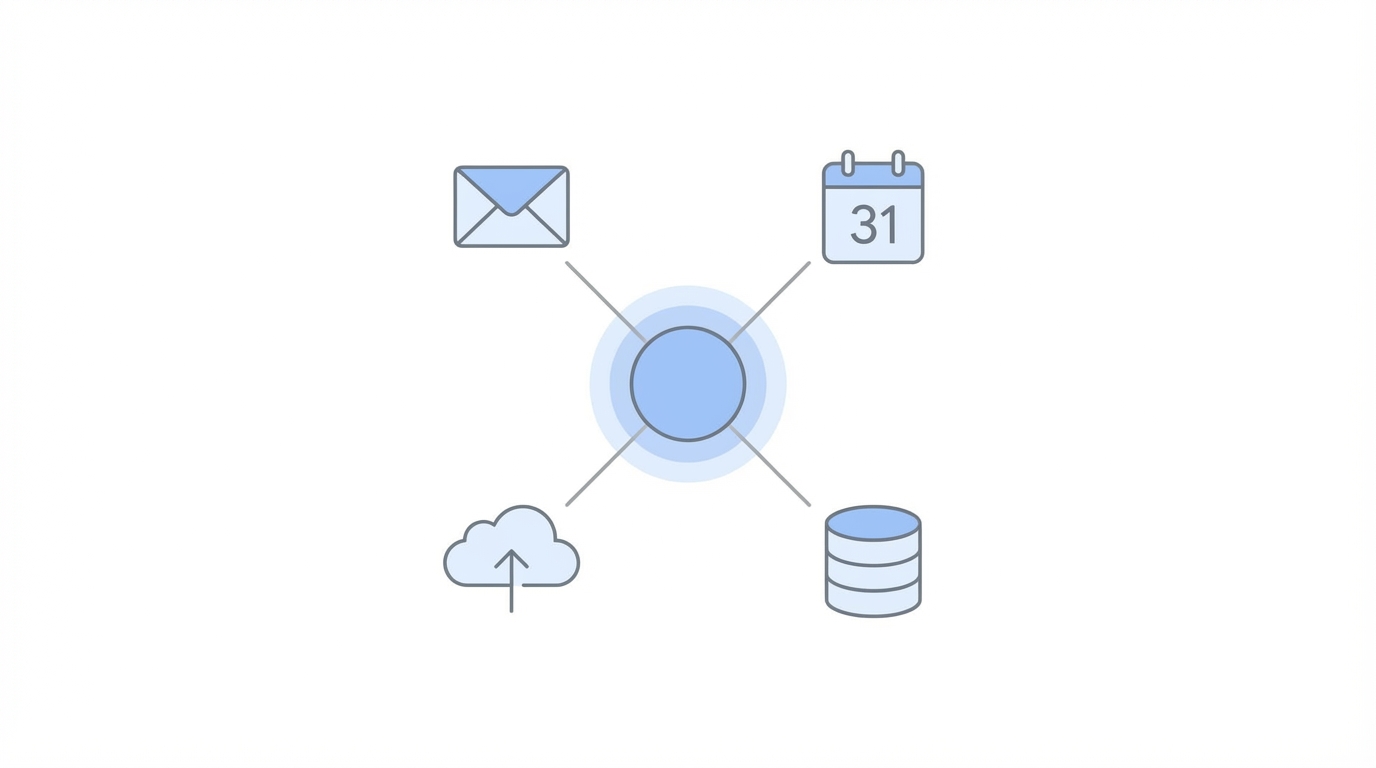
The biggest hurdle for AI has always been data silos. Your emails are in Gmail, your project notes are in Notion, and your team is on Slack. Traditionally, an AI couldn't "see" across these platforms without messy API integrations. Enter the Model Context Protocol (MCP). This open standard allows mcp servers for ai to securely connect large language models (LLMs) to your specific data sources.
As highlighted in recent deep dives into tools like GenSpark AI, MCP acts as a bridge. It allows an agent to query your actual files and communications in real-time. Instead of uploading a static PDF, you are giving the agent a pair of eyes into your entire ecosystem. Platforms now support over 600 different MCP servers, enabling connections to everything from Notion to Gmail and Slack. This is the technical foundation that makes ai task automation truly personalized.
Tutorial: Querying Your Inbox for High-Priority Emails

One of the most immediate benefits of an ai personal assistant is solving the "inbox zero" nightmare. Most of us spend hours scanning for the 5% of emails that actually matter. With an MCP-enabled agent, you can perform a high-level query of your inbox to surface missed opportunities without ever opening your mail app.
Step 1: Connect Your G Suite via MCP
First, you must authorize your assistant to access your Google account. In platforms like GenSpark, this involves adding the G Suite tool from the internal marketplace. This allows the LLM to read headers, body text, and metadata across your threads.
Step 2: Run a Natural Language Query
Instead of searching for keywords like "urgent," use a descriptive prompt. A proven workflow is to ask: "Can you share the 3 to 5 most interesting emails I should respond to but haven't?" The AI doesn't just look for keywords; it analyzes the context of the sender (e.g., a potential investor or a high-value customer) and the sentiment of the message.
Step 3: Act on the Results
Once the agent identifies a high-priority thread—such as a follow-up from a recent podcast appearance or a tax return query—it can draft the response for you. Automate gmail with ai by having the assistant summarize the thread's history, giving you the context needed to hit 'send' in seconds.
The Rise of the AI Voice Calling Agent
The digital frontier is no longer confined to text. We are entering the era of the ai voice calling agent. These agents can pick up the phone, navigate automated menus, and conduct conversations with real humans to accomplish business tasks. Whether you need to check inventory at a local store or conduct a preliminary interview with a team member, voice agents are becoming startlingly efficient.
For instance, an agent can be tasked to call a retail location like Lululemon to ask about specific stock in a specific size. The agent makes the call, handles the pleasantries, gets the answer, and sends you a written transcript of the call. This eliminates the need for you to wait on hold, saving dozens of minutes per day. For builders and founders, this means scaling your presence without increasing your workload.
Ethics and Transparency: The AI Identity Protocol
As ai voice calling agents become more human-like, ethical considerations become paramount. A critical rule for any business or individual using these tools is full transparency. An AI assistant should always identify itself as an AI at the start of a call. This isn't just about etiquette; it's about building trust in an increasingly automated world.
A well-configured agent, like the "Ruby" voice model found in high-end automation suites like ElevenLabs, will start a conversation by saying: "Hi, I'm [Name]'s AI assistant. I'm calling to find out..." This ensures the recipient knows they are speaking to a machine. Furthermore, developers are working to improve the latency and interruption handling of these agents. Currently, many agents suffer from a slight delay that can make conversations feel awkward, but as these models move toward near-instant response times, the need for clear identity protocols will only grow.
Workflow: The 5-Minute Daily Briefing
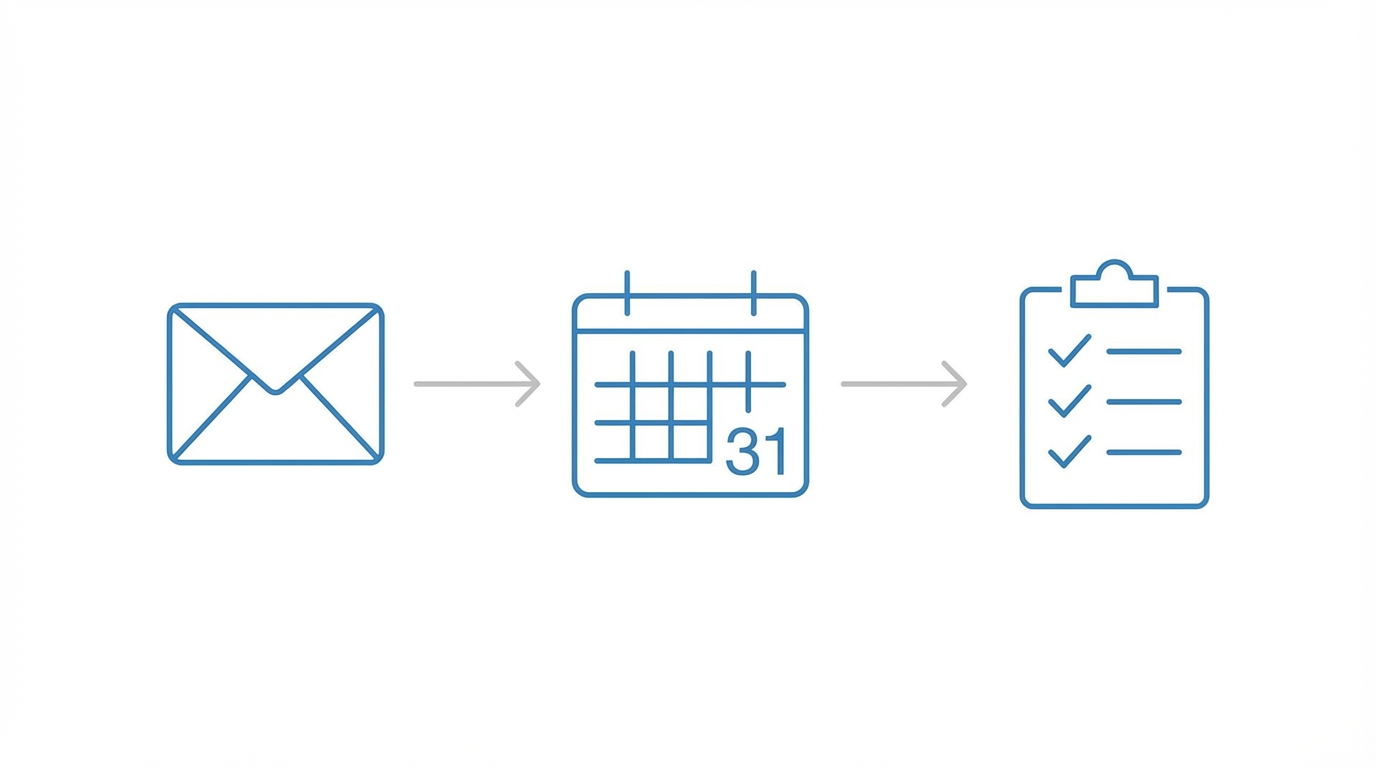
Imagine waking up and, instead of scrolling through dozens of notifications, you ask your ai personal assistant for a briefing. By connecting your calendar and email, you can create a daily summary that prioritizes your most important tasks.
- Identify Critical Meetings: Ask the agent, "What is my most important meeting next week?" It will analyze your calendar for high-stakes keywords (e.g., "Financing," "QBR," "Board Meeting") and highlight them.
- Summarize Prep Work: The agent can look at the meeting attendees and find relevant emails or documents in your Notion or Google Drive to give you a one-paragraph briefing.
- Identify Gaps: The AI can spot if you have a meeting scheduled without an agenda or if you’ve double-booked yourself, allowing you to fix scheduling conflicts before they happen.
For marketing teams managing complex workflows, similar automation is becoming essential. While general agents handle your calendar, specialized tools like Stormy AI are revolutionizing how brands manage creator relationships. Just as an AI agent can query your inbox, Stormy AI can autonomously discover influencers, vet their audience quality, and manage the entire outreach process through an AI-powered CRM. This allows brands to automate the discovery and recruitment of UGC creators while they focus on high-level strategy.
Beyond Text: Multi-Agent Productivity in Slides and Sheets

The most advanced AI setups no longer rely on a single model. They use a mixture of agents. This approach pings multiple models—such as GPT-4, Claude 3.5 Sonnet, and Gemini 1.5 Pro—simultaneously to find the best possible answer. This "reflection" process ensures that the output you receive is the highest quality available from the entire AI industry.
This multi-agent strategy is particularly effective for heavy-duty tasks:
- AI Slides: Instead of manually designing decks, you can prompt an agent to "Create a fundraising deck for a cemetery management software startup." The AI can pull market data, perform competitive analysis, and structure the narrative like a top-tier Silicon Valley founder, exporting the result directly to Google Slides.
- AI Sheets: You can use ai task automation to build complex databases. For example, asking an agent to generate a list of YouTubers with over 100k subscribers in the AI niche, complete with their contact emails. While legacy tools like Shortcut handle financial modeling, these new AI sheets handle real-world data scraping and enrichment in seconds.
- Photo Magic: Voice-to-photo editing allows you to take a photo and simply say, "Make me smiling but don't show teeth, and make my eyes look at the camera." The AI interprets the visual data and applies the edit instantly using tech like Adobe Firefly, a process that used to require professional Photoshop skills.
Conclusion: Embracing the Agentic Era
The transition from "AI as a tool" to "AI as an agent" is the most significant productivity jump of the decade. By implementing mcp servers for ai and embracing ai voice calling agents, you are essentially cloning your professional capacity. Whether it's automating gmail with ai to find hidden opportunities or using multi-agent workflows to build business decks, the goal is the same: reducing the friction between an idea and its execution.
As you integrate these agents into your workflow, remember to focus on transparency and data security. The tools are here to help you scale, but they require a thoughtful setup to be truly effective. Start small—connect your calendar, automate your first five emails, and watch as your ai personal assistant transforms your daily output. Happy building.