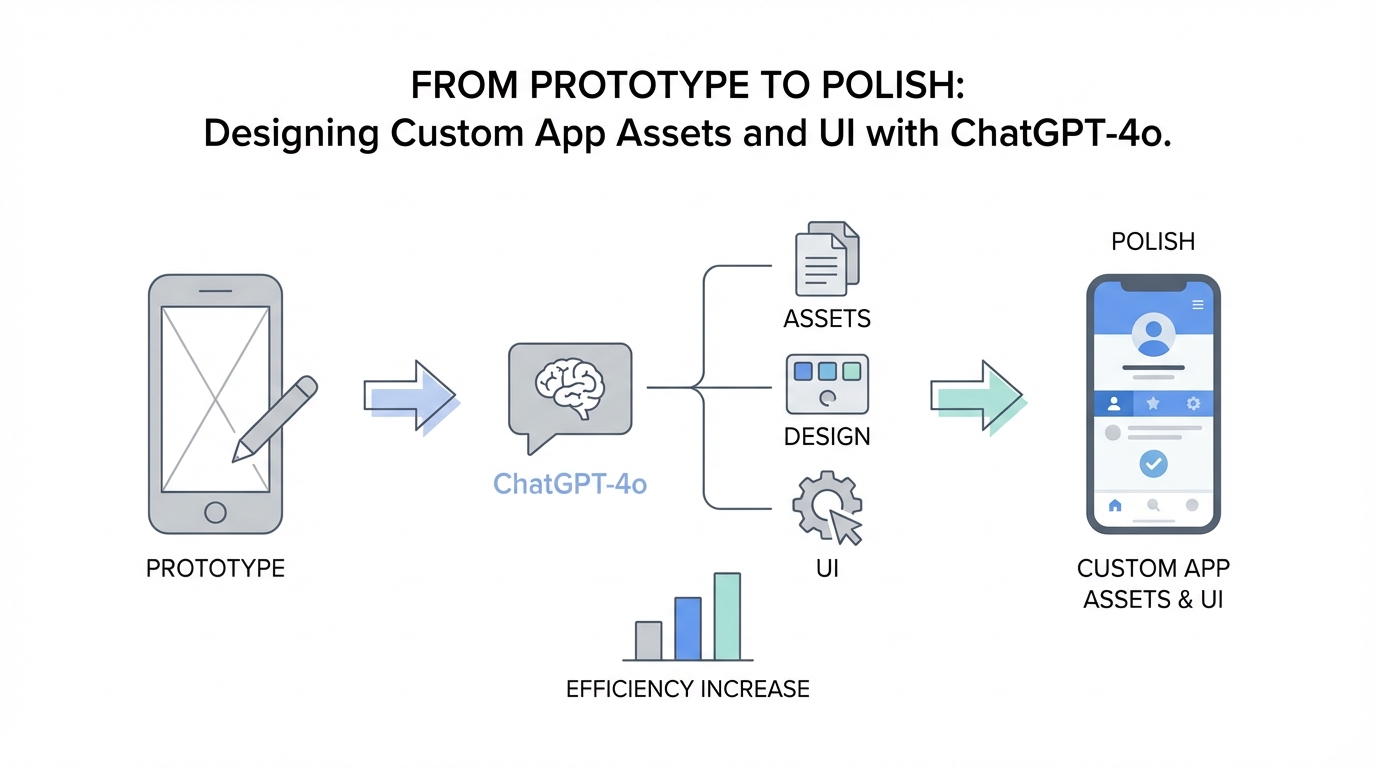
In the current era of "vibe coding," building a functional mobile application has never been easier. With tools like Cursor and Claude 3.7, developers can spin up features in minutes. However, there is a massive gap between an app that functions and an app that feels like a premium product. Most AI-generated apps suffer from what designers call the "LLM aesthetic": sterile, component-heavy, and lacking personality. To move from a prototype to a polished product, developers must focus on humanizing the interface through high-quality AI app asset generation and custom illustrations.
The Rise of the AI Solopreneur Designer
Modern mobile development is no longer about having a massive team; it is about having a massive workflow. As highlighted by independent developers building multi-million dollar portfolios on platforms like Indie Hackers, the secret sauce isn't just the code—it is the level of polish. By leveraging a ChatGPT 4o image generation guide, a single developer can act as a full-scale creative agency. The goal is to move beyond standard system icons and integrate bespoke app mascot design AI into every empty state, loading screen, and onboarding flow.
Whether you are building a native iOS app using Xcode or a cross-platform solution, the UI needs to "delight" the user. This involves moving away from generic mock data and towards realistic environments that allow users to envision themselves using the product. By combining mobile UI design with AI with a rigorous native development workflow, solopreneurs are now outcompeting established startups in the App Store.
Leveraging ChatGPT-4o for Mascot Consistency
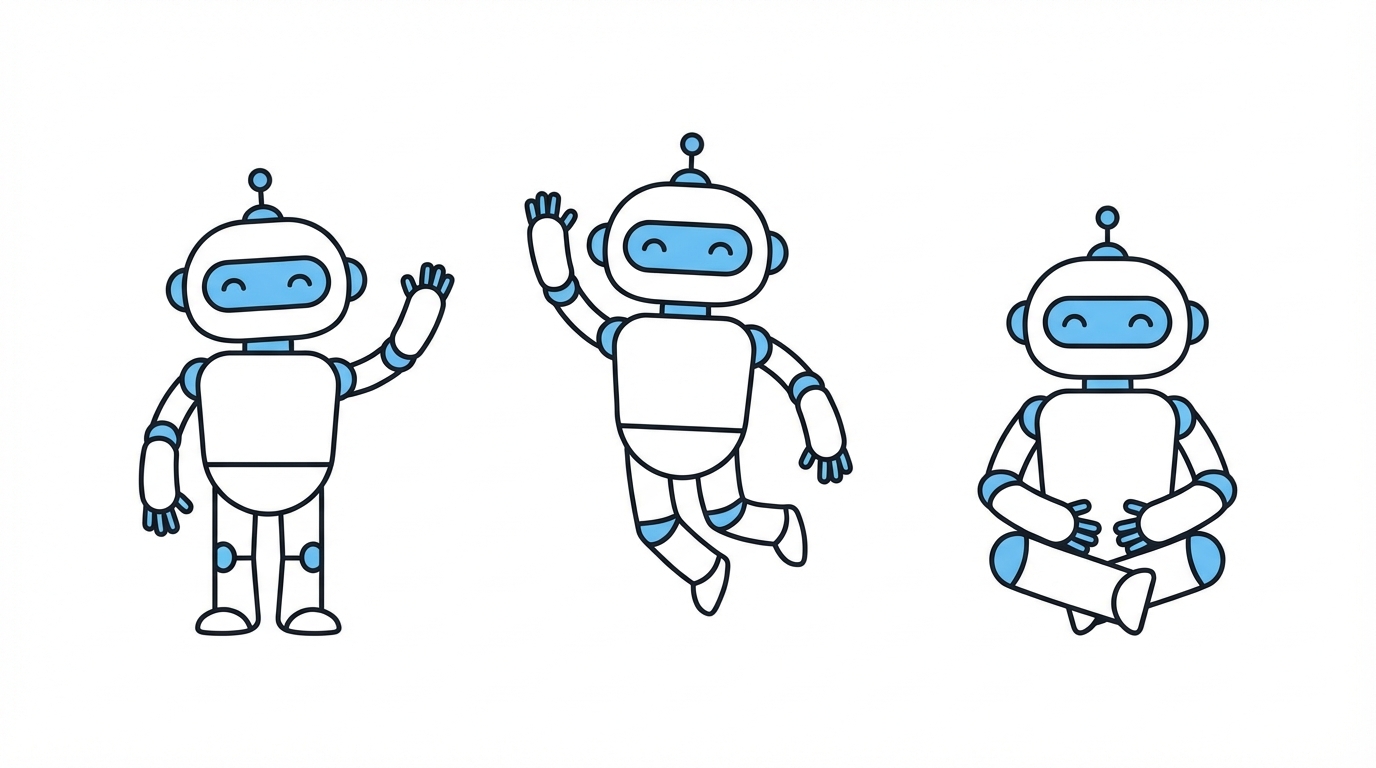

One of the biggest hurdles in AI powered UX design is maintaining visual consistency. If your app features a mascot—like a ghost for a transcription app or a dog for a budgeting tool—that character must look identical across every screen. ChatGPT-4o has made significant strides in maintaining character weight, color palette, and style across multiple prompts, similar to the consistent quality found in DALL-E 3 outputs.
The Base Asset Technique
The first step in any app mascot design AI workflow is establishing a "source of truth" image. This can be a hand-drawn sketch or a high-fidelity AI generation. For example, in the budgeting app Luna, the developer's girlfriend provided a base drawing of a dog. By feeding this specific image back into ChatGPT-4o, you can generate endless variations: the dog at a computer, the dog looking sad in an empty state, or the dog celebrating a saved budget.
Prompting for Variations
To ensure the AI doesn't deviate from the style, your prompts should reference specific attributes of the base asset. Use instructions like: "Using the attached mascot as a reference, generate a version of this character sitting at a mahogany desk with a coffee cup. Maintain the line weight, the lack of a mouth, and the specific shade of purple for the ears." This level of detail prevents the common AI pitfall where every new image looks like it came from a different artist.
Techniques for Image-to-Asset Generation
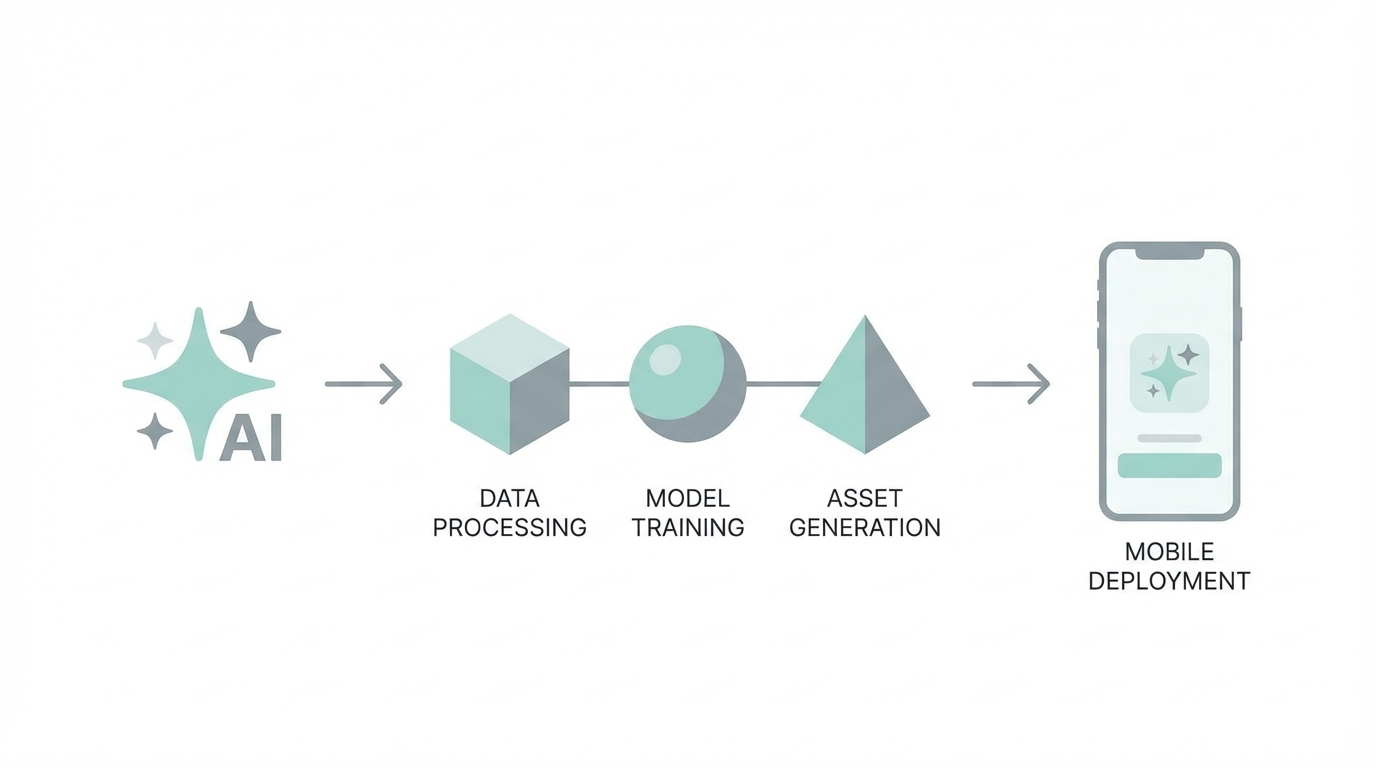
Once you have a consistent character, you need to turn those images into professional assets. A professional loading screen or an empty state (the screen a user sees when they have no data) is the perfect place to inject AI app asset generation quality. Generic text like "No transactions found" is a missed opportunity for branding.
Step 1: Generate the Scene
Start by identifying the friction points in your app. Is the user waiting for an LLM response? Is a database being indexed? Generate an image that reflects this state. For a meeting transcription app like Lily, the developer used a "ghost" mascot because it represents something that lives in the background. A loading screen might feature the ghost wearing wired glasses and intensely focused on a laptop.
Step 2: Refine and Clean
ChatGPT-4o often gets 60-70% of the way there, but manual refinement is key. If the AI adds a mouth when your mascot shouldn't have one, don't just keep re-prompting. Sometimes, taking the asset into a design tool or using specific corrective prompts is necessary. The goal is a native look and feel that integrates seamlessly with Apple's Human Interface Guidelines.
Prompting for 'Delight': UX Improvements Beyond Components
Traditional UI design focuses on utility: buttons, inputs, and tables. AI powered UX design focuses on moments of joy. You can ask AI models like Claude or GPT-4o to brainstorm delight factors based on your app's specific niche.
Instead of asking "What should a budgeting app look like?", ask: "I am building a budgeting app for 28-year-old males in Dallas. Give me 5 unique UI ideas that would make this app feel more human and less like a spreadsheet." This might lead to ideas like localized currency animations or mascot-driven insights that sound like a friend giving advice rather than a bank alert. This empathetic approach to design is what builds long-term retention in competitive markets like productivity and finance.
The Workflow: Exporting AI Assets into Xcode
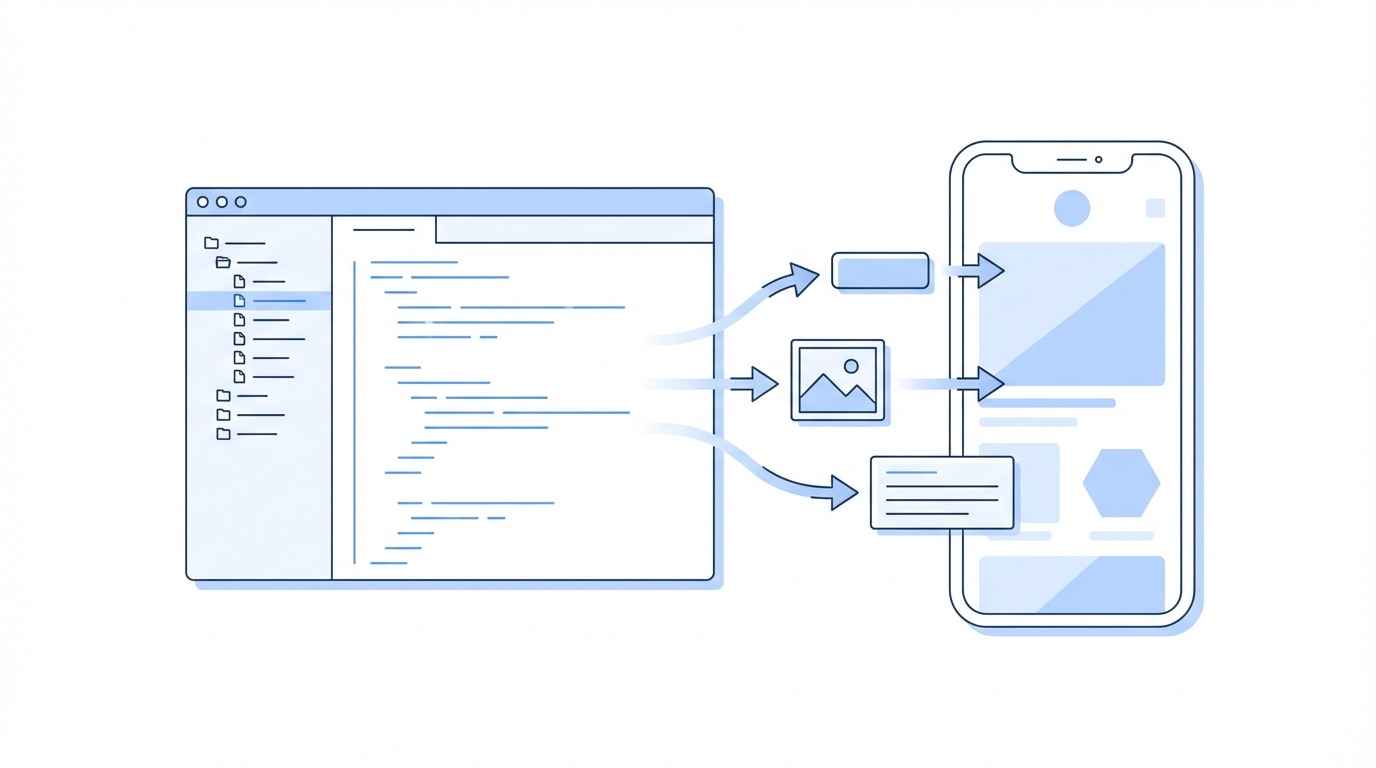
Developing native iOS apps with AI requires a unique setup. While many developers use Cursor for the logic, the final polish must happen in Xcode. The workflow involves opening the project files in Cursor to write the Swift code and then switching back to Xcode to manage the Assets.xcassets folder and build the app.
Manual Asset Management
Do not rely on AI to set up your Xcode framework or embed complex binary assets. These should be done manually to ensure proper scaling (1x, 2x, 3x) and accessibility. Once your AI app asset generation is complete, export the images as high-quality PNGs or PDFs and drag them into your Xcode project. In your code, refer to them using Image("Mascot_Loading") to maintain a clean, native implementation [source: Apple Developer Documentation].
Leveraging UGC to Showcase Your Design
Once your app has high-fidelity UI and custom assets, you need to show it to the world. A beautiful app provides better marketing hooks than a generic one. This is where high-quality User Generated Content (UGC) becomes vital. When creators record screen-shares or demos of your app, the custom mascots and polished loading states stand out in social feeds.
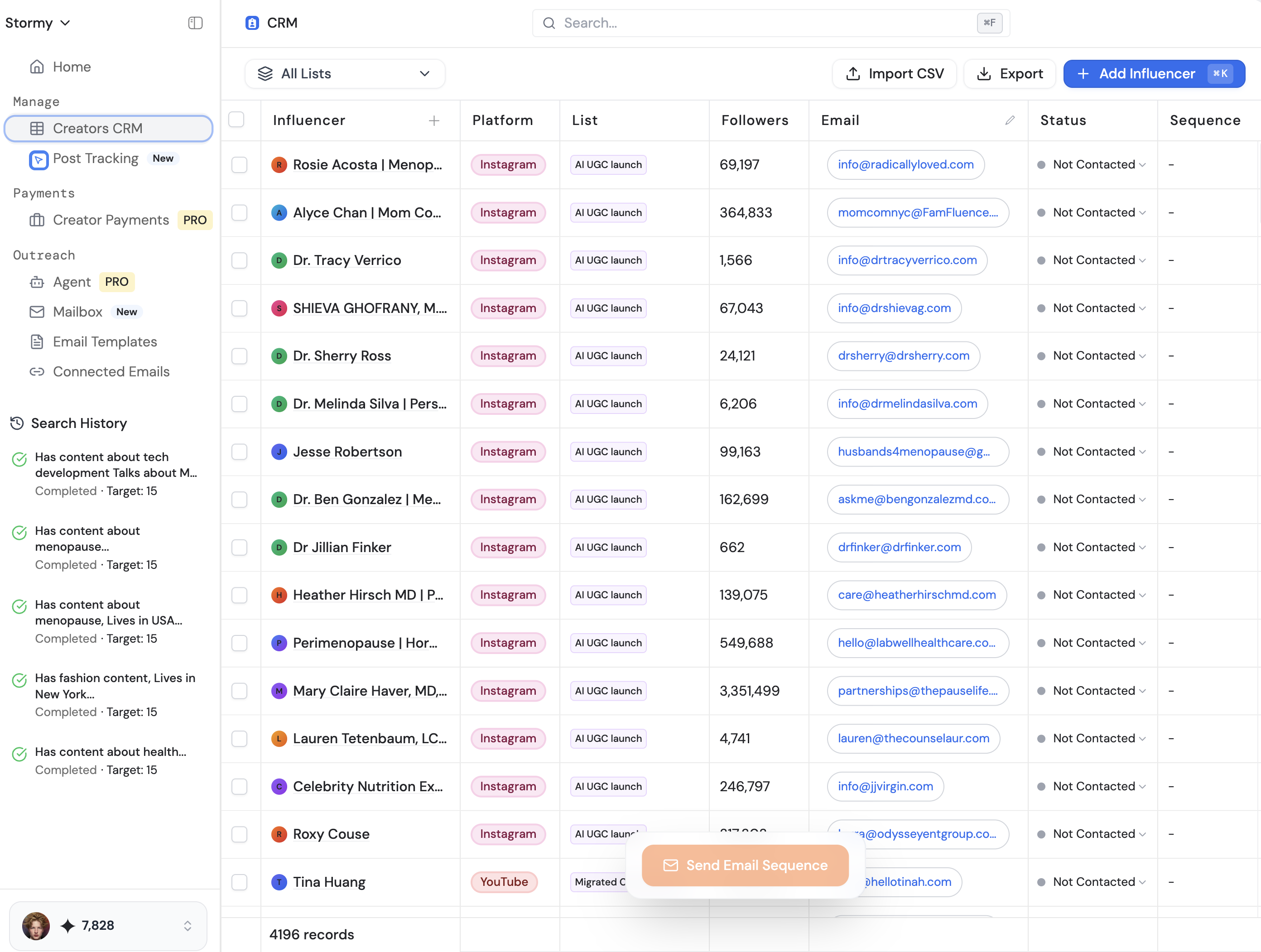
To find the right talent to showcase these designs, platforms like Stormy AI streamline creator sourcing and outreach at scale. You can search for creators in specific niches—like finance or productivity—and have them highlight the specific "delight" moments you've built into the UI. Managing these relationships through a creator CRM ensures that your marketing assets are as polished as your app's code.
Using AI to Generate Realistic Mock Data
Nothing kills a demo faster than bad dummy data. Seeing "User 1" and "Transaction A" prevents potential users from connecting with the product. AI can generate context-aware mock data that makes your app feel alive. If you are building for a specific demographic, tell the AI: "Generate 50 realistic transactions for a 28-year-old male living in Dallas who loves coffee, works in tech, and occasionally overspends on dining out."
This generates specific entries like "Ascension Coffee - Design District" or "Pecan Lodge". When you use this data in your marketing videos on Meta Ads Manager or TikTok Ads Manager, the conversion rates are significantly higher because the product feels validated and real. This technique also helps in App Store Optimization (ASO), as detailed in Backlinko's ASO guide, as your screenshots will feature relatable, high-quality content that speaks directly to your target audience.
Advanced Integration: Tool Calling and Agentic UI
To truly push an app into the "premium" category, the UI must react dynamically to the backend AI. Using services like OpenRouter, you can implement tool calling (function calling). This allows your app's AI chat to not just talk, but act.
For example, if a user asks, "Am I over budget on dining out?", the AI shouldn't just guess. It should call a local function to get_transactions_by_category and then compare it to the user's budget. This requires a robust prompt engineering strategy, often using XML formatting to give the LLM clear instructions on persona, style, and tool usage. A well-prompted AI agent can rebalance a user's budget or generate a PDF report—features that would traditionally take weeks to code manually but can now be achieved with a few well-placed prompts.
Conclusion: Building for the Next Decade
The barrier to entry for app development has collapsed, but the barrier to excellence remains high. To succeed in the modern App Store, you must embrace AI app asset generation as a core competency. By combining the speed of vibe coding with the precision of native iOS development and the creativity of ChatGPT 4o image generation, you can create products that feel personal, human, and indispensable.
As you scale your app, remember to track your performance using platforms like Stormy AI, which allows you to monitor how creators are interacting with your brand and which UI elements are driving the most engagement. The developers who thrive in the next decade will be those who use AI not just to write code faster, but to build more delightful experiences that users truly love.