We have officially entered the era of the "idea guy." As OpenAI co-founder Sam Altman recently noted, AI is lowering the barrier to execution so significantly that the ability to conceptualize and architect a vision is becoming the primary bottleneck. For those building in the "vibe coding" space—developers and founders who use natural language to generate entire applications—the challenge has shifted from writing syntax to managing AI agents. If you want to multiply your output, you need to master the thinking phase of development. By leveraging Cursor Plan Mode and specific deep-reasoning triggers like the Claude Ultra Think hack, developers are seeing a 20% increase in code quality and a massive reduction in logic errors.
The Philosophy of Thinking vs. Executing
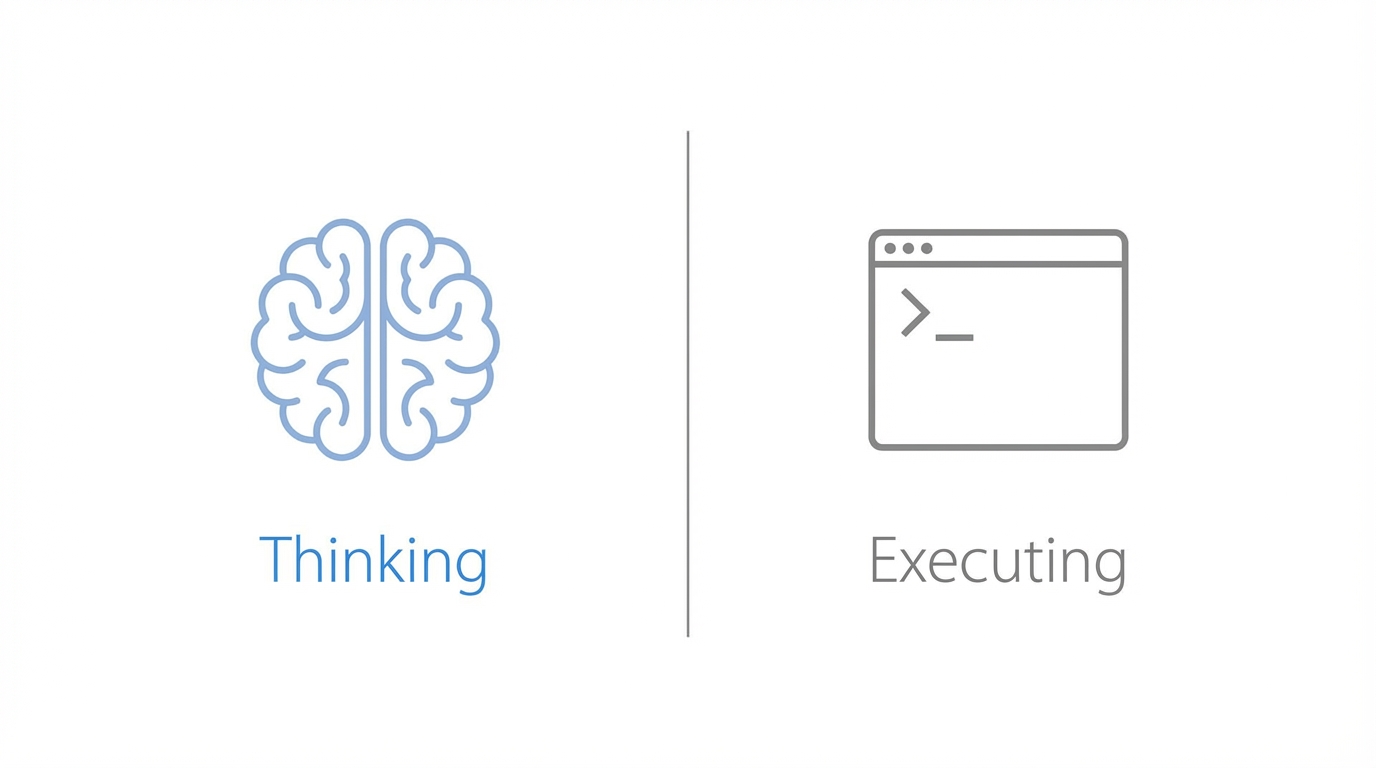
The most common mistake when coding with LLMs is treating the AI like a typewriter rather than an architect. When you ask an AI to write a complex function immediately, you often incur "hallucination debt"—a series of small logic errors that compound until the entire codebase becomes unstable. To build substantial apps, you must separate the AI agent planning phase from the execution phase. This is why top-tier developers use tools like Idea Browser to validate their concepts before a single line of code is written. By forcing the AI to explain how it will solve a problem before it starts typing, you catch errors in the logic gates before they become bugs in the production environment.
Mastering Cursor Plan Mode: The Model Swap Hack
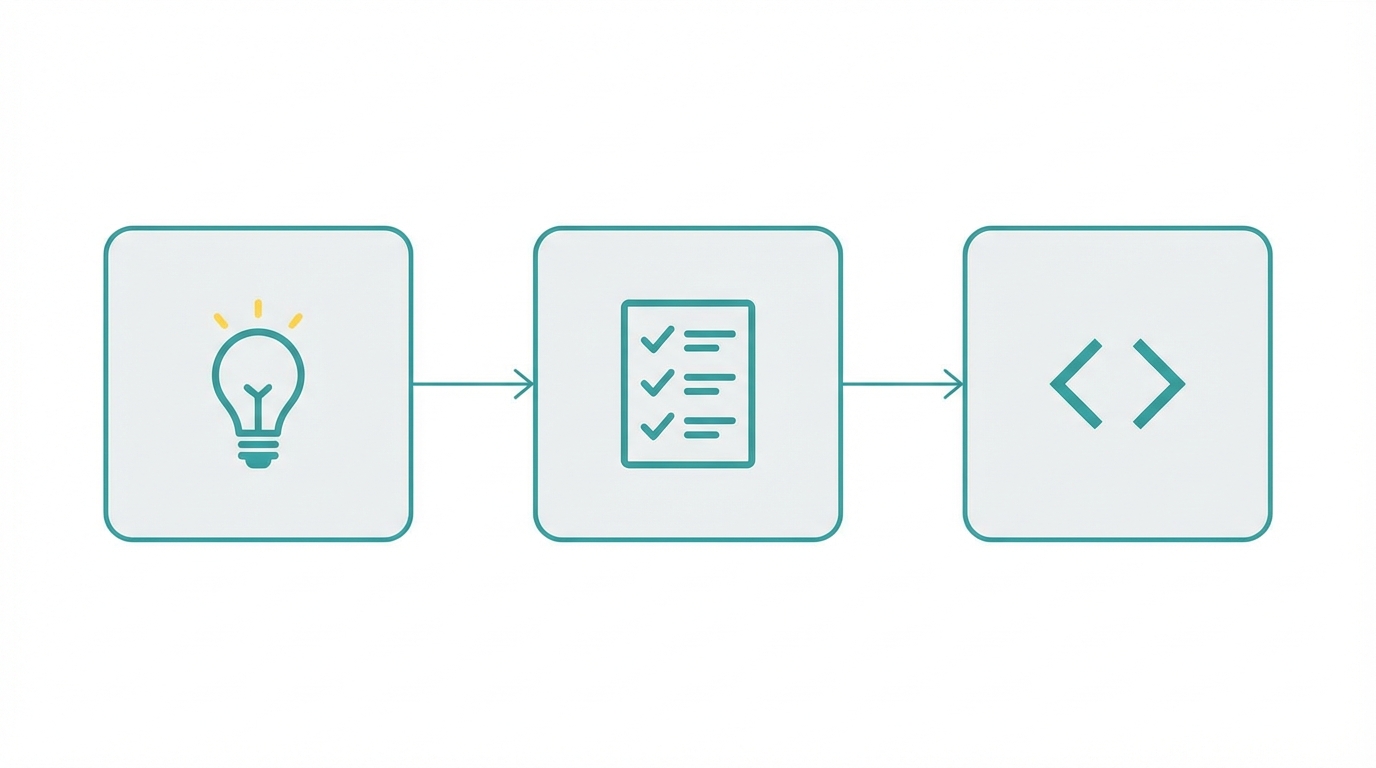
Cursor Plan Mode is a game-changer for AI prompt engineering for developers because it introduces a reviewable layer of intent. Instead of just generating code, Plan Mode outlines the steps the AI intends to take. However, the secret to mastering this mode is not just using one model. A highly effective workflow involves using GPT-o1 (formerly referenced as GPT-5.1 High) for the planning phase and Sonnet 4.7 for the execution. While a model like Sonnet is incredible at technical execution, models optimized for reasoning perform better at the "writing" and "critical thinking" required to map out a complex architecture. This multi-model approach ensures that the roadmap is logically sound before the faster, code-specialized model takes over to build the files.

The Claude 'Ultra Think' Secret for Deep Reasoning

When you hit a brick wall with a complex bug, standard prompting often leads to repetitive, unhelpful answers. This is where the Claude Ultra Think hack comes into play. By typing the specific keyword "ultra think" into Claude Code, you trigger a deep reasoning mode where the model allocates more compute to the internal monologue of the problem. Users have reported that this simple trigger makes Claude "code harder," taking significantly more time to analyze edge cases and security vulnerabilities. While it may consume more tokens, it is essential for high-stakes debugging where precision is more important than speed. This is the difference between a quick fix that breaks later and a permanent architectural solution.
Voice-to-Code: Using Whisperflow for High-Context Prompts
One of the biggest hurdles in coding with LLMs is the friction of typing out long, detailed instructions. To provide the high-context prompts that AI agents need, many elite builders have switched to dictation. Using a tool like Whisperflow, powered by the OpenAI Whisper model, you can dictate your entire logic flow in seconds. Dictation allows you to include nuances—such as specific UI interactions or edge-case handling—that you might skip if you were typing by hand. For instance, explaining a "shimmering text animation that drops down and replaces the current line" is far easier to speak than to type. This high-fidelity input ensures the AI has a clear mental model of your vision, reducing the number of iterative loops required to reach a finished product.
The AI Agent Planning Playbook: A Step-by-Step Guide
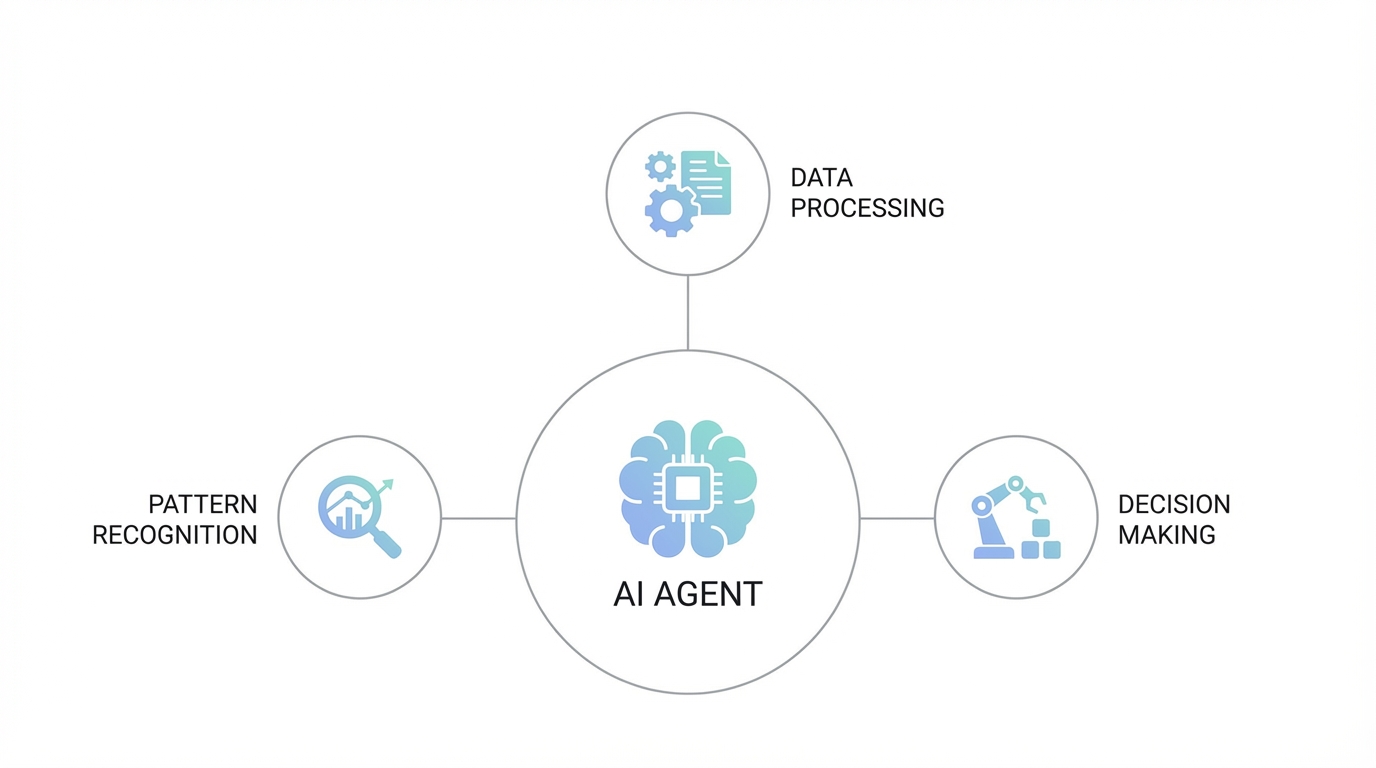
To implement this AI prompt engineering for developers strategy effectively, follow this structured playbook to minimize errors and maximize output.

Step 1: Set the Environment
Open your project in Cursor and ensure you have the terminal visible. If you are building for iOS, open the project folder in Cursor while keeping Xcode open for running the simulator. This allows the AI to edit files while you monitor the real-time build.
Step 2: Activate Plan Mode
Toggle Cursor Plan Mode and select your planning model. Provide your dictated prompt via Whisperflow. The AI will generate a detailed list of steps, from file creation to dependency management. Do not click 'Build' yet.
Step 3: The Critical Review
Review every step of the plan. Look for logic flaws or missing components. If the AI suggests a database structure that seems inefficient, ask it to revise the plan specifically for that section before proceeding. This is where tools like Supabase MCP servers can be invoked to ensure the AI has the latest documentation on your database schema.
Step 4: Execution and Testing
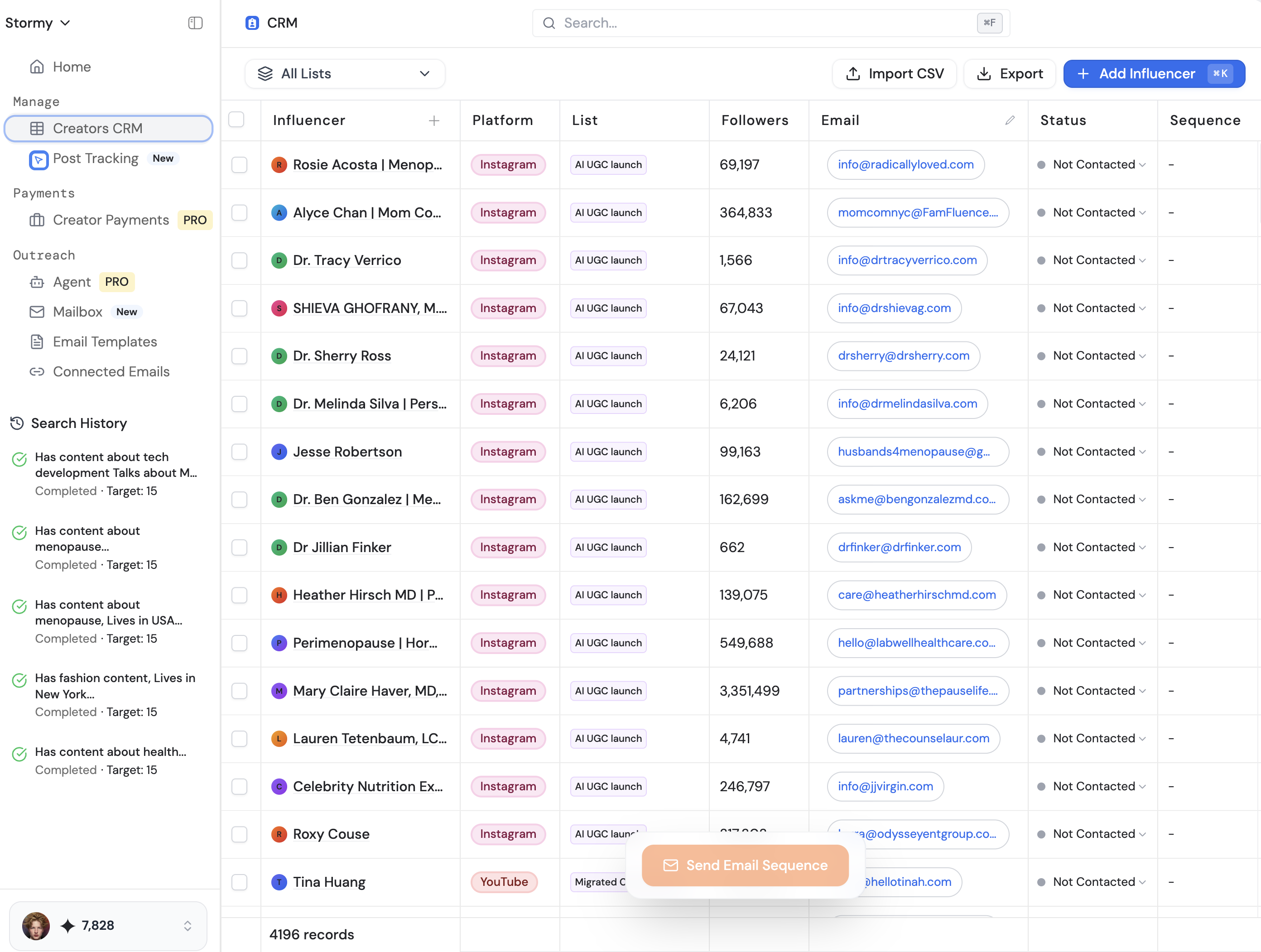
Switch to Sonnet 4.7 and allow the AI to execute the plan. Once the code is written, use the Claude Ultra Think keyword to have the AI double-check the newly written functions for security risks or performance bottlenecks. If you are a solo developer, using an automated code reviewer like BugBot via GitHub can provide an extra layer of peace of mind before merging to production. Just as Stormy AI automates the tedious parts of influencer outreach with AI agents, using these coding agents allows you to scale your technical output without manual fatigue.
Case Study: Replicating Complex UI Animations
Building high-polish UI elements, like the "calculating" animation in the Amy calorie tracking app, requires more than a single prompt. In a real-world test, it took approximately 10 to 20 iterative prompts in Cursor Plan Mode to reach a production-ready state. The process began with a simple "searching" shimmer, followed by a "drop-down" transition to an "analyzing" state. By using the simulator's "slow animations" feature, the developer could identify exactly when a text element was shooting up incorrectly and provide a correction. For those building mobile apps, tools like Create Anything are often the best starting point for design-heavy prototypes before graduating to the full control of Cursor and Claude Code.
Optimizing Your Development Stack
Beyond the models themselves, AI agent planning is enhanced by Model Context Protocol (MCP) servers. Using an MCP server allows the AI to access the most recent, compressed versions of documentation for libraries like React or PostHog. This prevents the AI from using deprecated methods found in its training data. When your app is ready for growth, the focus shifts from development to marketing. At this stage, sourcing high-quality content becomes the priority. Tools like Stormy AI can help source and manage UGC creators at scale, allowing you to find influencers who can showcase your AI-powered app to the right audience while you focus on the next feature set.
The Future of Vibe Coding
Mastering AI prompt engineering for developers is less about learning a new programming language and more about learning how to manage a team of digital agents. By utilizing Cursor Plan Mode for the architecting phase and Claude Ultra Think for the deep debugging phase, you can build apps that are both more ambitious and more stable. Remember: the AI is your partner, not just a tool. Give it the time to think, provide it with high-context dictation, and always review the plan before execution. This approach is the closest thing to multiplying yourself as a solo builder in the modern tech landscape.