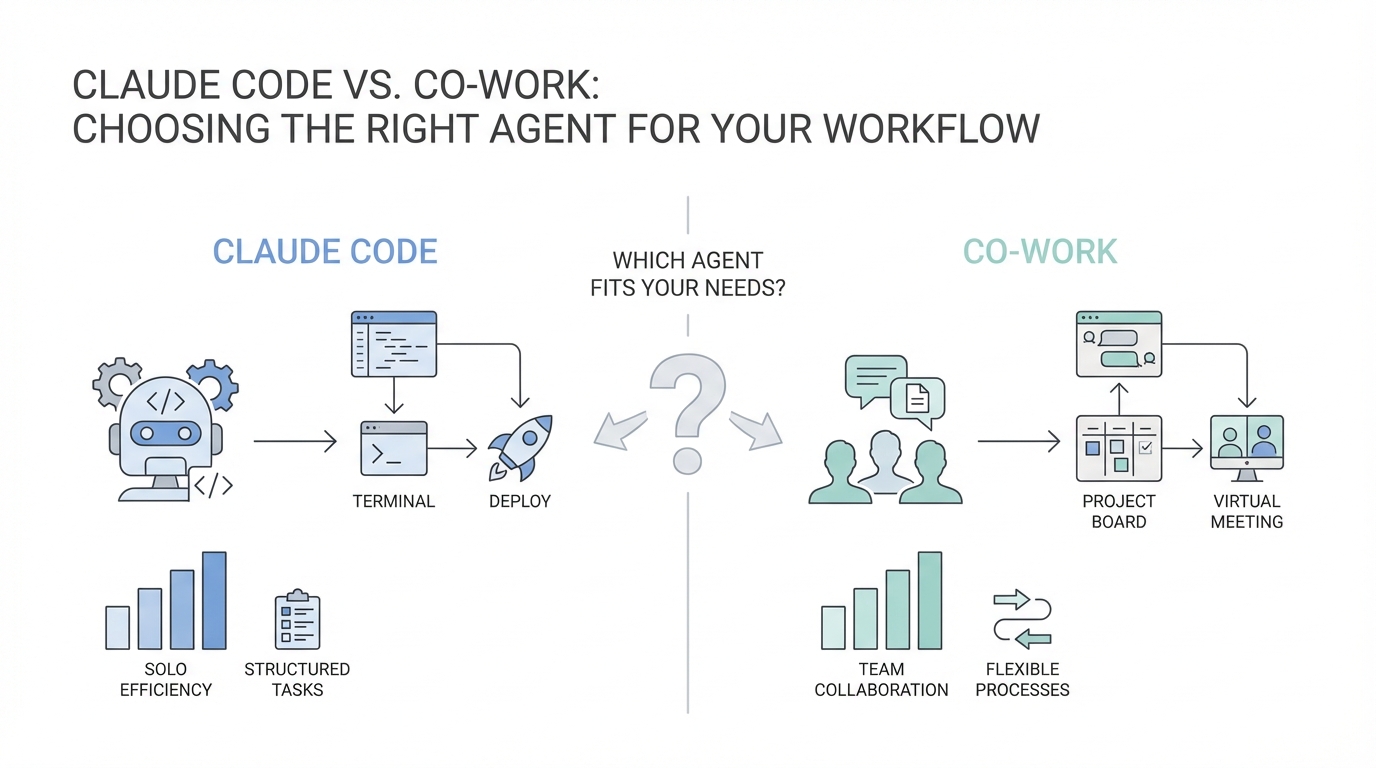
The transition from generative chatbots to autonomous agents marks the most significant shift in productivity since the invention of the browser. We are no longer simply chatting with an AI; we are delegating work to it. With the release of Claude Code and Claude Co-work, Anthropic has created two distinct entry points into this agentic future. While one lives in the terminal and speaks the language of developers, the other thrives in a clean desktop interface designed for the broader workforce. Choosing between Claude Code vs. Claude Co-work isn't just about technical ability; it is about choosing the right interface for your specific daily tasks.
The Shared Foundation: Understanding the Claude Agent SDK

Before diving into the differences, it is crucial to understand that both products are built on the same architectural bedrock. Under the hood, Co-work is actually powered by the same engine that makes Claude Code so effective. This engine, known as the Claude Agent SDK, allows the model to interact with the world beyond the chat window. When we talk about "agentic" AI, we are referring to a system that can take action—interacting with files, using tools, and browsing the web—rather than just predicting the next word in a sentence.
As Boris, the creator of Claude Code, notes, Anthropic focused on tool use and computer use long before the models were even capable of complex coding. This long-term alignment research has resulted in an agent that doesn't just guess; it performs reverse elicitation. If the agent is unsure about a task—like which date to use when renaming a file—it will pause and ask for clarification rather than making a potentially destructive assumption. This safety-first approach is powered by mechanistic interpretability research at Anthropic, which involves studying the digital "neurons" of the model to ensure it remains aligned with user intent.
Claude Code: The Best AI Agent for Developers
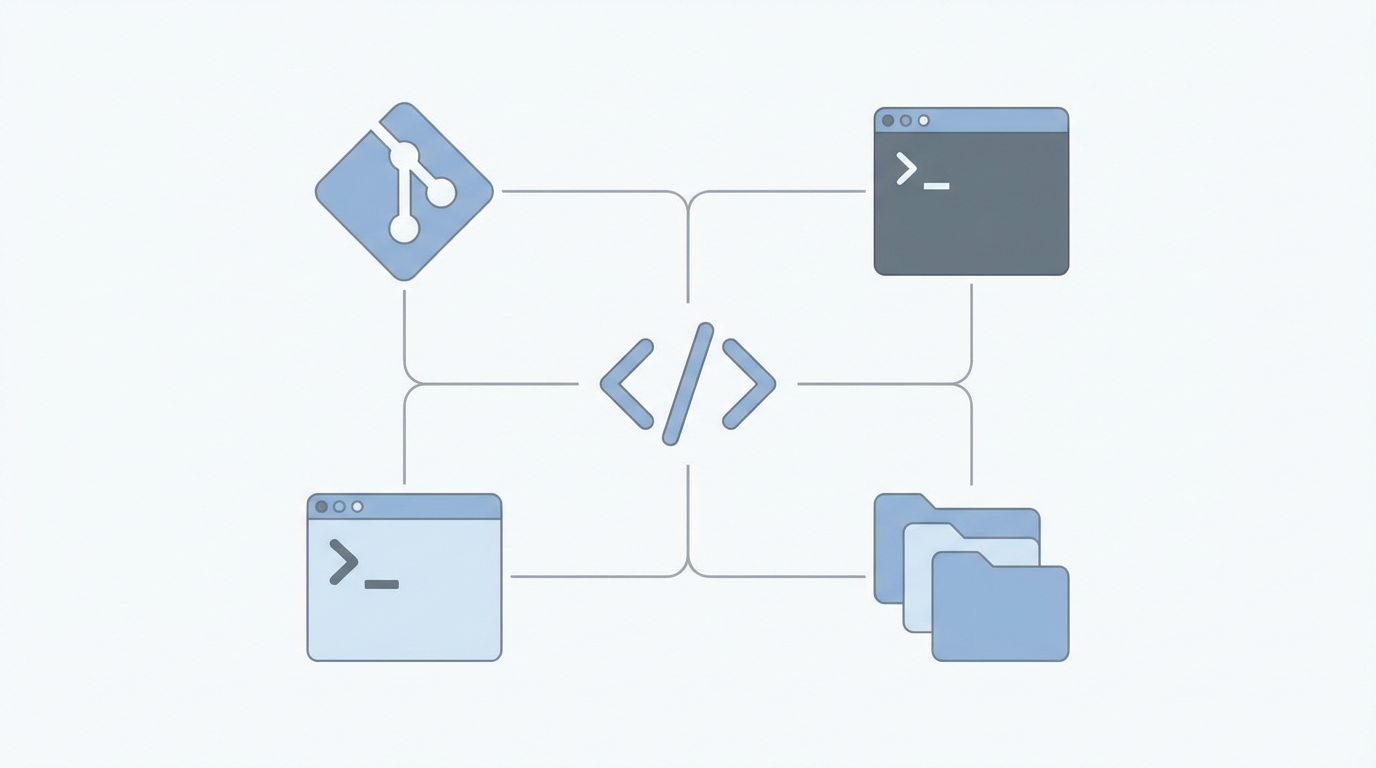
For those who spend their lives in a code editor, Claude Code is likely the best AI agent for developers available today. It is a terminal-based power tool designed to handle the "toilsome" parts of software engineering. Unlike a standard chatbot, Claude Code has direct access to Bash, your local file system, and your git repository. It is built for a workflow where the user is comfortable with high levels of customization and technical control.
One of the standout features of Claude Code is its extensibility. Developers can build custom hooks, create specialized skills, and even configure sophisticated permission systems to dictate exactly what the agent can and cannot do. This makes it an ideal ai terminal assistant for teams working on complex, proprietary codebases where a "one size fits all" approach fails. By using the /install-github-action command, developers can even integrate Claude directly into their GitHub Actions workflows, allowing the agent to suggest fixes on Pull Requests or update documentation automatically.
Claude Co-work: The Anthropic Desktop App vs Terminal
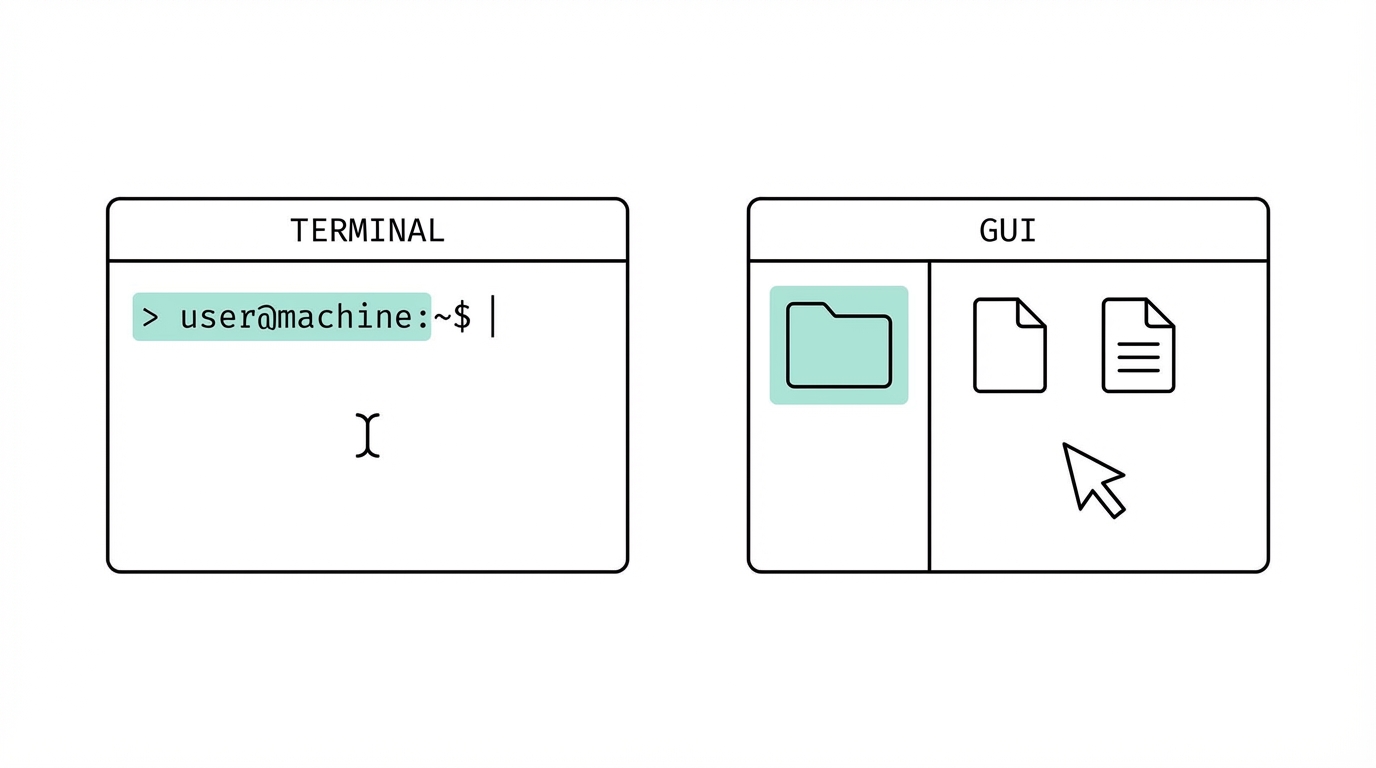

While Claude Code is for the terminal-heavy power user, Claude Co-work is the answer for everyone else. It represents the Anthropic desktop app vs terminal evolution, bringing the same agentic power to a macOS interface (with Windows coming soon). If Claude Code is a high-performance manual transmission vehicle, Co-work is the effortless automatic. It is designed to be approachable enough for a non-technical manager or a designer to use on day one without ever touching a command line.
The primary advantage of Co-work is its UI-driven simplicity. It uses a Chrome-based browser extension to interact with the web, allowing it to perform tasks like navigating Gmail, managing data in Google Sheets, or even researching startup ideas across the internet. In Co-work, the user simply "mounts" a folder—giving the agent explicit permission to see specific files—and provides a natural language prompt. For example, you can give it a folder of receipts and ask it to organize them into a spreadsheet. The agent will open the browser, type the data into a sheet, and can even draft an email to your finance department when finished.
The Economics of Intelligence: Claude Opus 4.5 Thinking Mode
A common mistake users make when choosing an agent is opting for a smaller, "faster" model to save on costs. However, when using agentic workflows, Claude Opus 4.5 thinking mode is actually the more cost-efficient choice. This is because higher intelligence leads to better one-shot planning. A smarter model like Opus 4.5 requires fewer "turns" to complete a task. It spends more time "thinking" and planning before it acts, which prevents it from making mistakes that waste tokens on corrective cycles.
As Boris explains, because Opus 4.5 is better at tool use and steering, it often uses fewer total tokens to reach a successful outcome than a smaller model would. When you are running multi-Clauding workflows—executing 5 to 10 tasks in parallel—the reliability of the smartest model becomes your greatest asset. For business operators managing complex logistics, such as sourcing creators for a UGC campaign, having a reliable agent is the difference between a saved afternoon and a technical headache. Modern platforms like Stormy AI streamline creator sourcing and outreach by finding the right influencers at scale, while your Claude agent can handle the follow-up emails and data entry into your CRM.
Building the Knowledge Base: The Power of Claude.md
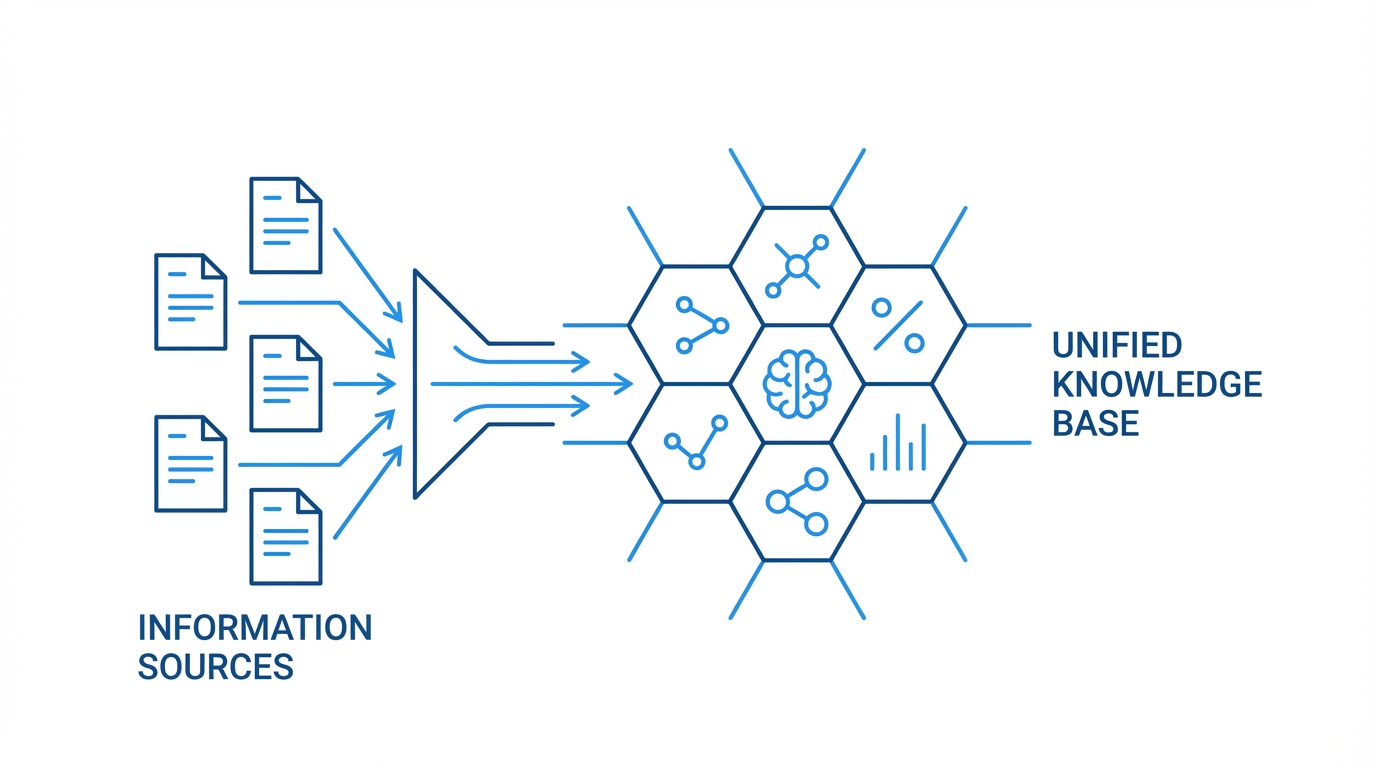
One of the most powerful features shared by these tools is the Claude.md file. This is a simple text file checked into your project or folder that acts as the agent's memory. Every time you find the agent making a mistake or every time you want to establish a specific "style" for your work, you add it to the Claude.md. This creates a compounding engineering effect where the agent gets smarter with every interaction.
- Check it into Git: Ensure your whole team contributes to the file so the knowledge is shared.
- Use specific instructions: If you want your agent to use certain Chrome extensions or follow specific formatting rules for spreadsheets, put it in the MD.
- Never repeat yourself: If you have to correct Claude twice, it’s time to update the MD file according to the official Claude documentation on project context.
Mobile and Web Integration: Agents on the Go
One of the most overlooked aspects of the Claude Code vs. Claude Co-work debate is the ability to "check in" on your agents remotely. Because these agents can be managed via the Claude iOS and Android apps, you can kick off a complex task in the morning from your terminal or desktop and monitor its progress from your phone while getting coffee. This flexibility allows for a "teleporting" workflow where you can move between the web interface, the terminal, and the mobile app seamlessly.
For example, a developer might start a complex bug fix in Claude Code on their laptop, then switch to the Claude web interface to handle a task that requires more visual browsing, and finally approve the final Pull Request from the Claude iOS app or the Android version. This level of integration ensures that the agent is a constant teammate rather than a static tool tied to a single machine.
Conclusion: Choosing Your Path
In the battle of Claude Code vs. Claude Co-work, the winner is determined by your environment. If you are a builder who thrives in Bash and requires deep customization, Claude Code is your ai terminal assistant of choice. If you are a business operator looking to automate the "toil" of spreadsheets, emails, and web research, Claude Co-work provides a frictionless entry point. Regardless of the interface, the strategy remains the same: use Claude Opus 4.5 thinking mode for the best planning, invest heavily in your Claude.md knowledge base, and embrace the power of parallel tasks to reclaim your time. The future belongs to those who learn to "tend their Claudes" rather than doing the manual work themselves.