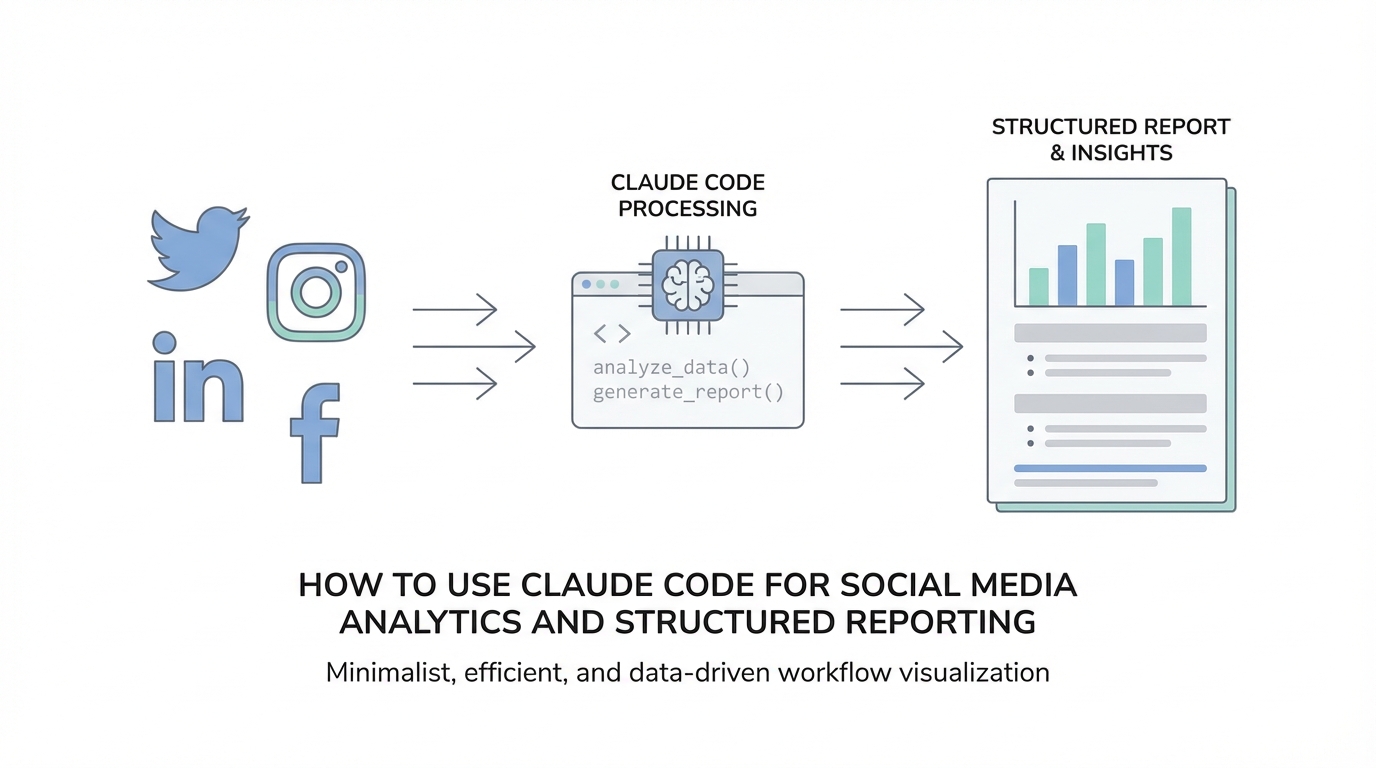
In the fast-paced world of social media management, the challenge is no longer just collecting data; it is synthesizing that data into something actionable without drowning in "AI slop." As platforms like TikTok, Instagram, and LinkedIn generate mountains of raw engagement metrics, marketing teams are increasingly turning to Anthropic’s Claude and the newly released Claude Code to bridge the gap between raw numbers and executive-ready reports. This guide will walk you through the technical frameworks needed to transform Claude into a high-end analytical partner, ensuring your reporting is structured, accurate, and aligned with your brand KPIs.
The Principle of Explicitness: Moving Beyond Vague Queries
The first hurdle in using Claude Code for social media analytics is moving past the habit of vague prompting. Most users treat LLMs like a search engine, asking for "a summary of my TikTok views." This results in generic, unfocused output that lacks the depth required for professional strategy. Instead, you must apply the Principle of Explicitness. This means stating your request as a clear, action-oriented command with three specific components: an action verb, a quantity, and a target audience.
For example, instead of asking for "content ideas," an architected brief would be: "Generate 10 content hooks for Instagram Reels targeting Gen Z small business owners interested in sustainable fashion." By specifying the number (10) and the niche audience, you force the AI to narrow its focus. When dealing with raw data, use explicit commands like "Extract the top 5 highest-performing posts by engagement rate from this CSV and list the primary reason for their success." This direct approach reduces the likelihood of the model hallucinating "safe" but useless answers, providing a more reliable foundation for your AI social media analytics.
Demanding Structured Output: From Raw Data to Markdown Tables
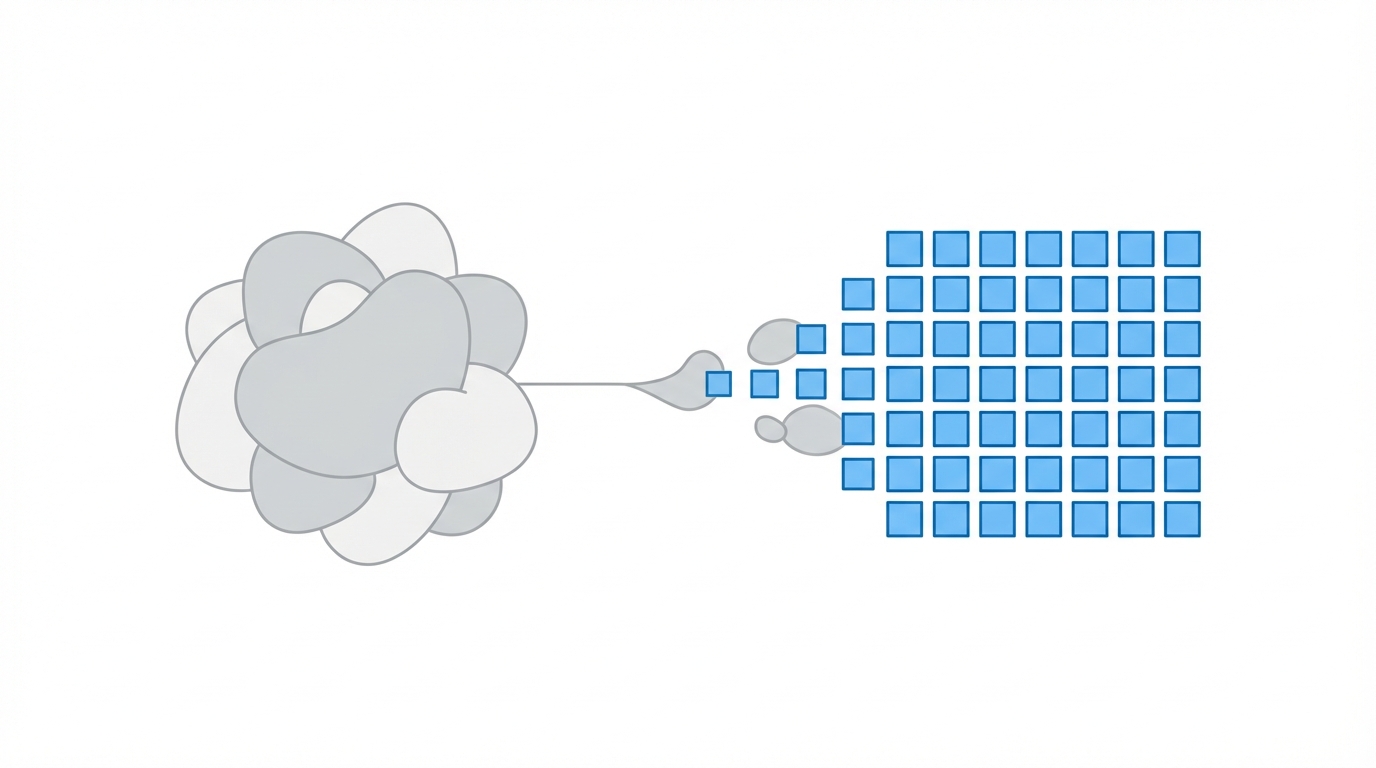

One of the most powerful features of Claude 3.5 is the ability to produce structured output that goes far beyond simple prose. When you are processing influencer data or campaign metrics, you don't want a paragraph; you want a table. Structured output allows you to pipe data directly into other tools or present it clearly in a project management suite like Notion or Airtable.
To achieve this, you should use the Demand Structured Output technique. Instead of saying "list the stats," try a prompt like: “Analyze the following influencer engagement data. For each creator, include their follower count, average likes, and calculated engagement rate. Present this information in a Markdown formatted table.” This creates a clean, parseable grid that is ready for a weekly review meeting. If you are unsure how to structure a complex brief, tools like Perplexity can help you research the standard formatting requirements for specific marketing reports before you feed them into Claude.
The Well-Defined Box Method: Preventing Analytical Hallucinations
A common mistake in automated influencer reporting is giving the AI too much freedom. Anthropic's research suggests that providing constraints—what we call the "Well-Defined Box"—actually yields more creative and accurate insights. When analyzing social media trends, you must set boundaries on length, style, and terminology. For instance, if you are asking Claude to interpret a sentiment analysis of your brand mentions on TikTok, you might instruct it to: “Write a 300-word summary of customer sentiment. Use a professional, data-driven tone. Do not use buzzwords like 'game-changer' or 'disruptive.' Focus only on comments regarding product durability.”
By defining these boundaries, you force Claude to dig deeper into the actual data provided rather than relying on clichés. This is particularly important for structured data prompting because it ensures the AI remains an objective analyst rather than a generic content generator. Setting these constraints early prevents the need for repetitive re-prompting, saving hours in your reporting cycle.
Building a Scaffold: Templates for Automated Weekly Summaries
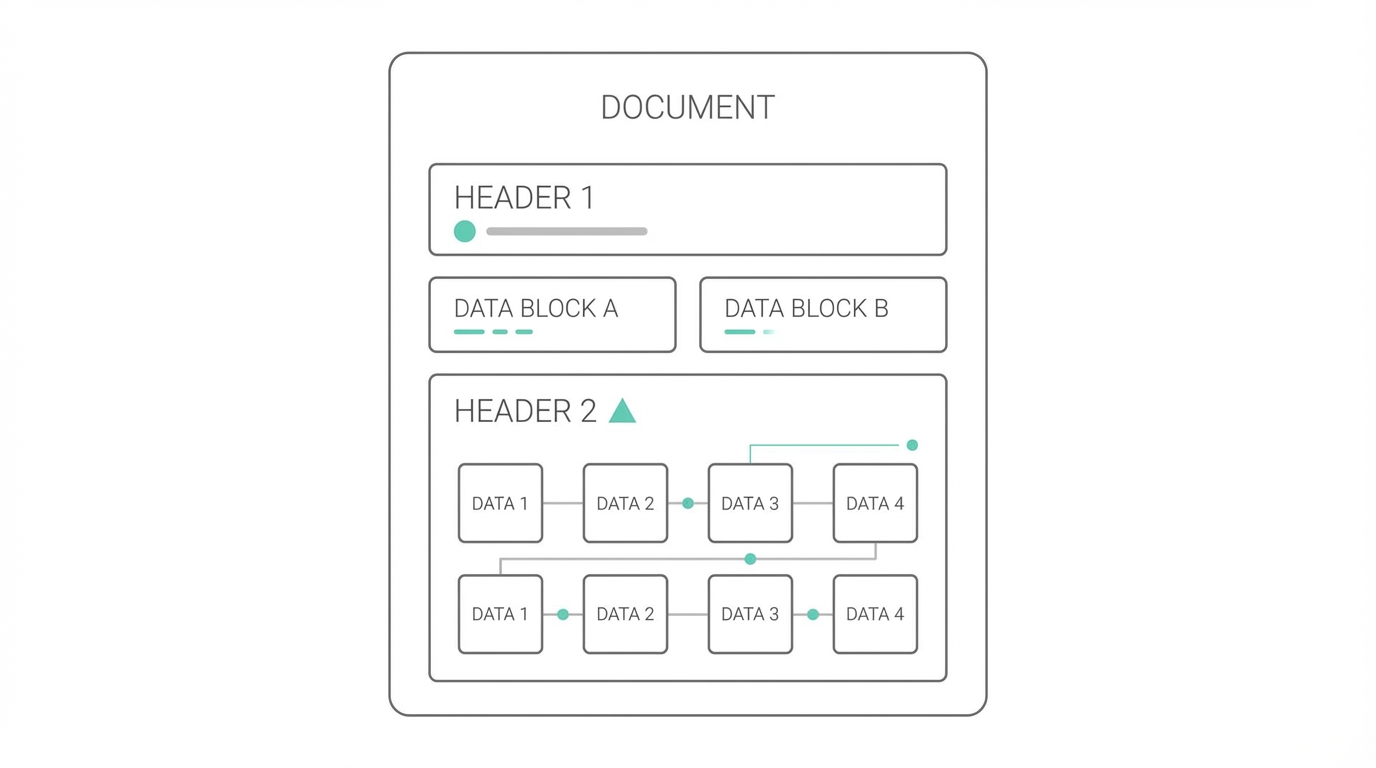
Consistency is key in social media reporting. To ensure your weekly performance summaries look the same every time, you should provide Claude with a Scaffold. A scaffold is essentially a template or an example that guides the AI's structure. Instead of starting from scratch every Monday, you provide the format you want the AI to fill in.
Step 1: Define the Template Structure
Create a rigid format that includes sections like Main Thesis (one sentence), Key Supporting Stats (three bullet points), and Strategic Recommendation (one paragraph). By providing this skeleton, you ensure the AI doesn't omit crucial data or change the formatting from week to week.
Step 2: Input the Raw Metrics
Paste your data from Meta Ads Manager or your social listening tool directly below the scaffold. Command Claude to "Fill in the following report template using the data provided below."
Step 3: Refine and Execute
Review the output. If the tone is too academic, use the Art of Brevity and Verbosity rule to adjust. You can say, “This is great, but make the strategic recommendation section more concise for a C-suite audience.” This Claude AI for business data workflow ensures high-quality, repeatable results.
Explaining the 'Why' to Align Data with Brand KPIs
Numbers without context are just noise. To get the most out of your Claude Code tutorial experience, you must explain the "Why" behind your instructions. The AI doesn't inherently know your brand's unique selling proposition (USP) or your target demographic. If you ask for a performance review of a recent campaign, include the context: “We are analyzing this data because our goal is to lower our Customer Acquisition Cost (CAC) among environmentally conscious millennials. The key USP of this campaign was our ethical sourcing.”
When Claude understands the intent, it can filter the data more effectively. It won't just tell you that a post went viral; it will tell you why that viral post mattered (or didn't) in the context of reaching your specific target audience. This is vital when using modern AI-powered platforms like Stormy AI to discover and manage influencers, as it helps align creator selection with the specific performance goals of your brand.
The Divide and Conquer Strategy: Managing the Synthesis Layer
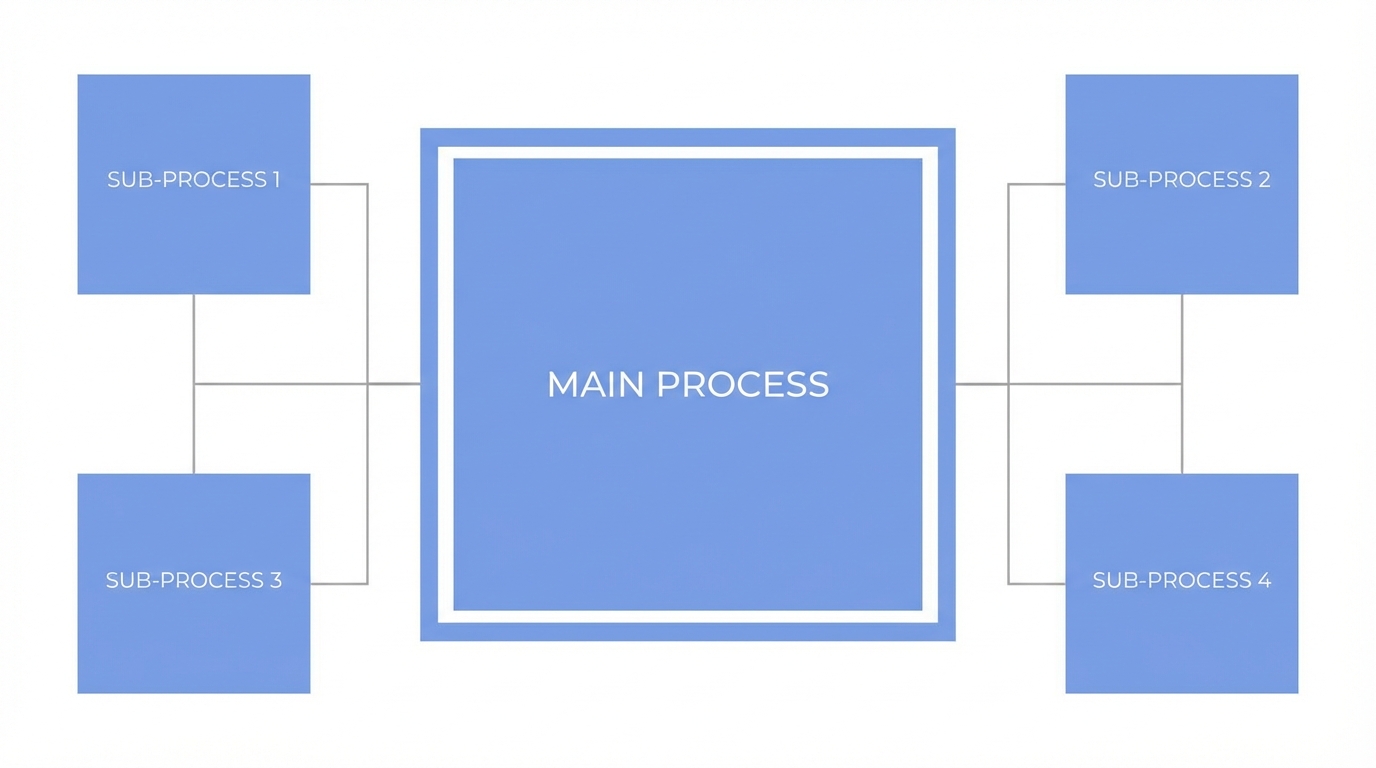

Complex social media campaigns often span multiple platforms, from YouTube long-form videos to LinkedIn thought leadership. Trying to analyze all of this in a single prompt is a recipe for disaster. Instead, adopt the Divide and Conquer strategy. Act as the conductor of the analysis by breaking the task into logical subtasks.
First, prompt for a platform-specific analysis for each social network. Second, ask for a critique of those individual reports to find inconsistencies. Finally, prompt for the Synthesis—merging the findings into a unified cross-platform strategy. This modular approach allows for much higher accuracy. For teams managing large-scale UGC creator sourcing and multi-channel campaigns, automated influencer reporting is much more reliable when handled in stages. AI-native tools like Stormy AI can help source the creators and track their individual posts, providing the raw data that Claude then synthesizes into these high-level reports.
Using Power Phrases and the Expert Persona
To unlock the full potential of Claude 3.5, you should use "cheat codes" or power phrases that trigger sophisticated reasoning. One of the most effective is "Think step by step." This forces the model to lay out its logic before giving a final answer, which is essential for complex budget allocations or ROI calculations. Another powerful technique is to command Claude to "Adopt the persona of a senior social media strategist with 15 years of experience." This primes the model to use domain-specific vocabulary and more advanced analytical frameworks, such as the AIDA model or SWOT analysis.
You can even ask the model to "Critique your own response" after it generates a report. This prompts a second pass where the AI identifies flaws in its own reasoning or finds data points it might have overlooked in the first draft. When combined with automated influencer reporting, these phrases ensure that the final output is not just a summary, but a professional-grade strategic document.
Conclusion: Transforming Social Media Analytics with Claude
Mastering Claude Code for business data is not about finding the perfect single prompt; it is about building a collaborative workflow. By applying the 10 rules of engagement—from the principle of explicitness to the divide and conquer strategy—social media managers can eliminate AI slop and produce reports that truly drive growth. Whether you are extracting data for a Google Ads campaign or managing a roster of 100+ UGC creators, these structured prompting techniques ensure your data is always actionable. Start by building your first reporting scaffold today and experience the difference that structured AI analysis can make for your brand's social presence.