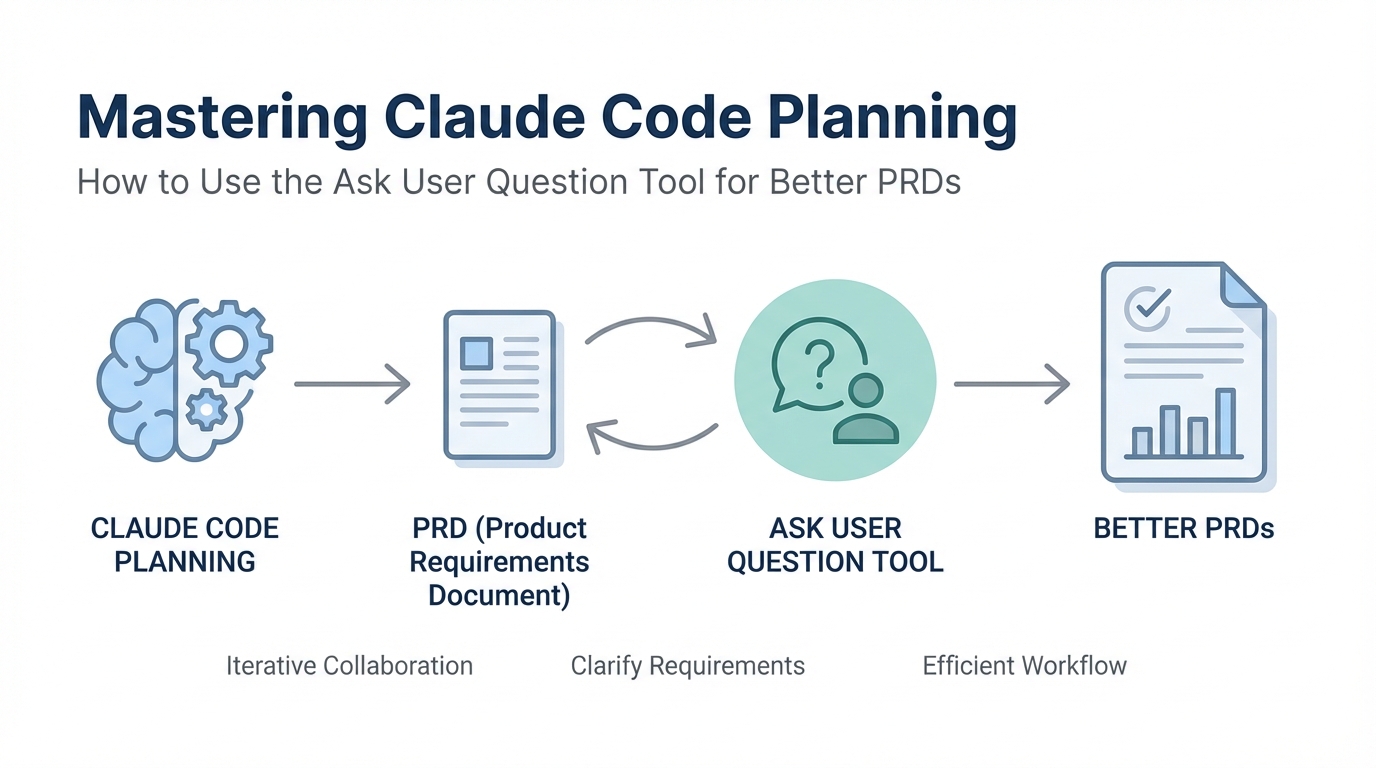
In the early months of 2025, the barrier to entry for software development has effectively collapsed. We are entering an era where building personal software is becoming trivial, but building software that others actually want to use remains incredibly difficult. The difference between a high-growth startup and a pile of AI slop often comes down to a single phase: planning. If you are using Anthropic's Claude Code and getting mediocre results, the problem likely isn't the model—it's your input. In this guide, we will dive deep into the Ask User Question Tool, the secret weapon for creating high-fidelity Product Requirement Documents (PRDs) that force the AI to understand your vision before a single line of code is written.
The Input-Output Law: Why Sparse Instructions Lead to Failure
The first principle of building with AI agents is the Input-Output Law. Simply put: the quality of your output is directly dictated by the precision of your input. We are reaching a point where models are so advanced that if they produce poor results, it is almost certainly because the instructions were sparse, inarticulate, or ambiguous. Imagine communicating with a human engineer; if you give them a one-sentence prompt, they will spend half their time making assumptions—most of which will be wrong. Prompting for software engineering requires you to extract your deeper thoughts and translate them into specific features.
When we work with GitHub-integrated agents like Claude Code, we must think in terms of features and tests. Instead of describing a vague product, you must define the four or five core features that constitute that product. More importantly, you must define how to test those features. In the modern development workflow, we don't move from feature one to feature two until a test passes. This level of rigor prevents the AI from compounding errors, but it all starts with a robust AI PRD generator strategy.
Tutorial: Invoking the 'Ask User Question Tool'
Most users initiate Claude Code planning by hitting Shift + Tab to enter plan mode and typing a basic request. While this works for simple tasks, it often leaves too much room for the AI to make assumptions about UI/UX, database architecture, or API usage. To get a truly professional result, you need to invoke the Ask User Question Tool. This initiates a technical interview session where Claude becomes the lead architect, grillling you on the specifics of your implementation.
To start, you can use a prompt like this: "Read this plan file and interview me in detail using the ask_user_question tool about literally anything regarding technical implementation, UI/UX concerns, and trade-offs." This forces the agent to stop building and start thinking. By using this tool, you prevent the AI from having "free reign" over critical decisions that you might later regret. Whether you are working in the terminal or the Claude Code command line interface, this tool is the gatekeeper of quality.
Navigating the Technical Interview: Managing Trade-offs

Once you invoke the interview tool, Claude will begin "Round 1," typically focusing on the core workflow and technical foundation. If you are building a tool—for example, a diagnostic tool for appliance technicians found on Ideal Browser—Claude will ask questions you might not have considered. Should the workflow be linear? Batch-processed? Iterative? How should the app handle expensive API costs from services like HeyGen?
This is where the "audacity" of the product creator comes in. You must decide if your app has a minimal clean dashboard or a chat-first creative tool feel. If you don't specify these minute details, Claude will choose for you. If you are building a TikTok UGC generating app for a marketing agency, you need to decide if you want basic avatars or multi-scene video support. For those looking to discover creators on Stormy to fuel such an app, knowing exactly how you will handle storage—cloud vs. external—is vital for scaling. AI software requirements aren't just about what the code does; they are about how the business operates.
Creating a PRD.md: The Master Instruction Document

The result of your technical interview should be a PRD.md file. This markdown file serves as the "source of truth" for the AI agent. A high-quality PRD doesn't just list features; it documents the trade-offs and UI/UX decisions made during the interview. Using a PRD.md file allows you to maintain a consistent state across different sessions. As you iterate, you can point Claude back to this file to ensure it doesn't deviate from the original architectural vision.
If you encounter technical questions during the interview that you cannot answer—such as which hosting approach is best for a specific React stack—don't guess. Take the question to ChatGPT or another LLM and ask for a recommendation based on your current constraints. Then, feed that refined answer back into Claude. This iterative refinement ensures that your PRD.md is built on solid engineering principles, not just AI assumptions. For instance, if you're building a platform to manage influencer campaigns, tools like Stormy AI can help source and manage UGC creators at scale, and your PRD should reflect how your custom software might integrate with such industry-leading analytics.
To Ralph or Not to Ralph: Automation vs. Manual Reps
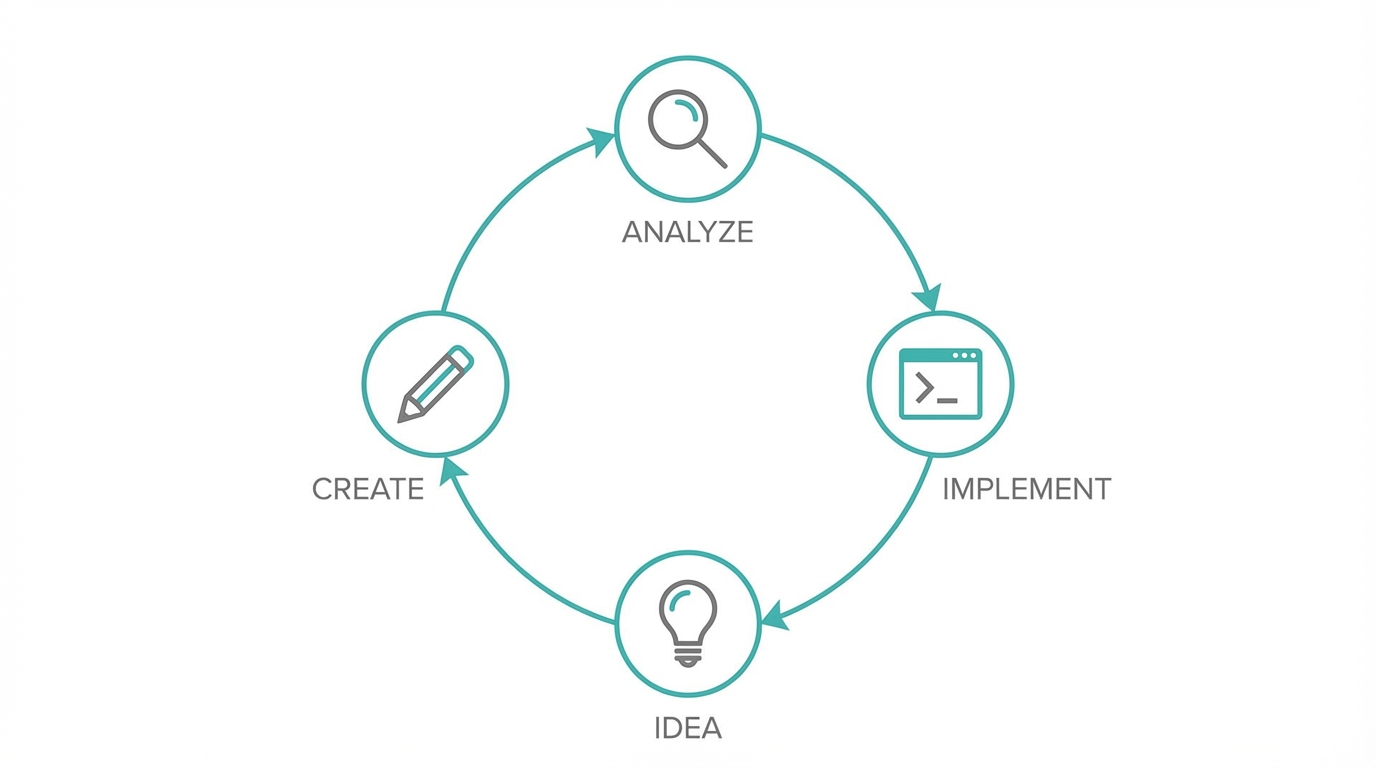
The community is currently buzzing about Ralph Wiggum loops—autonomous systems that work through a PRD.md, write code, run tests, lint the files, and document progress automatically. While Ralph loops are powerful, they are dangerous for beginners. Running an automated loop with a terrible plan is simply "donating money to Anthropic." The AI will burn through tokens attempting to build a flawed vision.
The recommended path is to get your reps in first. Build your features one by one. Deploy them to Vercel manually. Once you understand how to steer the AI and how to hit the corners of software architecture, then you can move to automation. When you do reach that stage, your progress.txt and PRD.md will work in harmony, allowing the agent to stop only when every feature is verified by a passing test.
Mastering Context: The 50% Rule
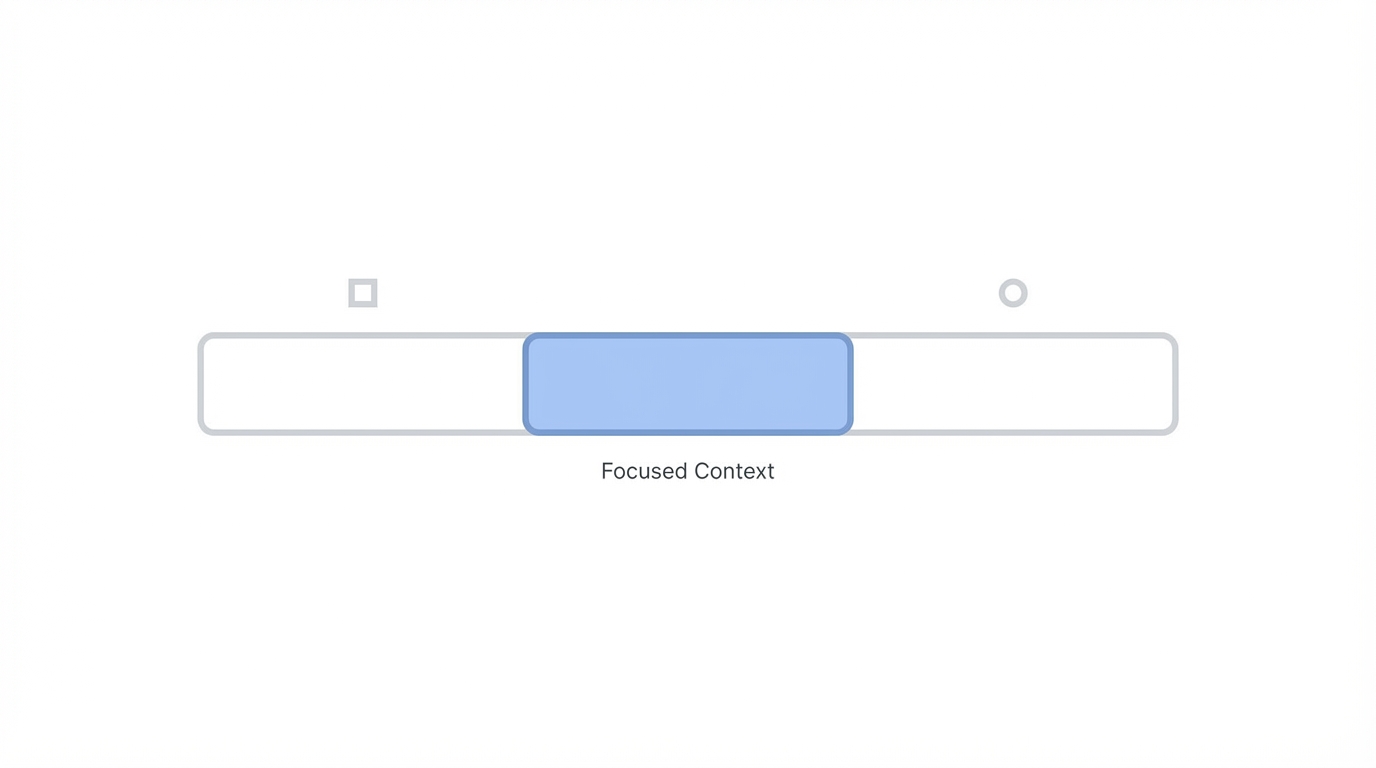
A final technical tip for Claude Code planning is monitoring your context window. Even with models like Opus 3.5 or the rumored 4.5, which may have 200,000+ token context window limits, performance starts to deteriorate once you hit the 40-50% mark. This is when users report the AI "getting stupid" or forgetting earlier instructions. To prevent this, start a new session once your context is half full. Carry over your PRD.md and your current progress.txt to the new session to maintain the "soul" of the project without the weight of the old chat history.
Conclusion: Planning as the Ultimate Competitive Advantage
In 2025 and 2026, the audacity to spend extra time on planning will be what separates successful founders from the crowd. By using the Ask User Question Tool, you are forcing yourself to think like a product manager and an architect. You are making decisions about data storage, user flow, and API costs before they become expensive mistakes. Software engineering is an art, and tools like Claude Code are just the brushes. Invest in your PRD, spend time in the technical interview, and stop settling for AI slop. Your users—and your token budget—will thank you.