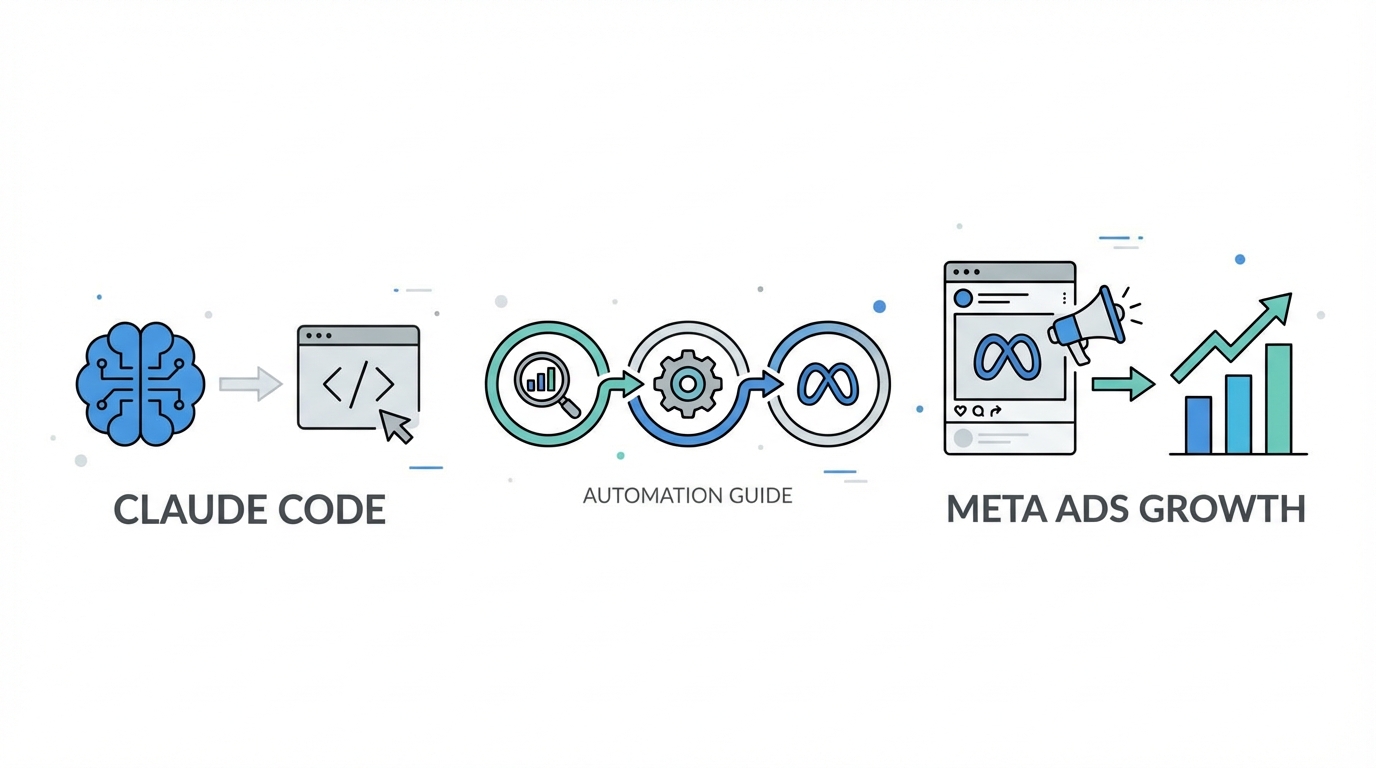
The era of AI being a mere writing assistant is officially over. In the fast-paced world of digital growth, we have transitioned into the age of strategic infrastructure. For performance marketers, this means moving beyond simple prompts and into the realm of agentic commerce. By leveraging tools like Claude Code, marketers are now building autonomous systems that don't just draft copy, but manage entire campaign lifecycles. With advertisers using Meta’s AI-driven tools seeing a 22% improvement in Return on Ad Spend (ROAS), the incentive to automate has never been higher.
The Rise of Agentic Meta Ads Management

Traditional Meta Ads management often involves a repetitive cycle of exporting CSVs, analyzing Excel pivots, and manually tweaking budgets. This manual overhead is being replaced by "vibe coding"—a term coined to describe using terminal-based AI tools to build custom marketing software on the fly. Stormy AI has noted that marketers are increasingly using Claude Code to create real-time creative analytics dashboards that bridge the gap between raw data and creative execution.
"Vibe coding isn't about writing code; it's about describing the outcome so clearly that the AI agent builds the bridge for you."
Unlike standard chat interfaces, Claude Code operates directly in your terminal, allowing it to interact with your local files, run scripts, and—most importantly—connect to external APIs via the Model Context Protocol (MCP). This shift is part of a larger trend where Anthropic is pioneering user-directed commerce, positioning Claude as a trusted advisor that can research and execute tasks autonomously.
Step 1: Installing and Configuring Claude Code
To begin automating Meta Ads Manager, you must first set up the Claude Code CLI. This tool allows you to treat your marketing funnel like a software repository. Agencies using this technical approach have reported a 75% time saving, effectively compressing 8-hour strategy sessions into 2-hour automated workflows.
The Installation Process
Open your terminal and ensure you have Node.js installed. Run the following command to install the Claude Code interface globally:
npm install -g @anthropic-ai/claude-code
Once installed, authenticate your session using the Anthropic Console. This environment allows Claude to execute terminal commands, read your marketing assets, and write automation scripts directly to your local directory. This is the foundation for Claude Code for marketing workflows.
Initializing Your Marketing Repository
Create a dedicated folder for your Meta Ads project. Inside this folder, run claude init. This creates a configuration environment where you can store your CLAUDE.md file—a critical document that houses your brand voice, past winning hooks, and conversion-specific constraints. By centralizing this data, you ensure the AI doesn't produce "AI slop" but rather high-converting, brand-aligned creative.
Step 2: Connecting Meta Ads via Model Context Protocol (MCP)
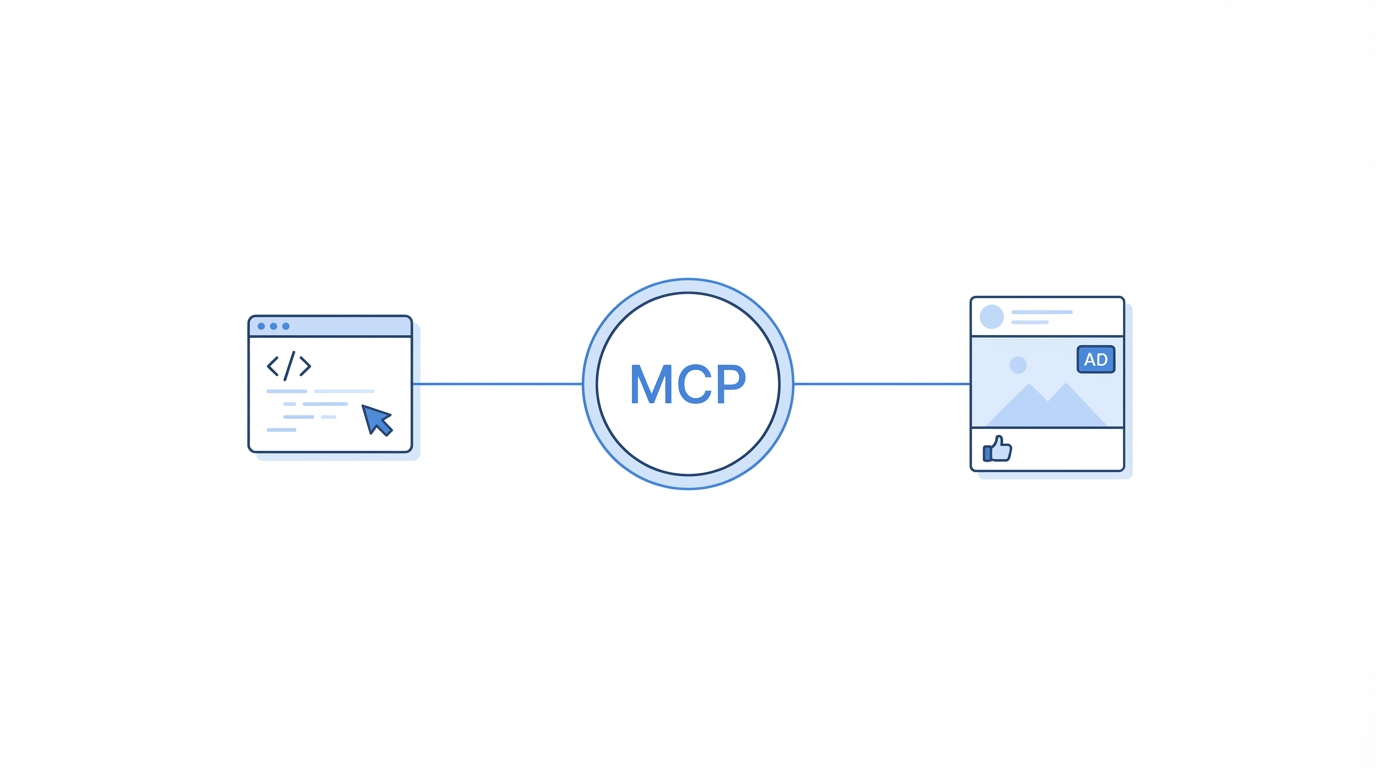
One of the biggest hurdles in AI marketing is the lag between performance data and creative adjustment. The Model Context Protocol (MCP) solves this by allowing Claude to "see" live data from the Meta Ads API. Instead of uploading static screenshots, you are giving the AI a live feed of your account's pulse.
By deploying an MCP server, you enable Claude to perform tasks like:
- Detecting creative fatigue the moment CTR begins to decay.
- Analyzing which specific hooks are driving the lowest CPC (currently averaging $0.77 according to SMK data).
- Recommending budget reallocations based on real-time ROAS without manual human export.
Step 3: Implementing the 'Reviewer Skill' Framework
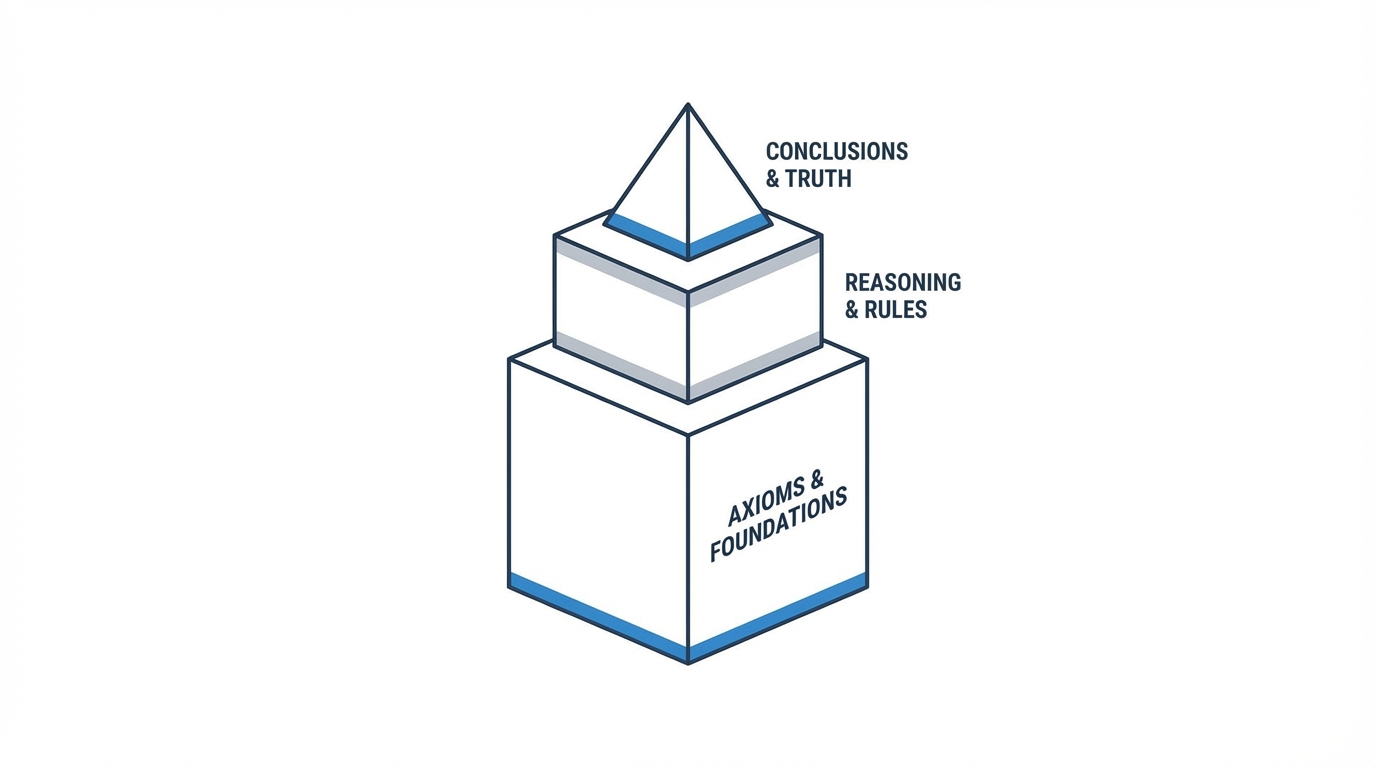
A common mistake in Meta Ads automation is relying on a single AI prompt to generate both the strategy and the final copy. Sophisticated teams use a "dual-agent" or "Reviewer Skill" framework to maintain high standards. This mimics the relationship between a Junior Copywriter and a Creative Director.
Agent 1: The Creative Strategist
The first "skill" is tasked with drafting the ad copy. You should direct this agent to use proven frameworks like AIDA (Attention-Interest-Desire-Action) or PAS (Problem-Agitation-Solution). It pulls historical data from your CLAUDE.md file to identify which hooks have performed best in the past.
Agent 2: The Compliance & Conversion Auditor
The second "skill"—the Reviewer—critiques the draft. It checks for:
- Brand voice consistency.
- Legal compliance and Meta policy adherence.
- Character count limits (e.g., keeping primary text under 125 characters to avoid truncation).
- Visual format alignment (ensuring the copy matches a 4:5 vertical video ratio).
This "last 20%" of human-like nuance is where the most successful marketing teams maintain their edge. As noted by Shared Physics, while AI gets you 80% of the way, the final polish prevents your ads from looking like generic "AI slop."
"The 80% rule: AI handles the heavy lifting, but the final 20% of brand nuance remains the human's most valuable contribution."
Step 4: Setting Up Automated 'Kill or Scale' Logic

Once your ads are live, the hardest part is knowing when to pull the plug or double down. With Model Context Protocol Meta Ads integrations, you can program Claude to run a daily "health check" on your campaigns. This removes the emotional bias from media buying.
You can configure Claude to watch for CTR decay. If an ad's click-through rate drops by more than 15% over a 3-day rolling average while frequency climbs above 3.0, Claude can automatically flag that creative for replacement. Conversely, if an ad maintains a ROAS 20% above your target, Claude can suggest a 10% budget increase every 24 hours.
To feed this automated engine with fresh content, platforms like Stormy AI are essential. You can use Stormy to discover UGC creators who match your brand's niche and engagement requirements, ensuring you always have a pipeline of high-quality video assets to rotate into your automated Meta campaigns.

Common Pitfalls in Meta Ads Automation
Even with the best AI agentic setup, things can go wrong if you don't set proper guardrails. AdAmigo warns that over-relying on Meta’s native automation without manual spending controls can lead to budget spiraling, where AI overspends daily limits by up to 75% during "surge" optimizations.
- Avoid "Garbage" Traffic Goals: Never let Claude optimize for the "Traffic" objective. According to Search Engine Land, AI will find the cheapest, lowest-quality clickers who never convert. Always optimize for Conversions.
- Frequency Caps: AI often over-optimizes for a tiny high-performing segment, leading to rapid ad fatigue and audience saturation. Always set manual frequency caps as a safety net.
- Vague Prompts: Avoid generic commands like "write an ad." Use specific constraints regarding platform (TikTok vs. Meta), target persona, and character limits to avoid AI slop.
Conclusion: The Future of Automated Growth
Setting up Claude Code for Meta Ads is not just about saving time; it's about increasing your competitive advantage. By connecting your performance data directly to your creative engine via MCP, you create a self-correcting loop that responds to market changes in seconds, not days. This level of technical integration is what separates the top 1% of agencies from the rest.
To stay ahead, start small: install the CLI, set up your CLAUDE.md file, and begin using the Reviewer Skill framework for your next campaign. As you grow, integrate tools like Stormy AI to automate the discovery and sourcing of the UGC creators that fuel your Meta Ads machine. The future of marketing is agentic, data-driven, and highly automated—it’s time to start coding your growth.