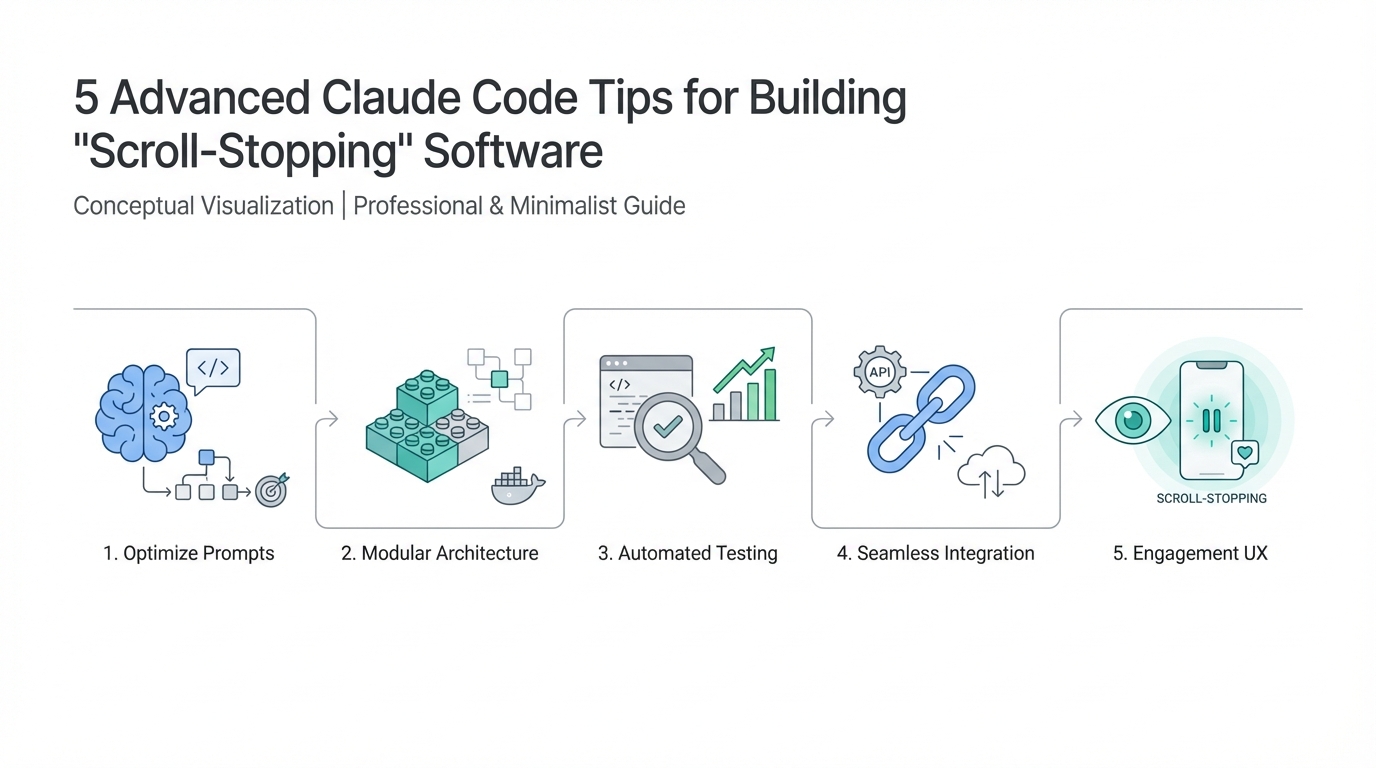
We are entering a paradoxical era of software development. In late 2025 and moving into 2026, the barrier to generating code has virtually vanished, yet the barrier to building meaningful software has never been higher. As models like Anthropic Opus 4.5 become 'freakishly good' at technical execution, the market is being flooded with what industry experts call 'AI slop'—generic, uninspired applications that function but fail to resonate. To survive this shift, developers must transition from being mere prompt-engineers to high-taste product architects. Building 'scroll-stopping' software requires more than just a terminal; it requires a strategic approach to context management, a commitment to 'vibe QA,' and the audacity to create emotional UX that a model cannot invent on its own.
Tip 1: The 'Ask User Question' Tool and the Art of the Hyper-Specific PRD
Most developers fail before they even hit the first line of code because they give Claude 'slop' inputs. If you provide sparse instructions, you are effectively letting the AI have free reign over critical technical and design decisions. This usually leads to a finished product that you aren't excited about. To fix this, you must master the planning phase by leveraging Claude Code’s built-in Ask User Question tool.
Instead of using the generic 'plan mode' which often skims the surface, you should explicitly prompt Claude to interview you. By invoking this tool, you force the model to identify technical trade-offs, UI/UX concerns, and edge cases you might have overlooked. For example, if you are building a UGC video generation platform, the model shouldn't just ask for a feature list; it should ask if you want a linear step-by-step workflow, a template-based system, or a conversational interface. Precision in the input dictates the quality of the output. If you don't know the answer to a technical question Claude asks, take that specific query to another instance of ChatGPT or Claude to research the best approach before committing to your PRD.md file.
Tip 2: Respect the 50% Context Rule for Model Stability

One of the most critical Claude Code best practices involves understanding the invisible limits of the context window. While Anthropic Opus 4.5 boasts a massive 200,000-token context limit, the model’s performance begins to deteriorate long before you hit that ceiling. Industry veterans have observed a 'deterioration zone' that typically kicks in once a session passes 100,000 tokens—exactly 50% of the limit.
When you exceed this 50% threshold, the model starts to 'forget' previous instructions, hallucinate file structures, or lose the 'vibe' of the project. To maintain high-quality code generation, you must proactively restart your sessions once you hit this 100k mark. This doesn't mean losing your progress; it means archiving your current PRD and progress files, starting a fresh session, and feeding the model only the essential context it needs to continue the next task. Managing Claude Code context limits is a game of hygiene—keep your session clean, and the code stays sharp. Overwhelming the model with too much information leads to cognitive load, causing the AI to act just like a human professor who has been dumping information for too long: it starts losing the plot.

Tip 3: Implement 'Vibe QA' and Skip the Automation Loops Early On
In the developer community, 'Ralph' (an automated loop system that builds and tests features autonomously) is currently the hottest trend. However, for those aiming for 'scroll-stopping' software, avoiding full automation in the early stages is a secret advantage. This is what experts call 'getting your reps in' at the terminal. If you don't know how to 'drive' the software yourself—meaning you haven't manually tested the corners, yelled at the bugs, and felt the friction of the UX—you cannot build a premium product.
Building feature-by-feature manually allows for Vibe QA testing. This is the process of checking not just if the code 'works' (passes a linting test), but if it 'feels' right. Does the animation snap correctly? Is the color palette evoking the right emotion? Is the flow intuitive? By working one-on-one with Claude rather than letting an automation loop like GitHub-based Ralph runners take over, you develop a sense of product intuition. Only after you have a deployed URL on Vercel that you have personally 'vibed' with should you consider turning on automation for repetitive scaling tasks.
Tip 4: The 'Audacity' Concept: Moving Beyond AI Slop
The only way to survive the AI-clone era is to have audacity. If anyone can clone a billion-dollar SaaS platform with a single prompt, then the value of that clone drops to zero. To build software that stops the scroll, you must inject personal taste and unique emotional triggers into your AI-generated apps. This is where AI software design strategies move from the terminal to the sketchbook.
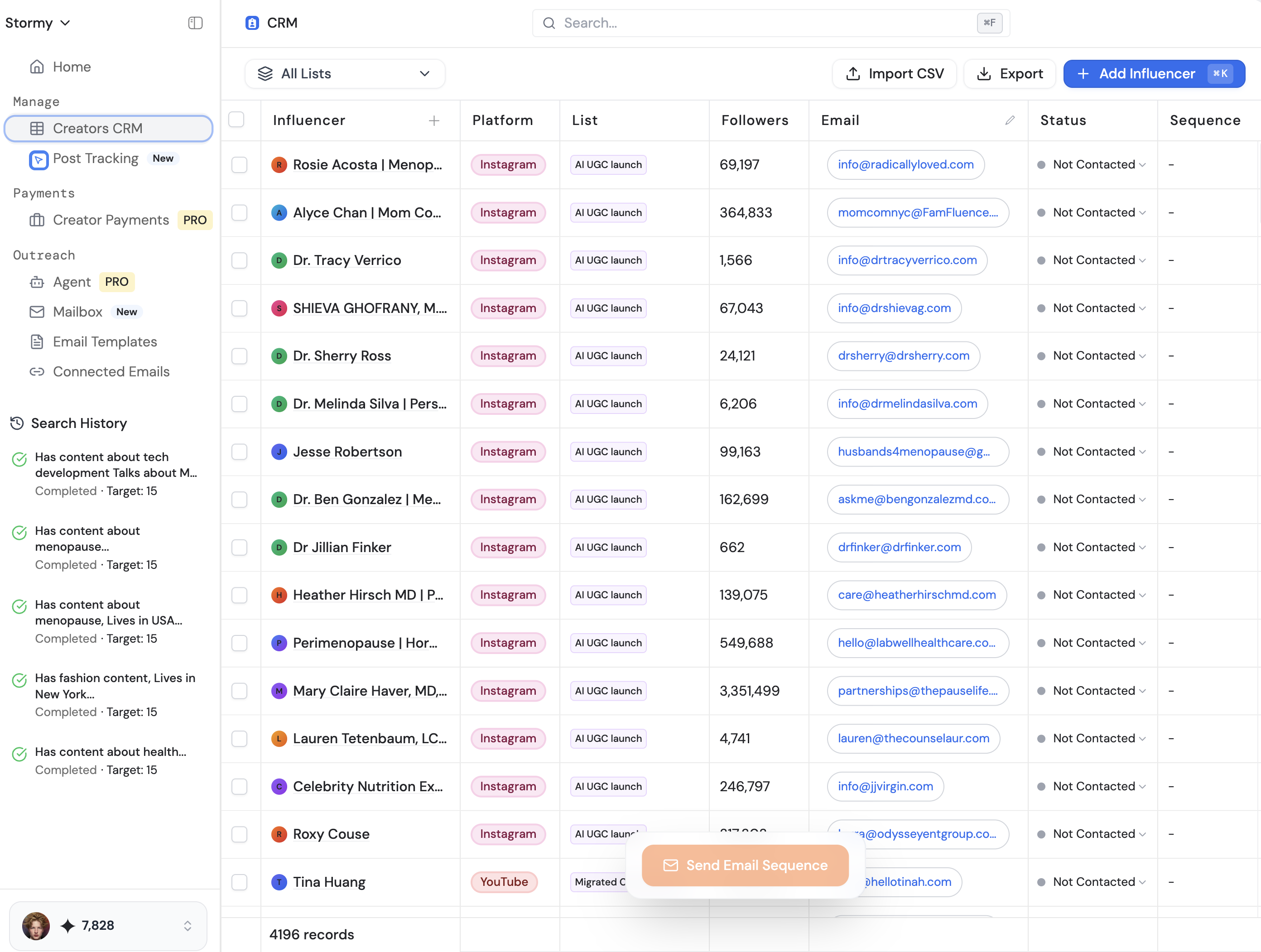
Take, for example, a running app that generates routes based on your current emotional state (angry, stressed, happy). That isn't a feature Claude would likely suggest on its own—it requires human audacity. This level of design involves custom animations, floating elements, and specific color-theory applications that require manual thought and care. When you are managing these complex projects, platforms like Stormy AI streamline creator sourcing and outreach to help promote these unique 'audacious' features, but the core 'soul' of the app must come from your own taste. Don't let the model think for you; use it to execute your most 'out there' ideas.
Tip 5: Contextualize MCP and Skills Without Over-Obsessing
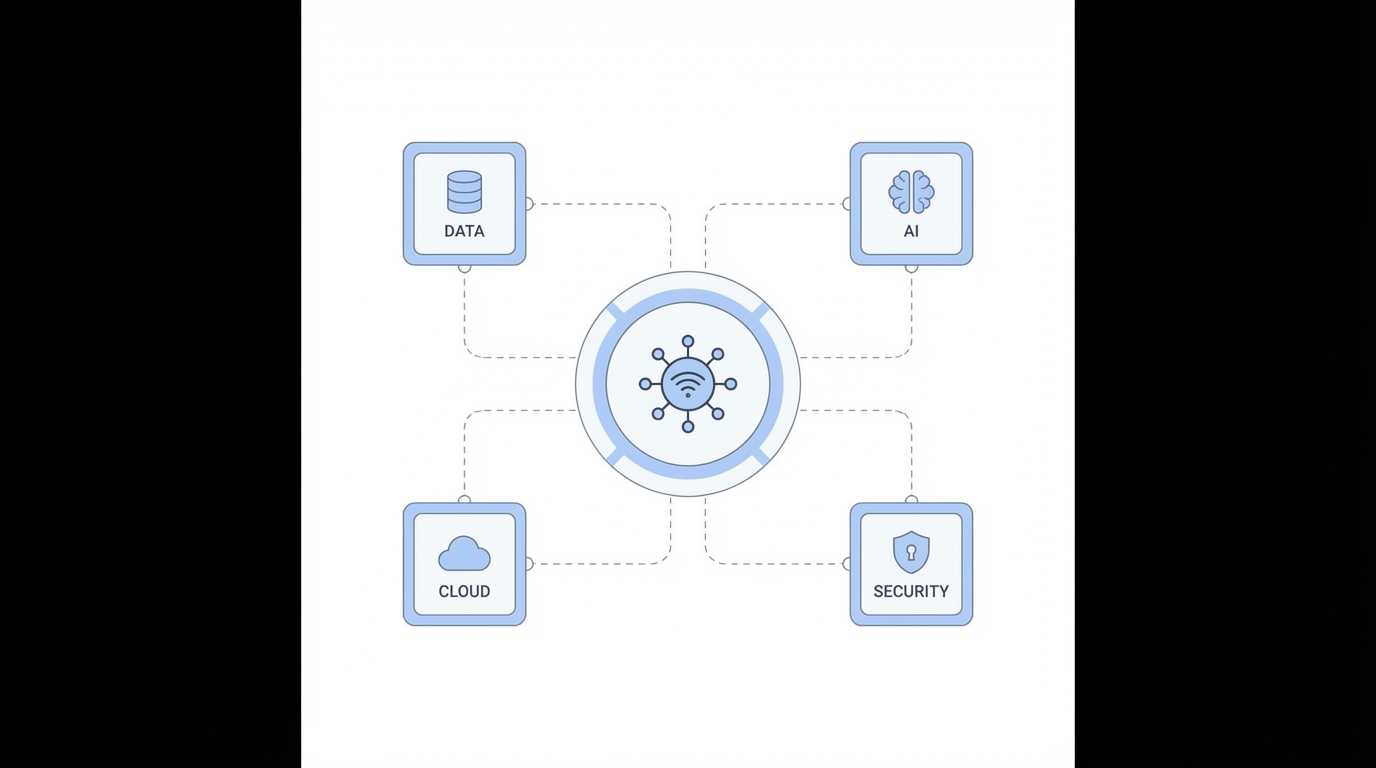
There is a lot of noise regarding MCP (Model Context Protocol), skills, and various markdown conventions like agent.md. While these are powerful extensions for Claude Code, they are often used as a distraction from poor planning. You do not need a perfectly optimized suite of plugins to build a successful product; you need a working product. Use skills and MCPs as they are intended: to augment Claude's ability to interact with external tools like Model Context Protocol partners, Notion, or Stripe, but don't spend weeks 'tuning' your environment instead of shipping.
Focus on maintaining a robust progress.txt file and a clean PRD.md. These are your true North Stars. If your logic is sound and your plan is granular, Claude will perform. If you find yourself over-obsessing on which terminal to use (whether it's the native Mac terminal or Ghostty), remember that these are aesthetic preferences. They don't fix a fundamentally broken user flow. High-performance AI UX design tips always come back to the same principle: Document your progress, test every feature against your original vision, and don't be afraid to use pen and paper to sketch a flow before asking Claude to build it.
Conclusion: Shipping with Taste
Mastering Claude Code is not just about learning the commands in the terminal; it is about learning how to maintain the integrity of your vision through the noise of AI generation. By respecting the 50% context rule, utilizing the Ask User Question tool for granular planning, and maintaining the audacity to design for emotion rather than just function, you can build software that truly stands out. Remember, the models will only get faster and better, but they cannot replace human taste. Put in the reps, vibe-test your features, and stop building AI slop. Your goal isn't just to ship code—it's to ship an experience that makes people stop scrolling and take notice.