The era of the "idea guy" is officially upon us. As Sam Altman recently noted, the barriers between having a vision and executing a production-ready application are dissolving faster than anyone anticipated. We have entered the stratosphere of vibe coding—a new paradigm where non-engineers and non-designers can ship complex software by simply articulating their intent to an AI agent. But as the competition heats up between Claude 4.5 Opus and Gemini 3 Pro, builders are left with a critical question: Which model is actually the best AI for web development?
To find out, we put these two titans head-to-head in a high-stakes coding sprint. The mission: build a production-grade SaaS platform from scratch using the concept of an estate dashboard. We tested for UI/UX design aesthetics, logic handling, and the ability to generate conversion-optimized landing pages in a single shot. The results reveal a fascinating split between Google's sheer ecosystem power and Anthropic's hyper-focused coding intelligence.
The Battleground: Building the Estate Clear Dashboard
Our test case was a startup concept called "Estate Clear," sourced from Idea Browser. The premise is simple but emotionally resonant: a real-time family dashboard for executors to post updates, upload documents, and track probate progress, keeping anxious relatives informed without the constant phone tag. This requires a sensitive design aesthetic, complex document management logic, and a clear timeline of milestones.
In this Claude Opus 4.5 review, we first looked at how the model handled the initial request: "Create a conversion-optimized landing page that I can view locally." Using its specialized front-end design skill, Claude 4.5 Opus produced a layout that felt remarkably human. Unlike the typical "robotic" AI designs filled with generic purples and emojis, Claude opted for a subtle, professional tone that matched the gravity of estate management. The copy was sharp, the navigation was intuitive, and it avoided the "vibe coded" look that plagues many AI-generated prototypes.
Gemini 3 Pro: The Integrated Powerhouse
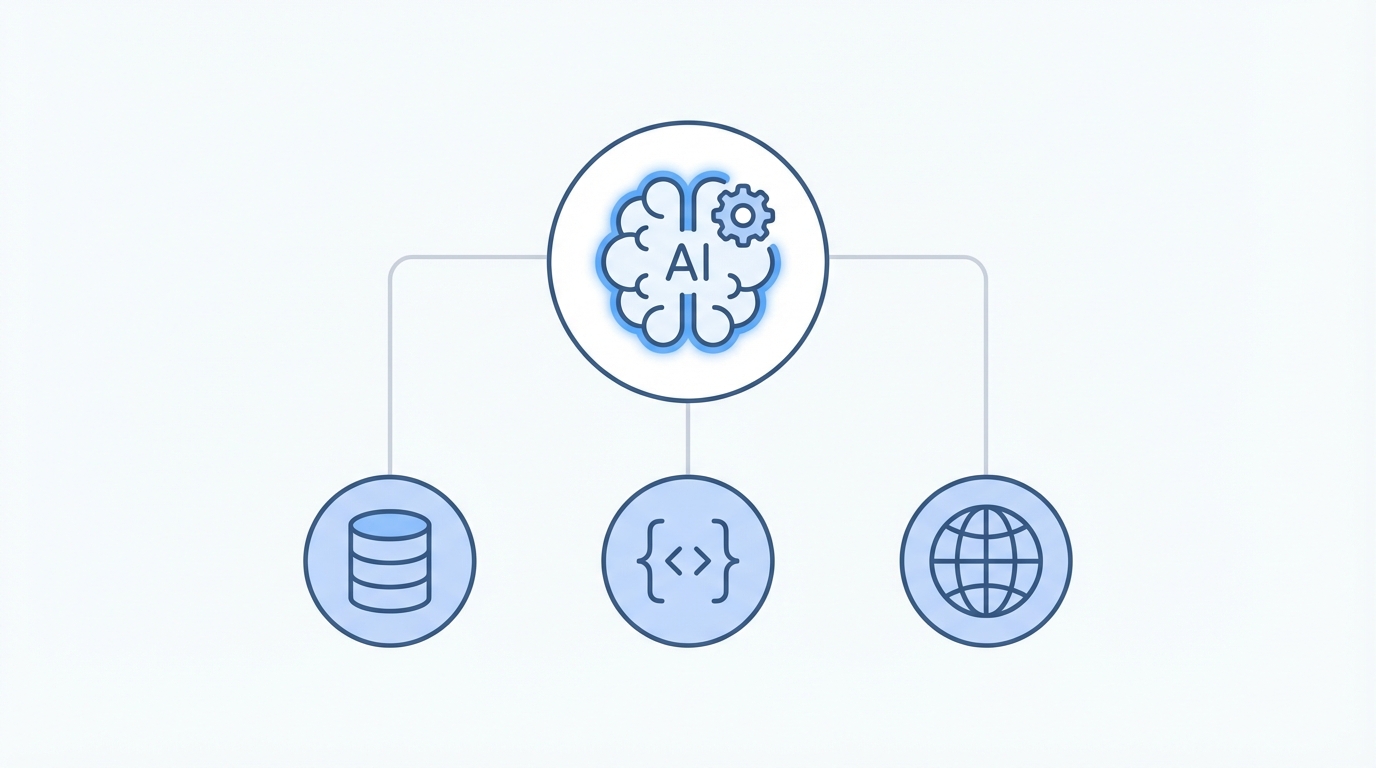

When we flipped to Gemini 3 Pro in Google AI Studio, the vibe shifted immediately toward utility and integration. Gemini’s output was arguably more "feature-rich" right out of the box. While Claude focused on the aesthetic and core narrative, Gemini instinctively added AI-powered features into the MVP. It suggested a "Polish with AI" tool for executors to write family updates and integrated social proof sections that felt ready for a live launch.
One of the most impressive aspects of Gemini 3 Pro is its leverage of the Nano Banana Pro model for high-fidelity visual mockups. In our testing, Gemini didn't just write the code; it generated custom dashboard imagery that looked like it came from a professional design firm. This vertically integrated ecosystem—connecting the model, the data, and creative tools—gives Google a unique advantage for builders who want a one-stop shop for their entire stack.
The Logic War: Debugging and Prototyping
Building a landing page is one thing, but creating a clickable prototype with functional sub-views is where the real Claude 4.5 vs Gemini 3 Pro battle begins. Claude 4.5 Opus demonstrated a superior ability to maintain context across a growing codebase. When tasked with building out document storage, family activity feeds, and milestone tracking, Claude’s logic remained clean and bug-free. The model’s ultra-think mode and specialized sub-agents allow it to act as a senior Q&A tester, identifying root causes of breaking changes before they occur.
Gemini 3 Pro, however, shines when used within Anti-Gravity, Google's agentic IDE. Anti-Gravity utilizes a Chrome extension to access the DOM and browser console programmatically. This means when a bug appears, the model can actually see the API errors in the console and fix them without the user having to copy-paste error logs. This tighter browser integration significantly reduces the friction of the debugging process, making it a strong contender for the best AI for web development in 2024.
The Vibe Check: Human-Centric vs. Robotic Design
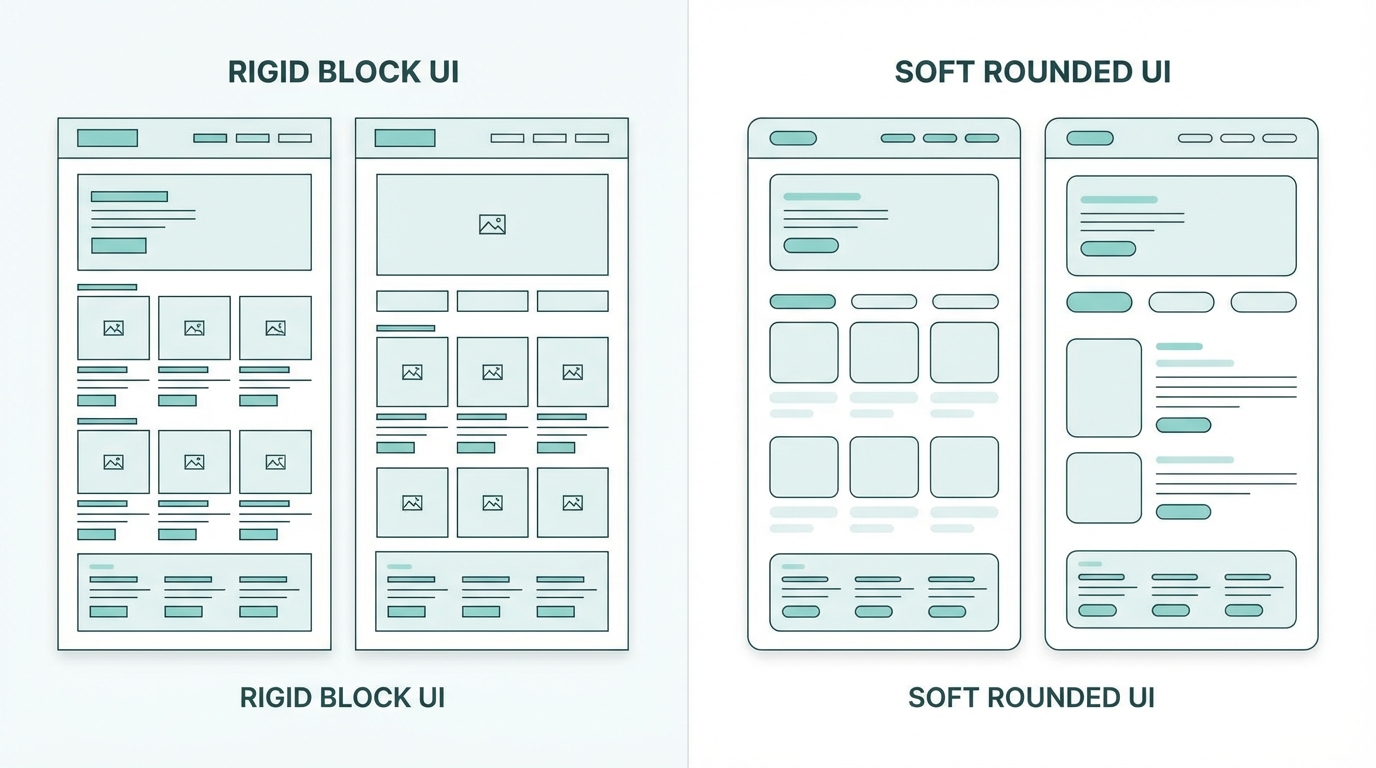
A major pain point in the vibe coding world is that apps often look "generated." They share the same gradients, the same spacing, and the same lack of personality. In our head-to-head, Claude 4.5 Opus won the aesthetic battle. By utilizing a specific front-end design skill, it avoided AI tropes and focused on production-grade interfaces. The buttons felt tactile, the fonts were modern, and the white space was used effectively to reduce cognitive load for the user.
Gemini’s designs were clean, but occasionally felt like a very high-quality wireframe. While the inclusion of Nano Banana Pro mockups helped bridge the gap, Claude’s ability to write CSS that feels "hand-coded" by a senior designer is a significant differentiator. For SaaS builders who care about conversion optimization and brand trust, the design intelligence of Claude 4.5 Opus is hard to beat.
The Vibe Coding Playbook for SaaS Builders
To get the most out of these models, you cannot simply rely on raw prompting. You need a system. Experts like the Boring Marketer at The Vibe Marketer recommend a "boring stuff upfront" approach to ensure your SaaS doesn't just work, but actually converts.
Step 1: Set Up Your Skills
Before writing a single line of code, define your Claude skills. This involves creating a set of instructions that the model references for every task. For Estate Clear, we used an "Elevated Direct Response" skill. By feeding the model examples of high-converting copy from leaders like Alex Hormozi and Cody Sanchez, the AI learned to avoid "brand speak" and focus on problem-agitate-solution frameworks.
Step 2: Define the Brand Voice
A common mistake in AI coding is ignoring the content. The content is the UX. Use models to distill your own natural writing style into a brand voice skill. This ensures that the landing page Claude builds sounds like you, not a generic LLM. Combining a direct response DNA with creator-first language is the secret sauce for high-converting SaaS pages.
Step 3: Integrated Design Skills
Ensure you are using the latest Anthropic plugins. Installing the front-end design plugin in your Claude code environment tells the model to prioritize production-grade components over standard AI templates. This is how you achieve a one-shot result that is actually ready for deployment on Vercel or Railway.
Scaling Your Vision: Managing Creators and Growth

Once your SaaS is built and your landing page is live, the next hurdle is growth. For a niche vertical app like Estate Clear, User-Generated Content (UGC) and influencer partnerships are often more effective than traditional paid search. This is where tools like Stormy AI become essential. While you focus on the product logic, Stormy AI can help you discover and vet the right creators in the legal or family-finance space to promote your platform.
Instead of manual outreach, you can use AI-personalized emails to contact hundreds of creators who resonate with your app’s mission. Managing these relationships within a dedicated creator CRM ensures that your app install campaigns are as automated as your coding process. The goal is to build a system where the AI builds the product, and the AI helps you find the people to sell it to.
The Ecosystem Battle: Google vs. Anthropic
The choice between Claude 4.5 vs Gemini 3 Pro often comes down to where you want to live. If you are deeply embedded in the Google Workspace and want to leverage TPUs, Google Ads, and a vertically integrated database like Firebase, Gemini is the obvious winner. Its ability to pull data from your entire business life and implement it into your software is a convenience that Anthropic cannot match.
However, if your goal is the highest possible coding intelligence and human-centric design, Claude 4.5 Opus remains the king of the mountain. Its ability to "stay on track" as a codebase grows—without getting lost in the context window—makes it the preferred workhorse for builders aiming for zero-to-production readiness in record time.
The Final Verdict
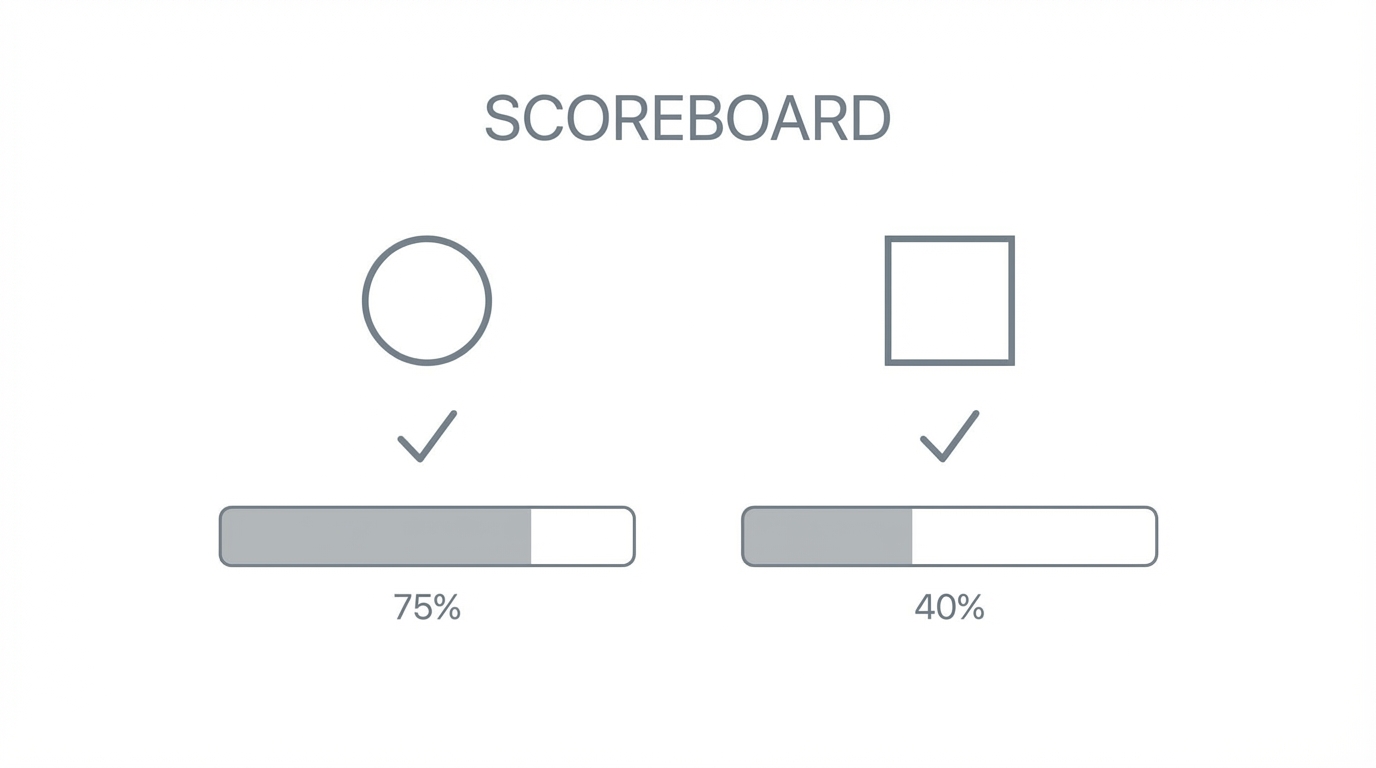
In our head-to-head battle, Claude 4.5 Opus takes the crown for design and logic depth, especially when building dashboards that require a nuanced touch. Its one-shot performance for landing pages is unparalleled, provided you take the time to set up your voice and design skills upfront.
Gemini 3 Pro is a very close second, winning on integration and the speed of its debugging environment through Anti-Gravity. For builders who want to utilize Glyph.app or other creative AI tools within their workflow, Google’s ecosystem offers a powerful, all-in-one playground. Ultimately, the best strategy may be collaborative vibe coding: using Claude to build the core experience and aesthetic, while utilizing Gemini as an advisory model for integrations and automated debugging. Whichever you choose, there has never been a better time to be an "idea guy" with a laptop and a vision.