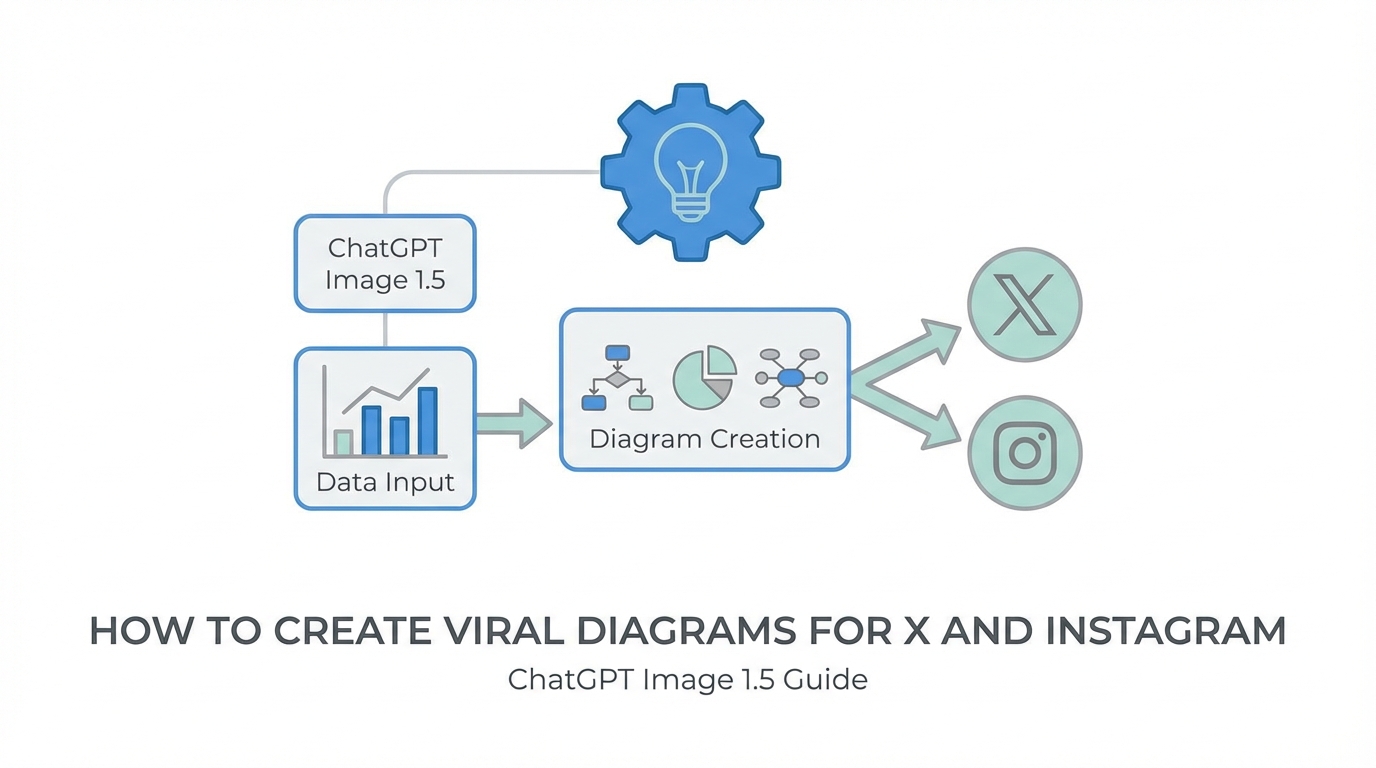
The visual landscape of social media is shifting. For the past year, our feeds have been saturated with high-gloss, hyper-realistic AI renders that, while impressive, often trigger an immediate mental filter in users. Many digital strategy reports, including those from Forbes, suggest we have reached a point of ‘AI fatigue.’ However, the release of ChatGPT Image 1.5 has introduced a tactical pivot for creators: the ability to generate hand-drawn, sketchy, and diagrammatic content that feels human, raw, and authentic. This guide will walk you through the precise steps to master ChatGPT Image 1.5 viral content and use the new AI diagram generator for social media to drive massive engagement.
The Rise of Sketch-Style Content: Why Diagrams "Rip"
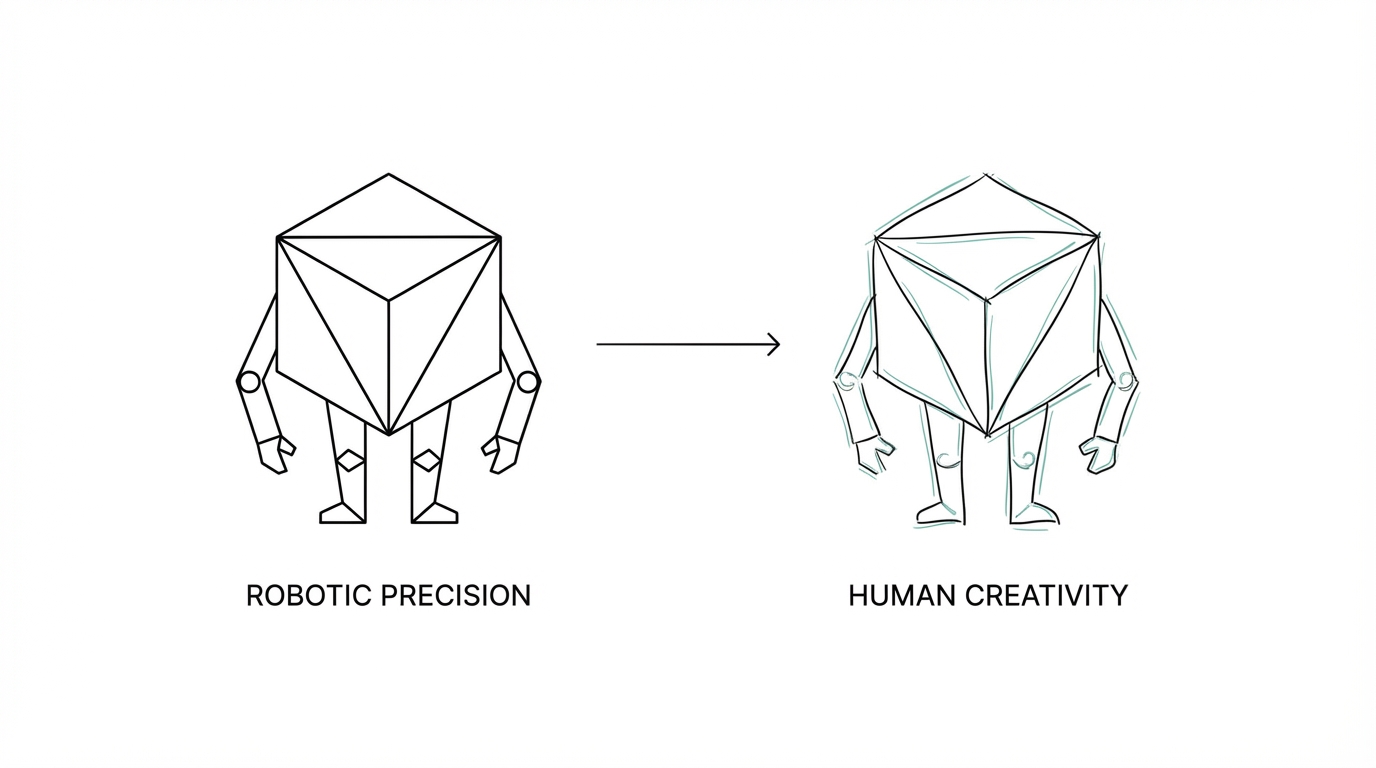

If you spend any time on X (formerly Twitter) or Instagram, you’ve likely noticed a specific type of post consistently going viral: the napkin sketch. Simple, hand-drawn diagrams that explain complex concepts like compound interest, productivity loops, or market psychology often outperform high-production videos. The reason is simple: sketchy aesthetics feel personal. They look like something a founder scribbled in a notebook, which builds immediate trust and ‘stop-the-scroll’ power.
According to recent industry observations from the OpenAI release notes, the new AI hand-drawn sketch effect in ChatGPT Image 1.5 allows users to transform complex data or abstract ideas into these high-engagement assets. By moving away from the ‘uncanny valley’ of perfect renders and toward textured, graphite-style visuals, creators can tap into a human-centric algorithm bias that favors authenticity over polish.
How to Use the New Sketch Style to Transform Data
Using ChatGPT Image 1.5 to create these diagrams isn’t just about asking for a ‘drawing.’ You need to utilize the platform's new optimized prompting engine, built on DALL-E 3 architecture. When you upload a photo or a screenshot of a basic chart, the model generates an internal, highly detailed prompt to maintain style consistency. To get the best results, you should focus on texture and medium in your natural language instructions.
A proven prompt for this style is: ‘Generate an image from this data that reimagines the subject as an ultra-detailed 3D graphite pencil sketch on textured white notebook paper.’ This specific combination of ‘3D graphite’ and ‘textured notebook paper’ creates a tactile quality that is highly effective for social media image prompts ChatGPT users are currently testing. The goal is to make the diagram look like it was captured with a phone camera while sitting on a desk.
Refining AI Images: Removing ‘Unnatural’ Artifacts
One of the biggest hurdles with AI-generated sketches is the presence of ‘AI artifacts.’ You’ve seen them: floating pencils, extra fingers holding the pen, or weirdly sharpened pencil shavings in the corner of the frame. These elements scream ‘AI’ and can kill the viral potential of a post. How to use ChatGPT image editing effectively involves a process of subtraction and refinement, a technique often discussed in creator communities.
ChatGPT Image 1.5 now excels at adding, subtracting, and transposing elements without losing the core of the image. If your initial diagram includes an unnatural hand or an unnecessary notebook border, you can simply command the model: ‘Remove the hand and the notebook. Show only the diagram on a flat piece of paper.’ This iterative feedback loop is what separates professional creators from casual users. By stripping away the ‘creative fluff,’ you ensure the focus remains entirely on your viral message.
Techniques for Maintaining Consistency Across Assets
Consistency is the backbone of a strong personal brand. If you want to create a series of stylized social media assets—such as turning a photo of yourself into a recurring sketch character or a plushie mascot—you need to master the ‘Preservation of Detail’ feature. The new model is significantly better at keeping specific traits, like a particular hair wave or a piece of clothing, consistent across different styles.
For instance, you can upload a photo of yourself and ask for a ‘bobblehead version in the style of a tech YouTuber’ or a ‘plush toy version for a CPG brand.’ The model will preserve your likeness while transposing it into the new medium. This is incredibly useful for creators building Shopify stores or physical products based on their digital personas. By using AI-powered tools, you can bridge the gap between digital content and physical merchandise with ease.
The 6x6 Grid Playbook: Mastering Instagram Carousels
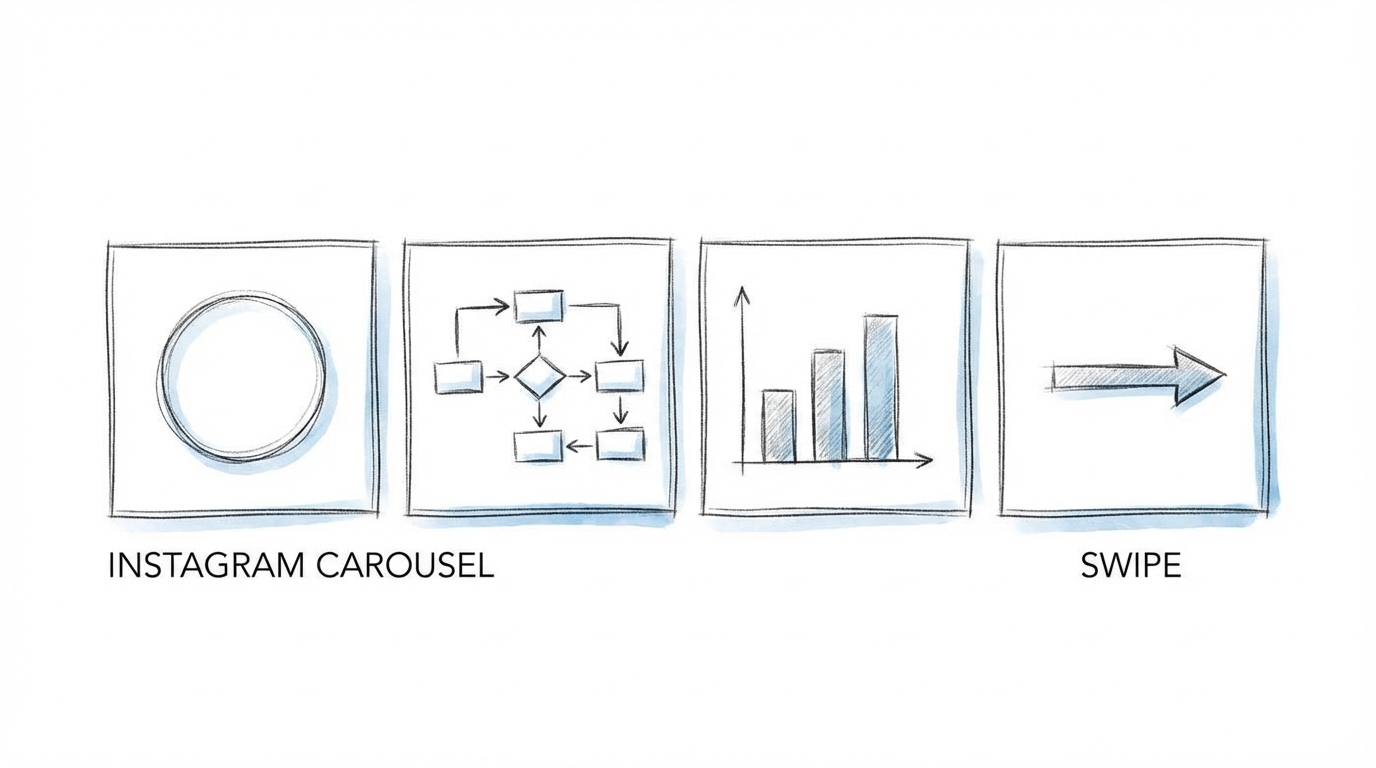
Instagram carousels are currently the highest-performing post type for educational content, as shown in studies by Socialinsider. However, designing them can be time-consuming. ChatGPT Image 1.5 has introduced a feature called ‘Instruction Following,’ which allows for precise layout control. You can now command the model to ‘Draw a 6x6 grid with 6 columns and 6 rows’ and populate each cell with specific, related icons or text.
Previously, AI struggled with basic math and text rendering, often misspelling simple words or creating uneven grids. The new model has largely solved these issues, making it a viable AI diagram generator for social media. When creating these grids, ensure your prompt is hyper-specific about the relationships between elements. For example, specify that the icons in the top row should represent ‘Growth’ while the bottom row represents ‘Sustainability.’ This level of control is a game-changer for creators who need to produce high-volume, high-quality carousel slides without opening Adobe Photoshop.
Scaling Your Content Strategy with AI Tools
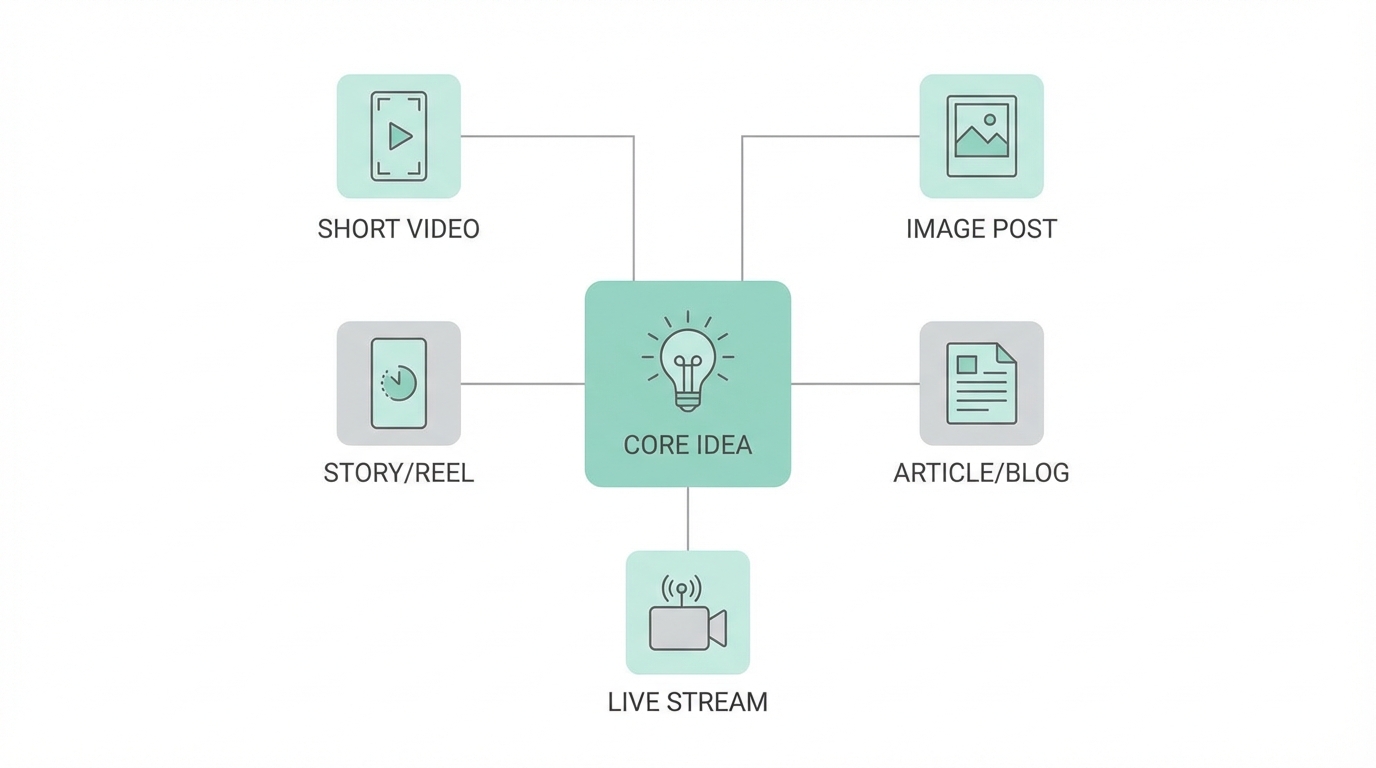

Once you have mastered the art of creating viral diagrams, the next step is distribution and management. If you are a brand looking to scale this aesthetic across hundreds of creator accounts, the manual workload can become overwhelming. This is where modern influencer management comes into play.
Instead of manually searching for creators who fit your vibe, platforms like Stormy AI streamline creator sourcing and outreach. You can use their AI search engine to find creators who already have a high affinity for hand-drawn or educational content, and then use the built-in AI email outreach to pitch them on collaborating using your new AI-generated templates. Managing these relationships through an integrated Creator CRM ensures that your brand aesthetic remains consistent across every touchpoint, from TikTok to LinkedIn.
Conclusion: Embracing the Human-AI Hybrid
The release of ChatGPT Image 1.5 signals a shift away from ‘perfect AI’ toward ‘useful AI.’ By focusing on the sketch style, refining your images to remove distracting artifacts, and leveraging instruction following for complex layouts, you can create viral content that resonates on a deeper level with your audience. Remember, the goal of using an AI diagram generator isn’t to replace the human element, but to enhance it.
Start experimenting with the sketch effect today and monitor your analytics on platforms like Google Analytics or Meta Ads Manager to see the engagement lift for yourself. Whether you are building a personal brand or a global CPG company, these tactical visual tools are your secret weapon in an increasingly crowded digital world.