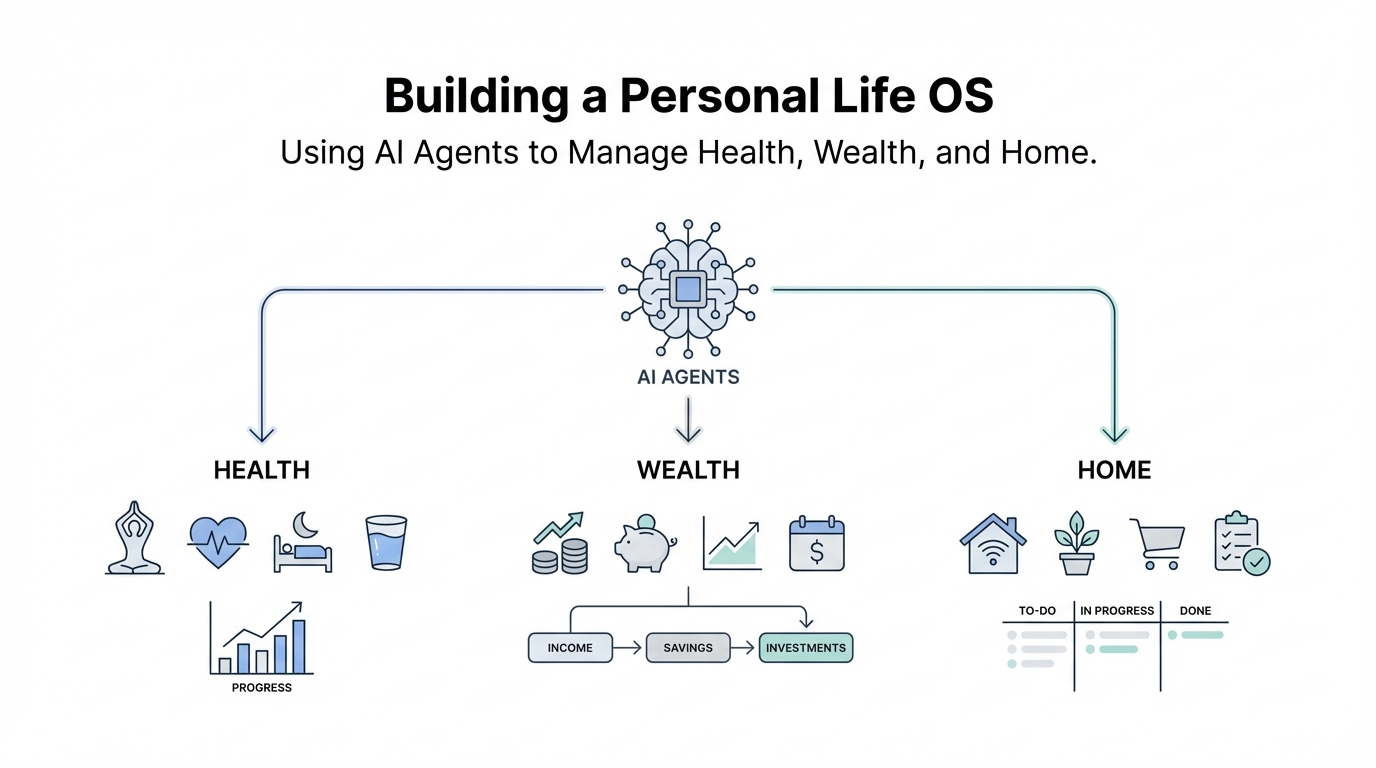
You have seen the viral threads about "vibe coding" and heard whispers of elite developers unleashing massive productivity gains using custom AI setups. This isn't just about having a smarter chatbot; it is about building a personal ai assistant setup that acts as the operating system for your entire life. By centralizing blood test results, bank transactions, and household logistics into a single AI context, you can move from manually managing your existence to autonomously executing your goals. This ai life os tutorial will show you how to transition from a casual user to a "tinker" who commands an army of specialized agents.
The Blueprint: What is an AI-Powered Life OS?
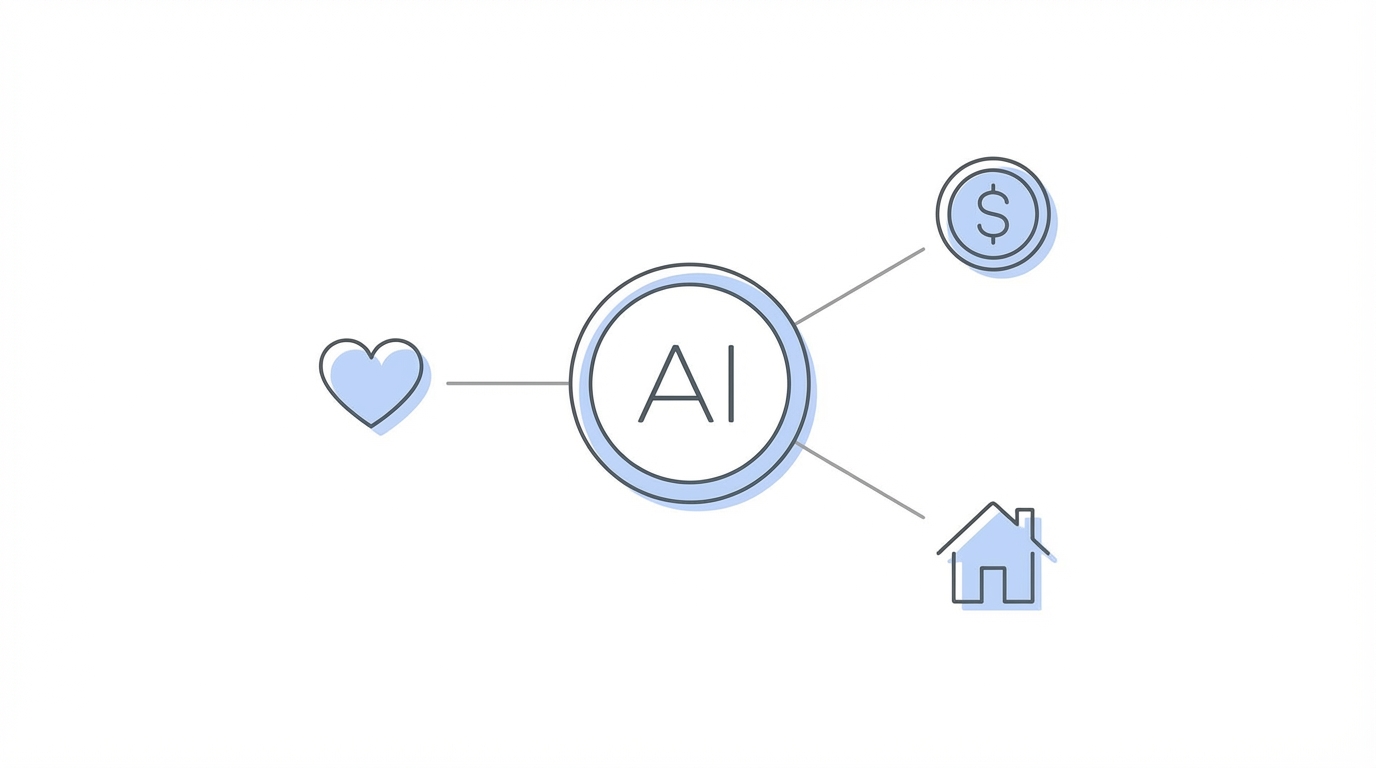

The core philosophy behind a Life OS is the centralization of data. Most of us live fragmented lives: our health data sits in one portal, our finances are trapped in Stripe or bank CSVs, and our home management happens in scattered Notion pages or WhatsApp groups. A Life OS pulls all of these threads into a unified AI gateway. When you automate personal life with ai, you give your agents the context they need to make decisions on your behalf.
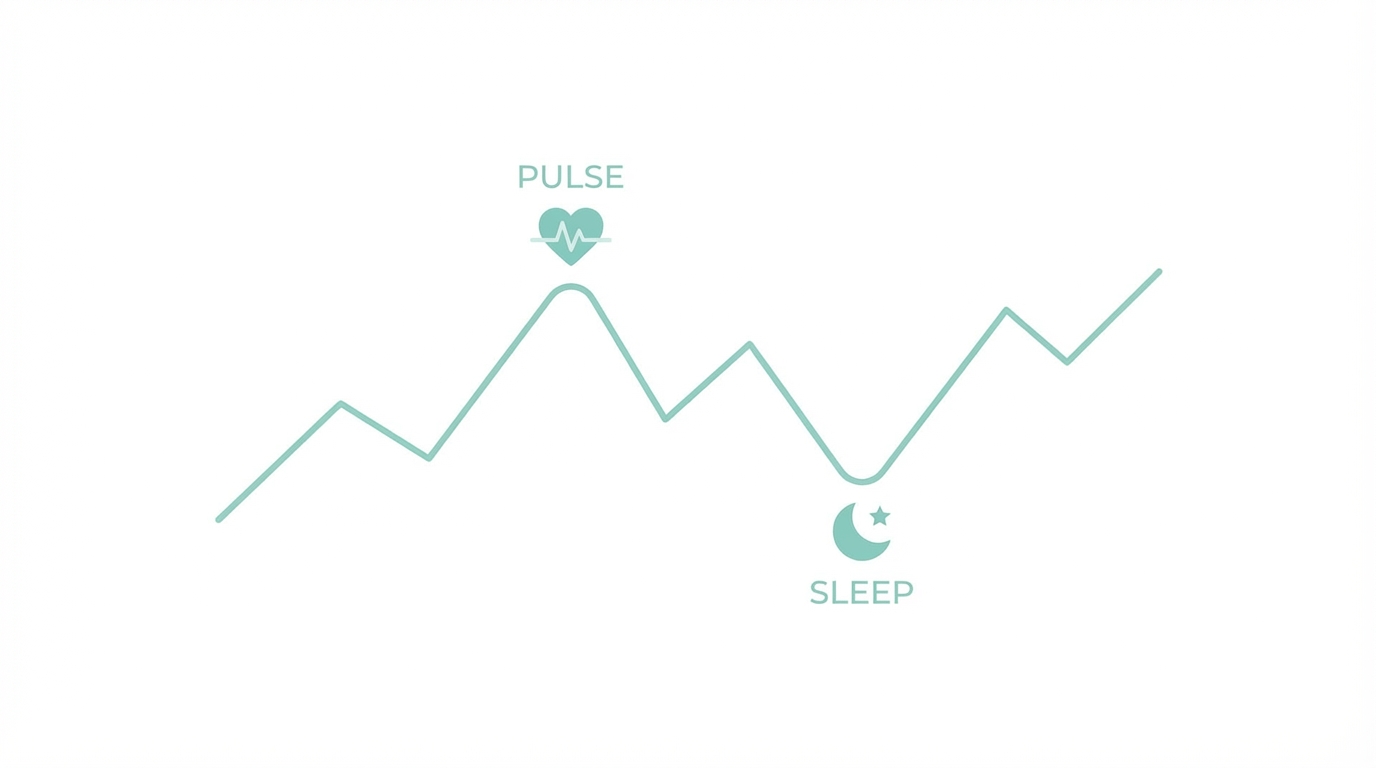
Traditional productivity tools are passive; they wait for you to input data. An AI-managed Life OS is active. It uses long-term memory and cross-domain knowledge to spot trends you might miss. For example, it might notice that your sleep quality (from health data) drops every time your freelance expenses (from financial data) spike. This level of insight is only possible when you treat AI as a persistent layer of your reality rather than a tab in your browser. Many advanced users are moving their workflows into Discord or Telegram to create a seamless interface between their mobile devices and their backend AI logic.
The Command Center: Setting Up Your AI Gateway
To begin your personal ai assistant setup, you need a gateway. This is the primary interface where you communicate with your agents. While many beginners start with basic web interfaces, the true power lies in "tinkering" with platforms that offer robust APIs and multi-device support. Discord is often the gold standard for this because it allows you to group channels into sections, create forum threads for specific tasks, and host different "personas" in the same server.
Step 1: Choose Your Interface
Avoid finicky setups like WhatsApp for your primary gateway. Instead, focus on Telegram for quick voice-to-action commands or Discord for complex project management. For those working in professional environments, Slack can also serve as a high-powered alternative with superior work-related integrations.
Step 2: Establish the Persona Gateway
Instead of talking to one generic bot, create specialized personas. You might have "Gilfoyle" (an cynical but brilliant engineer persona) for coding tasks, and "Darlene" for home management. These personas should have different system prompts, avatars, and specific toolsets. You can even host these agents on a local Mac Studio or a dockerized environment to maintain data privacy and security. This ensures that your most sensitive info—like your home address or bank details—never leaves your controlled environment.
Health and Fitness: Training Agents on Your Biological Data
One of the most profound productivity hacks with claudebot is the creation of a "Health Persona." Imagine an agent like Dr. Cox or David Goggins that has access to every blood test result you have ever received. By feeding your claudebot historical health data, you enable ai health data analysis that goes far beyond what a standard fitness app provides.
You can create a custom UI that tracks biomarkers over time. When you upload a new PDF of blood results, your "Dr. Cox" persona doesn't just read the numbers; it compares them to your values from three years ago and suggests dietary changes based on current medical research found on Google Scholar. For those who need a push, a "David Goggins" persona can be trained to use aggressive, motivational language based on your workout logs, ensuring you never miss a session.
Key Health Automations:
- Blood Work Vetting: Upload results to detect trends in cholesterol or vitamin levels before they reach critical ranges.
- Dental Tracking: Map dental expenses and procedures to specific teeth using a custom UI, ensuring you know exactly what work is pending.
- Sleep Correlation: Sync sleep data to correlate rest with daily stress levels or caffeine intake.
Wealth and Finance: Auditing Your Life via CSV

Financial anxiety often stems from a lack of visibility. By feeding bank CSV exports to your AI agents, you can perform a deep subscription audit and expense tracking without manually opening a spreadsheet. This is where you can automate personal life with ai by letting the agent identify recurring charges that are no longer providing value.
For instance, an agent can cross-reference your Stripe payments with your actual usage of various SaaS tools. If it sees you haven't logged into a service in 60 days, it can flag that subscription for cancellation. One advanced tinker even used AI to track dental implants, matching bank transactions from the dentist to specific medical records to create a visual "tooth map" of expenditures. This level of granular financial management turns a "dumb" bank statement into a strategic asset.
Household Management: The AI Home Manager
Managing a family or a household is essentially running a small business. You can use claudebot to manage grocery lists, family coordination, and even chore schedules. By creating a "Family Group" in Telegram and adding a specialized home-manager persona, everyone in the house can interact with the Life OS.
If your wife adds "milk" to the Telegram chat, the AI agent can automatically update a shared list on Notion or even place an order if connected to a delivery API. Beyond logistics, these agents can handle media management. If you want a specific playlist for your children, you can have your AI agent download high-quality audio from YouTube, clean up the metadata, and host it on a local Plex server automatically.
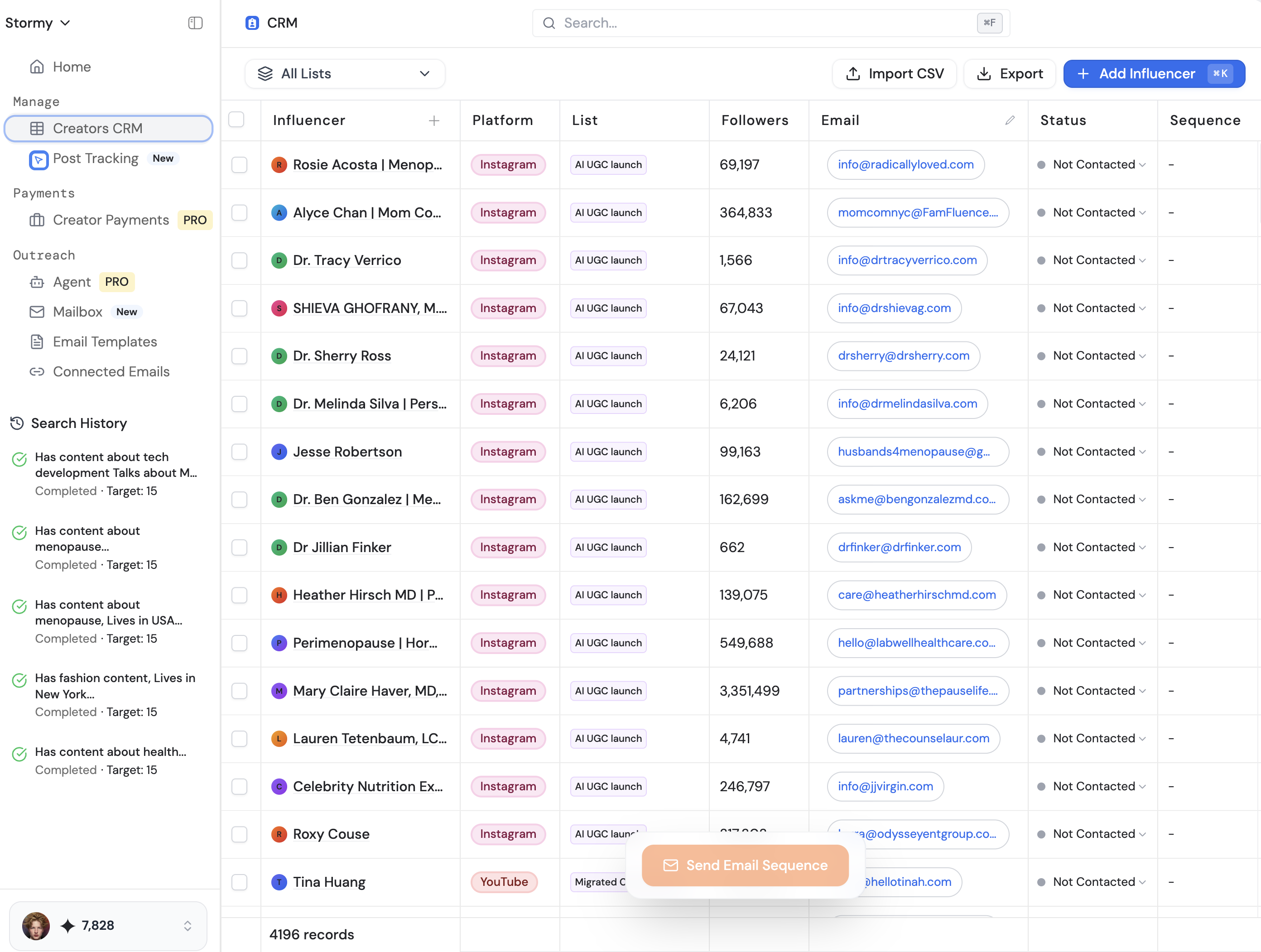
In a professional context, managing relationships is just as vital as managing a home. For creators or marketers, tools like Stormy AI can help source and manage UGC creators at scale, functioning much like a household manager but for your brand's creator relationships. Just as you manage your family's needs via an agent, Stormy manages your influencer outreach and CRM, ensuring no collaboration falls through the cracks.
Bridging the Digital and Physical: Hardware Integration
The final frontier of the Life OS is connecting AI to local hardware. Most "smart homes" are actually quite dumb—they rely on humans to pull levers. A true personal ai assistant setup gives the AI access to your local shell and network. This allows the agent to self-learn how to interact with devices like printers, TVs, and presence sensors.
Imagine telling your bot, "I'm late for my meeting," and having it flash a red light in your office or cast a countdown timer onto your display via Google Ads-style dashboarding logic. Advanced tinkers use E Ink devices or secondary monitors to display a "Life Dashboard" that the AI updates in real-time. This can include everything from your current net worth (pulled from Google Analytics for your business sites) to your next scheduled health check-up.
Physical Automation Examples:
- Network-Wide Ad Blocking: Have your AI set up a Pi-hole on a spare Mac to block ads for every device in your home.
- Automated Printing: Send a voice note to your ring or watch, and have the AI format and print a physical copy of your to-do list.
- Smart Presence: Use Apple Watch sensors to let the AI know which room you are in, allowing it to provide context-aware help (e.g., "You're in the kitchen, do you want the grocery list?").
Conclusion: Embracing the Tinker Revolution
Building a Personal Life OS is not a one-time task; it is an ongoing process of tinkering and optimization. We are entering an era where the gap between those who use AI as a tool and those who use it as an operating system will widen significantly. By centralizing your data and empowering specialized agents, you reclaim hours of your day and mental energy that was previously spent on mundane logistics.
Whether you are auditing your finances through bank CSVs or managing your health with ai health data analysis, the goal is the same: to become the most productive version of yourself. Start small—dockerize your first agent, connect it to your favorite chat app, and begin the journey of owning your data and your time. The revolution won't be uninvented; the only path forward is to embrace the speed.