The era of simple chat interfaces in mobile apps is quickly coming to an end. Users no longer want to just "talk" to an AI; they want the AI to perform actions, analyze local data, and operate autonomously within their favorite applications. For iOS developers, this shift toward "agentic" features represents a massive opportunity to build high-utility tools that feel like magic. By leveraging advanced workflows in Cursor AI and integrating with flexible backends like OpenRouter, a single developer can now build features that previously required an entire engineering team.
The Native Workflow: Xcode Meets Cursor

Many developers assume that AI-driven coding is reserved for web apps or React Native environments. However, native iOS development is increasingly accessible through a hybrid workflow that combines the power of Apple Xcode with the intelligence of Cursor AI. The secret is not trying to force Cursor to handle project settings, framework embedding, or network request permissions—tasks it often struggles with—but rather using it as an advanced logic and UI engine.
To implement this, you keep your Xcode project running for building and debugging, while opening the project folder in Cursor to handle the code generation. A critical technique to reduce hallucinations in this environment is using the @docs feature. By indexing the official Apple Documentation within Cursor, you ensure the AI doesn't invent non-existent APIs, which is a common pitfall in Swift development. This setup allows you to focus on "vibe coding" the UI while the AI handles the boilerplate and complex logic.
OpenRouter Integration: The AI Backbone
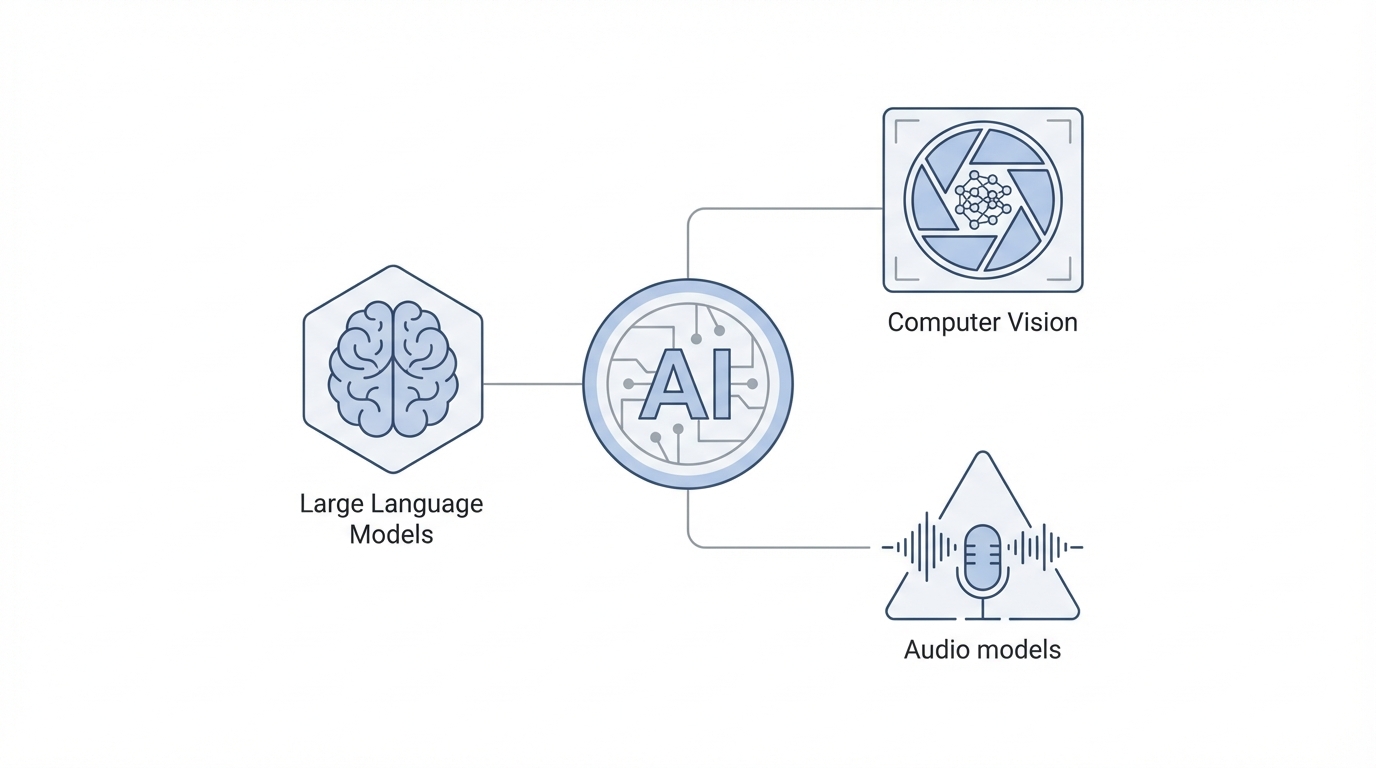
When building AI agents, hardware constraints and API limitations often force developers to choose one model. However, using OpenRouter mobile integration allows you to swap between models like Claude 3.5, GPT-4o, and Gemini 1.5 Pro with a single line of code. This flexibility is vital because different models excel at different tasks: Claude is often superior for code generation and following complex instructions, while GPT-4o provides robust reliability for general chat.
By building an OpenRouter Service within your iOS app, you can create a model-agnostic architecture. This allows you to include a settings toggle for users (or yourself during testing) to switch between providers, comparing performance, latency, and cost in real-time. This "swappable" approach prevents vendor lock-in and ensures your app stays at the cutting edge as new models are released, such as the latest iterations from Google Gemini.
XML Prompting for iOS Logic
Standard text prompts often result in verbose, markdown-heavy responses that are difficult to parse in a mobile UI. To gain granular control over how an LLM behaves, developers are increasingly turning to XML Prompting. By wrapping instructions in XML tags (e.g., , , ), you provide a clear hierarchical structure that models like Claude 3.5 follow with much higher precision [Source: Anthropic Documentation].
For an iOS app, your XML prompt should explicitly define the response style. If you want the AI to act like a concise financial assistant, you must instruct it to avoid "showing its work" unless asked. This ensures the output remains clean and fits within mobile screen constraints. Using Claude to generate these base prompts is an excellent shortcut, as the model is particularly adept at structuring complex instructions for other LLMs.
Step-by-Step: AI Function Calling Tutorial
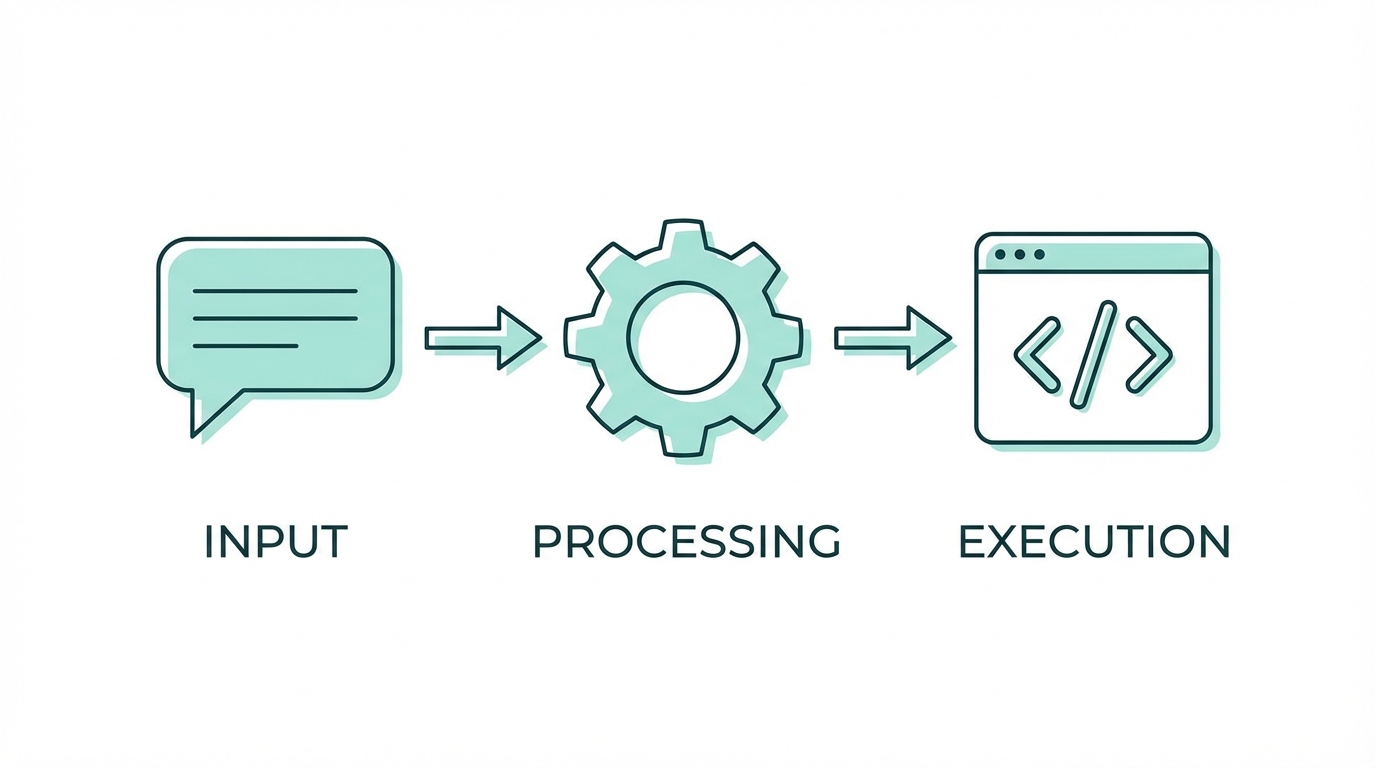
The most advanced stage of mobile AI development is tool calling (or function calling). This turns your chat interface into an autonomous agent that can query your app's local database or perform system actions. Here is the playbook for implementation:
Step 1: Define Your Local Tools
Instead of feeding the entire database into the LLM context—which is expensive and slow—you define "tools" that the AI can request. For a budgeting app, this might be a function like fetchTransactions(dateRange: String). You must define these tools in a JSON-schema format that OpenRouter or OpenAI can interpret.
Step 2: Implement the Tool Logic Locally
Write the Swift functions that actually perform the work. Ensure these functions are local-only to maintain privacy and reduce latency. The AI doesn't execute the code; it sends a "request" back to your app with the parameters it needs (e.g., a specific date range), and your app executes the query using SwiftData or Core Data.
Step 3: Establish the Reasoning Loop
Implement a loop where the app sends the user's message to the LLM. If the LLM determines it needs more info, it calls a tool. Your app provides the tool output, and the LLM processes it. Always set a hard limit on these loops (e.g., max 4 iterations) to prevent infinite loops and runaway API costs.
Monitoring Costs and Tokens

Building AI agents can get expensive quickly if you aren't careful. A single agentic query involving multiple tool calls can consume thousands of tokens. To manage this, developers should build a real-time usage dashboard directly into their debug or settings menu. OpenRouter provides endpoints to fetch the exact cost and token count of every generation.
By displaying these metrics—prompt tokens, completion tokens, and total USD cost—under every chat bubble, you can optimize your prompts and model selection. This transparency is also crucial if you plan to monetize your app via a credit system using Stripe, allowing you to understand your margins on every user interaction. For developers focused on scaling through influencer-led apps, managing these overheads is as critical as the code itself; using a platform like Stormy AI can similarly help track campaign performance and ROI to ensure marketing costs stay in check.
AI-Powered Asset Workflows
Beyond logic, GPT-4o is a powerhouse for asset generation. One of the biggest challenges in mobile design is creating consistent secondary assets—icons for empty states, loading screens, or mascots. By feeding a base mascot or logo into ChatGPT and asking for modifications (e.g., "the mascot sitting at a laptop" or "the mascot drinking coffee"), you can generate a library of high-quality illustrations that make your app feel polished and "human.".
When scaling these apps, marketing becomes the next hurdle. For those building apps in the creator economy space, sourcing the right talent to promote these features is key. Platforms like Stormy AI streamline creator sourcing and outreach, helping you find and manage UGC creators at scale, ensuring your intelligent features get the visibility they deserve. Combining AI-generated logic with AI-powered marketing discovery creates a full-stack growth engine for modern iOS apps.
Security and Best Practices
A major risk in the Cursor AI workflow is the accidental hardcoding of API keys into the frontend. While tempting for speed, this can lead to disastrous financial consequences. Bots constantly scan platforms like Vercel and GitHub for exposed keys; a single leaked OpenRouter key can result in hundreds of dollars in unauthorized usage within hours. Always move your API calls to a secure backend before moving to production.
Furthermore, use AI as a teacher, not just a generator. Senior developers thrive with these tools because they can identify when an LLM is taking a dangerous shortcut. For non-technical users, platforms with more guardrails like Replit or Lovable may be safer, but for the native iOS developer, the combination of Xcode and Cursor remains the gold standard for building truly intelligent, agent-based mobile experiences.
Conclusion: The Future of Agentic Apps
Building AI agents in iOS is no longer a futuristic concept—it is a tangible workflow available to any developer willing to master tool calling and advanced prompting. By integrating OpenRouter for model flexibility, using XML for logic, and monitoring costs with precision, you can create apps that don't just display data, but understand and manipulate it for the user. As the barrier to entry for native development continues to fall, the winners will be those who use AI to add genuine delight and utility to the user experience.