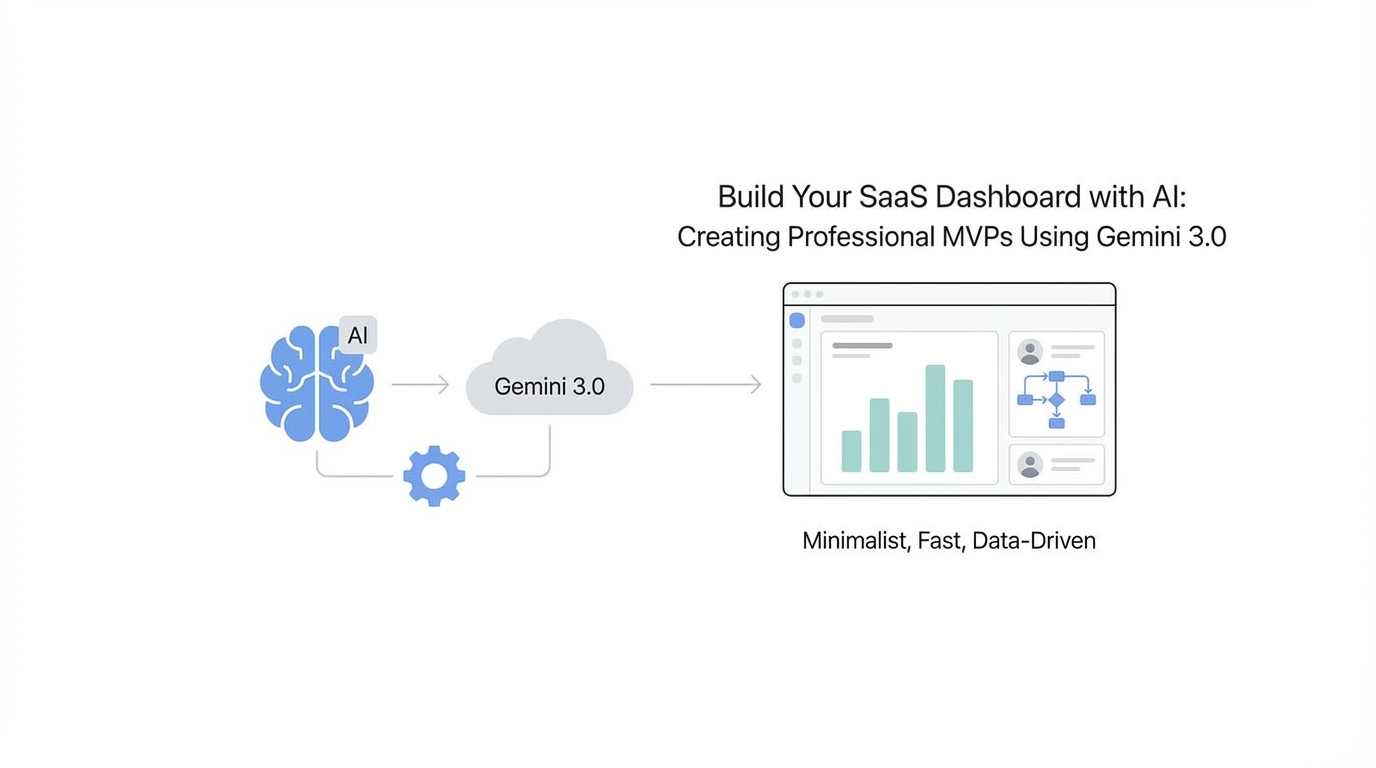
We are officially entering what OpenAI CEO Sam Altman calls the "era of the idea guy." For years, the biggest hurdle for startup founders wasn't coming up with a vision—it was the massive technical and design debt required to bring that vision to life. You had a world-changing concept, but you were stuck behind the high walls of expensive agency fees or the steep learning curve of professional design tools. Today, that wall is crumbling. With the release of Gemini 3.0 Pro and advancements in Google AI Studio, the distance between a "vibe" and a functional, high-fidelity SaaS dashboard has shrunk to a few well-crafted prompts. This isn't just about making things look pretty; it's about building user trust through custom interfaces that look like they were designed by a top-tier San Francisco agency.
The Death of the Generic Tailwind Template
In 2023, every new SaaS looked the same. You know the look: the standard Tailwind CSS spacing, the predictable purple primary buttons, and the cookie-cutter hero sections. While functional, these generic templates have started to signal "low effort" to sophisticated users and investors. To stand out in a crowded market, founders need to move toward vibe coding—a term popularized by Andrej Karpathy describing a process where you use AI to translate a specific aesthetic or "feeling" into a functional React application.
The shift is moving away from basic layout generation toward high-fidelity design mimicry. By using Gemini 3.0 Pro, founders can now upload reference images from sites like Dribbble or physical product designs to influence the UI. This allows for the creation of "scroll-stopping" interfaces that feel unique. Whether you want your personal site to look like a nostalgic Windows XP desktop or your SaaS dashboard to mirror the tactile feel of Teenage Engineering hardware, the AI can now interpret those visual cues and output the corresponding code.
Integrating Product Requirement Docs (PRDs) for Logic and Layout
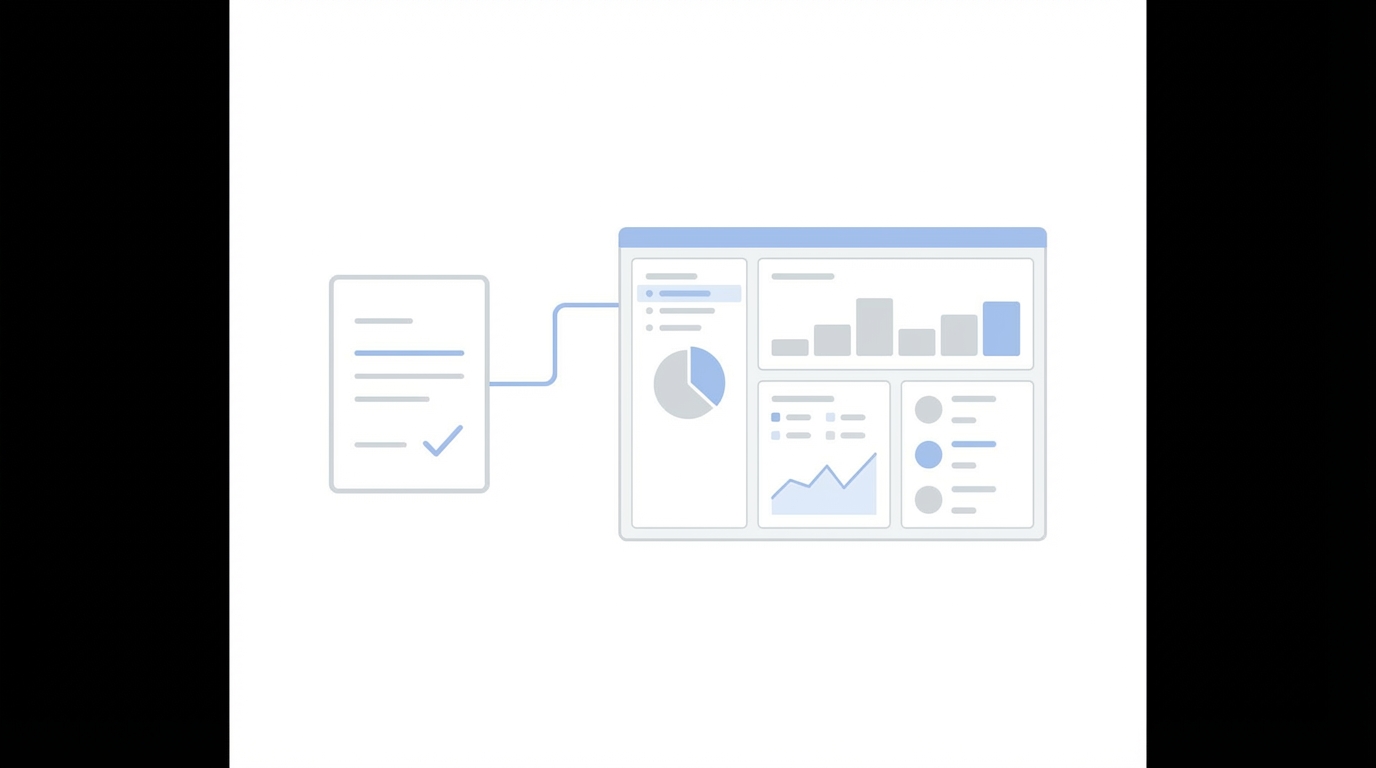
A beautiful dashboard is useless if the logic is hollow. One of the most critical steps in the AI dashboard generator workflow is feeding the model a comprehensive Product Requirement Document (PRD). Instead of just asking for a "restaurant dashboard," you should provide a detailed breakdown of the problem, the goals, and the specific user flow.
To get the best results, start with a template like Lenny Rachitsky’s PRD guide. This ensures that when Gemini 3.0 generates your React application, it includes the necessary data hooks, navigation states, and component hierarchy. If you are still in the ideation phase, tools like Idea Browser can help you identify high-quality data trends to include in your PRD, ensuring your SaaS solves a real-market pain point. When the AI understands the why behind the dashboard, the how becomes significantly more sophisticated.
Case Study: Building the 'Chef OS' Restaurant Dashboard

Let's look at how this works in practice. In a recent test of Gemini 3.0’s capabilities, we attempted to build "Chef OS," an AI-powered analytics dashboard for restaurant owners. The goal was to move past the "purple vibe" and create something that felt professional and tactile.
By providing Gemini with a reference image of a clean Dribbble dashboard and a secondary reference of physical hardware knobs from Teenage Engineering, the model was able to generate a custom UI. The resulting Chef OS featured 3D-esque buttons, a sleek dark-mode aesthetic, and—most importantly—an AI Analyst mascot that provided real-time insights like "Average ticket size is up 12%." This level of detail in a single prompt shows why Gemini 3.0 Pro vs Claude is becoming a heated debate for designers; Gemini's ability to handle visual feedback within AI Studio is a game-changer.
Visual Iteration: Using Annotations to Refine Your MVP
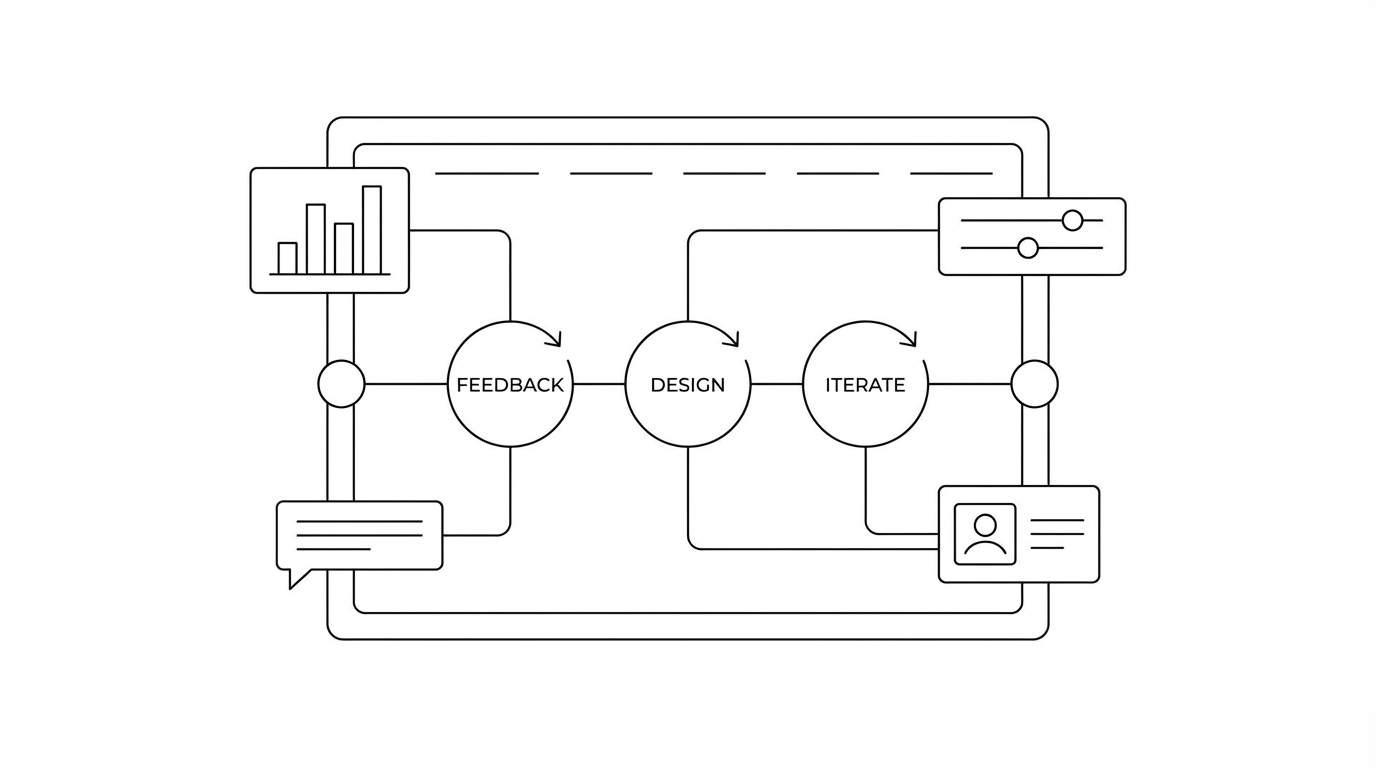
One of the standout features of Google AI Studio is the annotation tool. Building a SaaS with AI is rarely a one-shot process. Usually, the first output gets you 80% of the way there, but the last 20%—the "polish"—is where most founders get stuck. The annotation tool allows you to draw directly on the app preview to give precise feedback.
For example, if the AI generates a background that feels too clinical, you can highlight that section and prompt: "This white background is boring; give me a Microsoft XP classic blue sky vibe." You can circle specific icons that don't feel "real" enough and ask the AI to make them more skeuomorphic or modern. This visual feedback loop is what separates a generic AI-generated site from a professional-grade MVP that you can actually show to early investors.
Scaling Your SaaS: From Prototype to Market
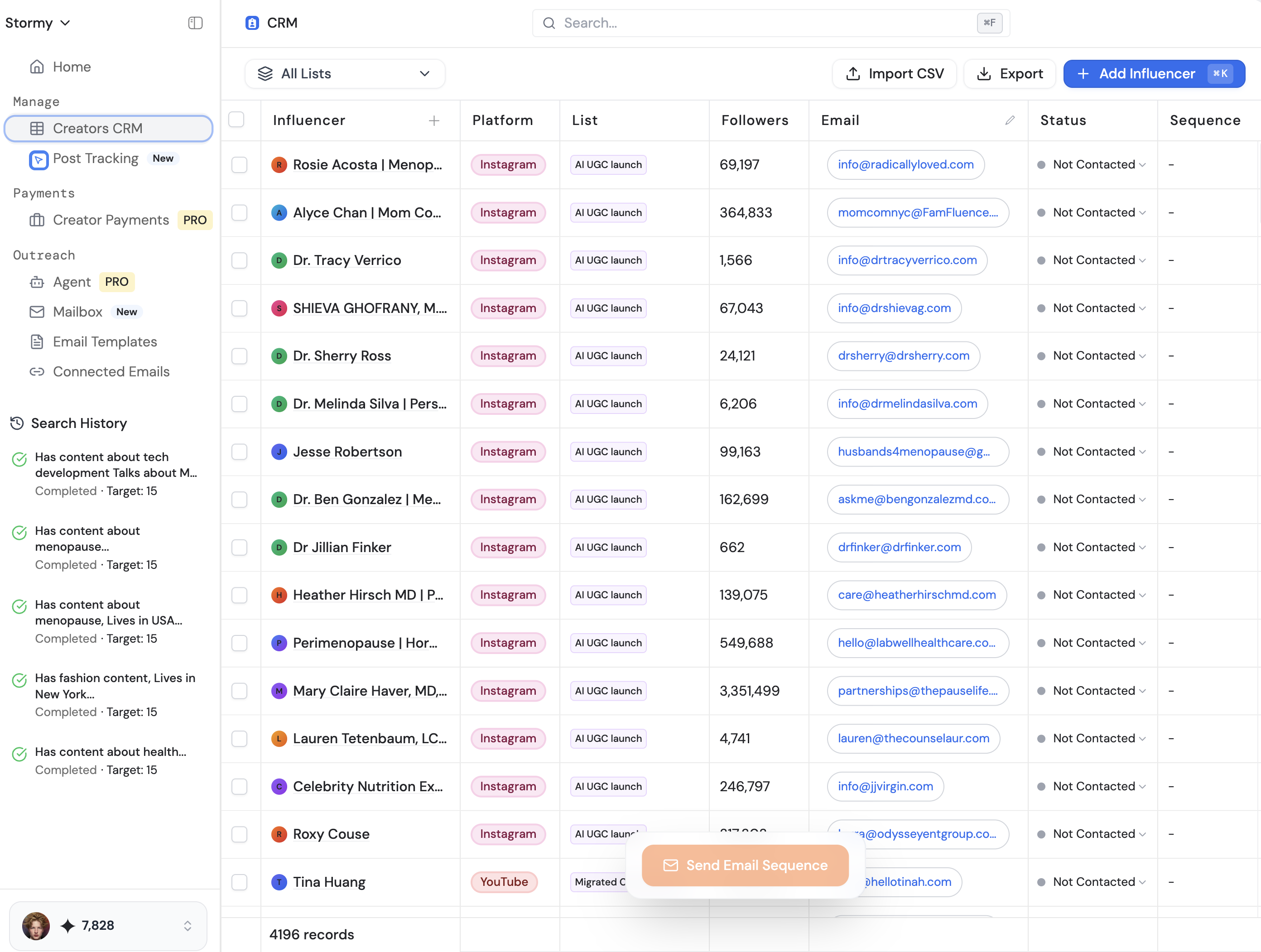
Once you have used an AI for startup founders tool to build your dashboard, the next hurdle is growth. A beautiful dashboard like Chef OS needs users to validate the logic. This is where modern influencer marketing comes into play. To build trust quickly, you need User Generated Content (UGC) that shows your dashboard in action.
Sourcing these creators manually is the "old school" way, often involving outdated spreadsheets or expensive legacy databases. Modern founders are using platforms like Stormy AI to discover and manage UGC creators at scale. By using Stormy’s AI search, you can find niche influencers—perhaps restaurant tech reviewers or productivity experts—who can create authentic content around your new dashboard. Managing these relationships through a dedicated Creator CRM ensures that as your SaaS scales from an AI-generated MVP to a full-fledged company, your marketing engine remains just as automated and intelligent as your development process.
Overcoming the 'Idea Guy' Hurdle: A 4-Step Playbook
If you have a concept but no technical co-founder, follow this playbook to build your first professional SaaS dashboard using Gemini 3.0:
Step 1: Curate Your Visual North Star
Don't let the AI guess your style. Go to Dribbble or Pinterest and find 2-3 images that represent the exact "vibe" you want. If you want a physical, tactile feel, look at high-end industrial design. If you want "enterprise-grade trust," look at FinTech dashboards.
Step 2: Draft a Narrative-Driven PRD
Use a tool like Idea Browser to find market gaps, then document exactly what your dashboard needs to do. Define the user roles, the key metrics, and the "Aha!" moment. High-quality input equals high-quality output.
Step 3: Build in Google AI Studio
Upload your reference images and your PRD to Google AI Studio using the Gemini 3.0 Pro model. Use the prompt: "Create a React application based on this PRD, using the visual style of these reference images. Ensure it includes interactive components and professional animations."
Step 4: Annotate and Refine
Use the preview mode to test the app. Use the annotation tool to fix spacing, color clashes, or broken icons. Don't be afraid to push the AI—it can handle complex requests for "real-world" buttons and custom mascots.
The Future of Vibe Coding and AI Design
We are quickly moving past the era where "AI-generated" was a synonym for "cheap." With tools like Replit’s new Design Mode (also powered by Gemini) and CreateAnything.com, the barrier to entry for mobile and web apps is effectively zero. The only thing that matters now is taste. As a founder, your job is no longer to pixel-push; it is to curate, iterate, and market.
By leveraging Gemini 3.0 for development and platforms like Stormy AI for creator-led growth, a single "idea guy" can now operate with the efficiency of a 10-person team. The tools are ready. The question is: what are you going to build?
Conclusion: Stop Listening, Start Building
The time for theorizing about AI is over. The capabilities of Gemini 3.0 Pro represent a massive leap forward in UI/UX generation. Whether you are building a personal brand site or a complex SaaS dashboard like Chef OS, the ability to "vibe code" your way to a professional MVP is a superpower you cannot afford to ignore. Go to Google AI Studio, upload your vision, and start iterating. Once your product is live, remember that growth is the next step—and AI is there to help you with that, too.