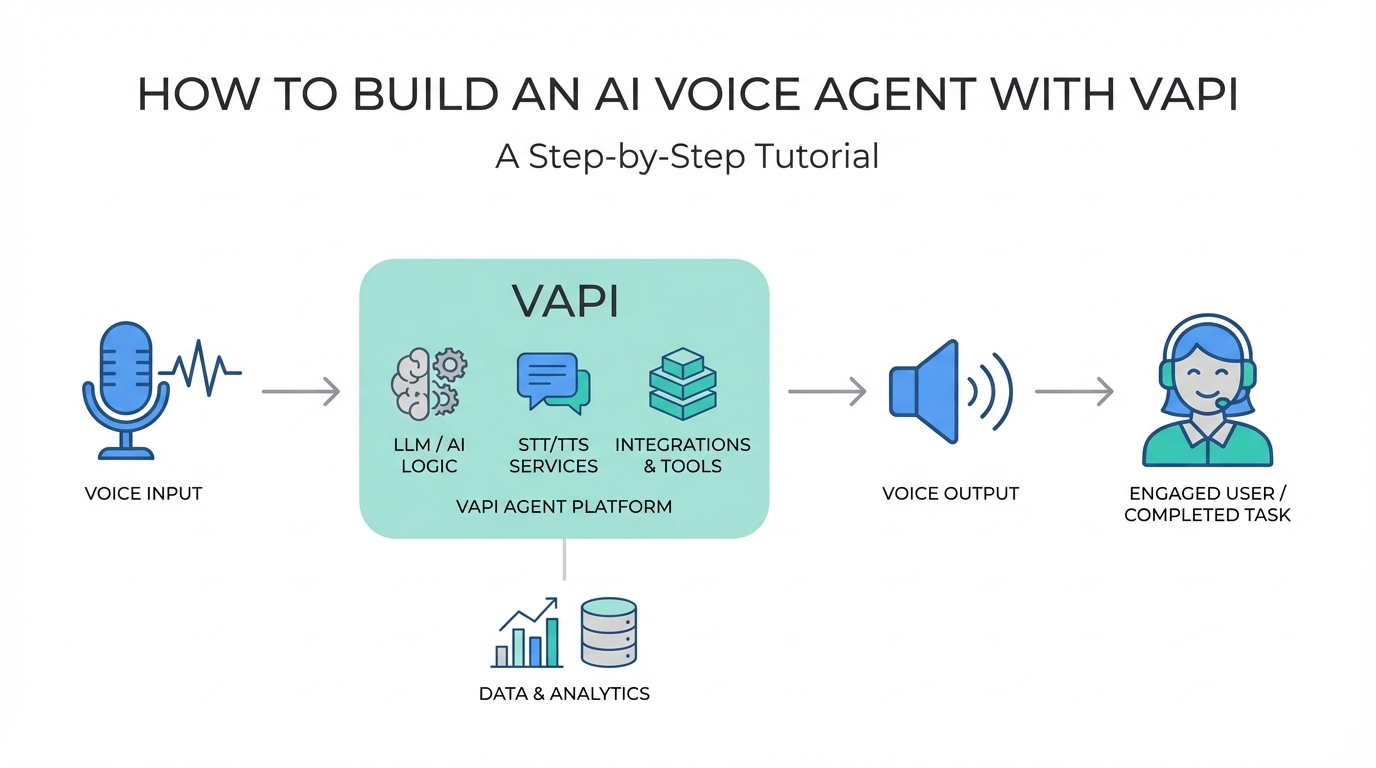
The era of the simple chatbot is ending, and the age of the conversational AI agent is here. While text-based LLMs have transformed how we write code and emails, the next frontier is voice. Imagine an autonomous system that can negotiate deals, collect feedback, or manage sales calls with the nuance of a human. Tony from Startup Empire recently demonstrated this by building the "Lowballer 9000," a voice AI designed to call luxury watch dealers and negotiate for Rolex Daytonas. It wasn't just a gimmick; it was a proof of concept for a massive shift in how businesses operate. In this guide, we will break down exactly how to build an AI voice agent using Vapi, covering everything from technical architecture to regulatory compliance.
The Core Architecture of Voice AI
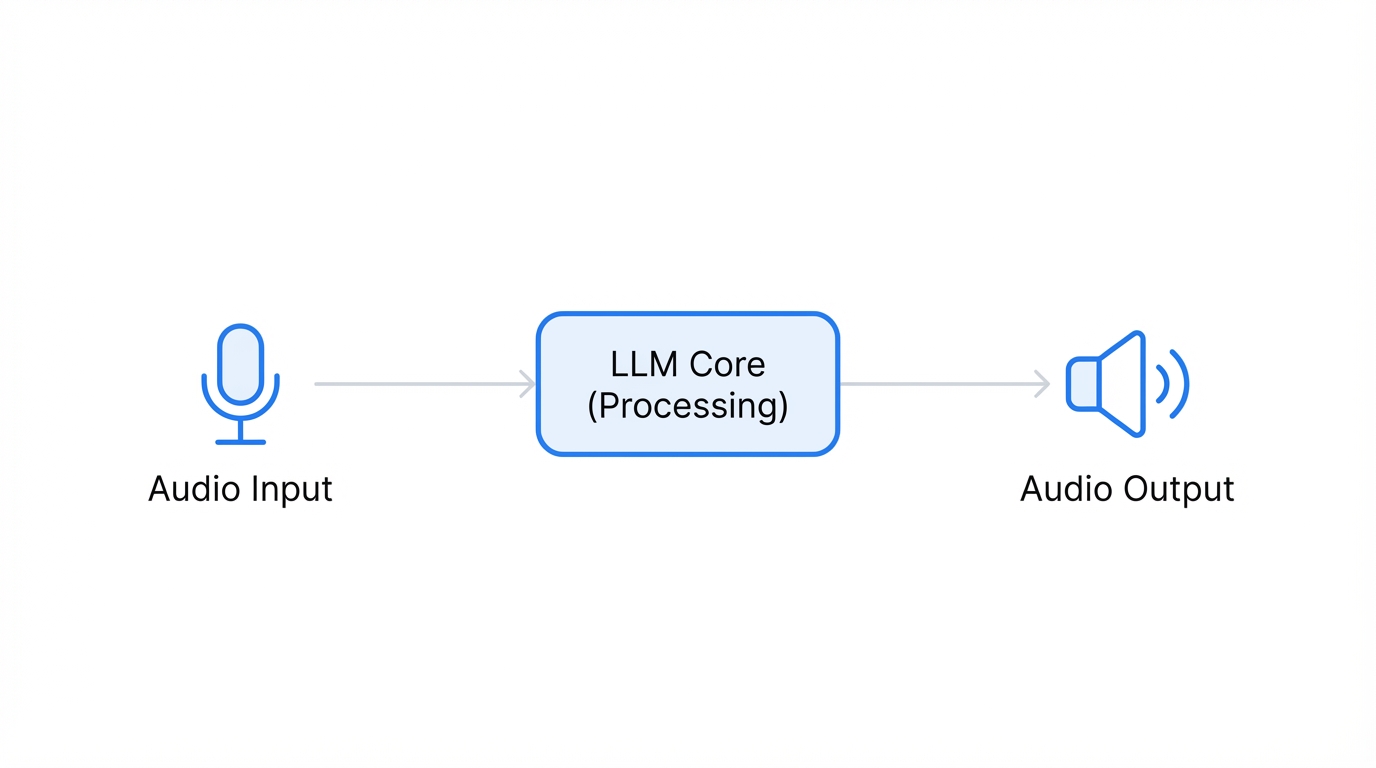

Building a high-performance voice agent requires more than just connecting a microphone to an LLM. You need an orchestration layer that manages three distinct processes: Speech-to-Text (STT), the Large Language Model (LLM) reasoning, and Text-to-Speech (TTS). This is where Vapi comes in. Vapi acts as a voice API that bridges these gaps, allowing developers to bring their own prompts and providers without being locked into a proprietary ecosystem.
When you build with an AI voice API, latency is your biggest enemy. If there is a two-second delay between a user speaking and the agent responding, the "illusion" of humanity is shattered. To combat this, modern developers are moving away from slower, heavy models in favor of "flash" variants designed for speed. The goal is to create a seamless loop where the agent can interrupt and be interrupted, just like a real person in a high-stakes negotiation.
Choosing Your LLM: Gemini 2.0 Flash vs. DeepSeek

The "brain" of your conversational AI agent is the LLM. In Tony's Rolex experiment, the choice of model was critical for both cost and reliability. While GPT-4o is a standard choice, many developers are now looking at DeepSeek and Gemini 2.0 Flash for their specific advantages in voice workflows.
- Gemini 2.0 Flash: This model is built for speed. It offers extremely low latency, which is vital for keeping a conversation fluid. In the world of automated calling, every millisecond saved in processing time results in a more natural interaction.
- DeepSeek: Known for its incredible cost-efficiency, DeepSeek is a favorite for developers running high-volume campaigns. However, as Tony noted, "hype cycles" can lead to API instability. During periods of high demand, the API might fail to respond, causing your agent to sit in awkward silence while the person on the other end says, "Hello?"
Another critical setting is temperature. For a Vapi tutorial, it is important to understand that a temperature of 1.0 allows the model to be creative and human-like, whereas a temperature closer to 0.0 makes it deterministic. For sales and negotiation, you want enough "creativity" to handle unexpected questions, but enough "logic" to stick to the deal parameters.
Voice Persona and Configuration with Cartesia
Once the brain is set, you need a voice. Using Cartesia, you can select highly specific personas that match your target demographic. For the Rolex bot, Tony used a "New York Man" persona—a voice that sounds authoritative, slightly fast-talking, and familiar to luxury dealers in major markets. This psychological alignment helps the agent gain trust quickly.
When configuring your voice settings, pay attention to the "sixth-grade English" rule. Human speech over the phone is rarely academic. We use simple words, contractions, and direct sentences. By prompting your agent to speak at a sixth-grade level, you significantly increase call duration and engagement. People are more likely to stay on the line with someone who sounds like a peer rather than a robotic assistant reading from a manual.
System Prompts and Conversational Flow
The secret to a successful automated calling system lies in the system prompt. One of the most common mistakes is letting the AI talk too much. In a real conversation, people take turns. If your AI delivers a five-sentence monologue, the person on the other end will hang up. Your prompt should explicitly state: "Keep responses concise, 1 to 2 sentences max."
Think of your prompt as a series of "patches" for a leaking boat. As you test the agent, you will find holes—places where it sounds too robotic or asks too many questions at once. You must iteratively refine the prompt to handle these edge cases. For the Rolex bot, this meant ensuring the agent first verified the condition of the watch and the presence of "box and papers" before ever mentioning a price. This structured data gathering mirrors the workflow of a professional buyer.
Tool Calling and Data Integration
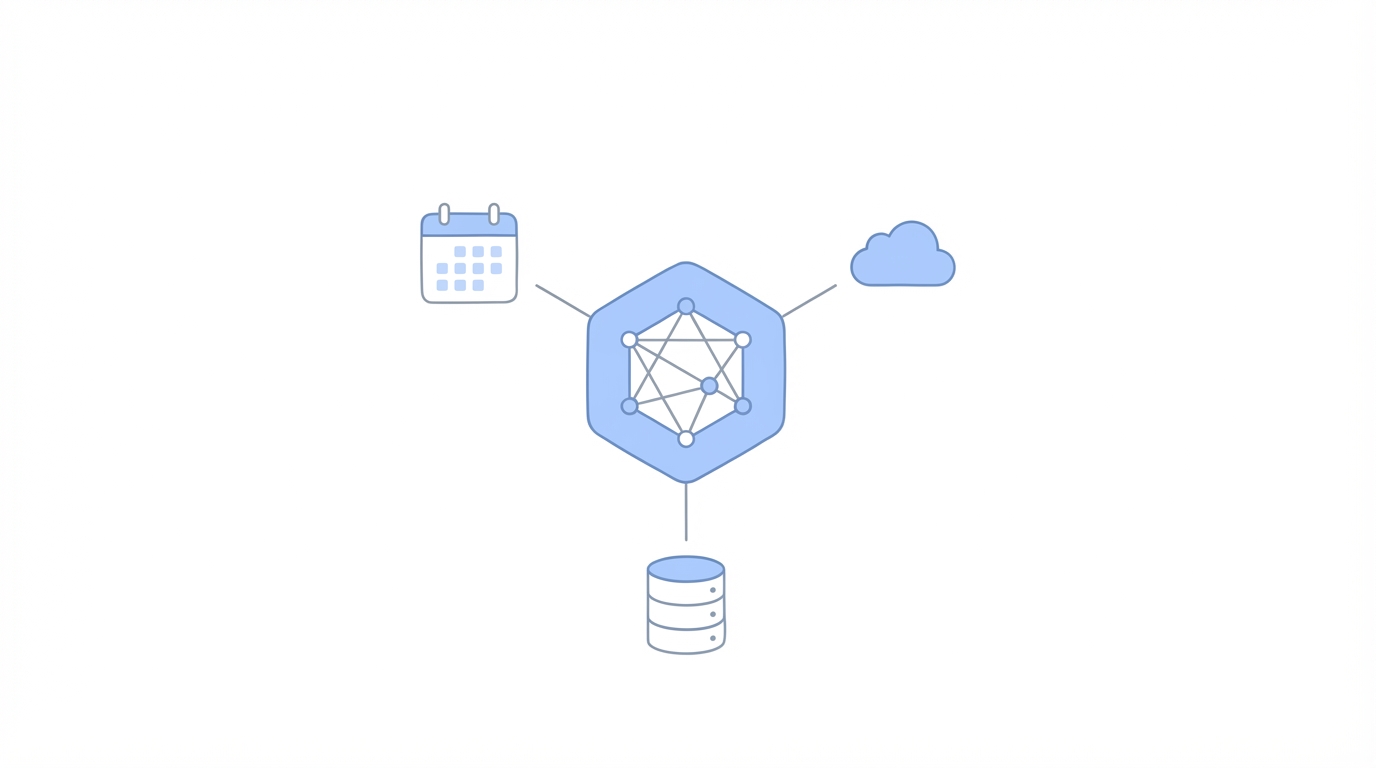
A voice agent that just talks is a toy; an agent that can interact with your software is a tool. Vapi allows for "tool calling," where the AI can trigger external actions during or after a call. For example, Tony linked his agent to an Airtable database. After every call, the agent would summarize the interaction, identify if an offer was made, and log the "lowest price" the dealer was willing to accept.
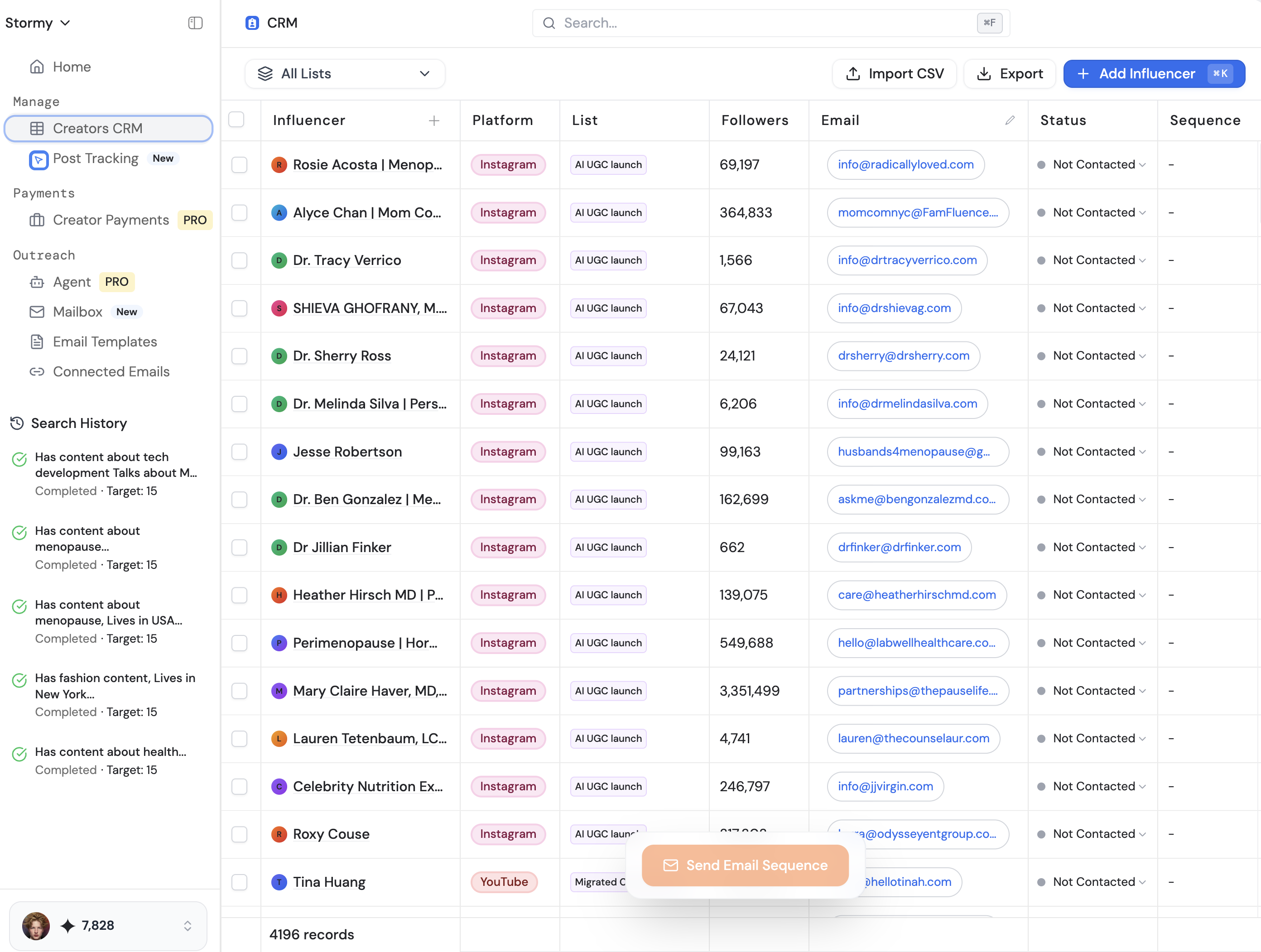
This is where things get interesting for business growth. If you are using voice agents for creator outreach or lead generation, you can use Lindy to process massive amounts of unstructured voice data and turn it into actionable insights. Lindy can take a transcript and automatically check if a lead is "vegan-friendly" or "interested in a partnership" without you having to write a single line of code. For those running influencer marketing campaigns, platforms like Stormy AI streamline creator sourcing and outreach by finding target influencers and their contact details, which can then be fed into your automated calling system for high-speed vetting and negotiation.
Regulatory Hurdles: FCC, Shaken and Stirred, and KYC
One of the biggest bottlenecks in how to build an AI voice agent isn't the code—it's the regulations. The FCC has strict rules regarding automated calls, particularly around "Shaken and Stirred" protocols. These are mechanisms designed to reduce caller ID spoofing and spam. If your phone number isn't properly registered, your calls will go straight to voicemail, or worse, be blocked entirely by carriers.
To avoid this, you must go through a "Know Your Customer" (KYC) process with your telephony provider, such as Twilio. You need to register your brand, your intended use case, and your specific phone numbers. Only after this registration is complete will your calls "ring" on the other end with a high success rate. Skipping this step is the fastest way to waste your budget on 300 calls that never actually connect to a human.
Playbook: Launching Your First 100 Calls
Ready to launch? Follow this step-by-step playbook to go from zero to your first 100 automated calls.
Step 1: Define Your Arbitrage or Data Goal
Don't just call for the sake of calling. Identify a "data advantage" where knowing information faster than your competitors creates value. Whether it's real estate leads, secondary market prices, or feedback from community members, your agent needs a clear objective.
Step 2: Configure the Vapi Dashboard
Sign up for Vapi and create your first "Assistant." Select Gemini 2.0 Flash for your LLM and pick a human-like voice from Cartesia. Set your temperature to 1.0 to ensure the agent doesn't sound like a script-reading robot.
Step 3: Write and Test the System Prompt
Draft a prompt that gives the agent a name, a persona, and a list of 3-5 "must-have" details to collect. Use the Vapi "Talk to Assistant" feature to run 10-20 test calls yourself. If the agent interrupts you too much or speaks in paragraphs, tweak the prompt instructions immediately.
Step 4: Complete KYC and Number Registration
Purchase a number through Twilio and link it to Vapi. Submit your KYC documentation to ensure your calls are "Shaken and Stirred" compliant. This process can take a few days, so do it early.
Step 5: Execute and Analyze
Upload your list of leads and hit "Run." Use a tool calling integration to send call summaries to an Airtable sheet. Don't listen to every call; instead, filter your spreadsheet for "offers accepted" or "positive sentiment" to find the needles in the haystack.
Conclusion: The Future of Automated Outreach
Building an AI voice agent is no longer a task reserved for massive call centers. With tools like Vapi, Cartesia, and LLMs like Gemini, a solo founder can conduct thousands of negotiations or feedback sessions while they sleep. The key is to start small, respect regulatory boundaries, and focus on providing a human-like experience through concise, simple communication. As the technology matures, the "data arbitrage" opportunities will only grow. Whether you are lowballing Rolex dealers or sourcing UGC creators at scale using tools like Stormy AI, the power of voice AI is now in your hands.